Uygunbana · Case study · 4 min read
Uygunbana: designing a simpler all-in-one marketplace for Türkiye, storefront to admin
Uygunbana is a new Turkish marketplace in the same space as Hepsiburada, Trendyol and n11, built to make online shopping and selling simpler. I led the design of the whole platform and its brand: more than 200 pages for shoppers, stores and admins, designed from scratch over six months.
- User Experience Research
- User Interface Design
- Design System
- Branding
At a glance
Challenge
Marketplaces in Türkiye feel crowded and complex, and ready-made e-commerce scripts could not support what Uygunbana needed.
Solution
A clean, simple marketplace designed from scratch for shoppers, stores and admins, grounded in interviews and surveys.
Outcome
200+ pages with every edge case covered, three connected panels and a complete brand, ready for launch.
Deliverables
- 200+ pages
- Storefront and customer account
- Store panel
- Admin panel
- User research: interviews and surveys
- Brand identity and app icon
Overview
Uygunbana is a new e-commerce marketplace for Türkiye, competing in the same space as Hepsiburada, Trendyol and n11. Stores open their own shops on the platform and shoppers buy from all of them in one place, with one cart and one account.
I designed the platform and the brand through my studio, Beew, as lead designer: more than 200 pages over six months in 2024, covering the storefront and customer account, the store panel and the admin panel, on desktop and mobile. Uygunbana has not launched yet.
The challenge
Big Turkish marketplaces are powerful but crowded: banners, badges and options compete on every screen, for shoppers and sellers alike. Uygunbana wanted to offer the same range in a calmer, simpler way, and the ready-made e-commerce scripts it looked at could not support that.
- Complexity: competitors' screens ask shoppers to process too much before they can buy.
- Three audiences: shoppers, stores and admins each need their own pages and panel.
- No script to lean on: everything had to be designed from scratch.
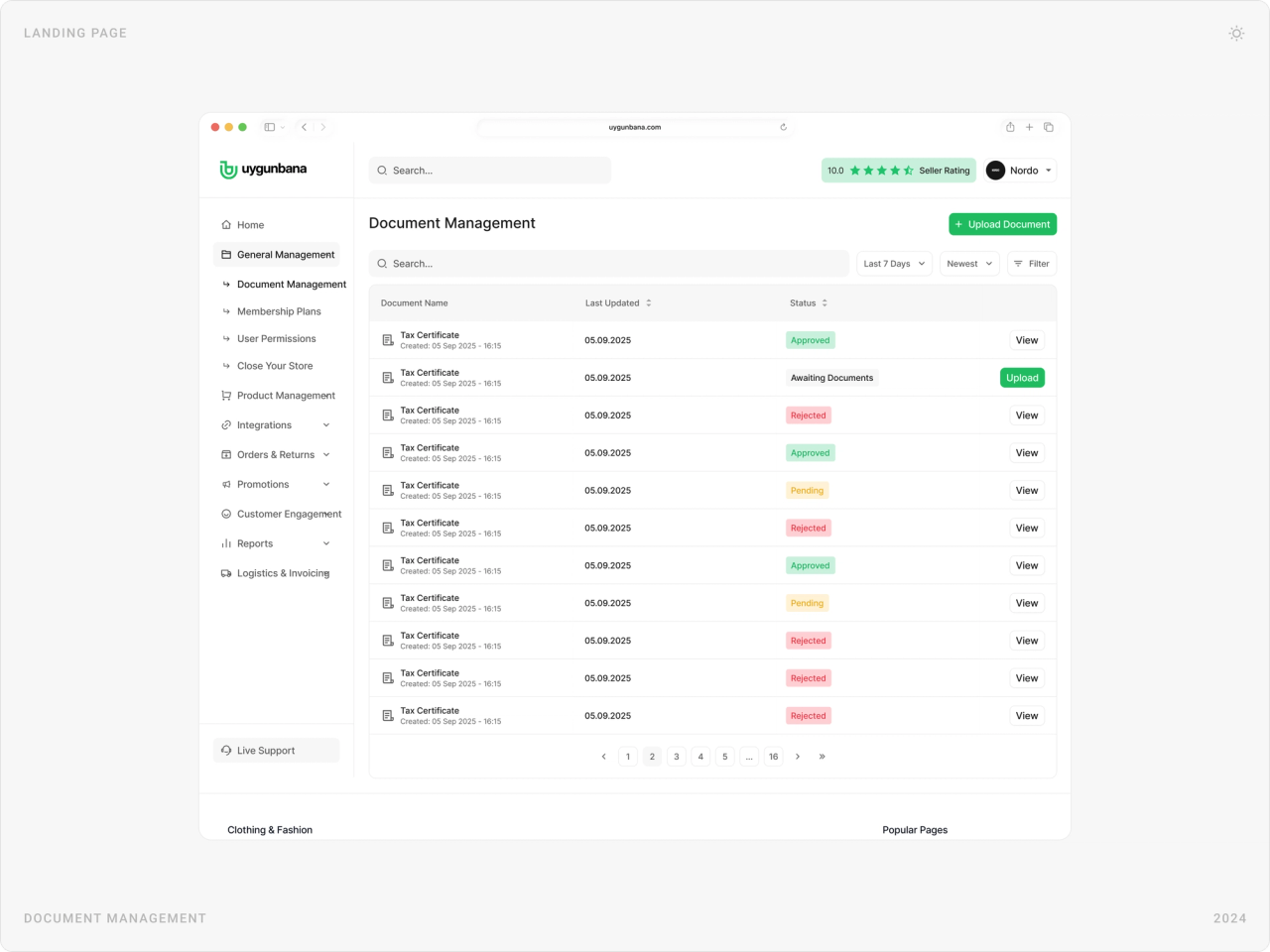
- Edge cases: returns, rejected documents, store approvals, failed steps and empty states all needed a designed answer.
- Scale: more than 200 pages, plus a new brand.
Goals
- Make shopping and selling feel clean and simple, without losing the range of a big marketplace.
- Base the design on what real shoppers and stores need, not on what competitors do.
- Design every page from scratch, including the edge cases.
- Give stores and admins panels that are as clear as the storefront.
- Create a brand that feels friendly and trustworthy.
Approach
1. Start with shoppers and sellers
Before designing, we held one-to-one interviews and ran surveys with e-commerce shoppers and store owners. Their frustrations with existing marketplaces set the priorities for every page that followed.
2. Remove until it is simple
Every screen has one main action, a white canvas and a single green accent. Campaigns, badges and filters are there when they help, not everywhere by default.
3. Design every edge case
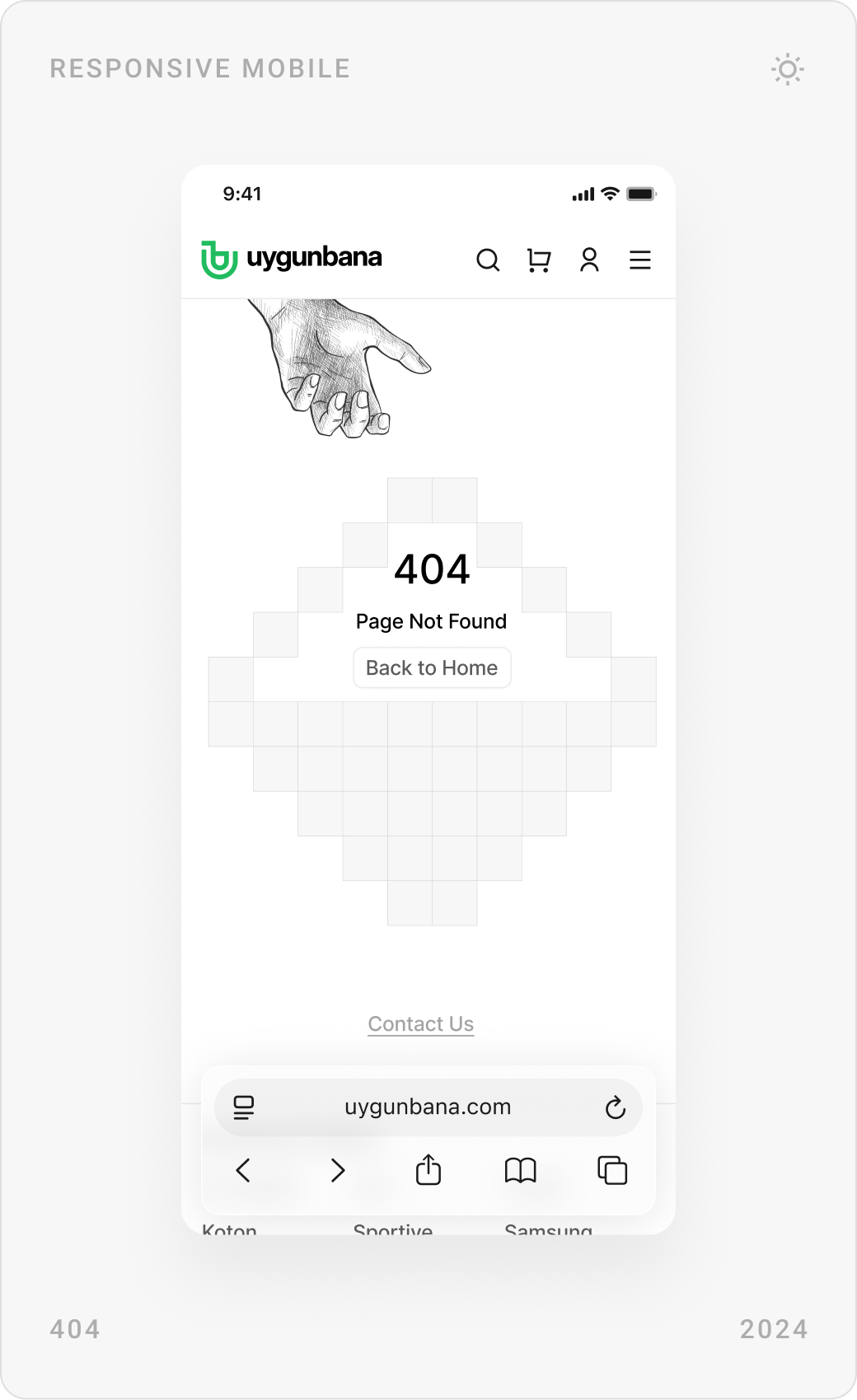
Because nothing came from a script, every state had to be designed: document approvals and rejections, store applications, order statuses from shipped to returned, password rules, empty lists and a 404 page.
4. One system for three audiences
The storefront, the store panel and the admin panel share the same components, from cards and tables to filters and status tags, so a store owner who shops on Uygunbana already knows how their panel works.
The solution
Homepage, categories and content pages
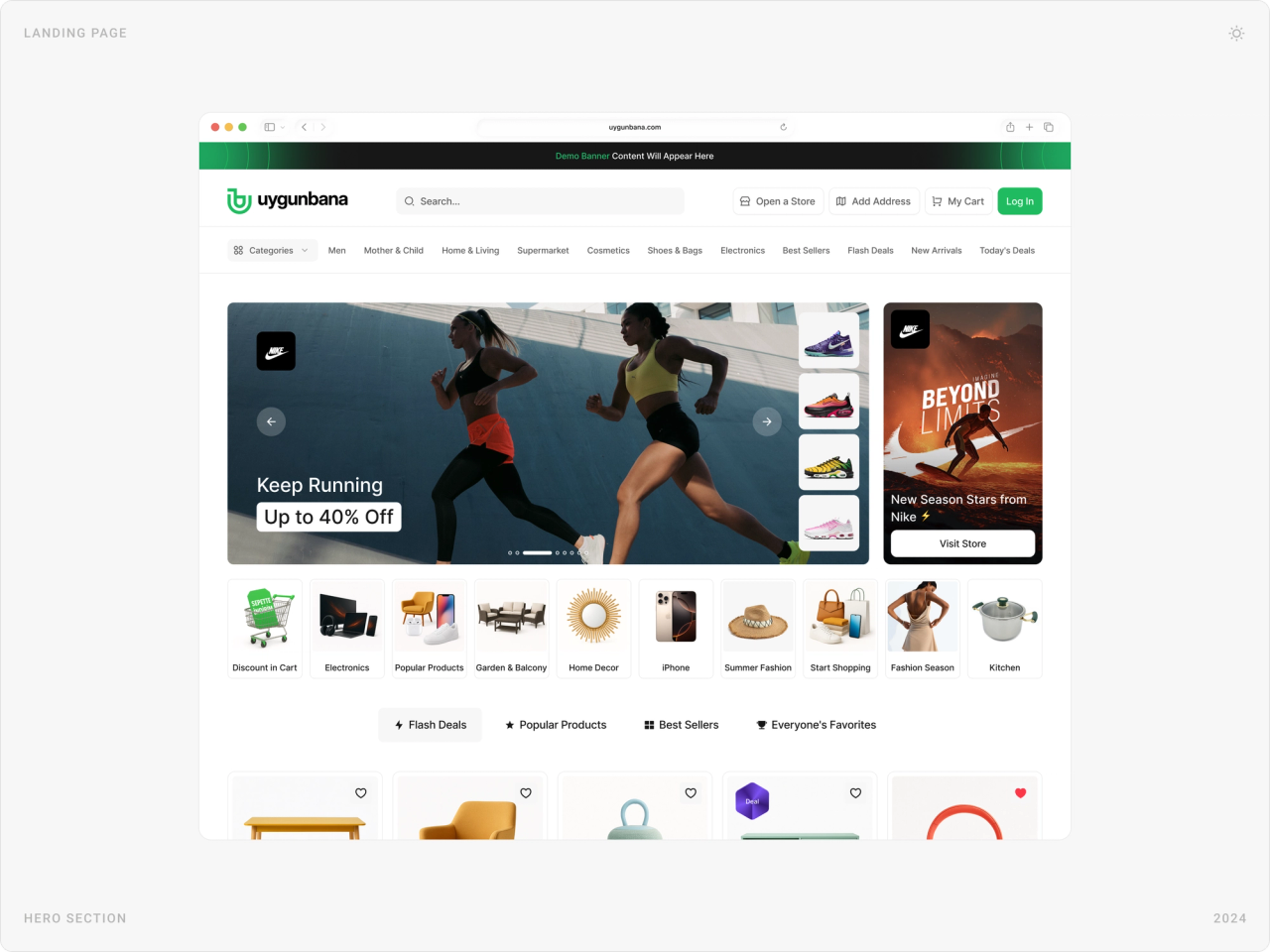
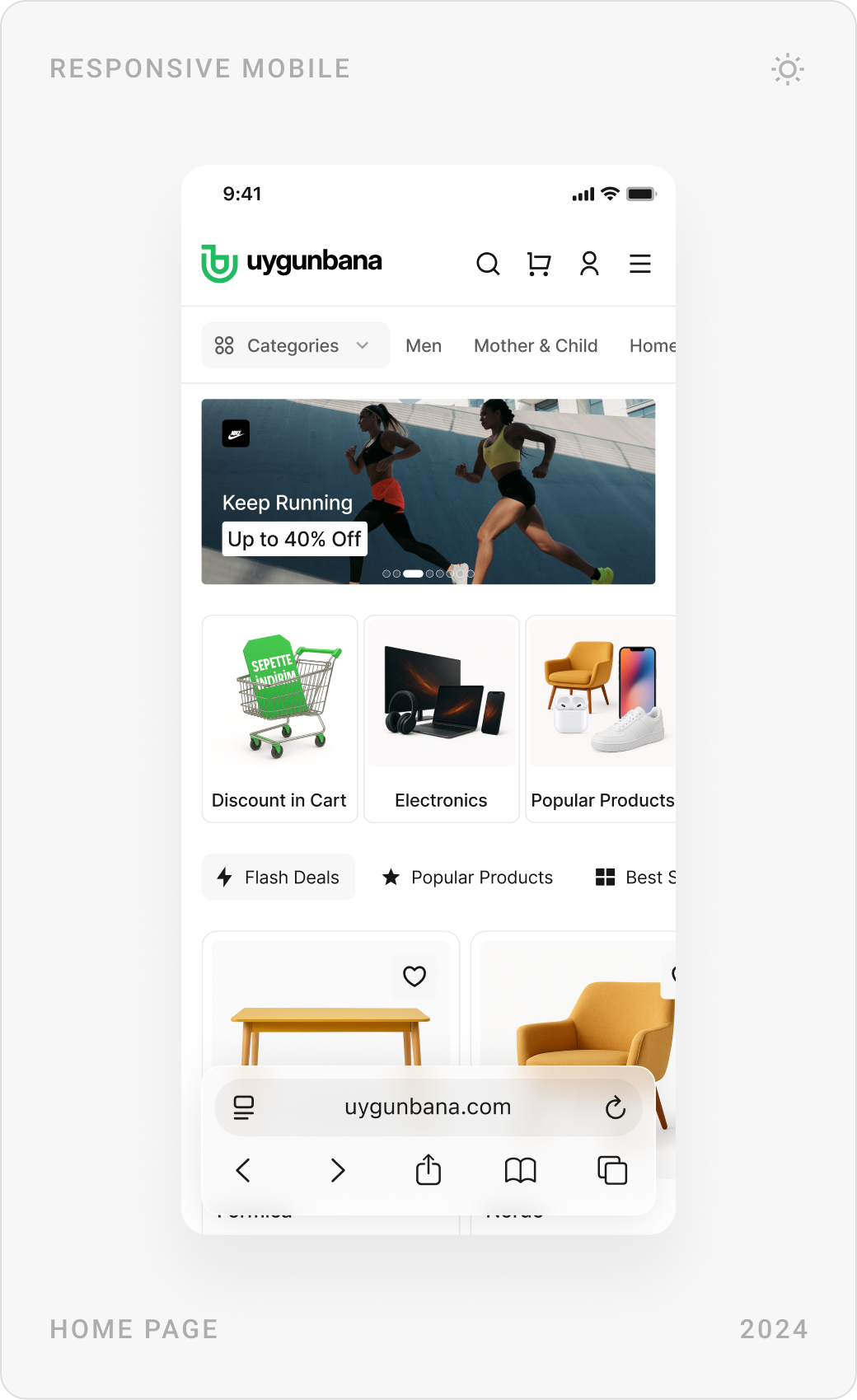
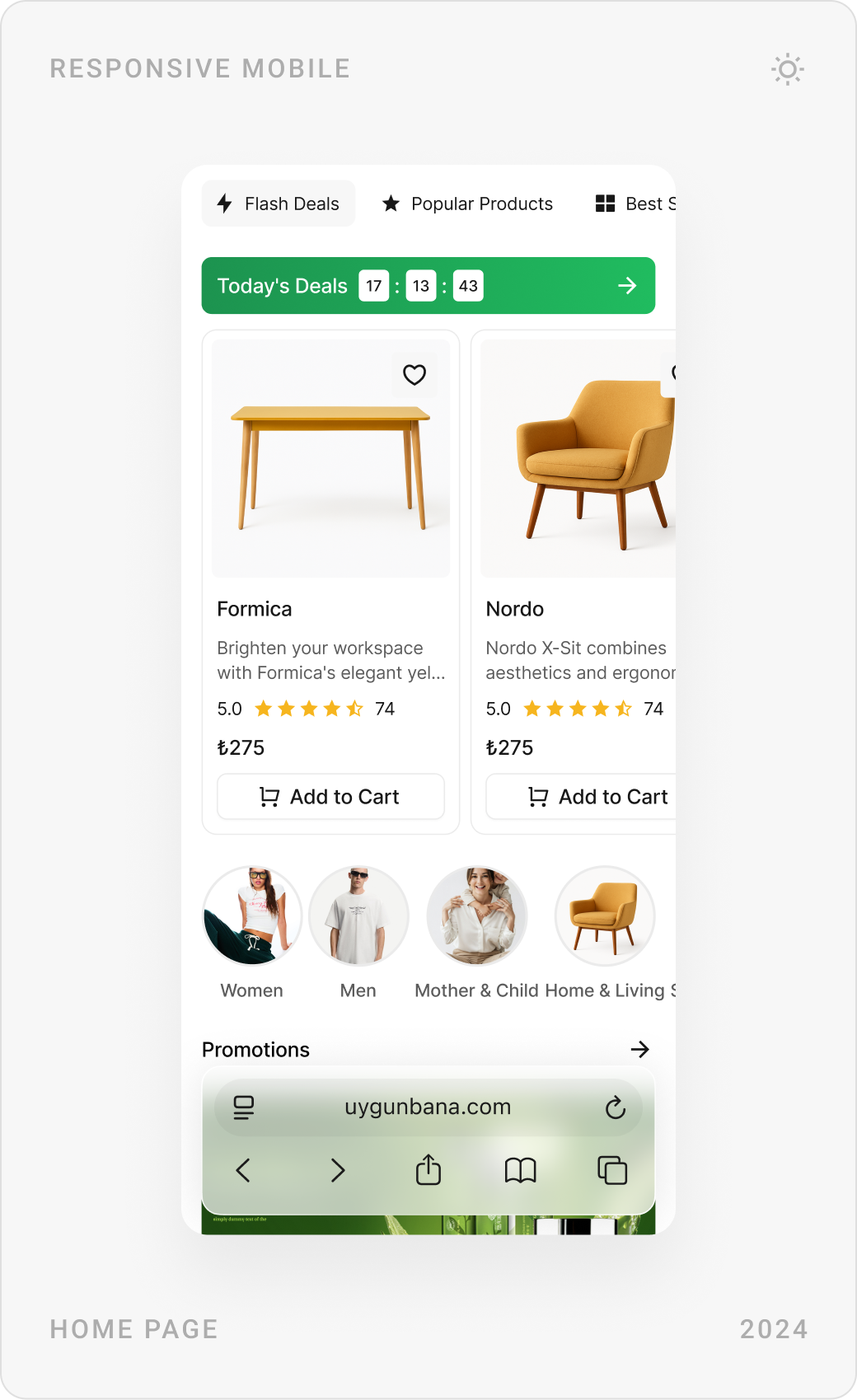
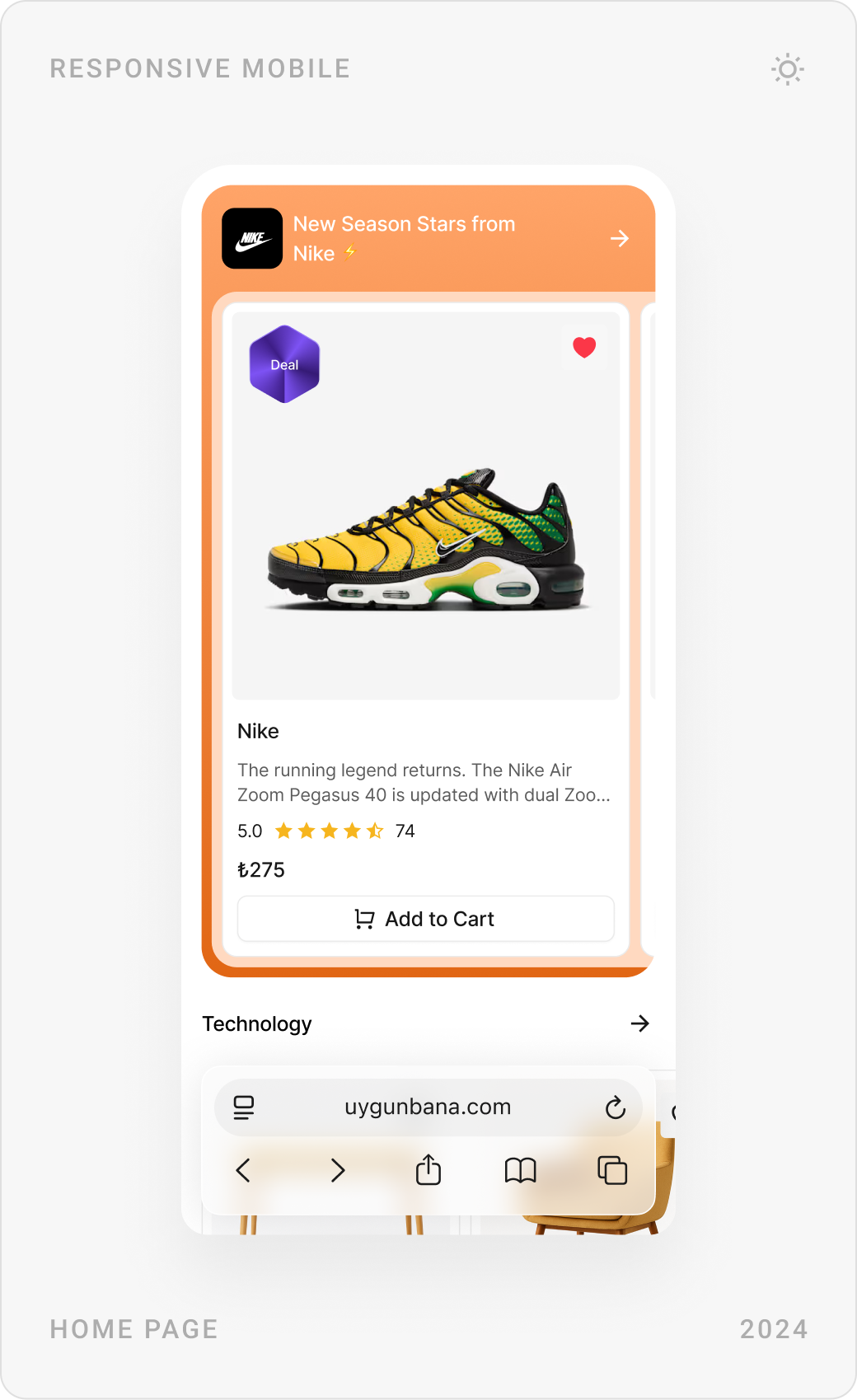
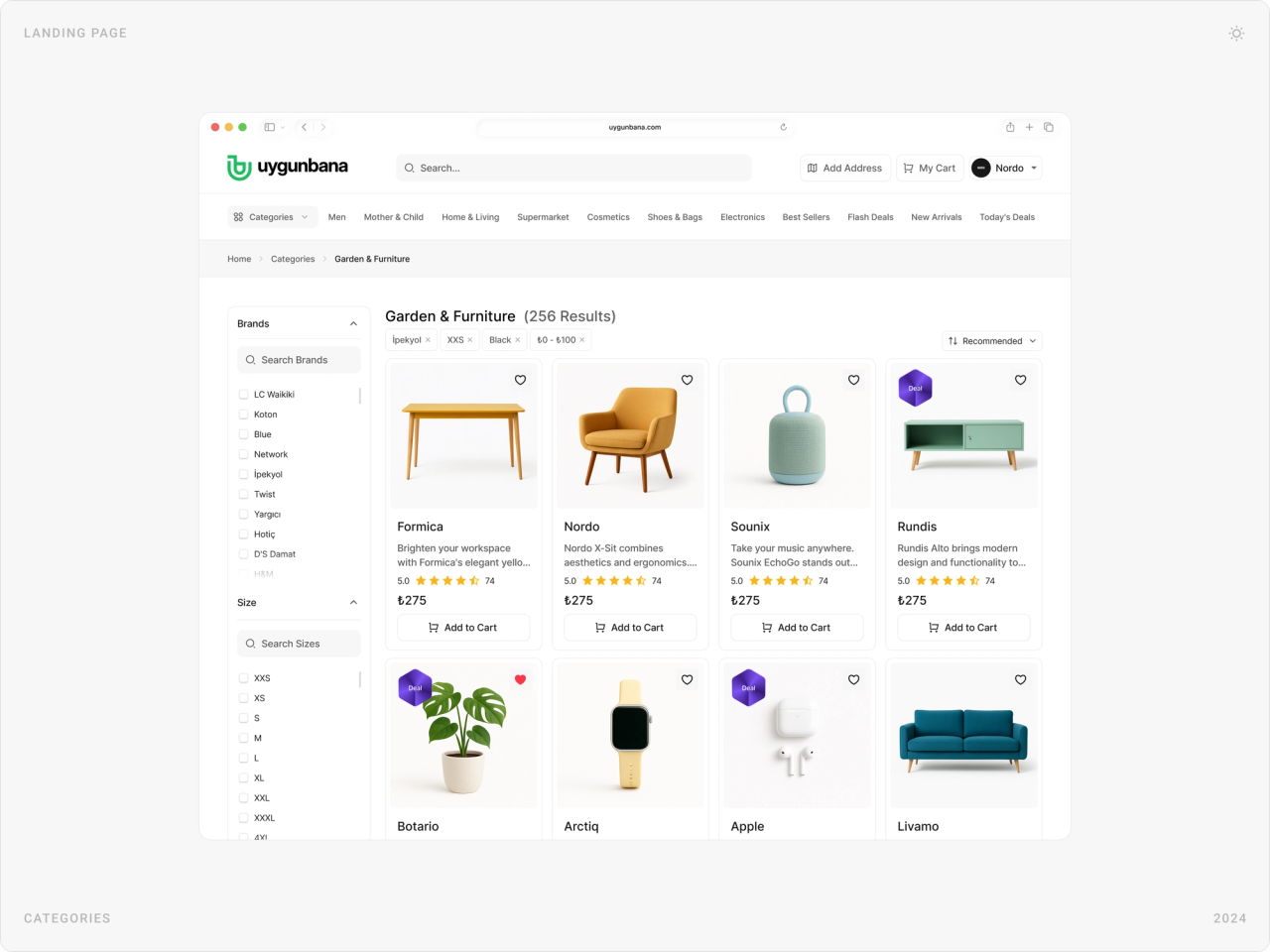
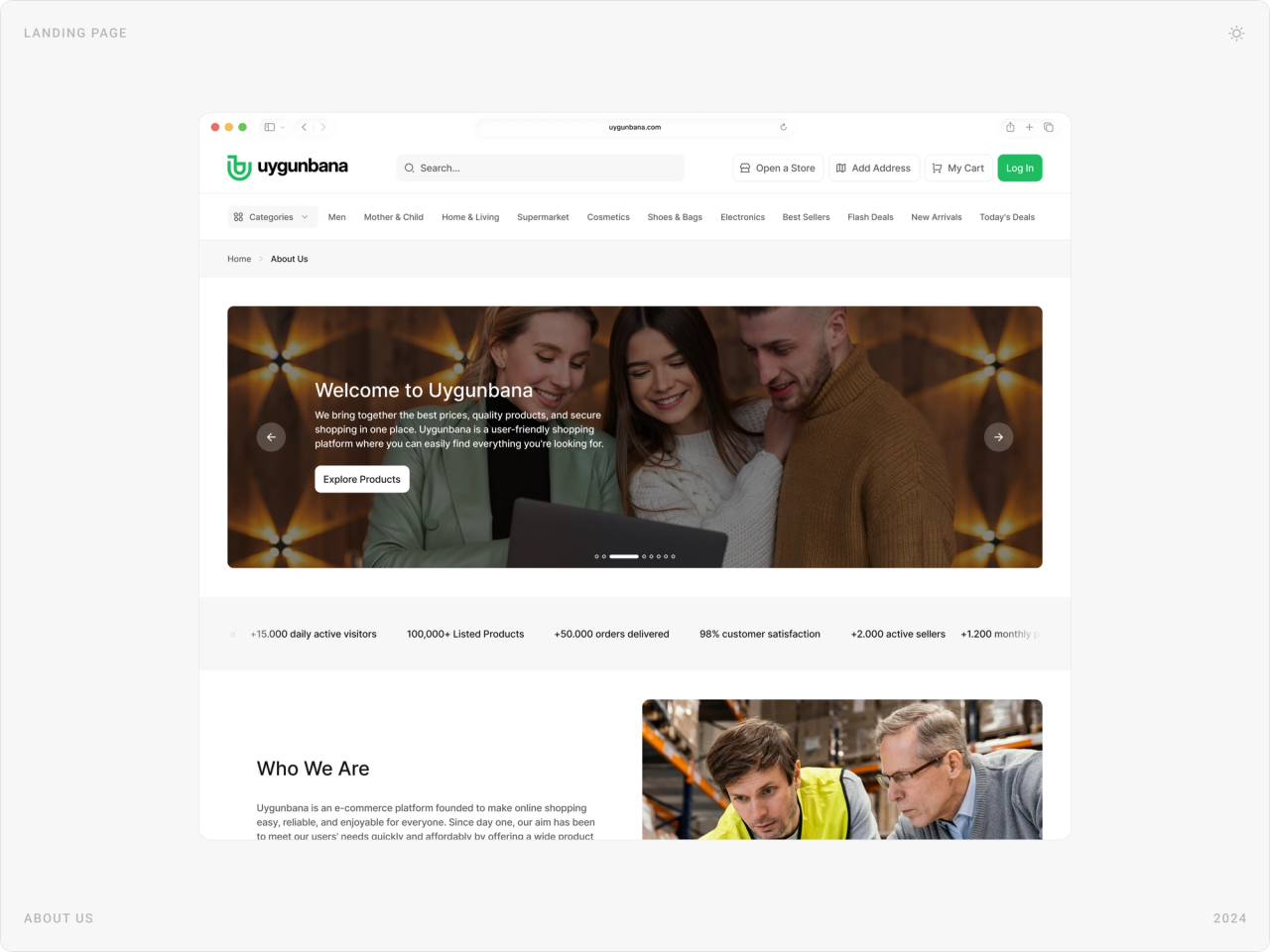
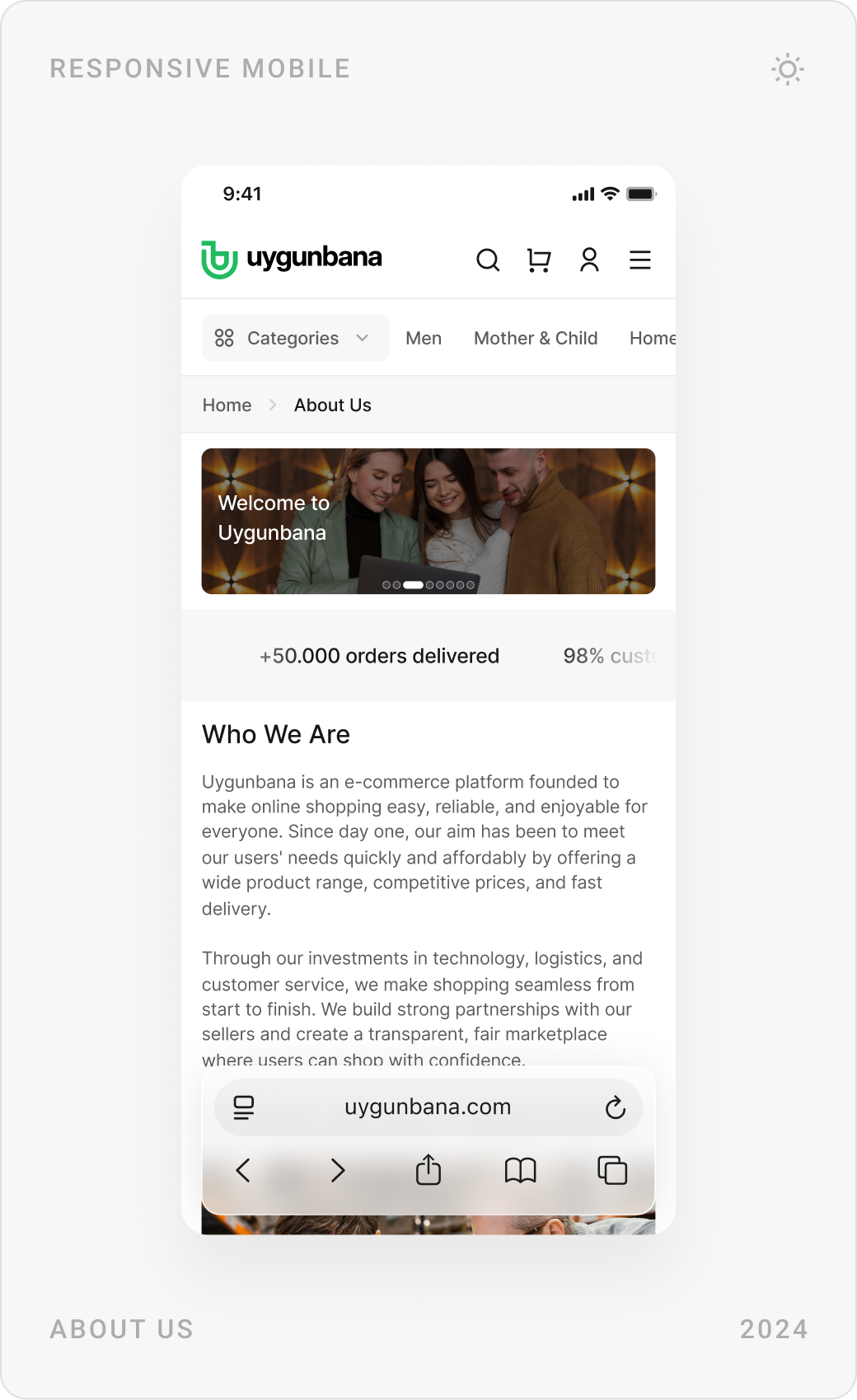
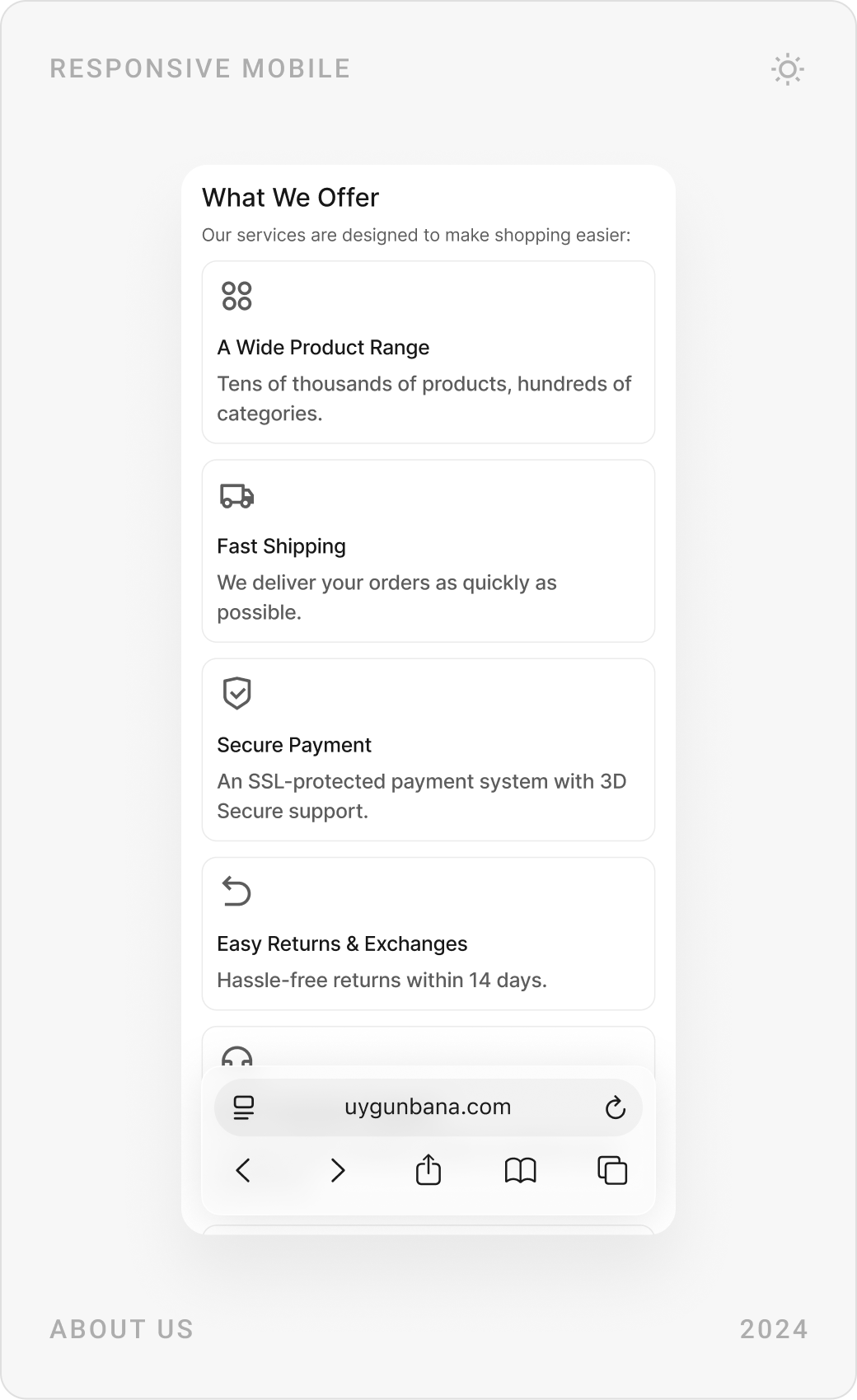
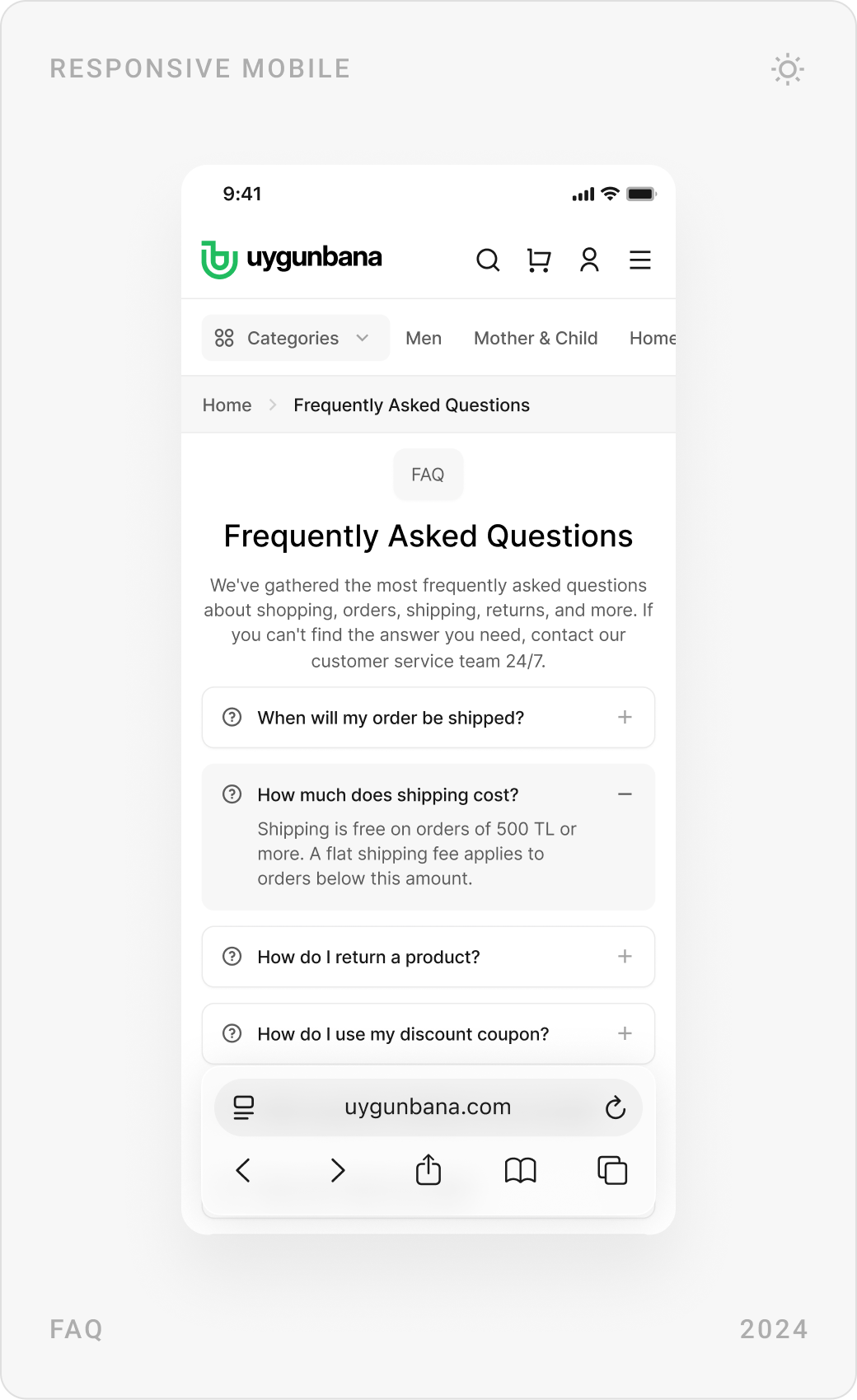
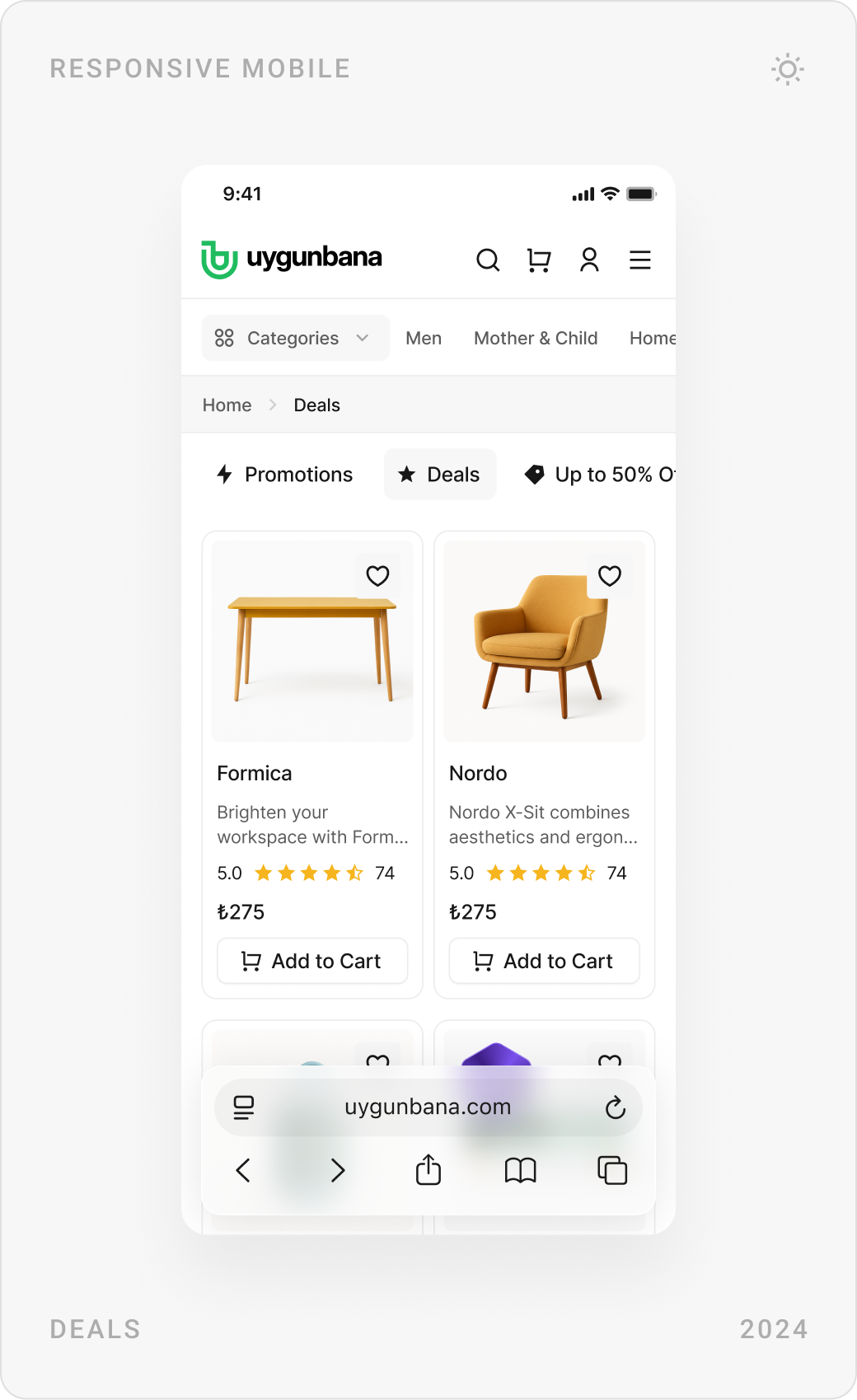
The homepage leads with one campaign and clear category shortcuts, then flash deals and popular products. Category pages keep filters in a side column, and content pages such as About, Contact, FAQ and legal pages follow the same calm layout.


Product pages, reviews and comparison
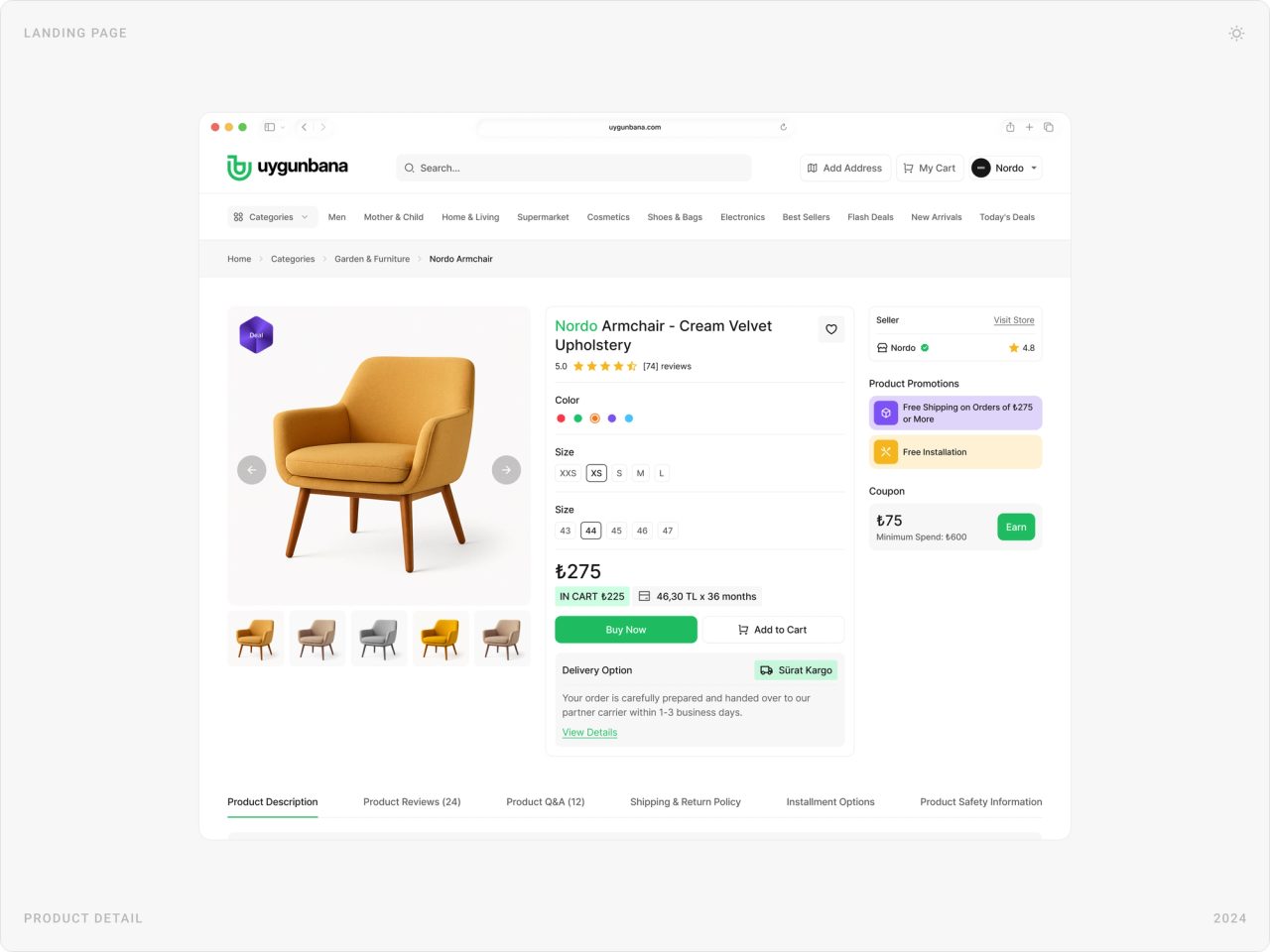
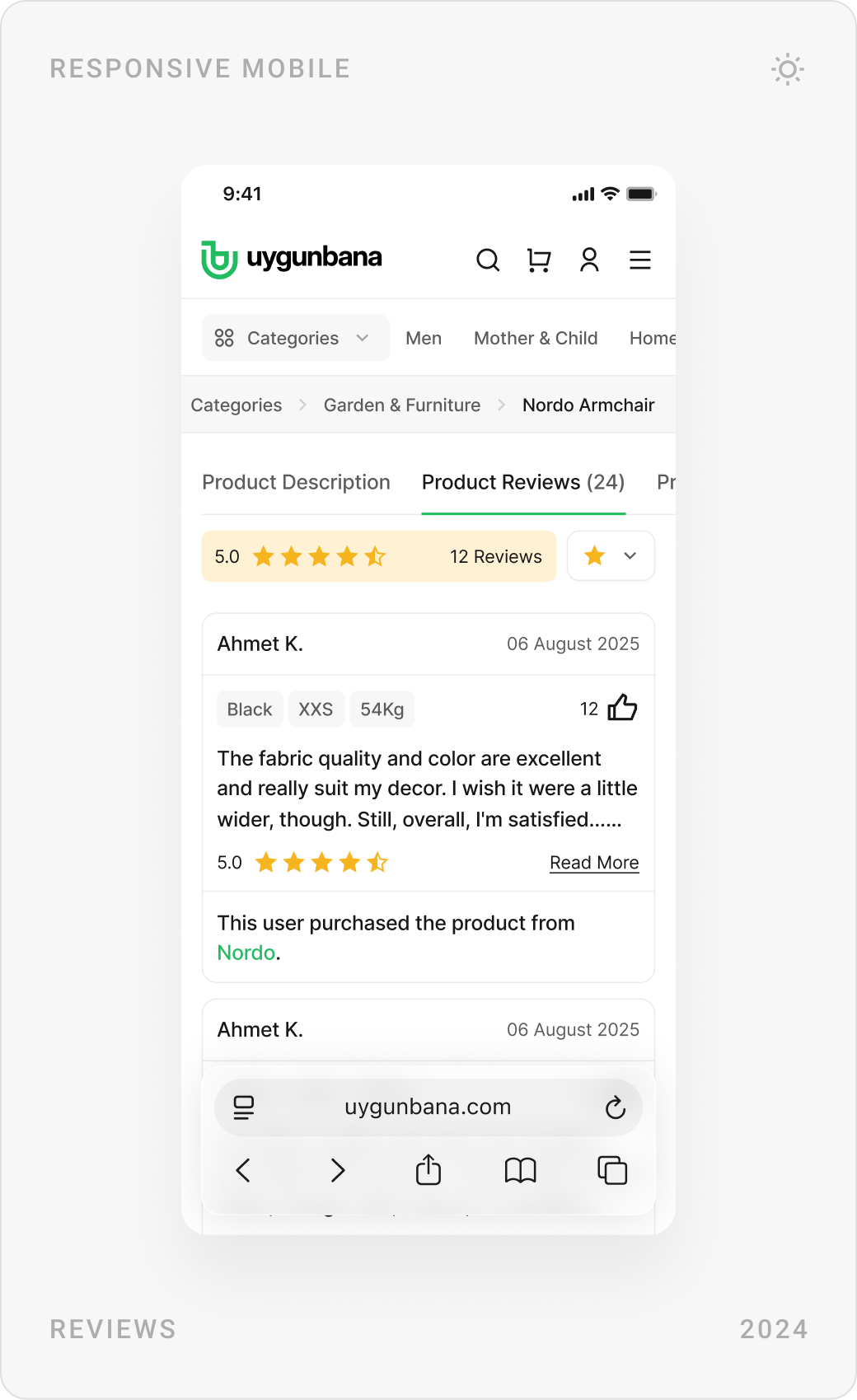
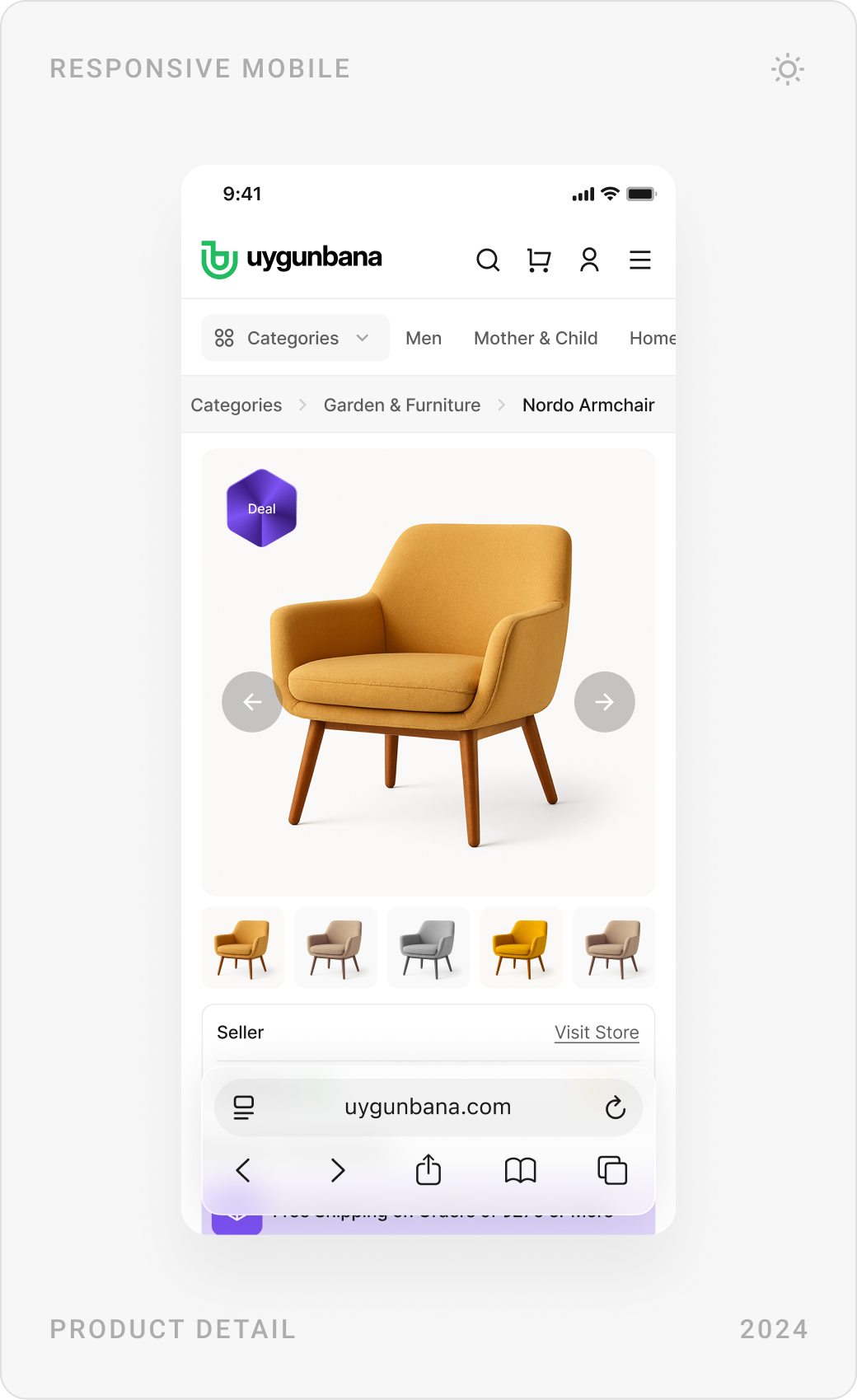
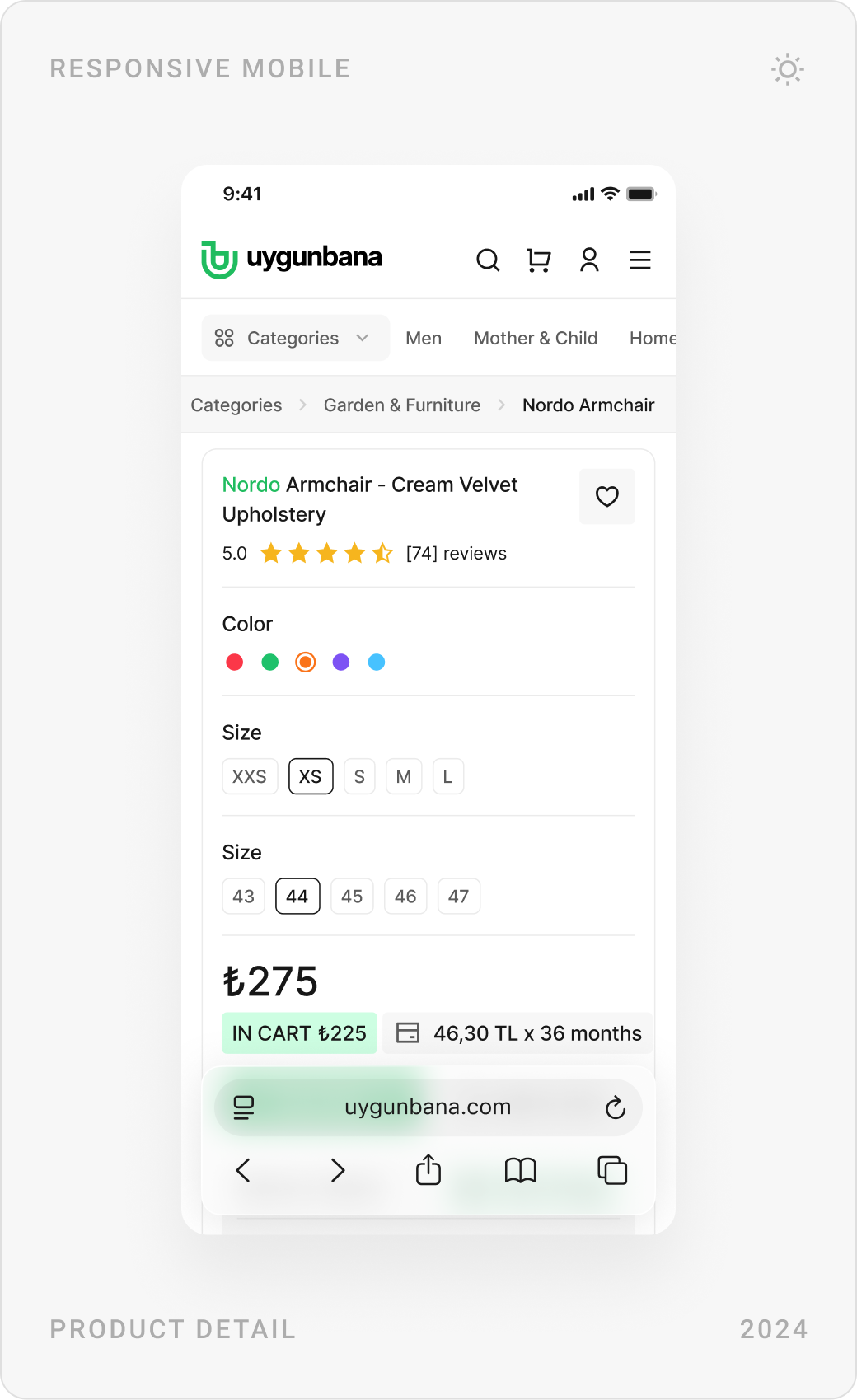
Product pages bring the essentials to the top: gallery, rating, colour and size, price with installment options, the seller and one clear buy button. Reviews, Q&A and shipping details follow in tabs.
Cart, checkout and order tracking
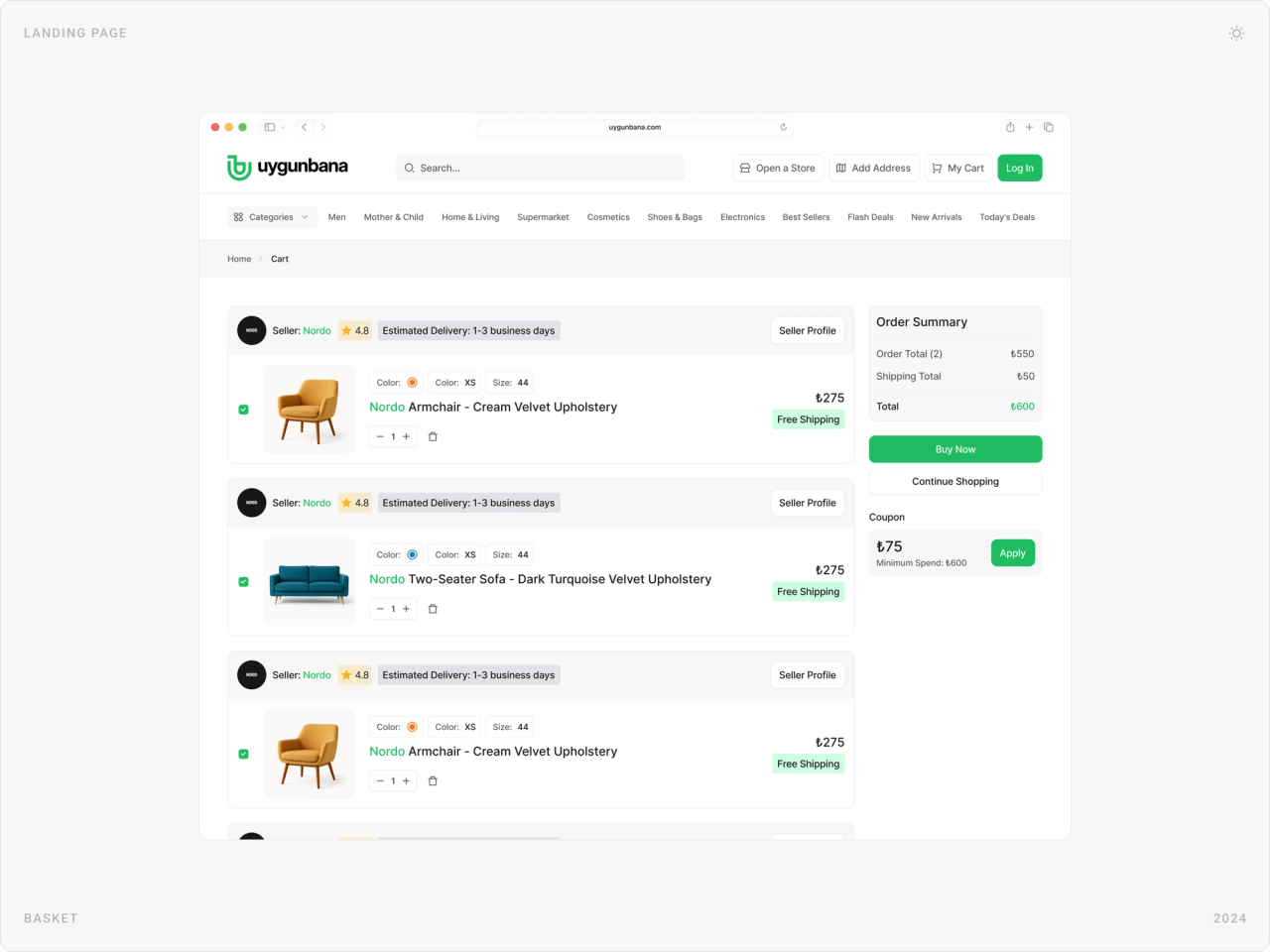
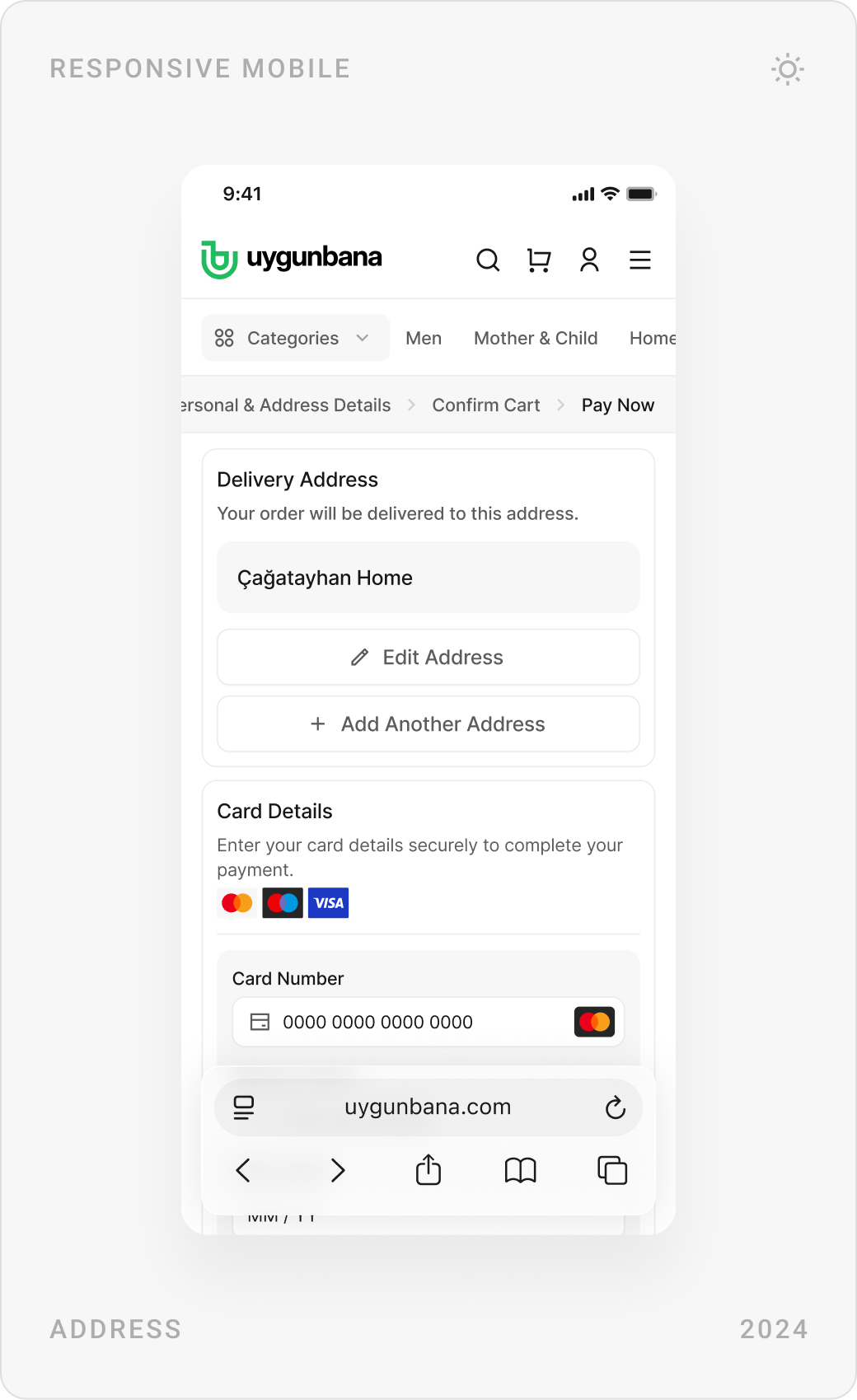
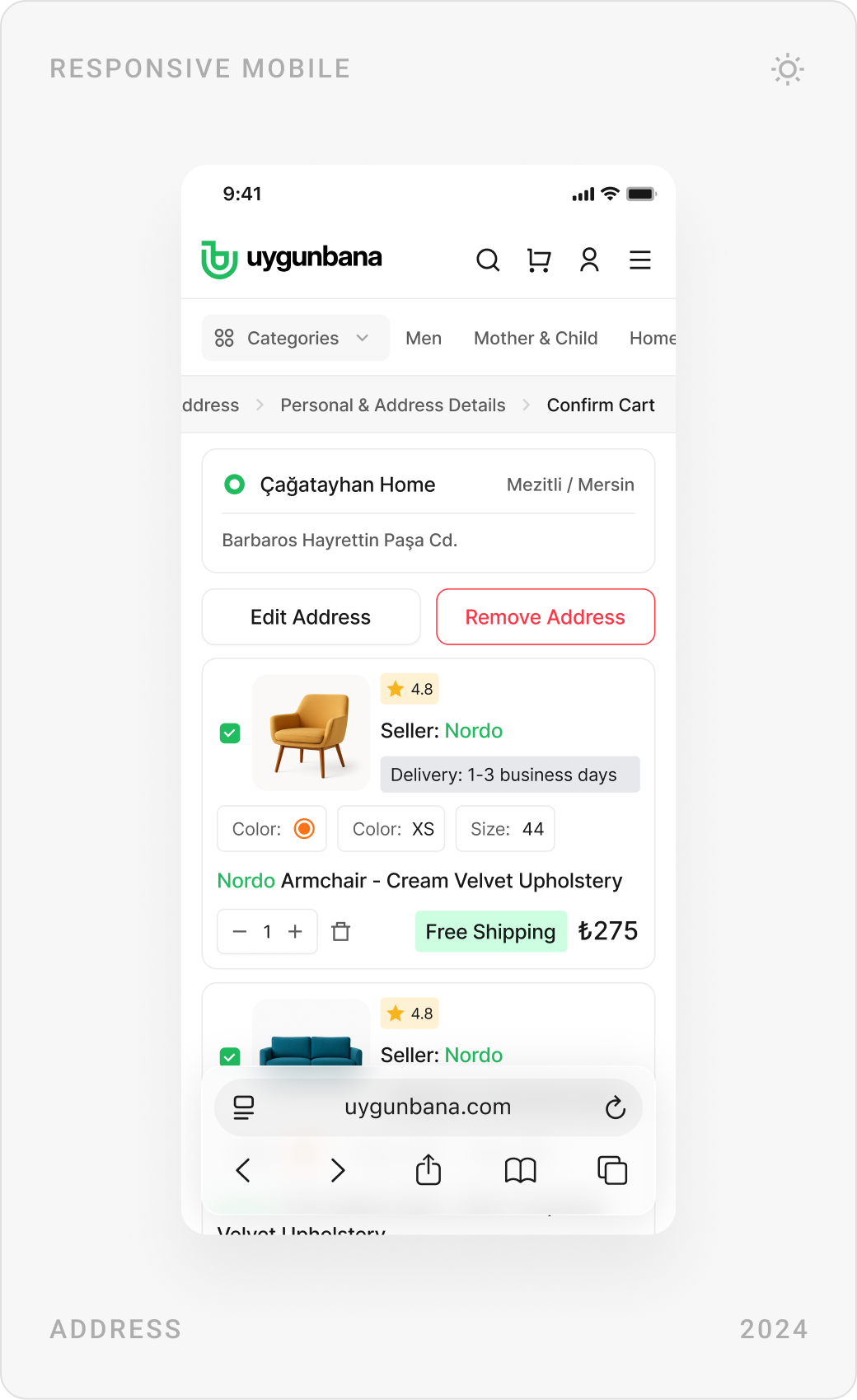
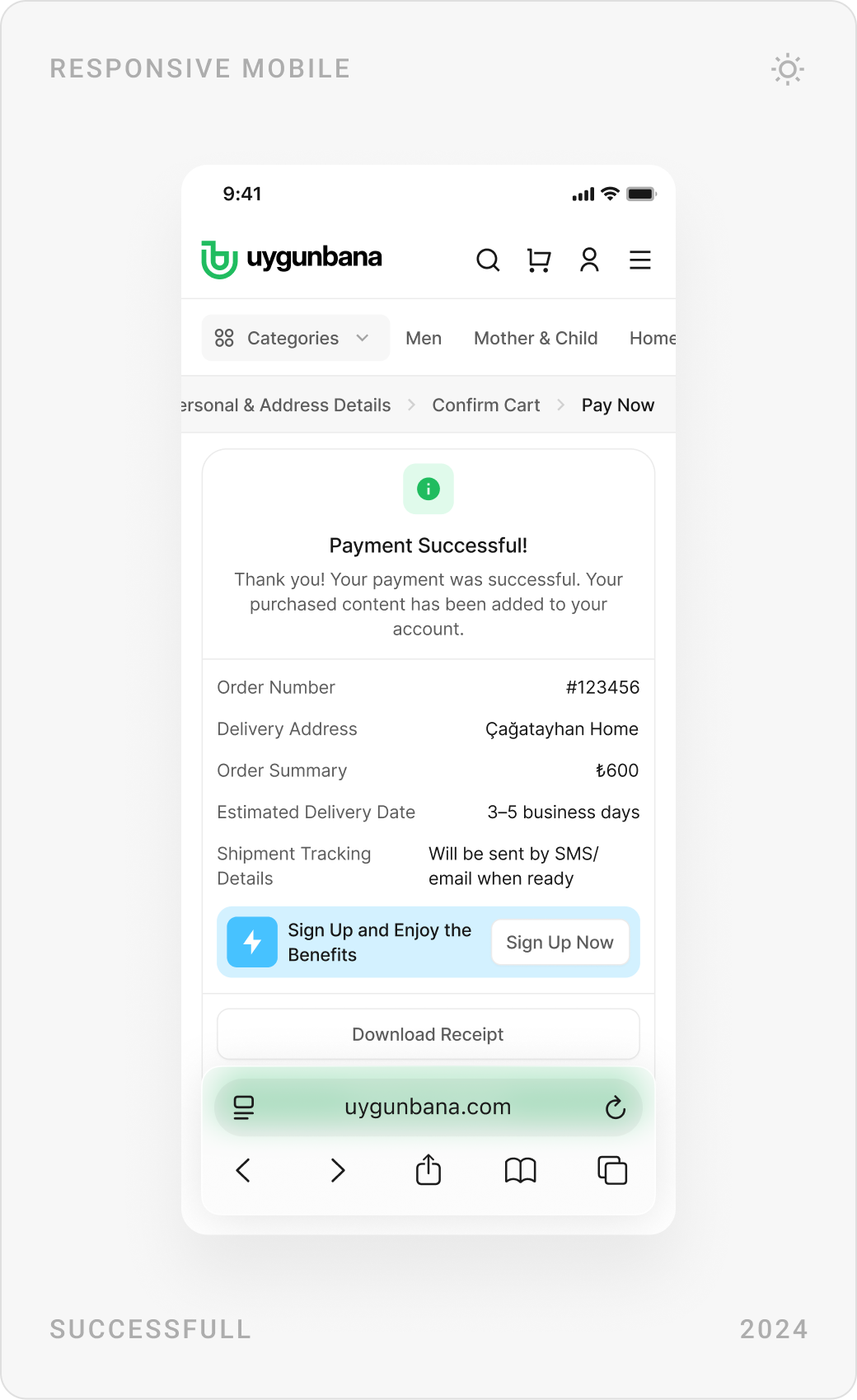
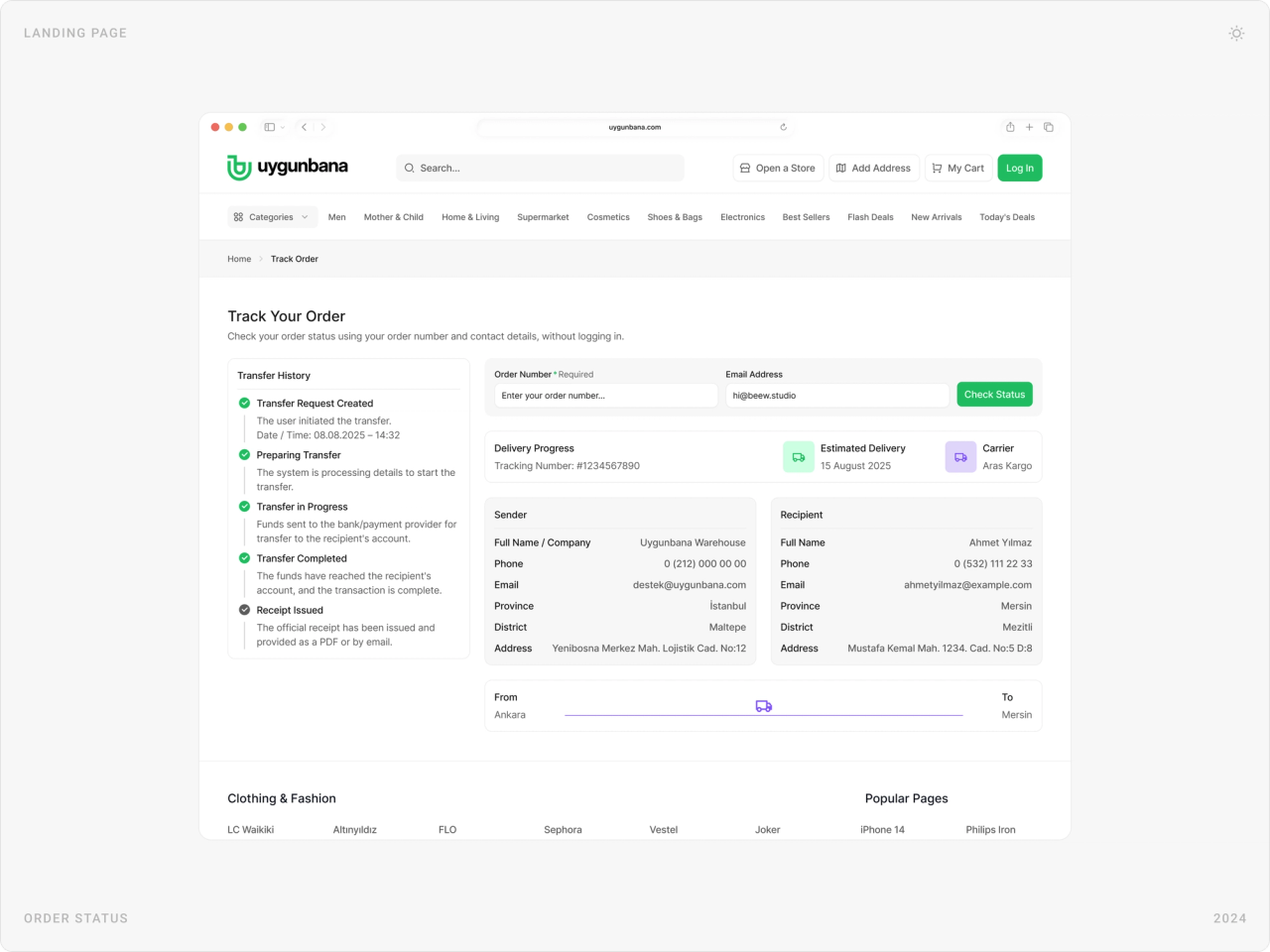
The cart groups items by store, with delivery estimates and free-shipping thresholds. Checkout takes three steps, address, cart confirmation and payment, and order tracking shows every step from preparing to delivered.
Customer account
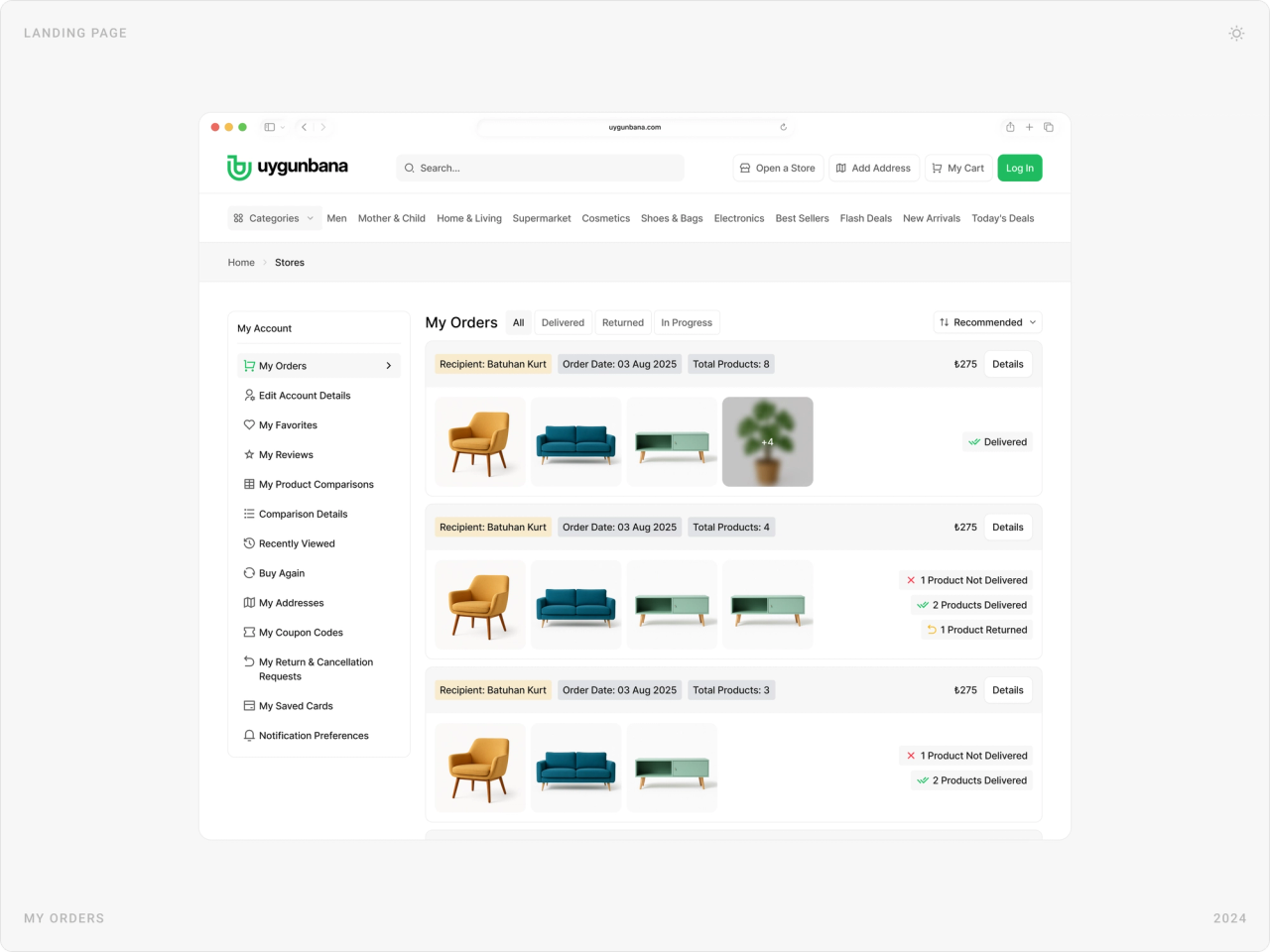
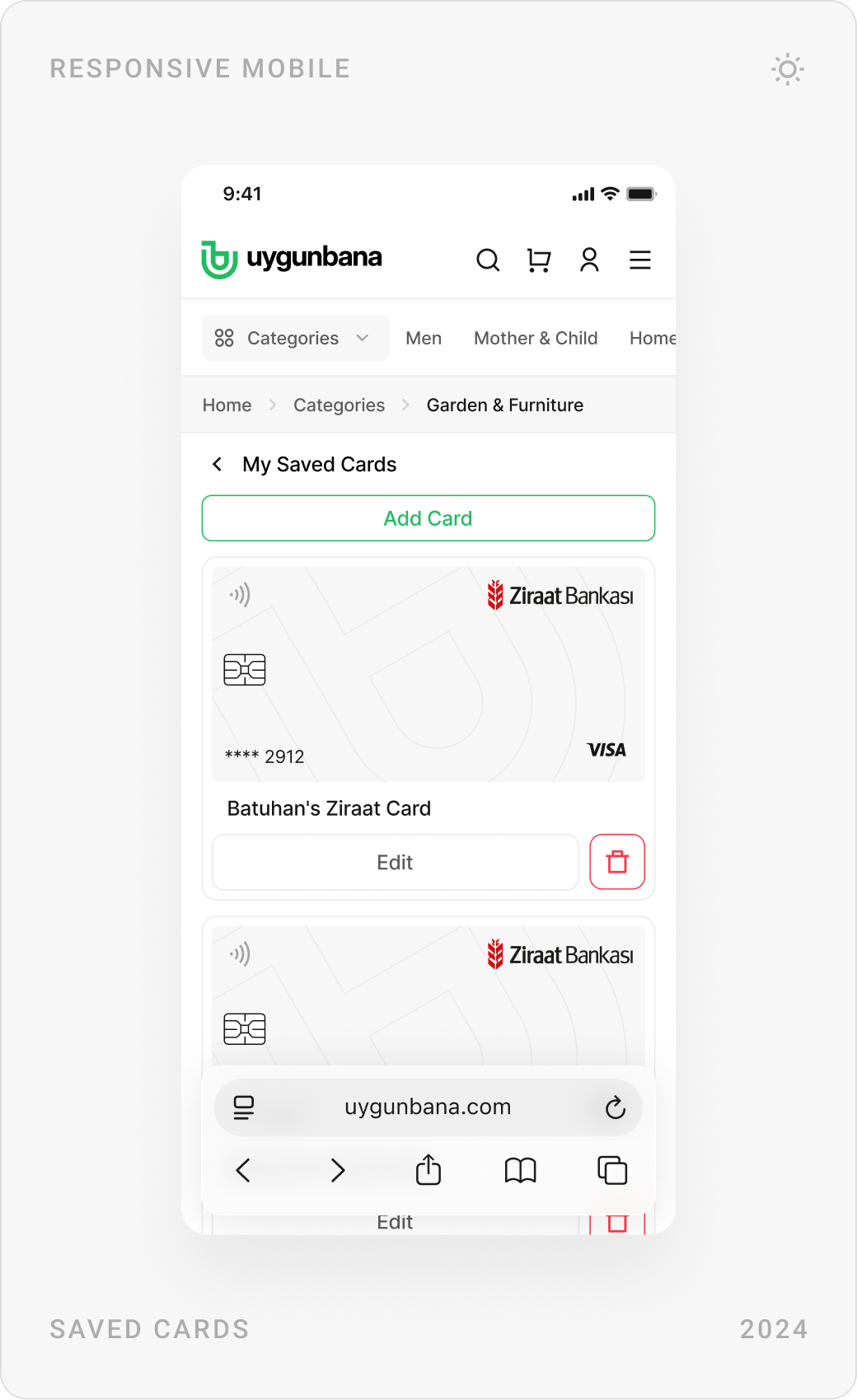
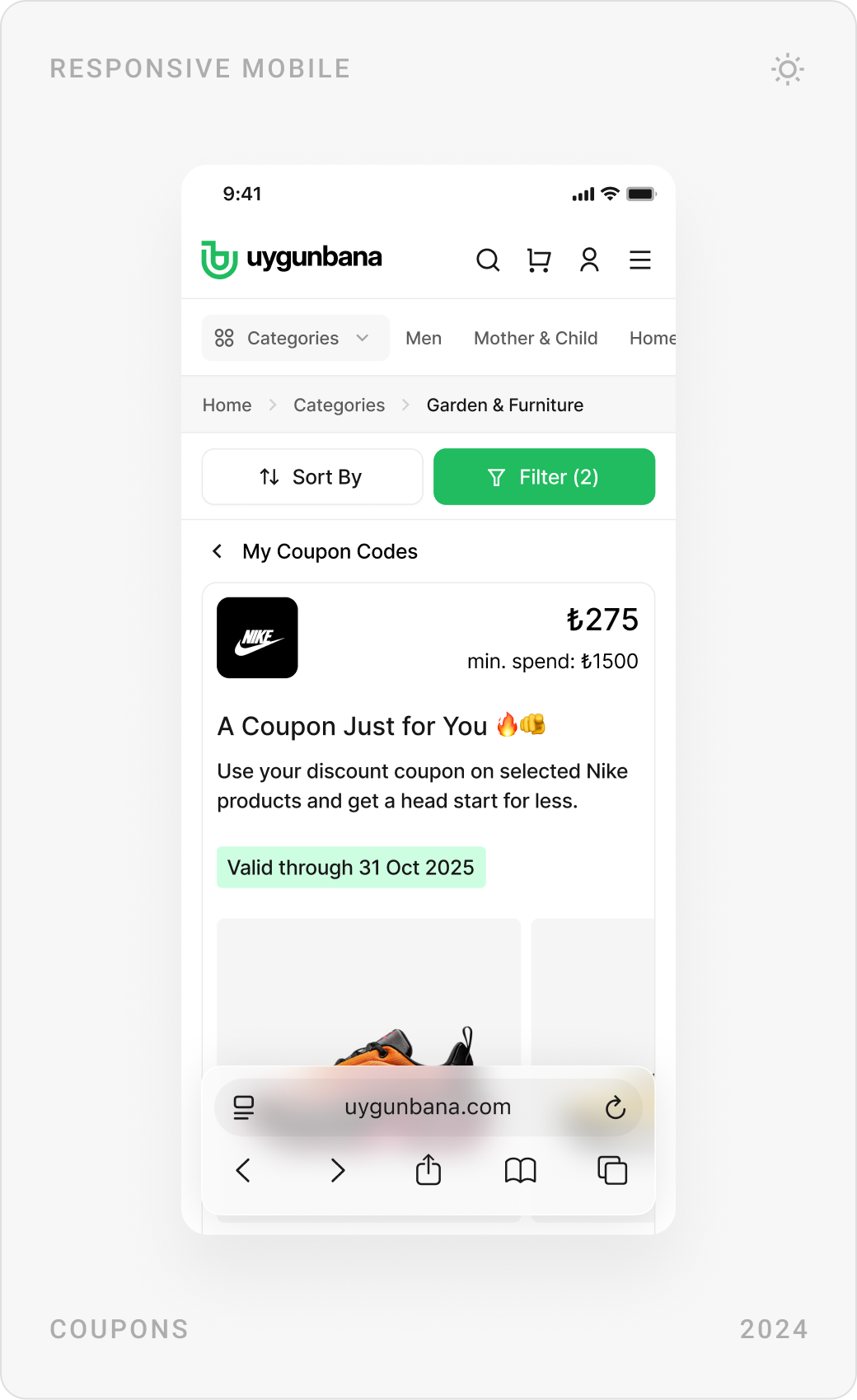
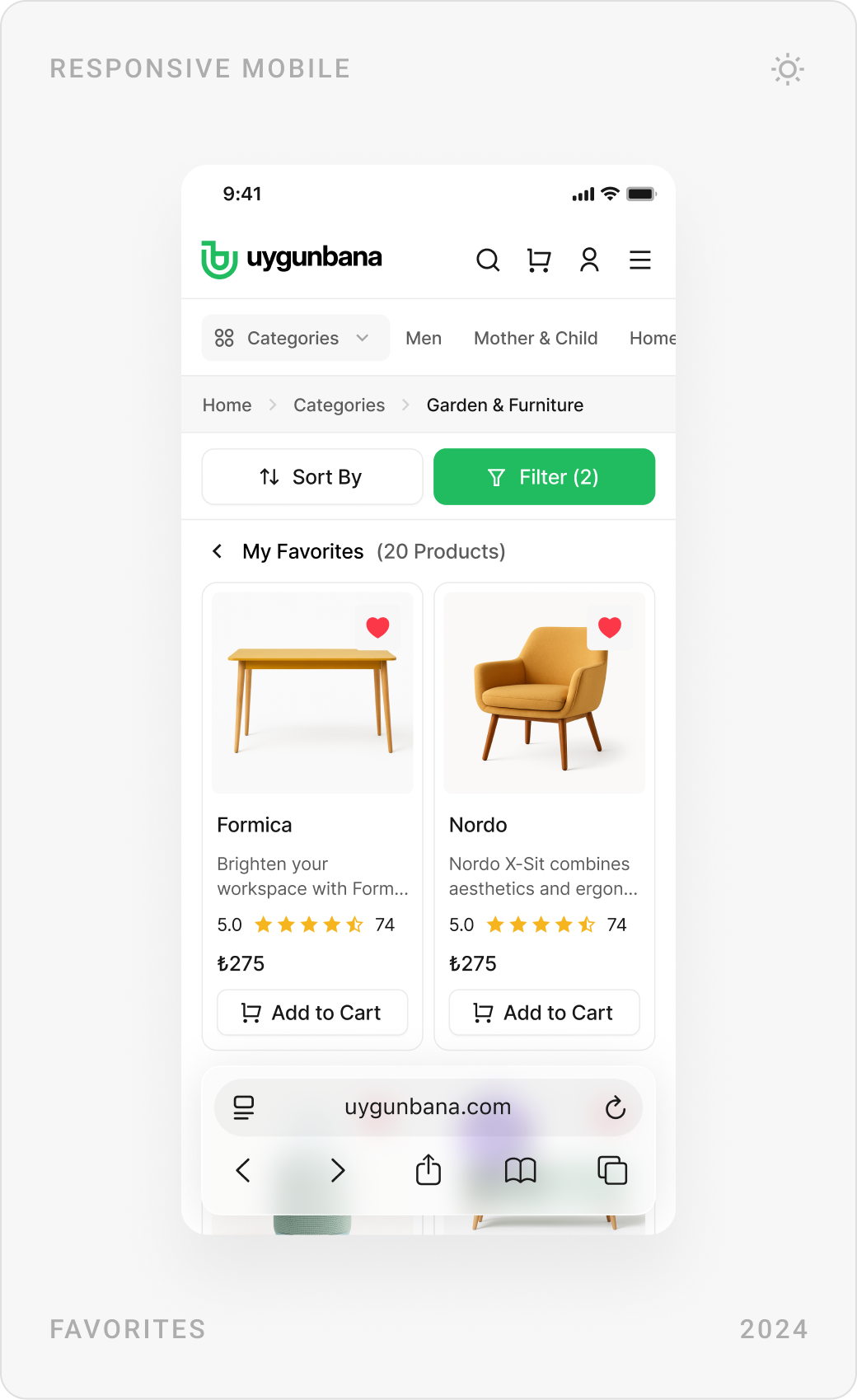
Sign-up and log-in take a few short screens. The account gathers orders, favourites, reviews, comparisons, saved cards, addresses and coupons in one menu, with security rules shown as you type.



Stores and the store panel
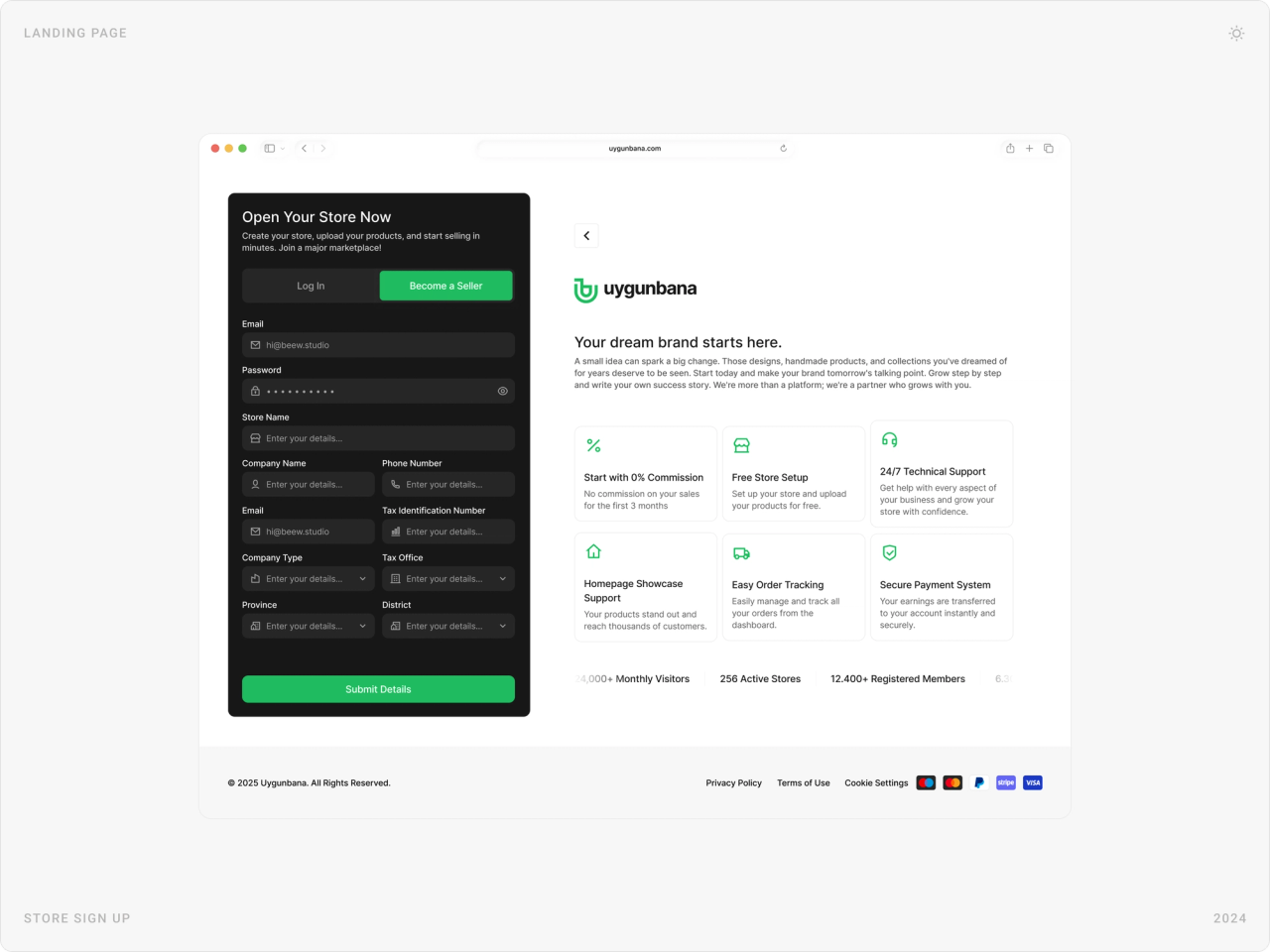
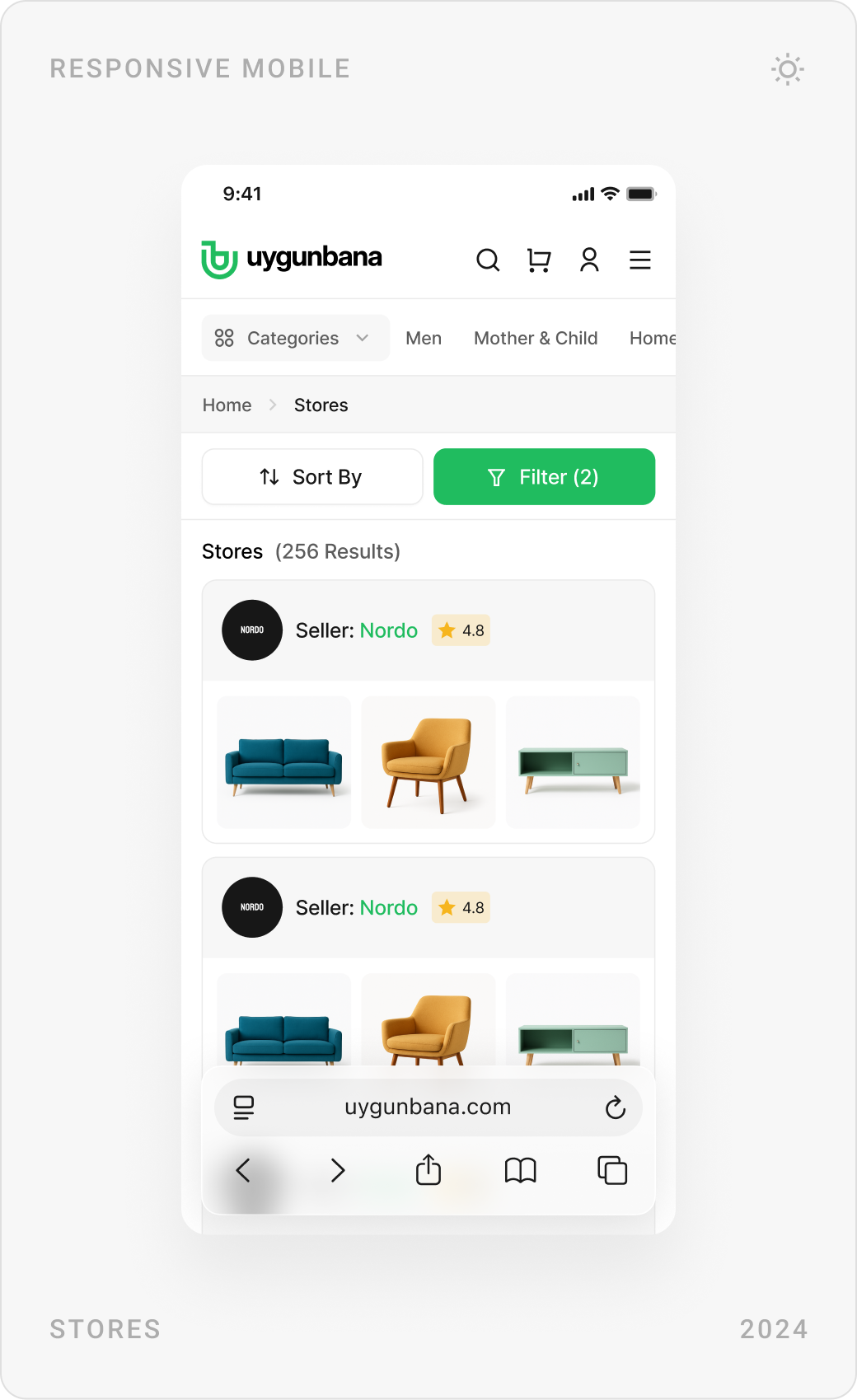
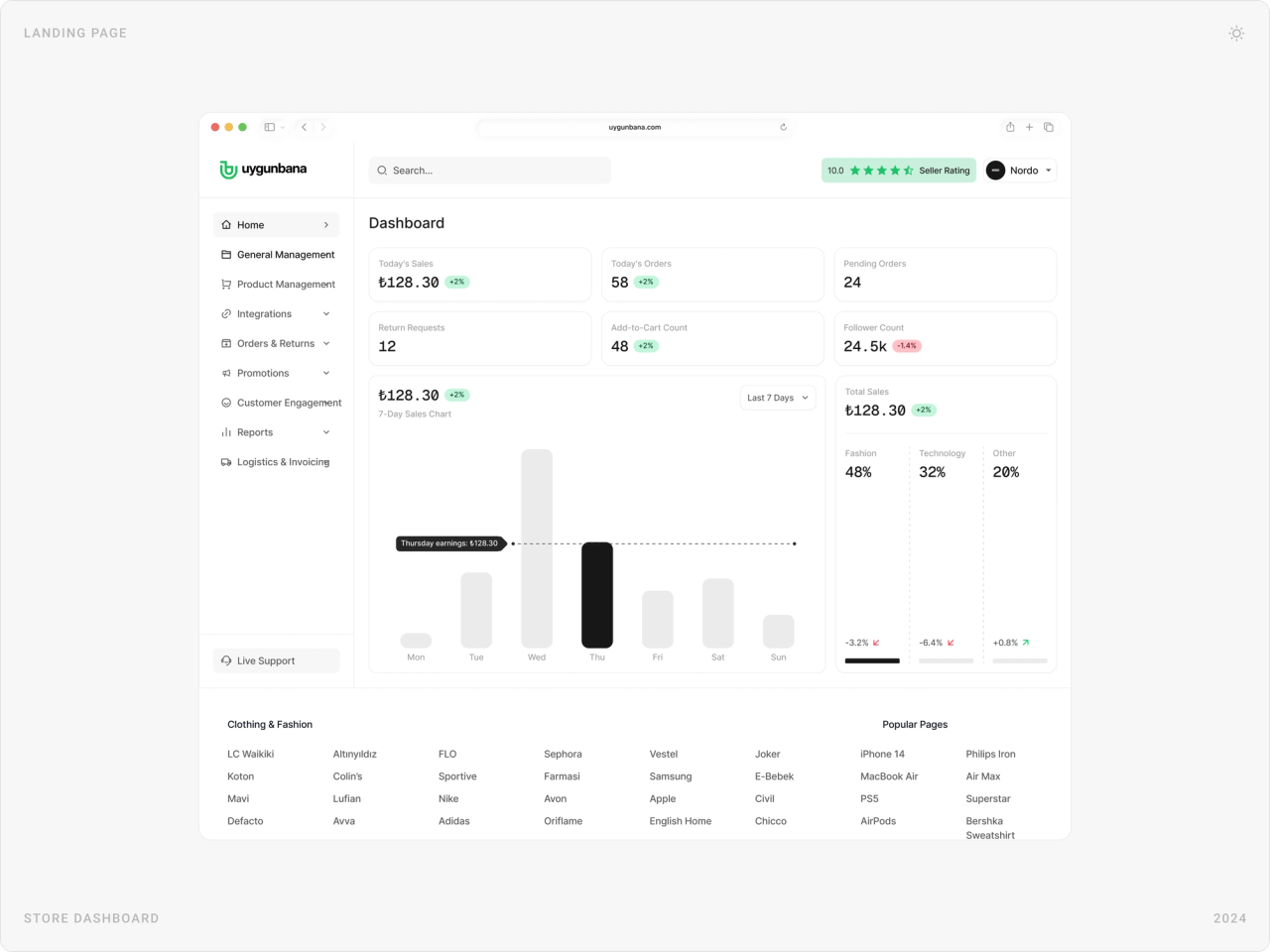
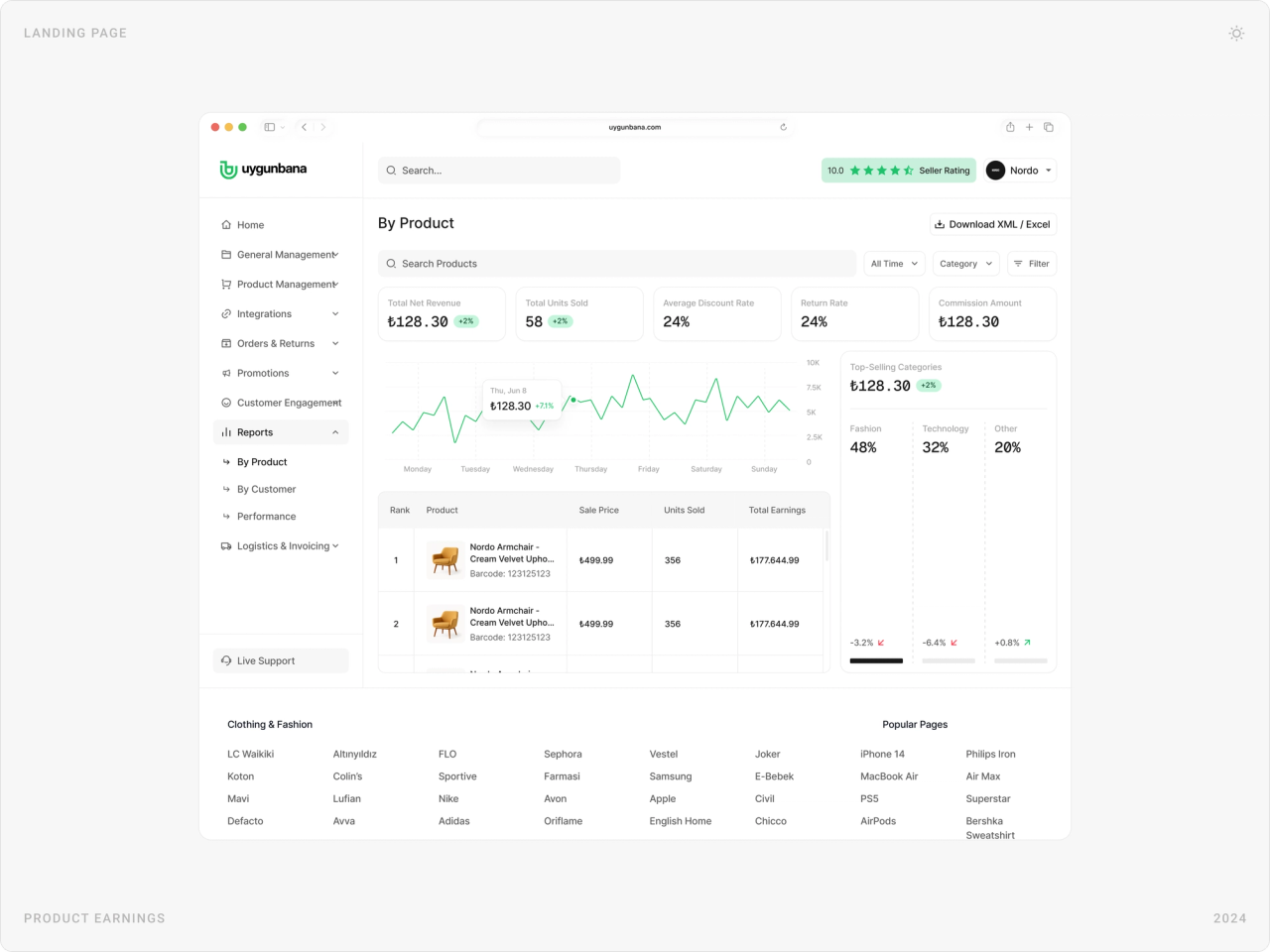
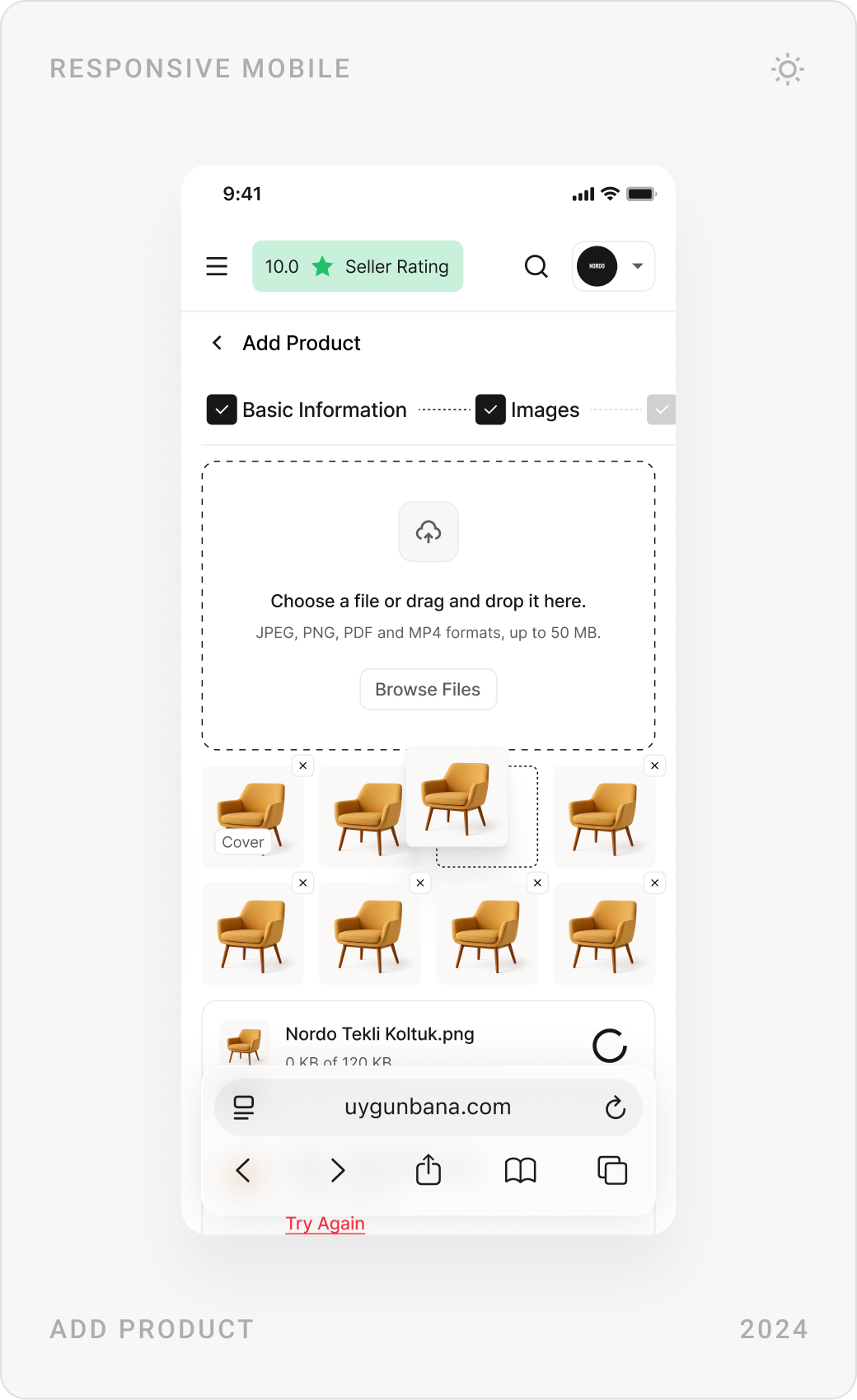
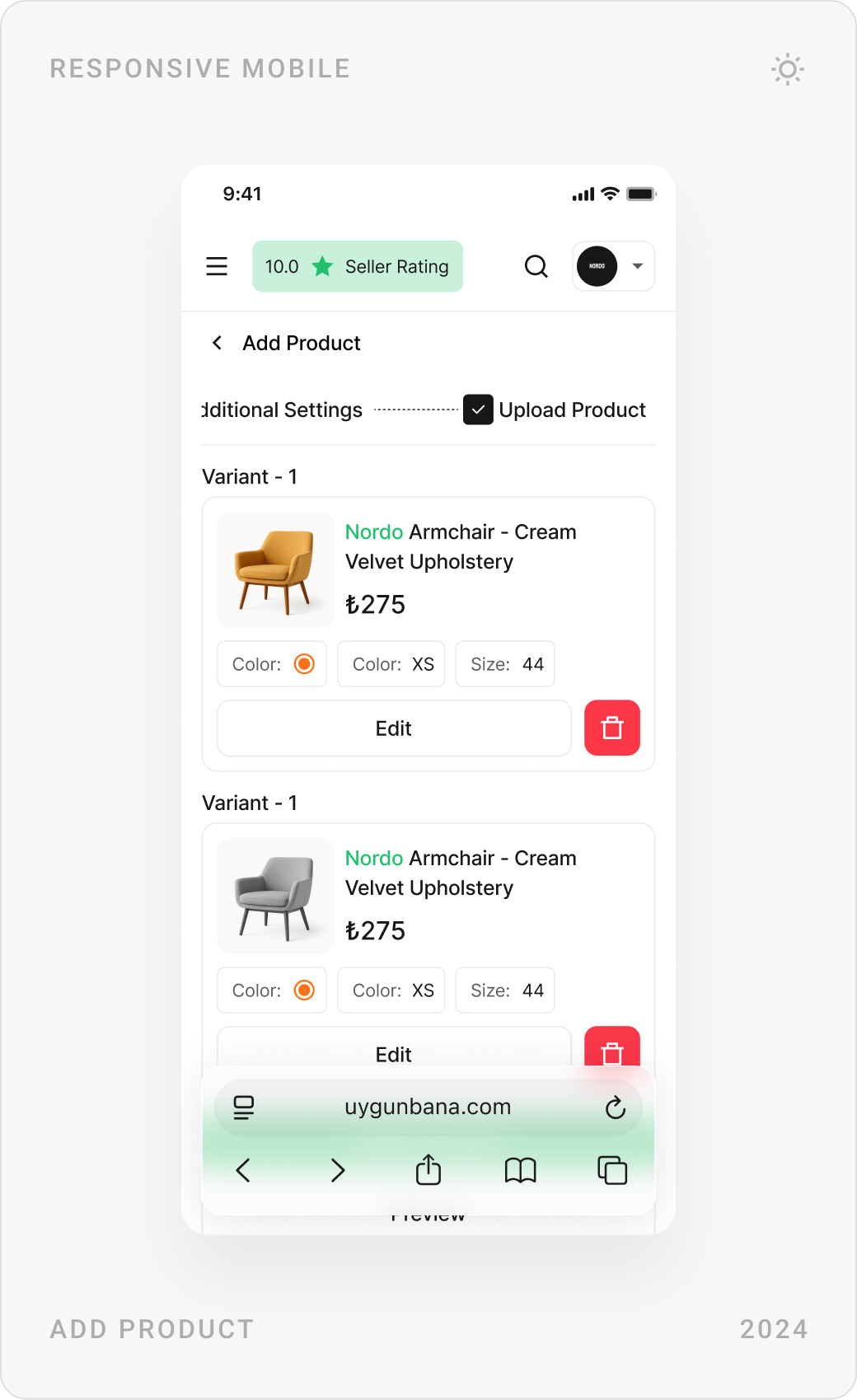
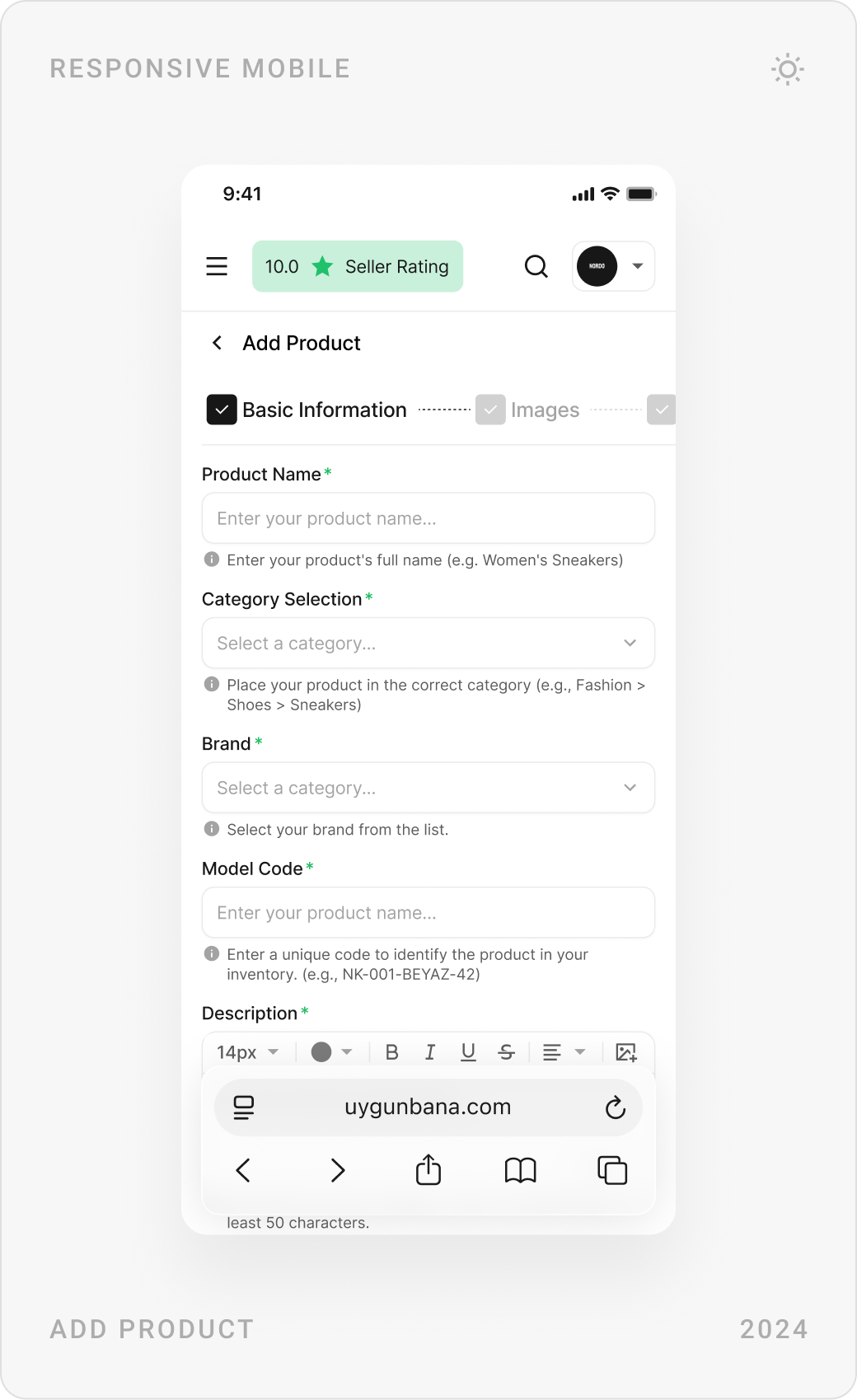
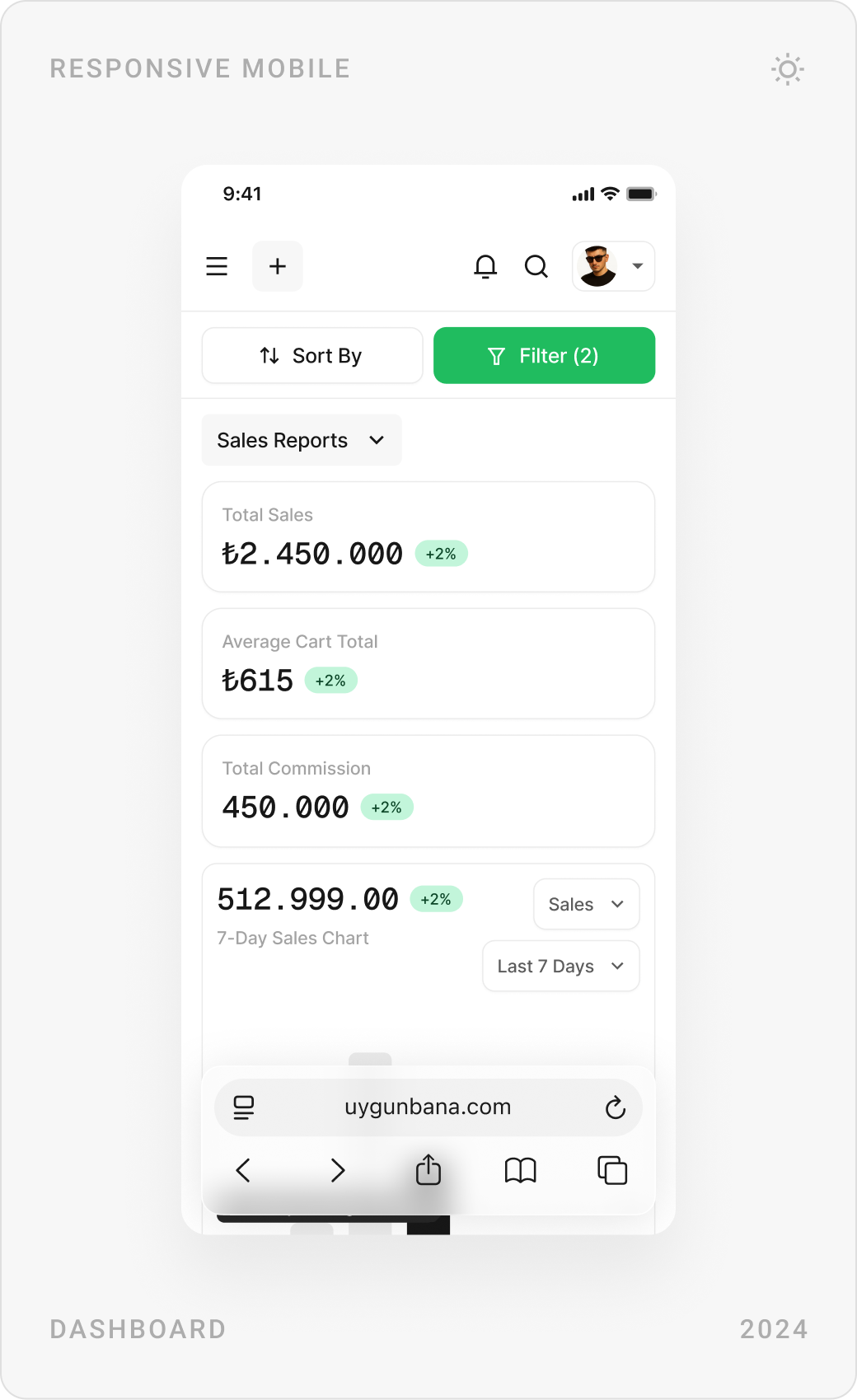
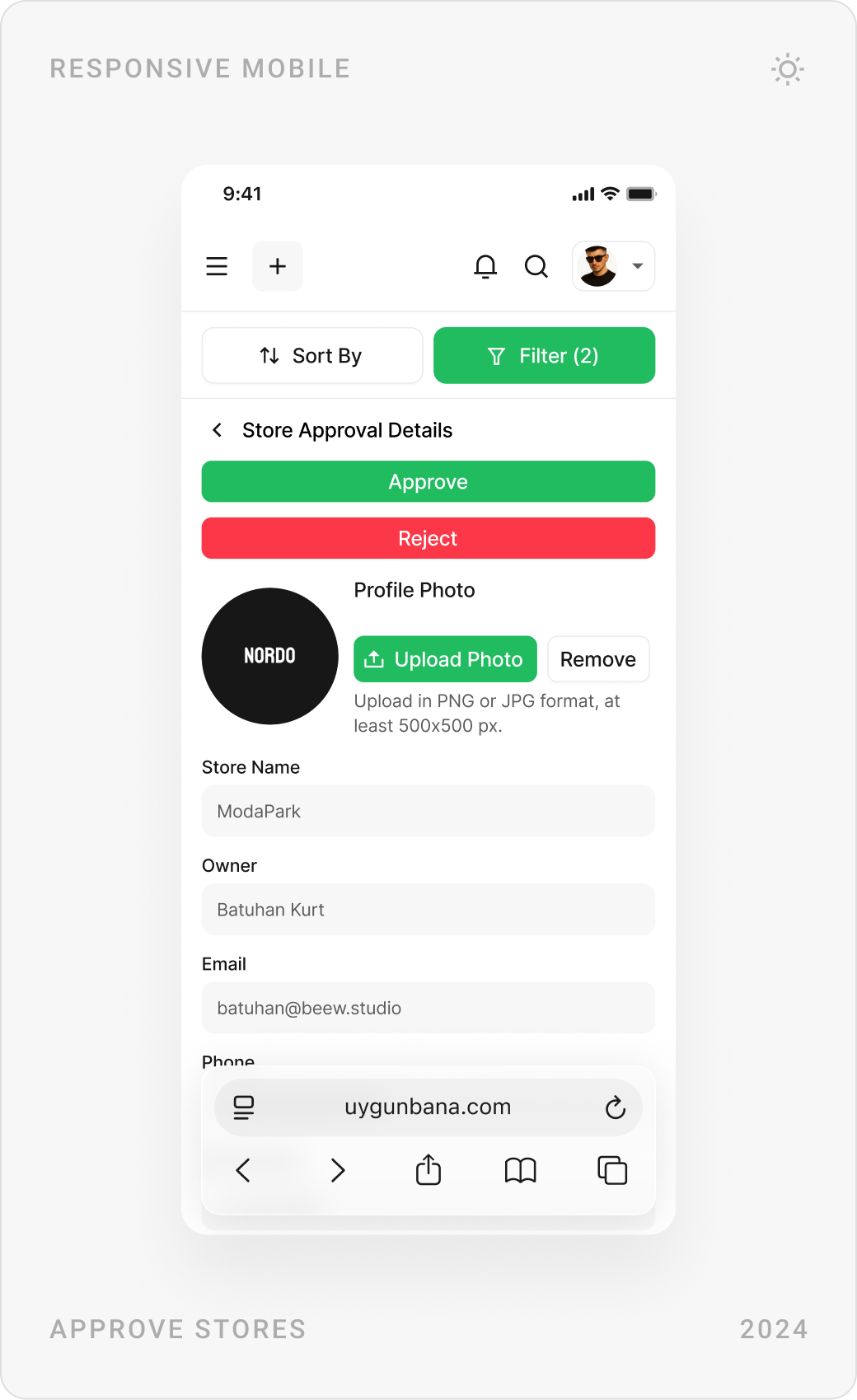
Opening a store starts with a short application. Each store gets its own page with a banner, rating and listings, and its panel shows sales, orders, returns and earnings by product. Documents such as tax certificates are tracked with clear statuses, and products are added in steps with variants and images.



Admin panel
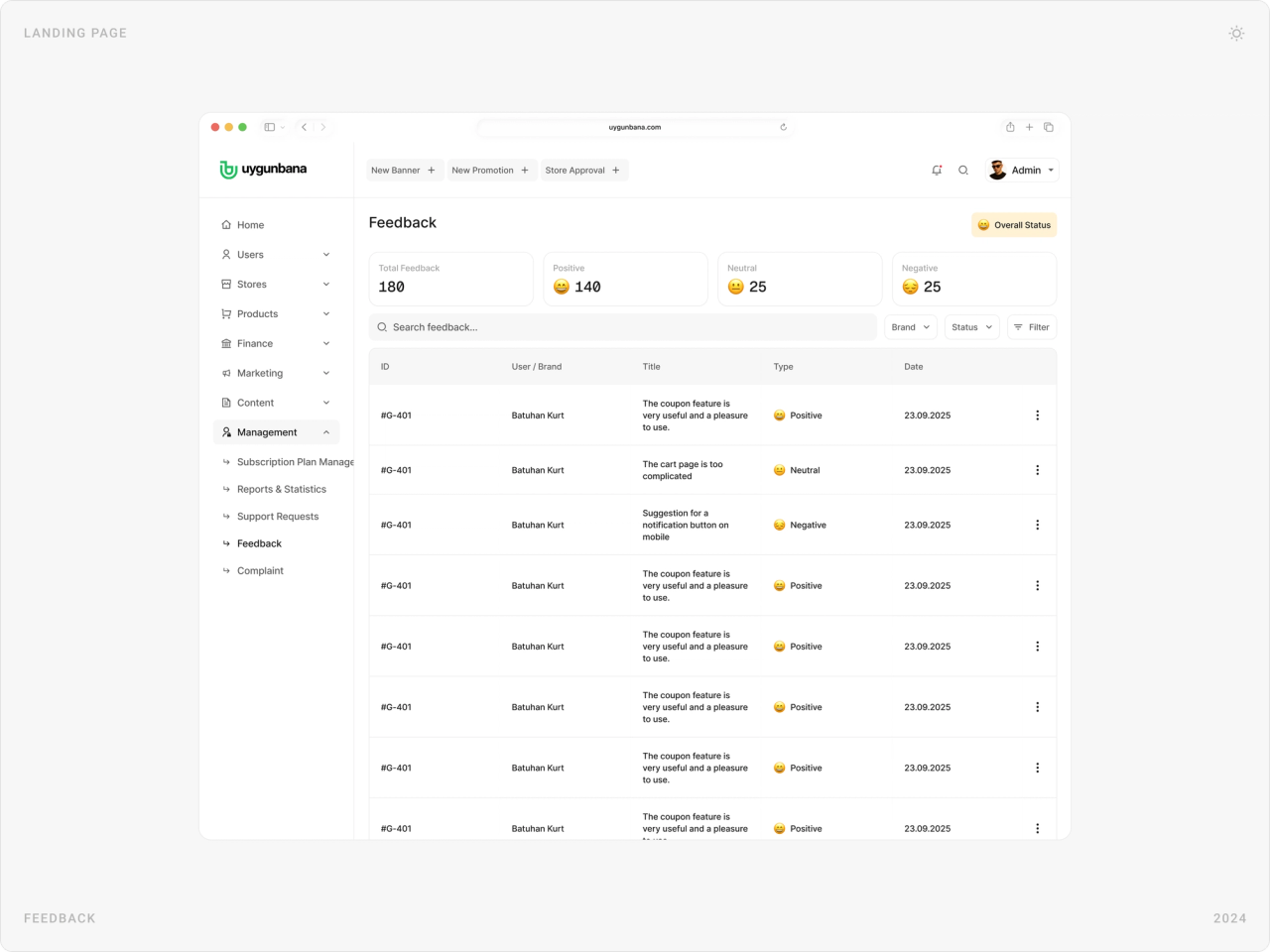
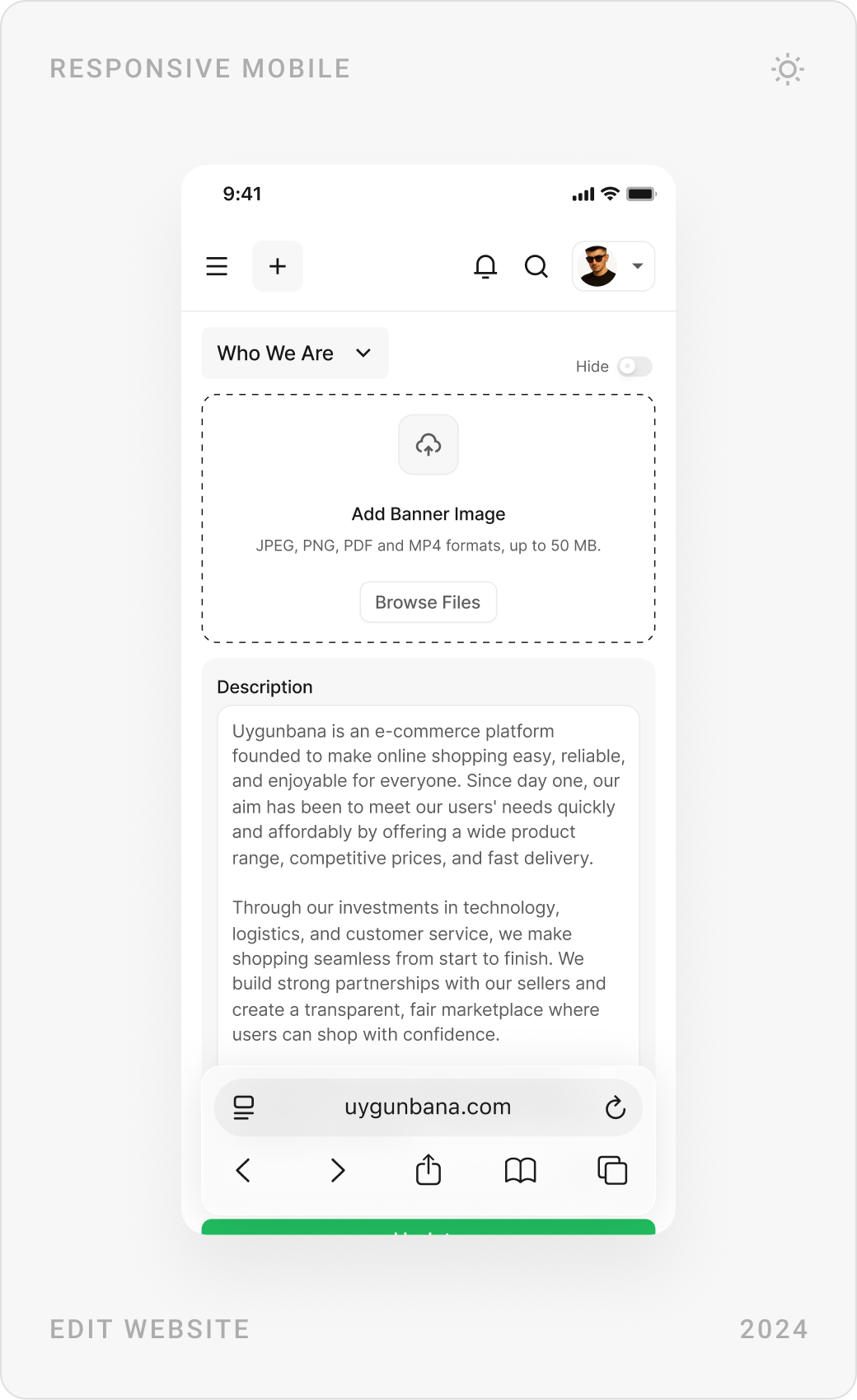
The admin panel runs the marketplace: users, stores, orders, commission revenue and items waiting for approval on one dashboard, with feedback sorted by sentiment, order tracking across all stores, store approvals and editable site content.


Brand identity
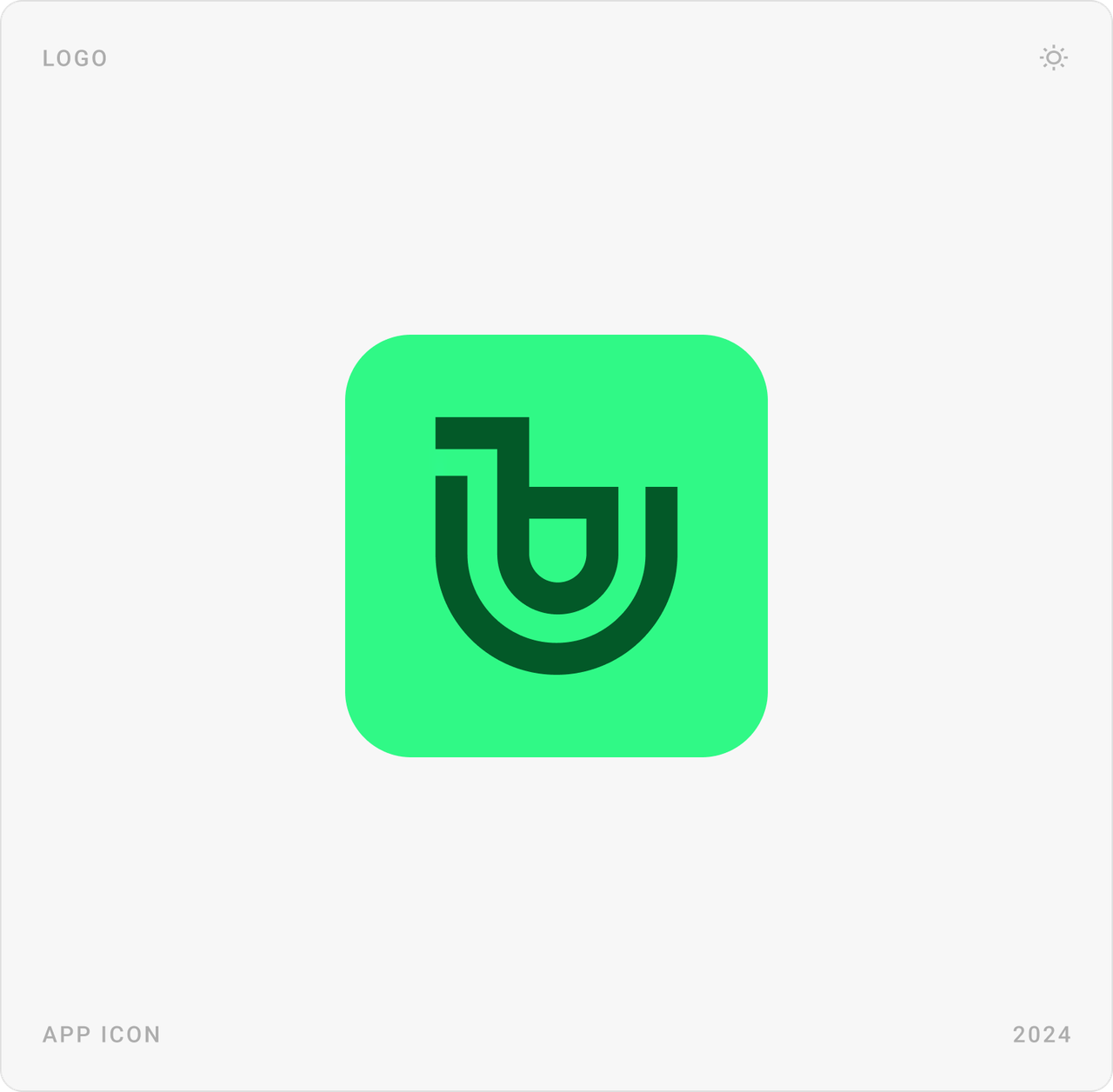
We also designed the Uygunbana brand: a rounded “u” mark in a fresh green, used on the app icon, the logo and as the single accent colour across the interface.

Results
- More than 200 pages for shoppers, stores and admins, on desktop and mobile, delivered in six months.
- A cleaner, simpler marketplace experience shaped by interviews and surveys with shoppers and stores.
- A fully custom design with no ready-made script, with edge cases planned page by page.
- Three connected panels on one shared component system.
- A complete brand identity, ready for launch.
Key takeaways
- Talking to shoppers and sellers first is the quickest way to know what to remove.
- In a marketplace, simplicity comes from one main action per screen, not from fewer products.
- Without a script, edge cases are the real scope; plan them from the start.
- When stores and admins use the same components as shoppers, every panel is easier to learn.
FAQ
What is Uygunbana?
Uygunbana is an upcoming e-commerce marketplace for Türkiye, in the same category as Hepsiburada, Trendyol and n11. Stores open shops and sell; shoppers buy from many stores in one place. It has not launched yet.
What did you design for Uygunbana?
Everything: the storefront, categories, product and store pages, cart, checkout and order tracking, the customer account, the store panel with sales reports, documents and product uploads, the admin panel with approvals, orders, feedback and site content, and the brand. More than 200 pages for desktop and mobile.
How long did the project take?
Six months in 2024, with me as lead designer.
How do you design an e-commerce marketplace that feels simple?
Start by talking to shoppers and sellers, then remove everything that doesn't help them buy or sell. Give each screen one main action, keep the interface calm with one accent colour, and design the edge cases, such as empty states, rejections and errors, as carefully as the happy path.
Can you design a marketplace or e-commerce platform for my company?
Yes. I design marketplaces and products for e-commerce, AI, SaaS, fintech and Web3 teams, including the research and the brand when needed. Book a call through the contact page.
Have a product to design?
I help teams turn complex products into websites and interfaces people understand in seconds. Tell me about yours.