DryKing · Case study · 4 min read
Dryking Career: a hiring platform and HR dashboard for tourism and hospitality jobs
Dryking Career is a recruitment platform built for tourism and hospitality, where hiring for roles like housekeeping, reception and waitstaff is still fragmented and seasonal. I designed the job seeker experience, the HR dashboard for hotels and the shared design system, so that candidates can apply in one click and employers can manage hundreds of listings and applicants in one place.
- User Experience Research
- User Interface Design
- Design System
At a glance
Challenge
One platform had to serve job seekers with low digital literacy and HR teams managing hundreds of listings and candidates, friendly on the surface, data-dense underneath.
Solution
A search-first job site with one-click apply, and an employer dashboard with listings, a filterable candidate pool, Kanban view, messaging, events and articles, all on one light, card-based design system.
Outcome
HR teams praised the Kanban view for its clarity and speed, the dashboard was well received by corporate HR clients and government partners, and the UX system now carries new feature rollouts.
Deliverables
- Job seeker web & mobile UX
- Employer HR dashboard
- Candidate pool & filters
- Messaging module
- Events, articles & packages
- Design system
Overview
Dryking set out to digitise job applications in tourism and hospitality. The sector lives with high staff turnover and seasonal peaks, and there was no central place to recruit for everyday roles like housekeeping, reception and waitstaff.
I designed Dryking Career through my studio, Beew, over about three months in 2024: the public job site, the candidate experience, the employer dashboard for hotels and resorts, and the design system that ties them together on web and mobile. Three roles, candidate, HR team and Dryking admin, had to feel like one product.
The challenge
The people applying and the people hiring use the product very differently. A waiter applying from a phone needs speed and simplicity; an HR team at a hotel chain needs tables, filters and bulk control.
- Two audiences: a scalable UX for job seekers and employers alike.
- Volume: corporate HR teams managing hundreds of listings and candidates efficiently.
- Accessibility: a seamless experience for users with low digital literacy.
- Breadth: job postings, events, articles and application tracking under one roof.
- Balance: visually friendly, yet data-dense and functional.
Goals
- Make applying for a job take less than a minute, with quick apply.
- Give hotels, resorts and hospitality chains an enterprise-grade dashboard to publish, manage and filter jobs without developer help.
- Provide a robust, user-friendly CMS for Dryking admins to manage users, subscriptions and content.
- Keep cognitive load low and design mobile-first for mass-market use.
- Build a tourism-specific UX with consistent patterns across all three roles.
Approach
1. Search first
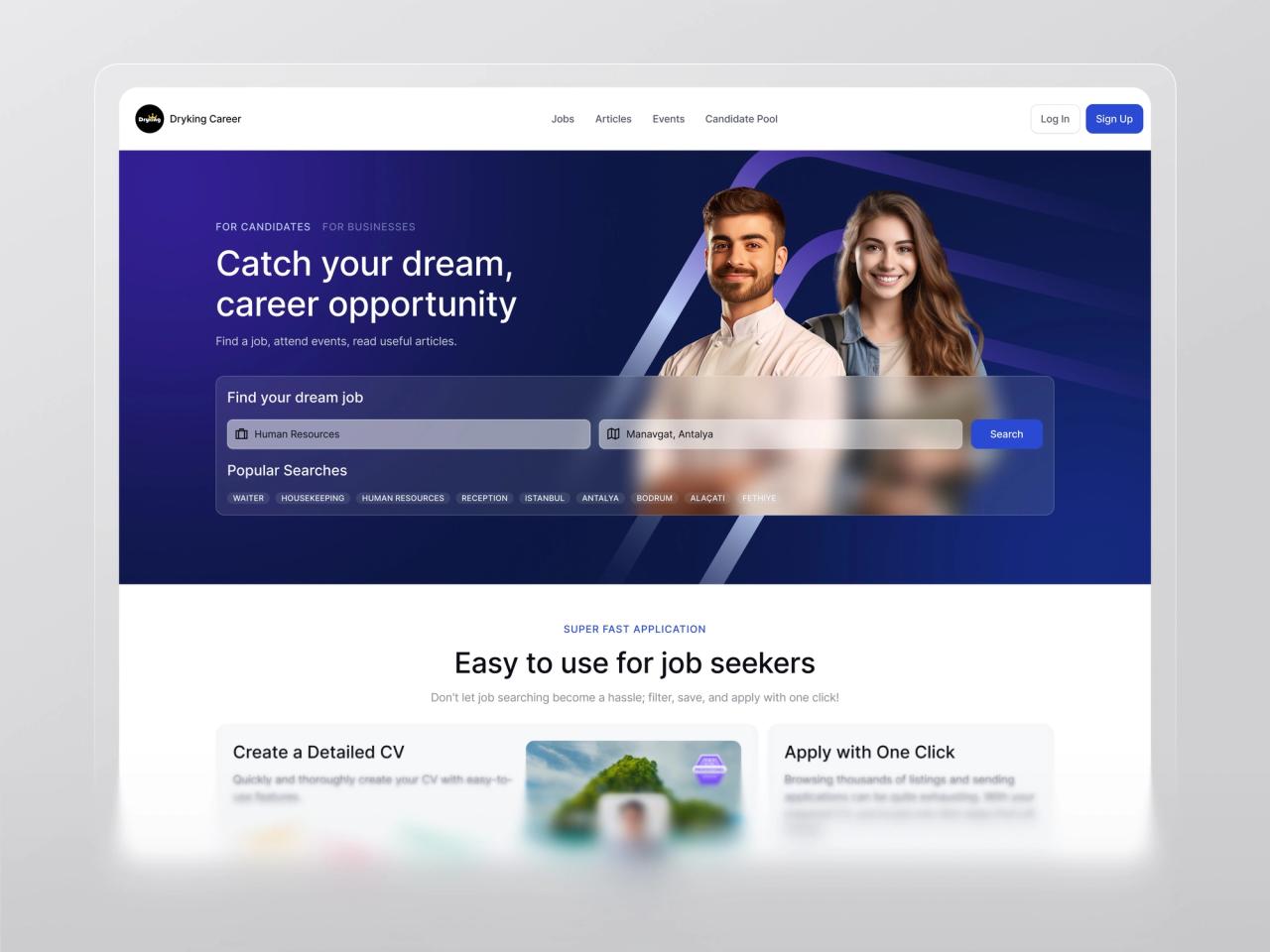
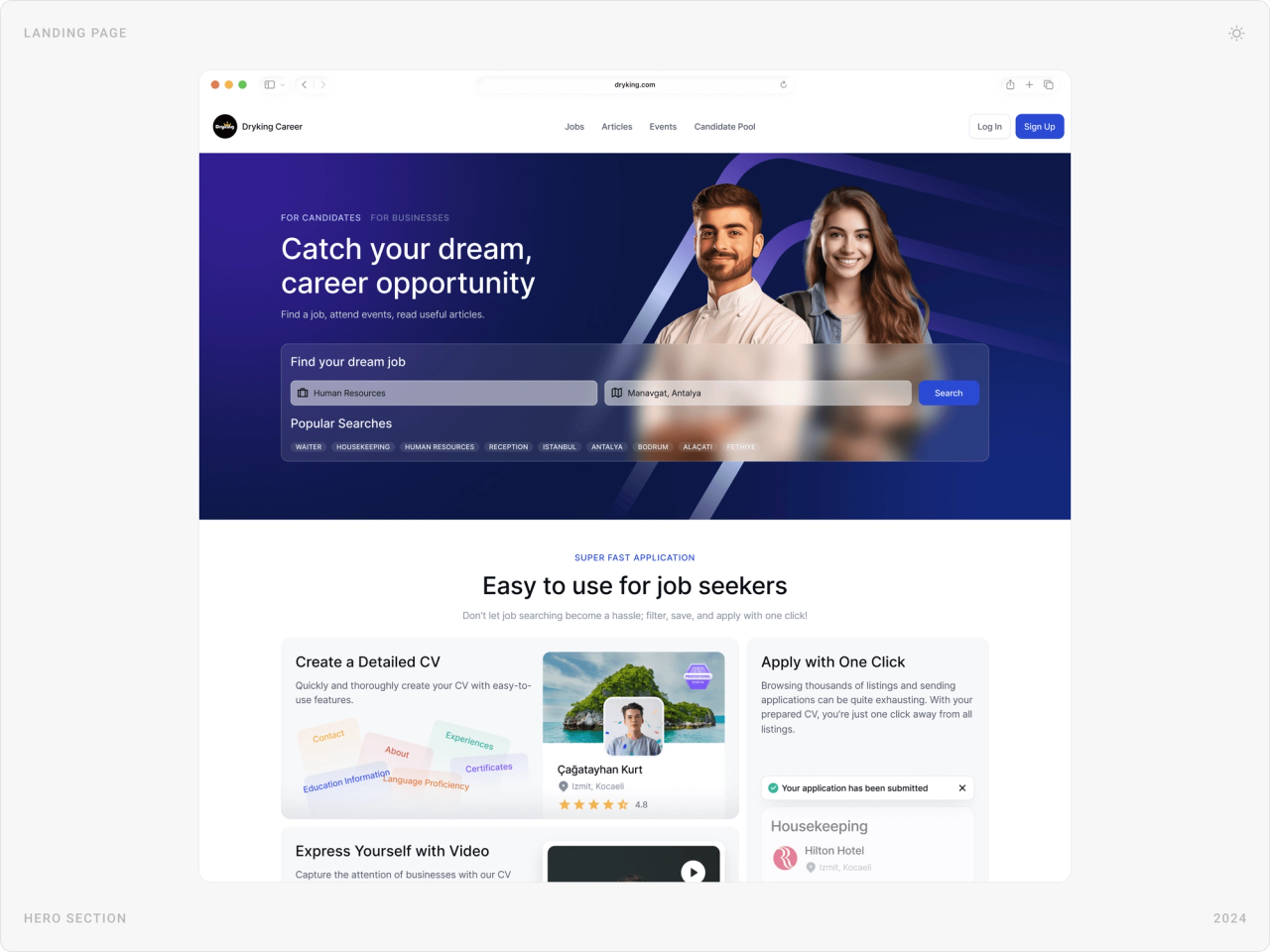
Hospitality workers look for a role in a place. The hero is a two-field search, job and location, with popular searches underneath: waiter, housekeeping, reception, and destinations like Antalya, Bodrum and Alaçatı.
2. One profile, one click
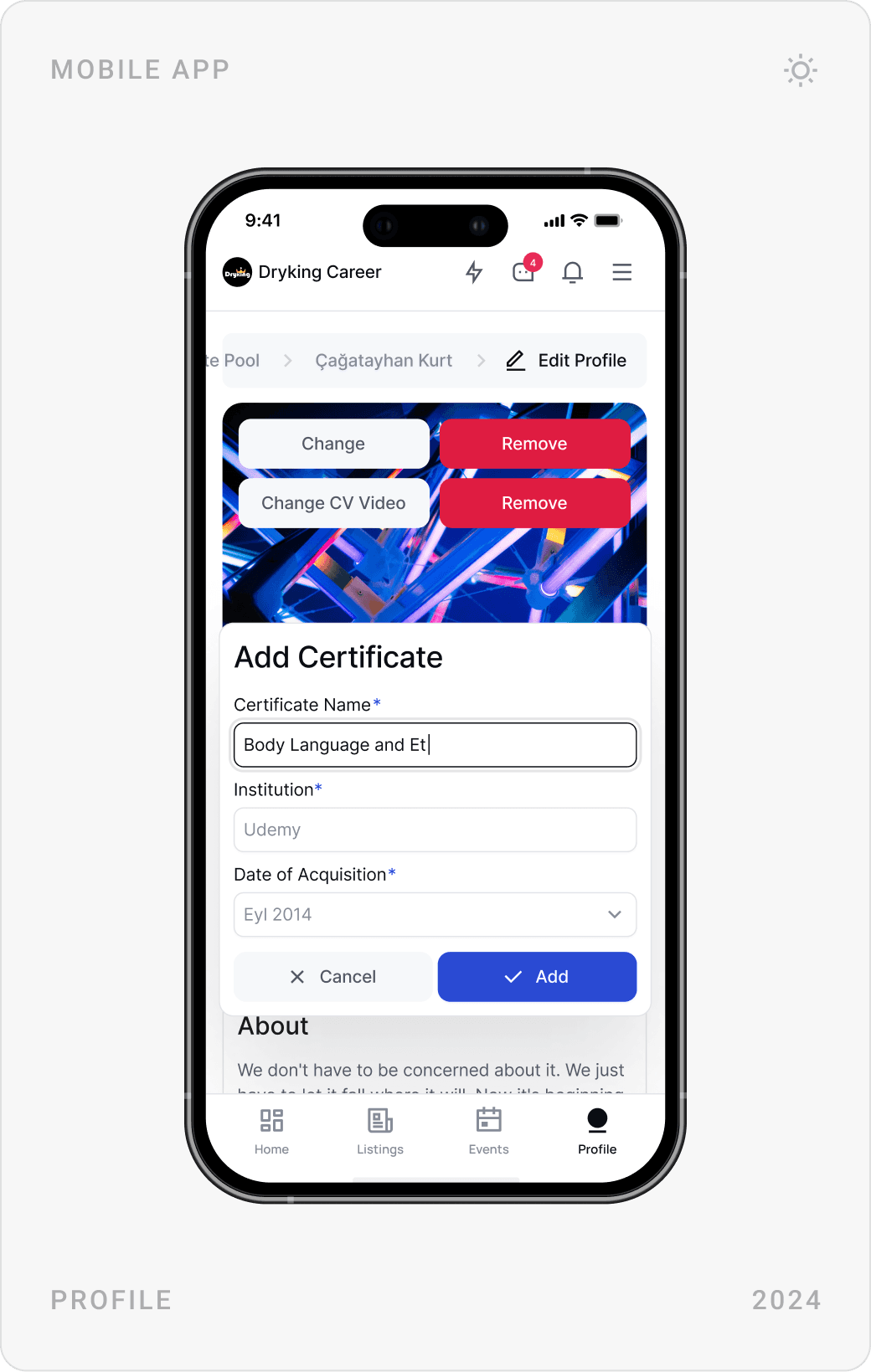
Candidates want to apply in one click rather than upload long CVs. They build a profile once, experience, certificates, languages, even a video CV, and every application reuses it, with an optional motivation letter.
3. Calm design for dense data
The UI uses white space, soft cards and a few strong colours for summary tiles, so table-heavy views like the candidate list stay readable. Clarity comes before decoration, and HR teams can switch between a list and a Kanban view.
4. The same patterns for every role
Candidates, HR teams and admins share one component library, inputs, badges, buttons, cards, user tags, and the same navigation logic: a menu with live counts and quick actions to post a job, event or article. Moving between roles never means learning a new product.
The solution
Landing page
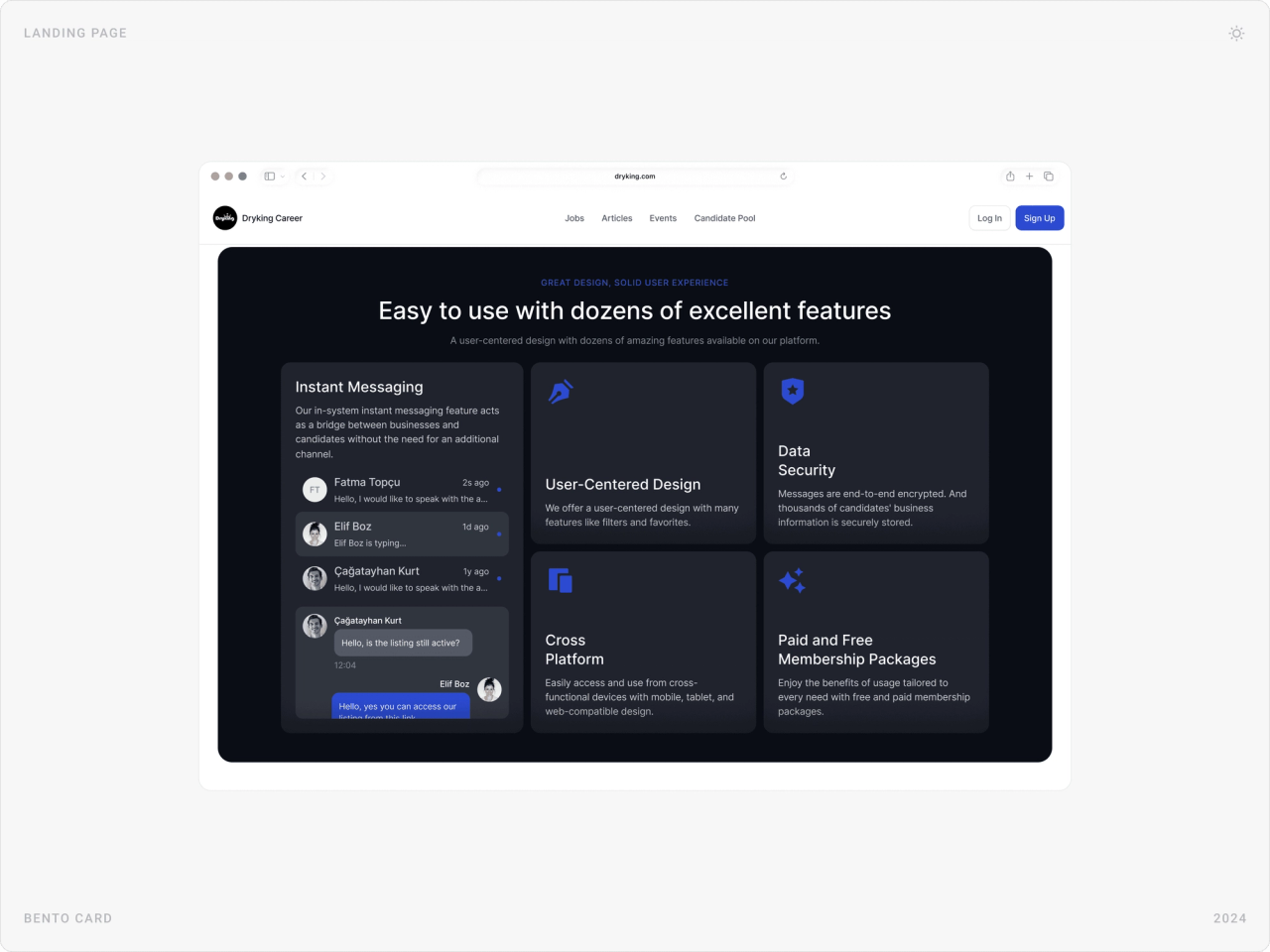
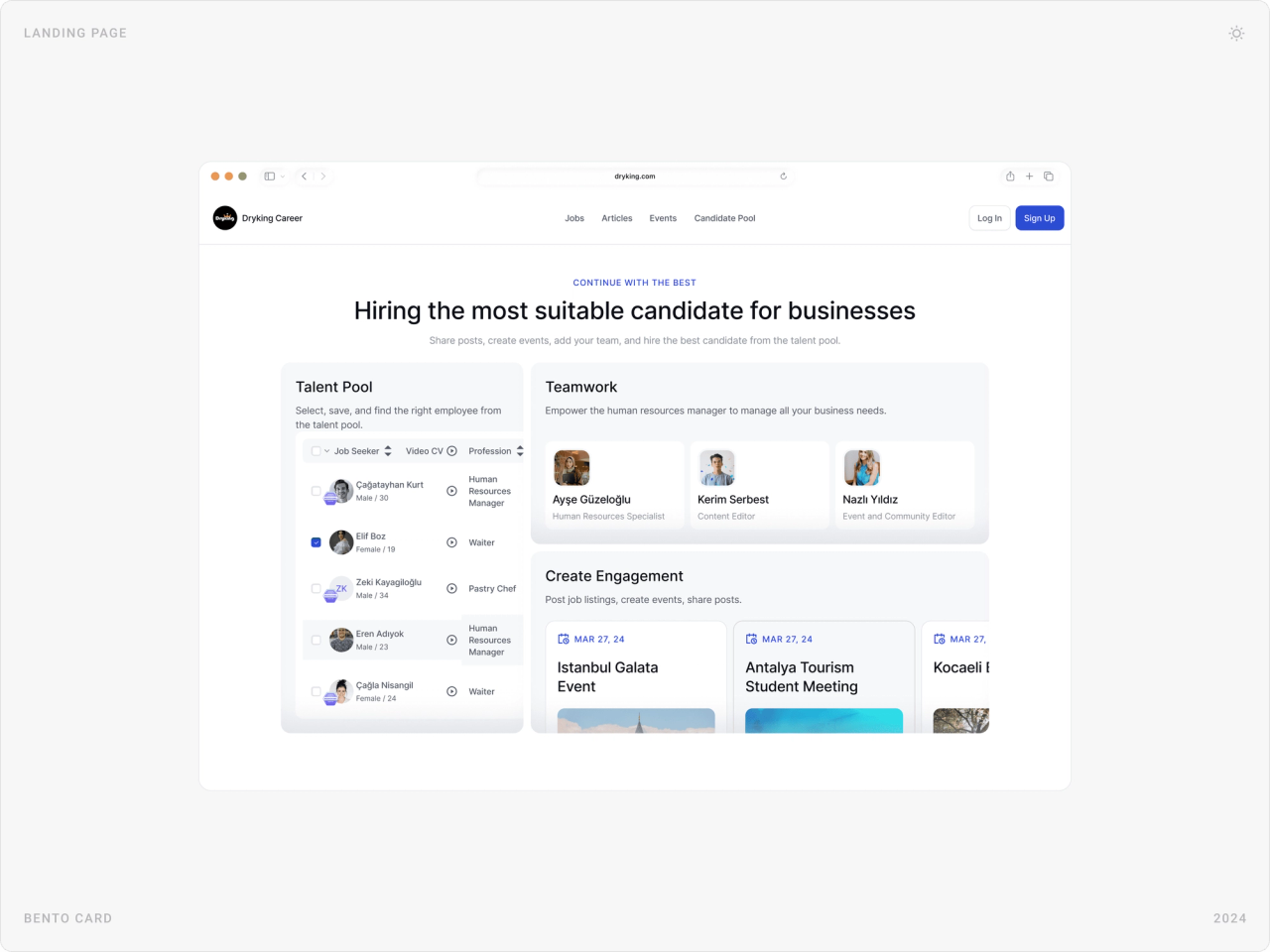
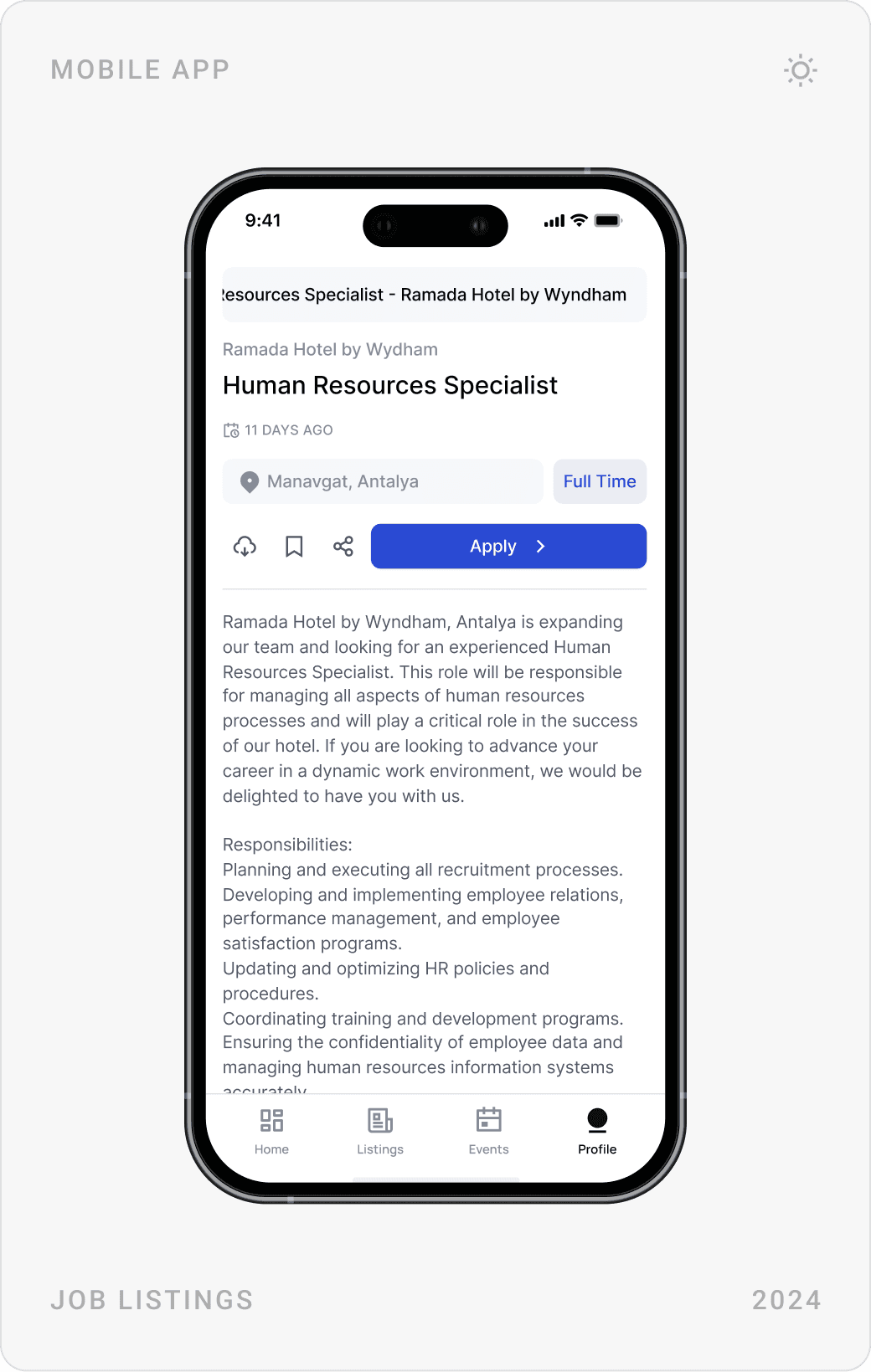
The landing page speaks to candidates and businesses with a simple switch. Below the search, bento sections explain the product in plain words: create a detailed CV, apply with one click, express yourself with video, instant messaging, and a talent pool for employers.
Sign-up and one-click apply
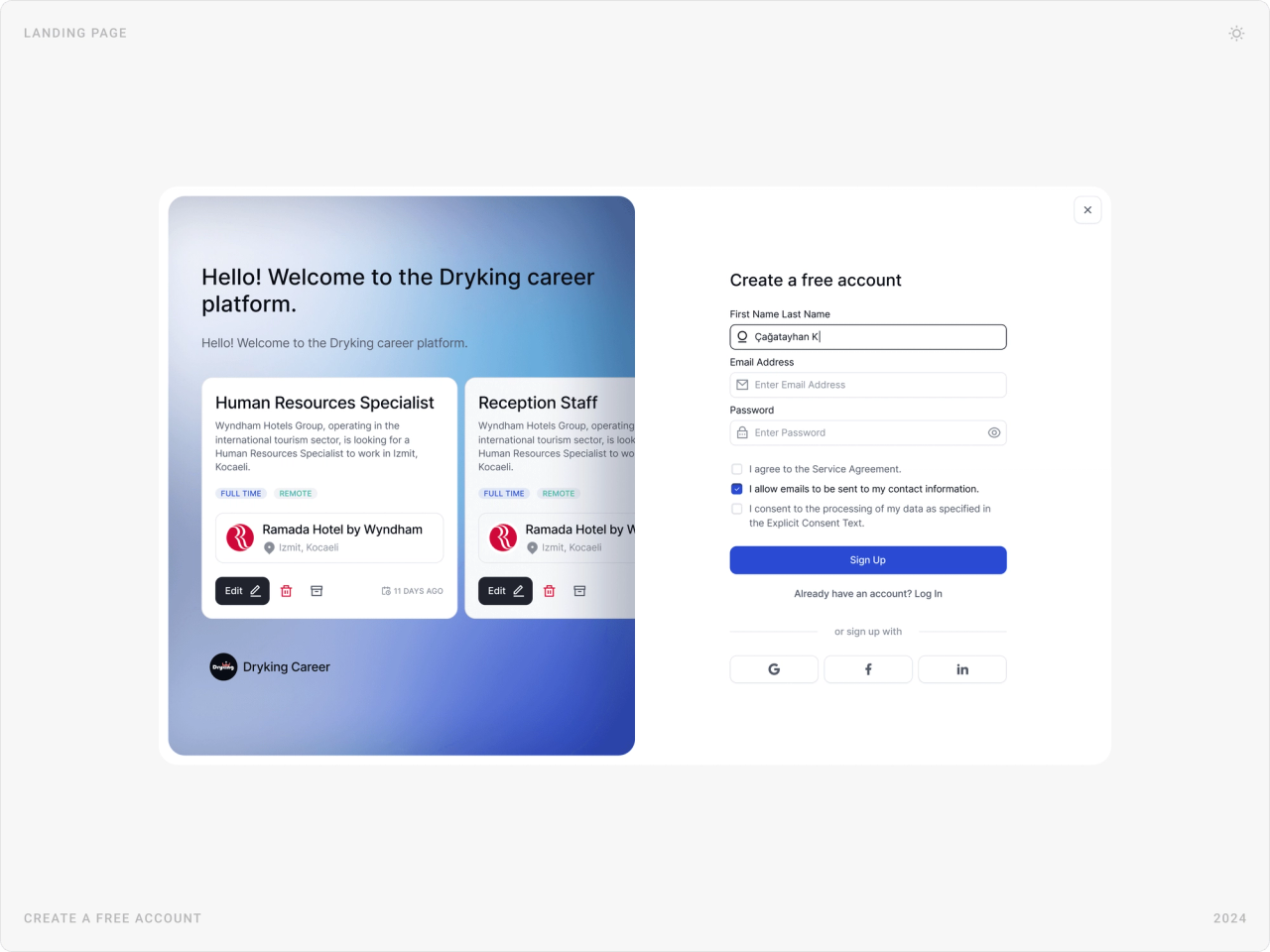
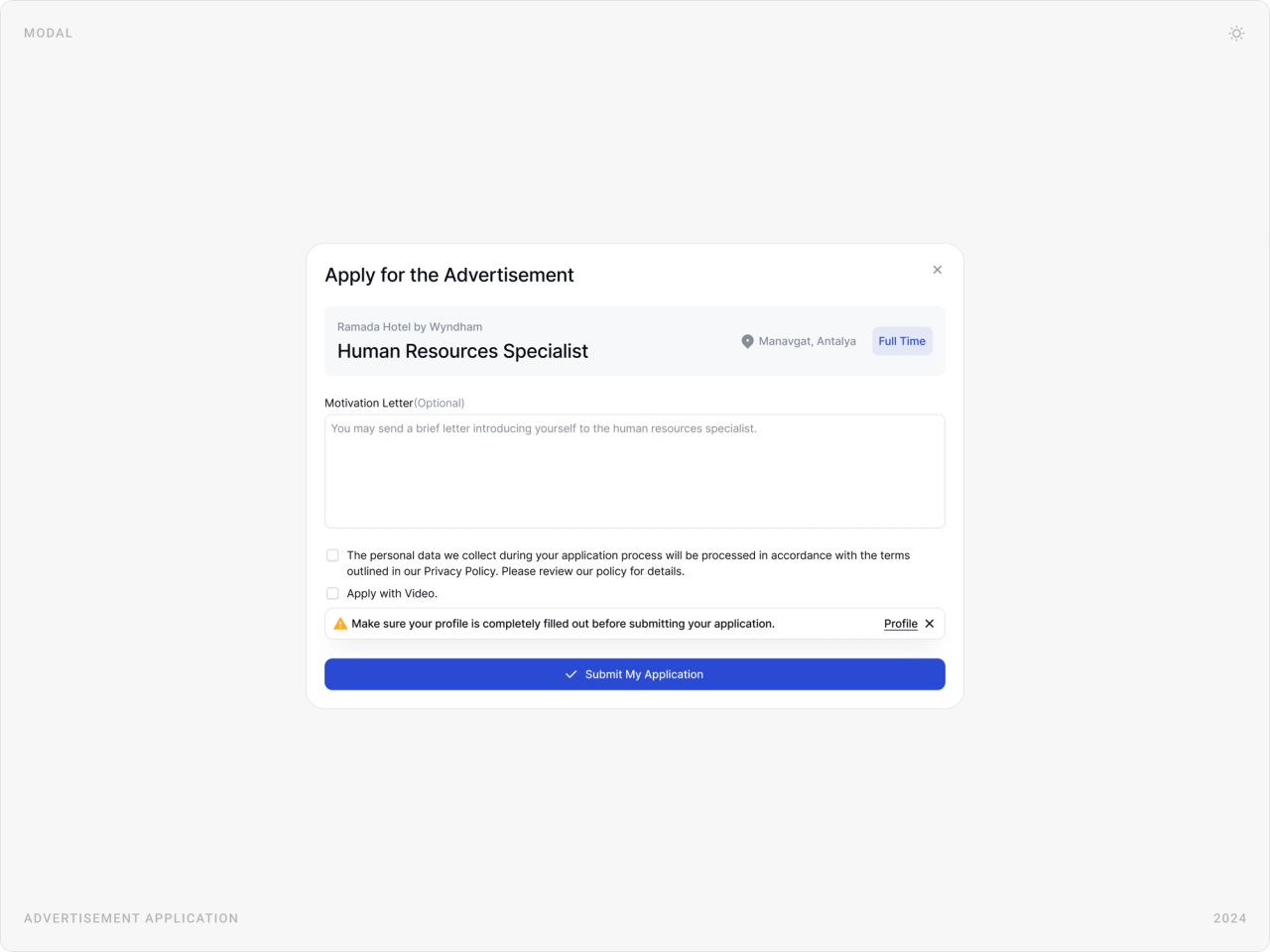
Sign-up is a short form with Google, Facebook and LinkedIn options, next to real job cards so people see what they are signing up for. Applying opens a single modal: the job, an optional letter, consent, an apply-with-video option and a reminder to complete the profile.
Employer dashboard
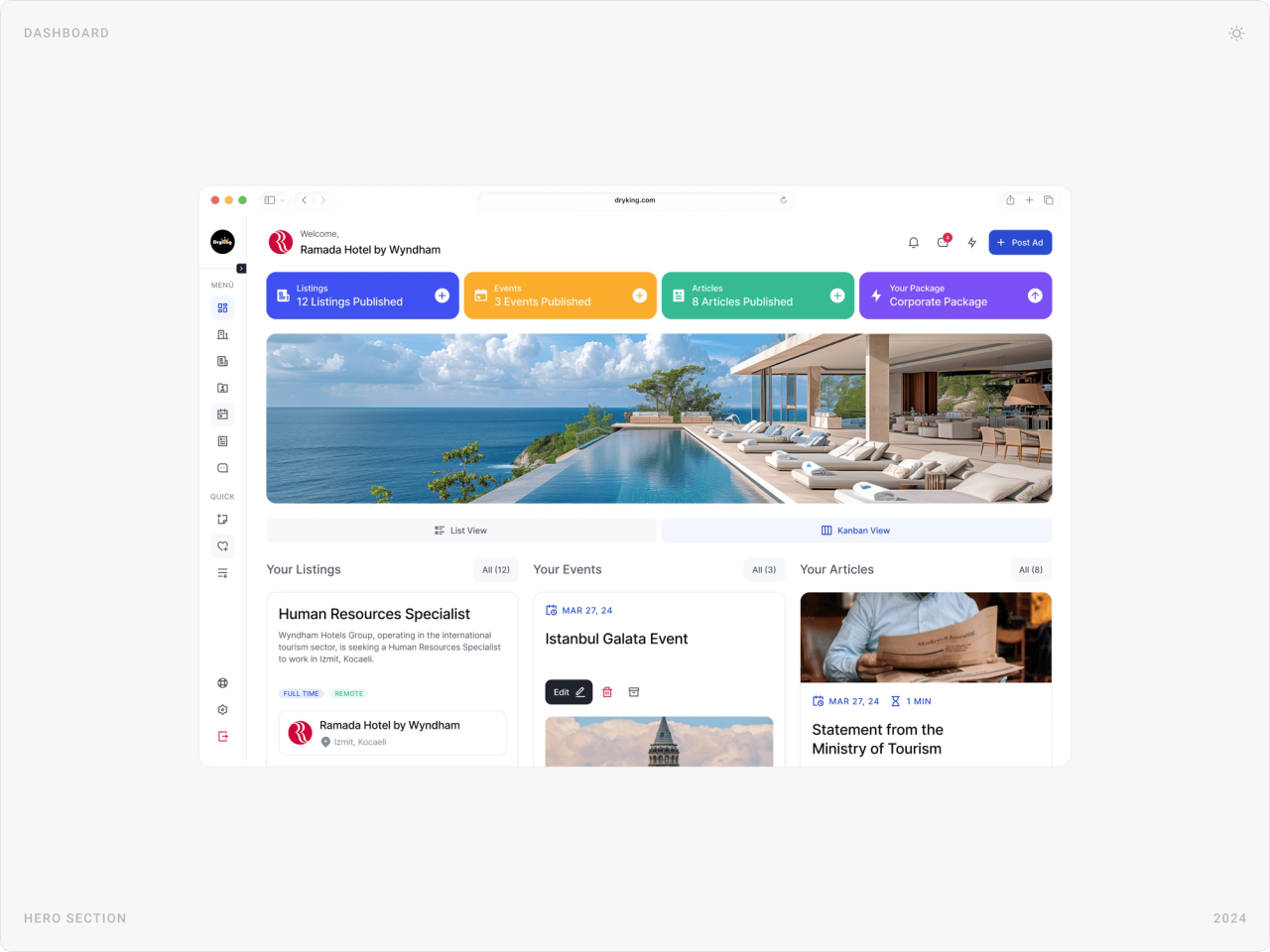
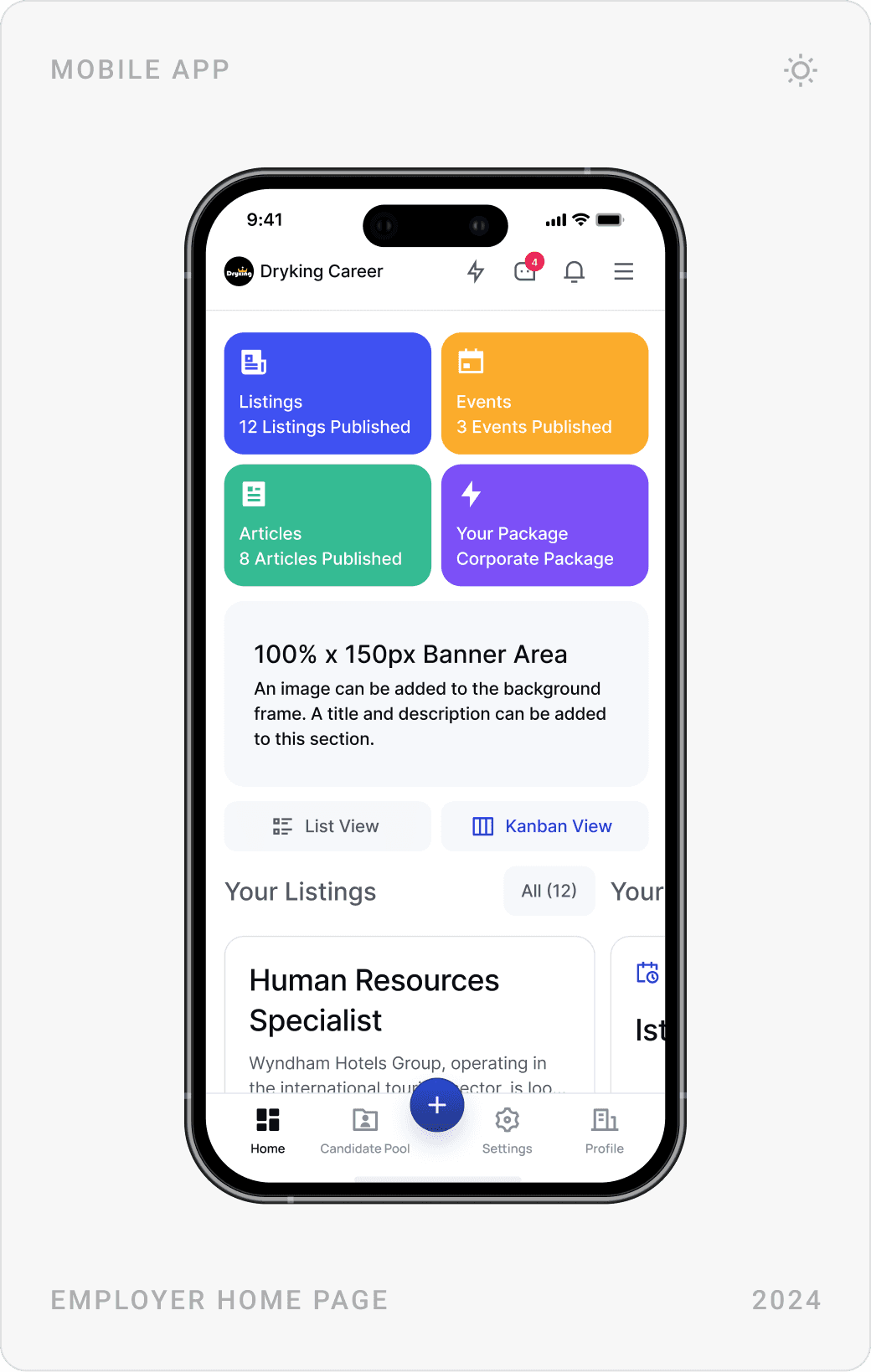
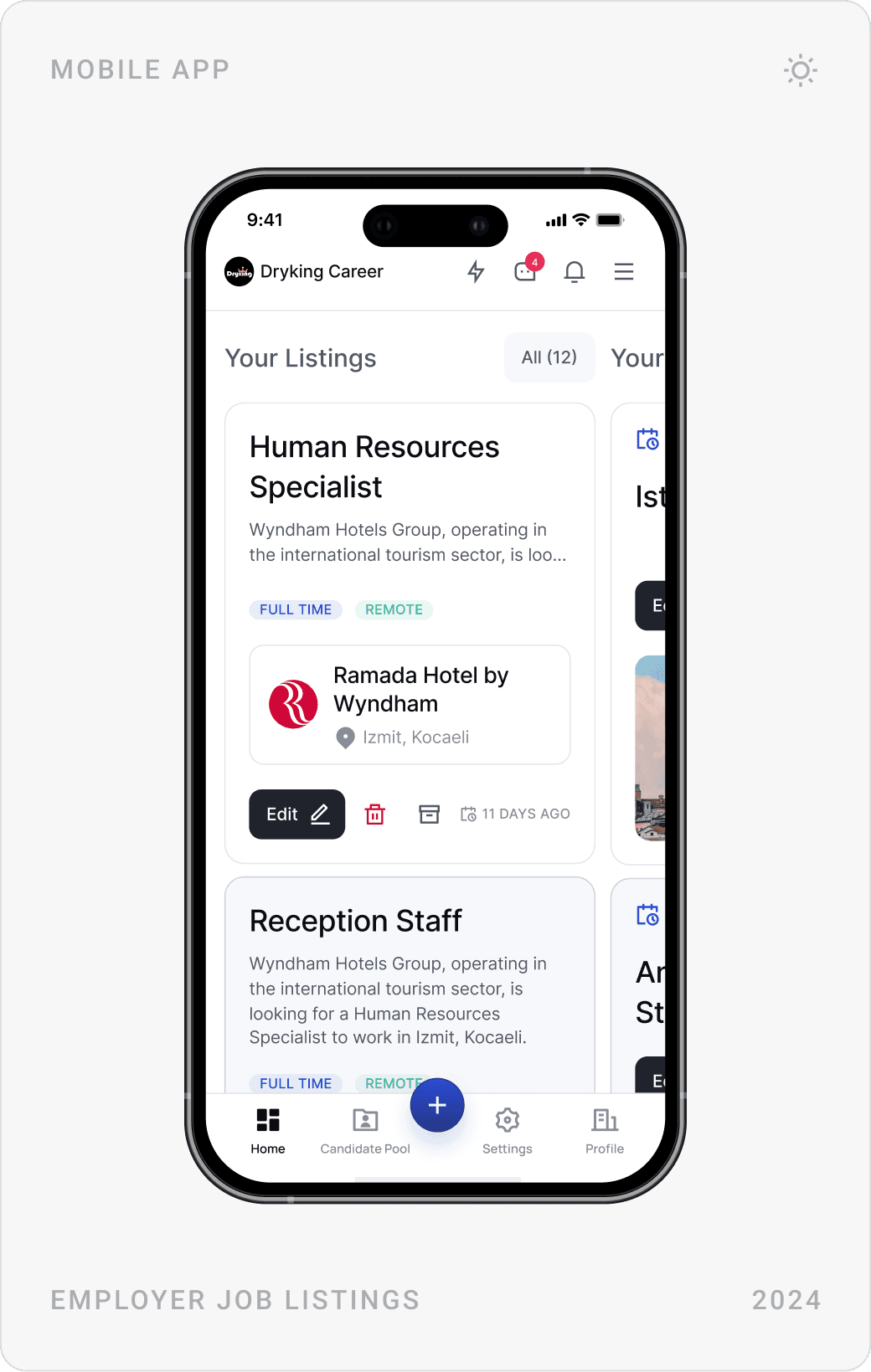
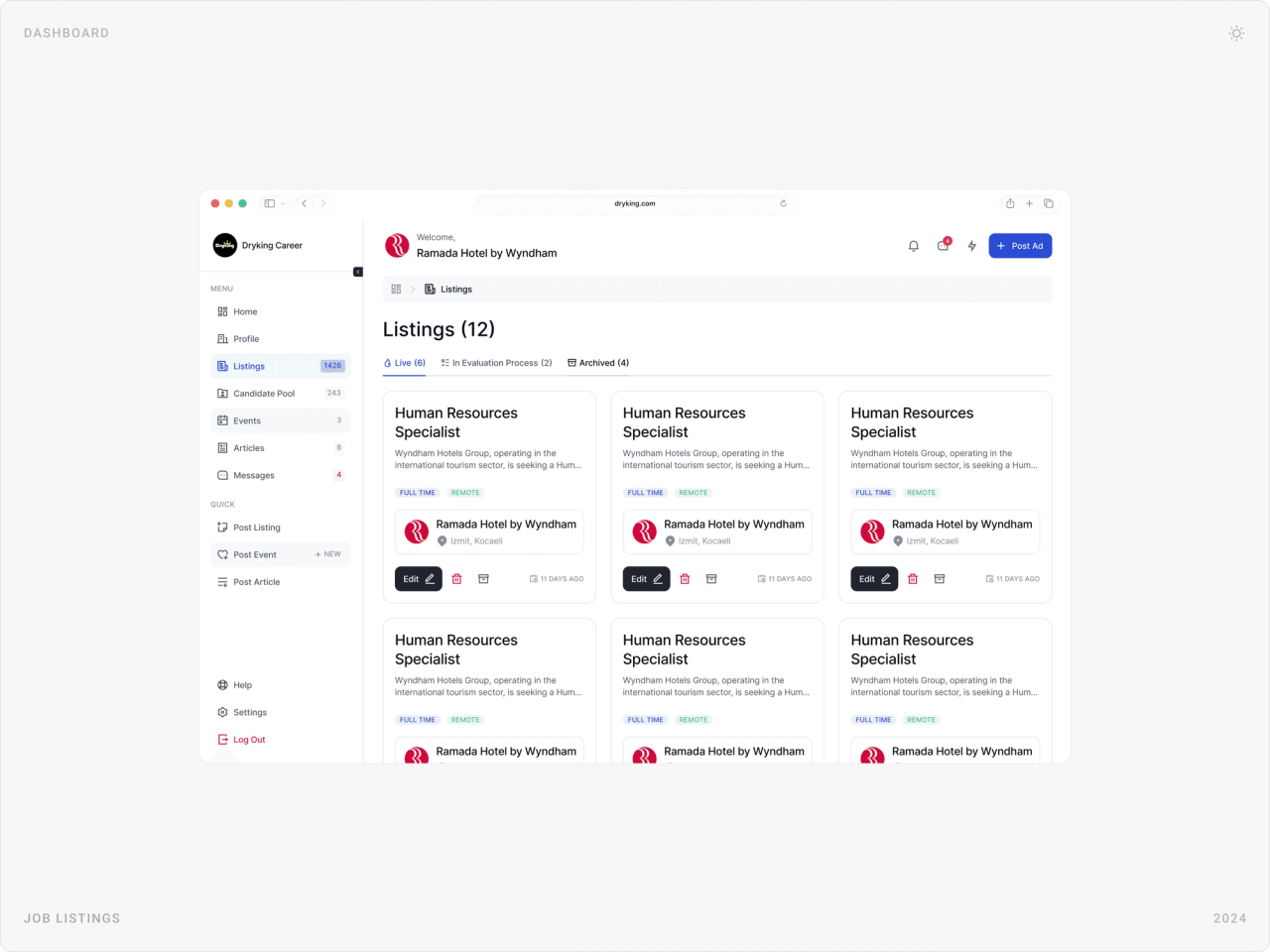
Hotels land on a dashboard with four colour-coded tiles, listings, events, articles and their package, and their content below in list or Kanban view. Listings are grouped as live, in evaluation and archived, and each card can be edited, deleted or archived in place.
Candidate pool and profiles
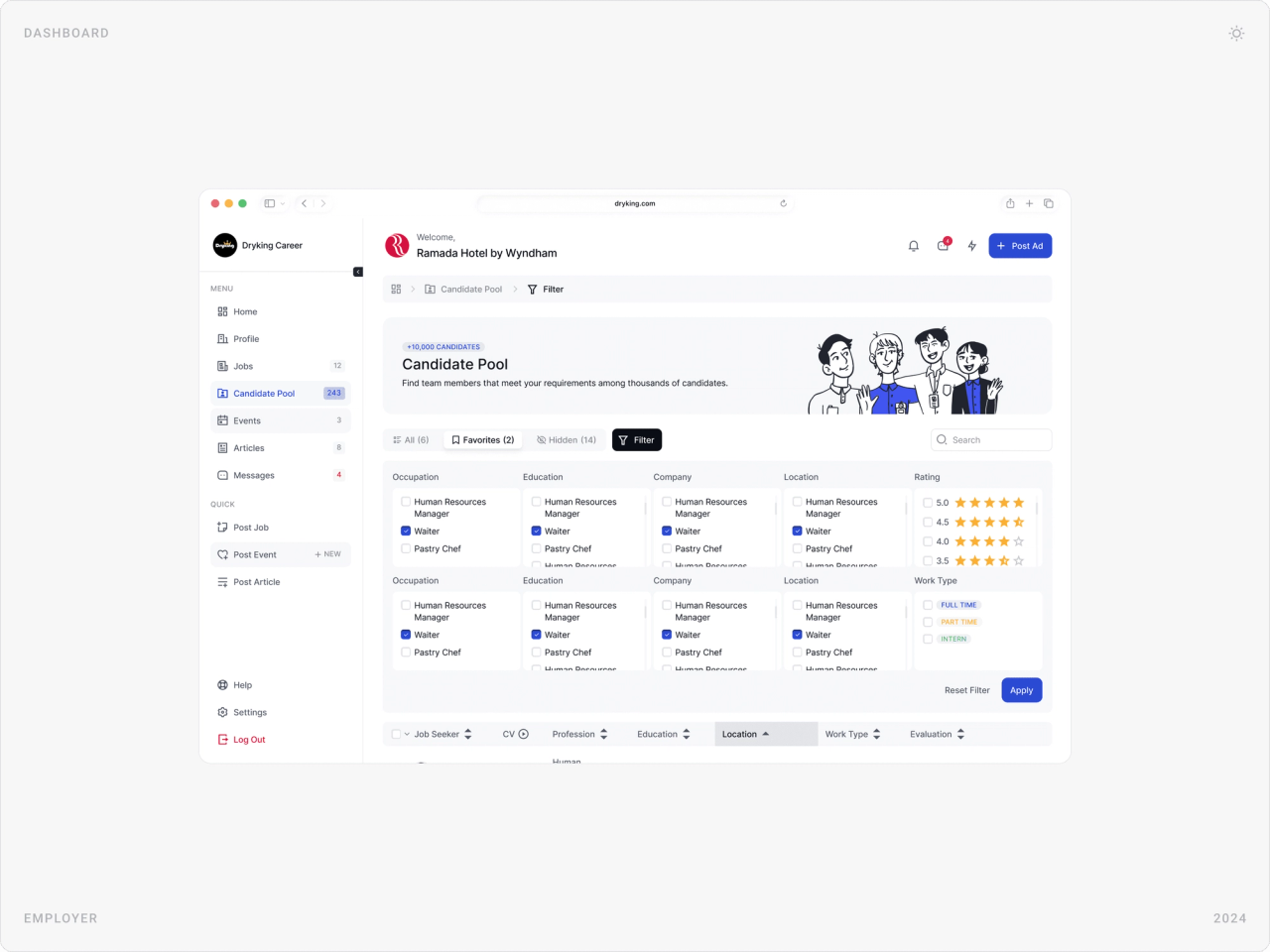
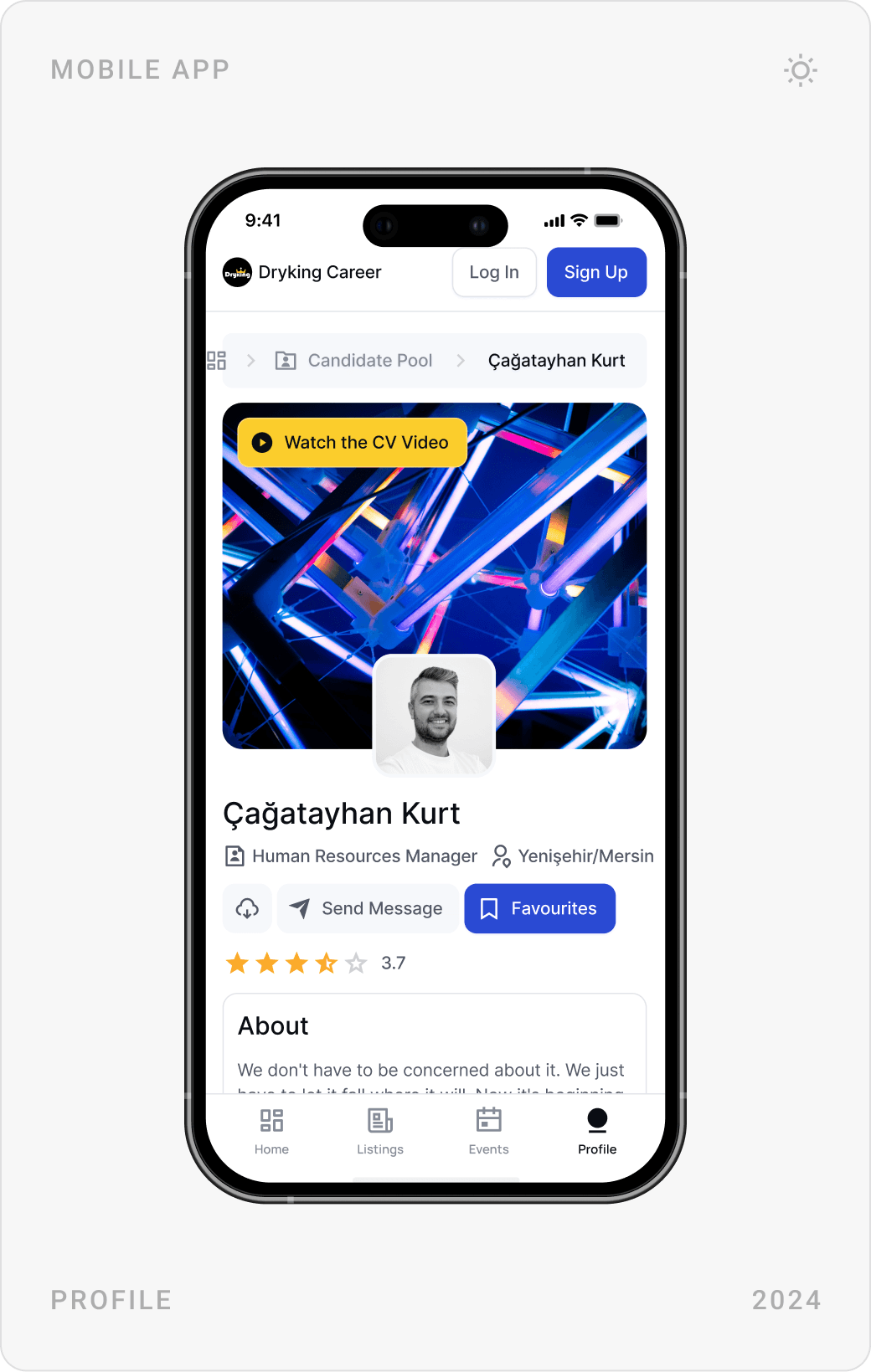
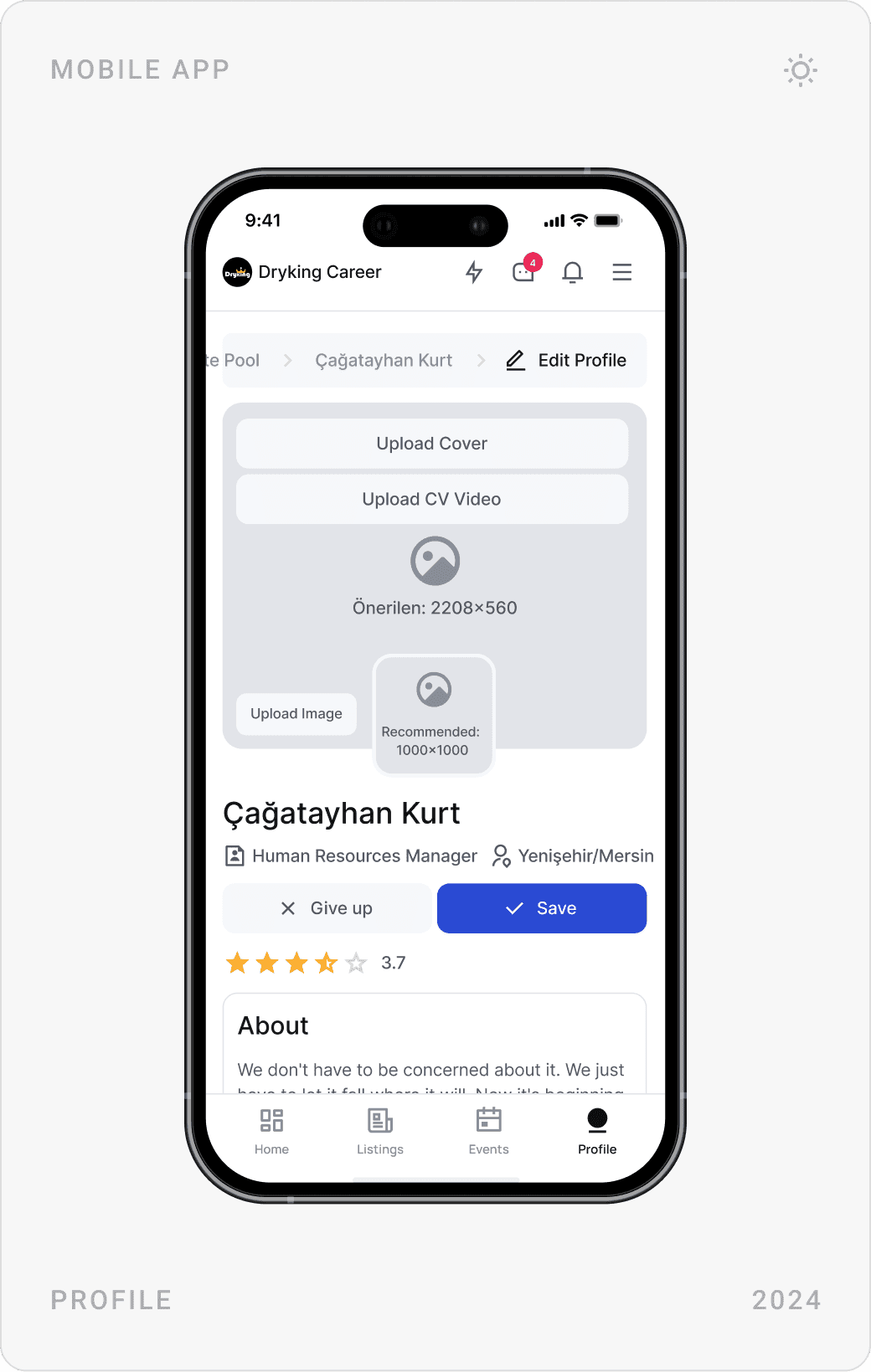
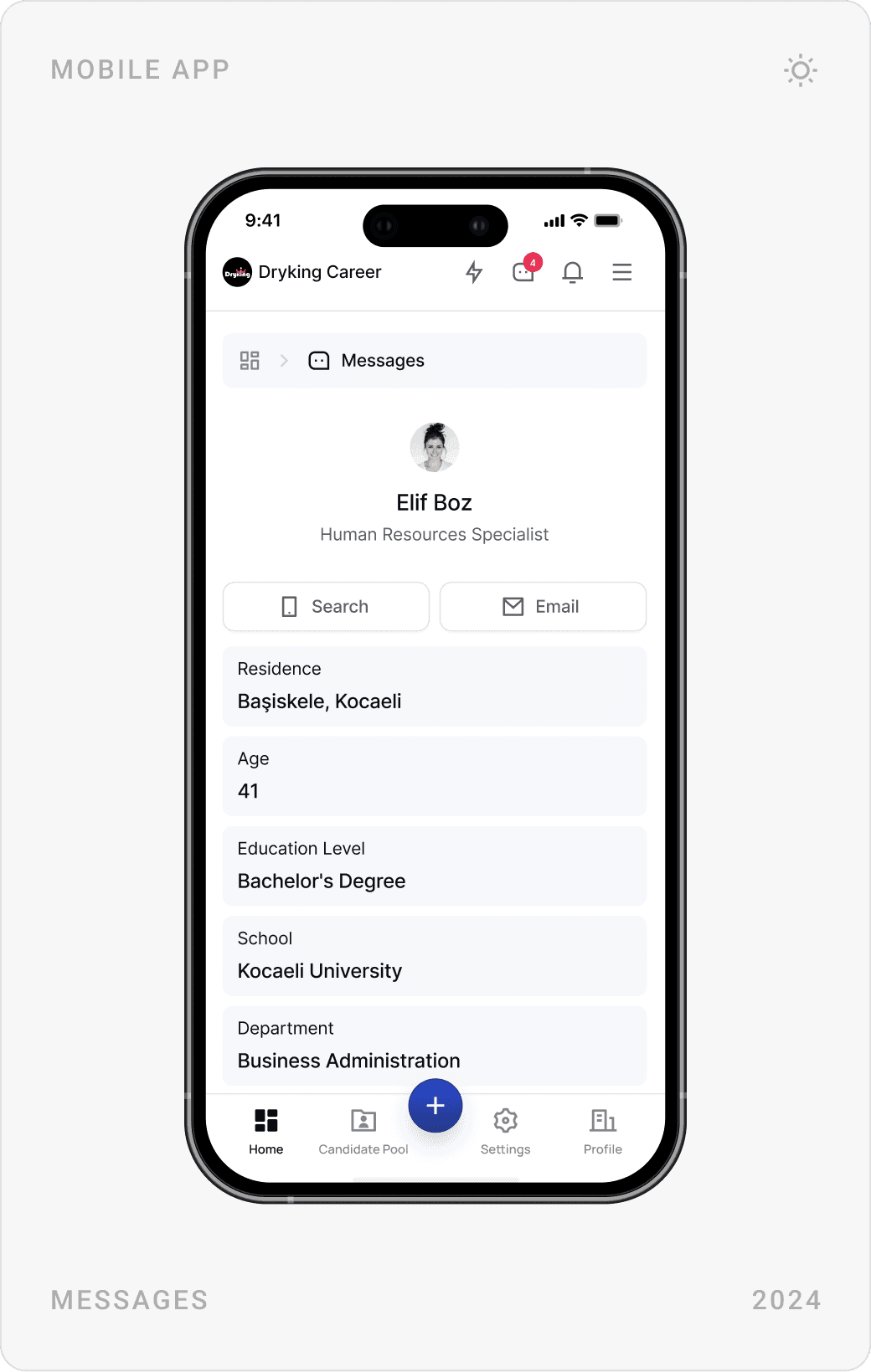
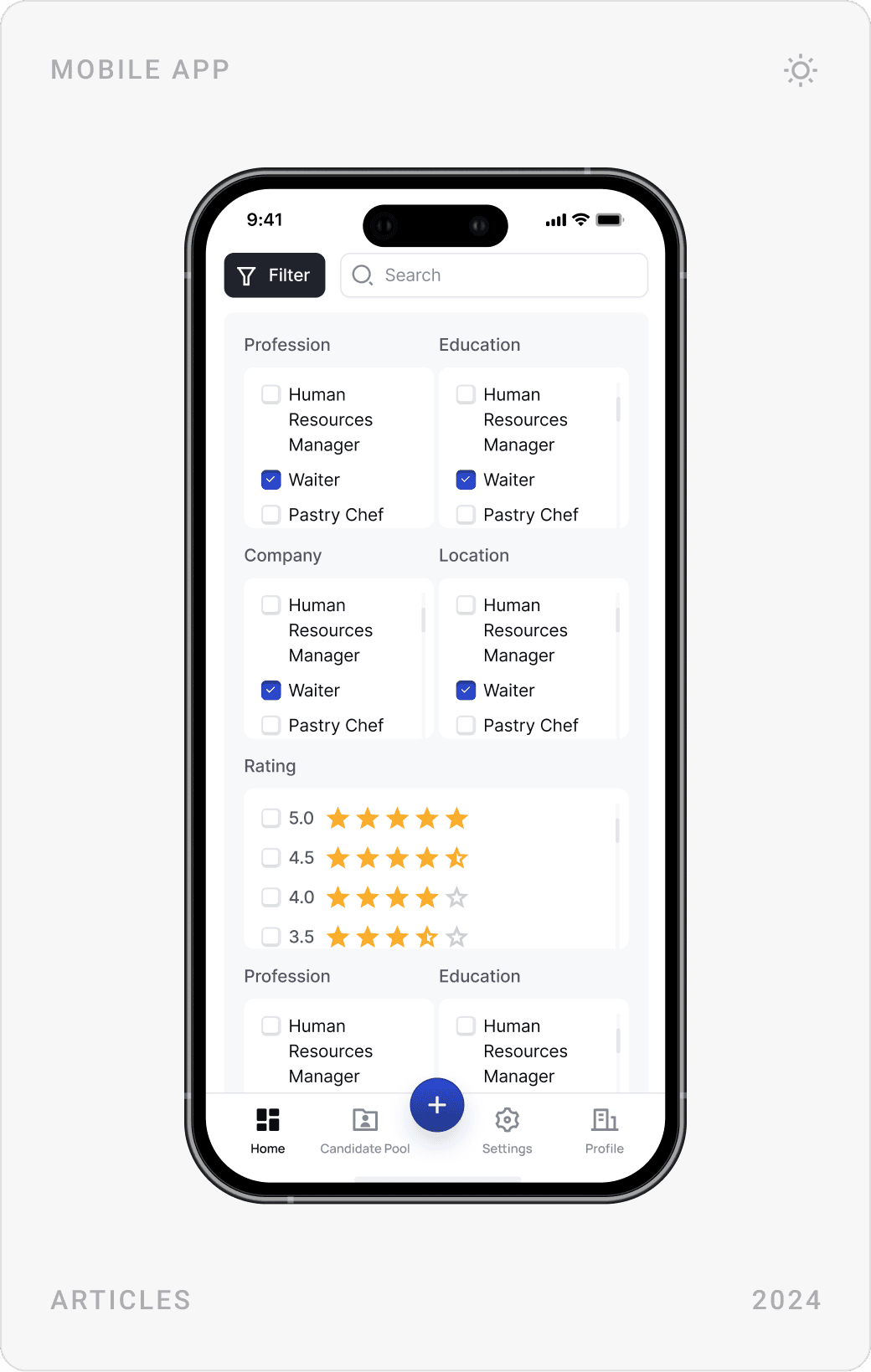
HR teams need candidate pools they can filter and sort. The candidate pool filters by occupation, education, company, location, rating and work type, with favourites and hidden lists, and a sortable table. Each profile shows the role, location, rating and a CV video, with buttons to message or save.
Messaging
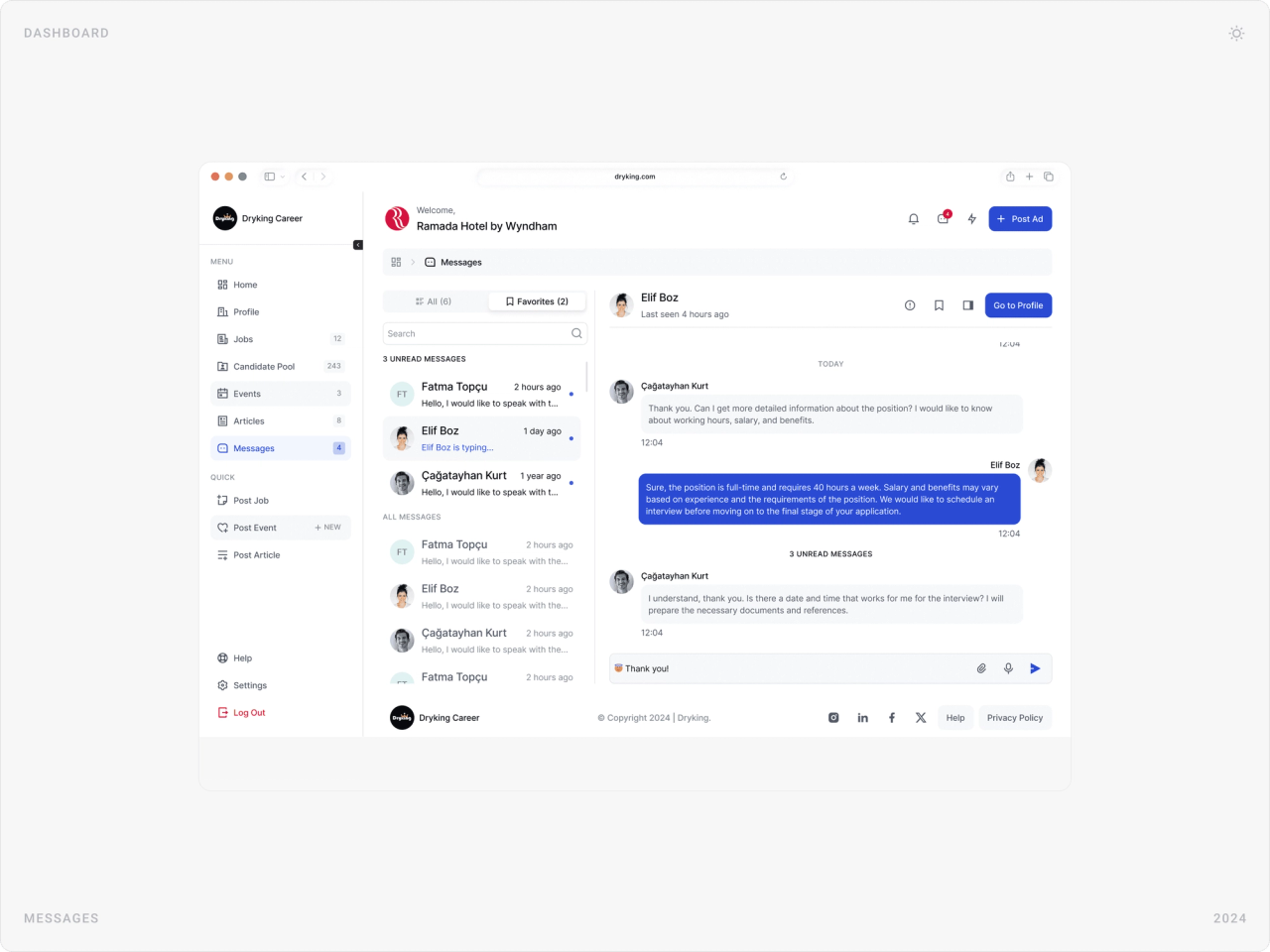
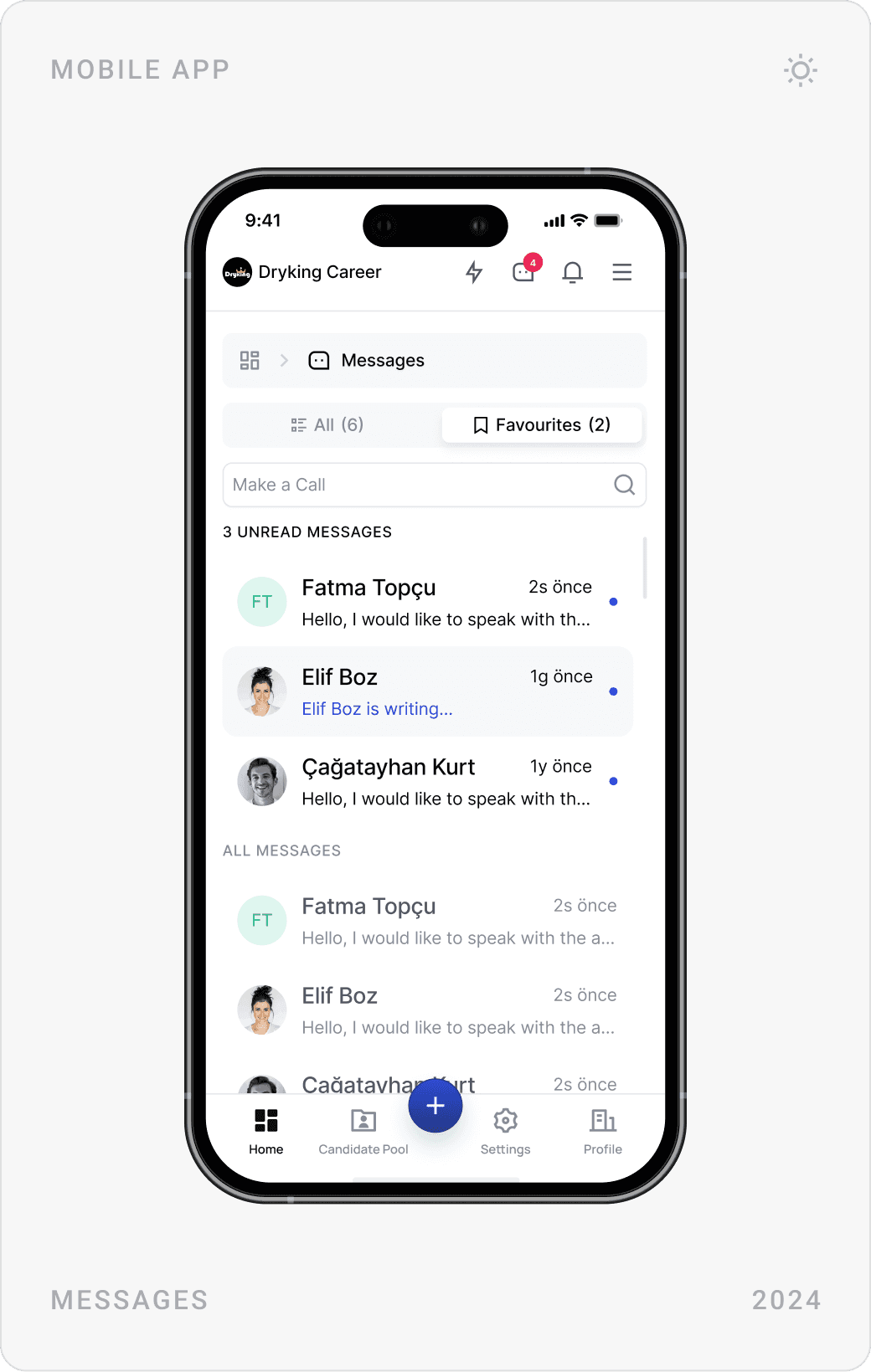
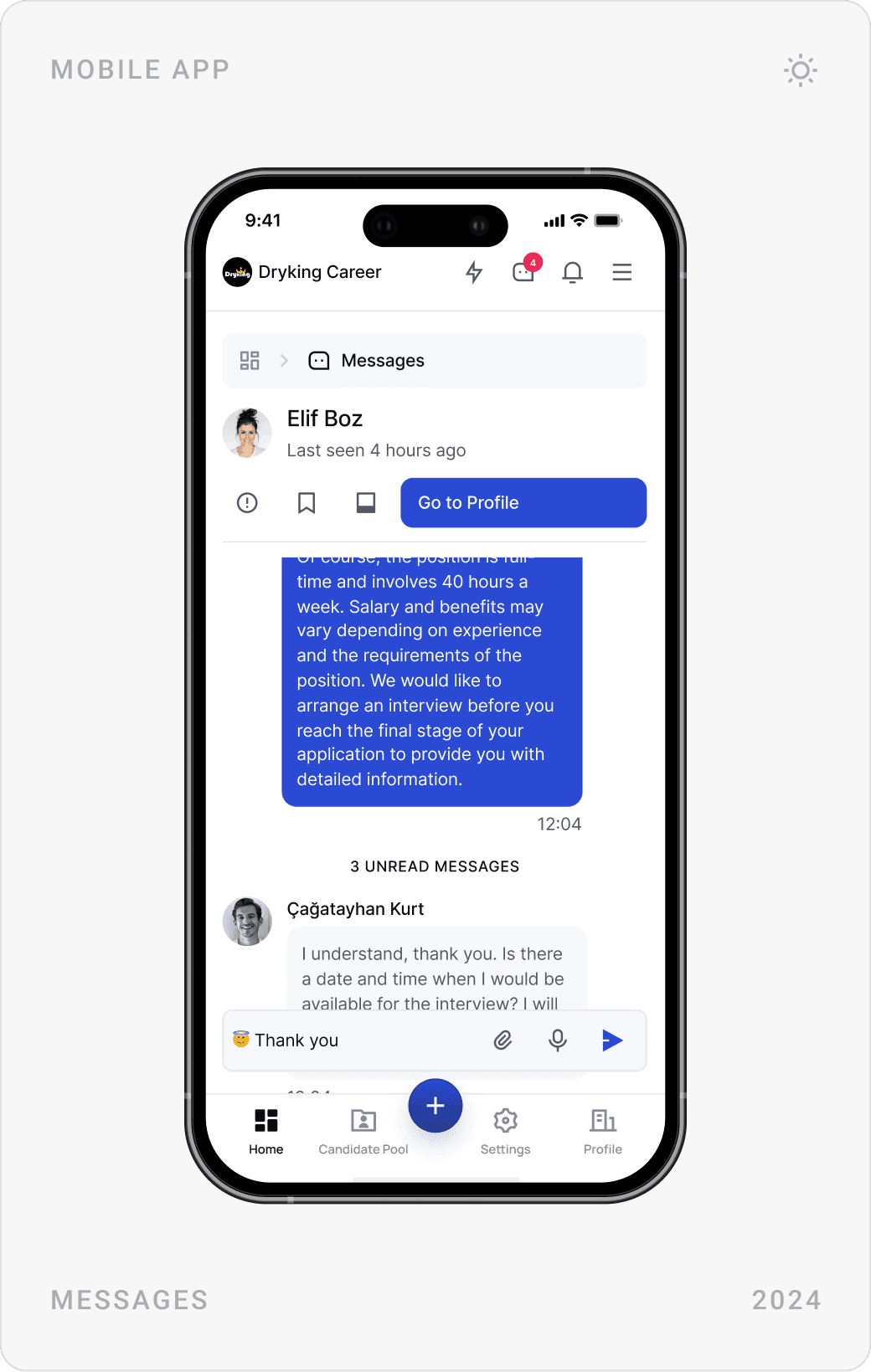
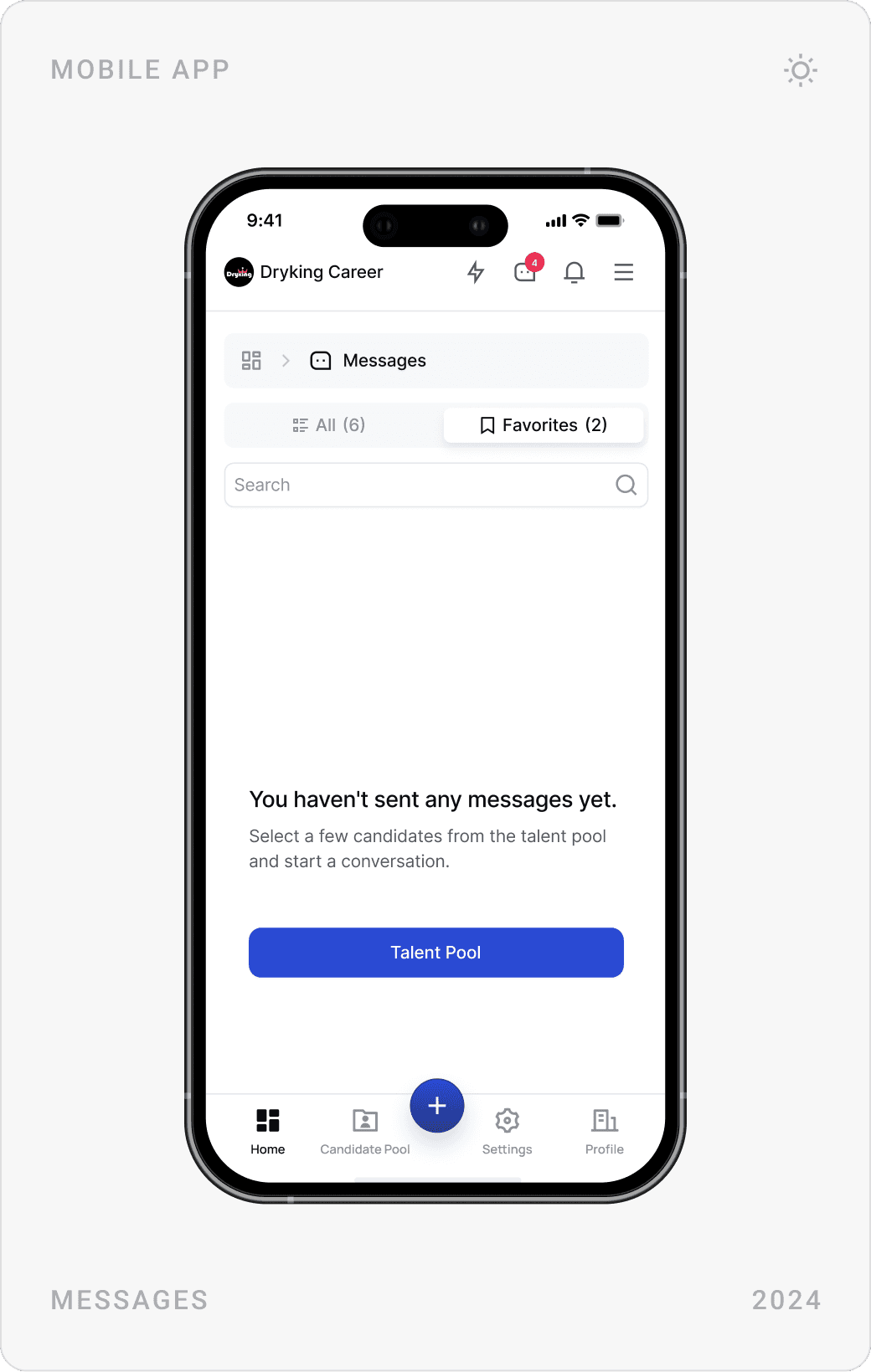
A built-in messaging module connects HR teams and applicants without email or a separate channel. Unread conversations come first, and a Go to Profile button keeps the candidate’s details one click away during the chat.
Articles, events and membership
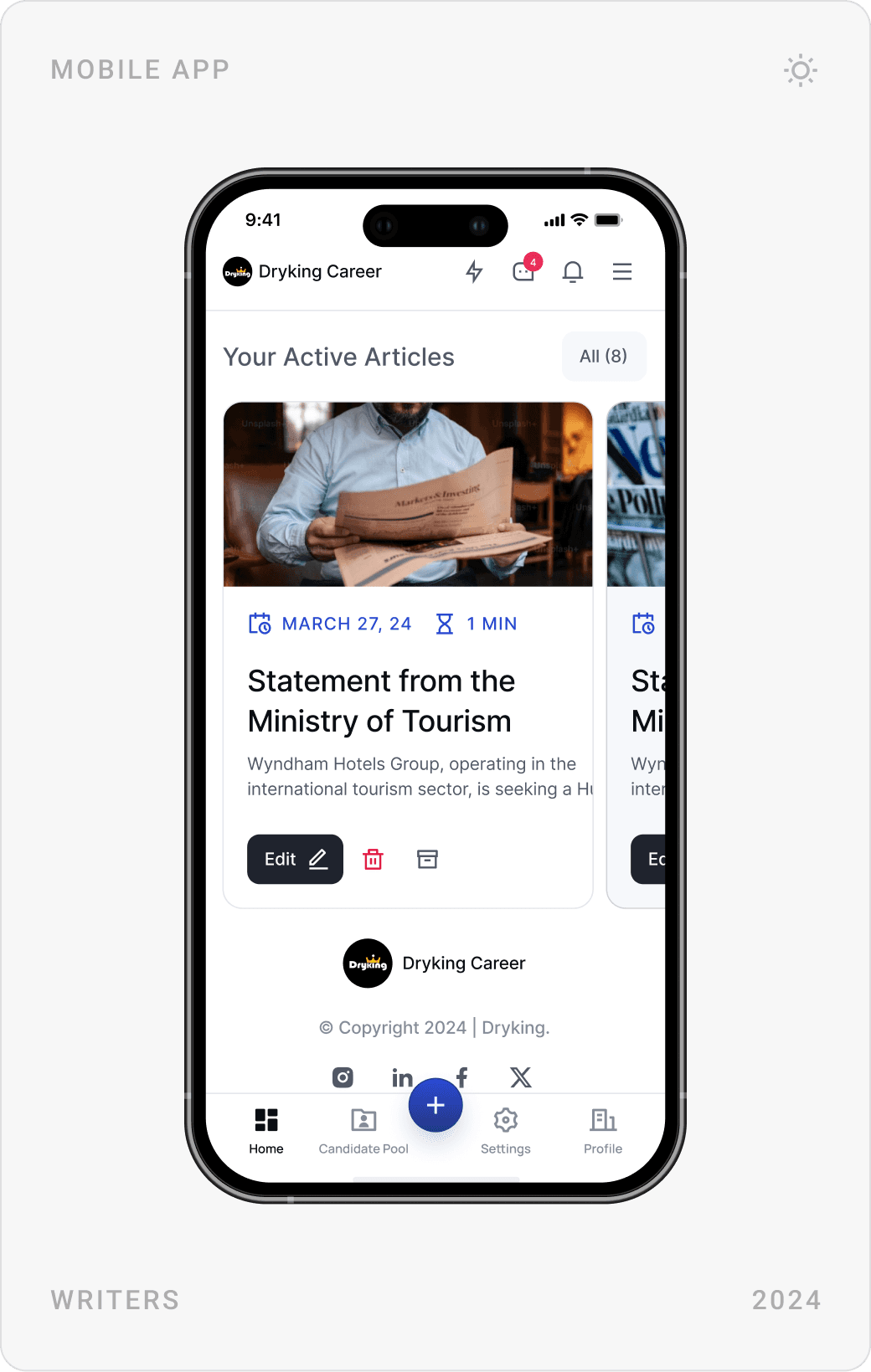
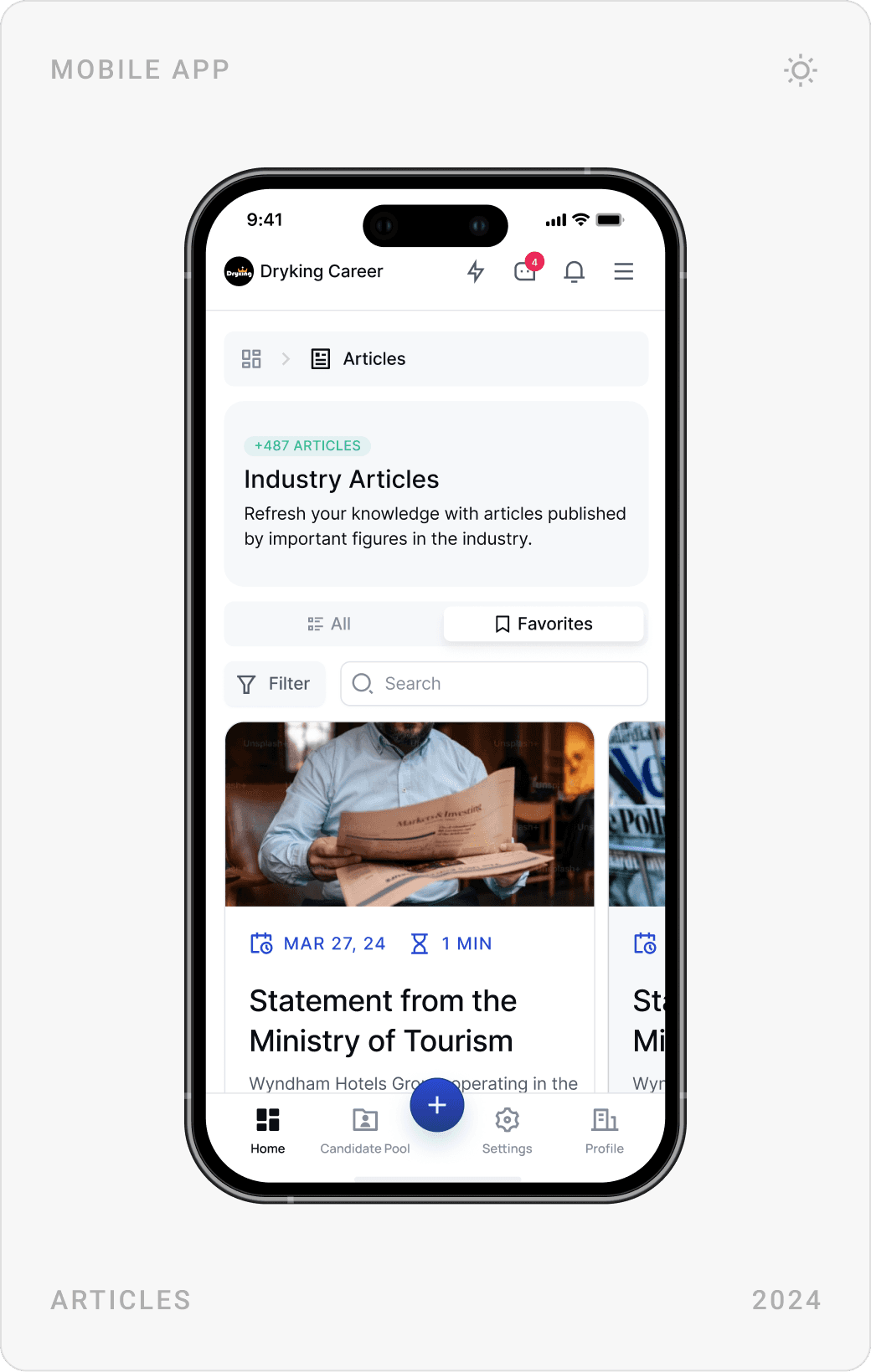
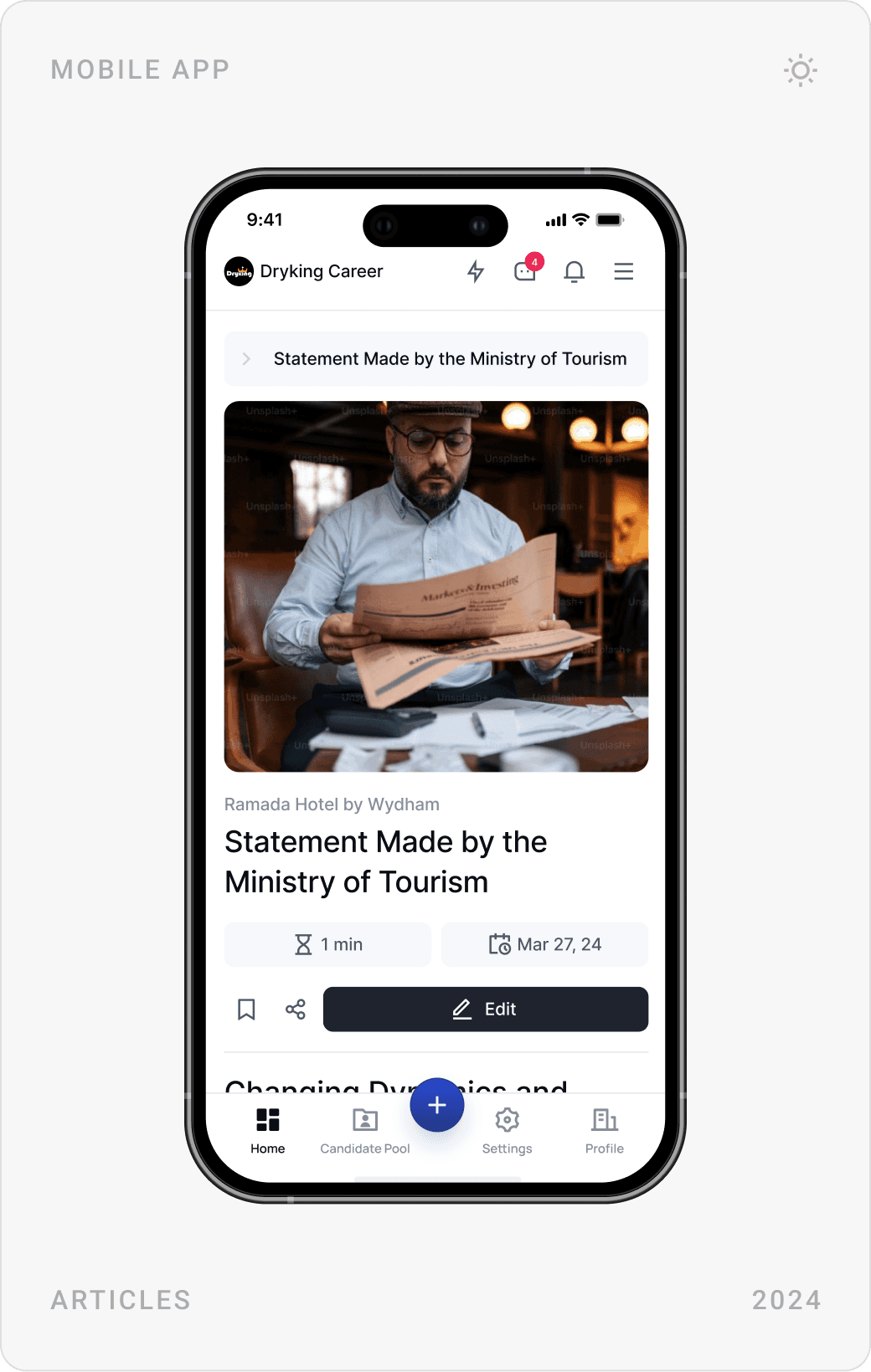
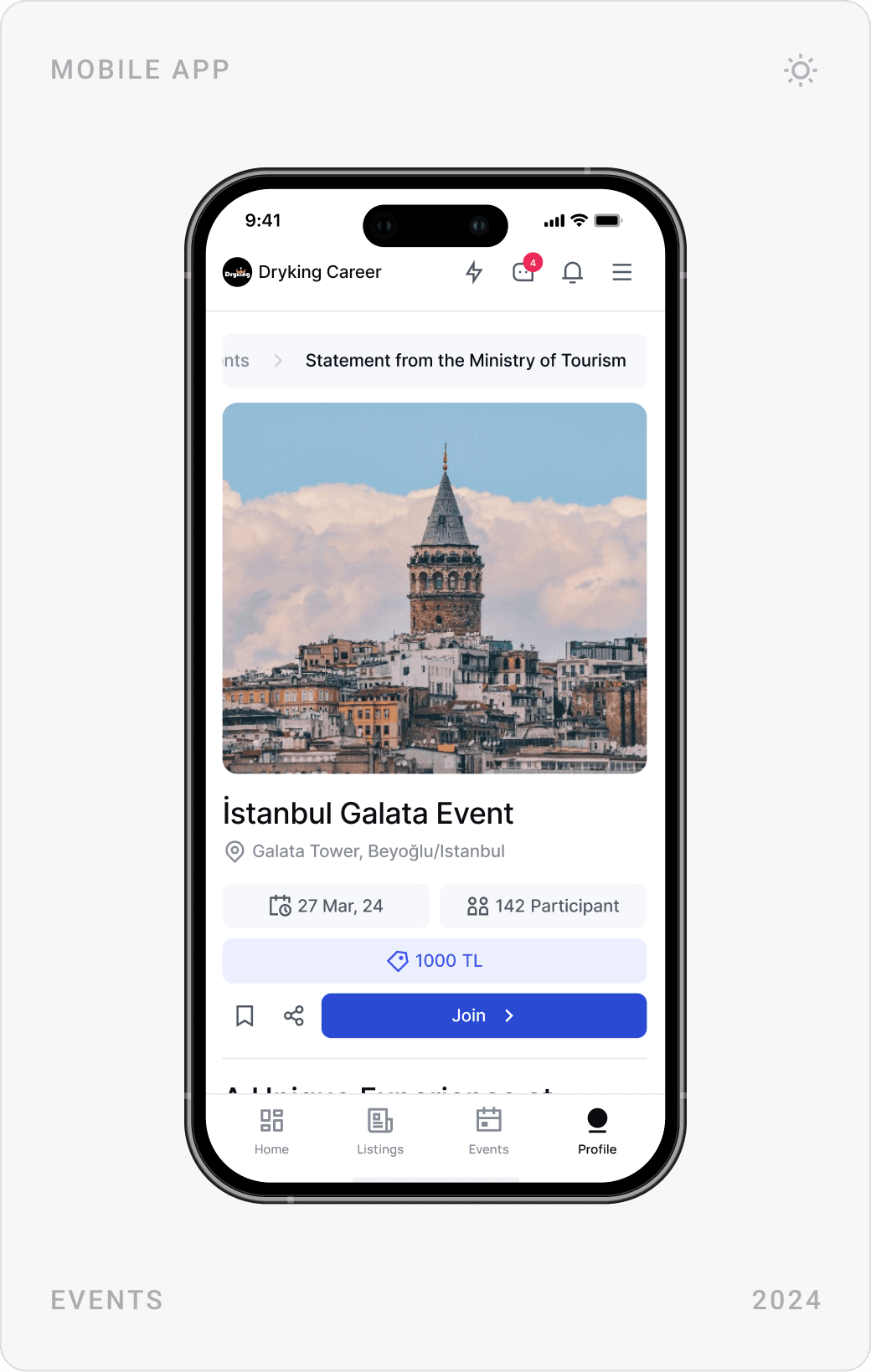
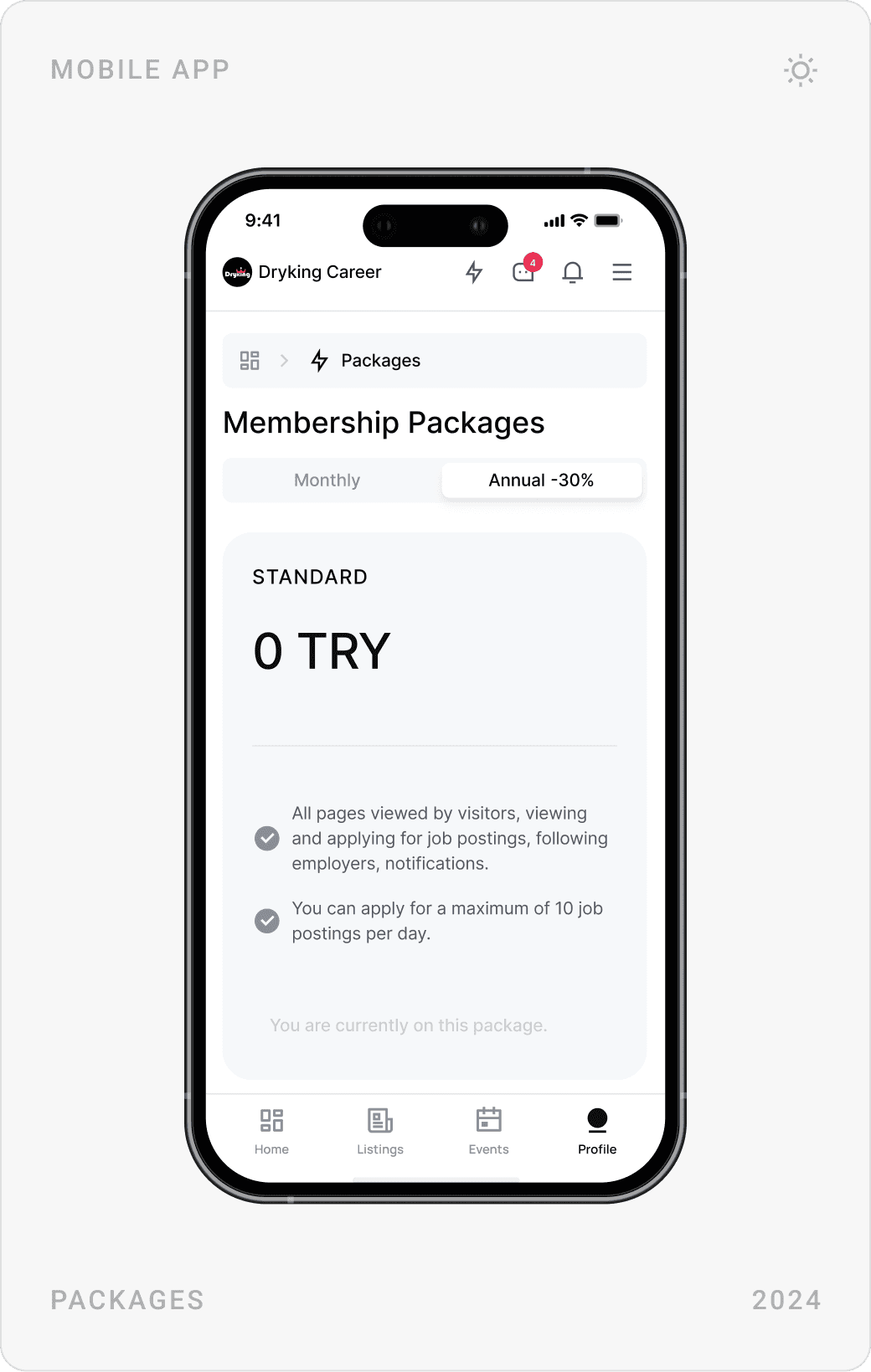
Employers can publish industry articles and events such as career meetings, and candidates can browse and join them. Membership packages, monthly or annual, show exactly what each plan includes and which one is active.
Settings and company pages
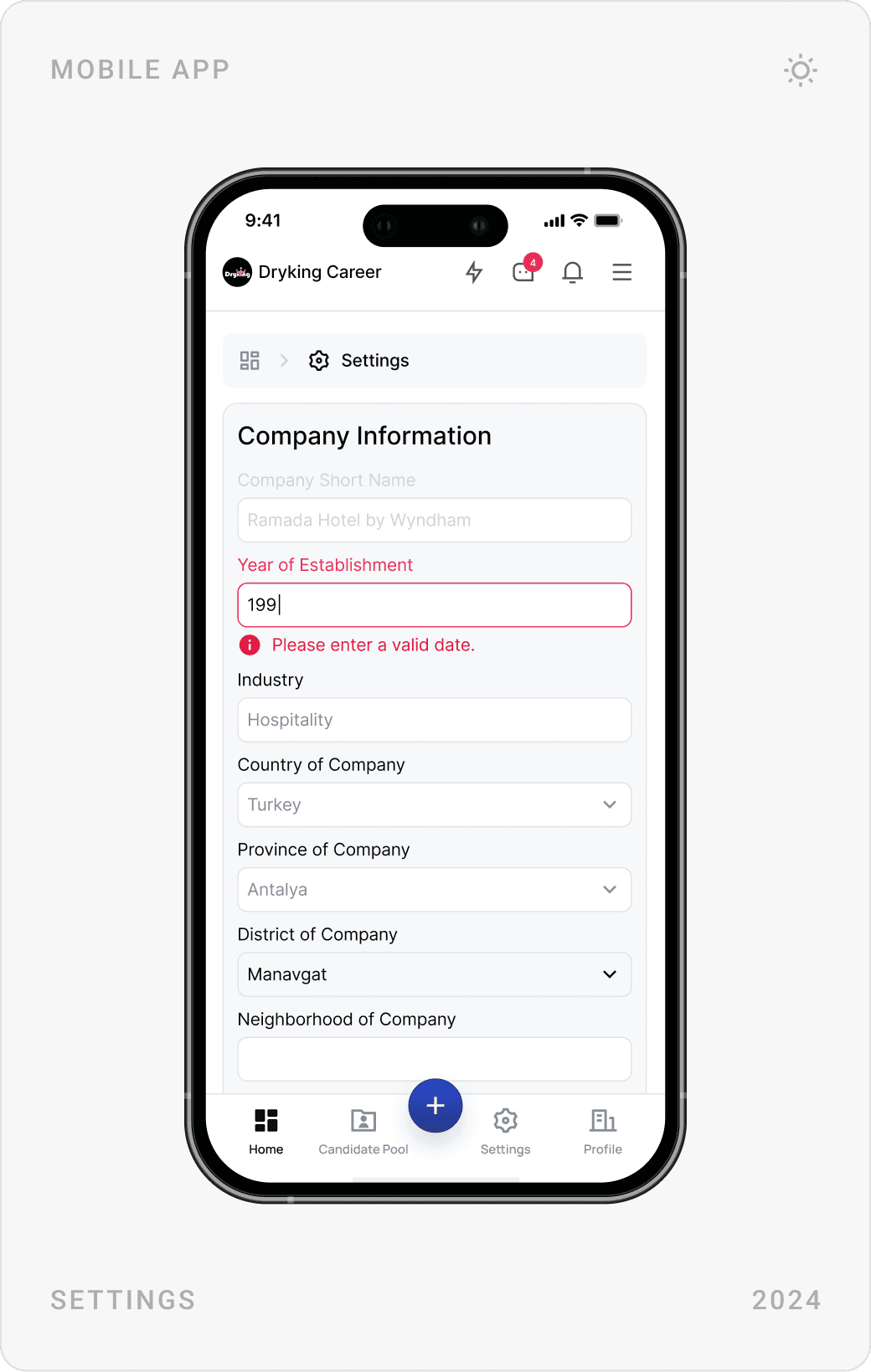
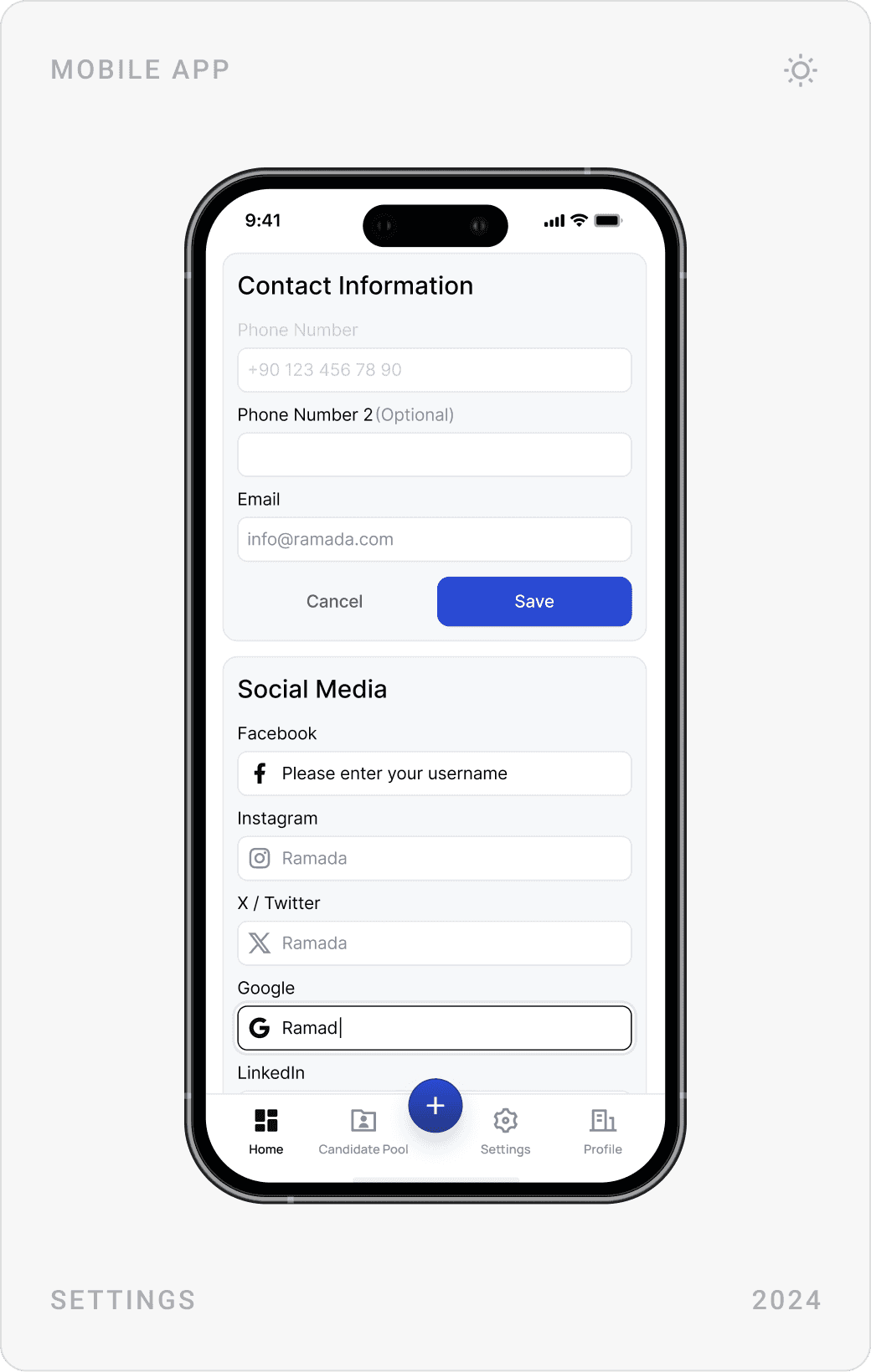
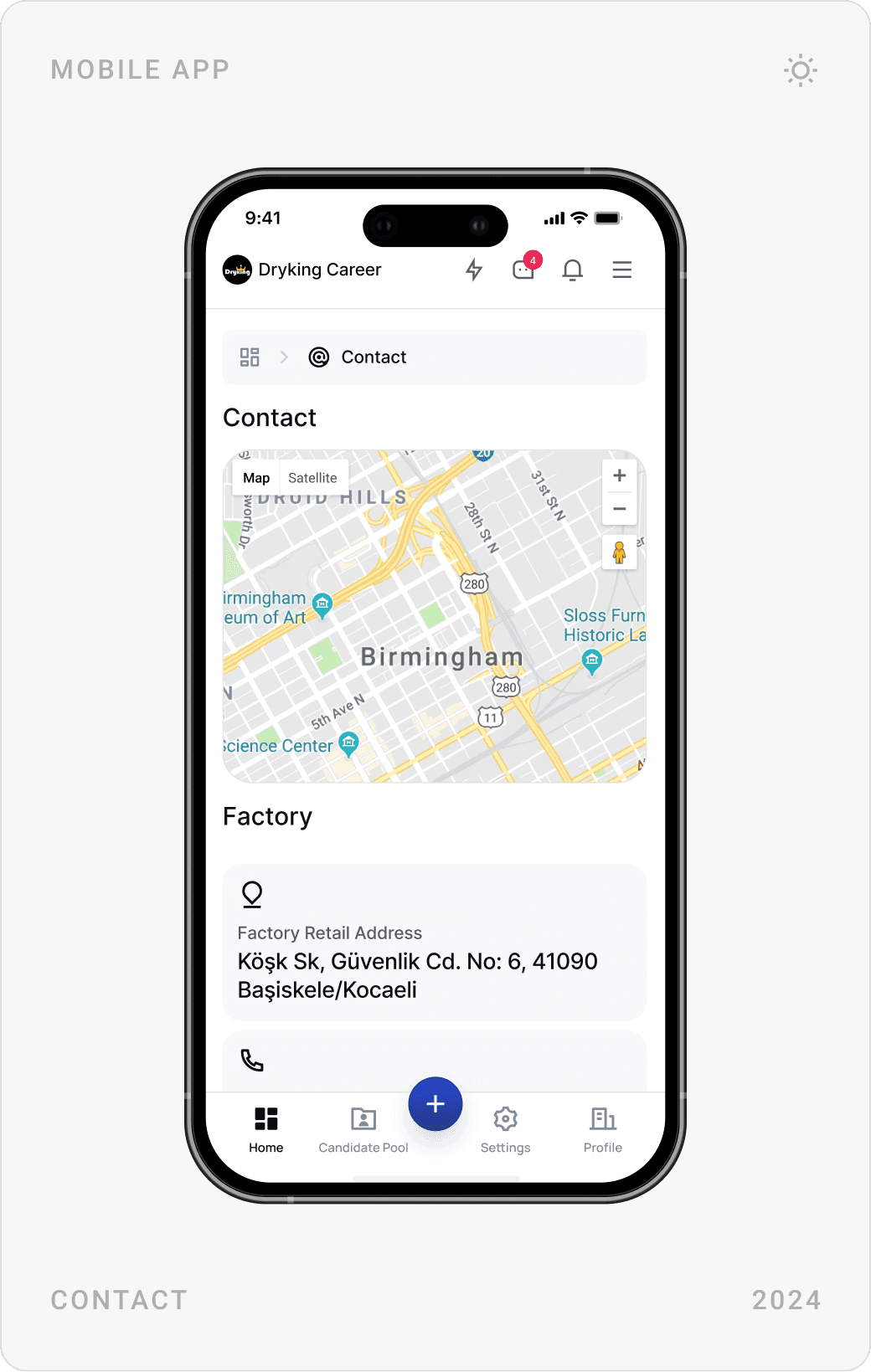
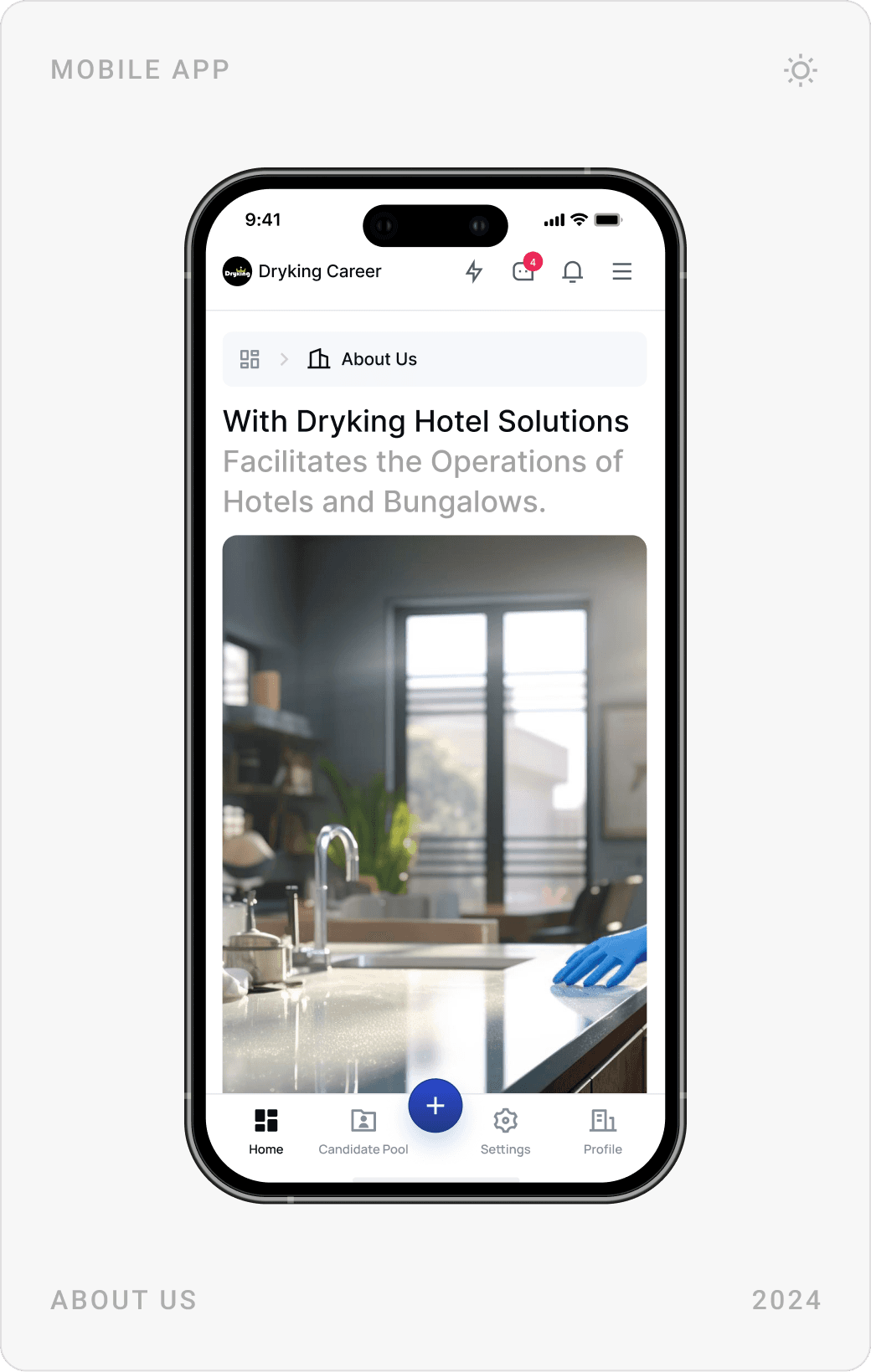
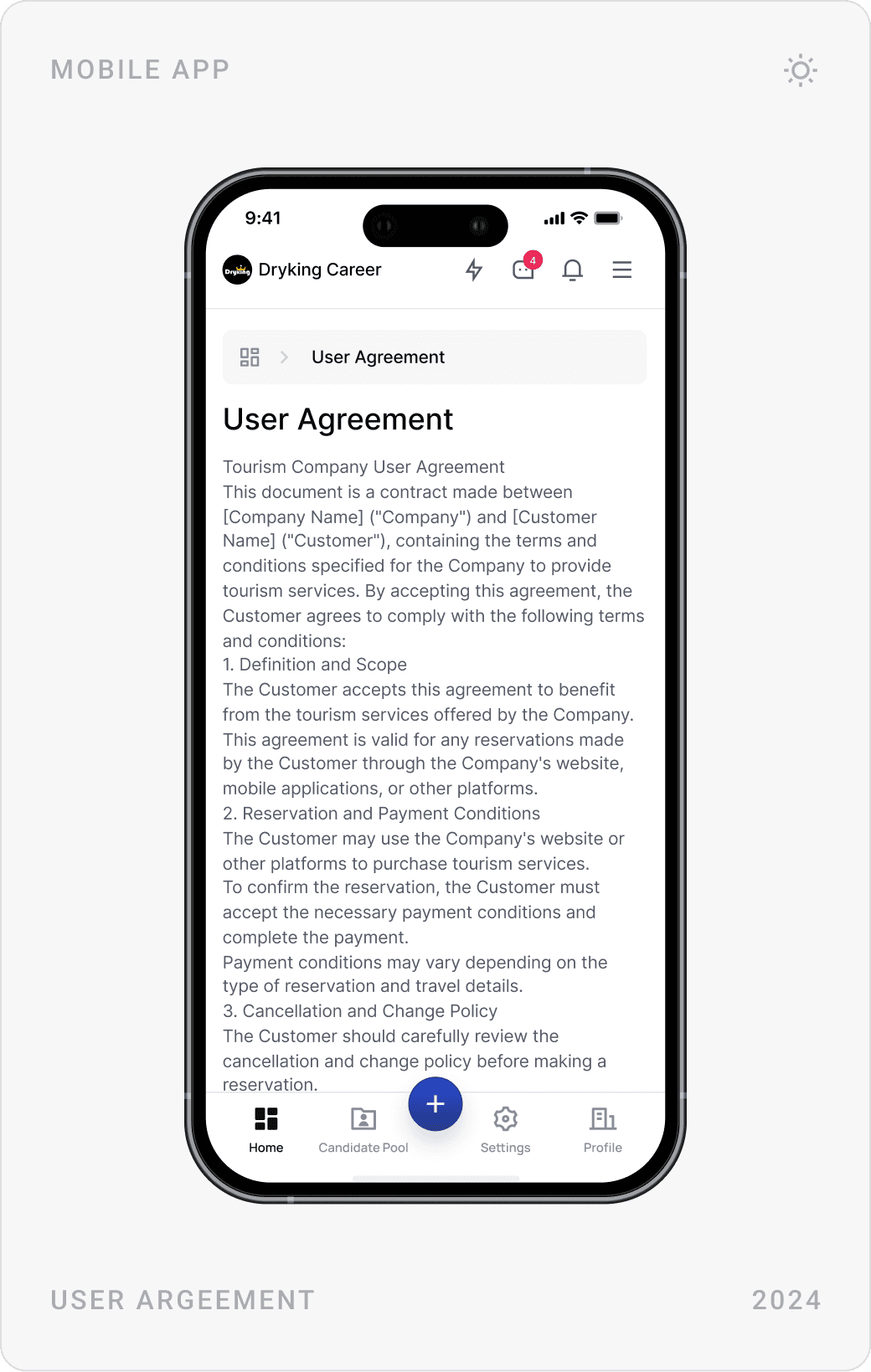
Company information, contact details and social links live in short, grouped settings forms. Contact, about and user agreement pages use the same components, so even the quiet corners of the product feel consistent.
Results
- Internal HR teams praised the Kanban view for its clarity and speed.
- The dashboard was well received by both corporate HR clients and government partners.
- A scalable UX system that is now used for ongoing feature rollouts.
- One consistent experience across candidates, HR teams and admins, on web and mobile.
Key takeaways
- For frontline jobs, search by role and place beats any clever navigation.
- Ask for the profile once; make every application one click.
- Dense data needs calm UI: white space, cards and a view switch.
- Shared components let three roles feel like one product.
FAQ
What is Dryking Career?
Dryking Career is a recruitment platform for the tourism and hospitality sector. Candidates search jobs by role and location, build a CV once and apply in one click; hotels and other employers publish listings, events and articles, search a candidate pool and message applicants directly.
What did you design for Dryking?
The whole product experience on web and mobile: the landing page and job search, sign-up and one-click apply, candidate profiles, the employer dashboard with listings, Kanban view and candidate pool, messaging, events, articles, membership packages and settings, plus the design system behind them.
How long did the project take?
About three months in 2024, covering UX, UI and the design system for both the candidate and the employer side.
How do you design a job platform for hospitality workers?
Start with search by role and location, because that is how seasonal workers look for jobs. Let people build a profile once and apply in one click, keep forms short and language plain, design mobile first, and give employers filters for what they actually hire on: location, availability, work type and ratings.
Can you design a SaaS platform or dashboard for my company?
Yes. I work with early-stage AI, SaaS, fintech and Web3 teams on product UI, dashboards, websites and design systems. Book a call or send a message from the contact page.
Have a product to design?
I help teams turn complex products into websites and interfaces people understand in seconds. Tell me about yours.