Guard Wallet · Case study · 4 min read
Guard Wallet: a multi-device crypto wallet and asset protection dashboard for Web3 users
Guard Wallet is a multi-device crypto wallet built around asset protection: a mobile app, a browser extension and a responsive dashboard where users protect single assets or whole wallets. I designed the product end to end so that powerful crypto features stay simple enough for beginners and fast enough for experienced traders.
Guard Wallet has been discontinued. This case study documents the design work completed for the product.
- User Experience Research
- User Interface Design
- Mobile App Design
- Design System
- Branding
At a glance
Challenge
Combine a full crypto wallet and strong asset protection in one product that beginners and advanced “degen” users can both trust.
Solution
A mobile wallet, a responsive protection dashboard with guided steps and a pre-sale landing page, all on one component system.
Outcome
A secure, multi-device wallet experience that balances advanced features with simplicity and makes protection easy to set up.
Deliverables
- Mobile wallet app
- Responsive protection dashboard
- Pre-sale landing page
- Onboarding & security flows
- Design system & components
- Branding
Overview
Guard Wallet is a multi-device crypto wallet that aims to make managing crypto simpler while protecting users’ assets. It spans a mobile wallet app, a browser extension and a responsive protection dashboard, plus a $GRDWLT token that users stake to increase how often their assets are checked.
I designed the product through my studio, Beew, over about five months in 2023: user research and competitor analysis, the full mobile wallet, the protection dashboard with its onboarding, a pre-sale landing page for early adopters and investors, and the design system that ties them together.
The challenge
Crypto wallets tend to be either simple and limited or powerful and intimidating. Guard Wallet needed to be both a full-featured wallet and a protection product, without making either feel complicated.
- Balance advanced crypto features with a simple, intuitive experience.
- Provide strong asset protection without hurting ease of use.
- Serve beginners and advanced “degen” users on the same platform.
- Keep the experience consistent across mobile, browser extension and dashboard.
Goals
- An easy-to-use crypto wallet with strong protection features.
- Advanced wallet functionality, tokens, NFTs, dapps, networks, swaps, that still feels simple.
- A responsive protection dashboard with a smooth onboarding flow.
- A pre-sale landing page that explains the product and the token to early adopters and investors.
Approach
1. Simple by default, deep on demand
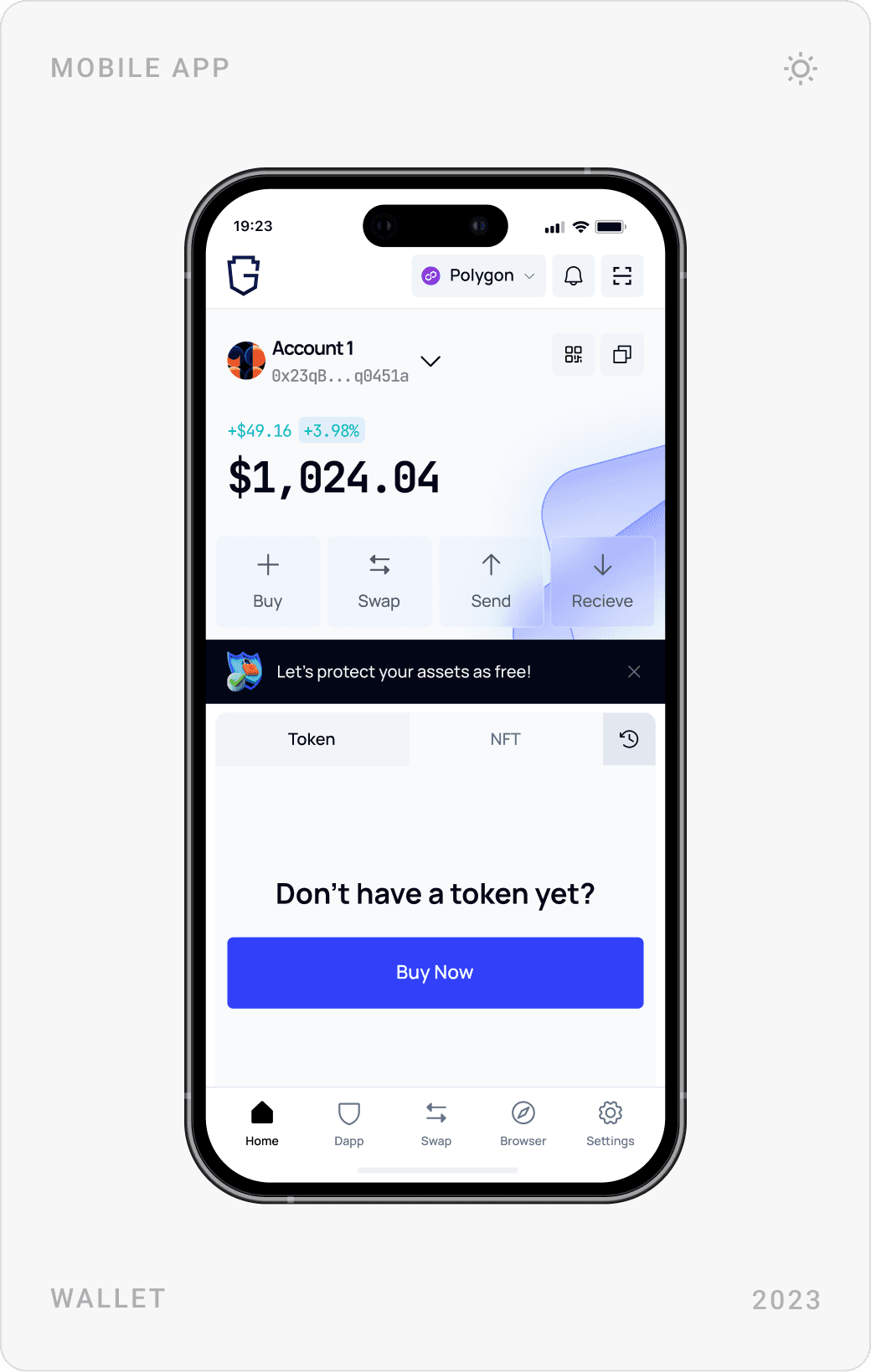
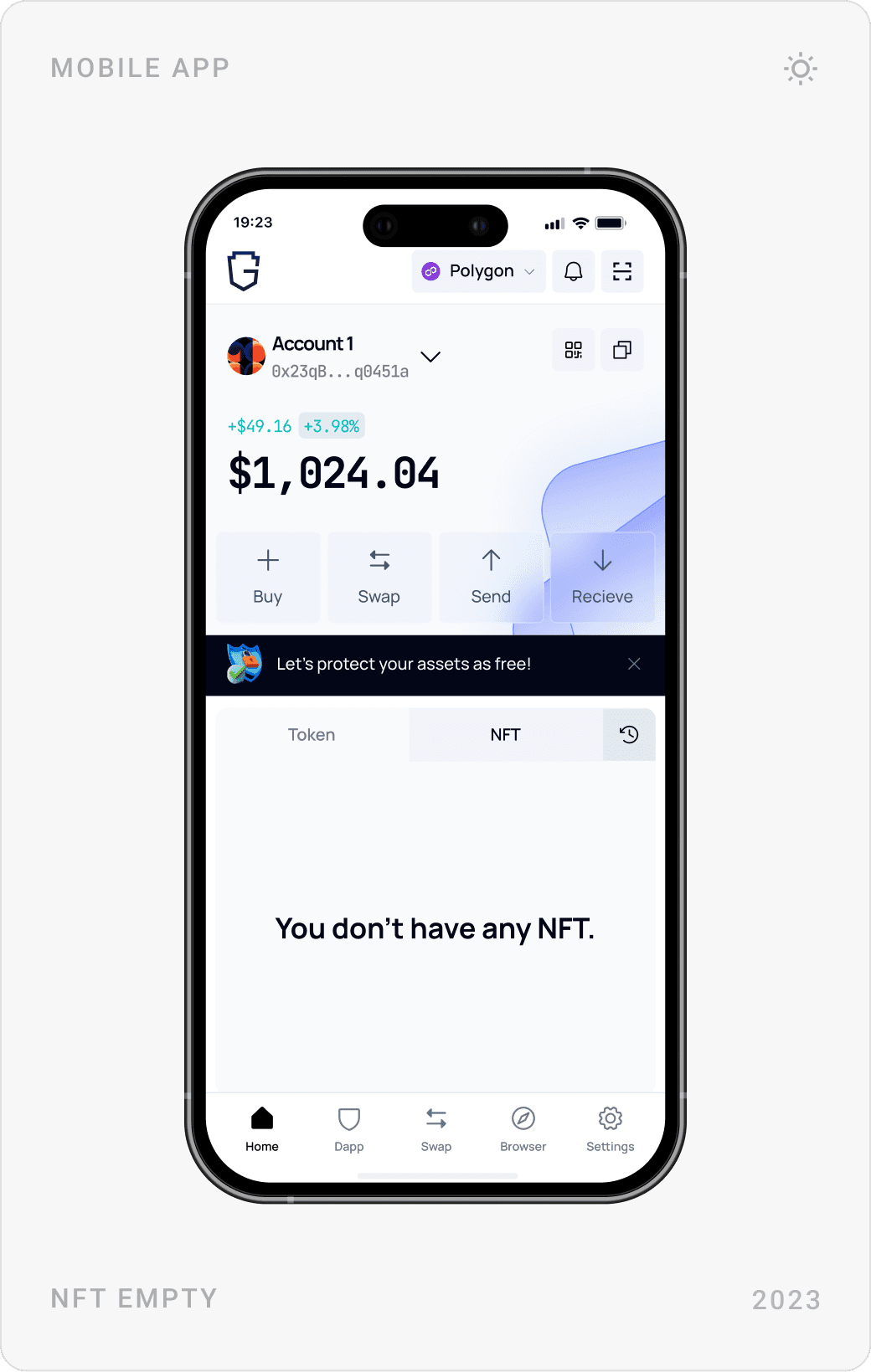
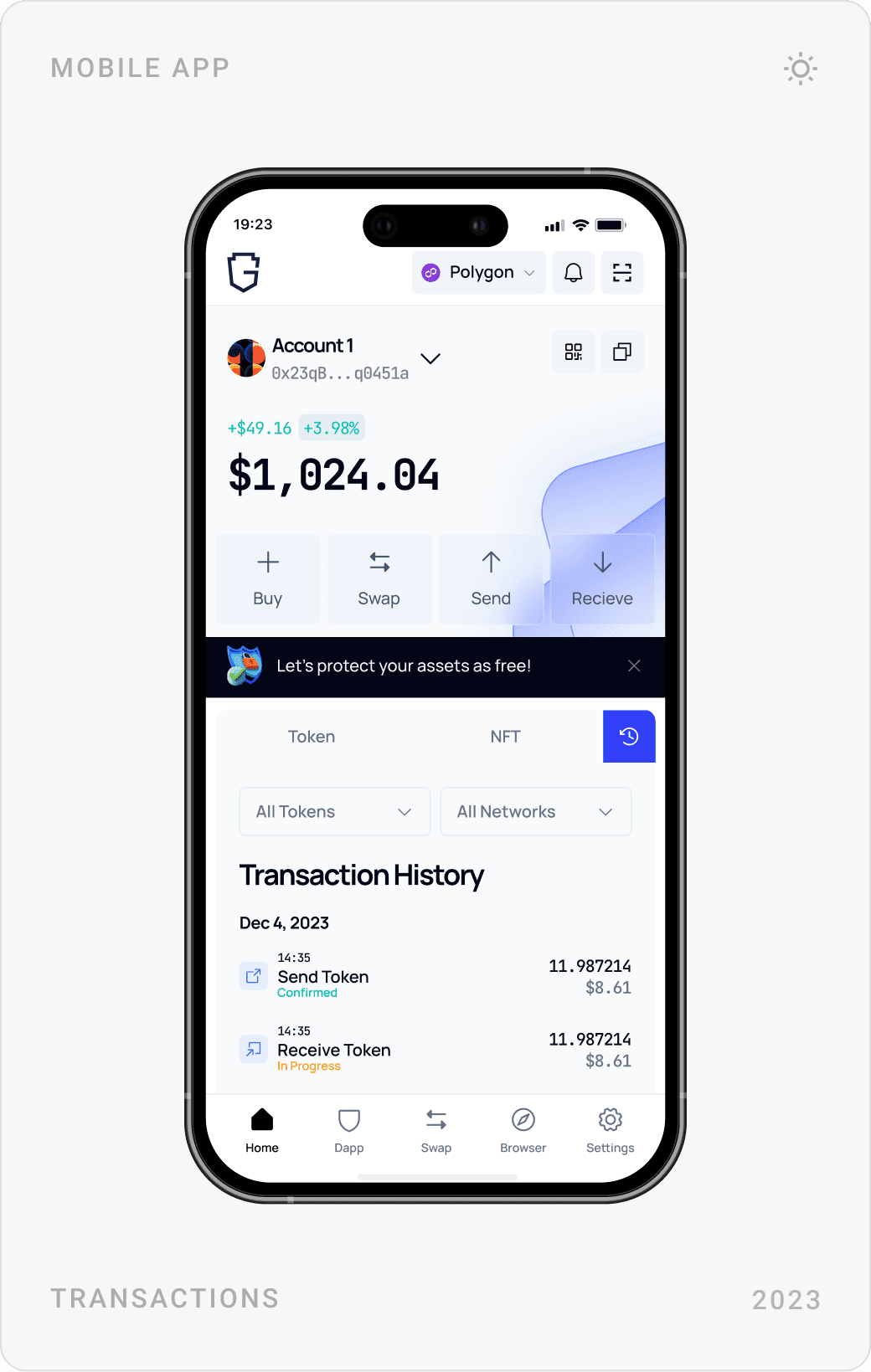
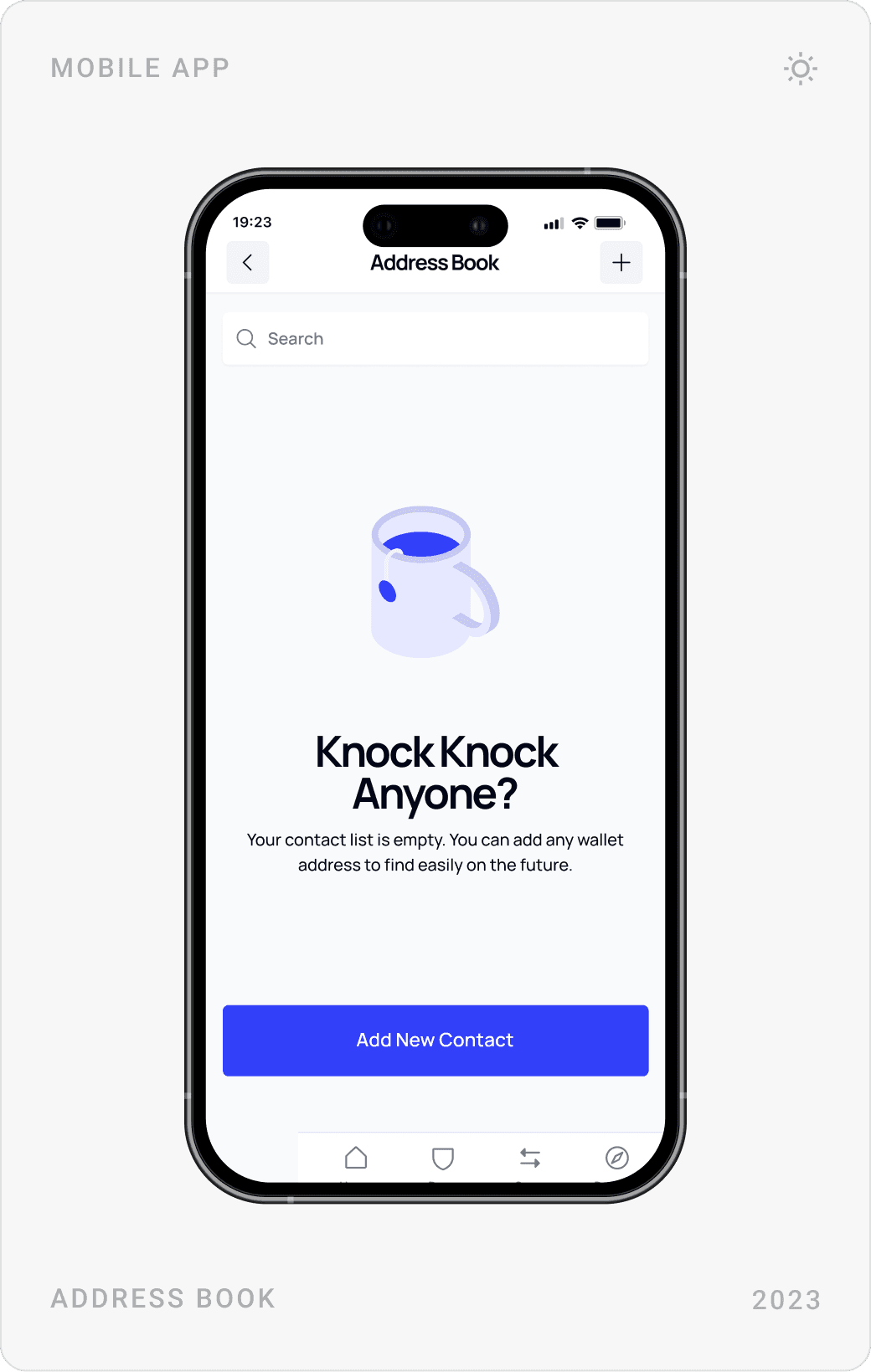
The home screen shows one balance and four actions, Buy, Swap, Send, Receive, above a token and NFT list. Networks, custom tokens, dapp settings and keys live one level deeper, so beginners are never overwhelmed and advanced users still find everything.
2. Make every signature readable
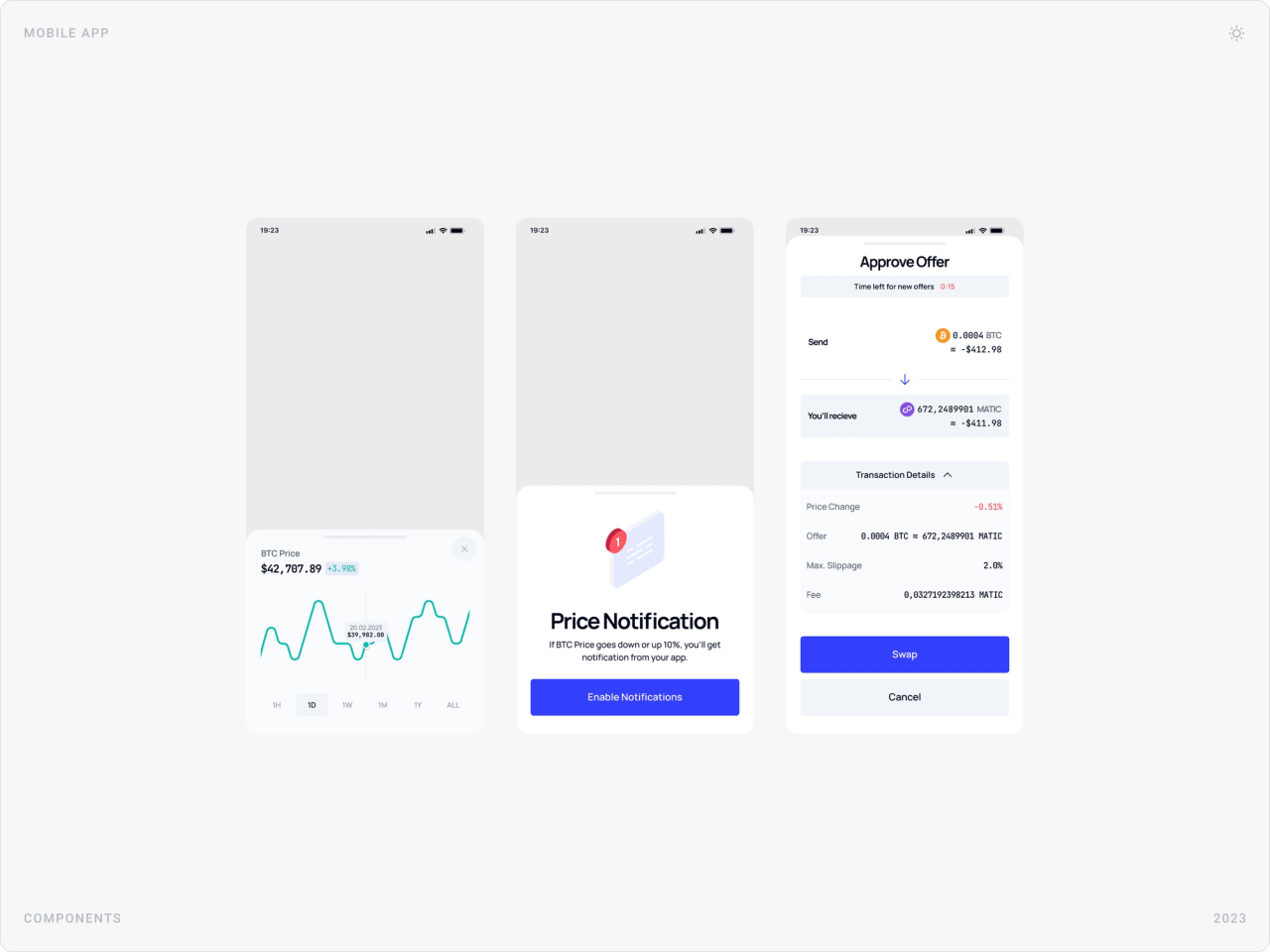
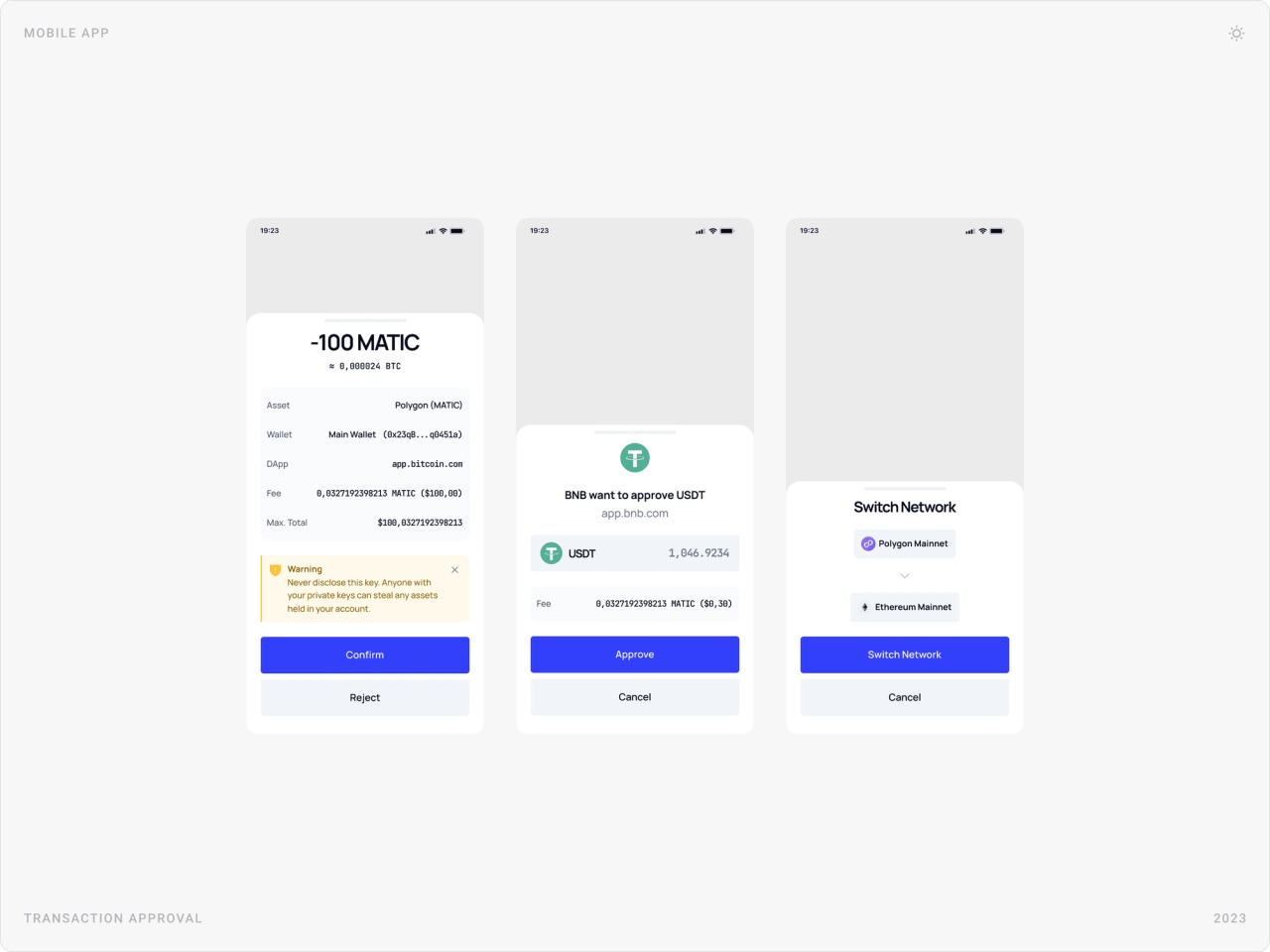
Before anything is signed, a bottom sheet spells out the amount, the network, the fee, the recipient or the dapp asking for approval, with a warning when something needs attention. People should understand a transaction before they confirm it.
3. Design the security moments
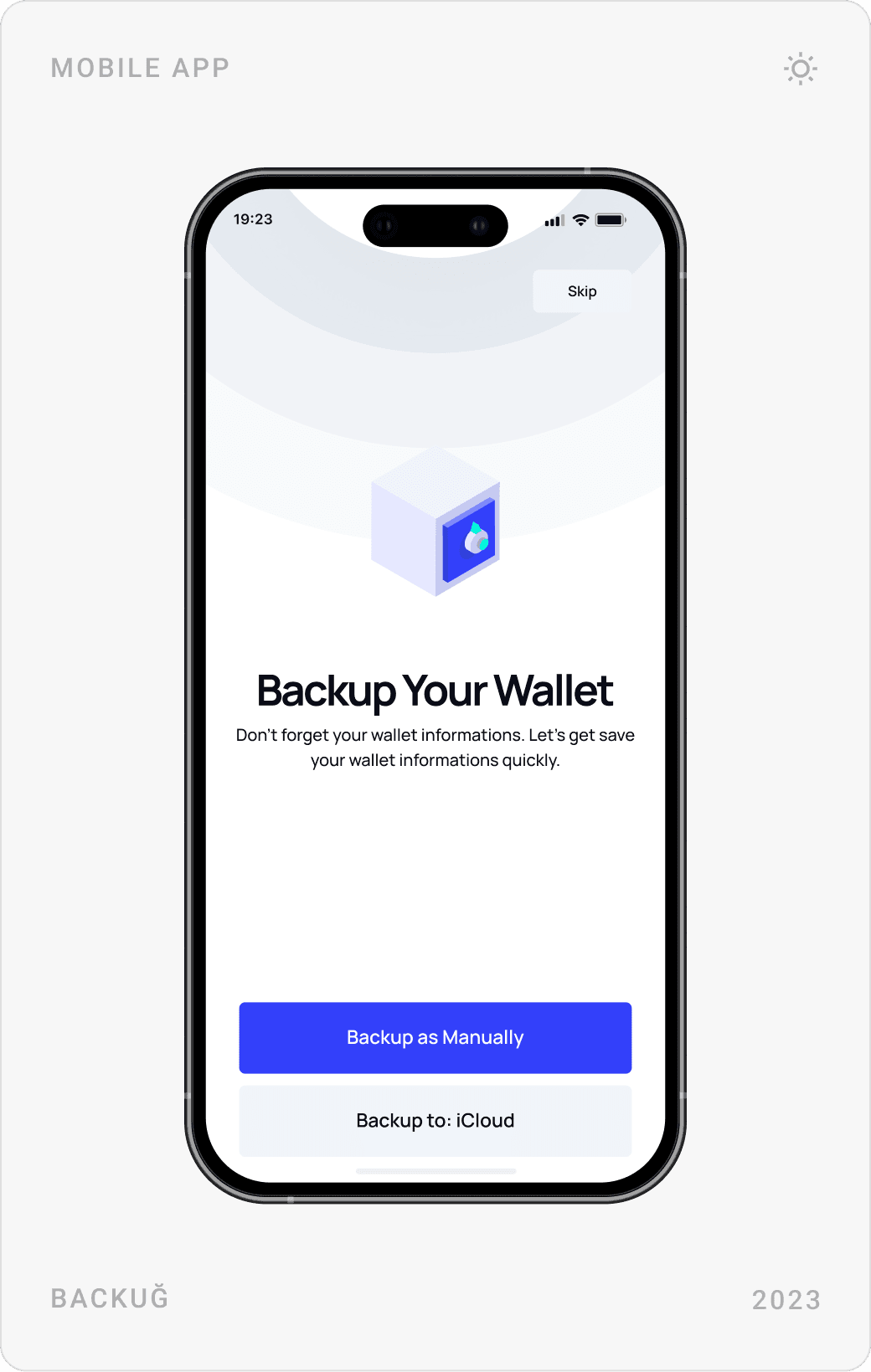
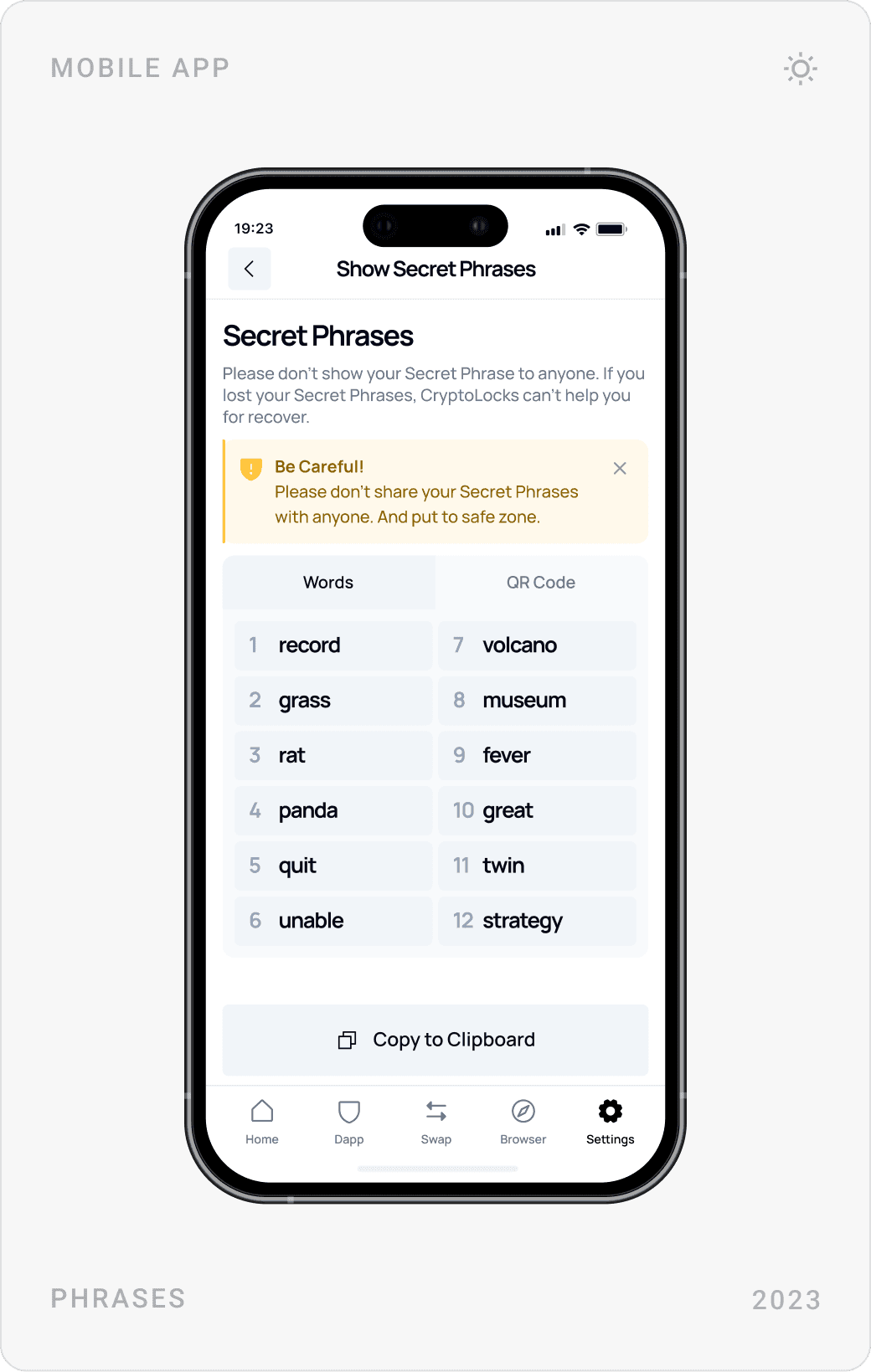
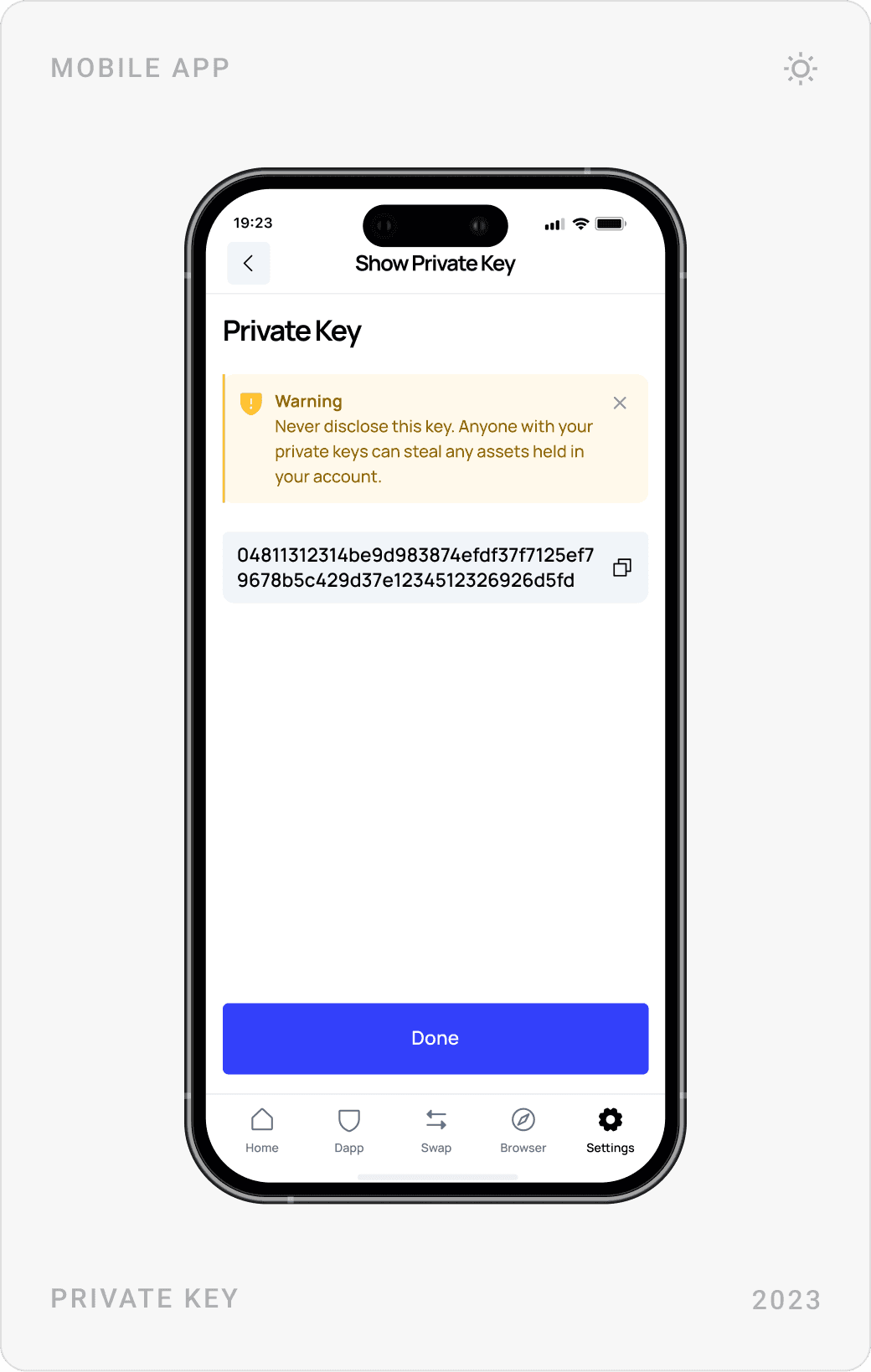
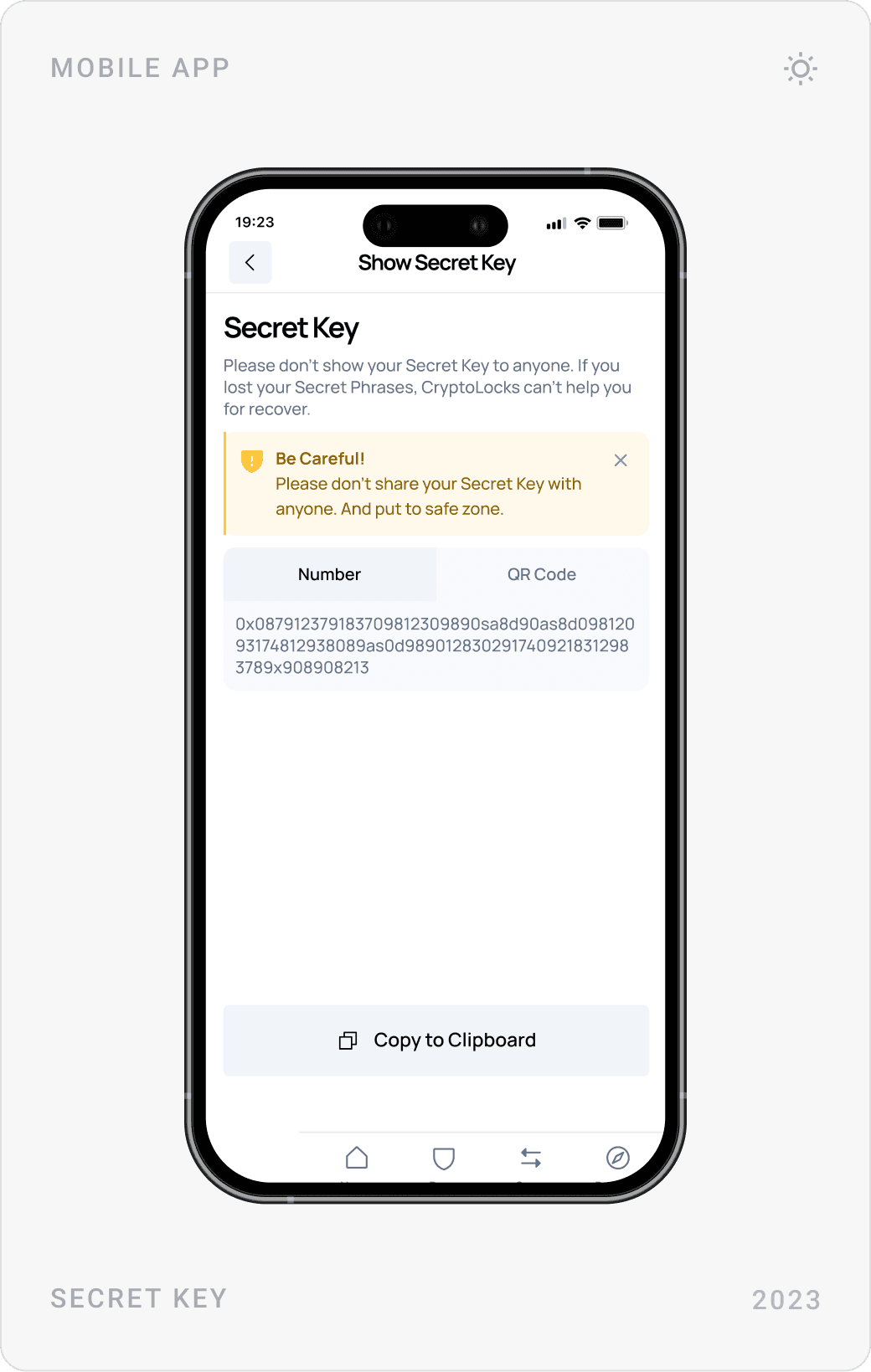
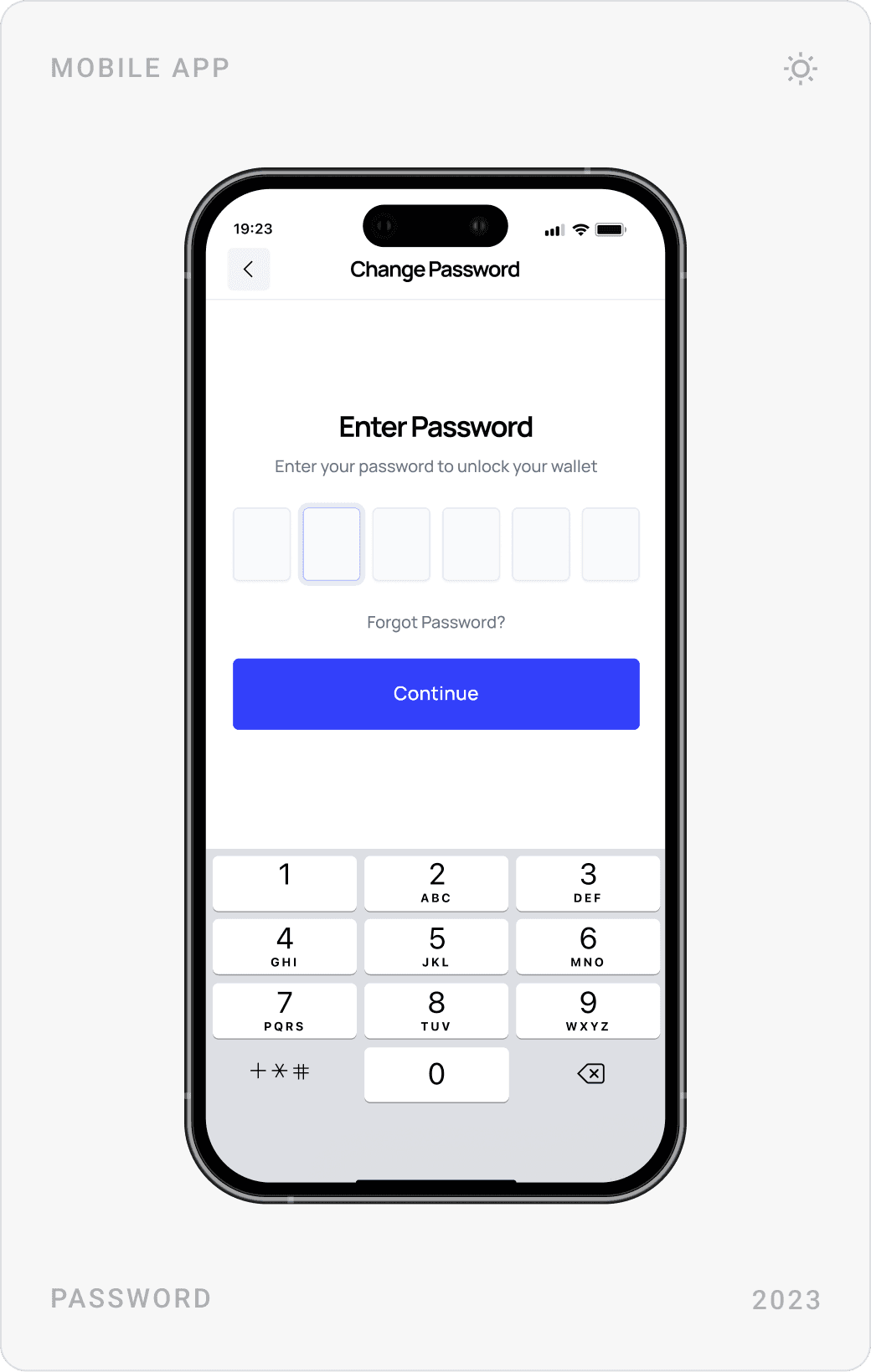
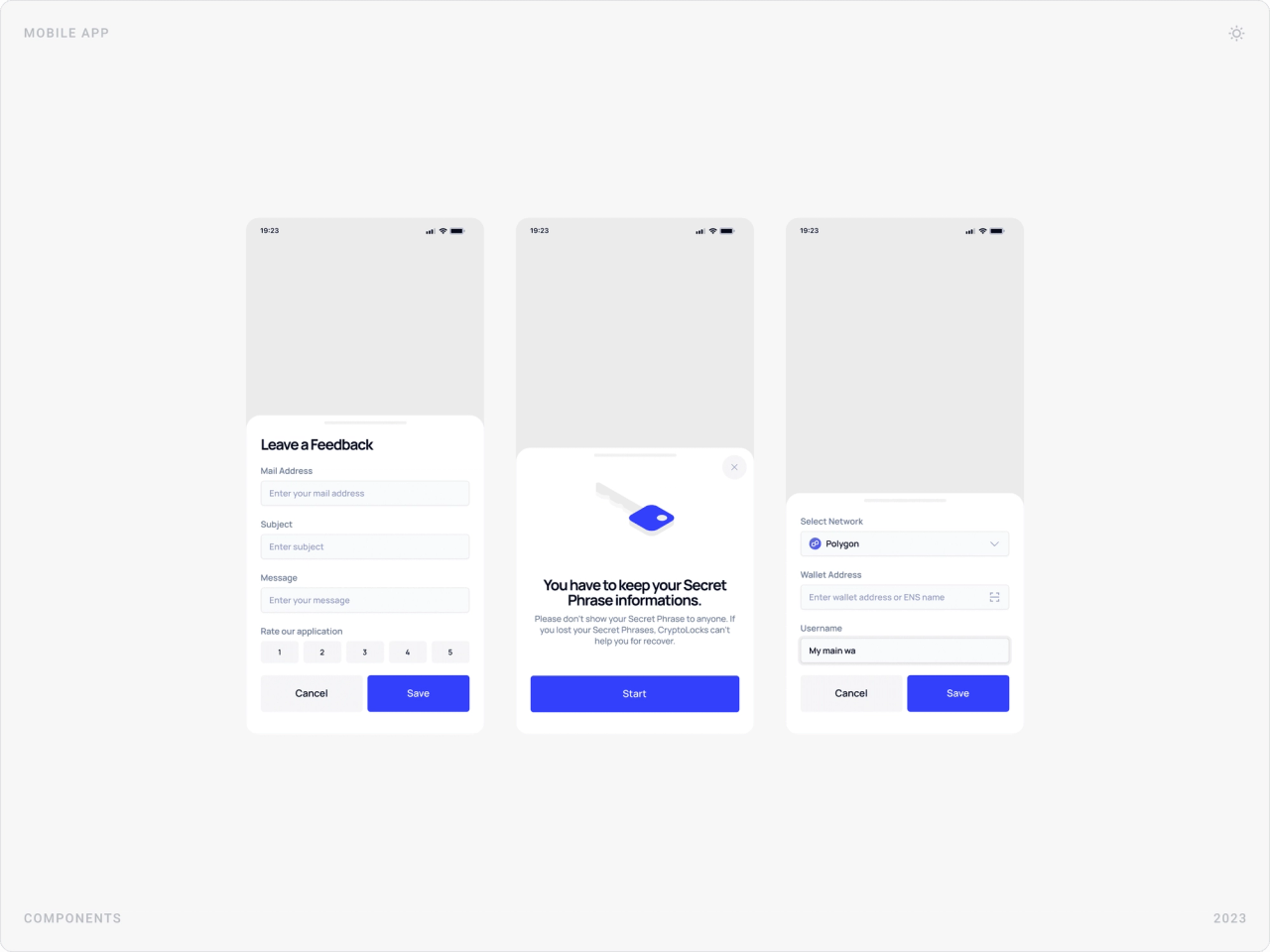
Backing up the wallet, revealing a secret phrase or private key and changing a password are the moments where mistakes cost the most. Each one gets its own screen, a clear warning and one obvious next step.
4. One system across every device
User research and competitor analysis shaped the structure; iterative testing with stakeholders refined it. The mobile app, dashboard and landing page then share one component system, account header, asset rows, bottom sheets, alerts, so moving between devices feels familiar.
The solution
Pre-sale landing page
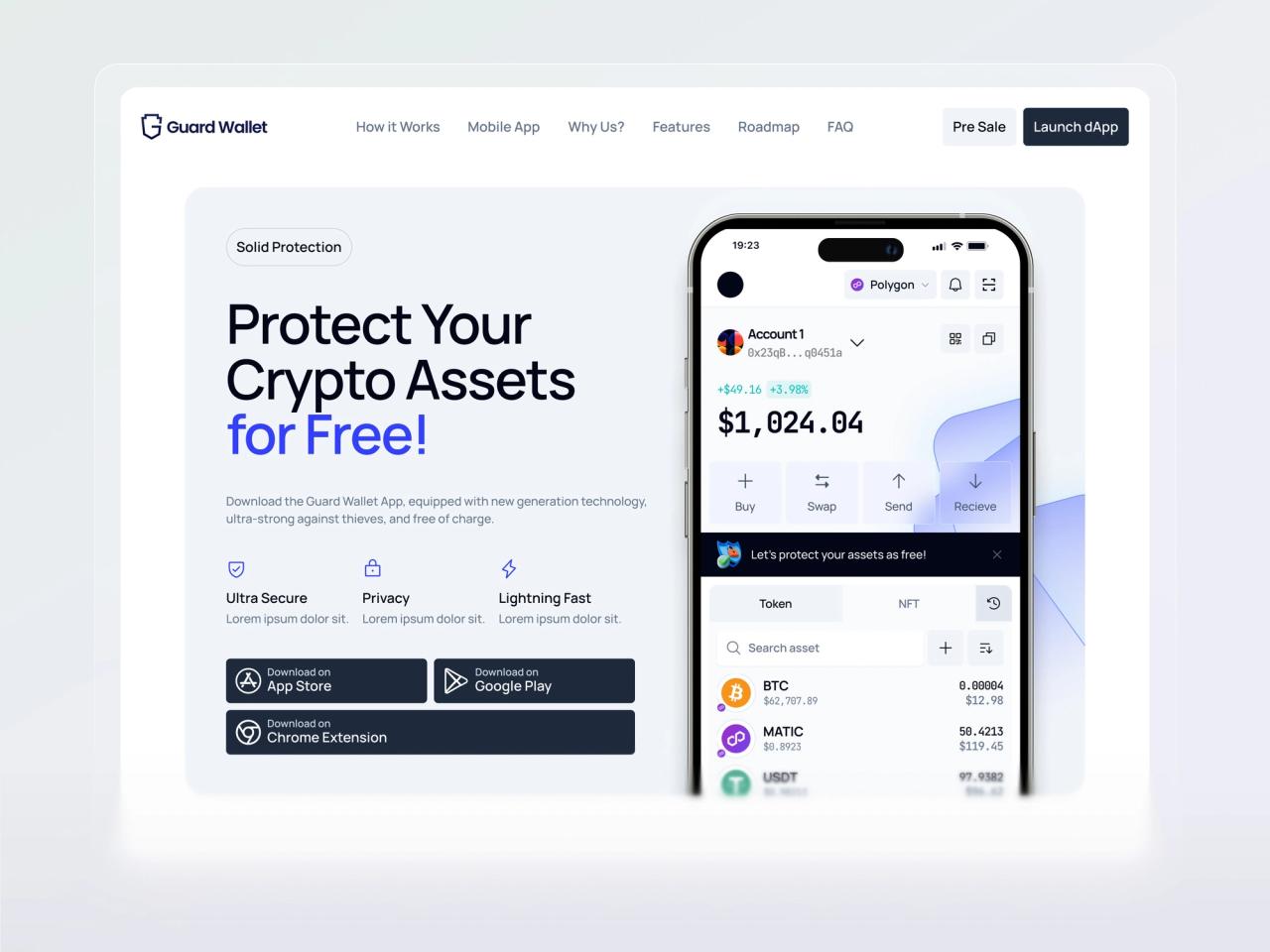
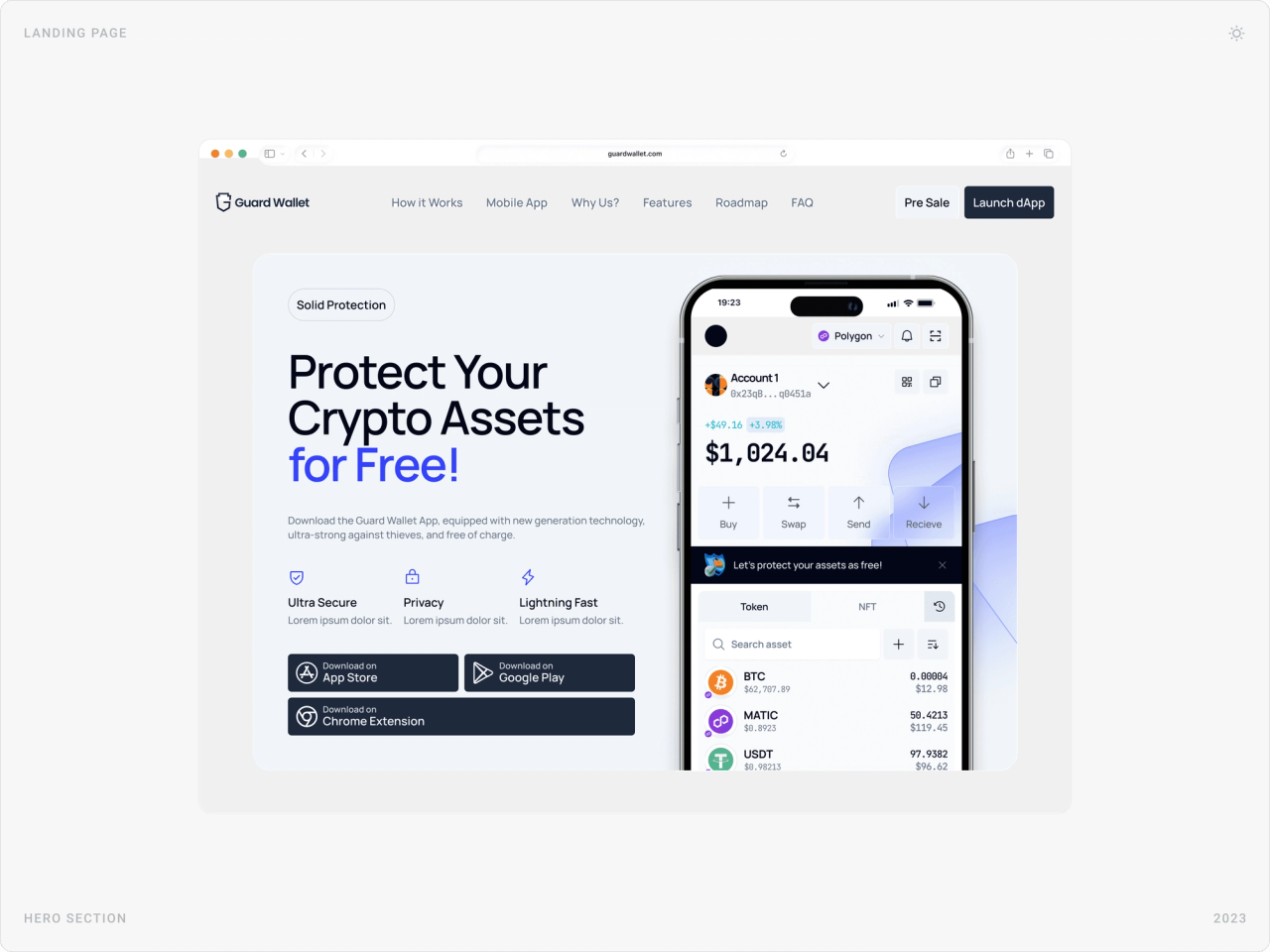
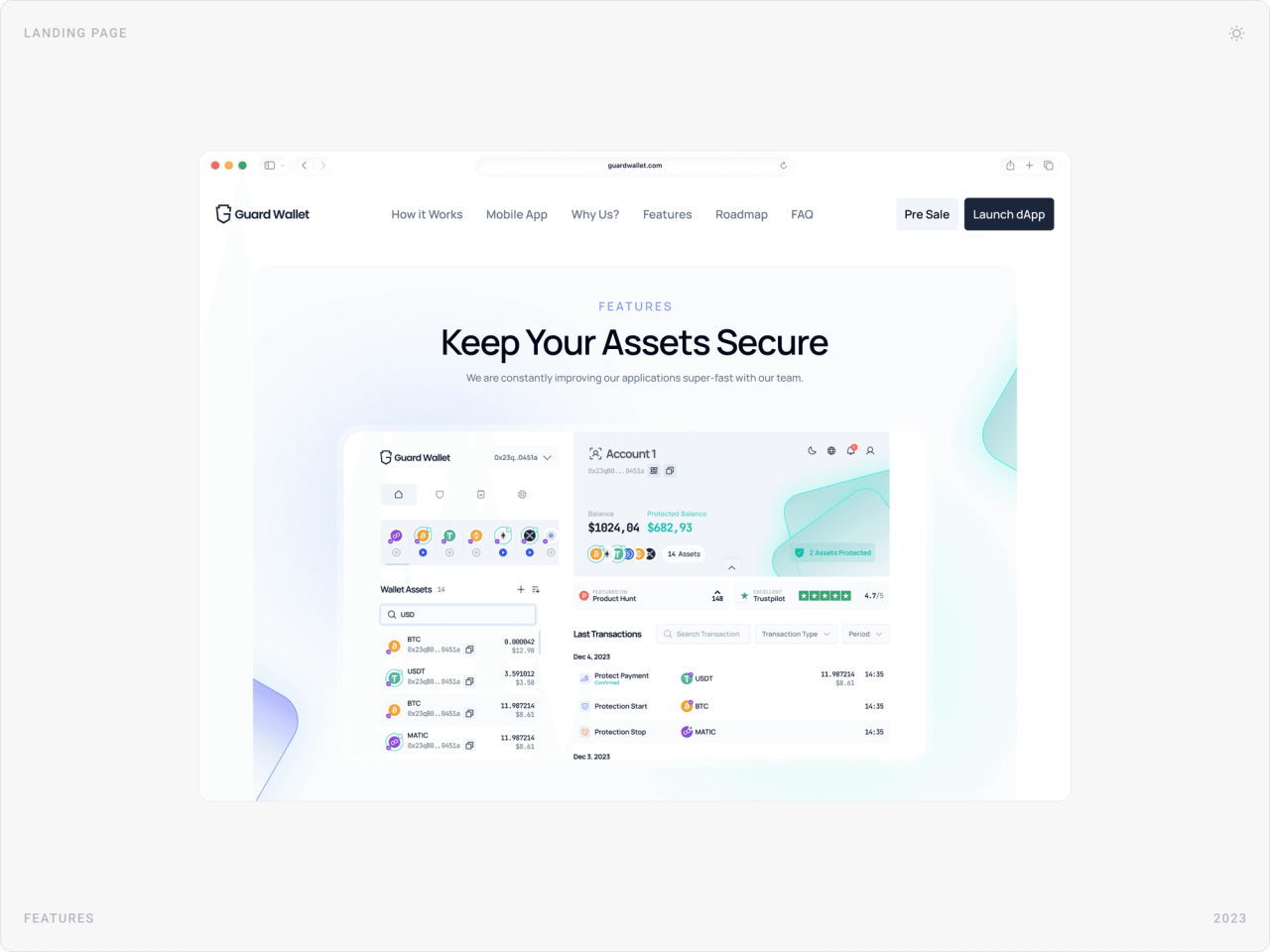
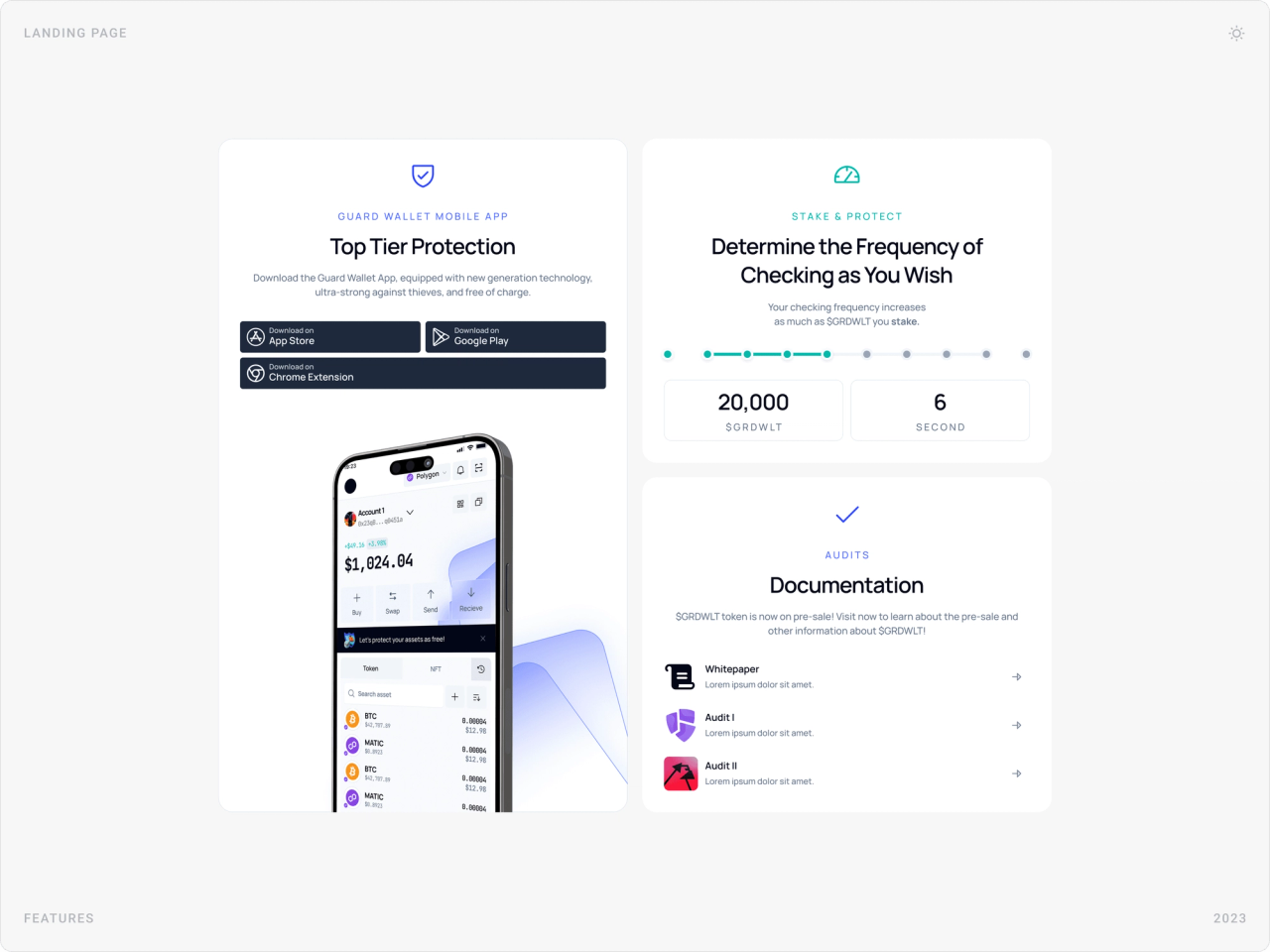
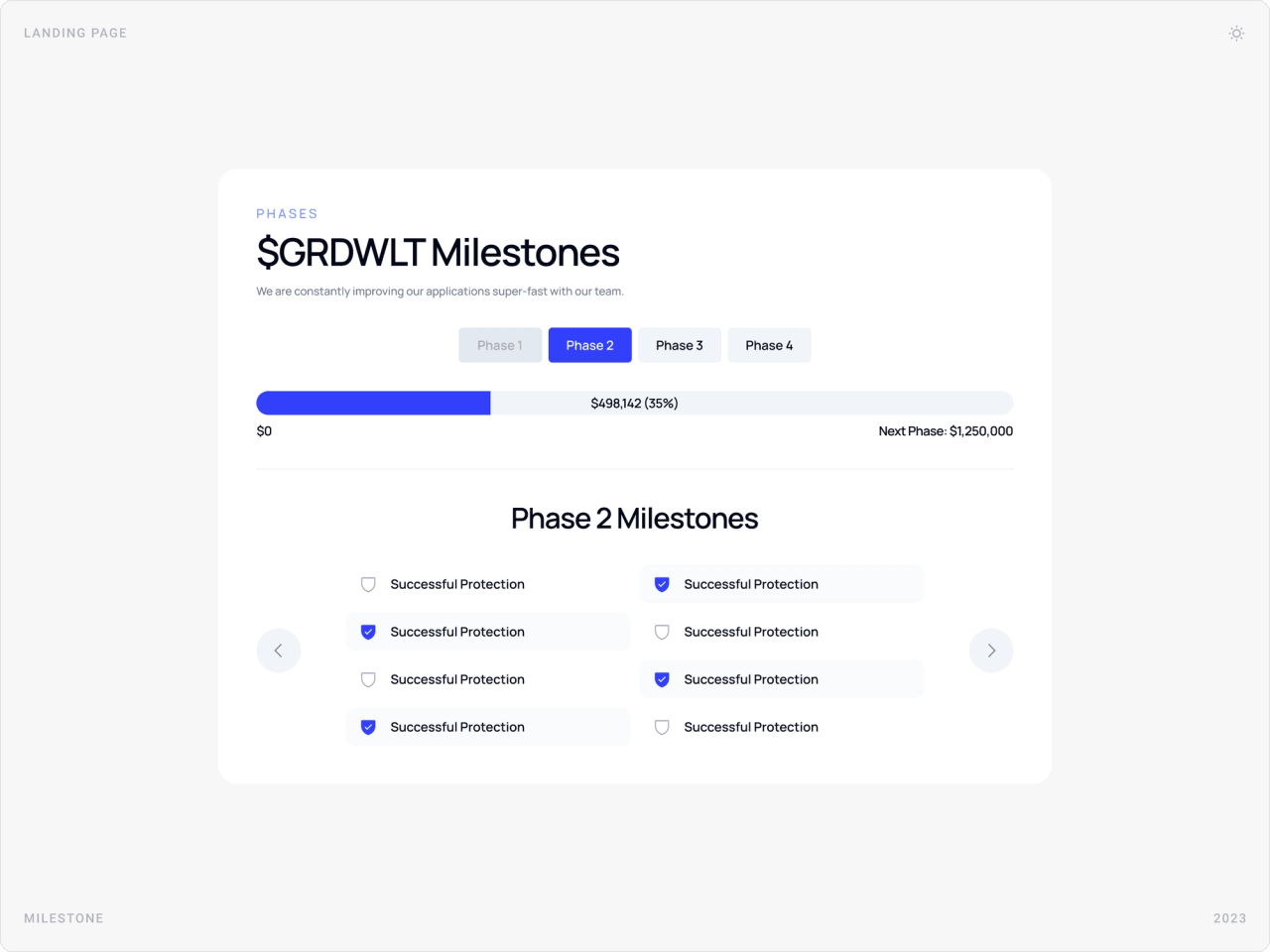
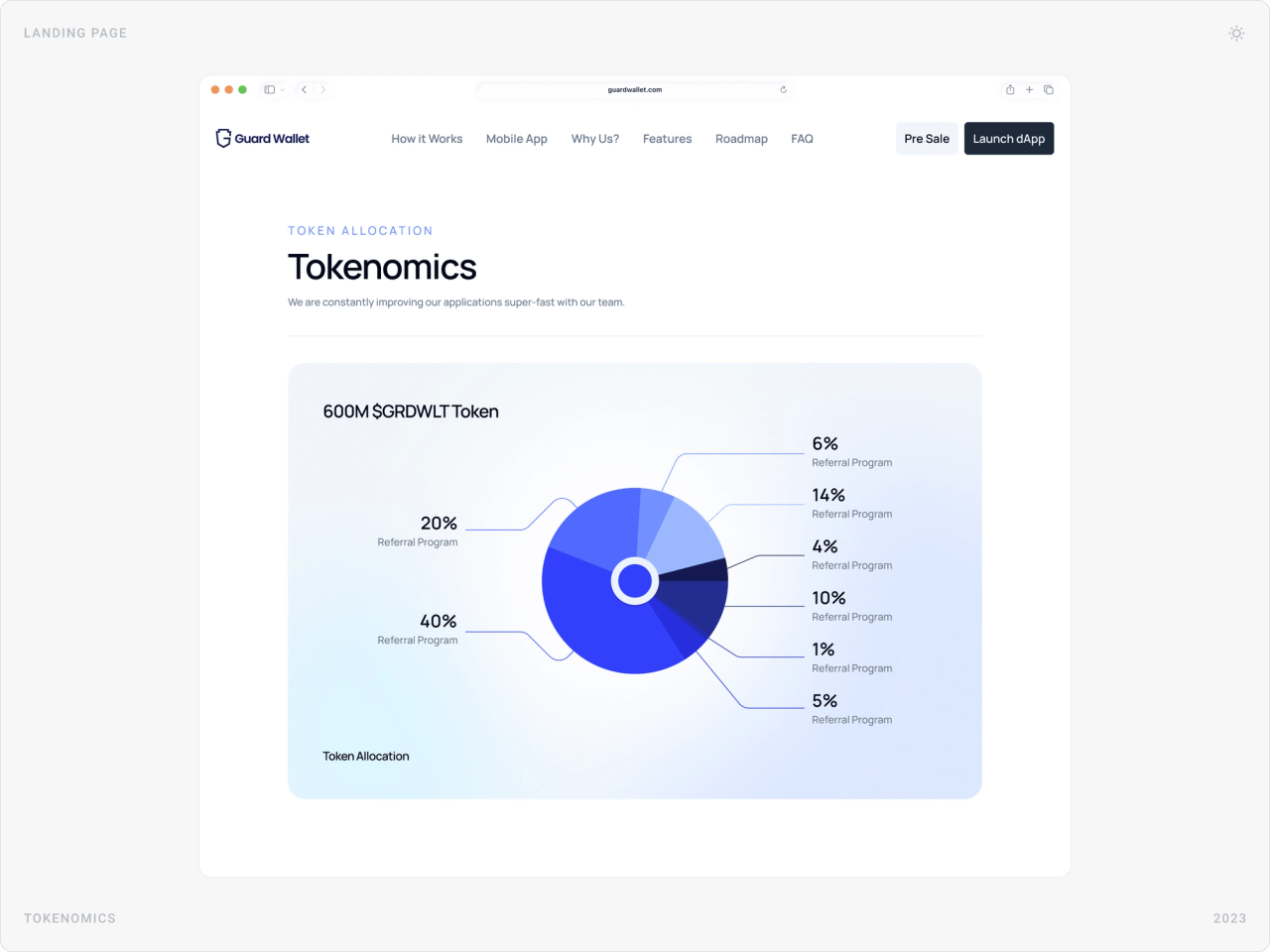
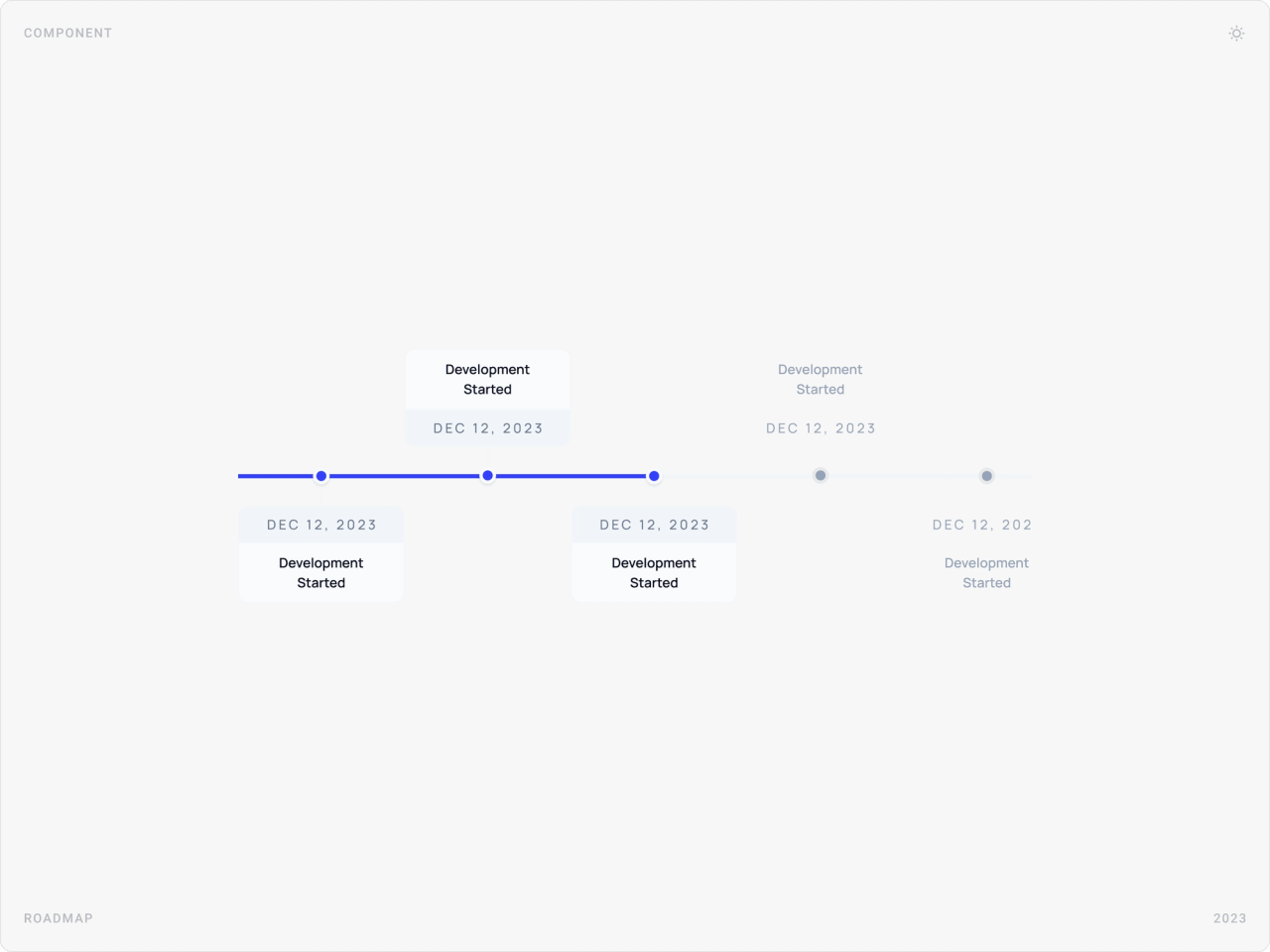
The landing page introduces the protection promise, shows the product working, and gives early adopters and investors what they look for: features, staking for protection frequency, documentation and audits, $GRDWLT milestones, tokenomics and a roadmap.
Onboarding and wallet setup
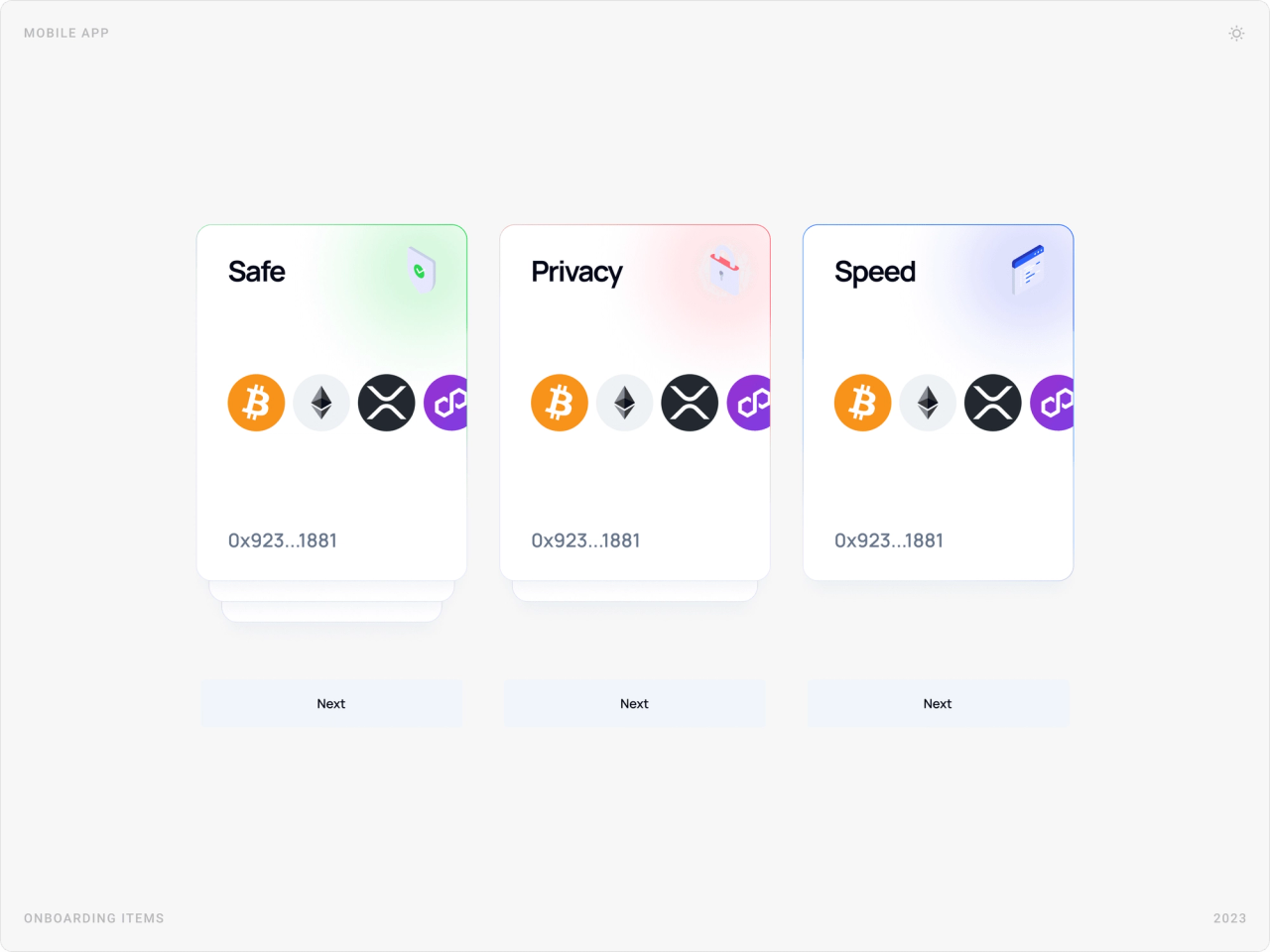
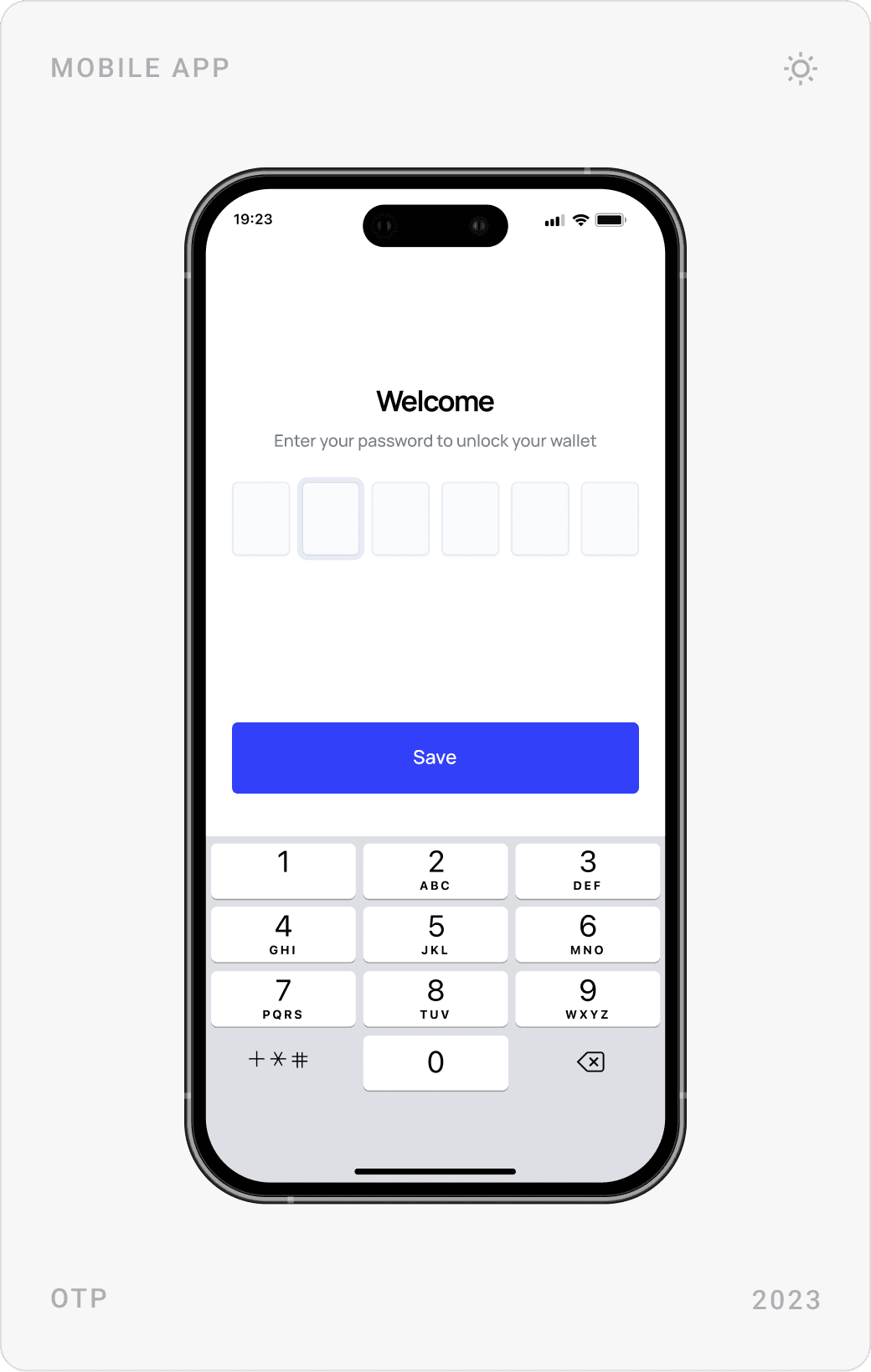
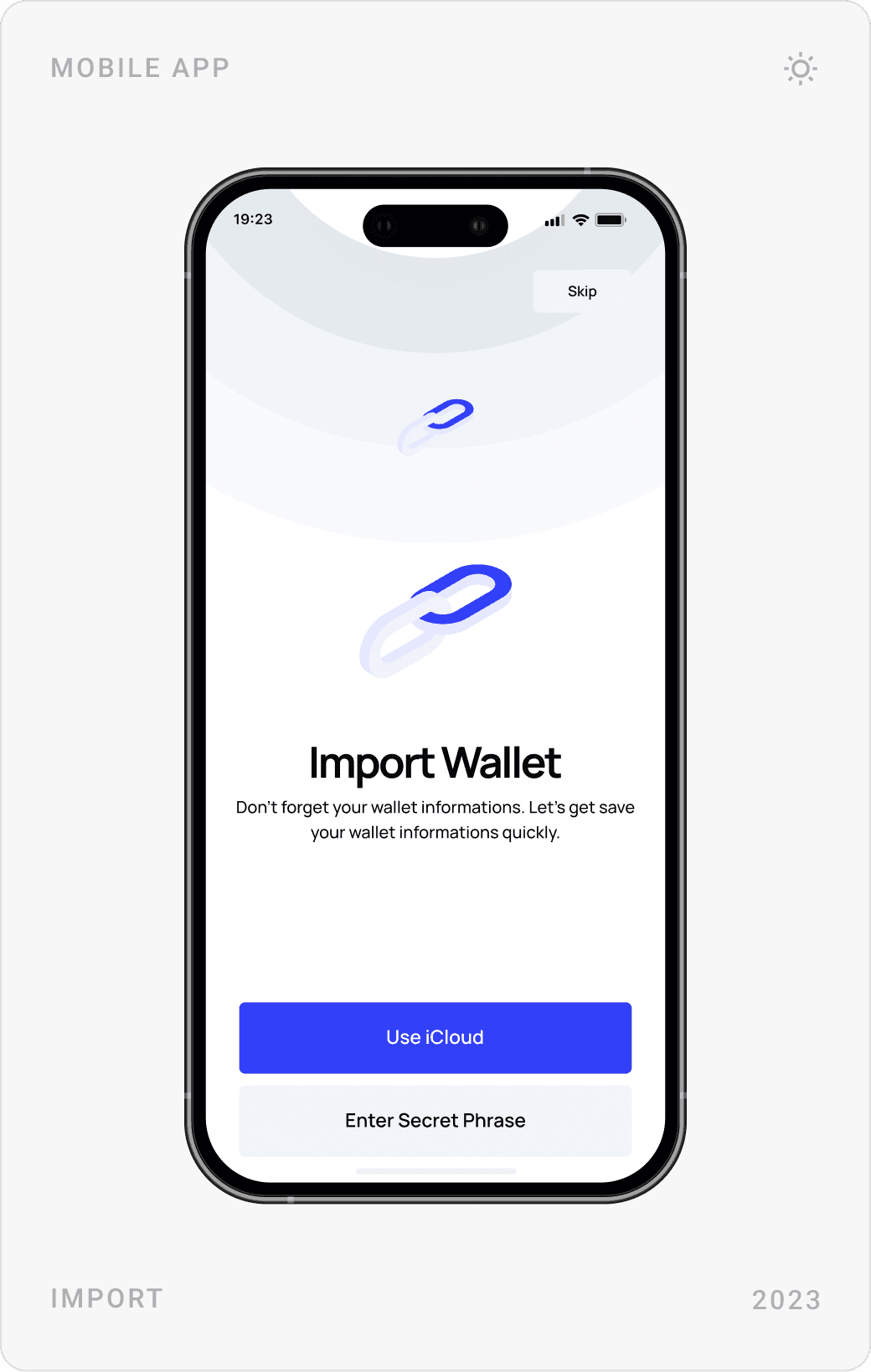
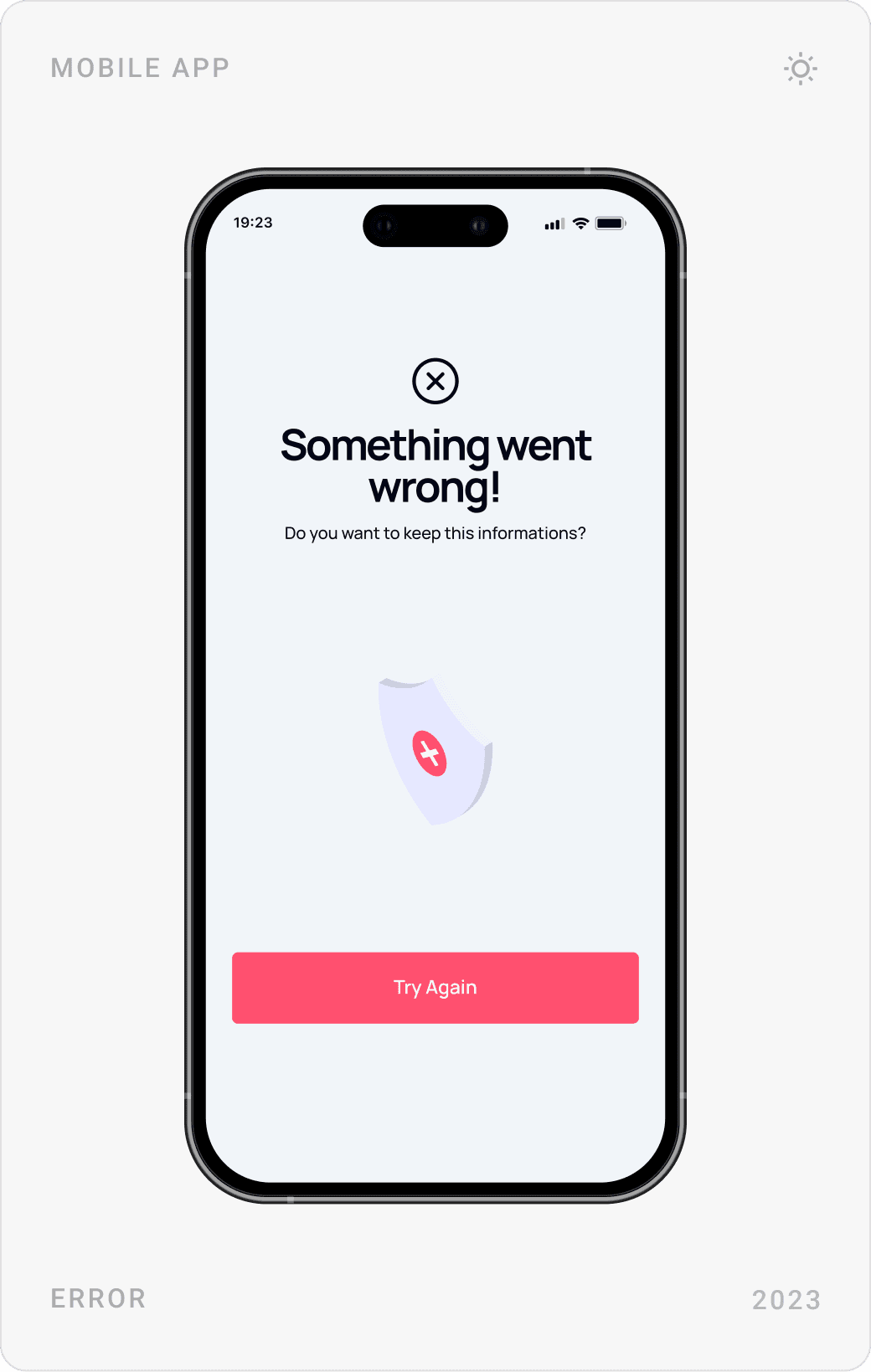
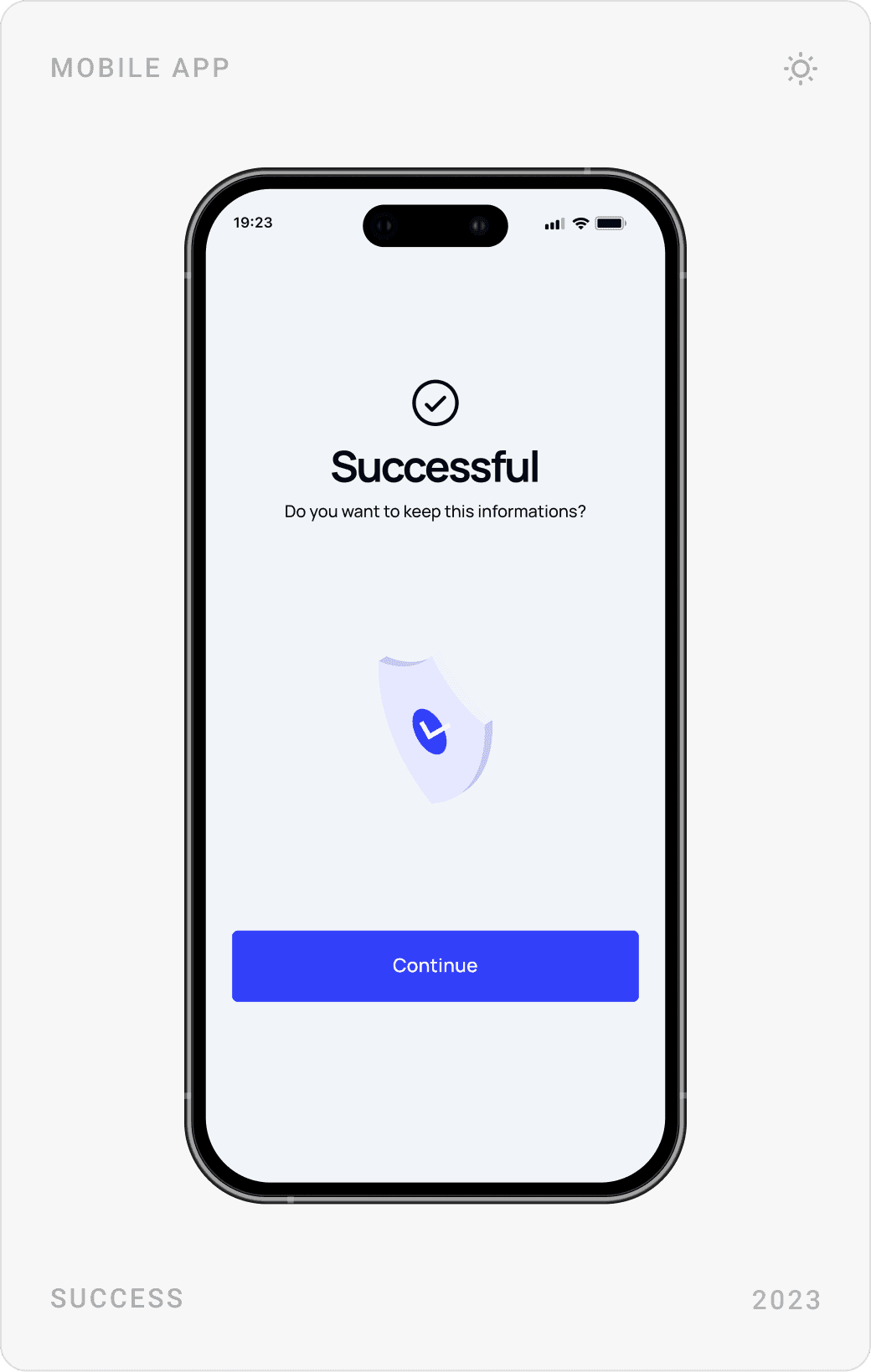
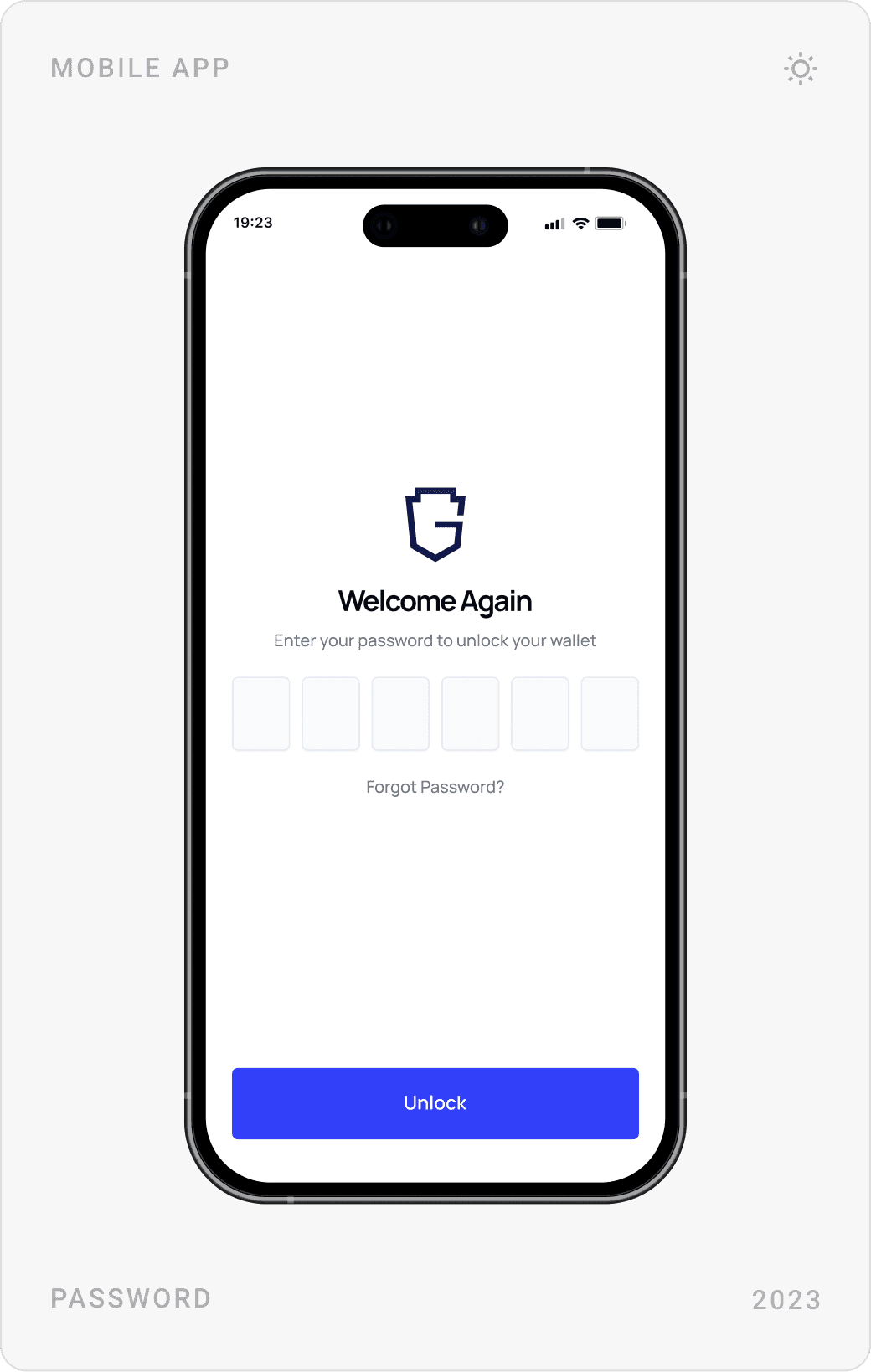
Three onboarding cards, Safe, Privacy, Speed, set expectations in seconds. Setup then covers a passcode, importing an existing wallet or backing up a new one, with clear success and error screens at the end of each path.
Wallet: assets, swaps and NFTs
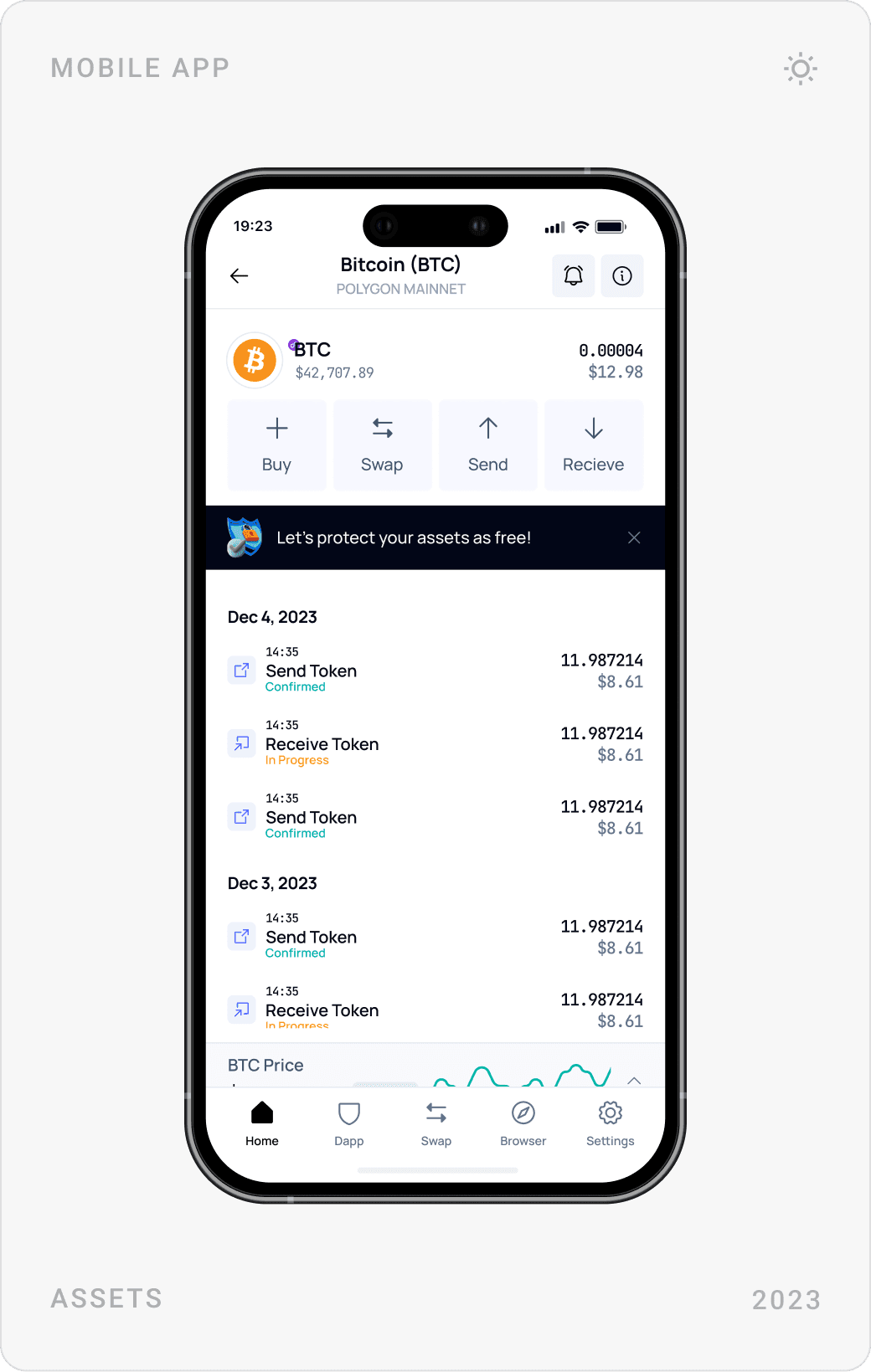
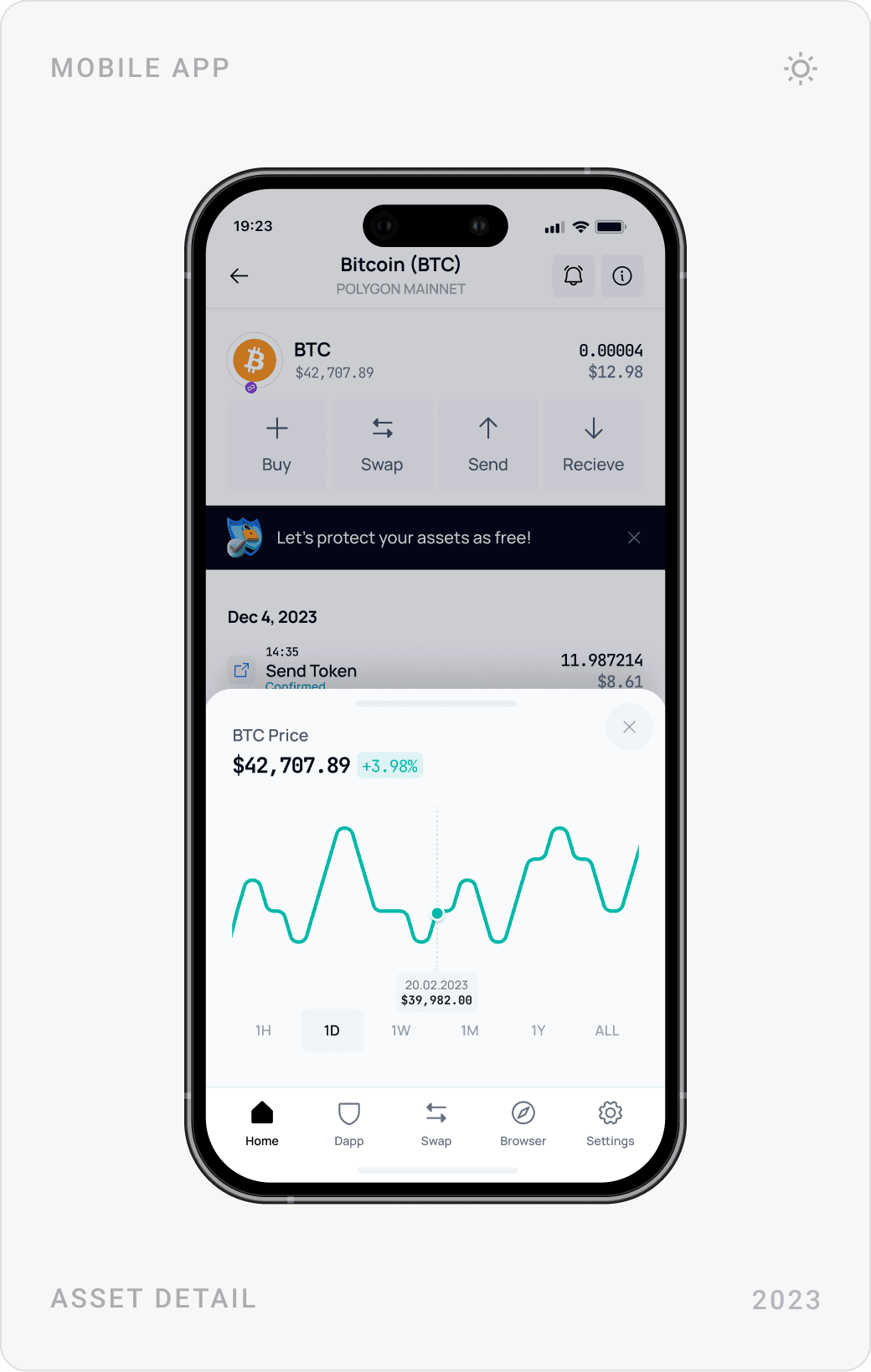
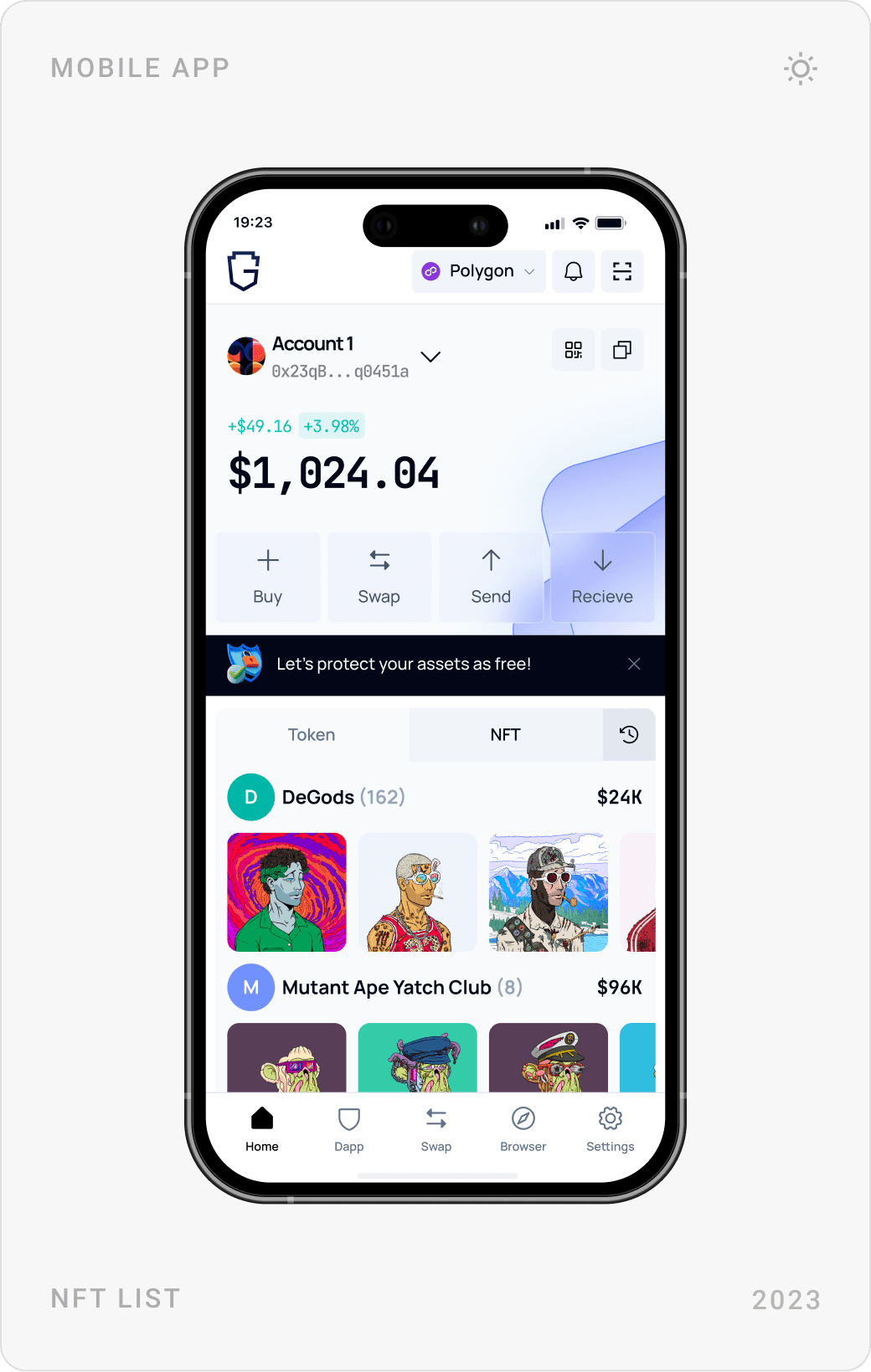
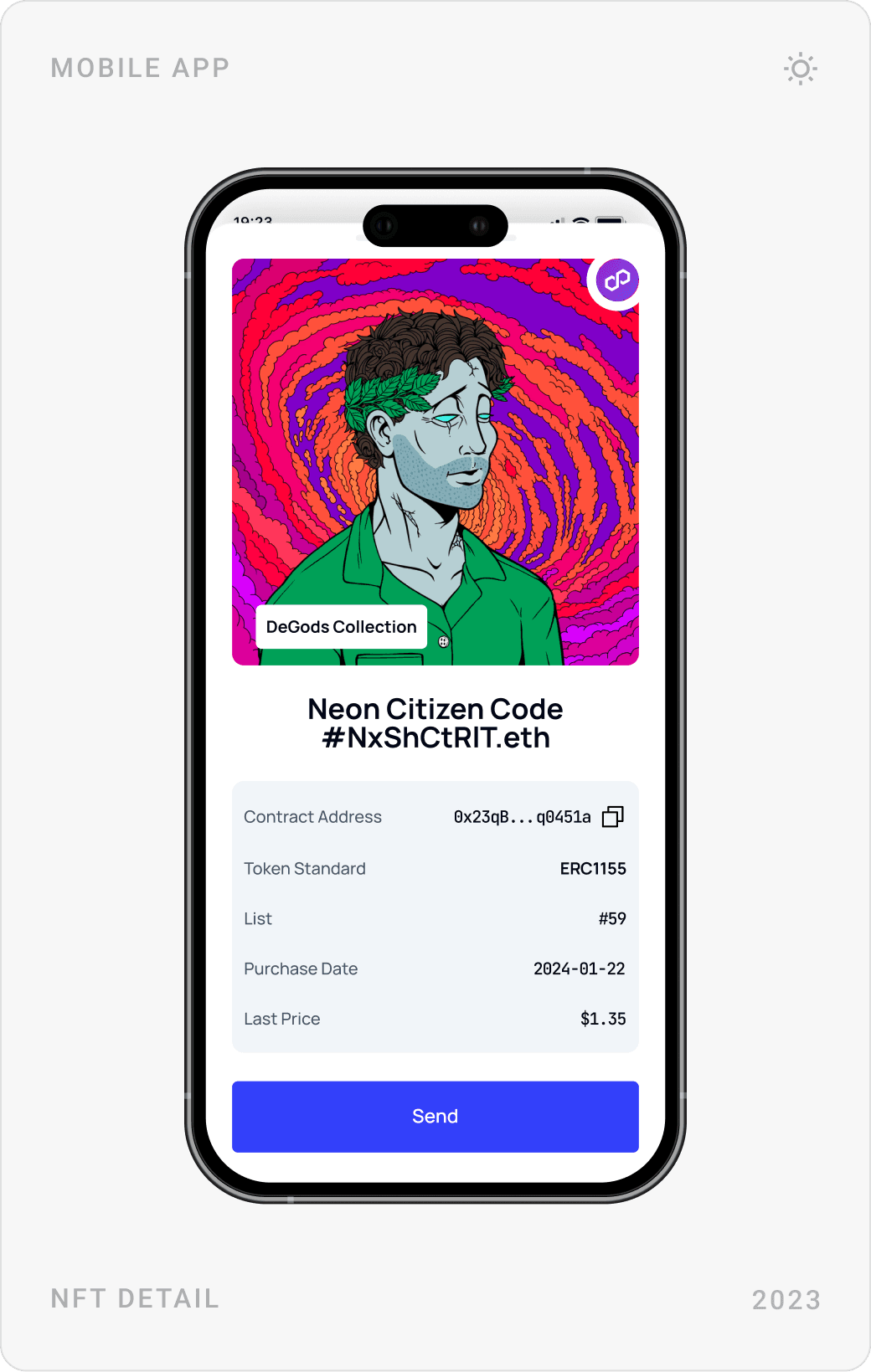
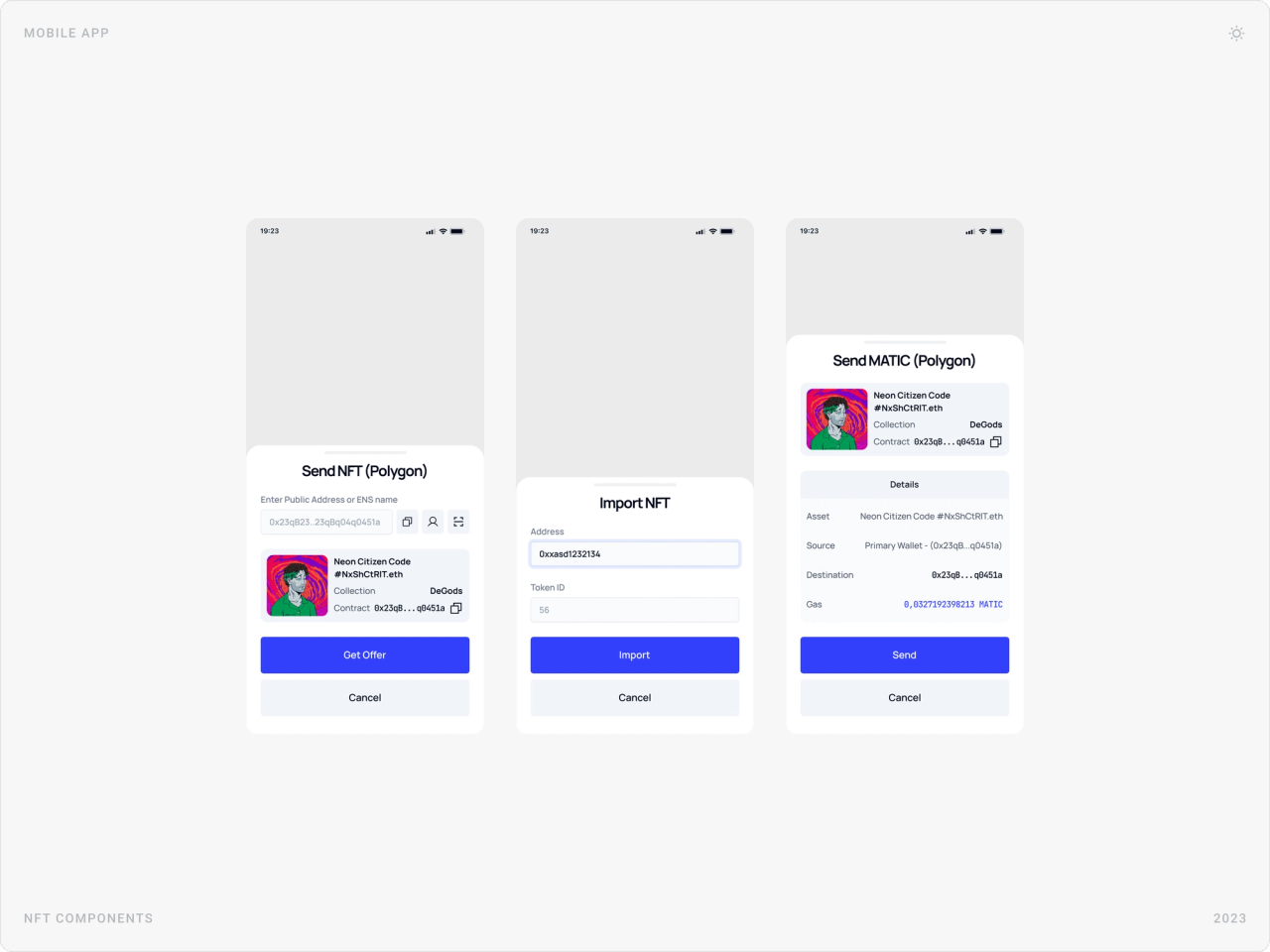
The wallet shows the account, balance and four actions on top, with tokens and NFTs in tabs below. Asset pages add a price chart and history, swaps show rate, price change and slippage before approval, and NFTs can be imported, viewed and sent from the same patterns.
Networks and dapp approvals
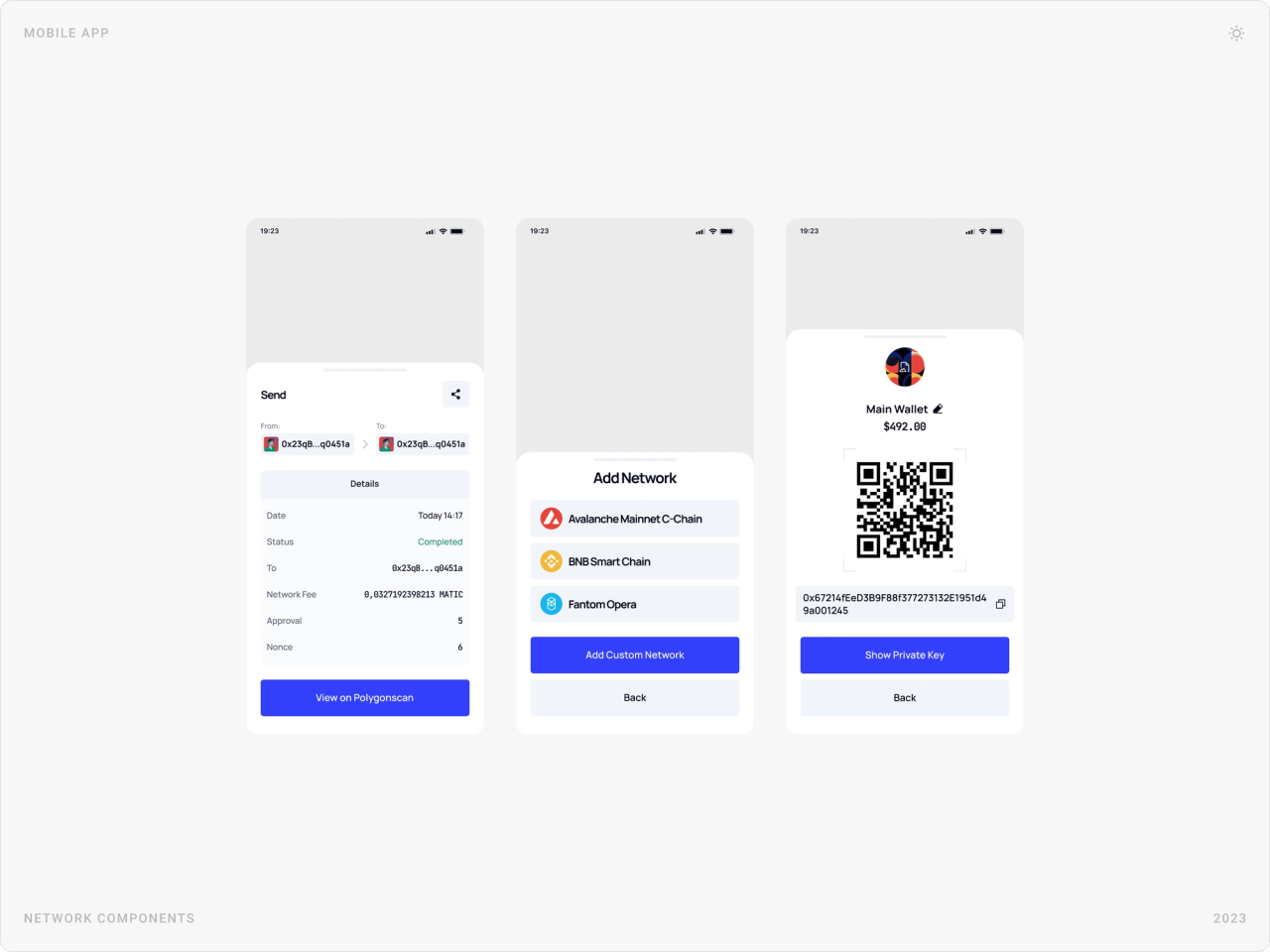
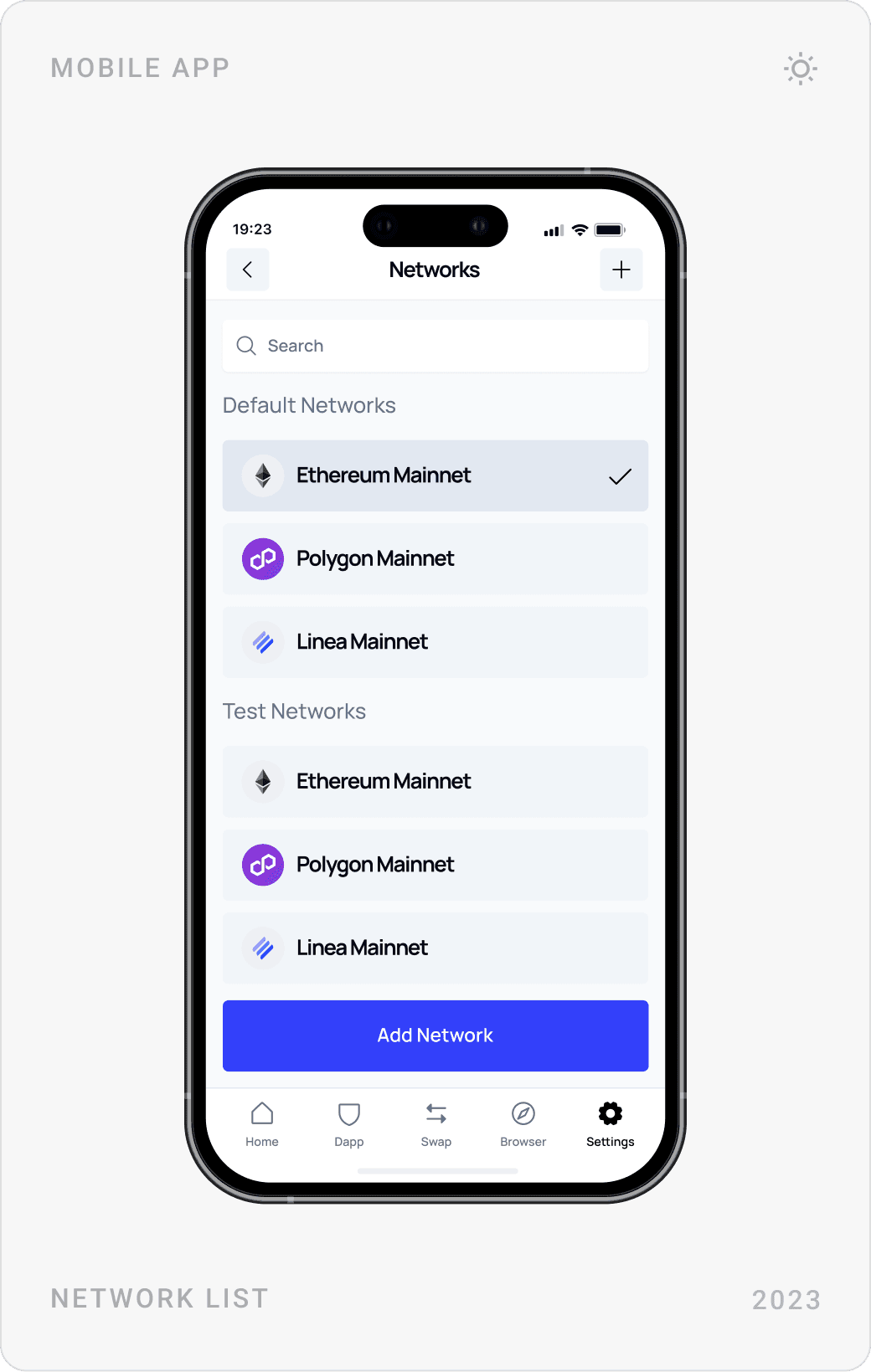
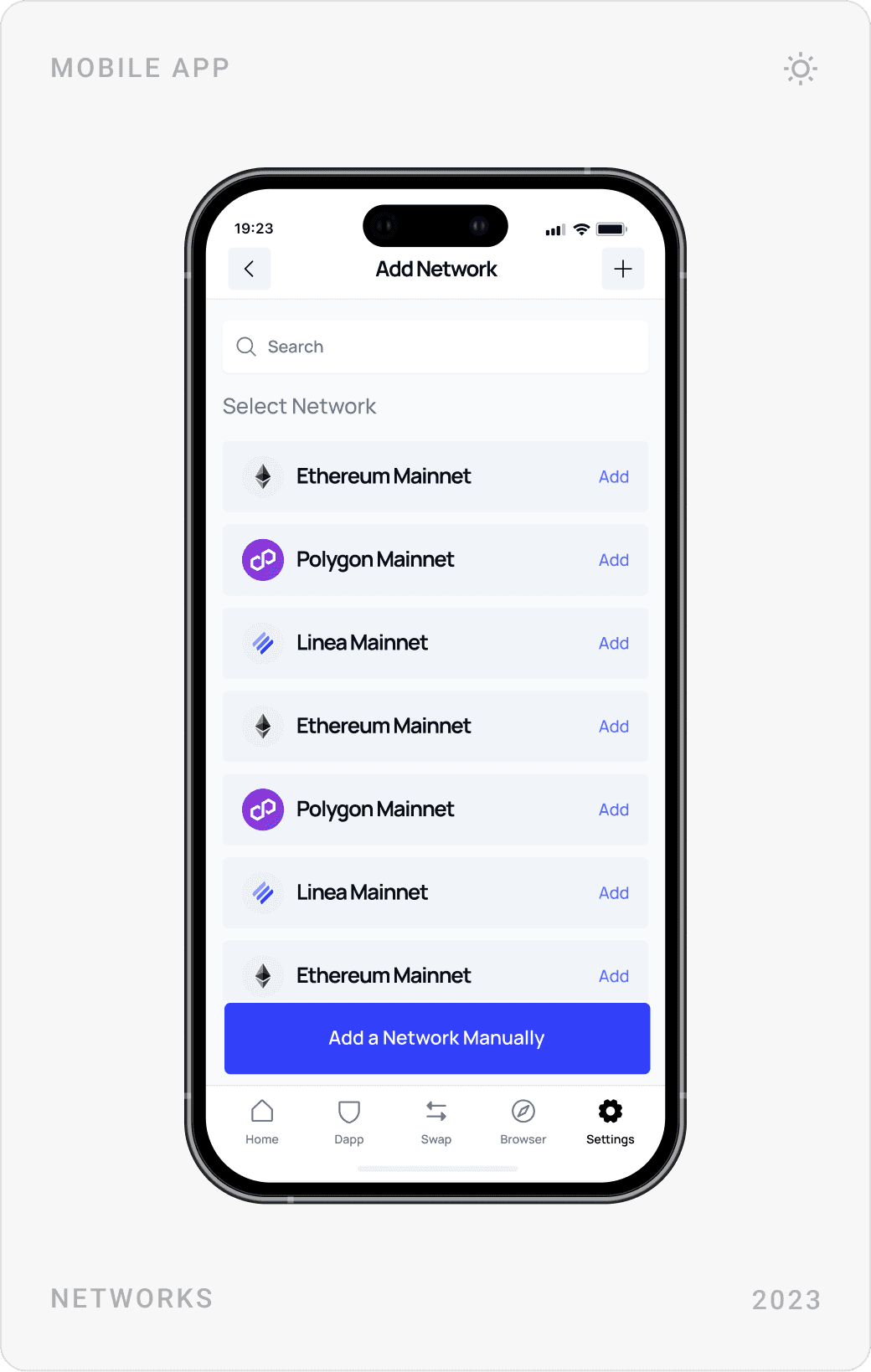
Guard Wallet supports several networks, so switching, adding and managing them is built into settings and into every transaction. When a dapp asks to spend tokens or change network, the request appears as a plain-language sheet with Approve and Cancel side by side.
Security and settings
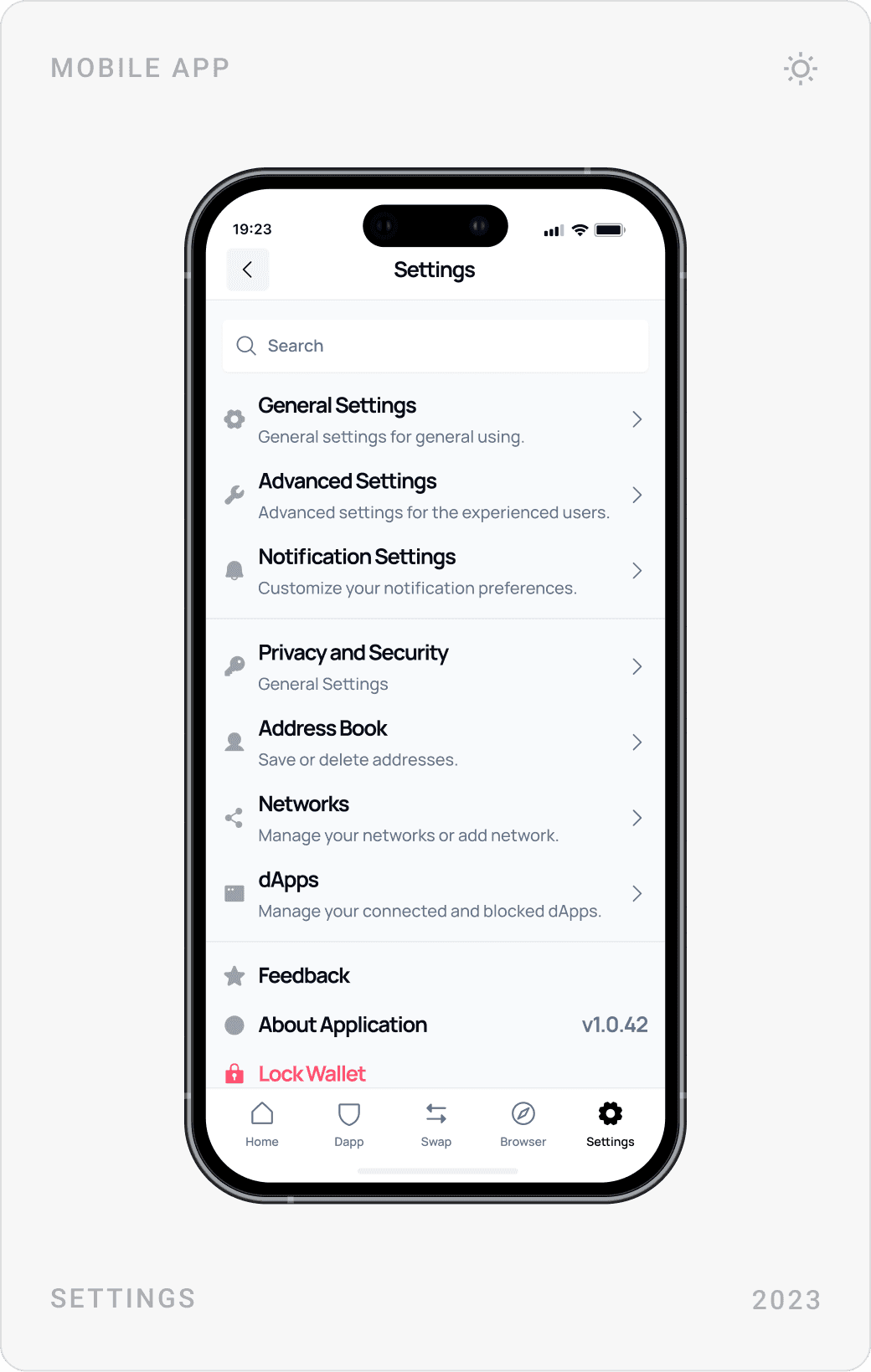
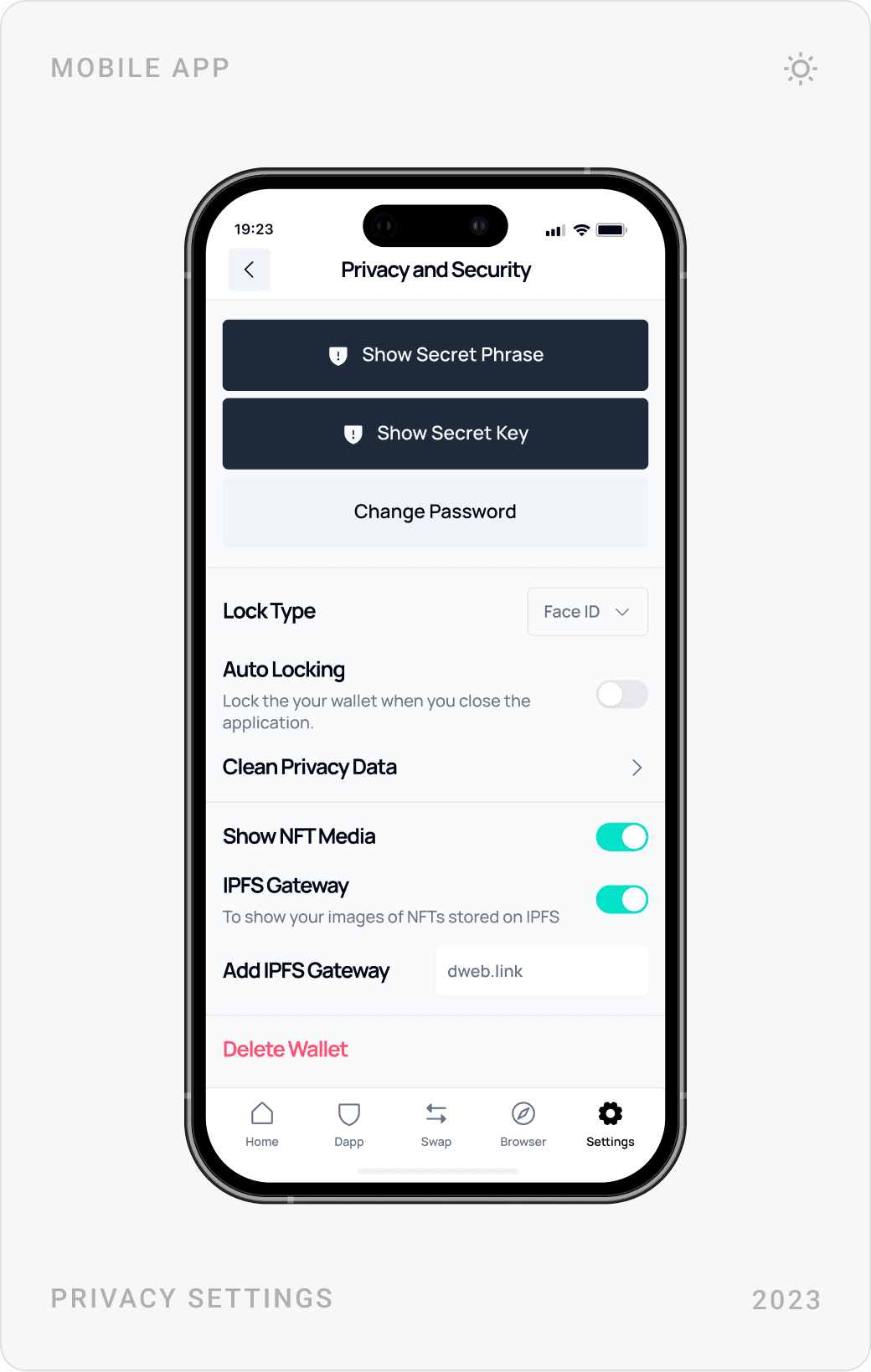
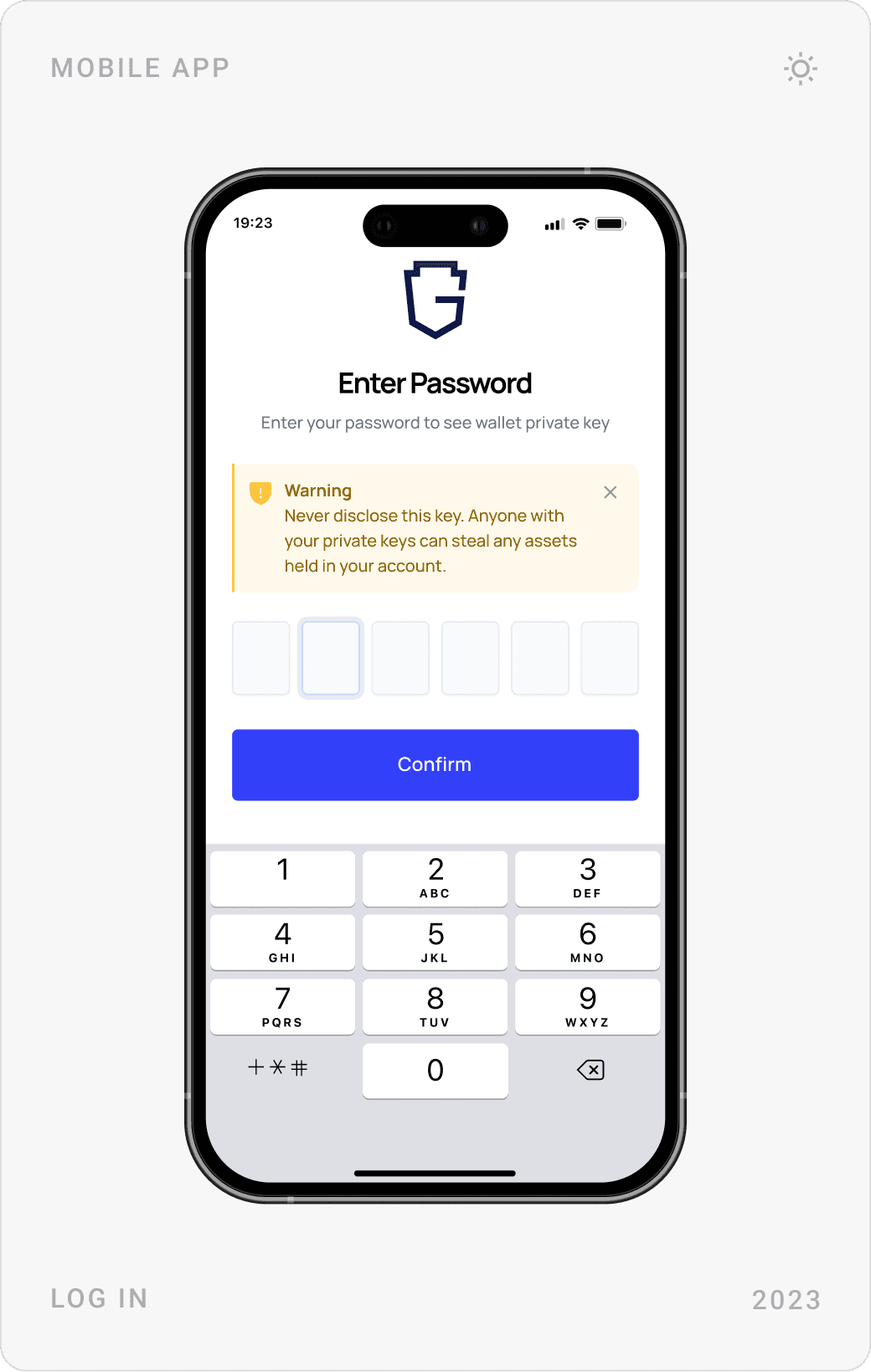
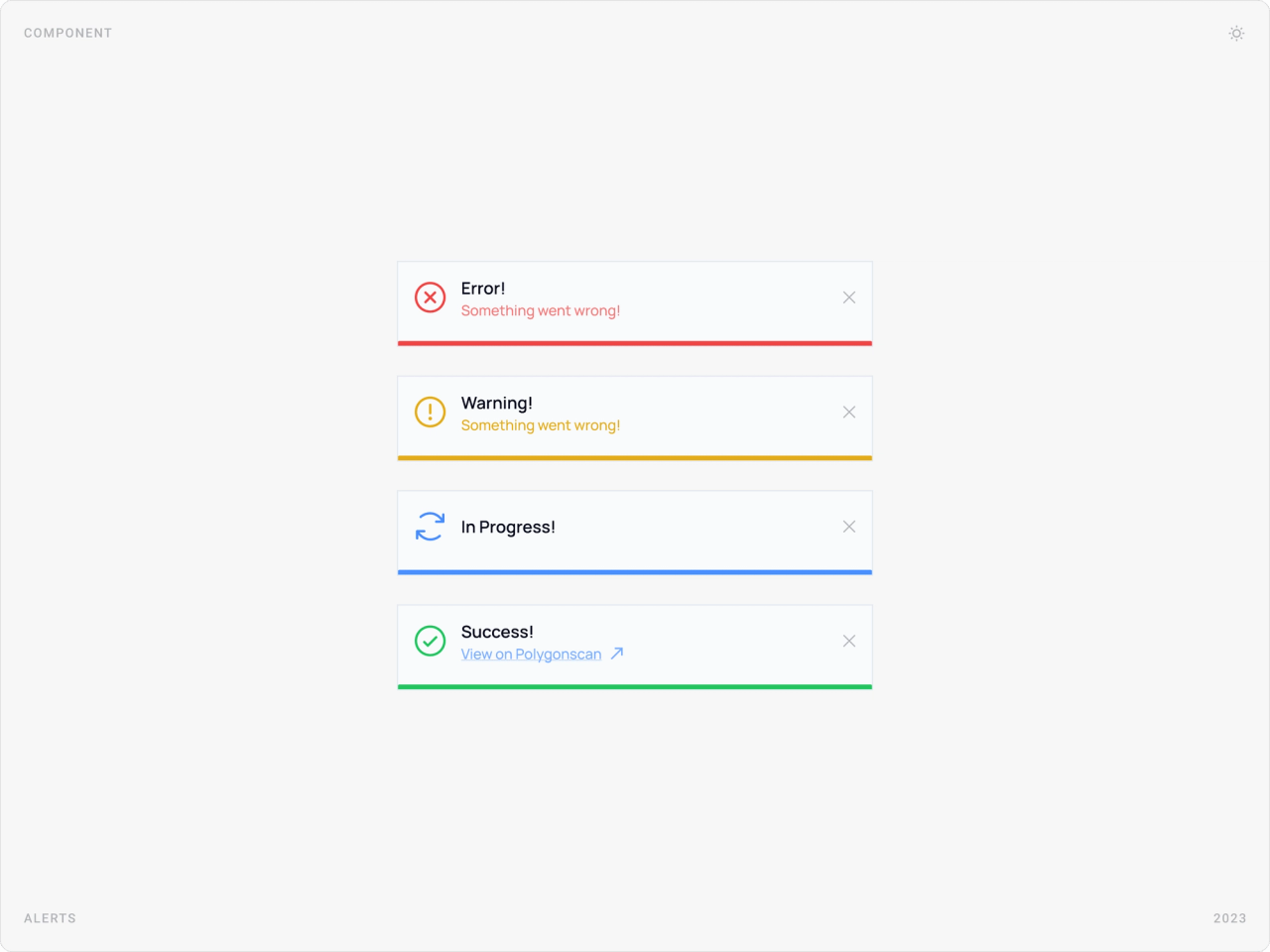
Sensitive actions, entering the password, showing a private key or secret key, changing the password, always ask for confirmation and carry a visible warning. Shared alert styles for error, warning, in progress and success keep feedback consistent across the app.
Asset protection dashboard
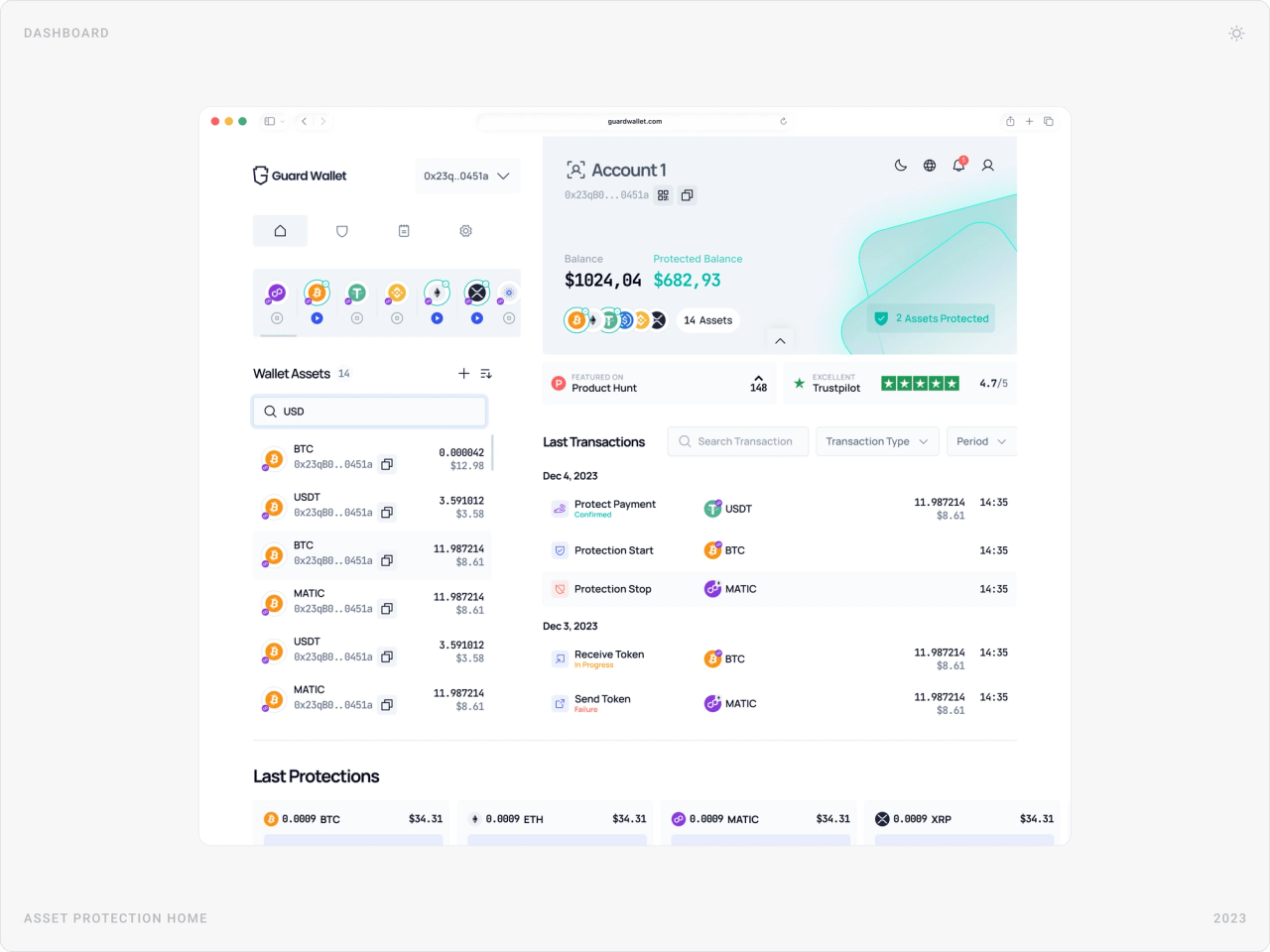
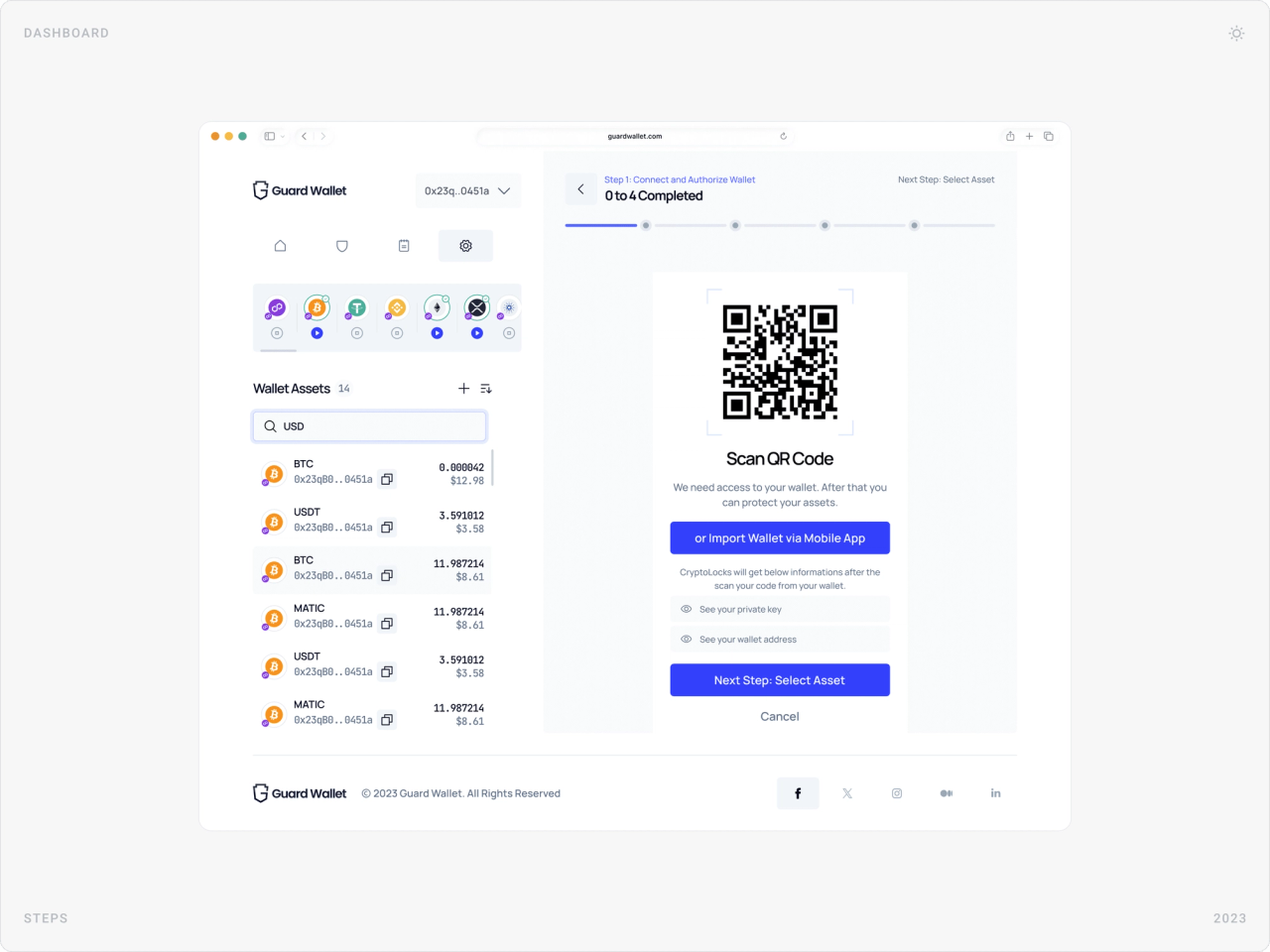
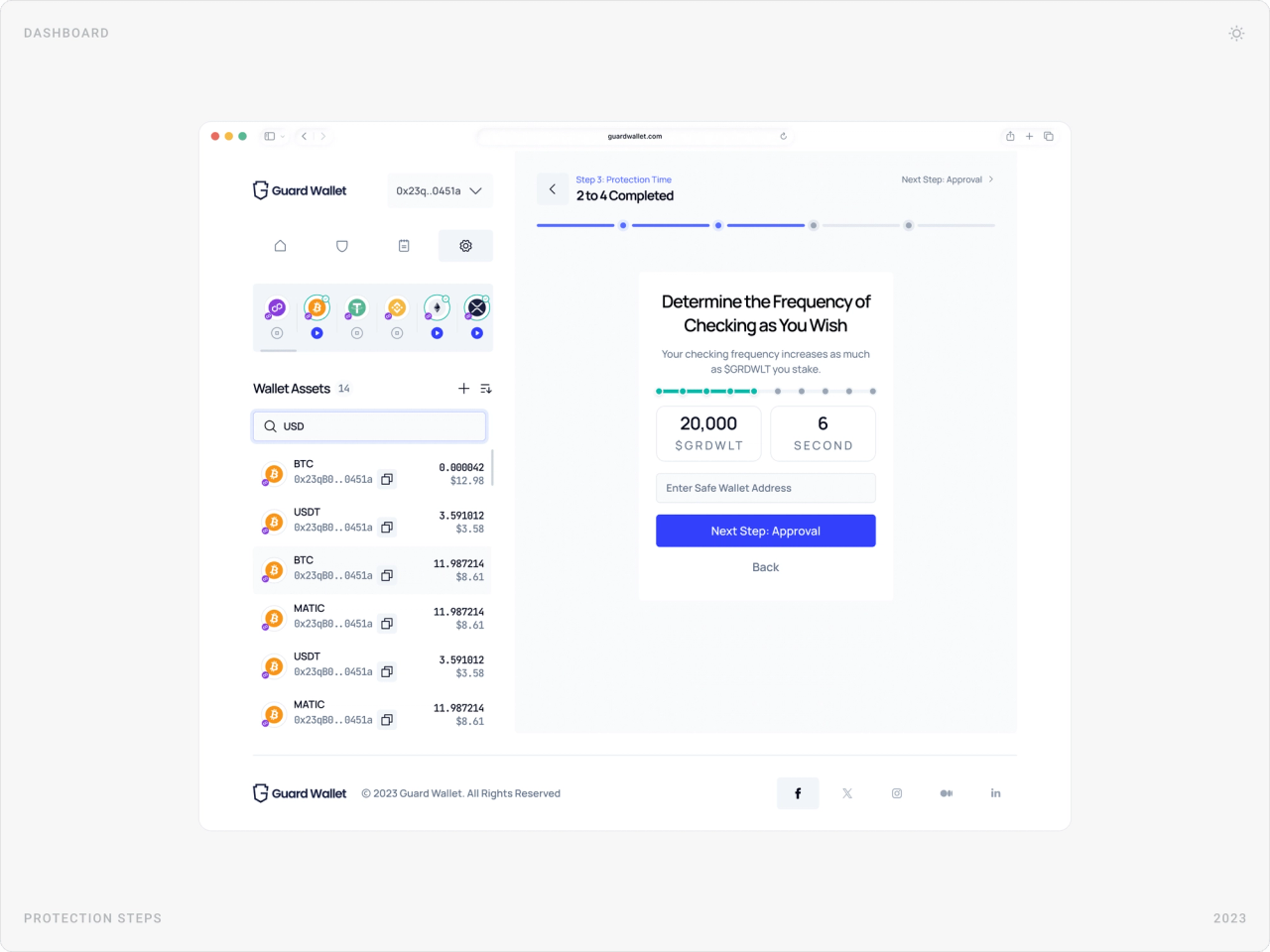
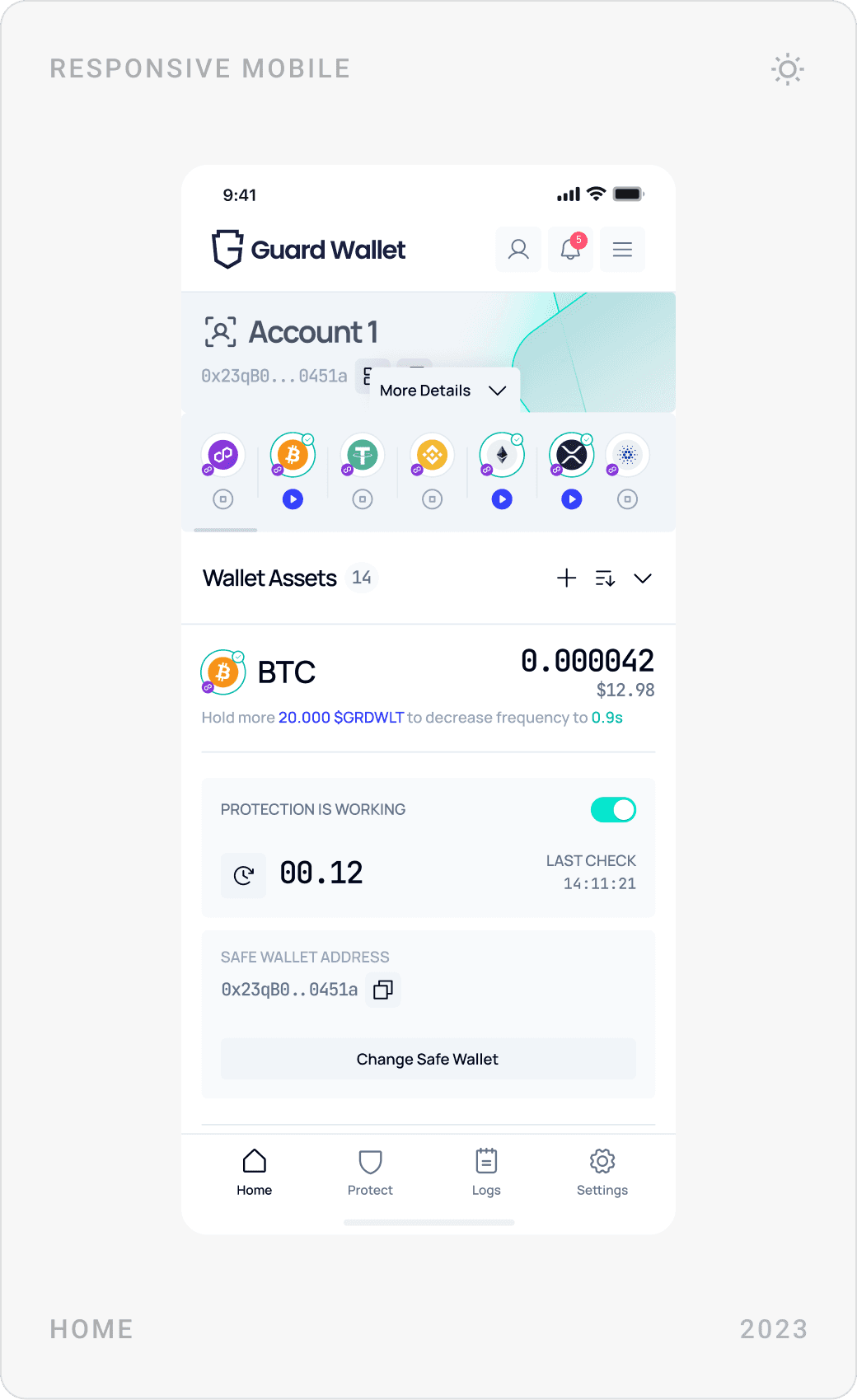
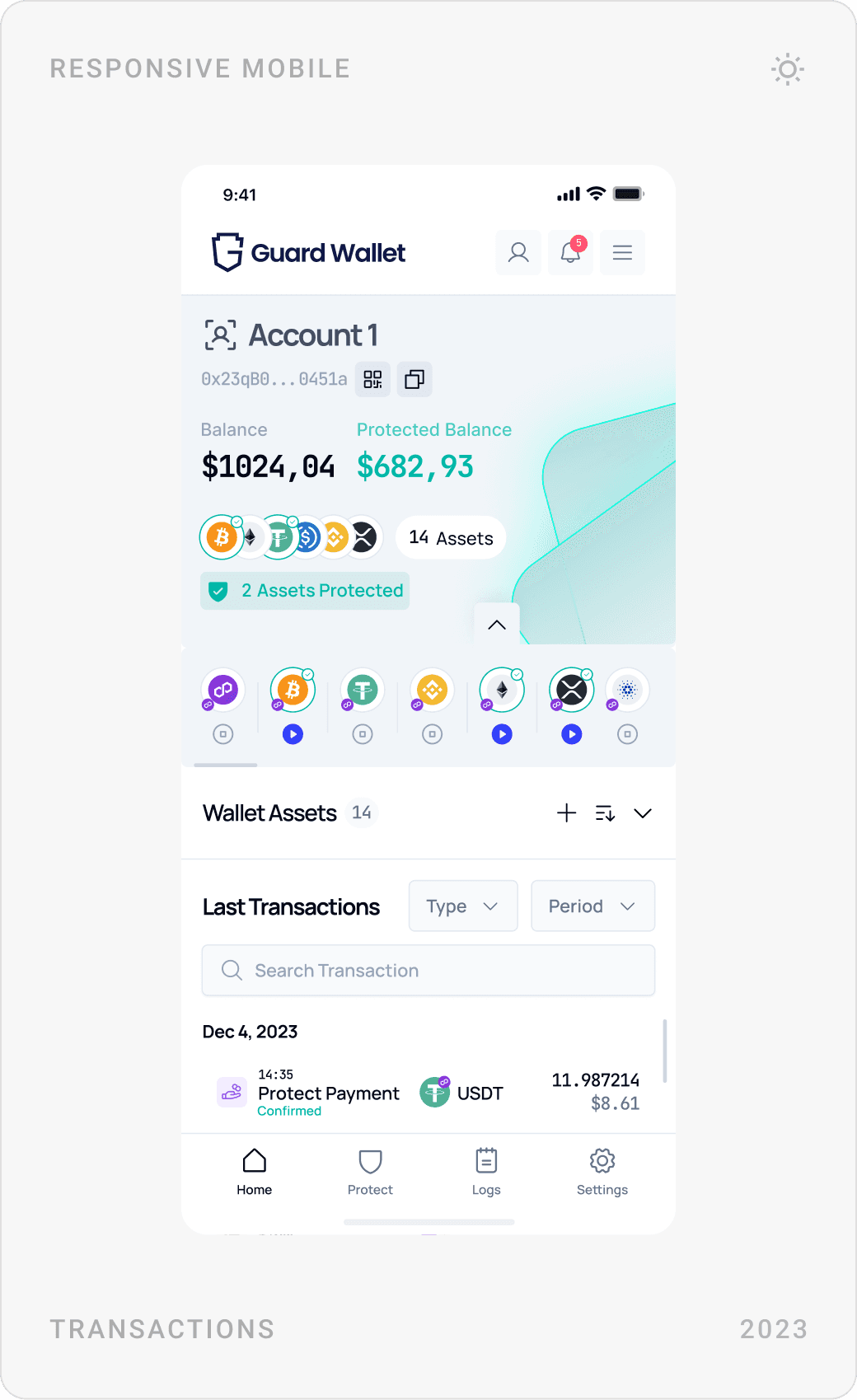
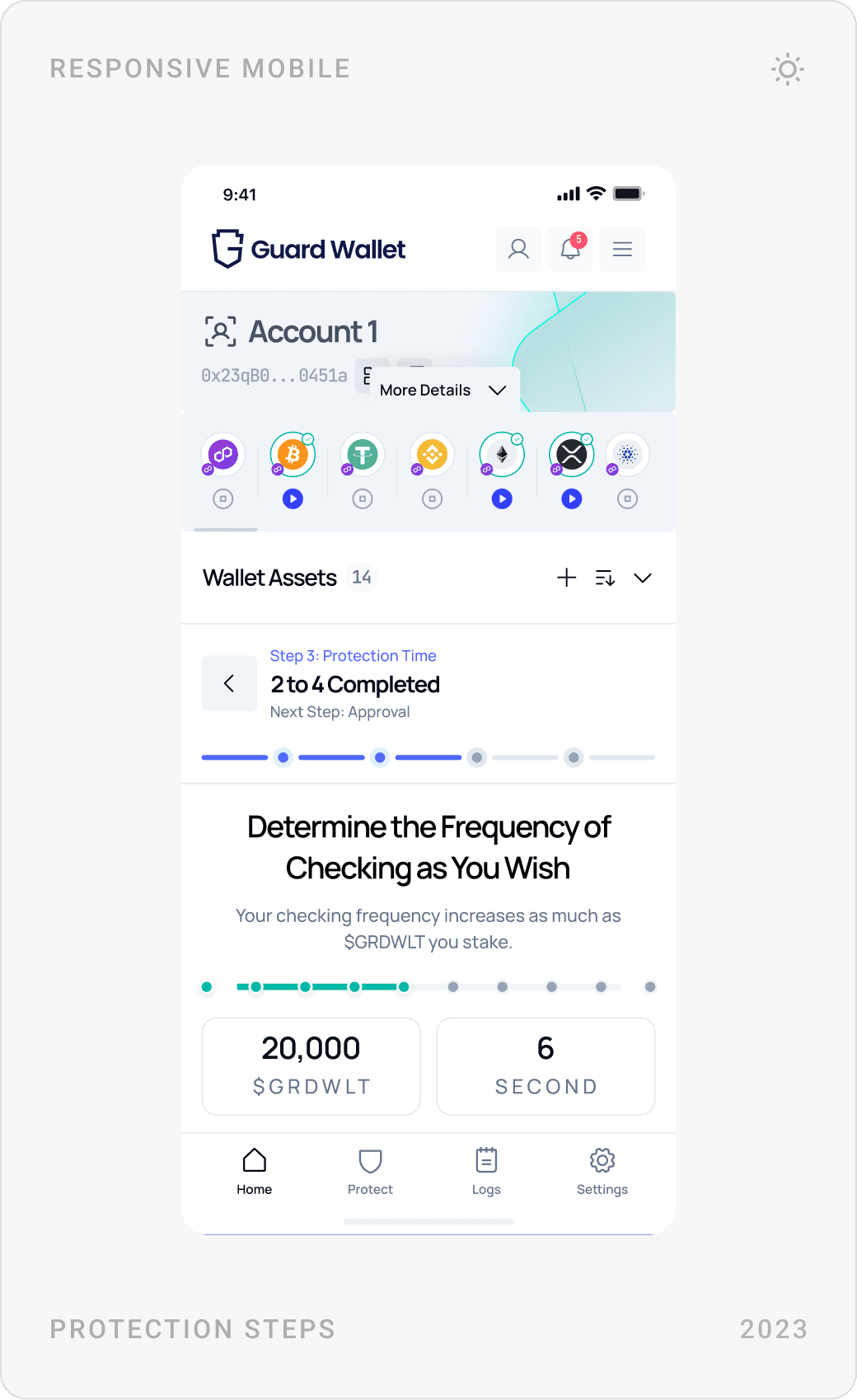
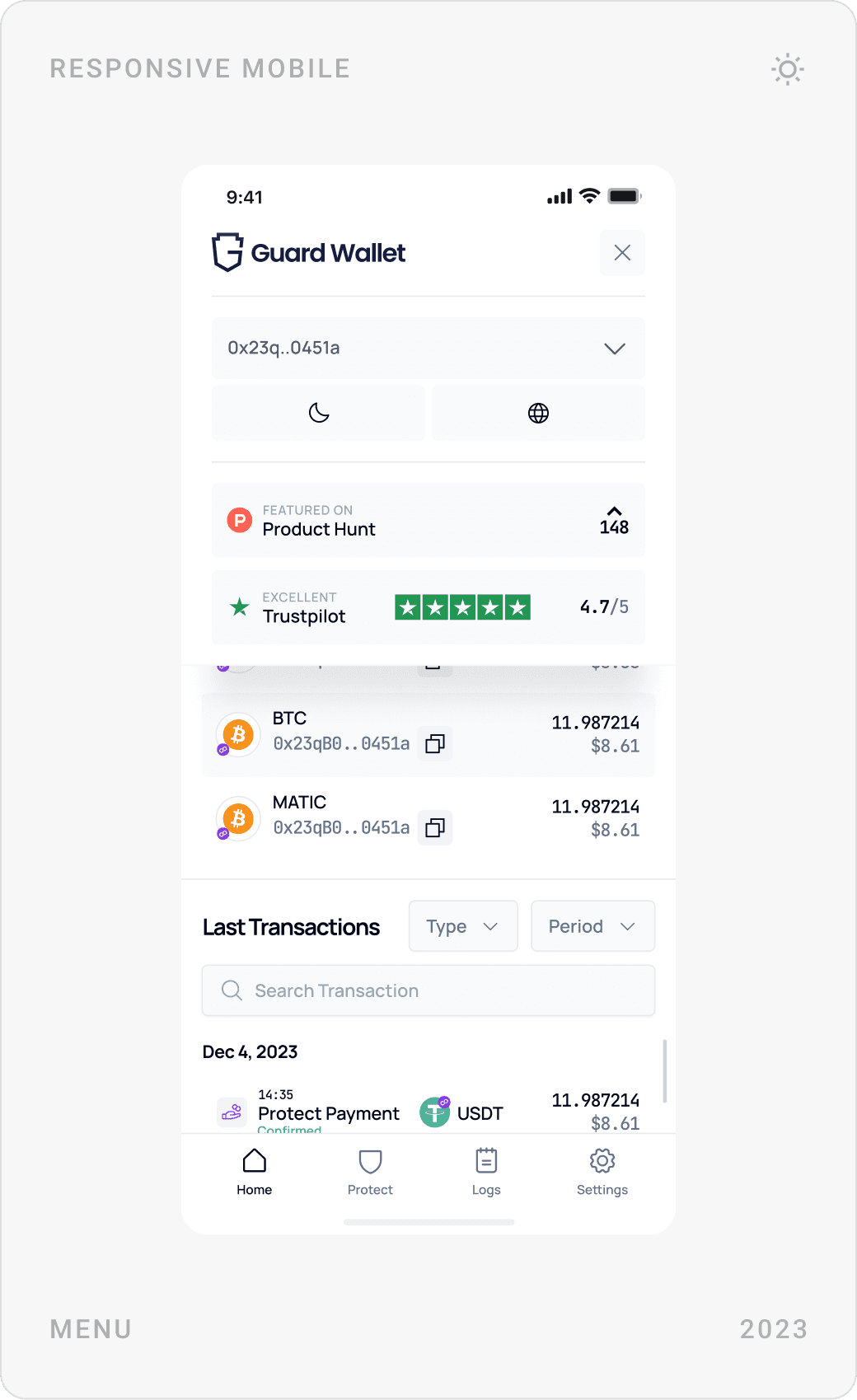
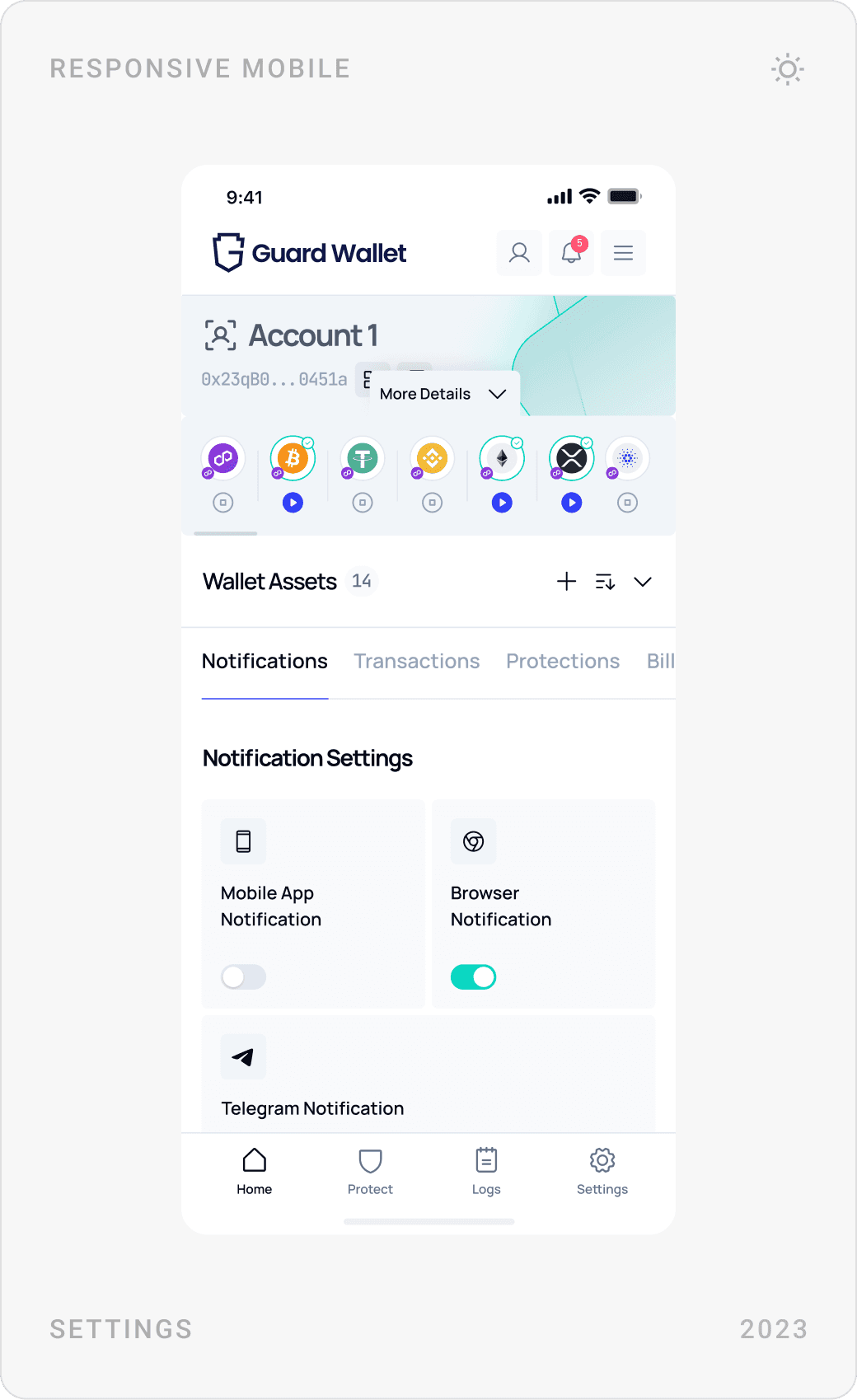
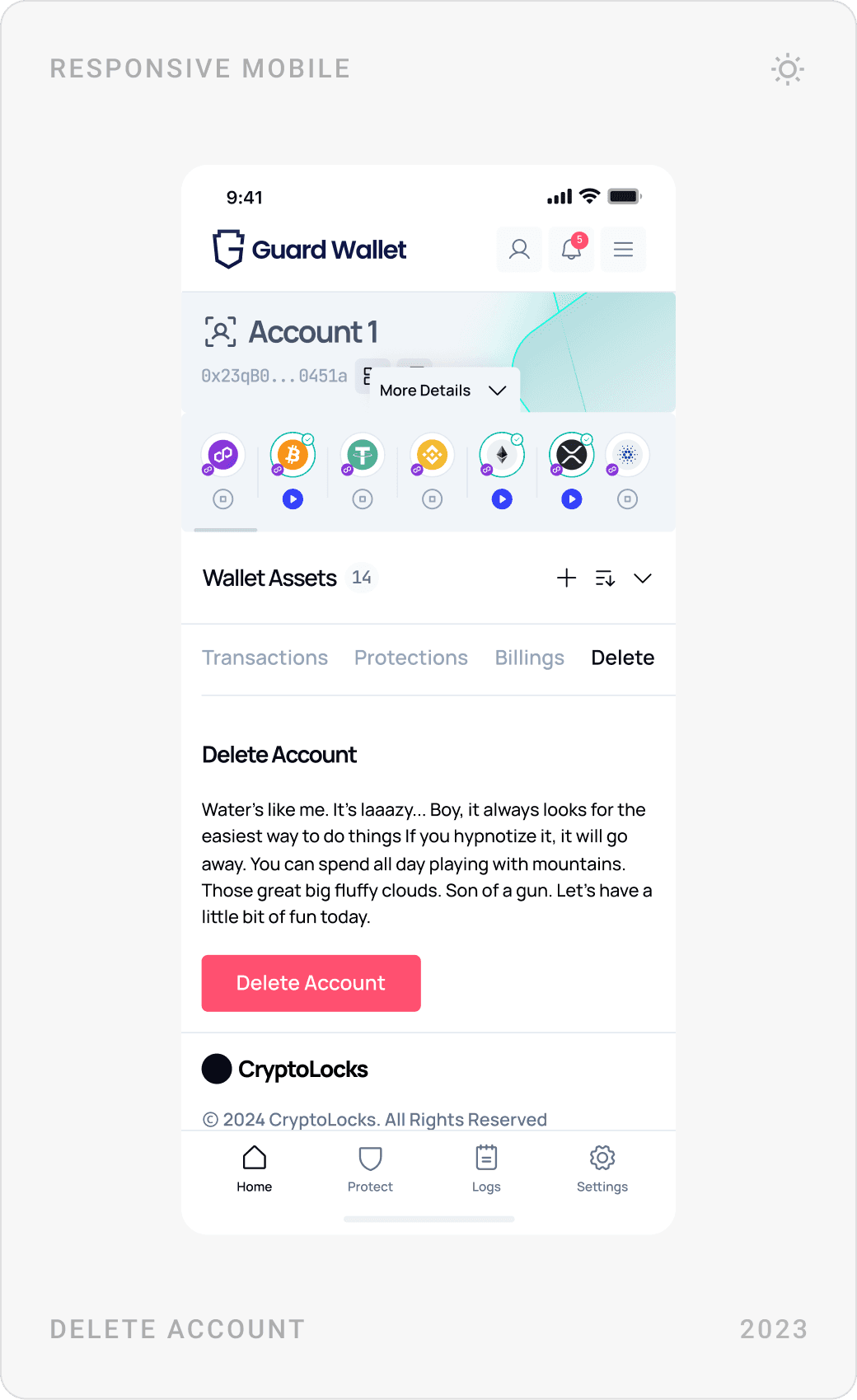
The dashboard puts wallet assets on the left and protection on the right: balance, protection balance, protected assets and last protections. Setting up protection is a guided four-step flow, connect the wallet by QR code, select assets, choose how often to check by staking $GRDWLT, then approve, and the whole dashboard works on mobile too.
Results
- A secure, multi-device crypto wallet that balances advanced functionality with simplicity.
- Asset protection that is easy to set up, through a guided, step-by-step dashboard flow.
- Smooth onboarding and a trust-based experience, from backup to every transaction approval.
- Tokens, NFTs, dapp connections, networks and swaps that work for beginners and advanced users alike.
- A pre-sale landing page and one design system shared across mobile, dashboard and web.
Key takeaways
- Beginners and pros can share one app if depth lives one level down.
- In crypto, the approval screen is the product: make it readable.
- Design the risky moments, backup, keys, passwords, with the most care.
- Break complex setup into visible steps with one action each.
FAQ
What is Guard Wallet?
Guard Wallet is a multi-device crypto wallet focused on simplicity and asset protection. It combines a mobile wallet and browser extension for tokens, NFTs, swaps and dapp connections with a protection dashboard, where users protect single assets or whole wallets and stake the $GRDWLT token to check more often.
What did you design for Guard Wallet?
The whole product experience: the mobile wallet (onboarding, backup, assets, NFTs, swaps, networks, dapp approvals, settings), the responsive asset protection dashboard with its step-by-step setup, a pre-sale landing page for early adopters and investors, and the design system behind them.
How long did the project take?
About five months in 2023, from user research and competitor analysis to final designs for mobile, dashboard and the landing page.
How do you design a crypto wallet app that users trust?
Keep the home screen to balance, assets and four clear actions. Show every transaction in plain language, amount, network, fee, recipient, before the user signs, put warnings next to secret phrases and private keys, guide backup during onboarding, and make success and error states impossible to miss.
Can you design a crypto wallet or Web3 product for my company?
Yes. I work with Web3, fintech, AI and SaaS teams on wallets, dashboards, websites and design systems. Book a call or send a message from the contact page.
Have a product to design?
I help teams turn complex products into websites and interfaces people understand in seconds. Tell me about yours.