Mention · Case study · 4 min read
Mention: website design for an end-to-end encrypted enterprise messenger
Mention is an end-to-end encrypted enterprise messenger, built as a private alternative to Slack and Microsoft Teams for regulated industries. I redesigned its website so that privacy, the product’s main advantage, reads clearly and credibly to decision-makers and IT teams, and leads them to contact sales.
Mention has been discontinued. This case study documents the work completed while the product was active.
- User Experience Research
- User Interface Design
- Design System
At a glance
Challenge
Strong encryption and compliance, but a website that lacked the clarity and authority to explain them or to stand out next to Slack and Teams.
Solution
A privacy-first website: a clear hero, feature pages for encryption and key management, trust sections, transparent pricing and a contact-first sales form.
Outcome
A clearer, more credible website praised by enterprise clients, and a design foundation the team used to launch more landing pages.
Deliverables
- Homepage
- Features & security sections
- Pricing page
- Contact sales form
- Desktop + mobile
- Design system

Overview
Mention launched as an “end-to-end encrypted enterprise messenger”: a Slack and Microsoft Teams alternative that doesn’t hand customers’ communication data to the vendor, built for regulated environments and companies with intellectual property to protect. [1]
The product had robust encryption and compliance, but the website didn’t convey them with enough clarity, authority or emotion. I redesigned it through my studio, Beew, in one month in 2025: homepage, feature sections, pricing and contact pages for desktop and mobile, plus the components to keep building on.
The challenge
Enterprise buyers already know Slack and Teams. A new messenger has to win on one thing they care about deeply, privacy, and prove it quickly.
- Explain complex privacy features in a simple, credible way.
- Stand out from feature-rich incumbents like Slack.
- Earn the trust of enterprise clients in regulated industries.
- Structure pricing and feature sets clearly for decision-makers.
- Support lead generation with a conversion-focused design.
Goals
- Make privacy the hero of the brand story.
- Lift brand perception with a premium, modern look that matches or surpasses Slack and Teams.
- Explain encryption, local key storage and AI-free messaging clearly enough to support sales and compliance conversations.
- Guide visitors to action with clear calls to action, pricing comparison and a contact-first sales path.
- Build a design system that scales with product and marketing needs.
Approach
1. Start from the buyer’s worries
The research focused on three questions: buyers’ hesitation about tools that run AI on internal communications, the role privacy plays in choosing a vendor, and the friction they feel with their current messaging tools. Each one became a section of the site.
2. Say privacy in plain words
“Your data isn’t our training set.” Each safeguard, end-to-end encryption, local key management, automatic key rotation, gets one short, plain explanation of what it does for the customer.
3. Look as trustworthy as the product is
A mix of dark and light sections, confident typography and blue tones for credibility, with badges, ratings and partner logos that show security credentials at a glance.
4. Build blocks, not pages
Cards, feature blocks, pricing tables and form layouts were designed as reusable components, so the team could assemble new pages and landing variants without starting over.
The solution
Homepage: privacy-first from the first line
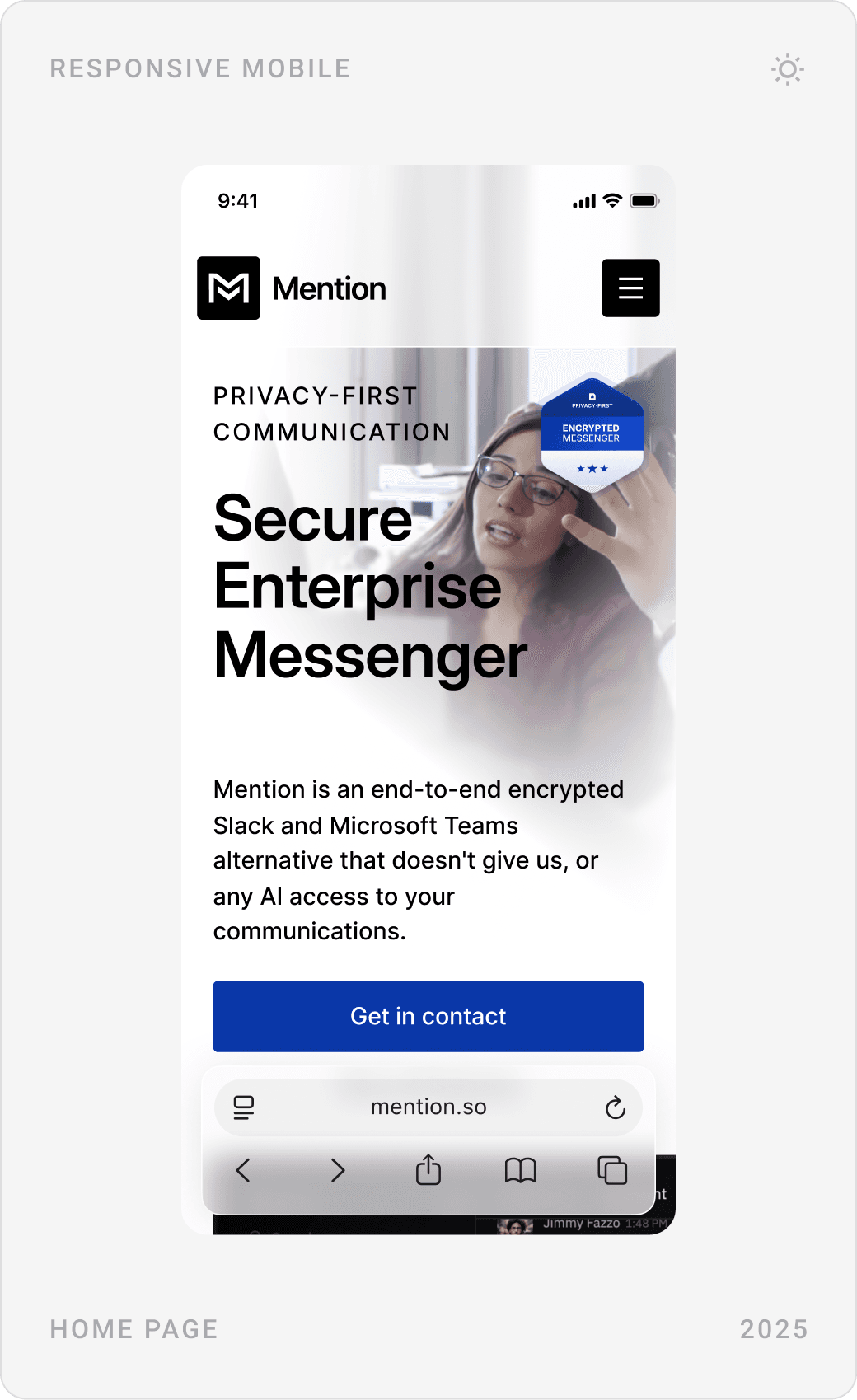
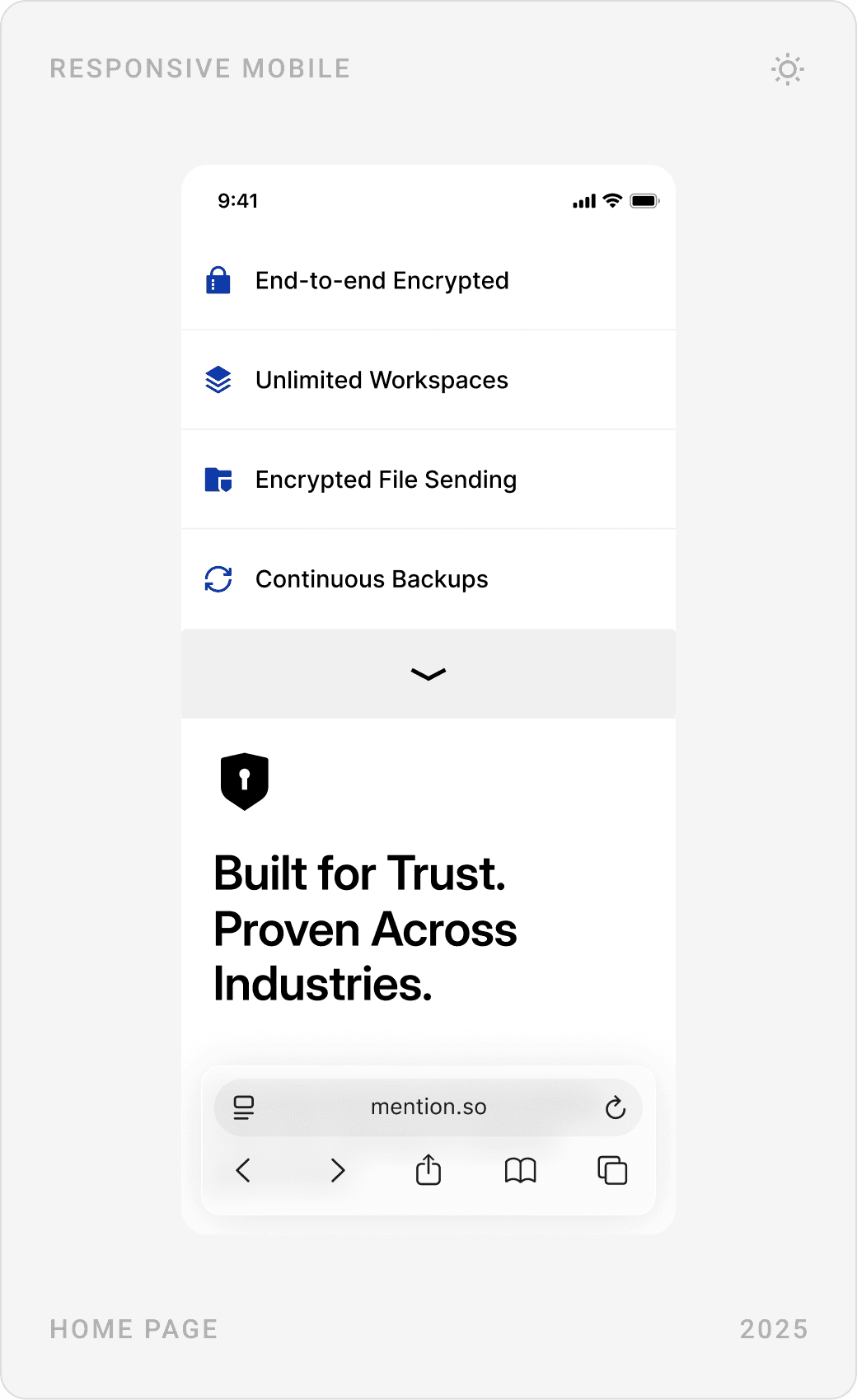
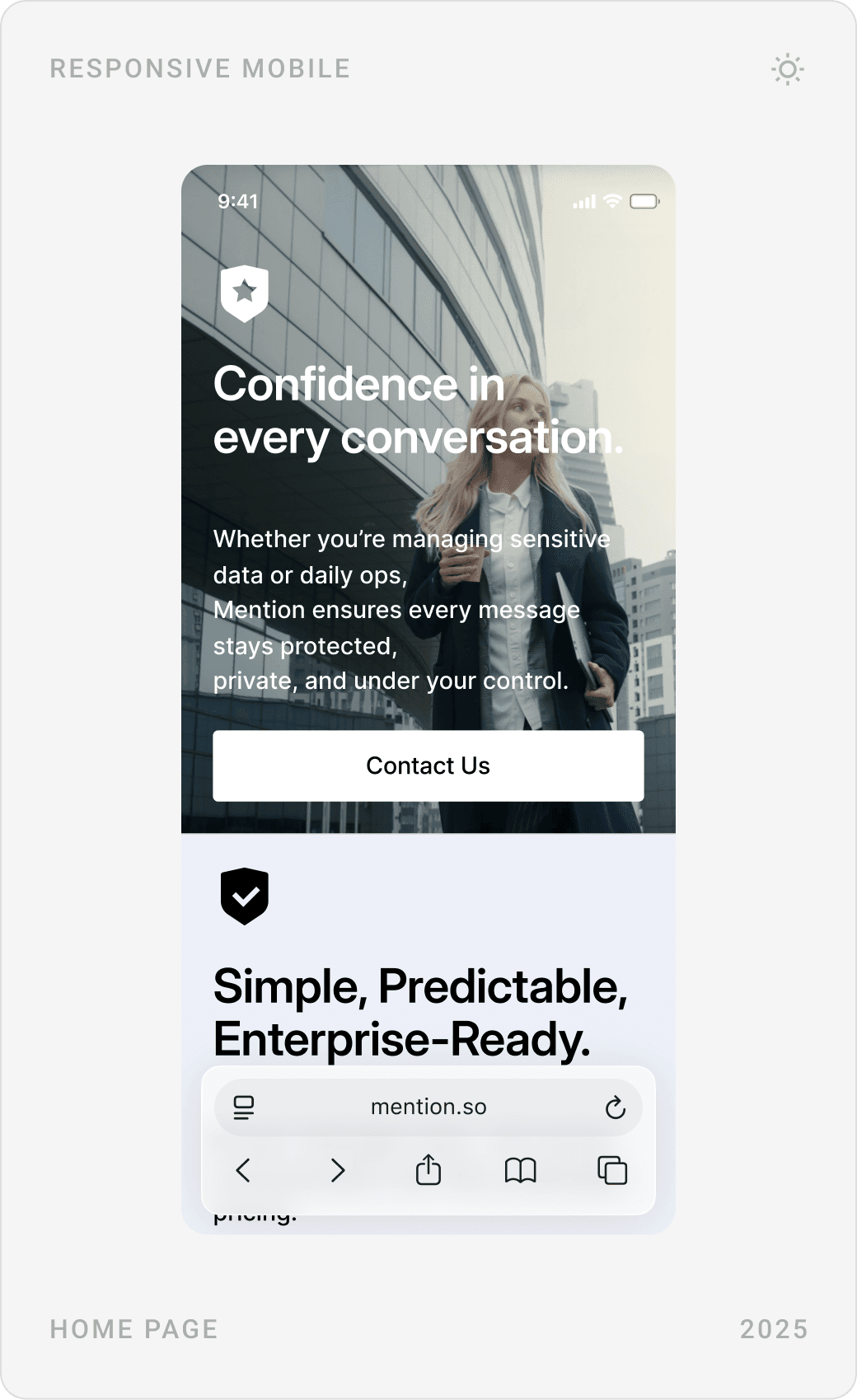
The hero says exactly what Mention is, a secure enterprise messenger and an alternative to Slack and Teams that gives no one, not even AI, access to your conversations, and shows the product right below. Short feature tags follow: end-to-end encryption, unlimited workspaces, encrypted file sending, continuous backups.

Trust and proof
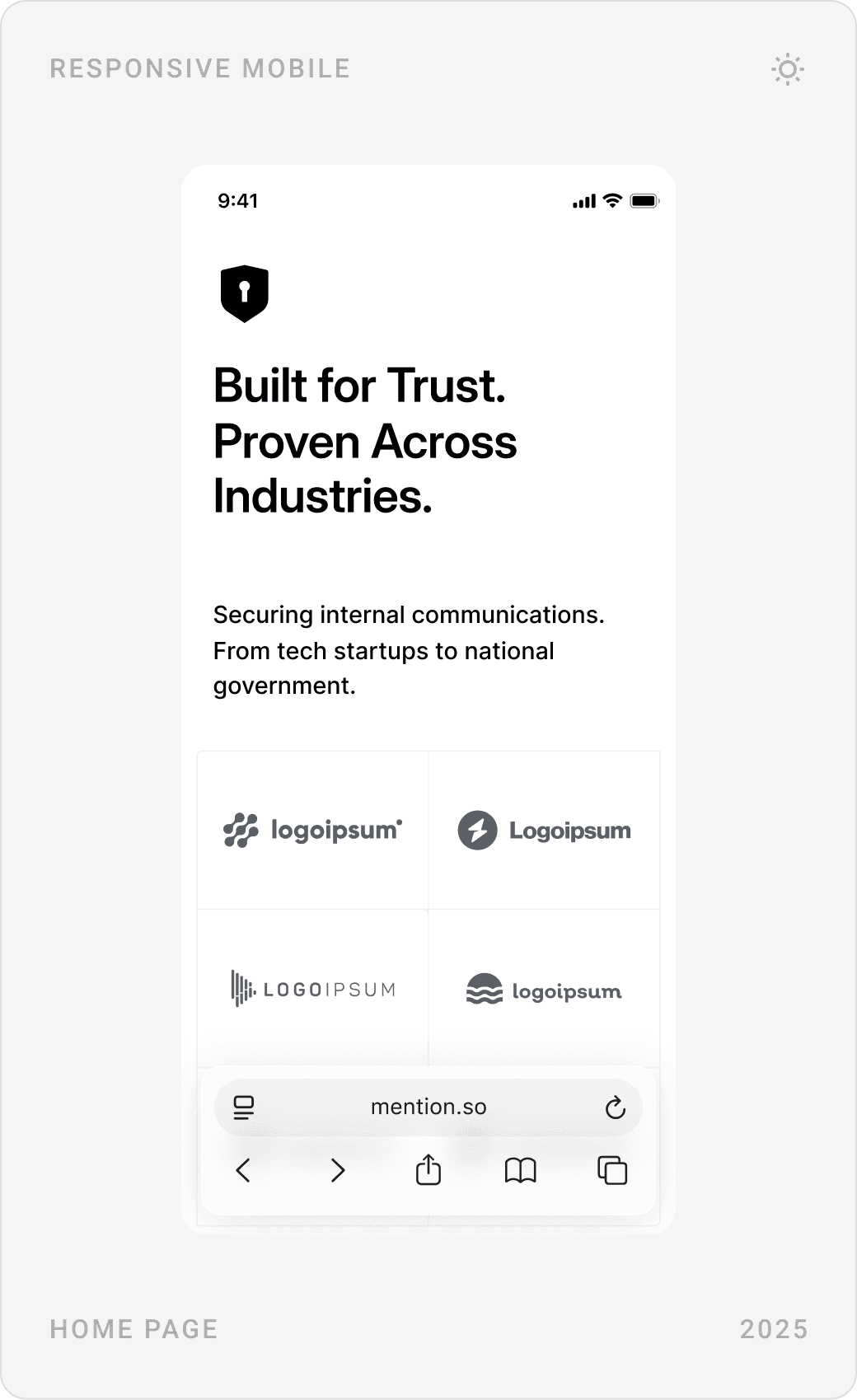
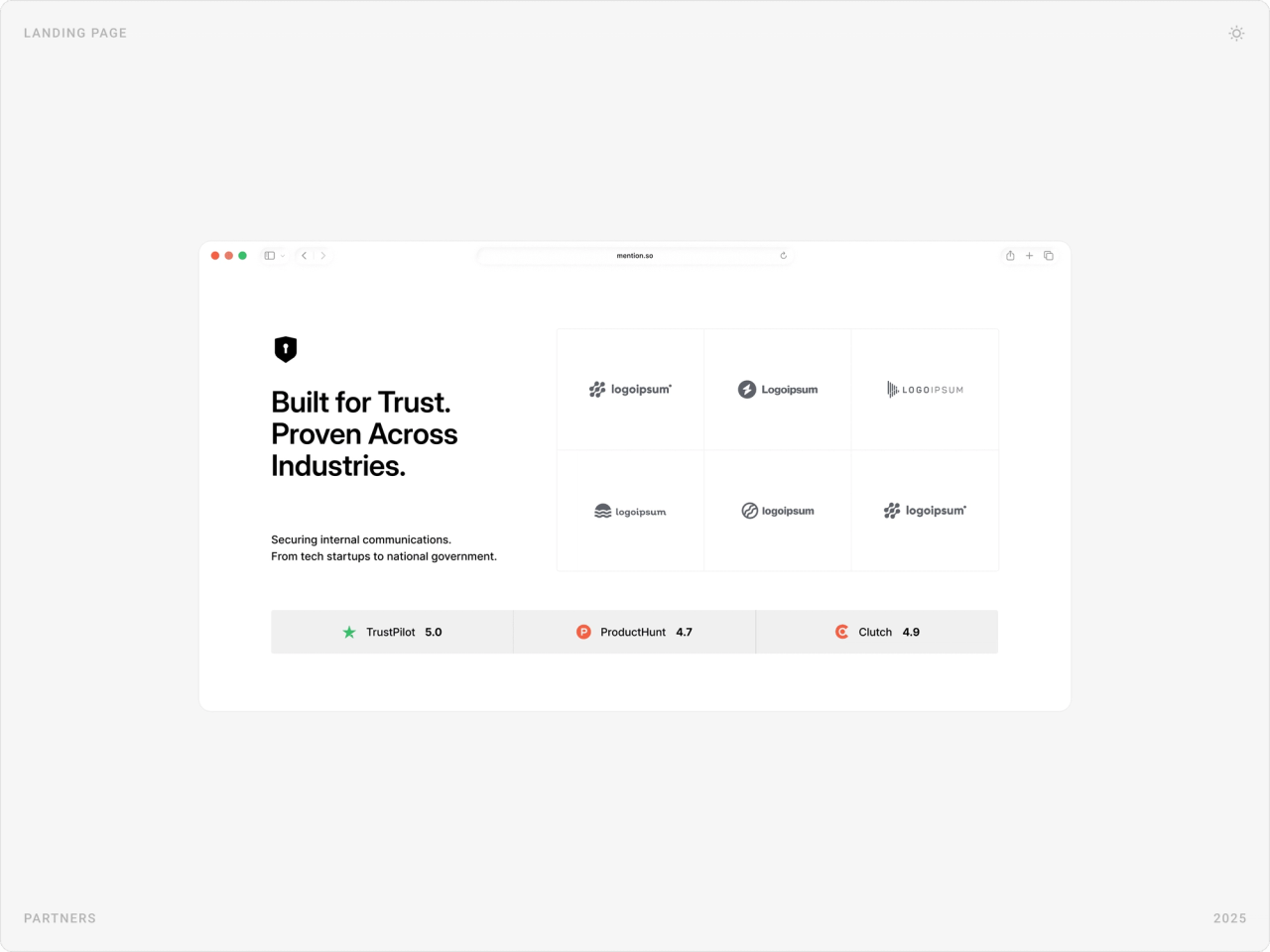
A “Built for Trust” section pairs partner logos with review ratings, and a dark statement section argues that end-to-end encryption is now a must-have, backed by industry statistics on data breaches.


Security features, explained
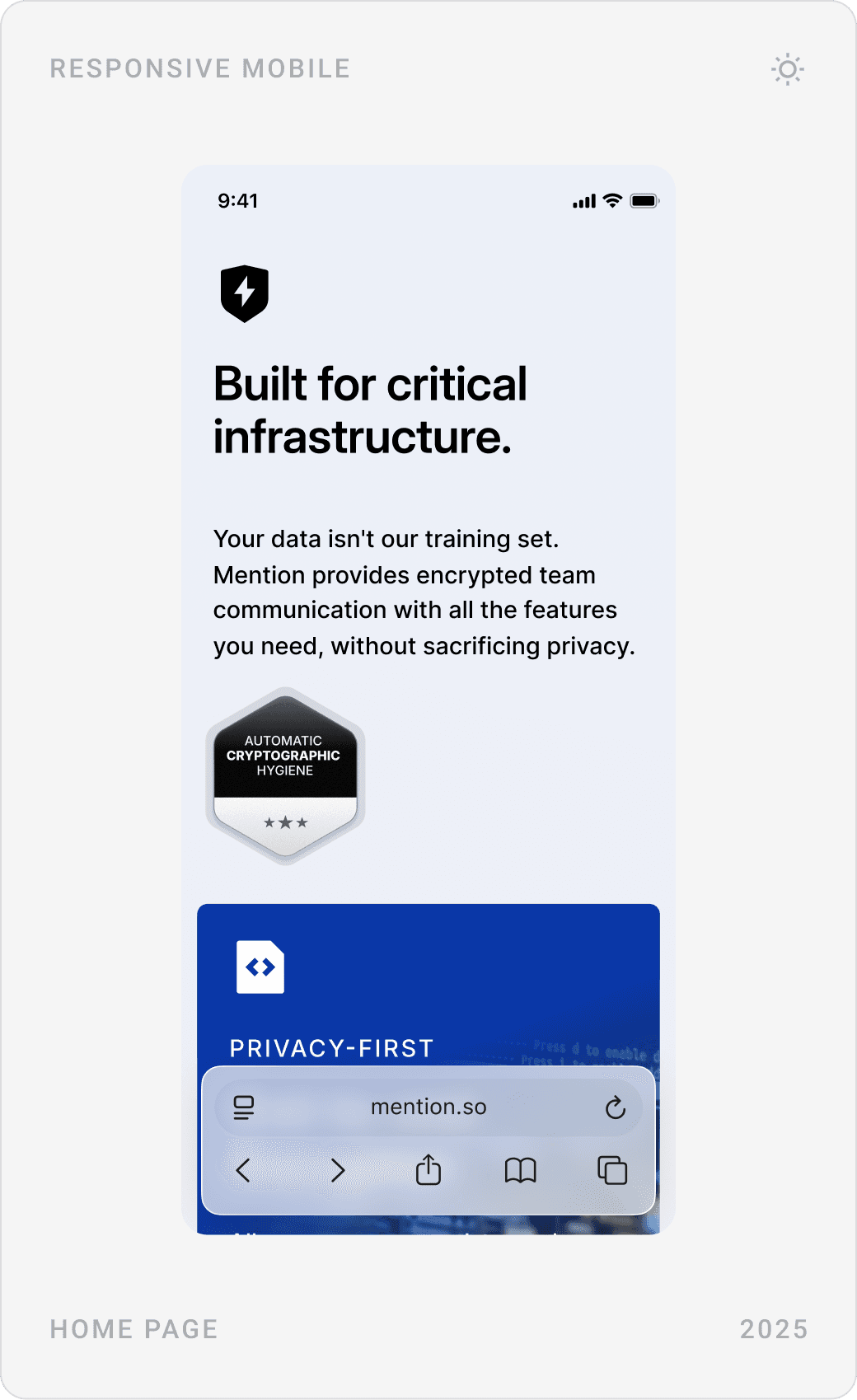
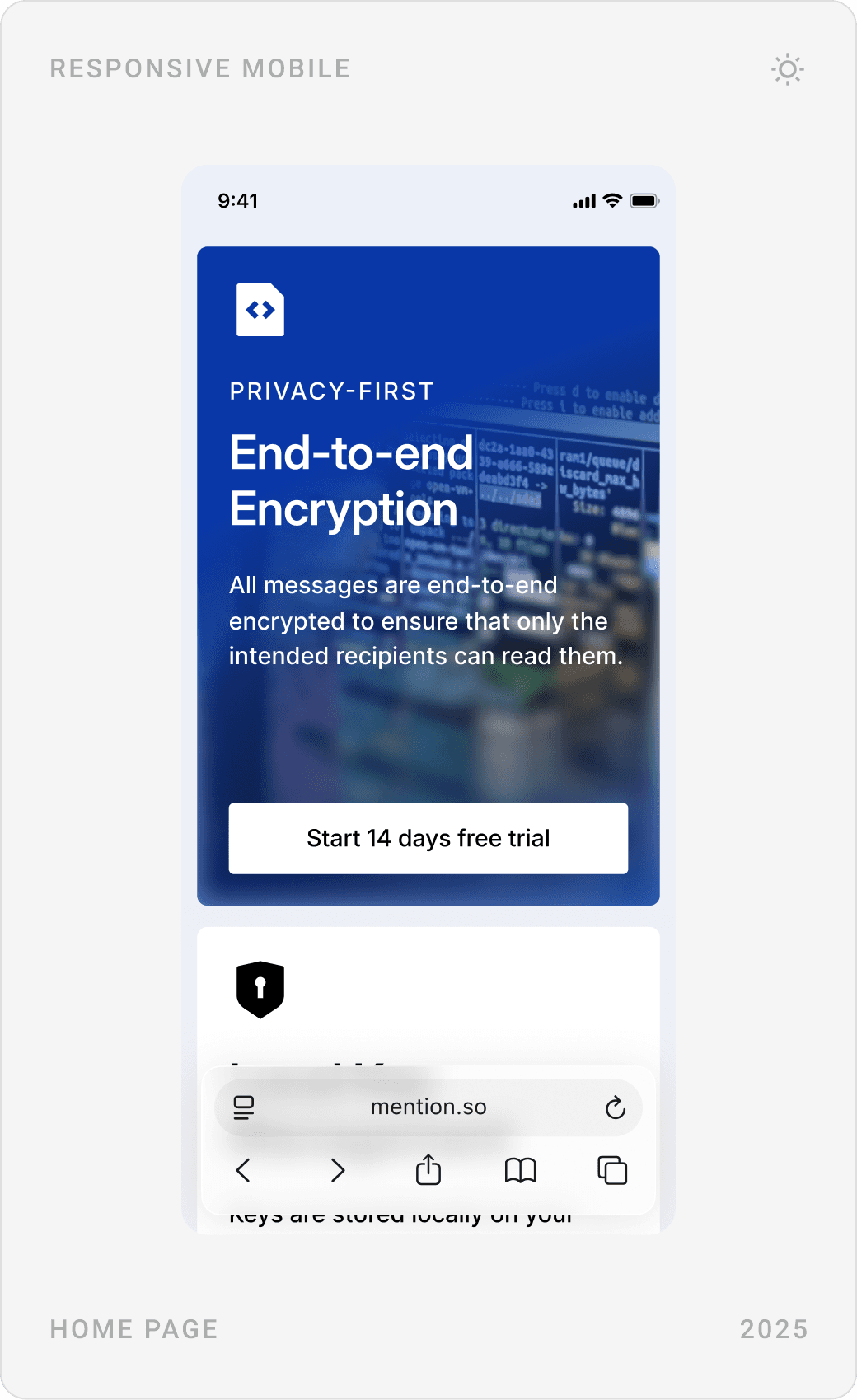
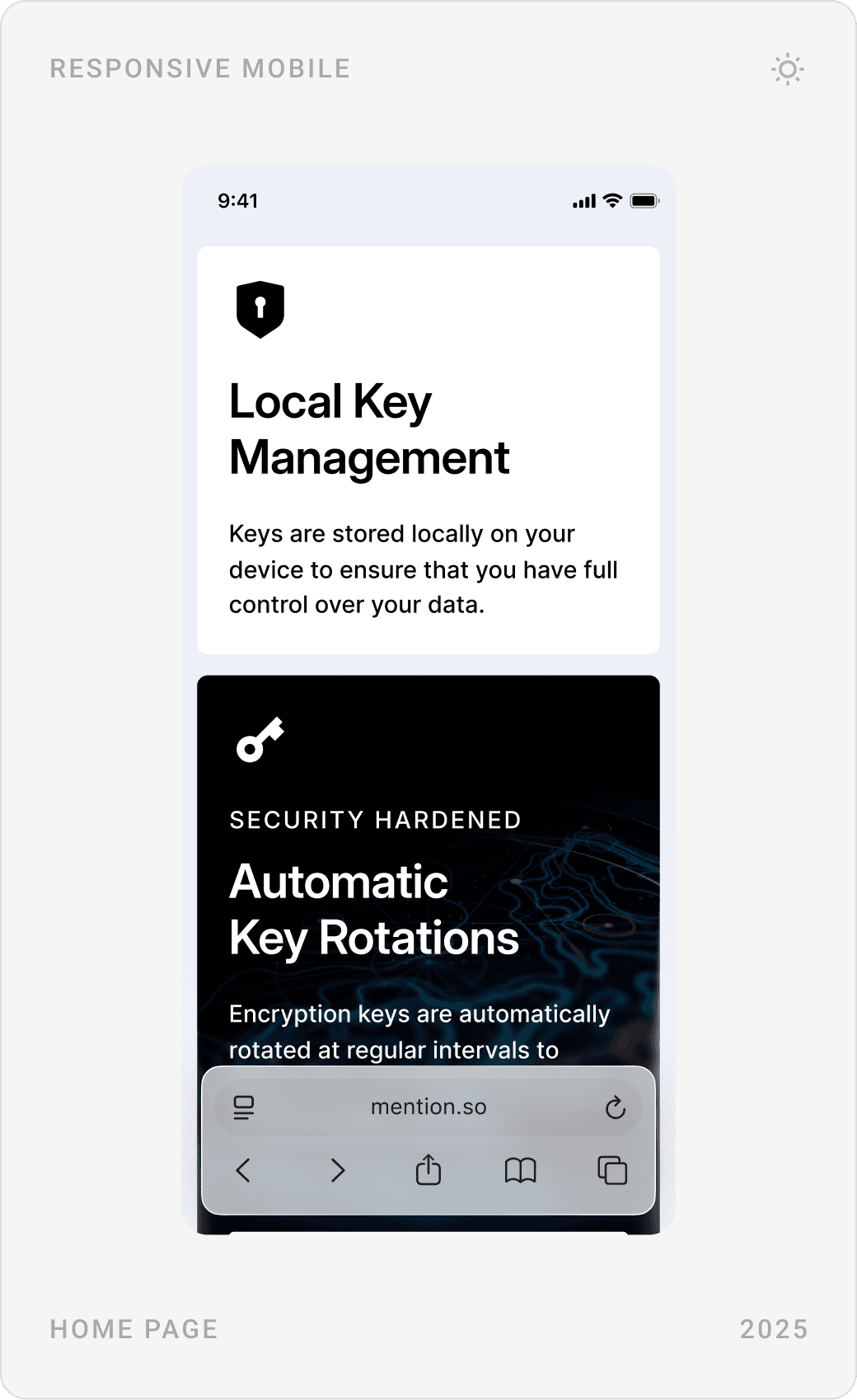
“Built for critical infrastructure” is a feature grid where each card answers one question: end-to-end encryption, local key management, automatic key rotation and 24/7 customer support. The most important cards carry a trial call to action.

Product showcase
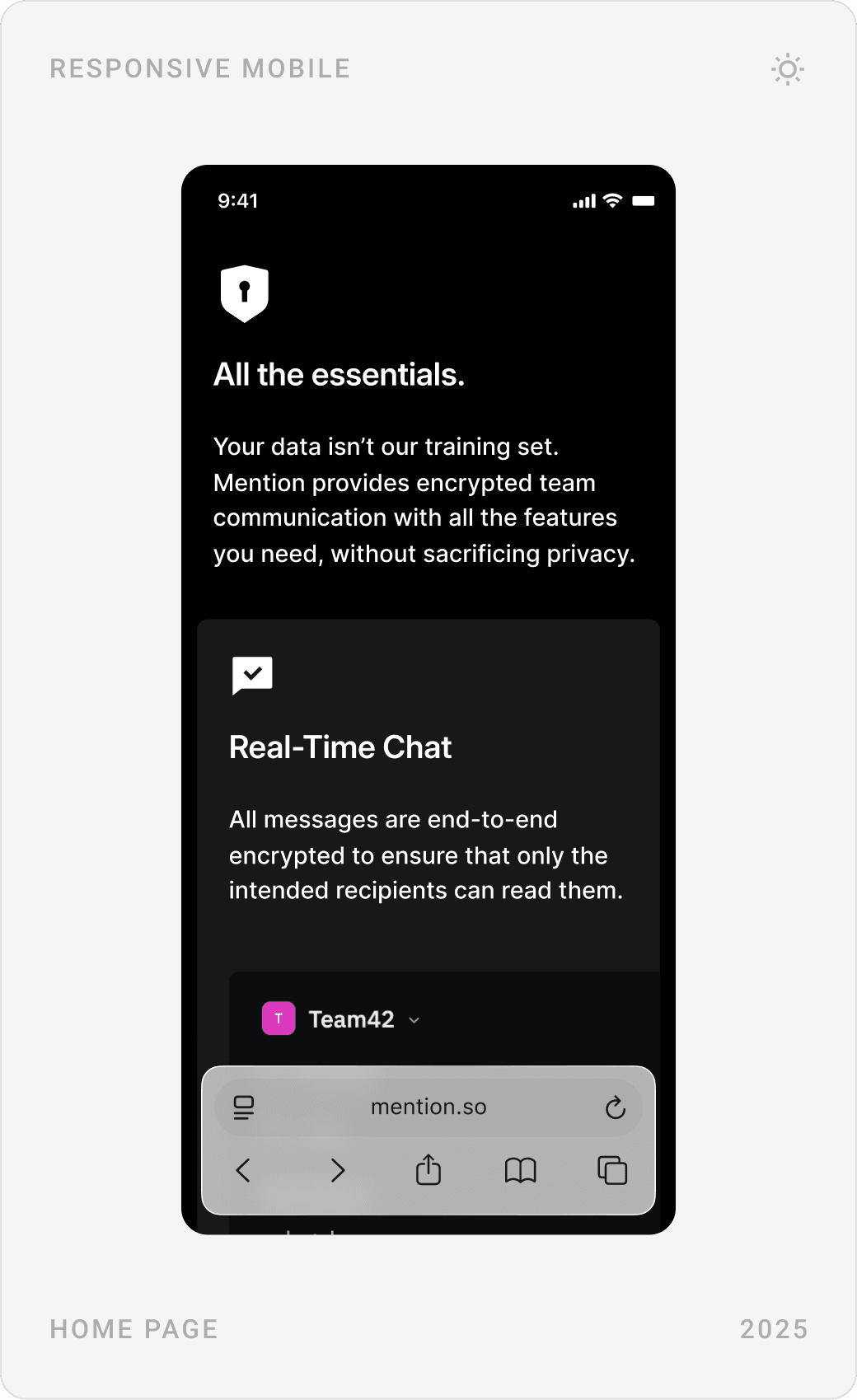
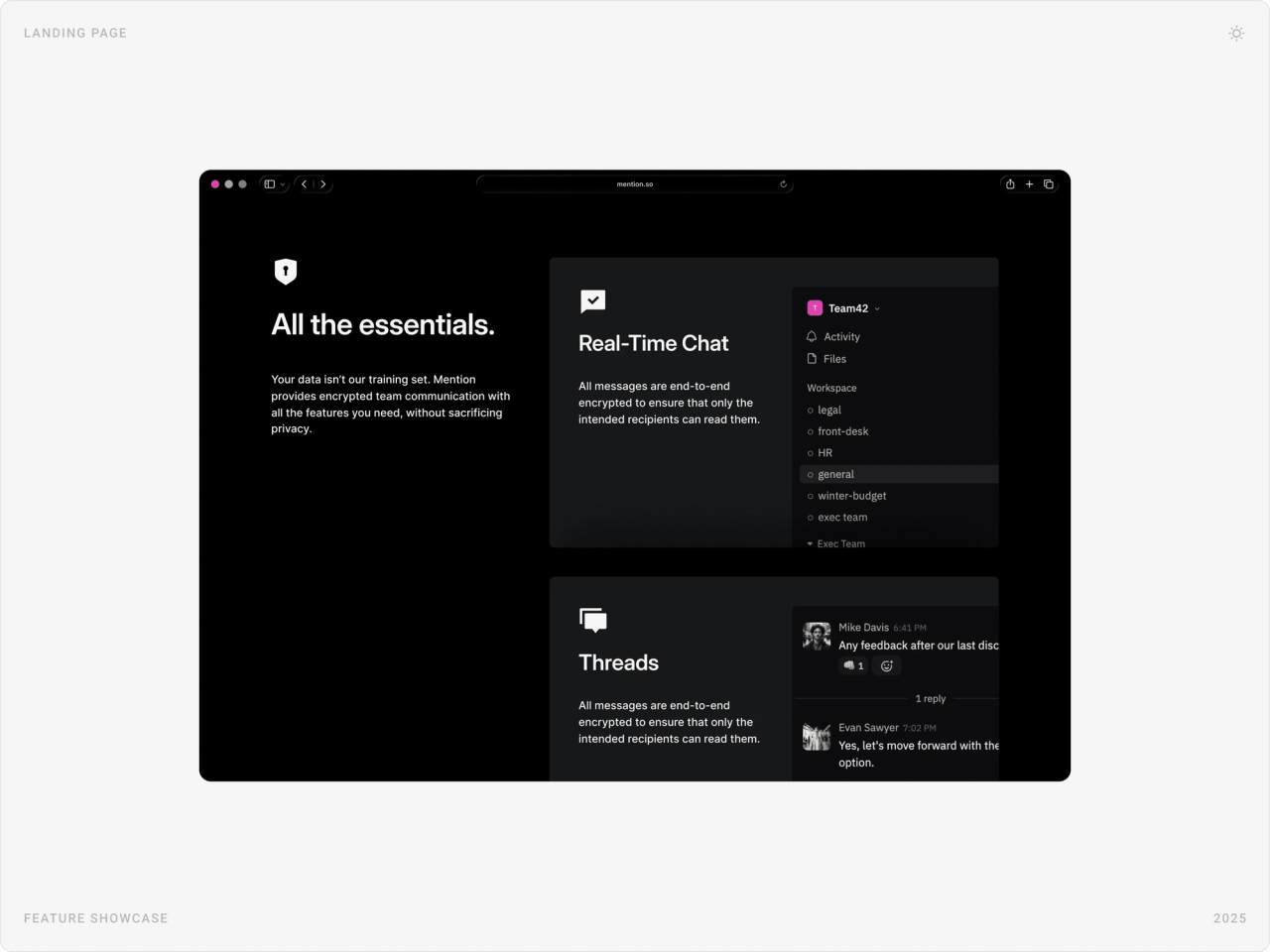
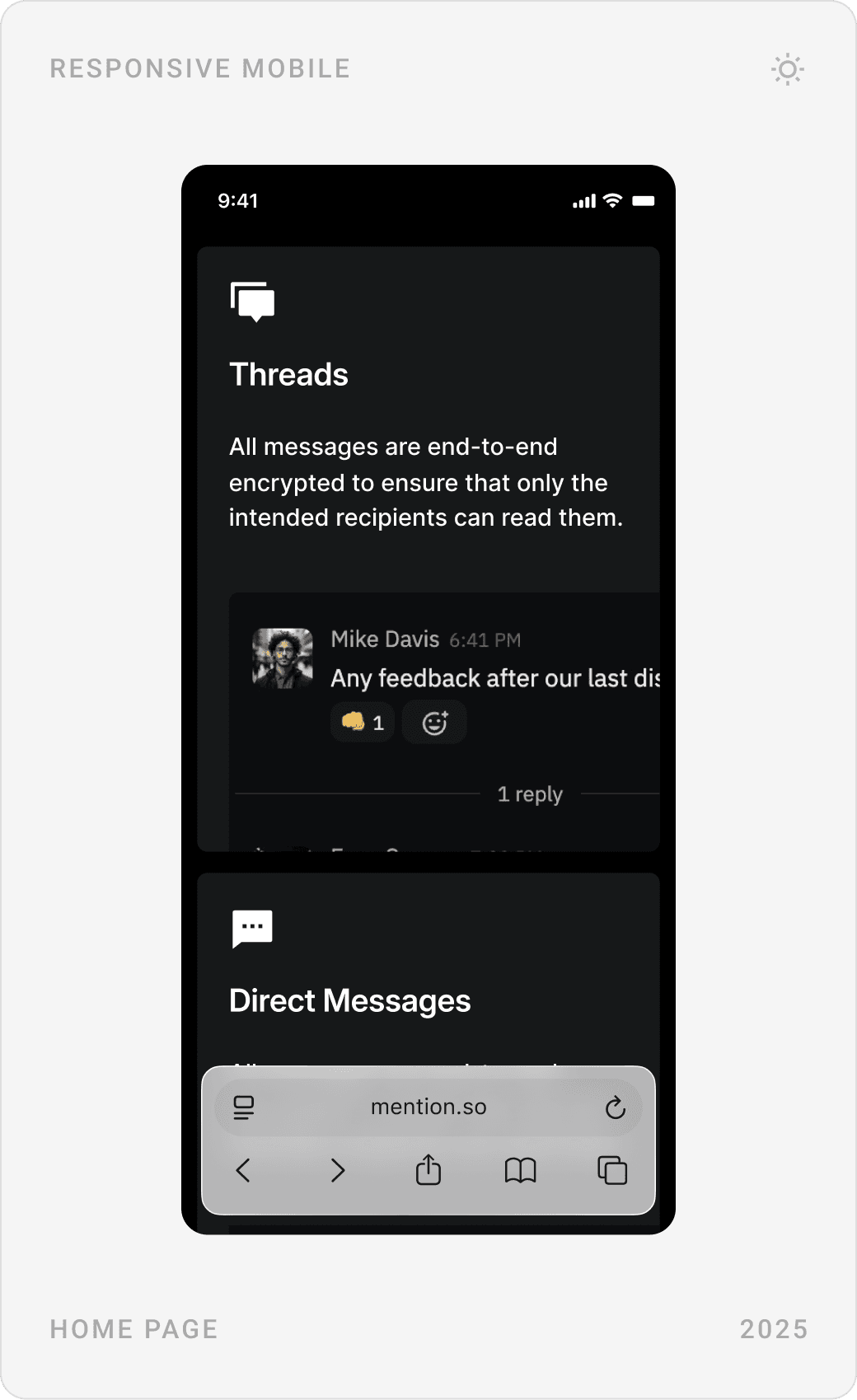
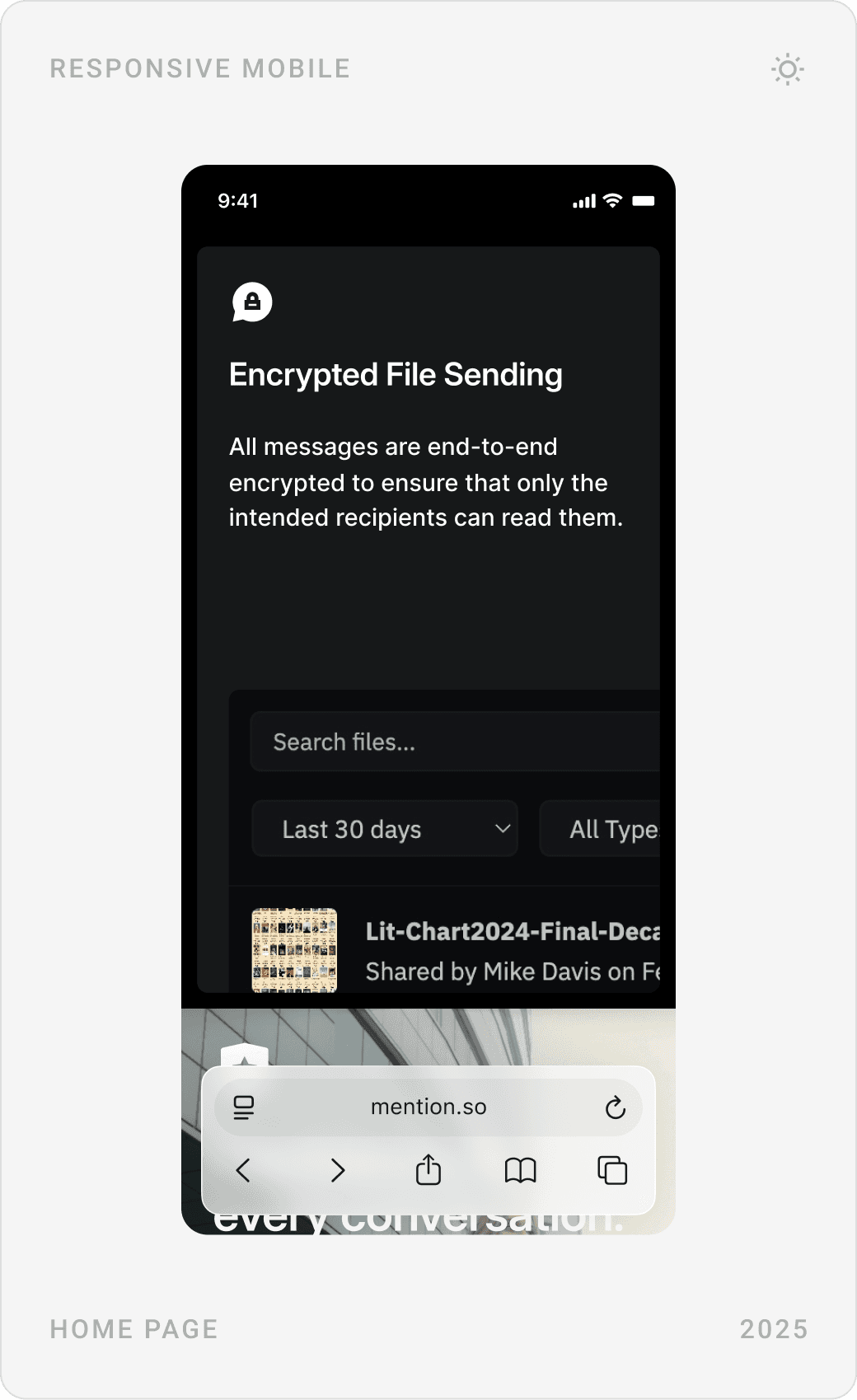
“All the essentials” shows the app itself: real-time chat, threads, direct messages and encrypted file sending, each with a product mockup. It answers the silent question every buyer has, is a private messenger as usable as Slack?

Pricing for SMBs and enterprises
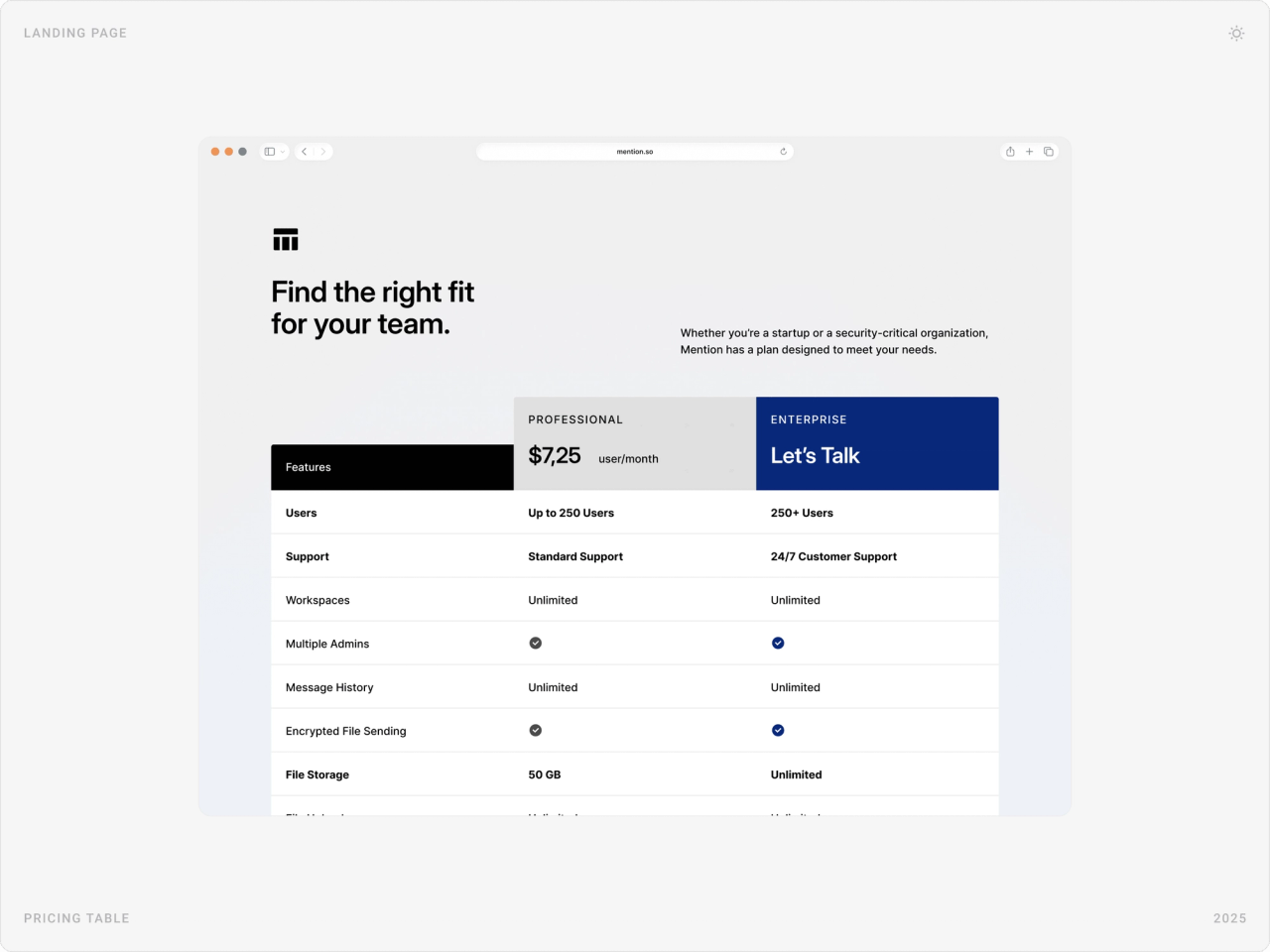
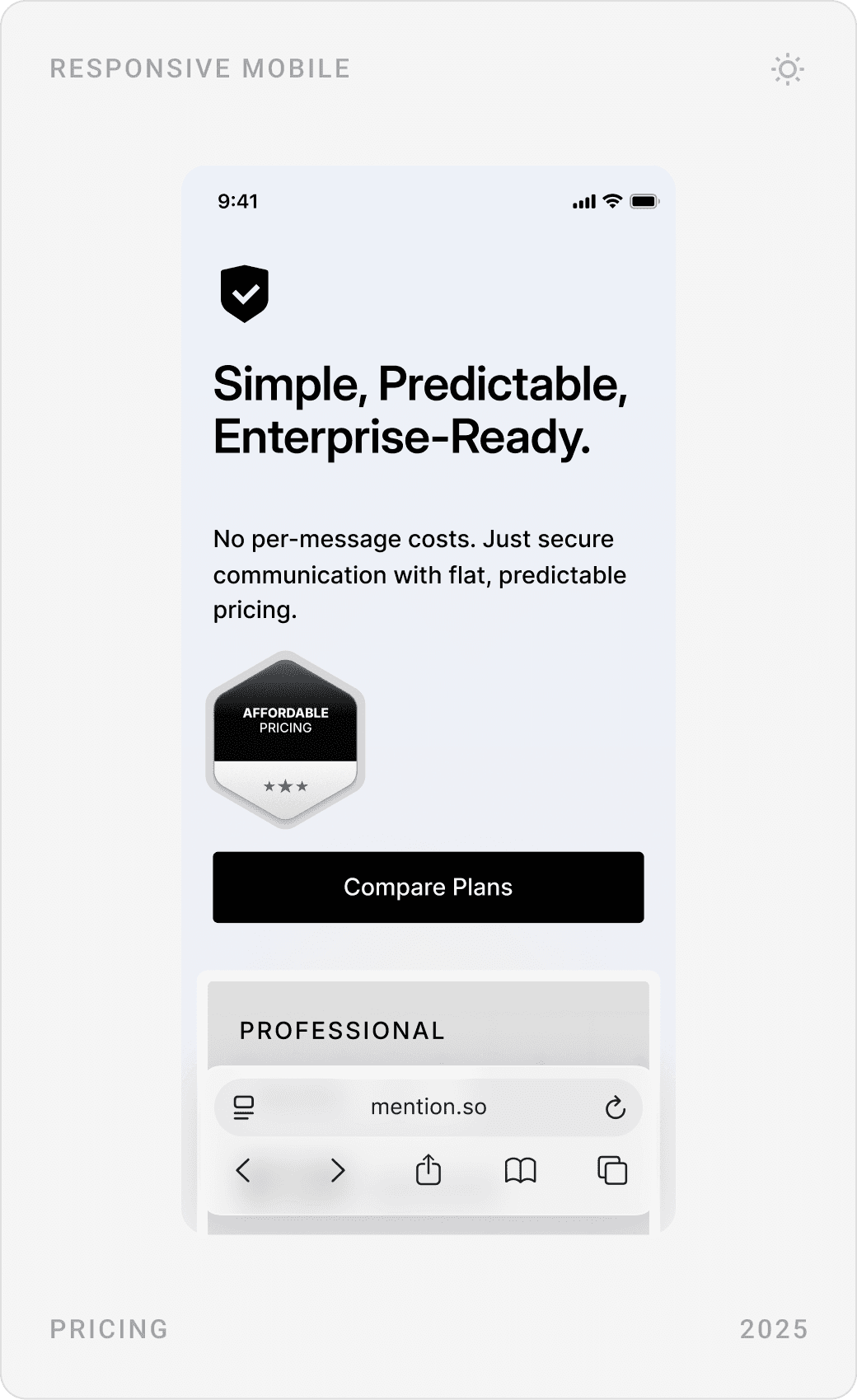
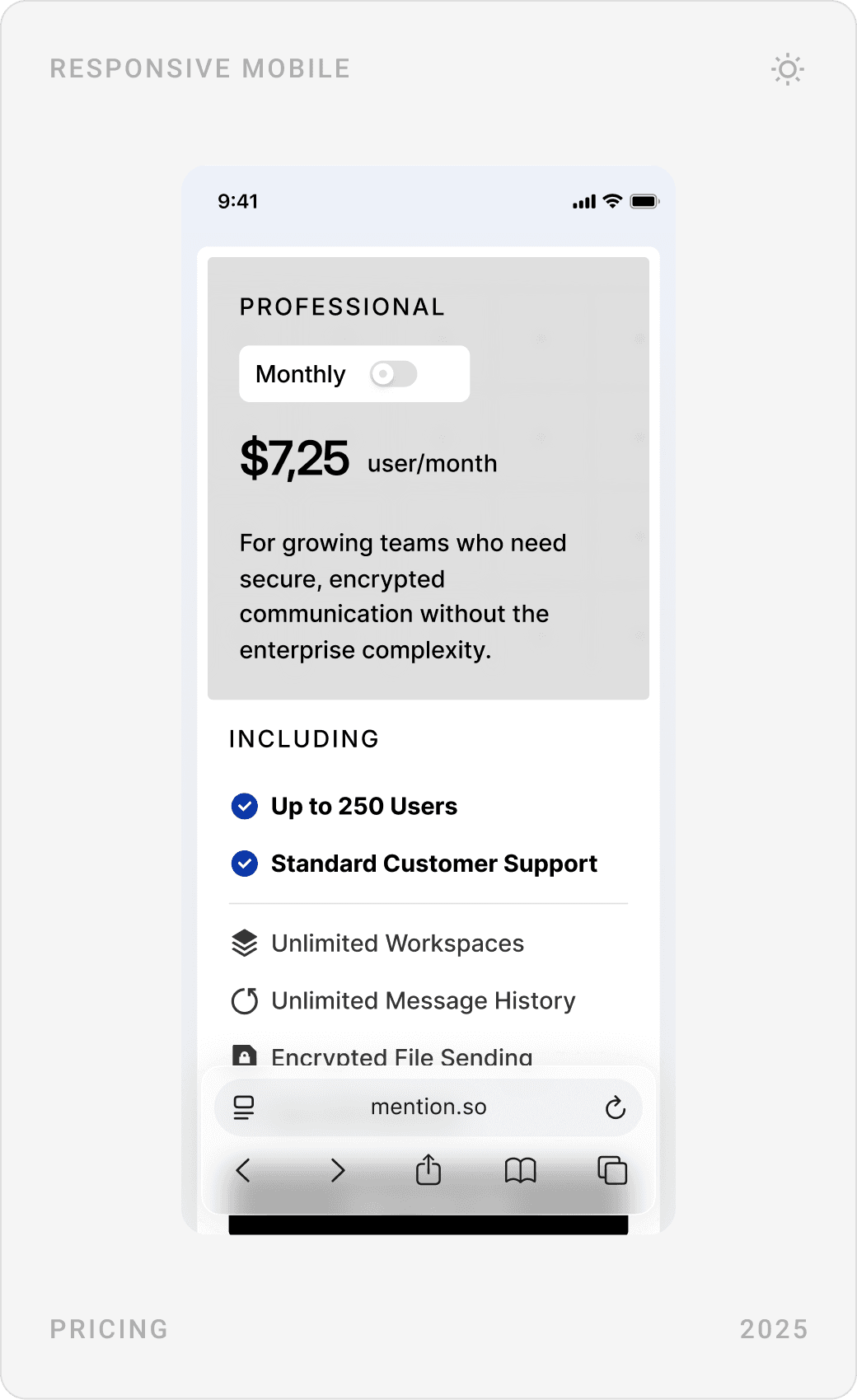
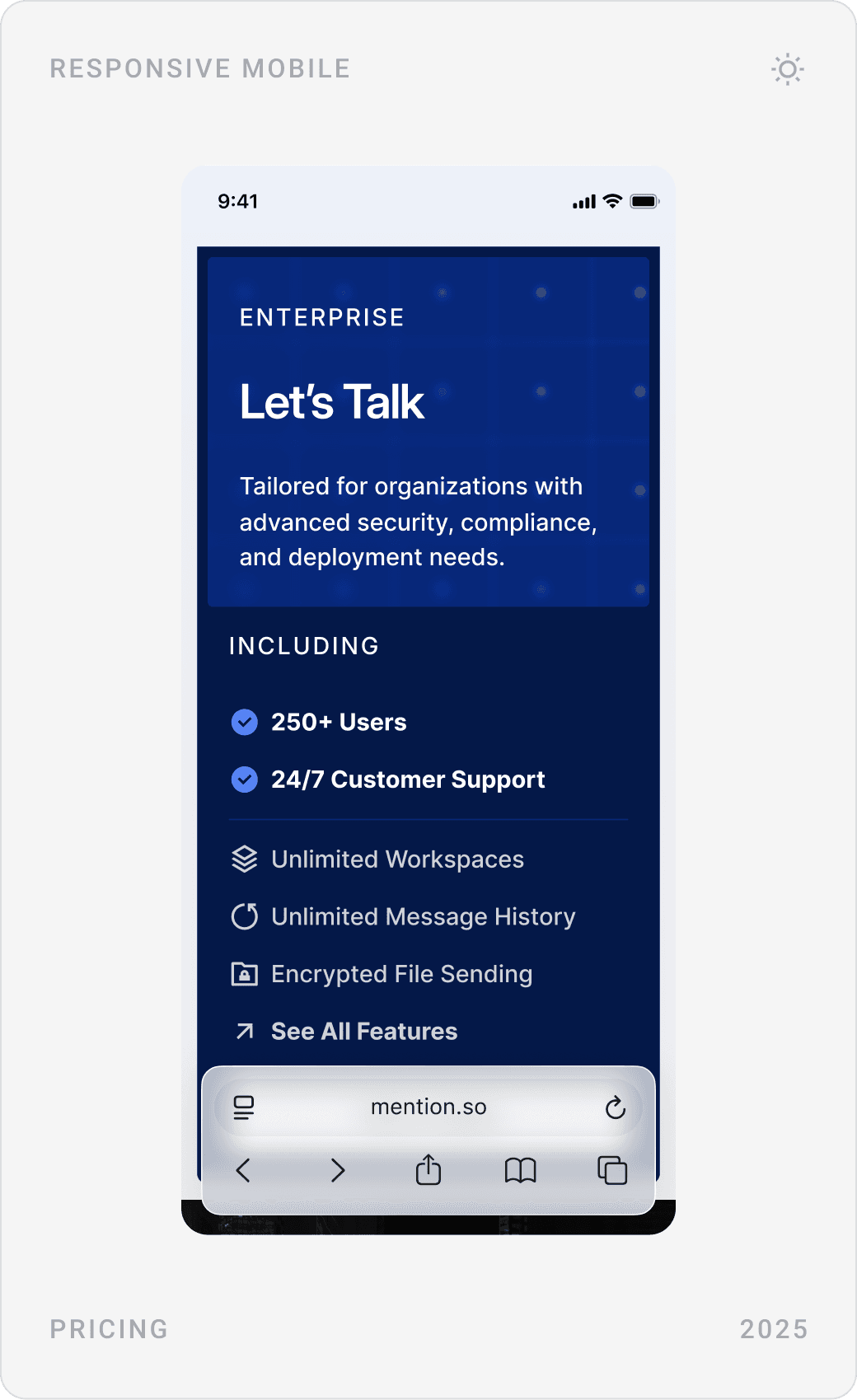
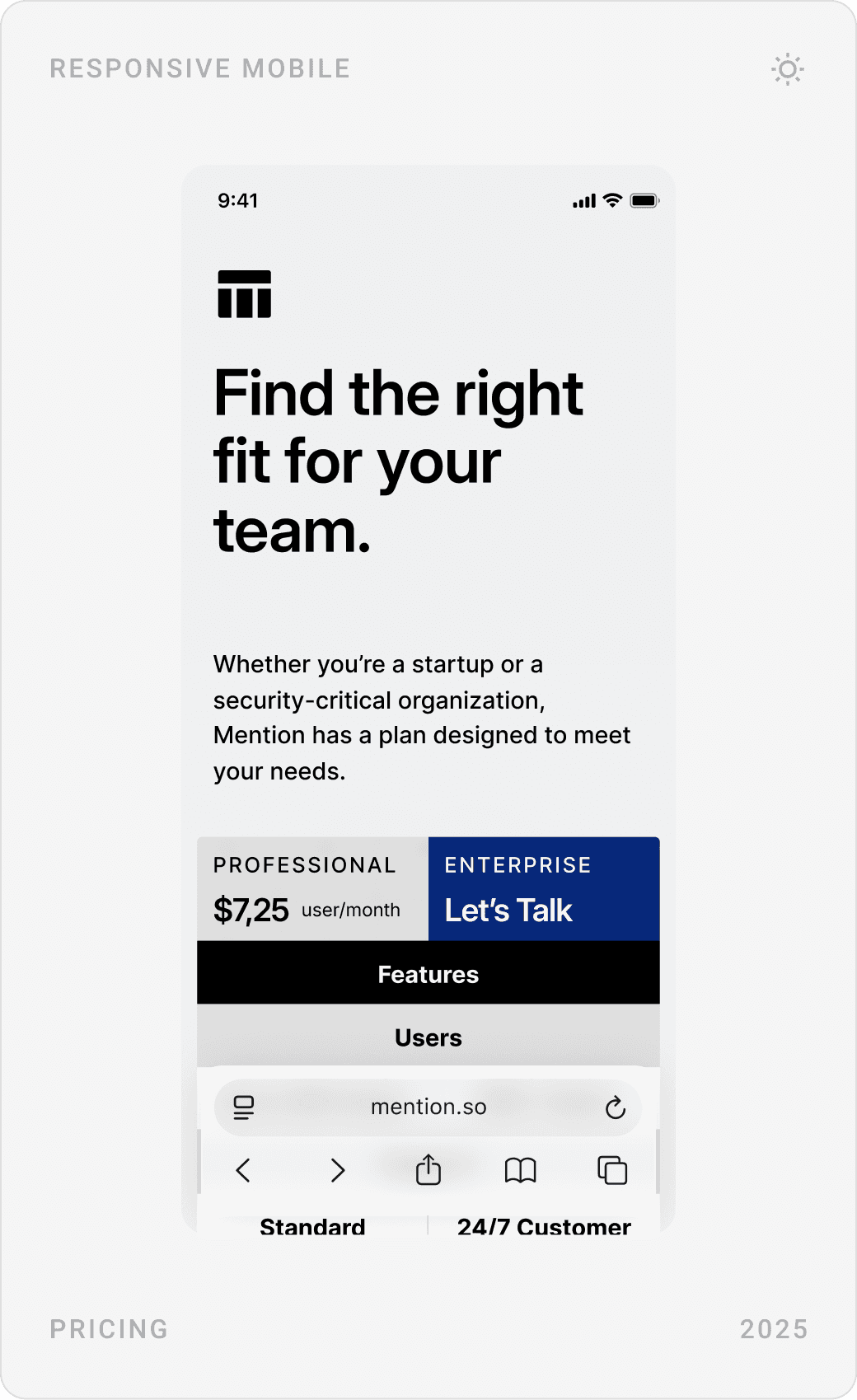
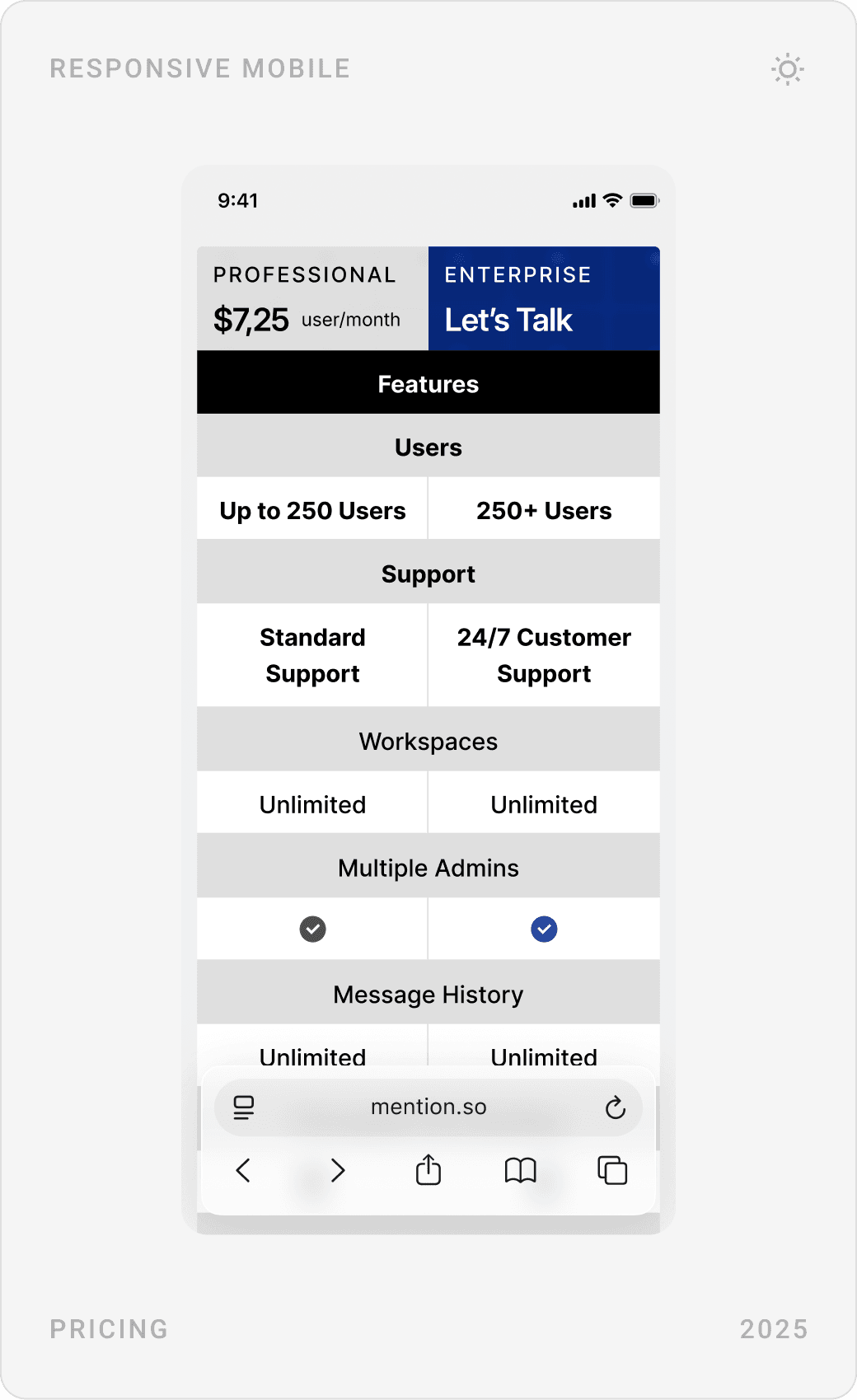
Pricing has two clear paths: a Professional plan with a per-user price for growing teams, and an Enterprise plan that starts a conversation. A comparison table lines up users, support, workspaces, admins, message history, file sending and storage.

Contact sales
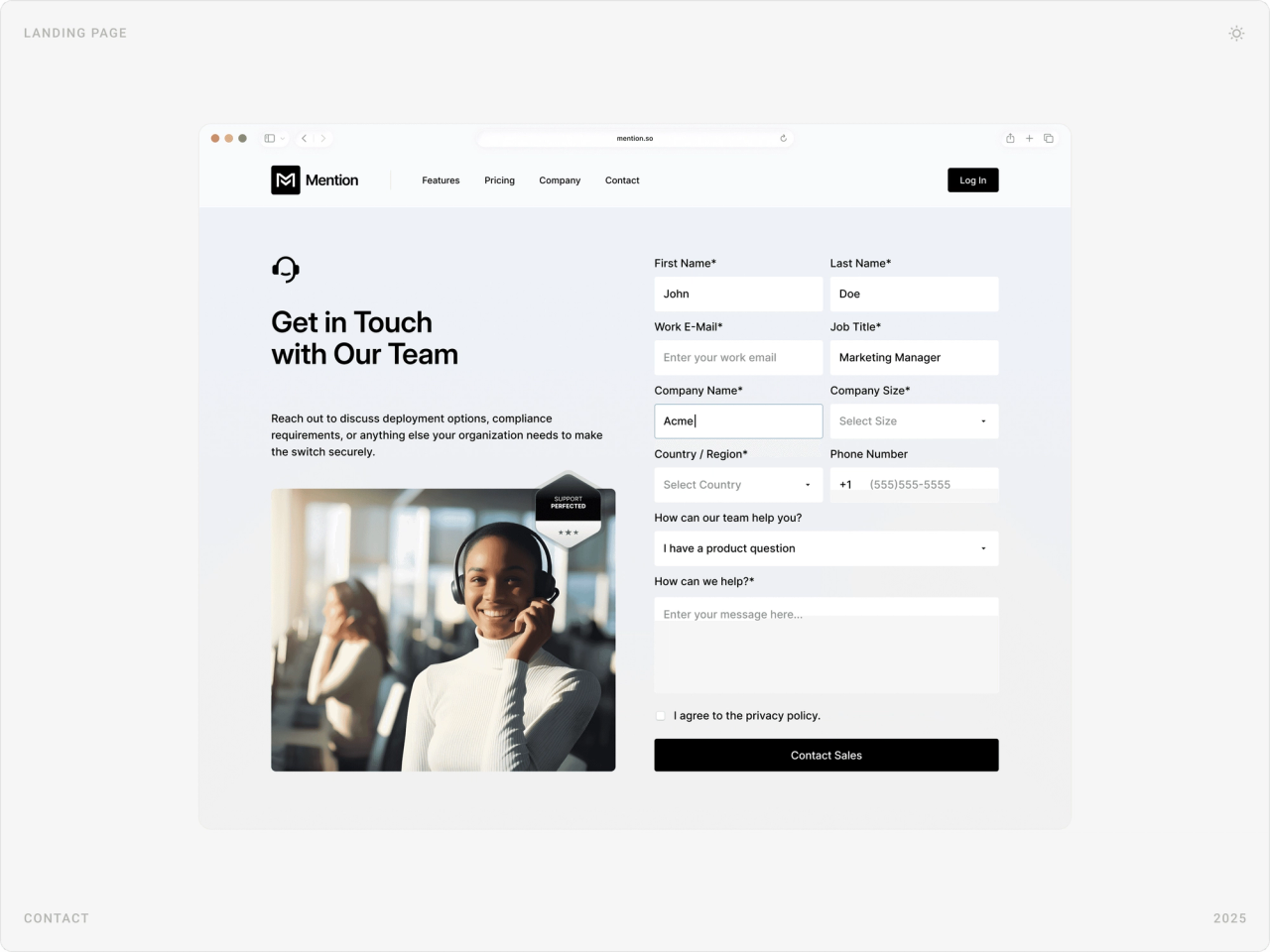
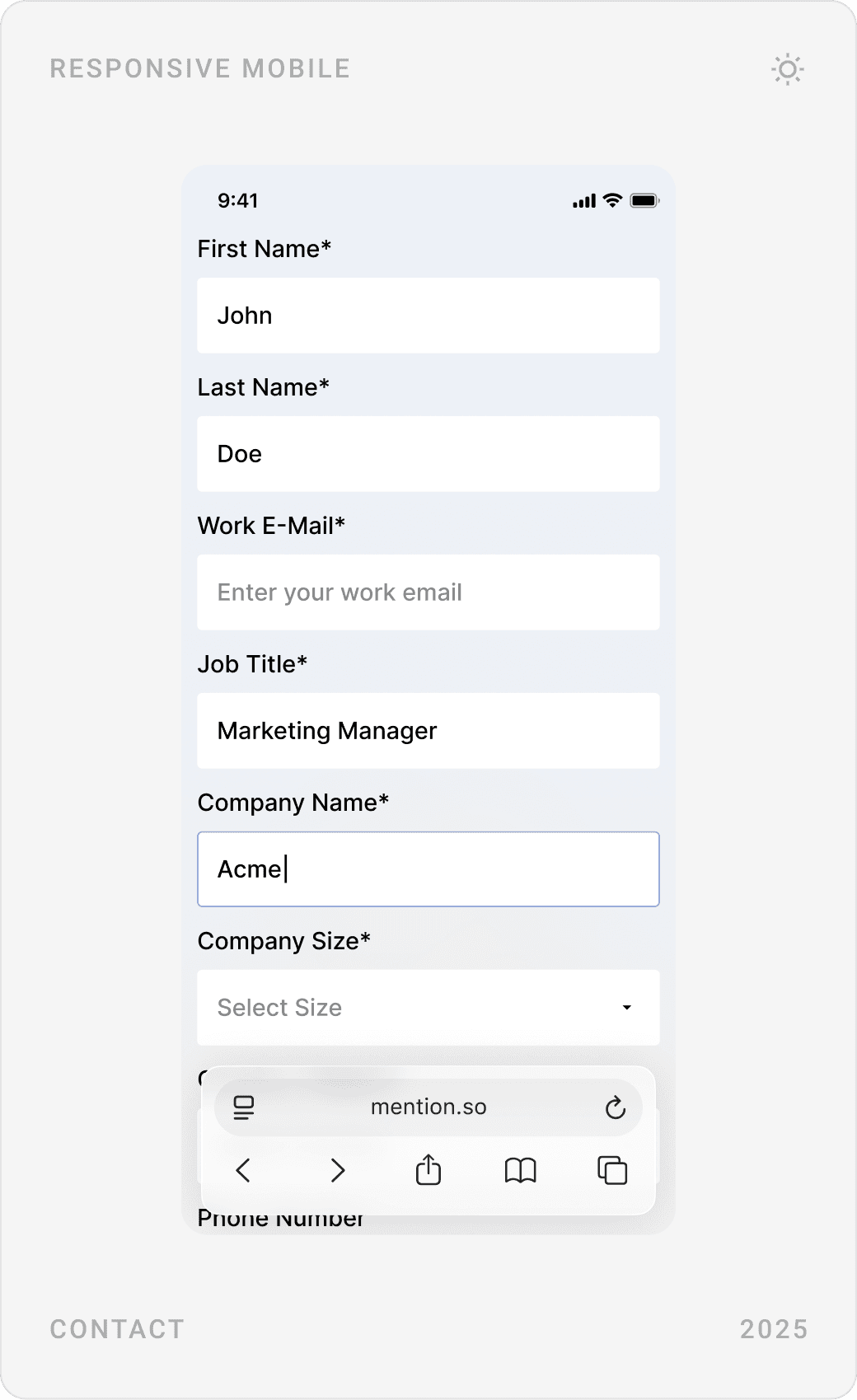
Enterprise deals start with a conversation, so the contact page is a focused lead form, name, work email, job title, company and size, country and the question, next to a friendly support photo and a security badge.


Results
- A website that makes privacy the centre of Mention’s story and explains it in plain language.
- A clearer flow and information architecture across homepage, features, pricing and contact.
- Positive feedback from enterprise clients on the clarity of the design and the transparency of the messaging.
- A scalable design foundation that let Mention’s team launch several landing page variants after the project.
Key takeaways
- When incumbents win on features, compete on the one thing they can’t claim.
- Security copy works best as one plain sentence per safeguard.
- Show the product: buyers need to see that private doesn’t mean harder to use.
- Reusable blocks keep paying off after launch.
“You do phenomenal work great stuff. It was great working with Beew Studio! We have some big projects coming up and will definitely be interested in working again!”

FAQ
What is Mention?
Mention is an end-to-end encrypted enterprise messenger, positioned as a Slack and Microsoft Teams alternative that doesn’t give companies’ communication data to the vendor. It is aimed at regulated environments and companies with intellectual property to protect.
What did you design for Mention?
The marketing website for desktop and mobile: a privacy-first homepage, feature sections for encryption, key management and file sending, trust and partner sections, a pricing page for SMBs and enterprises, a contact-sales form, product UI mockups and the components behind them.
How long did the project take?
About one month in 2025, from research and structure to the final desktop and mobile designs.
How do you design a website for a security or privacy product?
Make privacy the headline, not a footnote, and explain each safeguard in one plain sentence, what it is and why it protects you. Back it with visible proof such as certifications, ratings and customer logos, keep pricing easy to compare, and give enterprise buyers a direct route to sales.
Can you design a website or product for my SaaS company?
Yes. I work with early-stage AI, SaaS, fintech and Web3 teams on websites, product UI and design systems. Book a call or send a message from the contact page.
Sources
Have a product to design?
I help teams turn complex products into websites and interfaces people understand in seconds. Tell me about yours.