MindSphere · Case study · 4 min read
MindSphere: brand and Framer landing page for a Web3 AI agent orchestration platform
MindSphere is a pre-launch platform where AI agents work together: users hire single agents or ready-made agent teams, build their own and power it all with a token. I designed its brand, landing page and coming-soon page and built them in Framer, to make multi-agent orchestration easy to grasp and build excitement before launch.
- User Experience Research
- User Interface Design
- Design System
- Framer Development
- Branding
- Digital Designs
At a glance
Challenge
Explain multi-agent AI orchestration to developers, businesses and non-technical users, and create buzz for a product that wasn’t live yet.
Solution
A futuristic brand, a landing page that shows agents and teams as tangible cards, 3D visuals, tokenomics and a coming-soon page with a countdown, built in Framer.
Outcome
A clear, engaging web presence that testers called easy to understand, plus a design system and social visuals for the run-up to launch.
Deliverables
- Brand identity & logo
- Landing page
- Coming-soon page
- Framer development
- 3D visuals
- Design system & social graphics
Overview
MindSphere is an AI orchestration platform that brings AI agents together to collaborate, solve challenges and deliver results. Users can browse individual agents or pre-configured agent teams, combine them into custom teams with a modular builder and re-offer their teams to others, while a MindSphere token drives governance, rewards and platform interactions. [1]
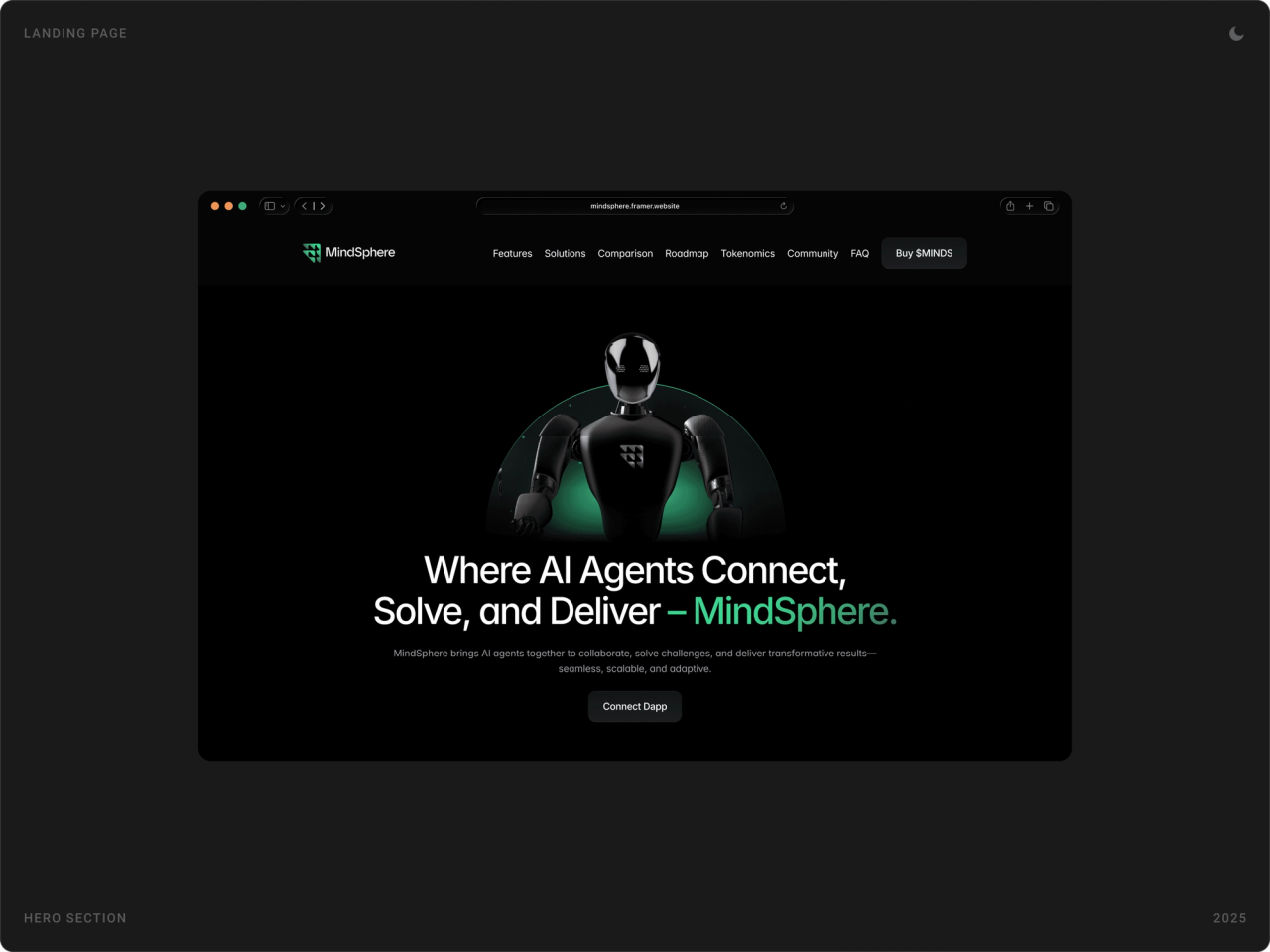
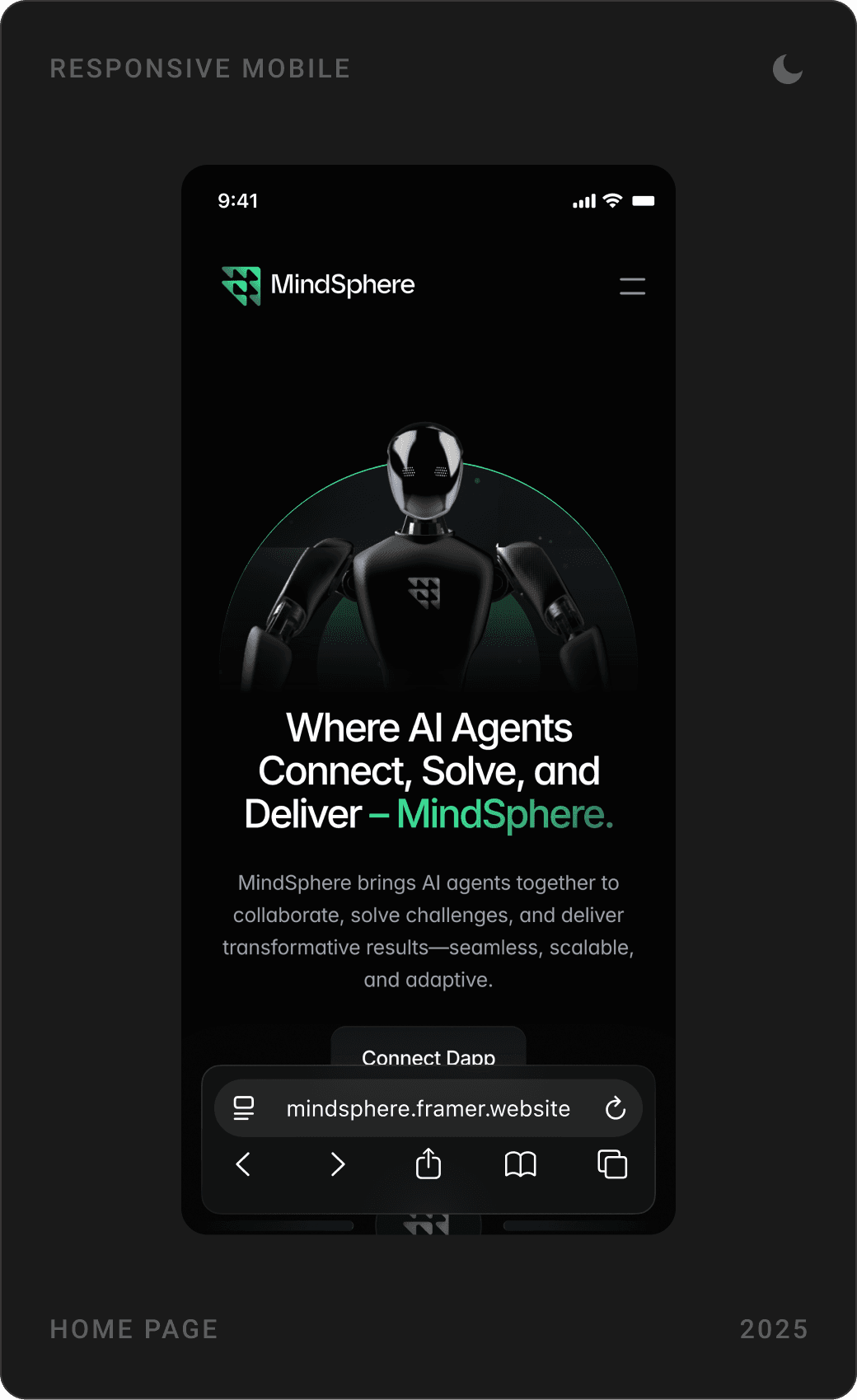
The platform was still in its “Coming Soon” phase. Through my studio, Beew, I spent one month in 2025 on its first public face: the brand identity, a landing page and a coming-soon page for desktop and mobile, 3D visuals and social graphics, all built in Framer.
The challenge
MindSphere wanted to answer a fragmented AI landscape with one place where agents work together. The idea is powerful but abstract, and the product wasn’t live yet.
- Make multi-agent coordination feel simple for users of every technical level.
- Build a distinct brand that signals trust, transparency and cutting-edge technology.
- Lay a scalable design foundation for fast growth and future integrations.
- Create pre-launch excitement with digital and 3D visuals while the platform was “Coming Soon”.
Goals
- Design an accessible UI that makes agent orchestration easy to understand.
- Meet the needs of developers, businesses and end users, informed by UX research.
- Create a bold brand identity around interoperability and adaptability.
- Build an interactive, scalable web presence in Framer with a consistent design system.
- Use social media designs and 3D visuals of AI use cases to build momentum before launch.
Approach
1. Ask the audience first
We surveyed developers, business leaders and non-technical users about what they expect from an AI orchestration platform’s website. The answers pointed to a simple, engaging layout with clear messaging, which shaped both pages.
2. Turn agents into characters
Abstract “agents” become cards with a face and a job title, product designer, blockchain developer, marketing specialist, and teams become groups of those cards. People understand hiring a team far faster than “multi-agent orchestration”.
3. Tease, don’t reveal
3D visuals of AI agents and a countdown hint at what the platform will do without showing unfinished functionality, so the pages build anticipation instead of over-promising.
4. A system ready for the next page
Reusable web components, one colour scheme, near-black with a signature green, and one type system keep the landing page, coming-soon page and social graphics consistent, and set the tone for future pages.
The solution
Brand identity
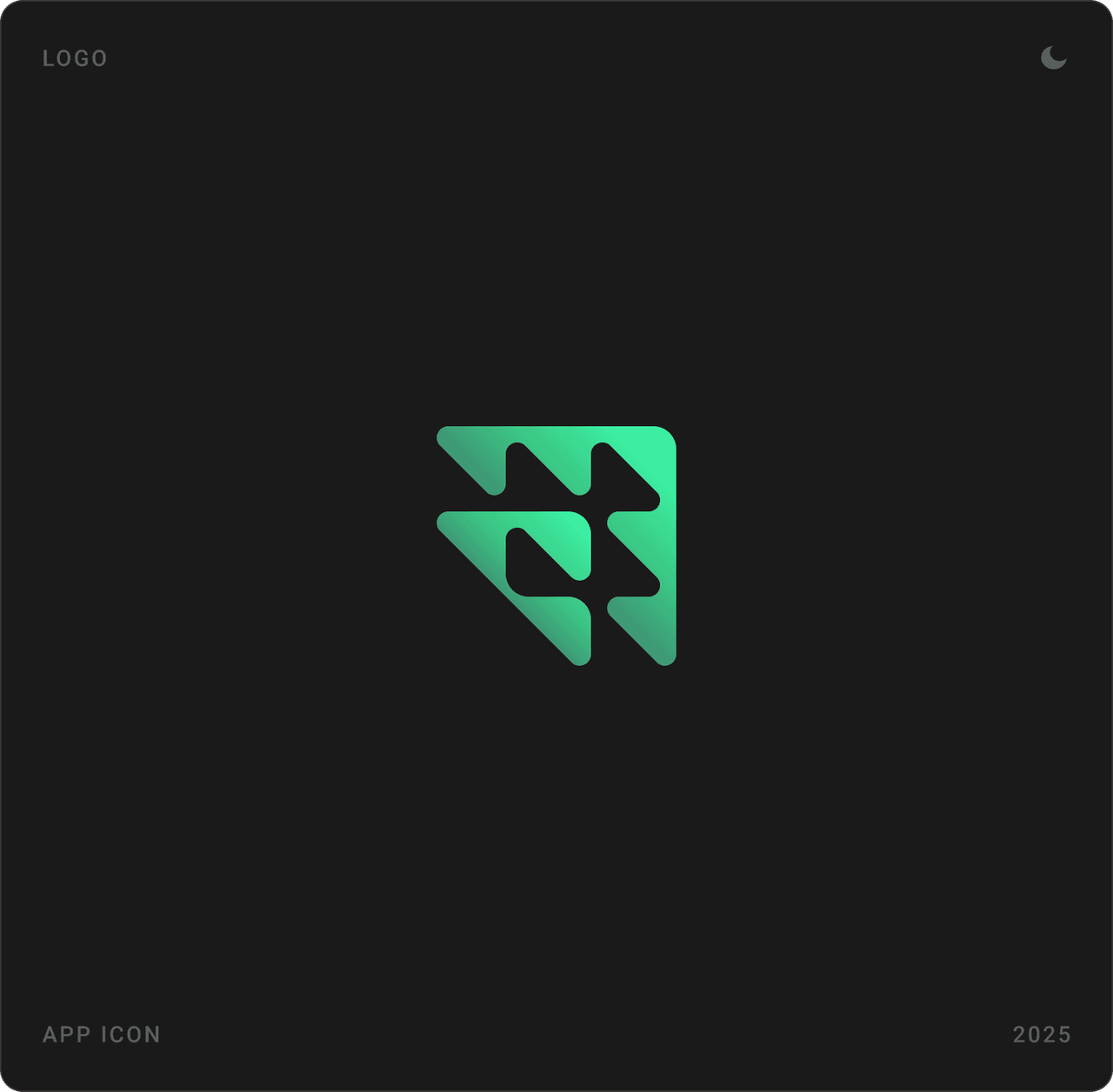
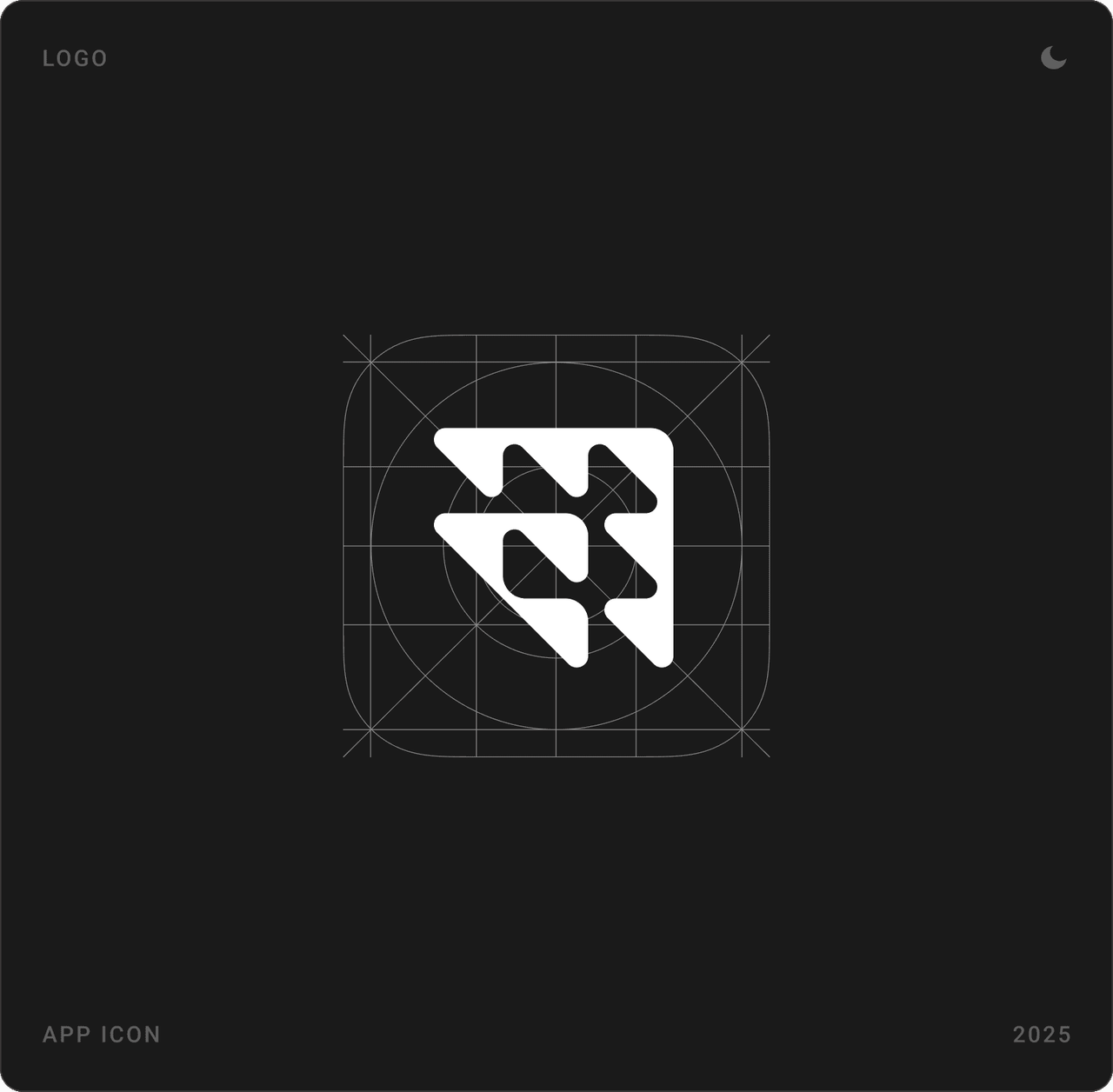
The logo is a geometric mark built from interlocking facets, a nod to many agents forming one system. It works as a green symbol on dark backgrounds and as a white app icon on its own construction grid.
Hero and key features
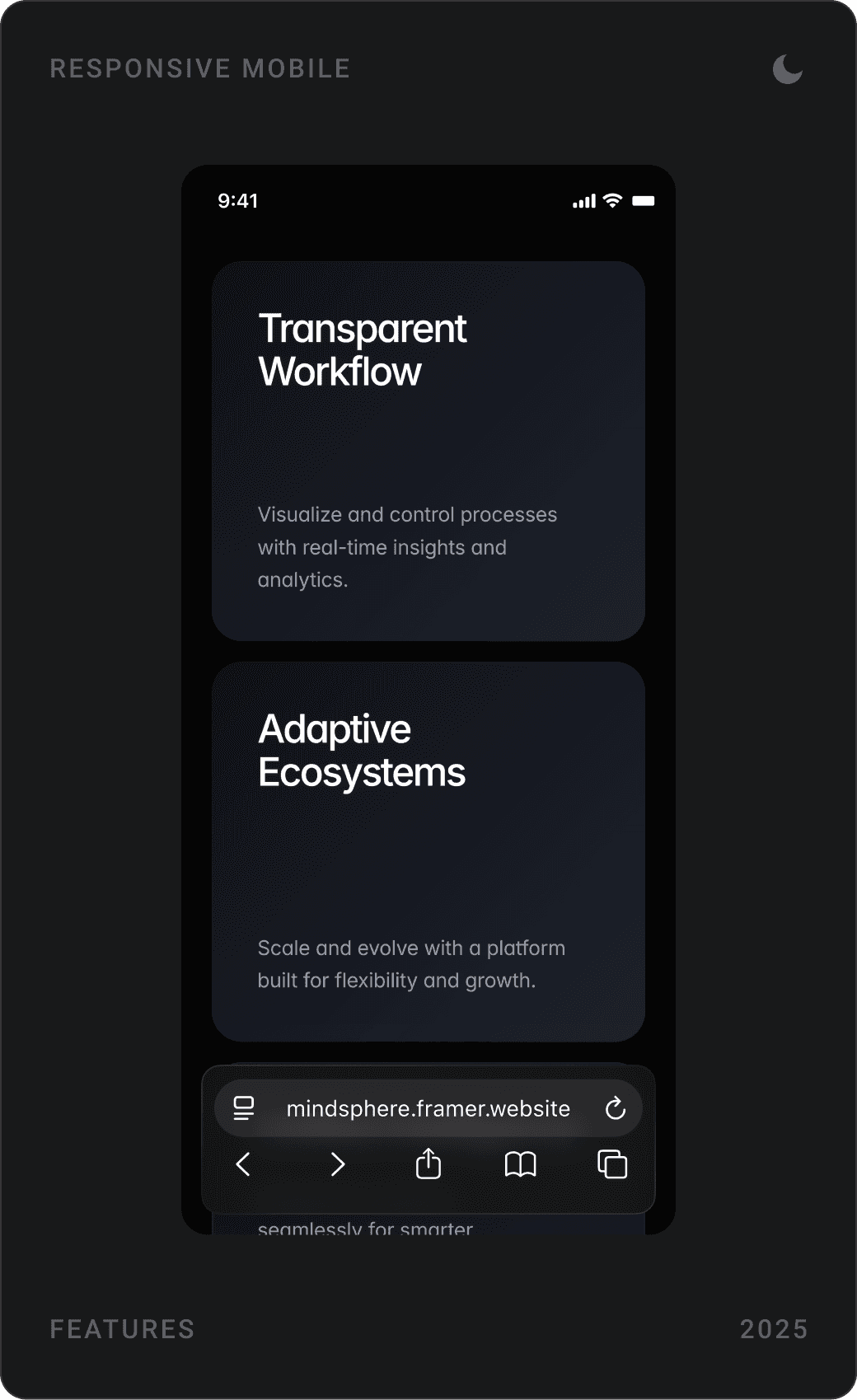
The hero states the promise in one sentence, under a 3D robot. Four feature cards follow, dynamic orchestration, unified intelligence, transparent workflow and adaptive ecosystems, each paired with an abstract 3D object.


Agent marketplace
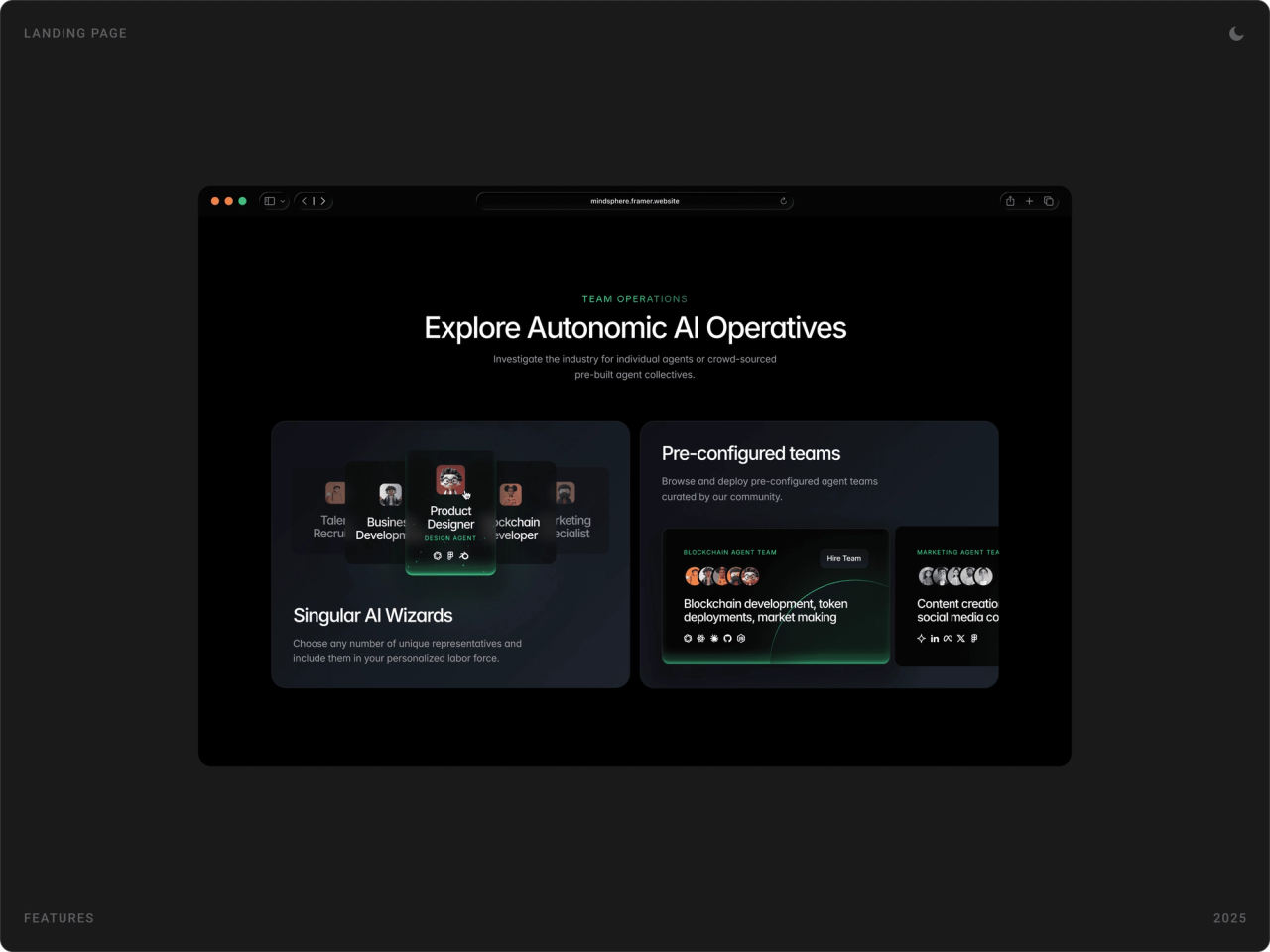
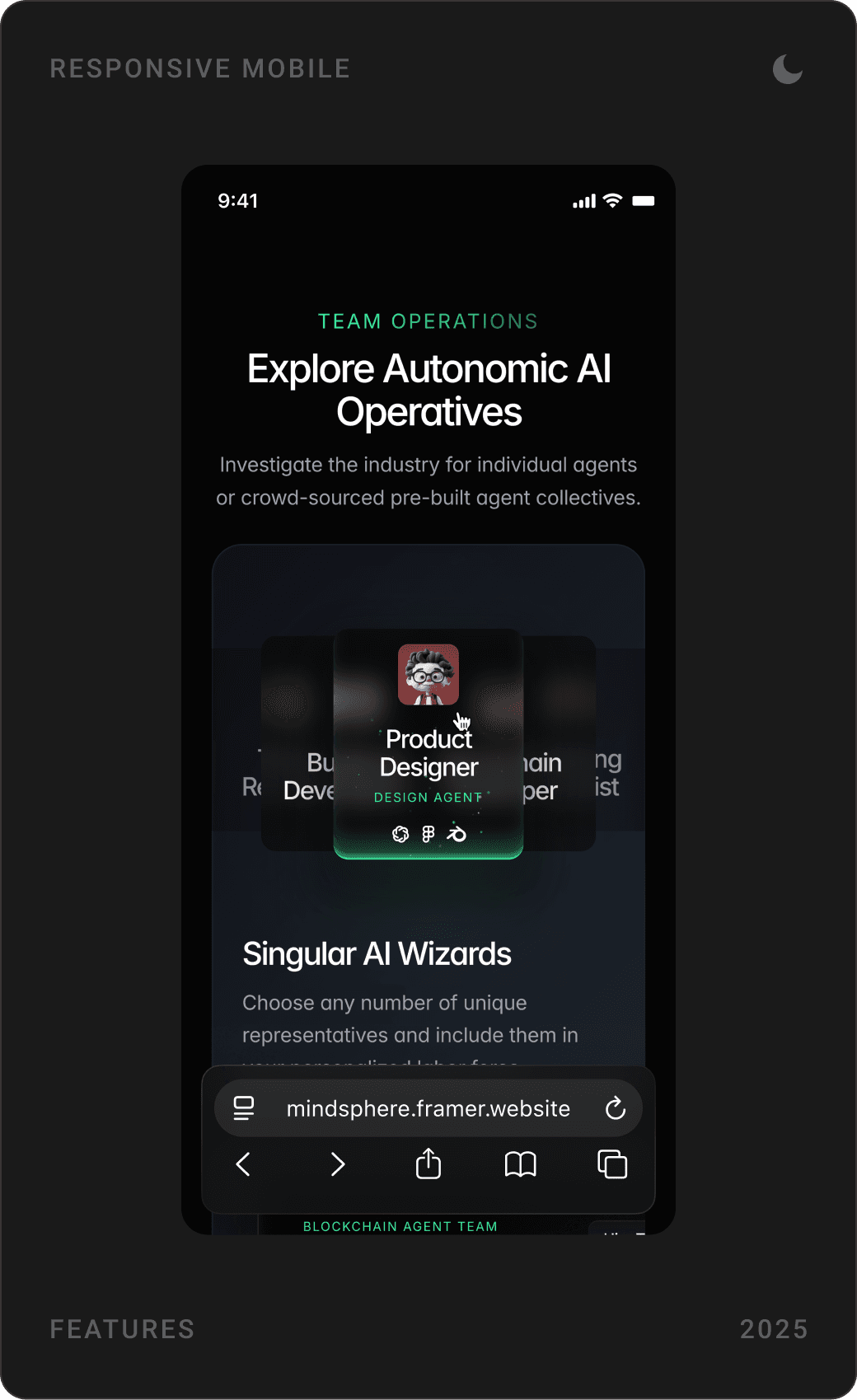
“Explore Autonomic AI Operatives” presents agents as hireable profiles: pick single “AI wizards” or browse pre-configured teams curated by the community, such as a blockchain team or a marketing team, each with a Hire Team button.
Custom agent teams
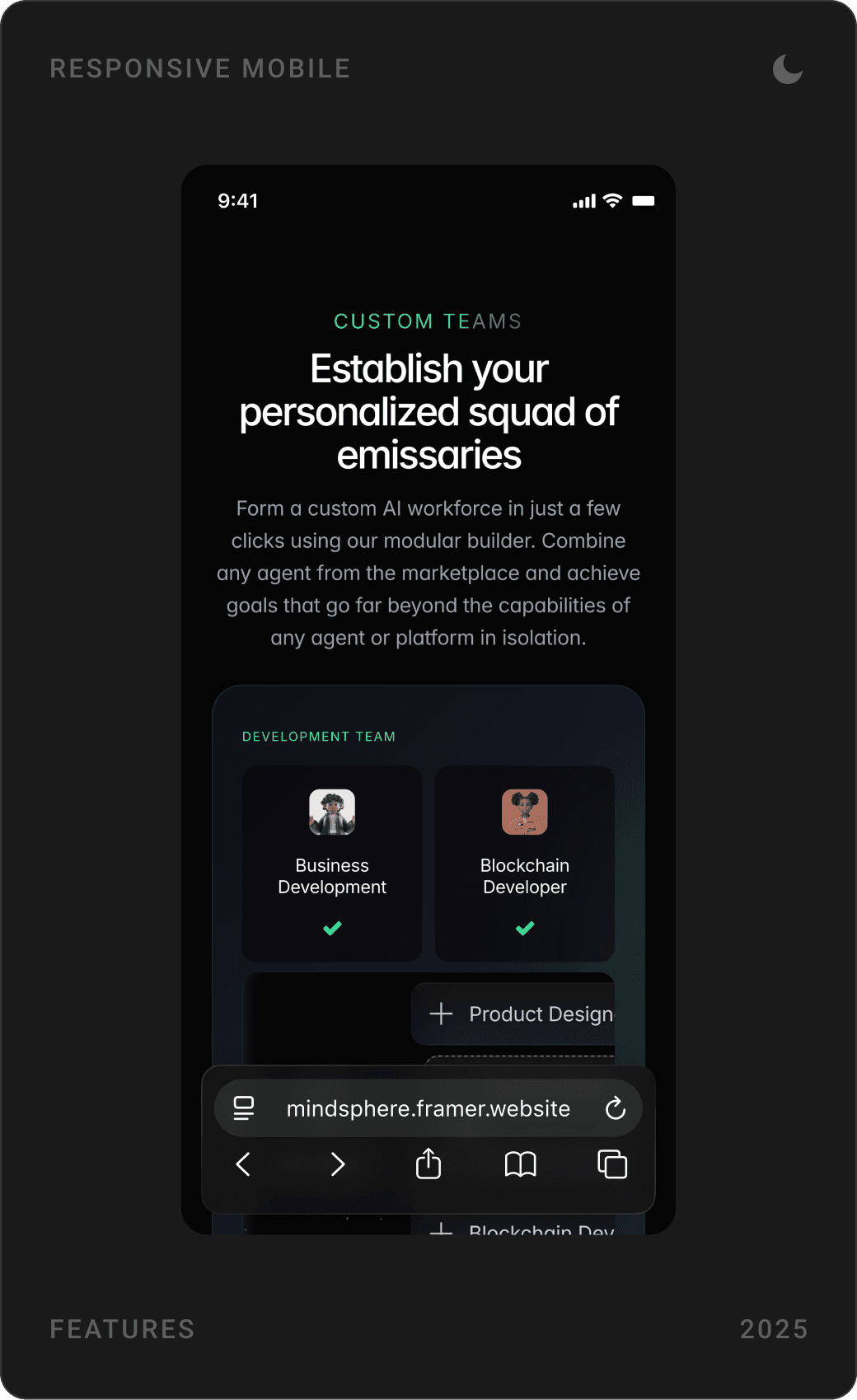
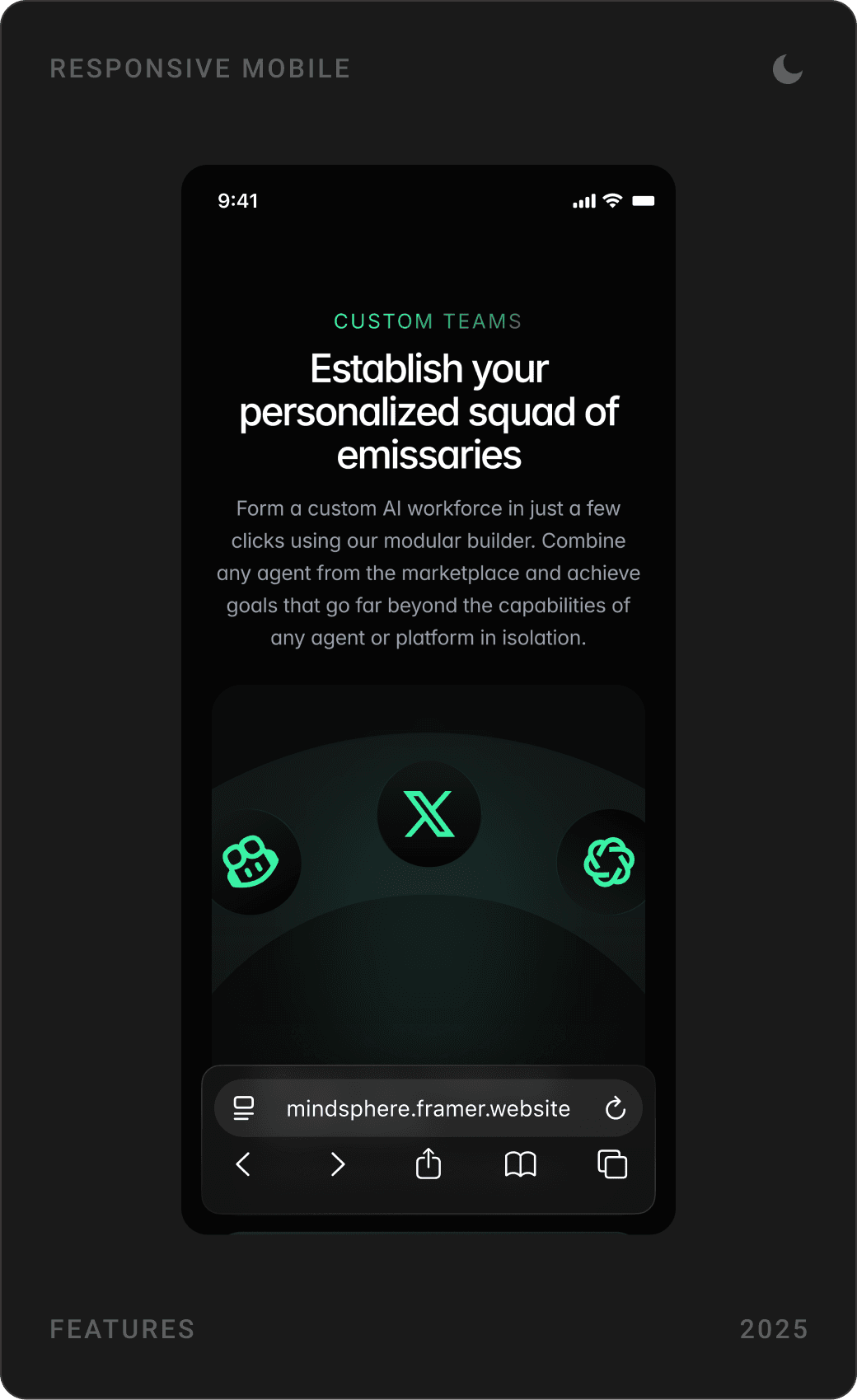
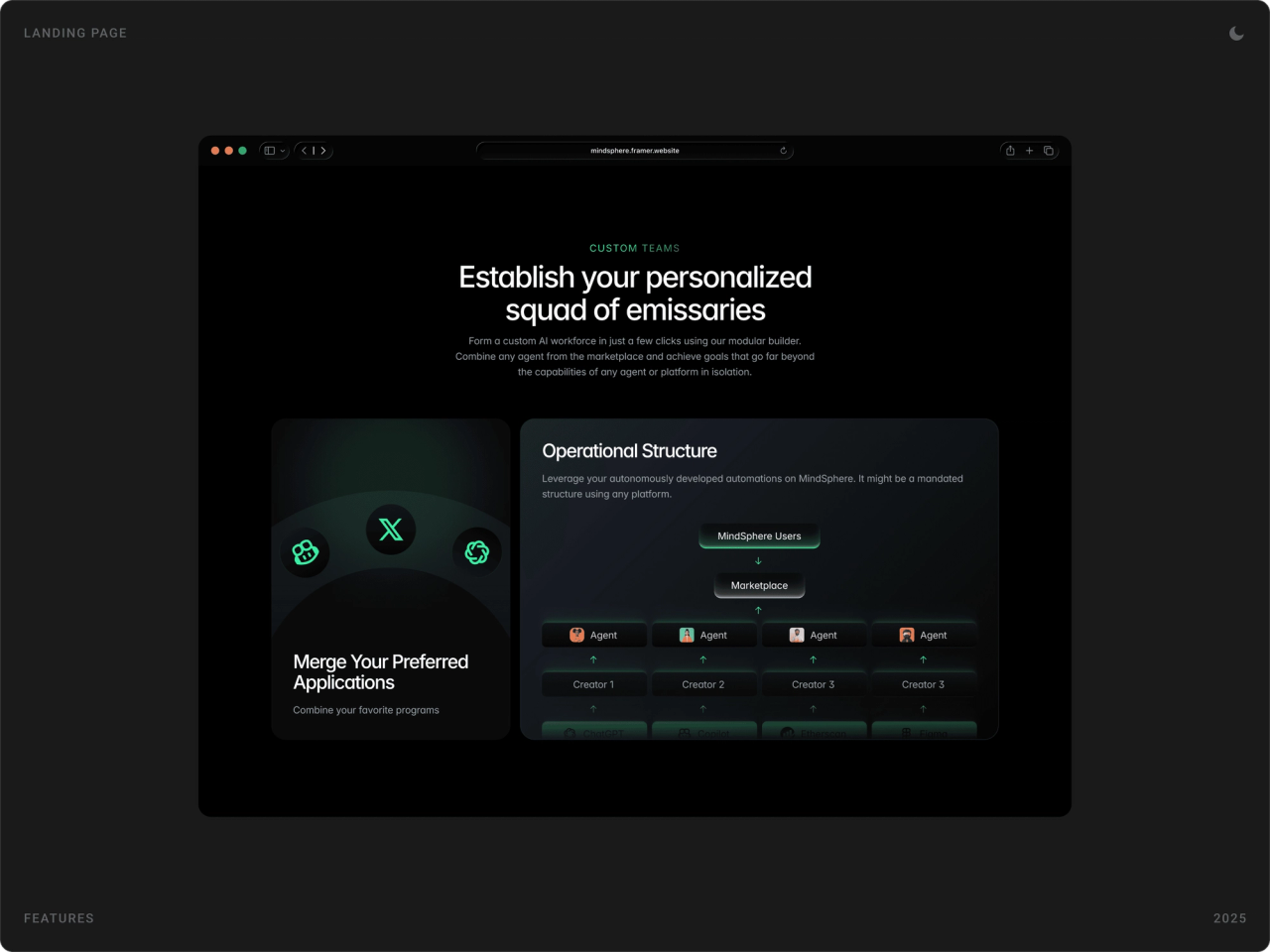
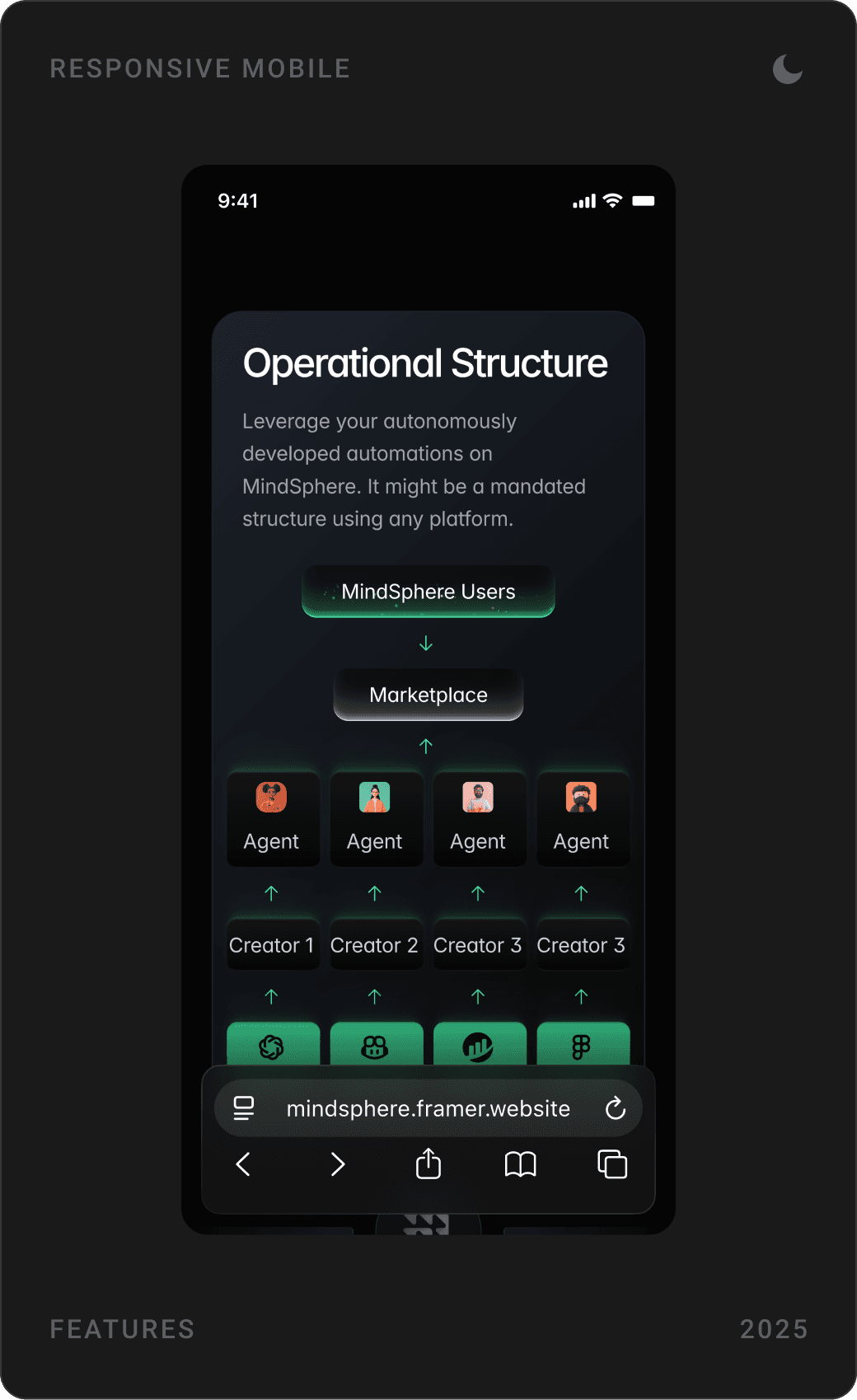
“Establish your personalised squad of emissaries” shows the modular builder: add agents to a team, connect favourite apps, and see the operational structure from MindSphere users to marketplace, agents and creators. Users can also re-offer a ready team on the marketplace.

Problem and roadmap
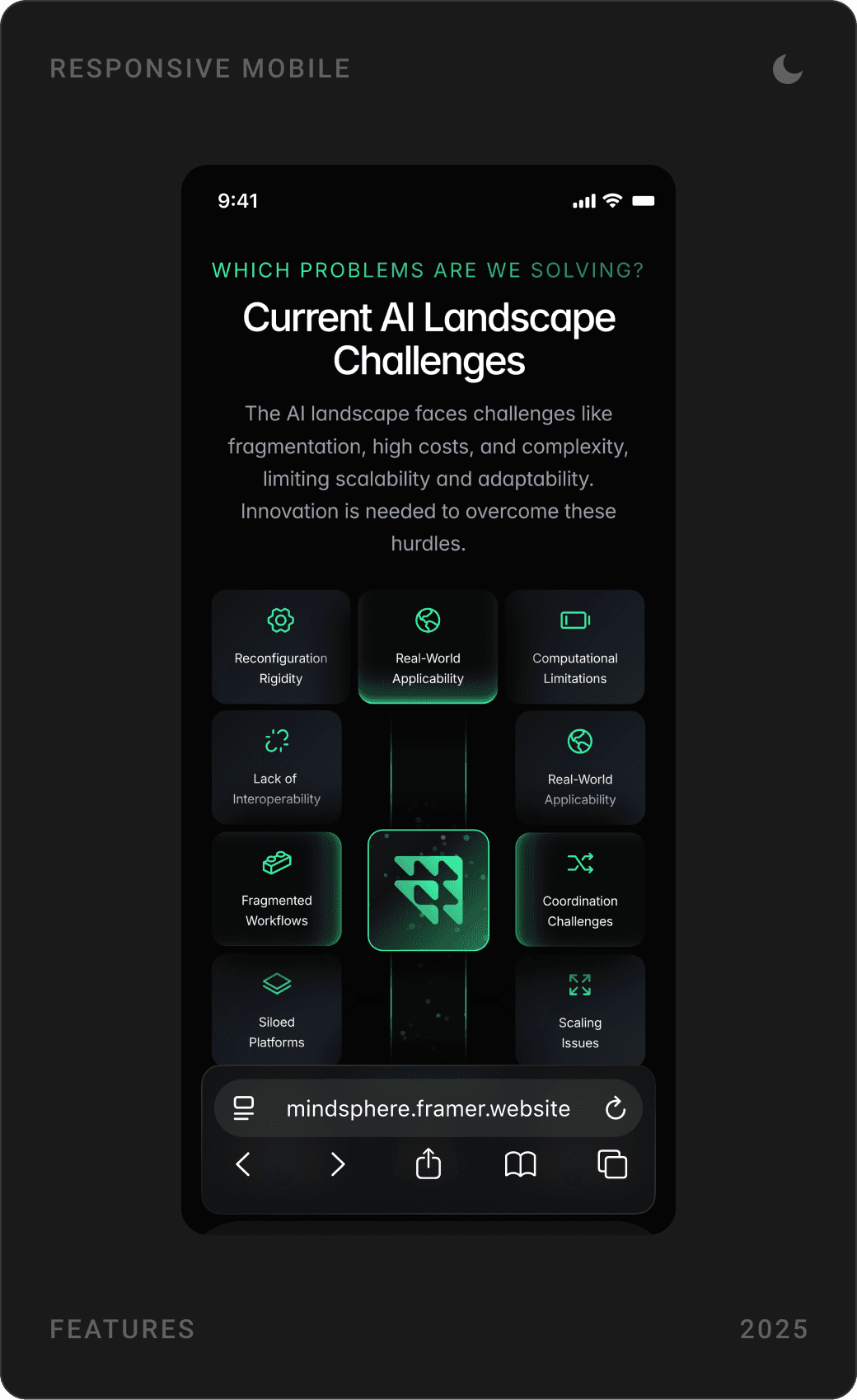
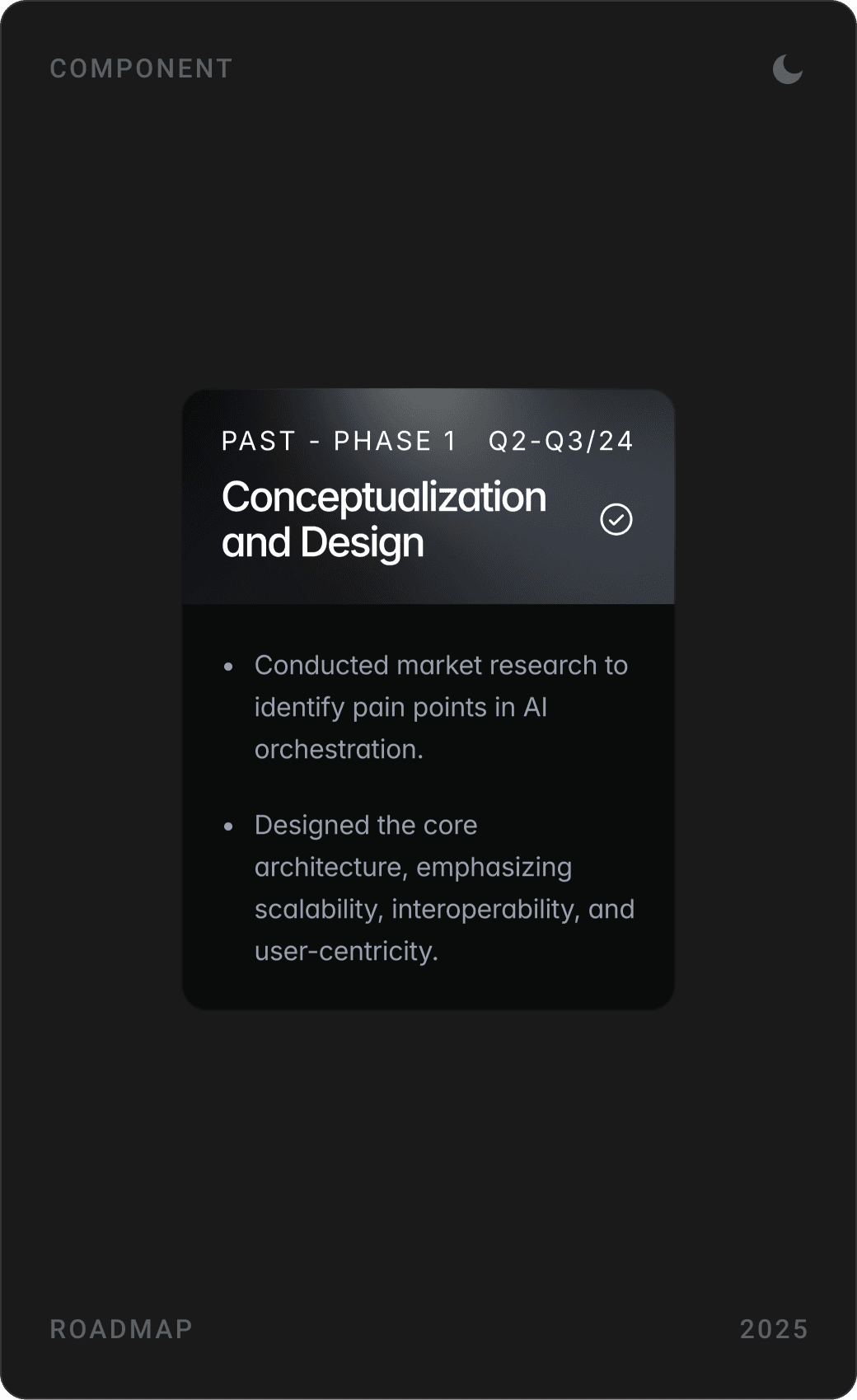
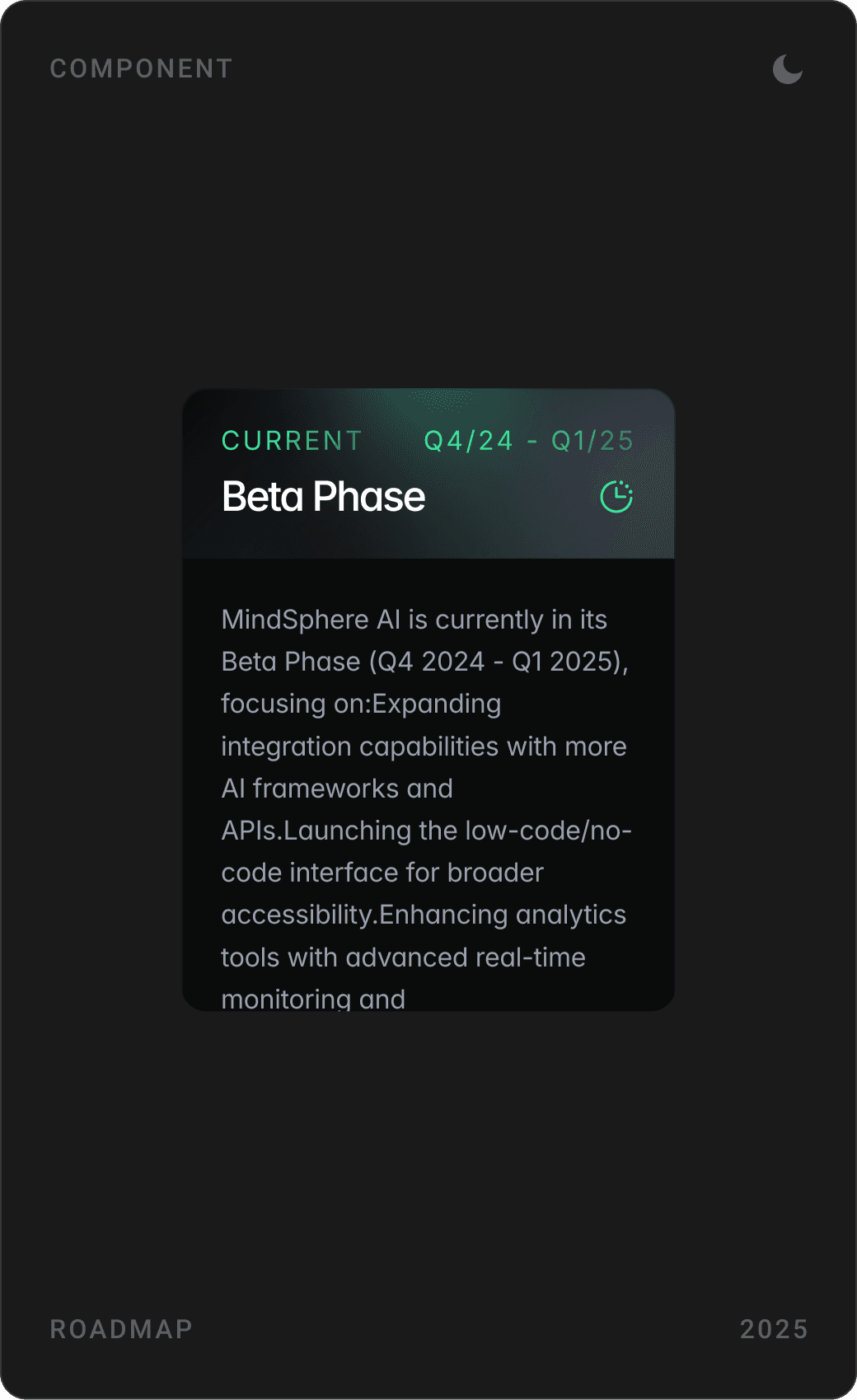
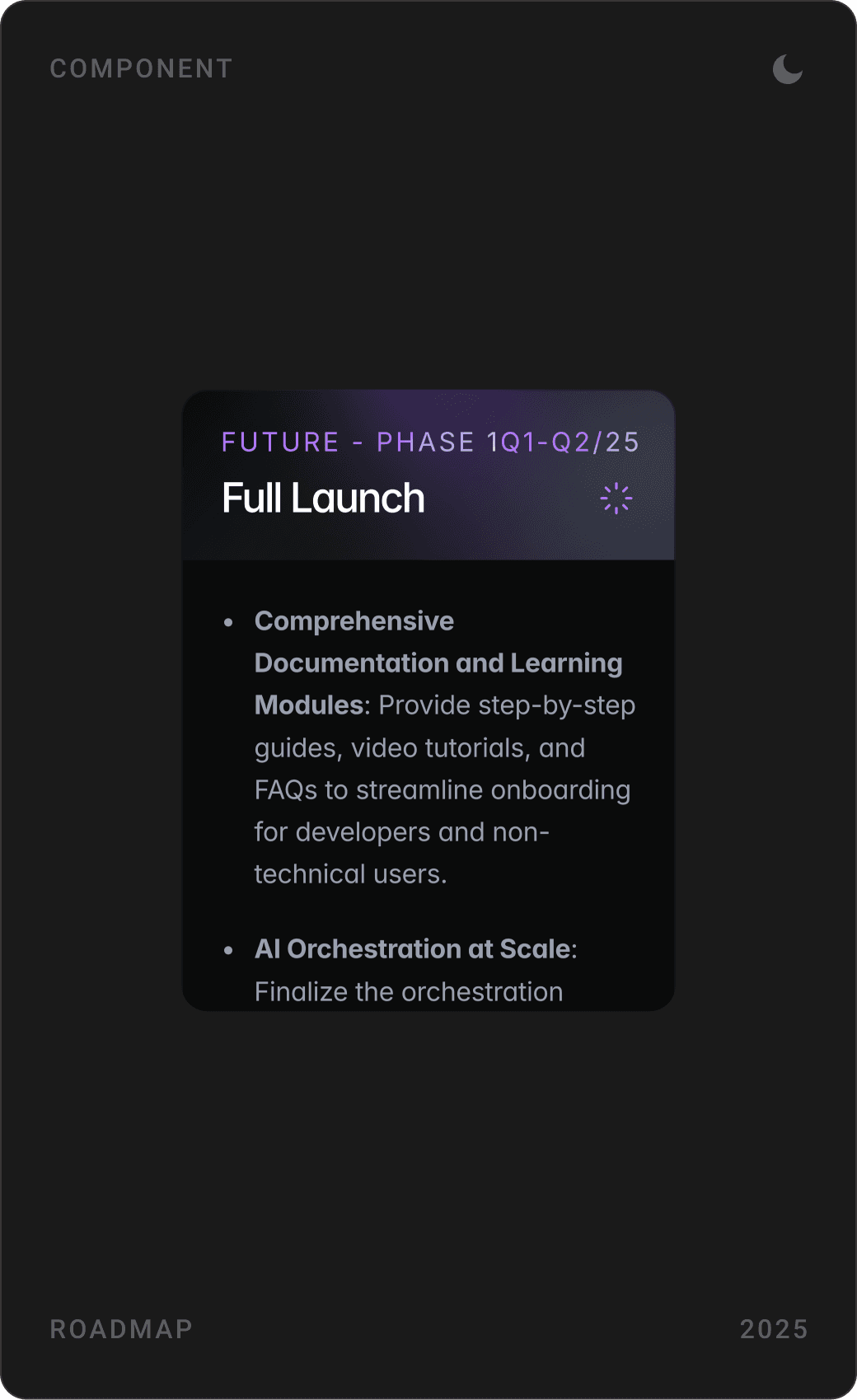
“Current AI Landscape Challenges” places the MindSphere logo at the centre of a grid of problems, fragmented workflows, siloed platforms, lack of transparency, high costs, so the solution literally sits in the middle. A phase-by-phase roadmap shows where the platform stands.


Tokenomics and community
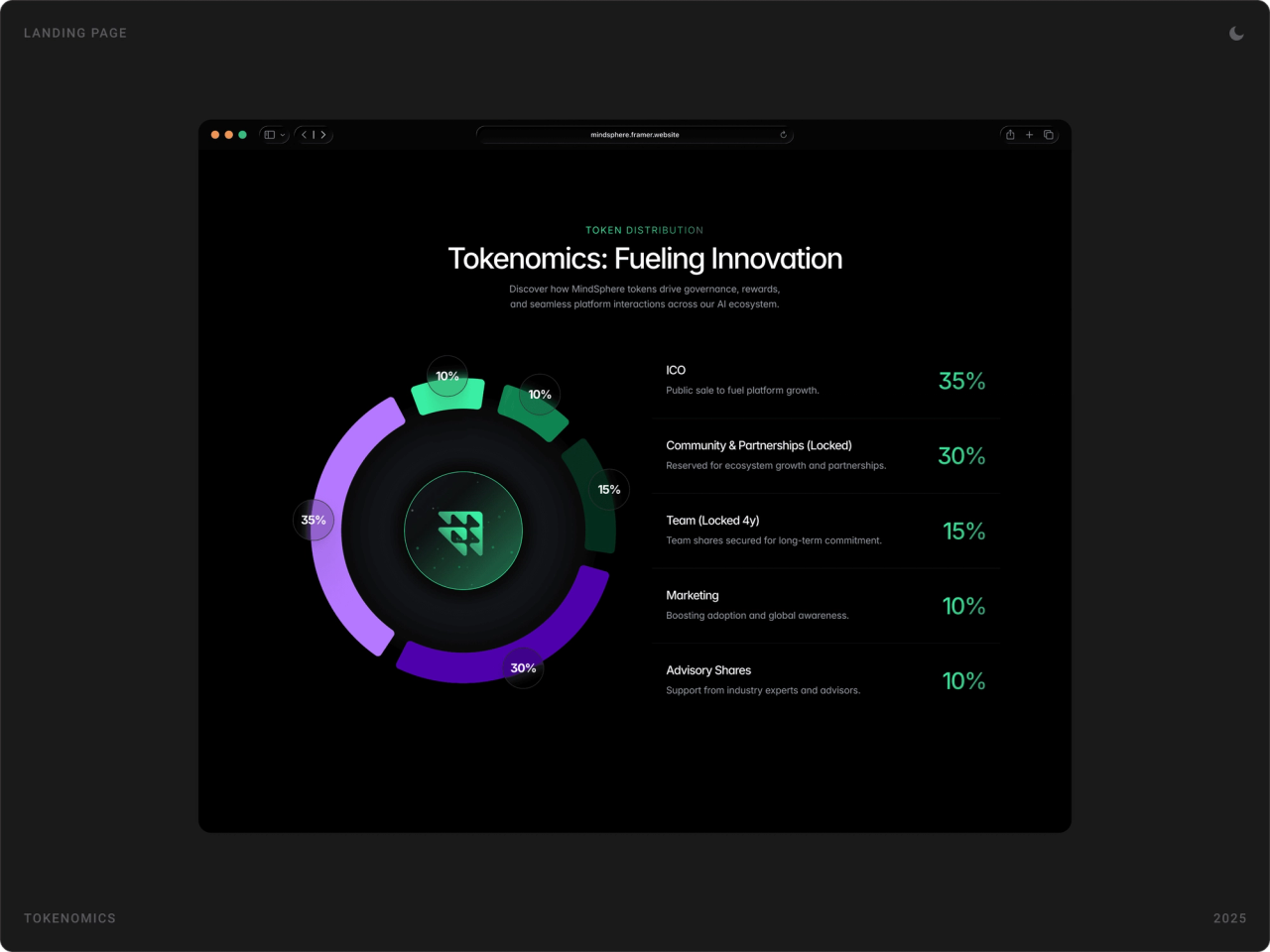
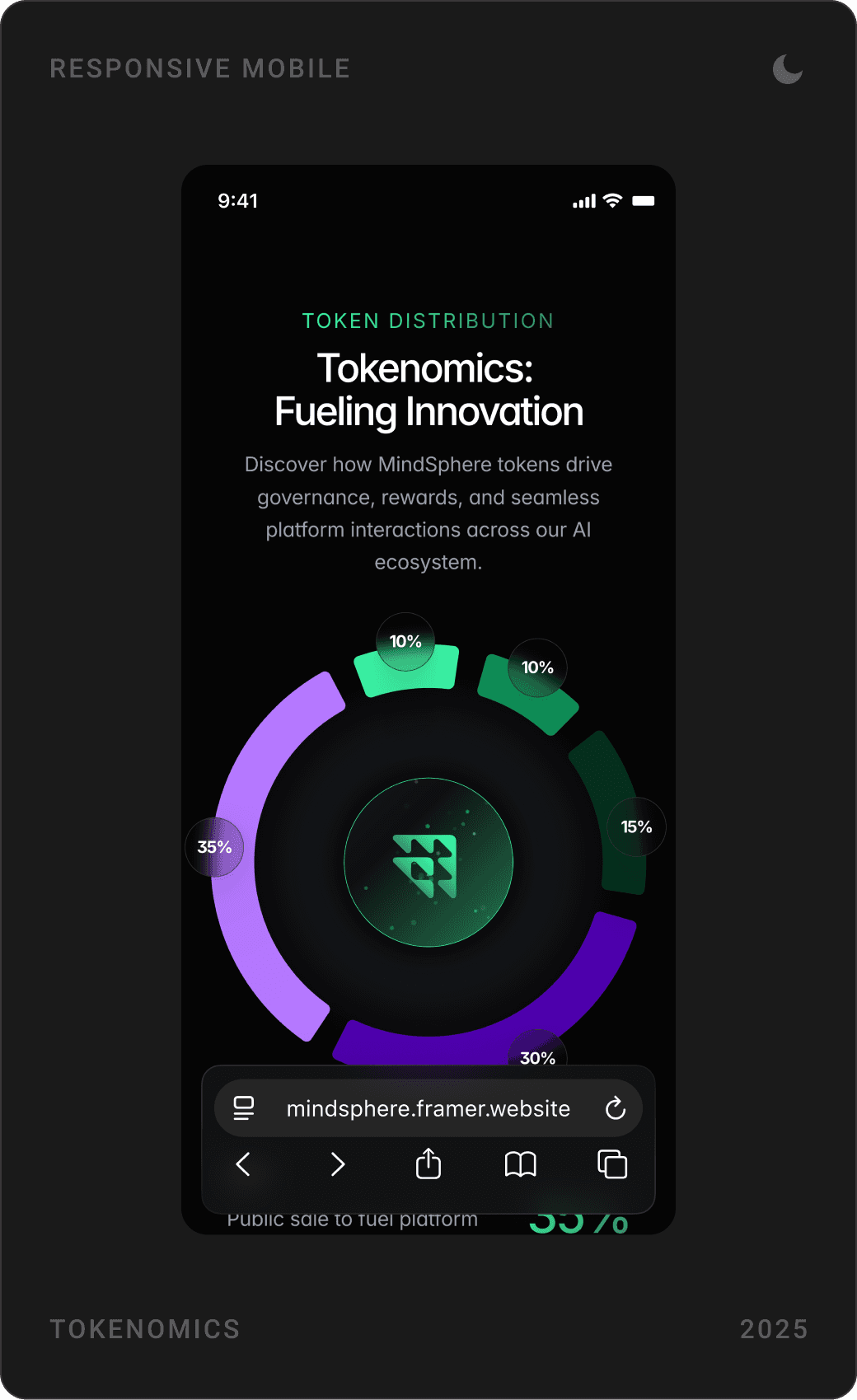
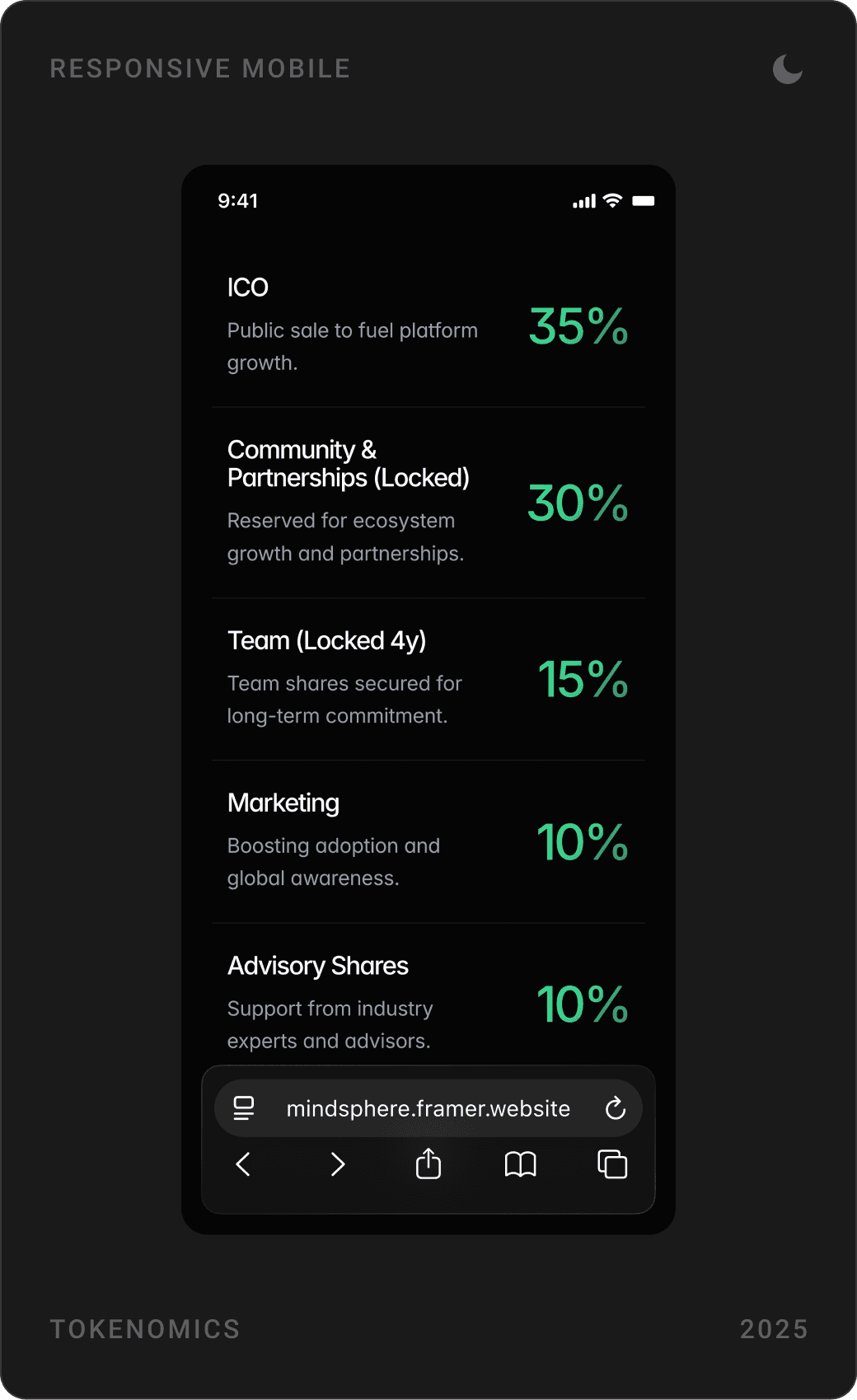
Token distribution is shown as a donut chart with a clear legend for each allocation, followed by a “Get MindSphere Token” section and community links. An FAQ grouped by topic answers the rest.



FAQ and coming-soon page
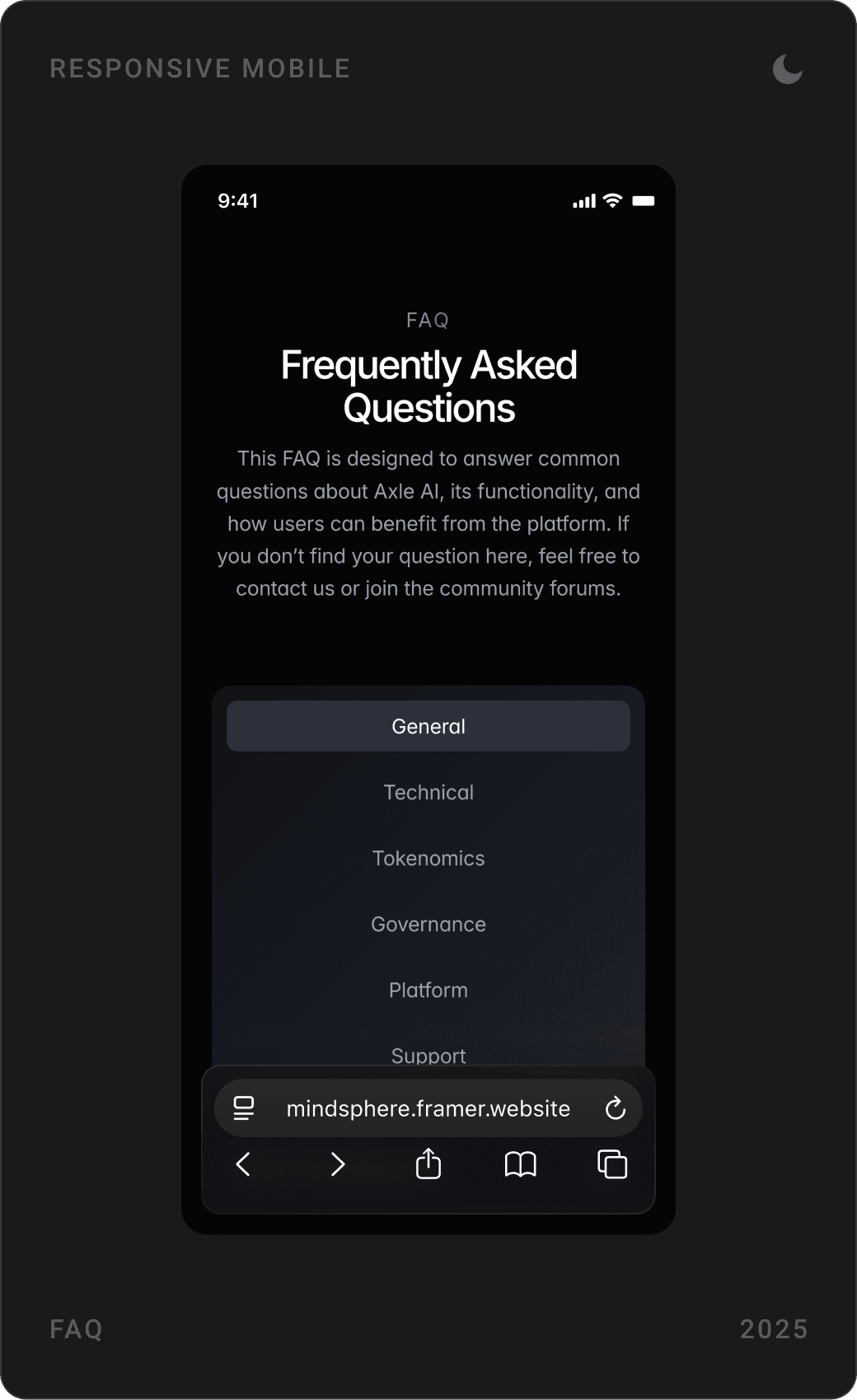
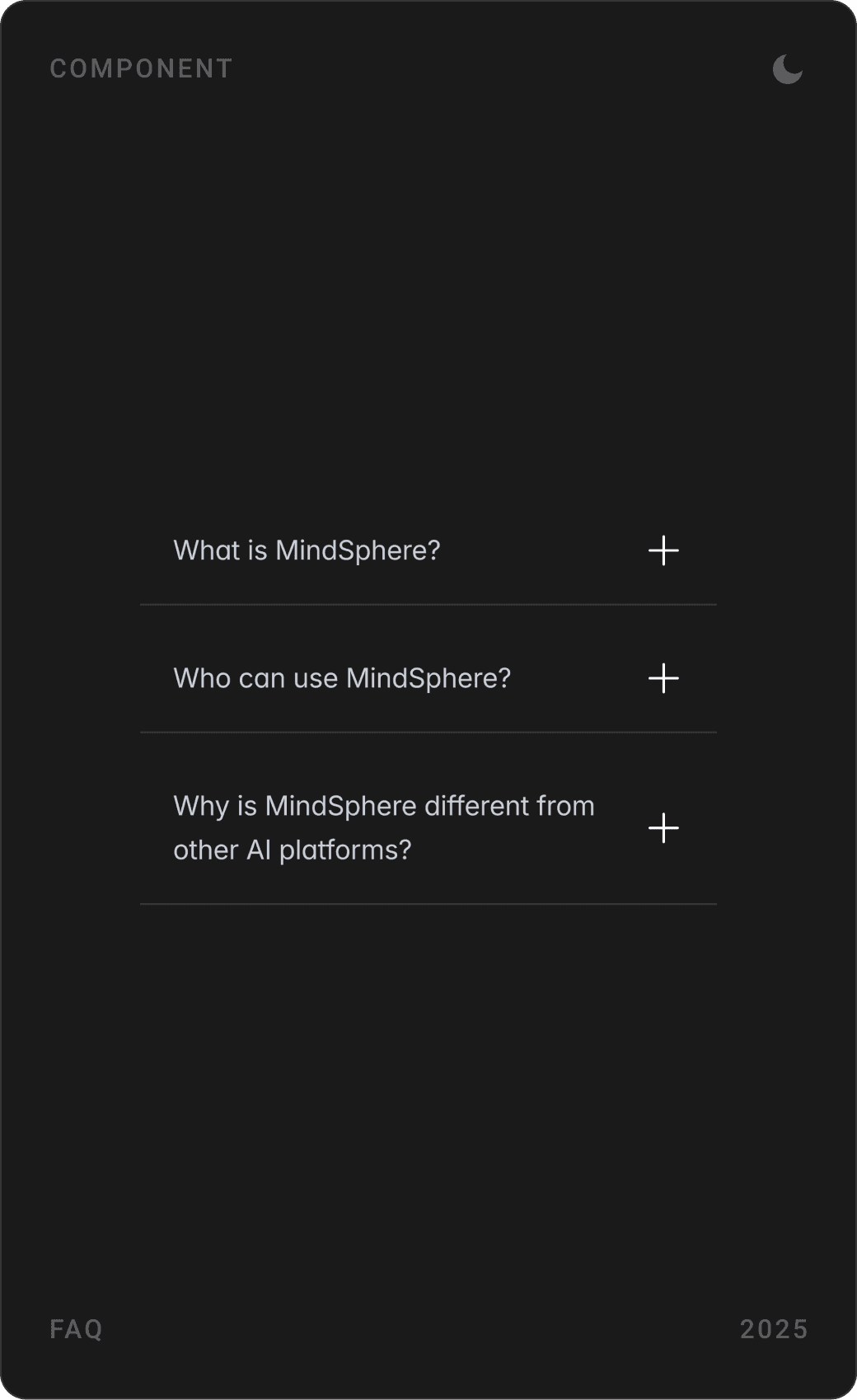
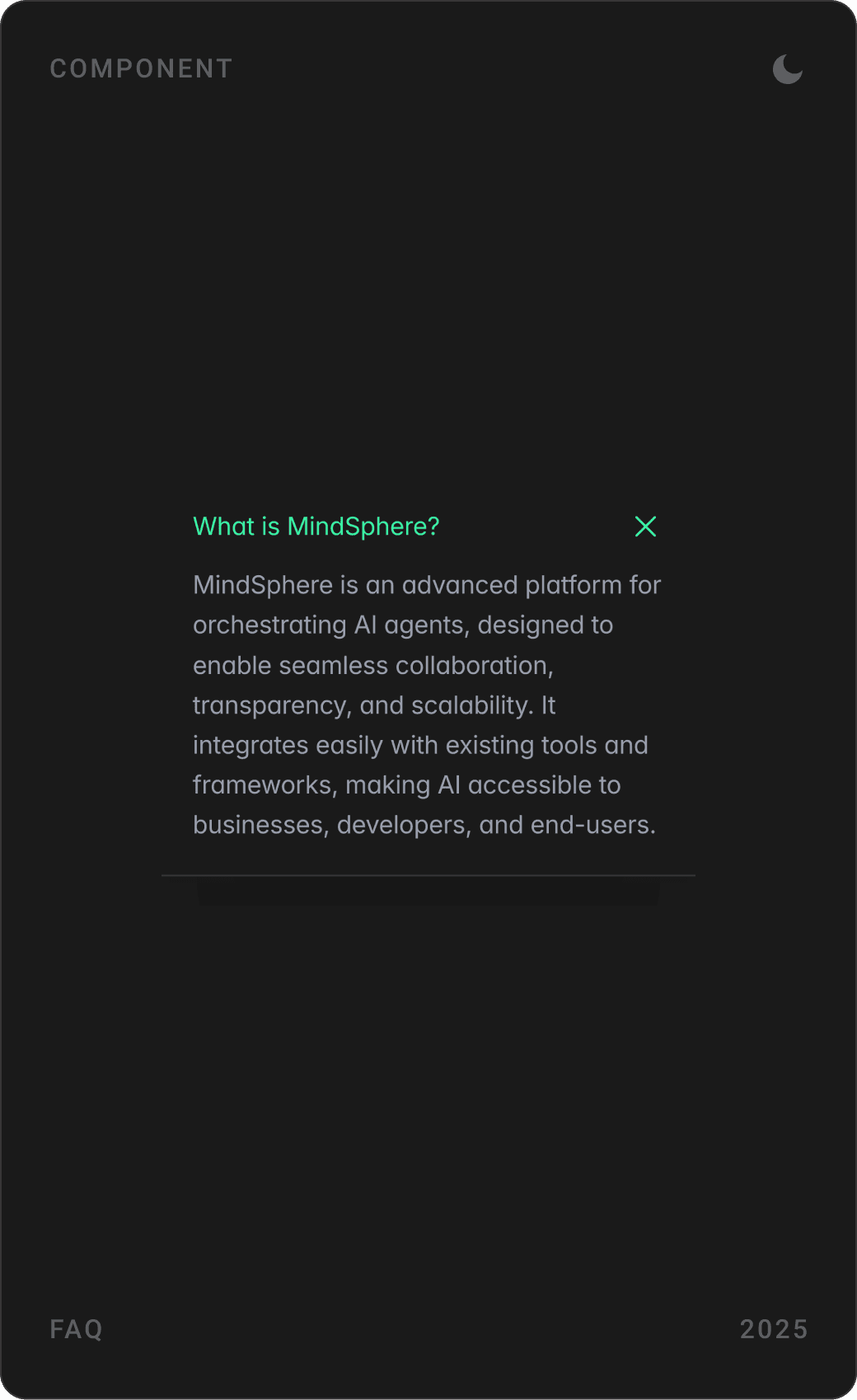
FAQ components group questions into general, technical, tokenomics, governance, platform and support. The coming-soon page repeats the promise with a countdown and waitlist, animated in Framer to build excitement while staying lightweight.


Results
- A landing page and coming-soon page that set the stage for MindSphere’s launch, with testers noting their clarity and appeal.
- Social media designs tied to the landing page’s look that supported pre-launch momentum.
- 3D visuals of AI agents that hint at real-world uses in fields like logistics and healthcare and drew interest from those industries.
- A design system that makes mockups for future pages faster to produce.
Key takeaways
- Abstract AI becomes clear when agents look like teammates you can hire.
- Before launch, tease capabilities instead of promising features.
- Put the solution in the middle of the problem, visually.
- Designing and building in Framer keeps a pre-launch site fast to change.
FAQ
What is MindSphere?
MindSphere is an AI orchestration platform in its pre-launch phase. It brings AI agents together to collaborate: users can pick individual agents or pre-configured teams from a marketplace, combine them into custom teams and re-offer those teams to others, with a MindSphere token for governance, rewards and platform interactions.
What did you design for MindSphere?
The brand identity and logo, the landing page and coming-soon page for desktop and mobile, 3D visuals of AI agents, a design system of reusable web components and social media graphics. I also built the pages in Framer, with animations and a countdown.
How long did the project take?
About one month in 2025, from research and branding to the finished Framer site.
How do you design a landing page for an AI agent platform?
Make agents feel like people you can hire: give each one a face, a role and a card. Show how they combine into teams with simple diagrams, name the problems the platform solves, and if the product isn’t live yet, use a roadmap, a waitlist and a countdown to turn curiosity into sign-ups.
Can you design and build a website for my AI or Web3 company?
Yes. I work with early-stage AI, SaaS, fintech and Web3 teams on websites, product UI and design systems, and I can build the site in Framer. Book a call or send a message from the contact page.
Sources
Have a product to design?
I help teams turn complex products into websites and interfaces people understand in seconds. Tell me about yours.