Kiqro App · Case study · 3 min read
Kiqro: designing a gamified earn-rewards mobile app for tasks, surveys and music
Kiqro is a Turkish platform where people earn money by completing tasks, filling in surveys and playing games, then withdraw their earnings. I designed the complete mobile app, UX architecture, task and reward flows, referrals, withdrawals and a design system, to make earning clear and to bring people back every day.
- Mobile App Design
- User Experience Research
- User Interface Design
- Design System
At a glance
Challenge
No clear engagement loop, an overloaded dashboard and a reward hierarchy users couldn’t read, so earnings felt vague and repeat use was low.
Solution
A dark, game-like mobile app built around tasks, visible earnings, reward tiers, leaderboards and referrals, on a scalable design system.
Outcome
A complete mobile app UI designed for clarity and retention, and a design system ready for new earning modules.
Deliverables
- Mobile UX architecture
- Task & earning flows
- Reward tiers & leaderboards
- Referral system
- Withdrawal & support flows
- Mobile design system

Overview
Kiqro is a Turkish rewards platform: members earn money by filling in surveys, playing games and completing tasks, and withdraw their earnings through fast payout options such as Papara, bank transfer and USDC. [1]
I designed the complete mobile app through my studio, Beew, over eight to ten weeks in 2026: UX architecture and user flows, the visual interface, reward mechanics, the interaction system and a design system the team can grow on. The aim was a clear, immersive product that makes people want to open it every day.
The challenge
A rewards app only works if people understand what they can earn and keep coming back to earn more. Kiqro’s earlier experience made both hard.
- No structured engagement loop to drive repeat use.
- An unclear reward hierarchy: users couldn’t easily see what they had earned or could earn.
- An overloaded dashboard that hurt usability.
- Weak gamification: progress and levels didn’t feel clear or motivating.
- A UI that needed to scale to new earning modules.
Goals
- Build a clean, intuitive mobile UX architecture.
- Design a gamified reward system that encourages daily use.
- Create a home screen that balances clarity with motivation.
- Make tasks easier to find and rewards more transparent.
- Establish a cohesive dark-themed visual identity on a scalable design foundation.
Approach
1. Money first, always visible
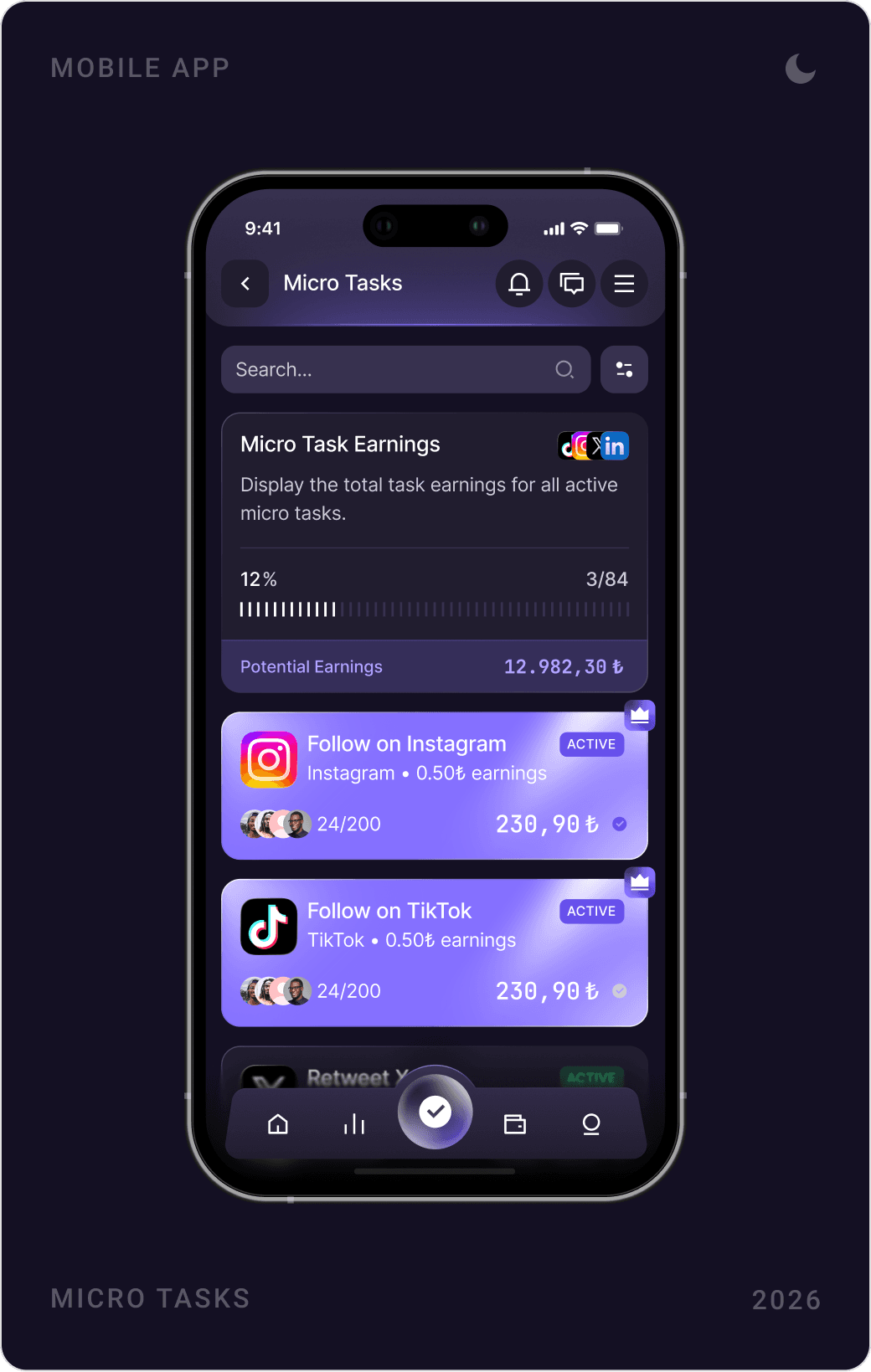
The balance sits in the header of every screen, and every task card shows what it pays. People never have to wonder what an action is worth.
2. Make progress feel like a game
Progress bars, step checklists, levels, podiums and countdowns turn earning into a series of small wins. Each card tells users how far they are and what comes next.
3. Earning one tap away
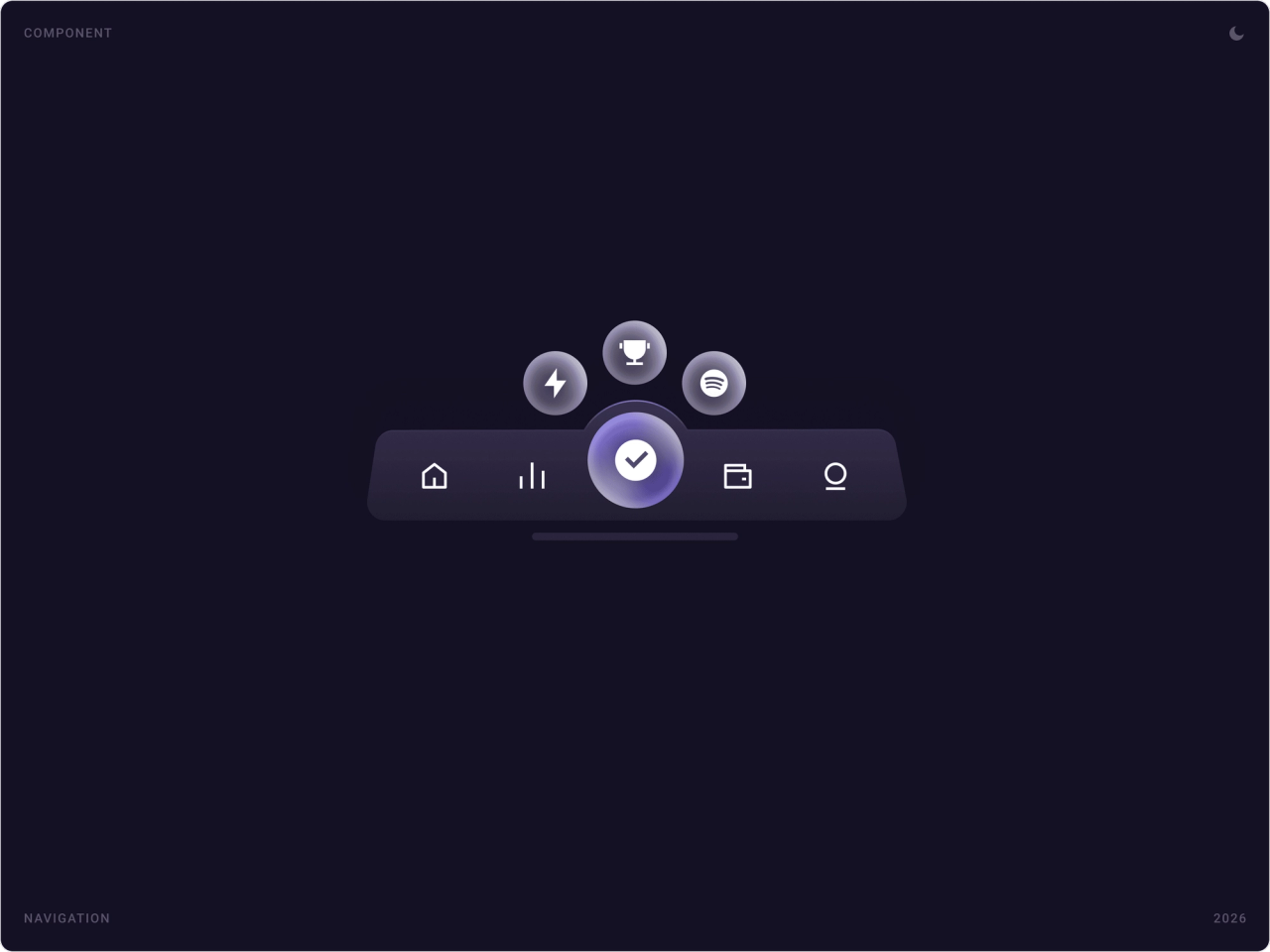
A floating centre button in the tab bar opens the earning modules, tasks, leaderboards and Listen and Earn, from anywhere in the app, so the next task is never buried in a menu.
4. Trust in payouts
Withdrawals, support requests and security settings got the same care as the fun parts: clear forms, visible status and plain information about each payout method.
The solution
Home screen
The home screen leads with a featured offer, quick entries to Micro Tasks, Macro Tasks and Listen and Earn, then featured offers, surveys and the leadership ranking. A tab bar with a raised centre button keeps earning one tap away.

Tasks and offers
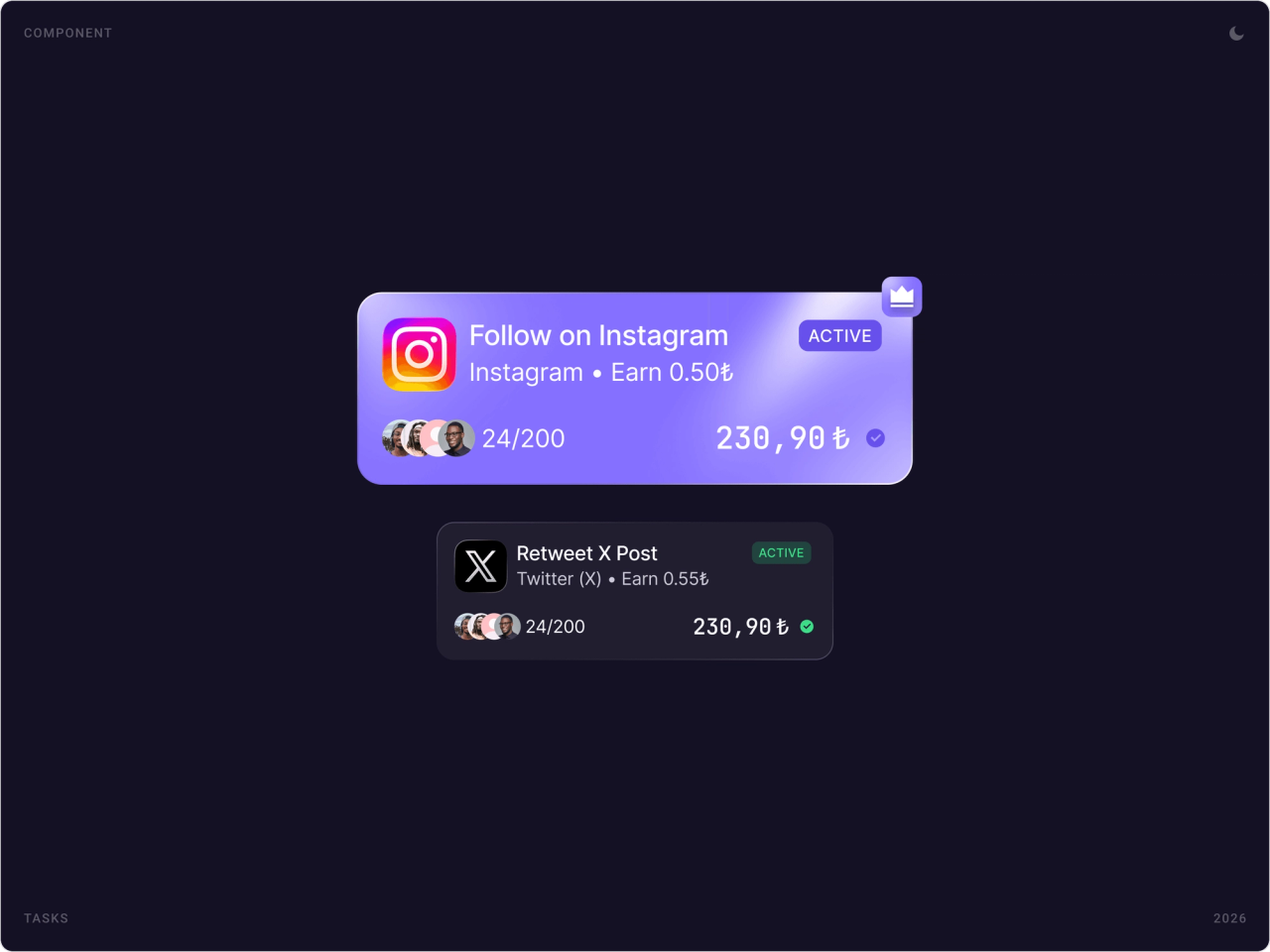
Micro tasks, follow an account, retweet a post, appear as bright cards with the platform, payout and number of spots left. Macro tasks open a detail sheet that lists each event to complete, and a progress card ticks off steps one by one.


Listen and Earn
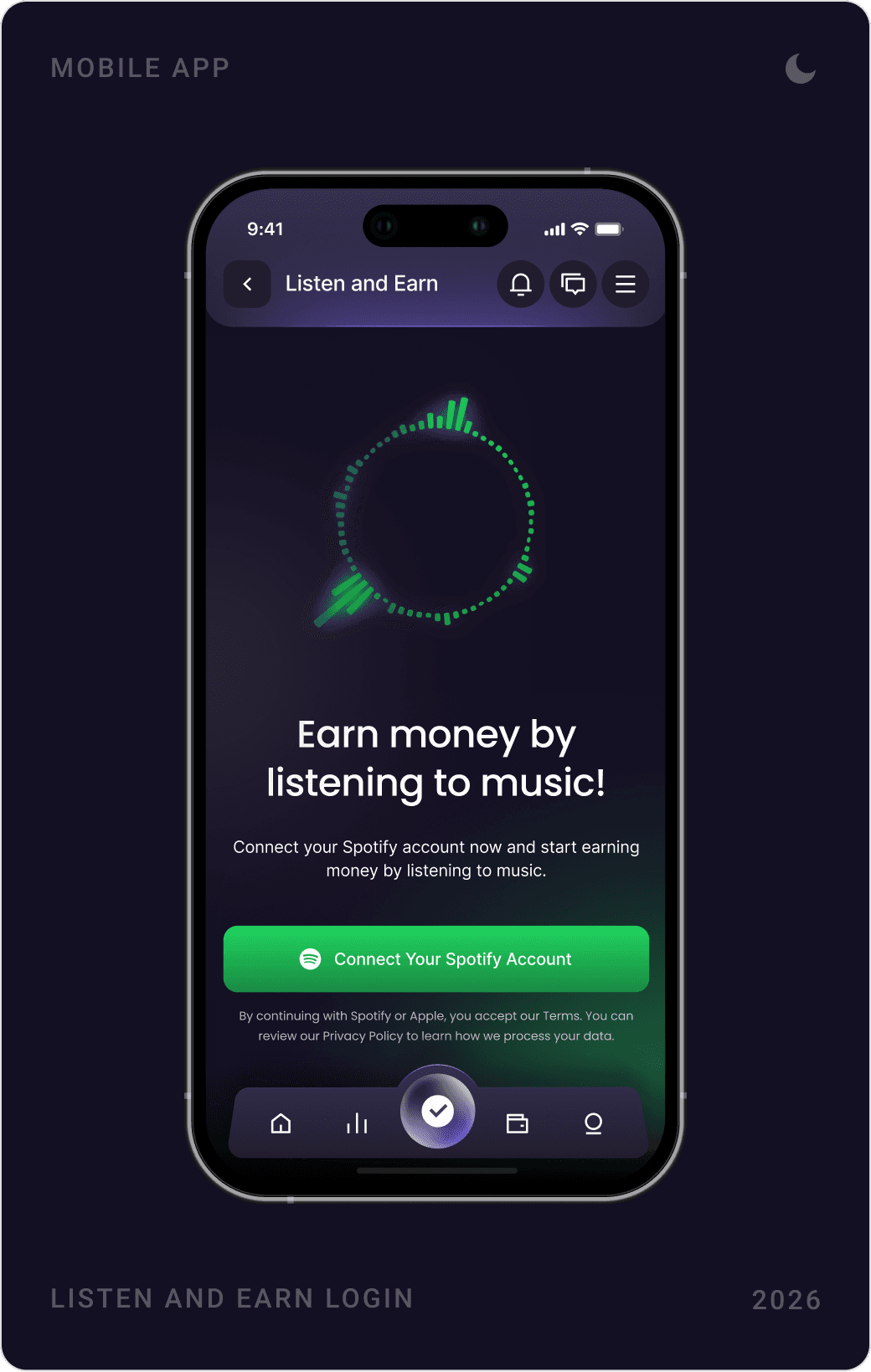
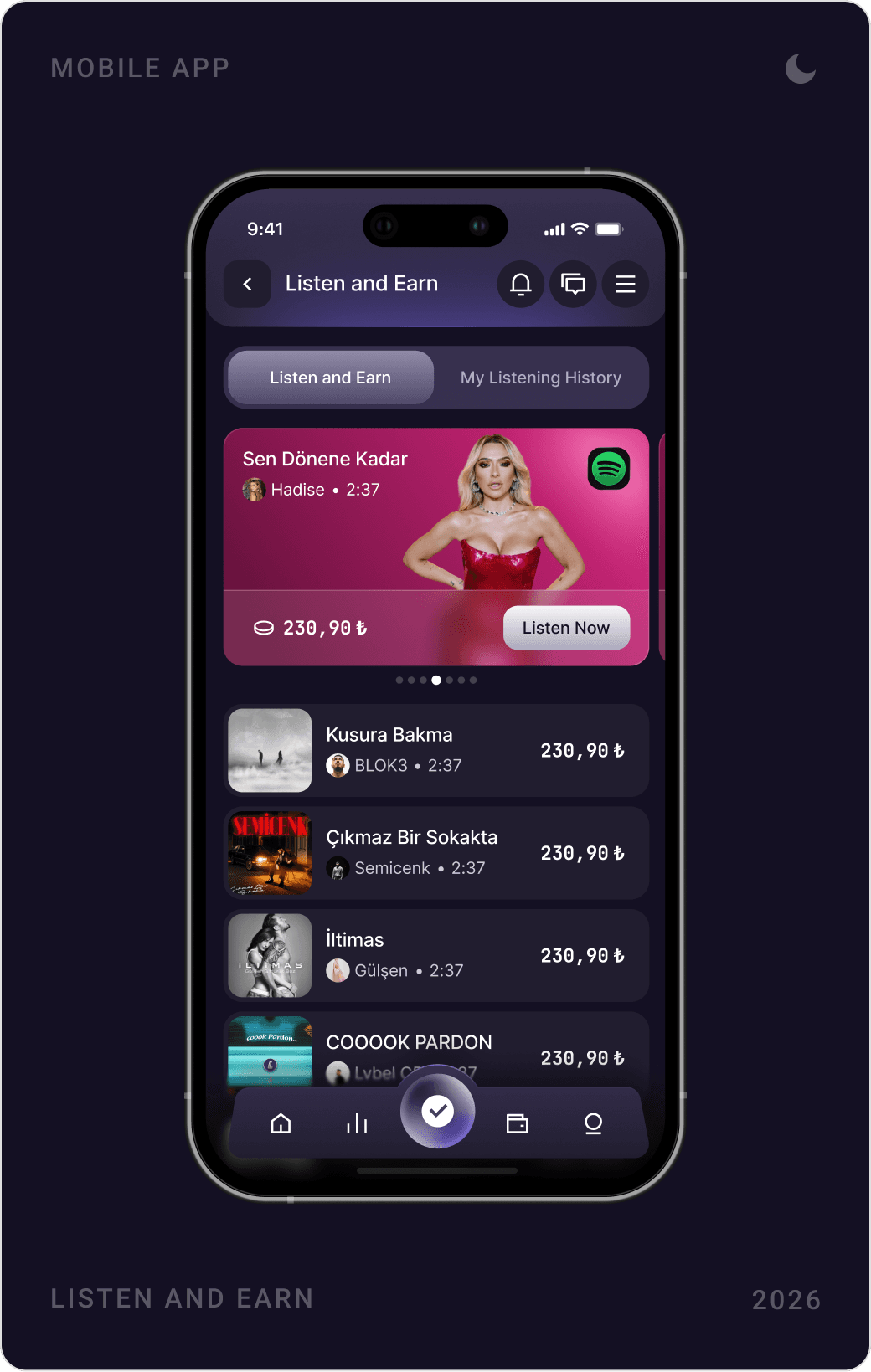
Listen and Earn lets users connect a Spotify account and earn by listening to selected songs. The flow goes from a single connect button to a confirmation and a list of tracks, each with its reward.

Referrals and leaderboards
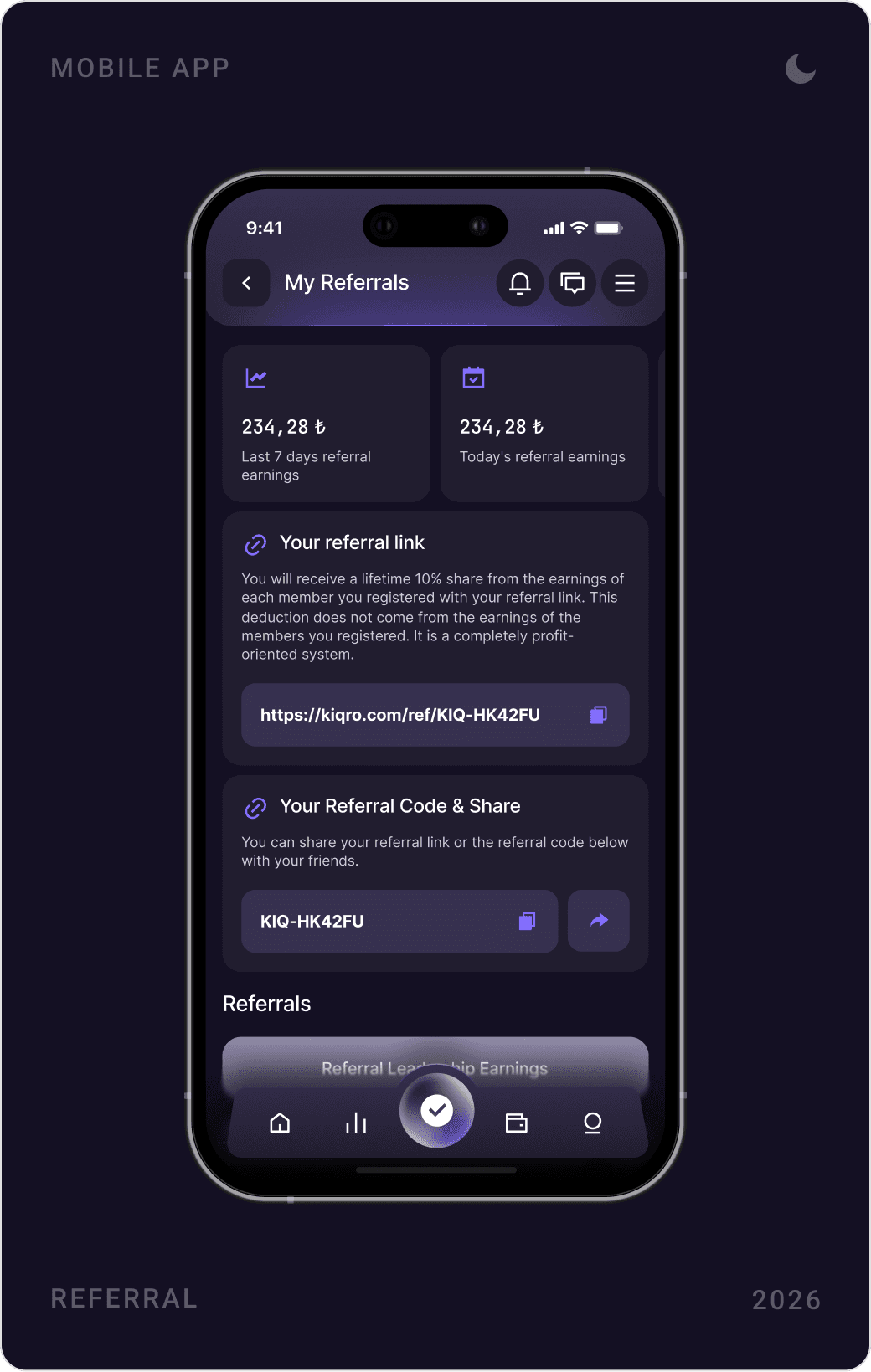
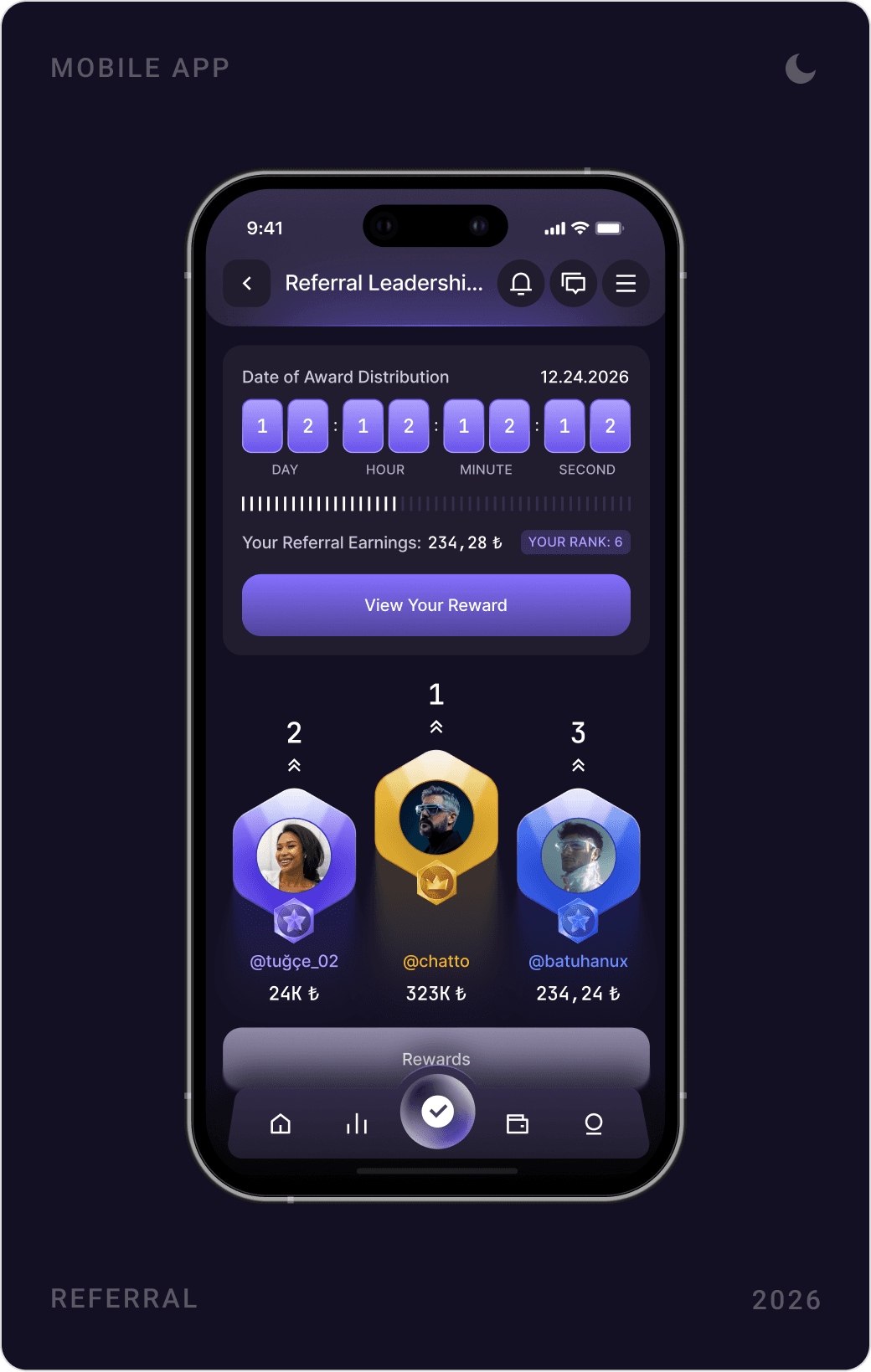
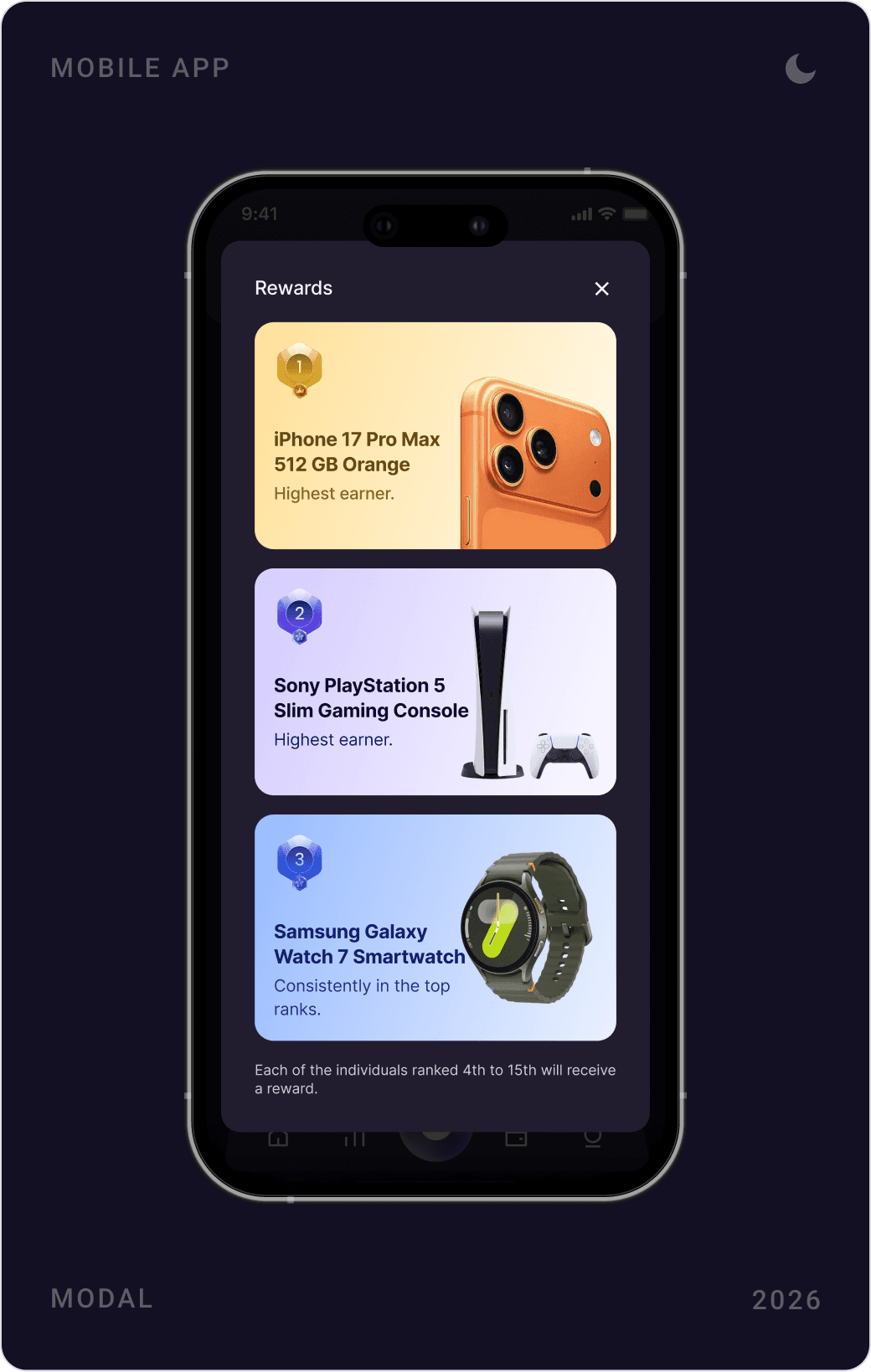
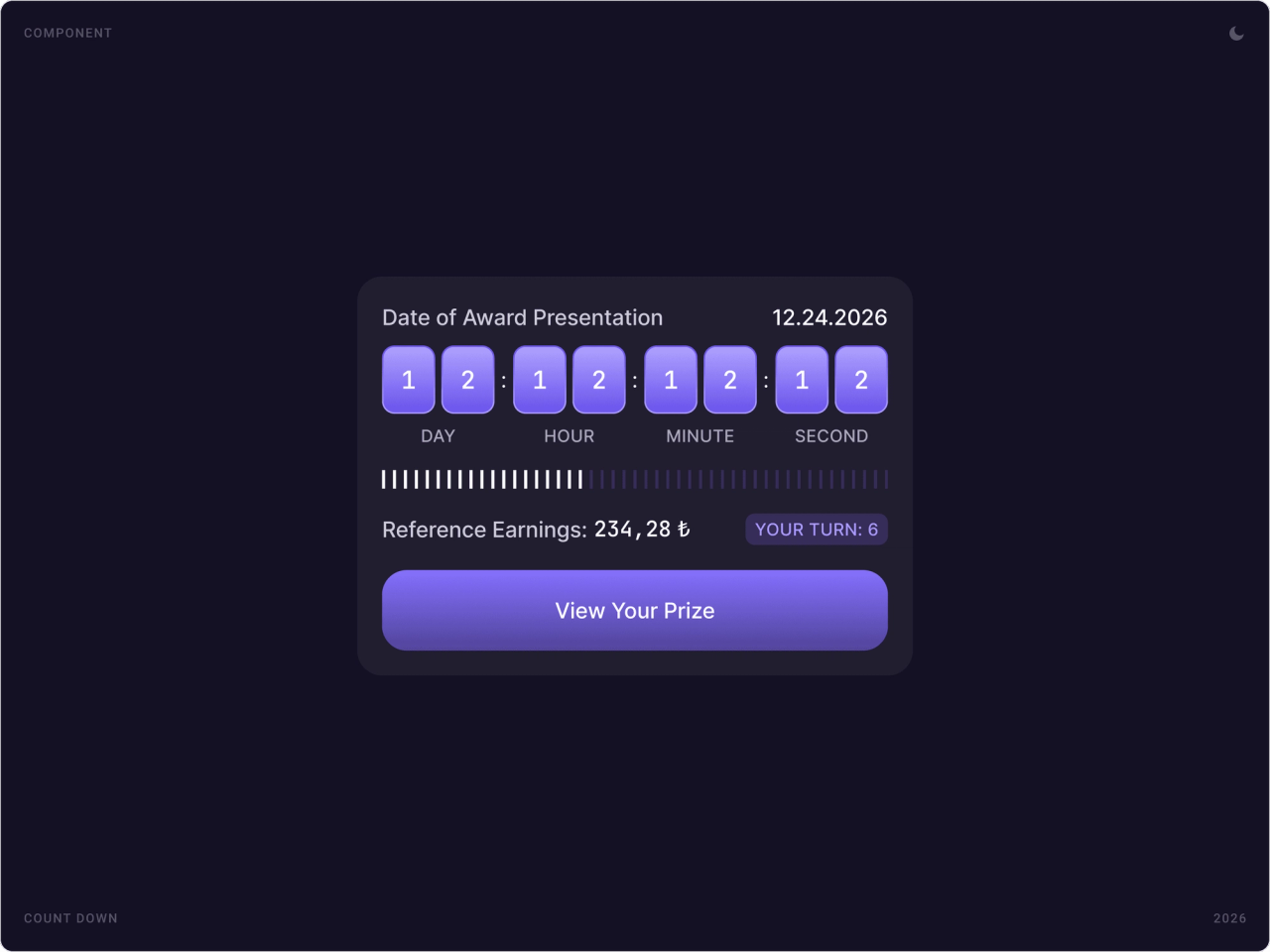
Referrals get their own hub with recent earnings, a shareable link and code. A referral leaderboard with a podium, a countdown to the award date and a prize sheet gives users a reason to come back, and profile cards show each member’s level.


Withdrawals and support
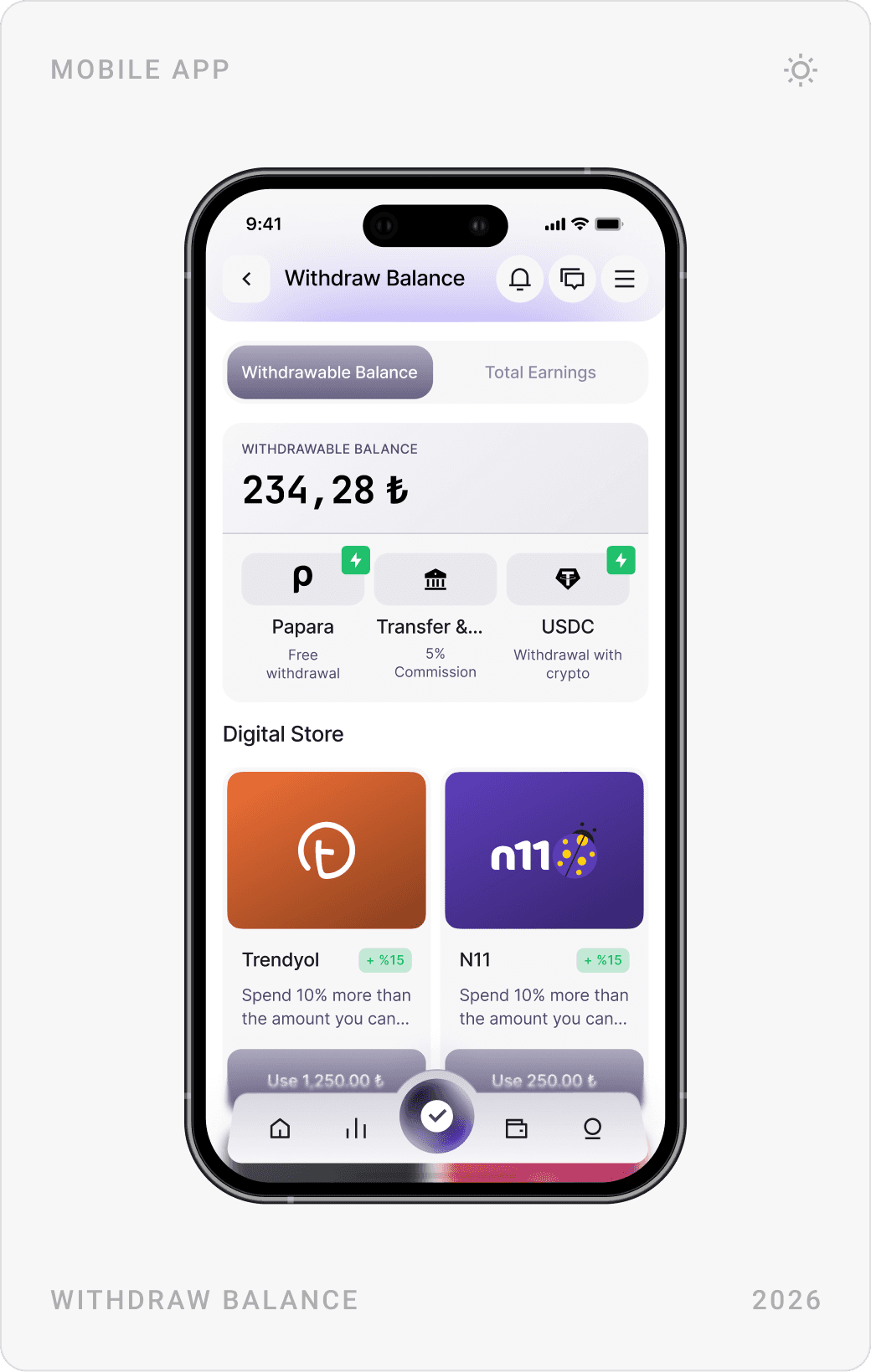
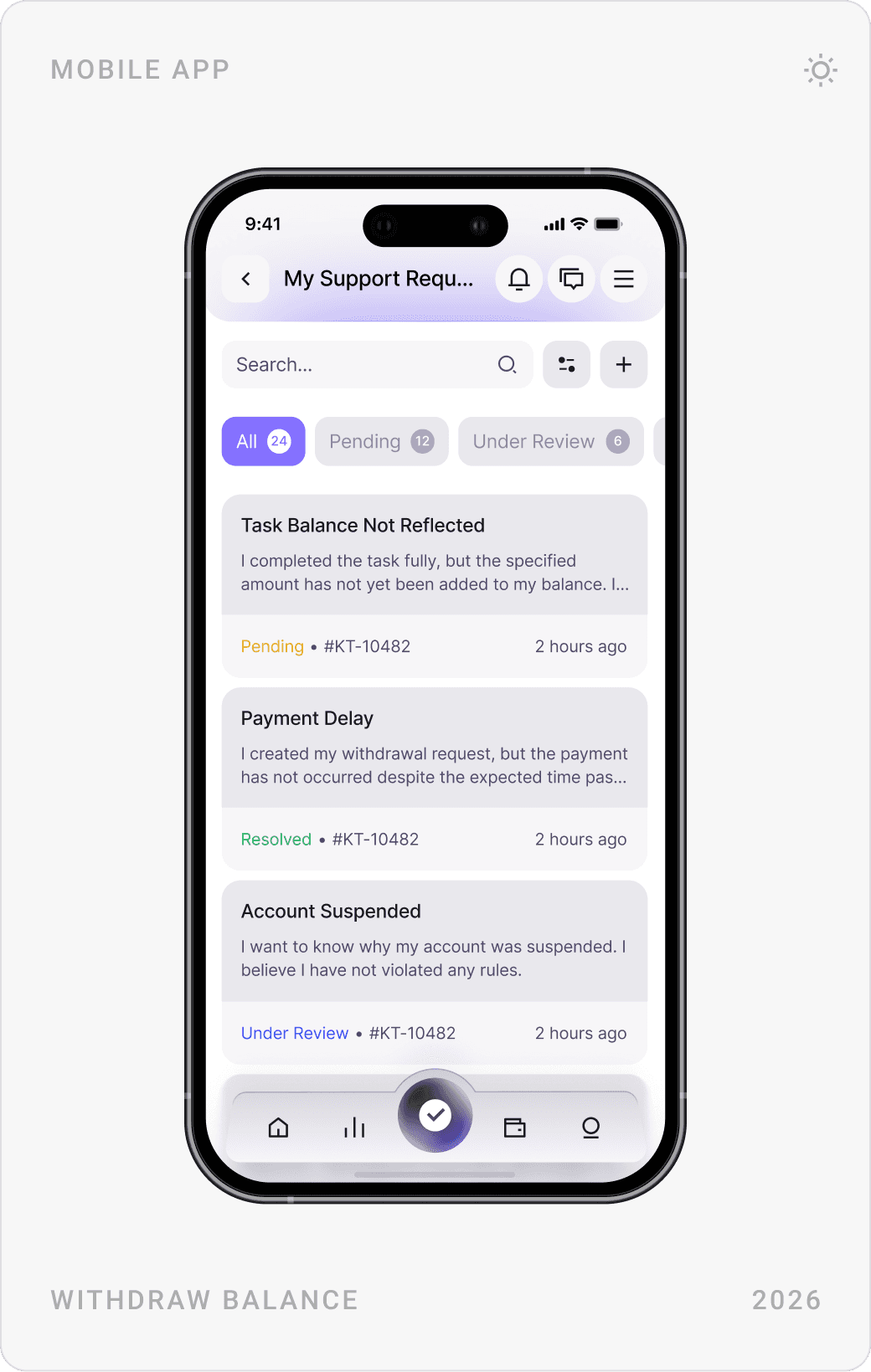
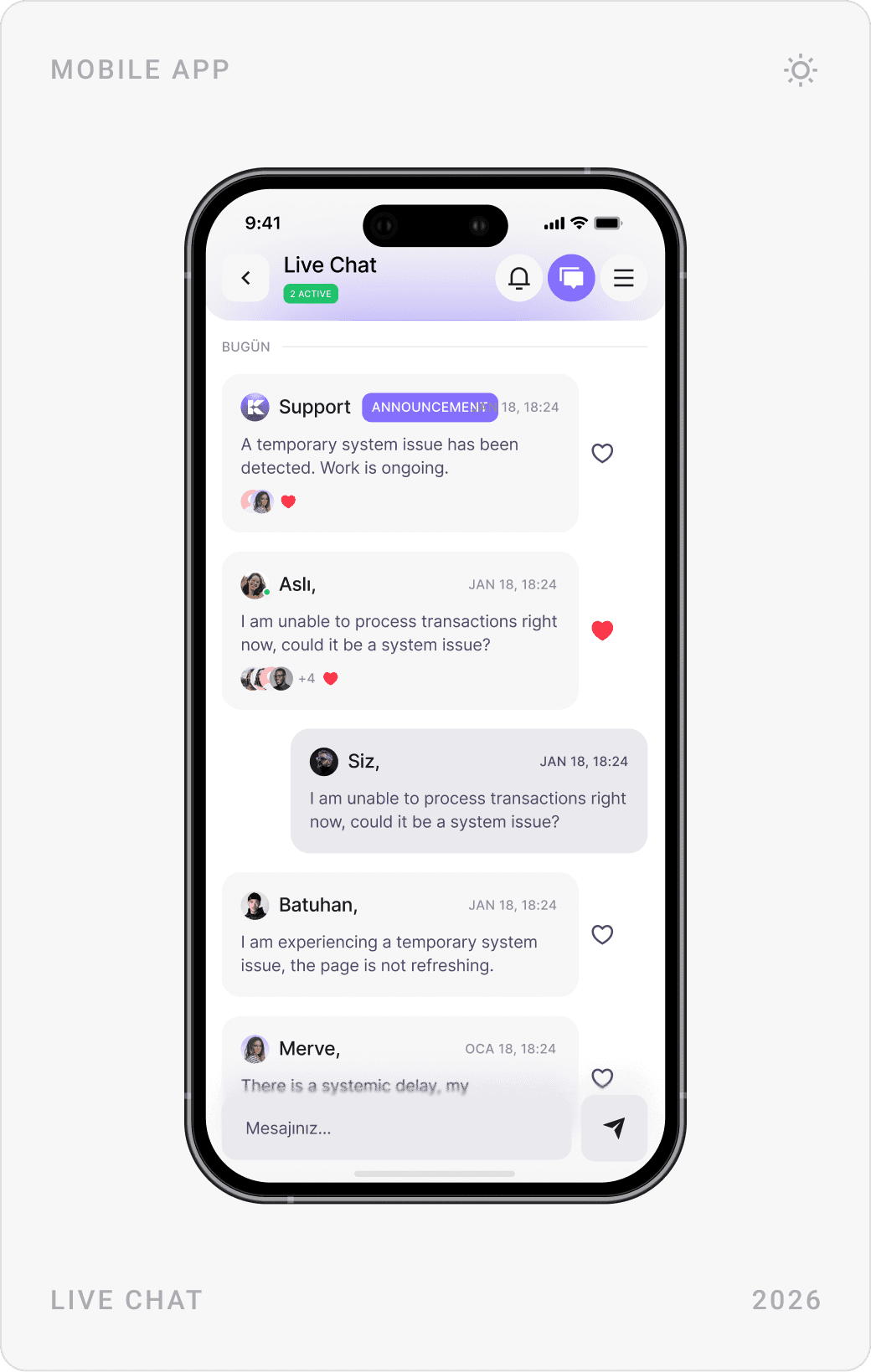
The withdraw screen separates withdrawable balance from total earnings and lists payout methods, Papara, bank transfer and USDC, plus digital store vouchers. Each method has its own short form and an information note, and a support centre tracks requests by status.


Sign-up, account and settings
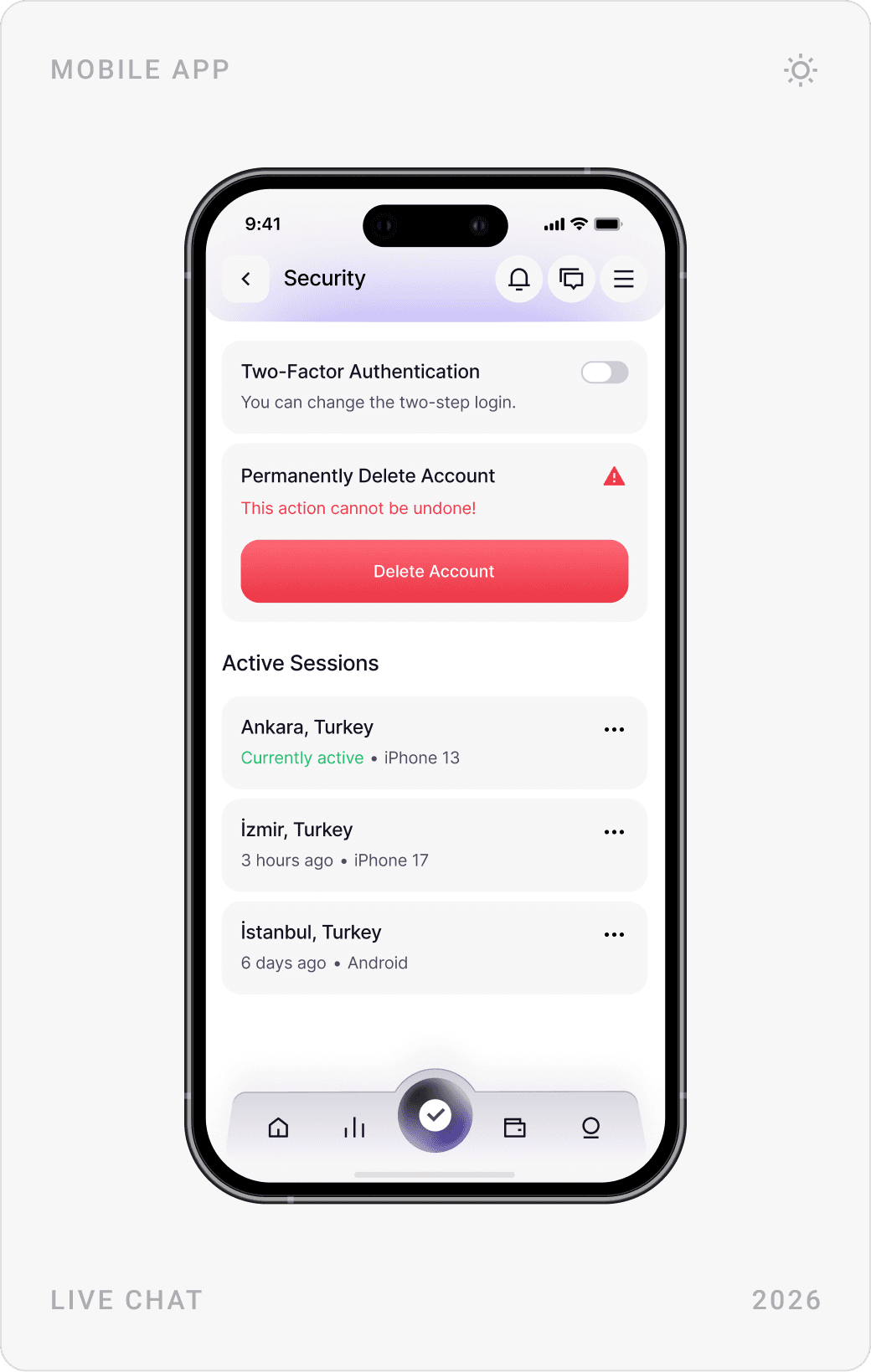
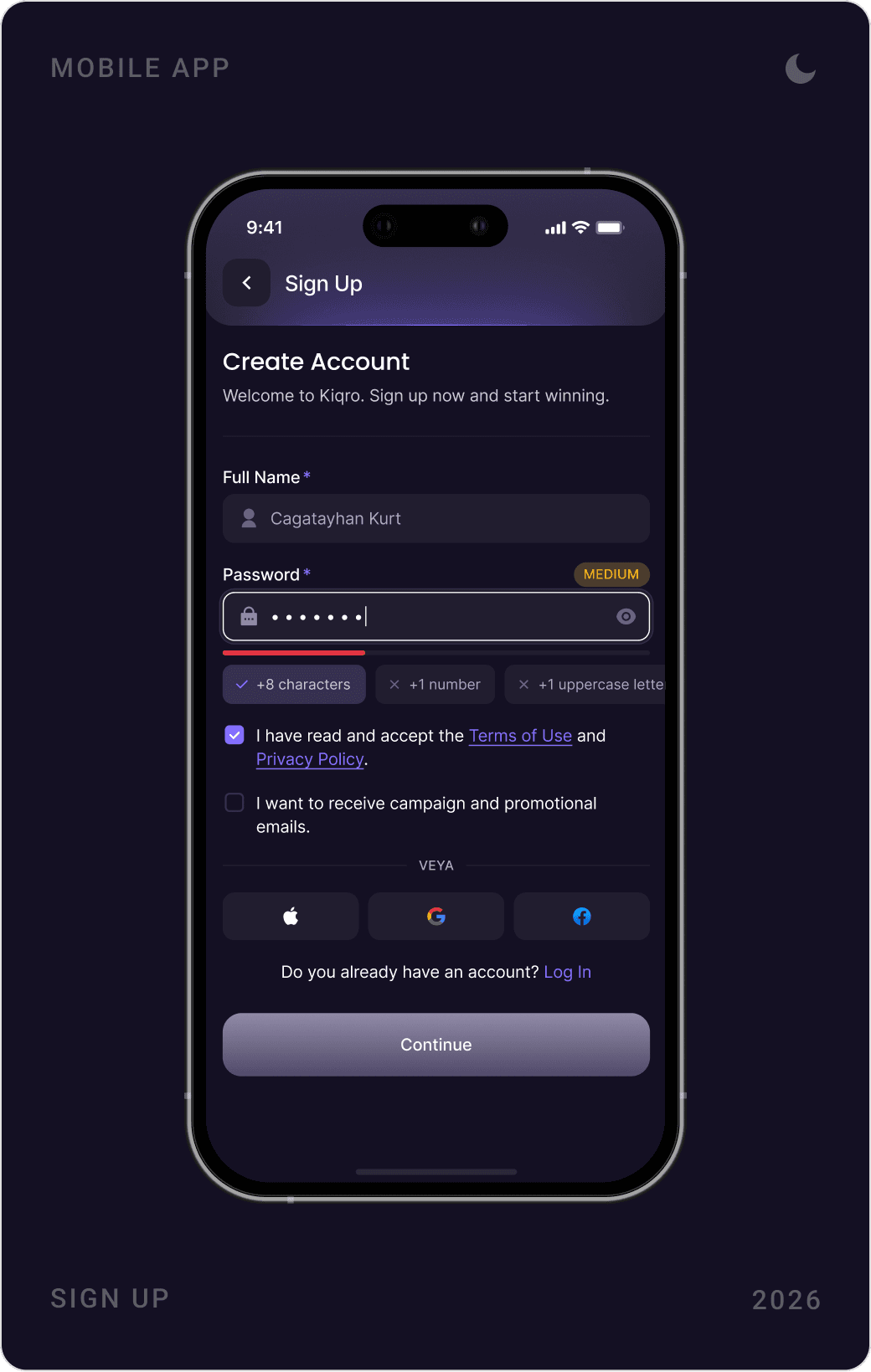
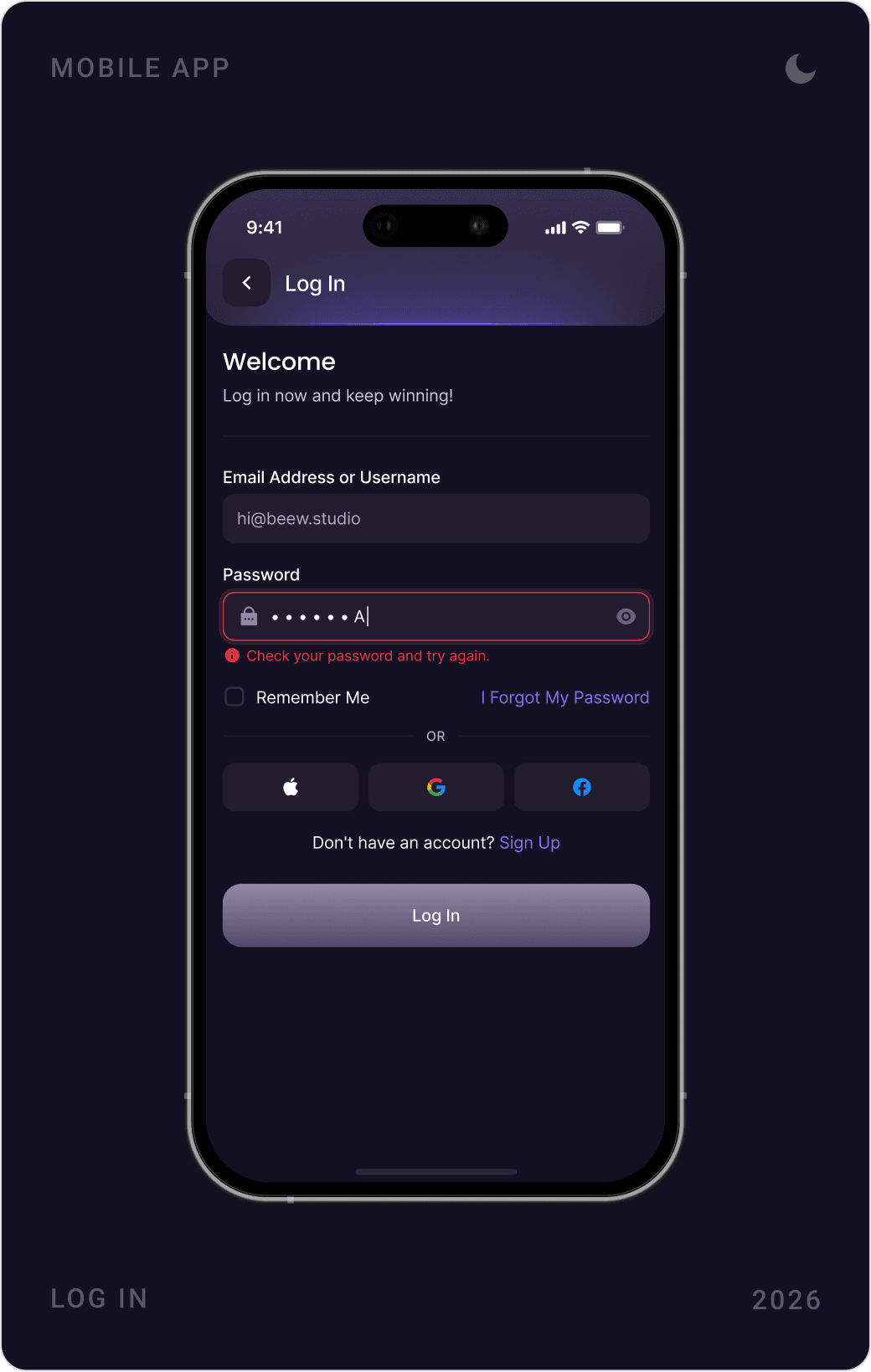
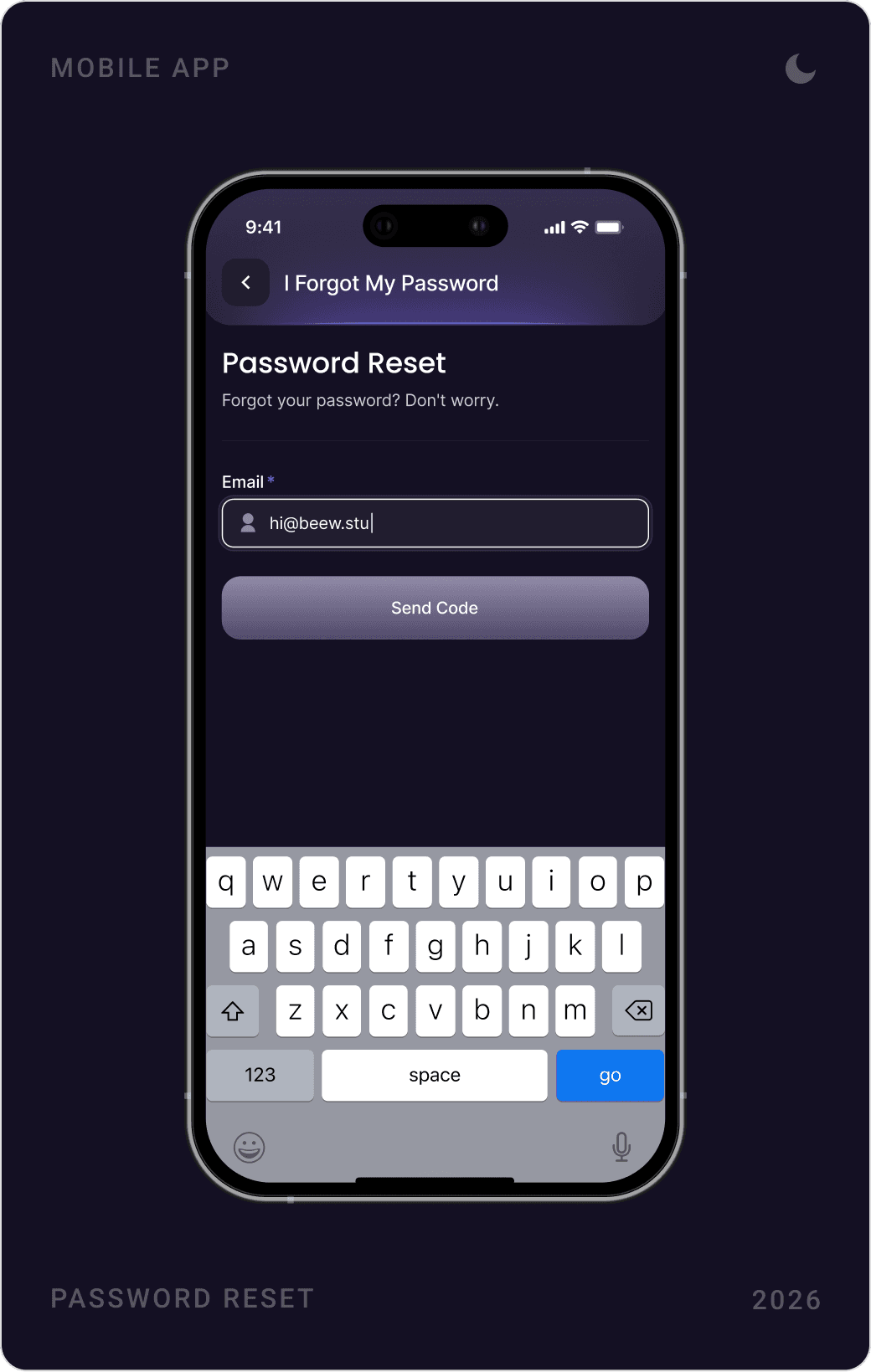
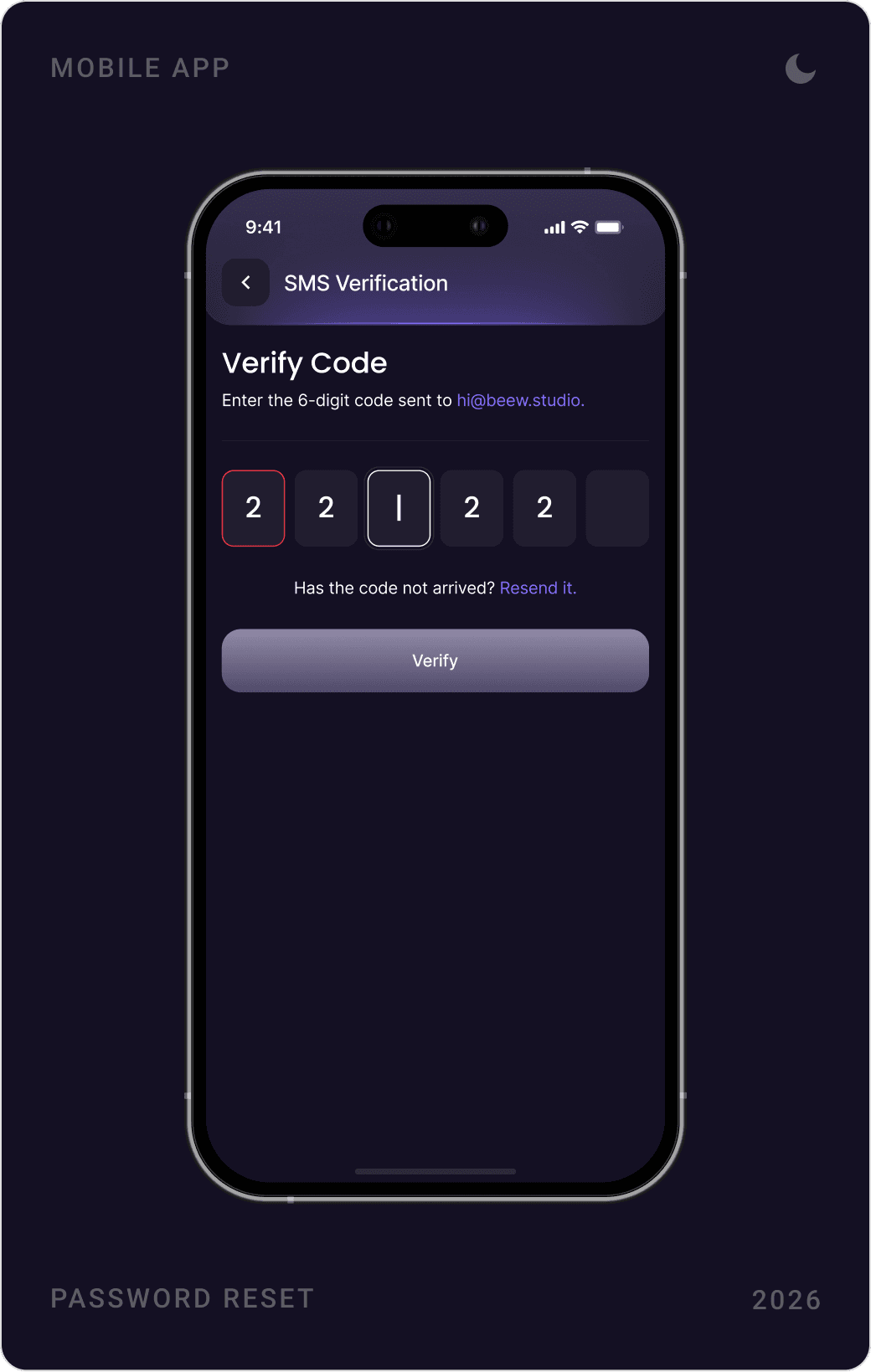
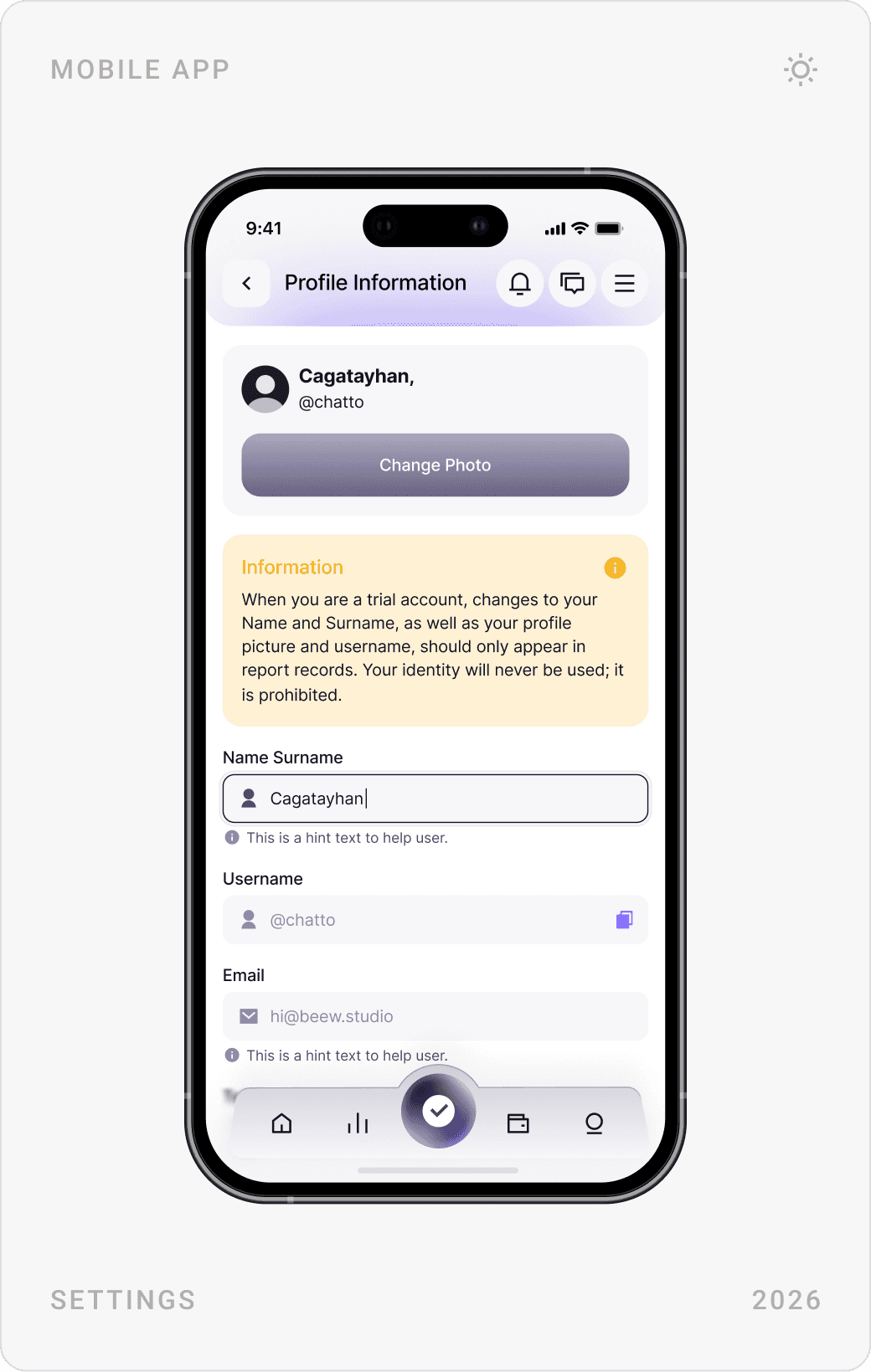
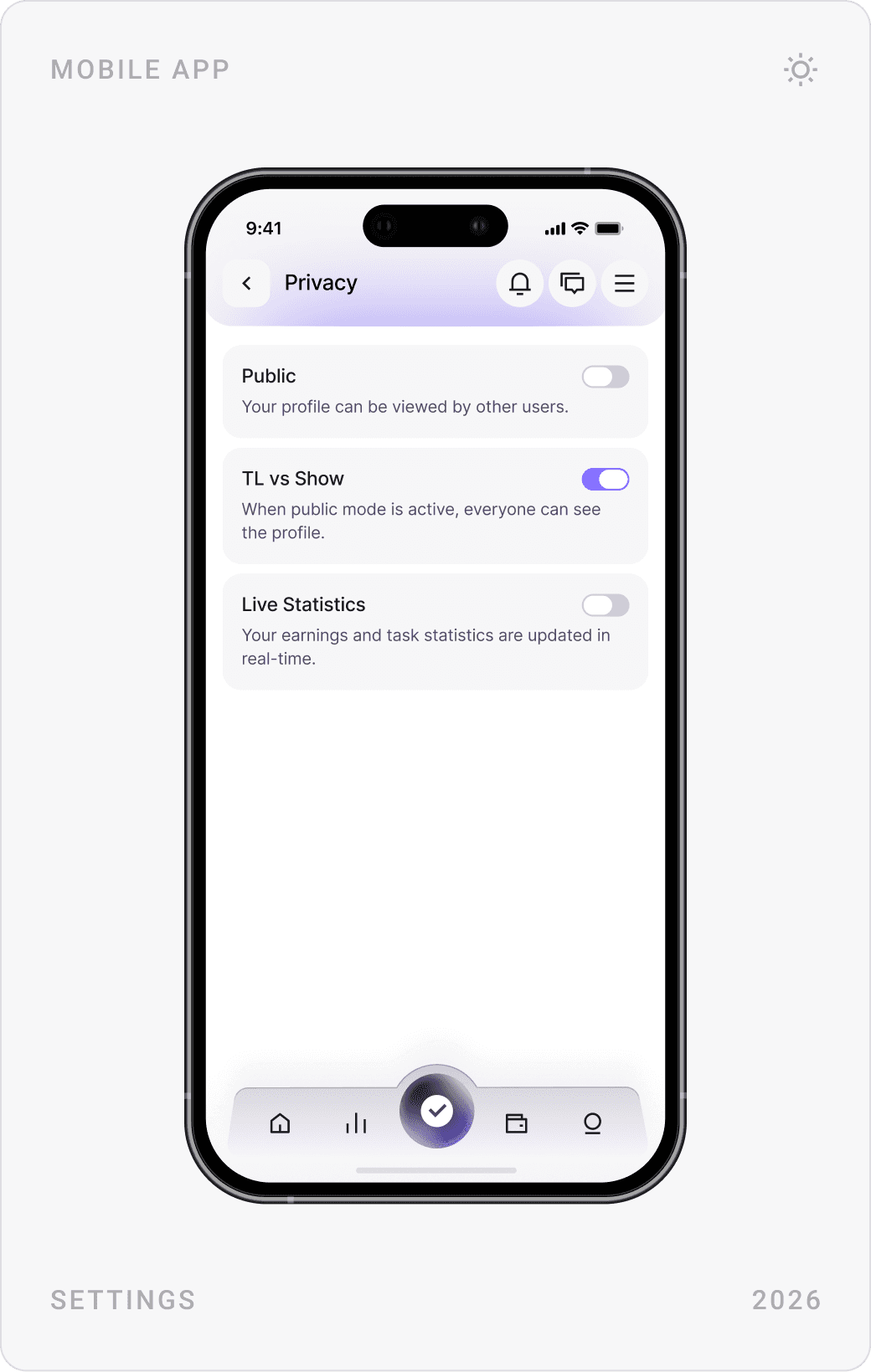
Sign-up is split into two short steps with a referral code field, and account recovery uses email and an SMS code. Settings cover profile, privacy, security, notifications and language, with clear hints next to each field.


Results
- A complete mobile app UI designed for clarity and retention.
- Structured reward tiers, leaderboards and a referral system that give users reasons to return.
- A task-based earning flow across Micro Tasks, Macro Tasks, featured offers and Listen and Earn.
- An immersive dark interface, with a light mode for account and payout screens.
- A scalable mobile design system ready for new earning modules.
Key takeaways
- In a rewards app, the balance is the main navigation: keep it in view.
- Break big tasks into small, visible wins.
- Leaderboards need a deadline to bring people back.
- Design the payout flow as carefully as the fun parts; trust lives there.
FAQ
What is Kiqro?
Kiqro is a Turkish rewards platform where members earn money by filling in surveys, playing games and completing tasks, and can withdraw their earnings quickly, for example via Papara, bank transfer or USDC.
What did you design for Kiqro?
The complete mobile app: UX architecture and user flows, sign-up and login, the home screen, micro and macro tasks, Listen and Earn, reward tiers, leaderboards and referrals, withdrawals, support, settings in dark and light mode, and the design system behind them.
How long did the project take?
About eight to ten weeks in 2026, from UX architecture and user flows to the final interface and design system.
How do you design a rewards app that keeps users coming back?
Show the balance and the next reward on the first screen, make every task card say exactly what it pays and how far along you are, and give people reasons to return: daily tasks, levels, leaderboards and referrals. Then make withdrawing simple and transparent, because trust in payouts is what keeps a rewards app alive.
Can you design a mobile app for my company?
Yes. I work with early-stage AI, SaaS, fintech and Web3 teams on mobile apps, product UI, websites and design systems. Book a call or send a message from the contact page.
Sources
Have a product to design?
I help teams turn complex products into websites and interfaces people understand in seconds. Tell me about yours.