Minikmucize · Case study · 4 min read
Minikmucize: a premium e-commerce redesign for a Turkish mother and baby store
Minikmucize is an online store from Antalya, Turkey, selling products for mothers and babies. I redesigned its shopping experience, about 60 responsive pages from the homepage to checkout and the user account, so the brand feels premium and feminine, and parents can find, trust and buy a product in fewer steps.
- User Experience Research
- User Interface Design
- Design System
At a glance
Challenge
A generic off-the-shelf theme made a store for health-focused baby products look ordinary, and shopping took too many steps.
Solution
About 60 responsive pages on one design system: a soft, premium palette, shorter shopping flows and trust signals on every page.
Outcome
A cohesive, conversion-focused store with a luxury, feminine feel across every touchpoint, delivered in three months.
Deliverables
- ~60 responsive pages
- UX research
- UI design
- Design system
- Cart & checkout flow
- User account area
Overview
Minikmucize (Minik Mucize, Turkish for “little miracle”) is an online store for mothers and babies, run by Minik Mucize Organizasyon Ticaret Ltd. Şti. from Muratpaşa, Antalya. [2] The company builds on its production experience in baby textiles for 0–24 months and gives priority to its own brand, Mimu Baby. [1]
Through my studio, Beew, I redesigned the store’s full e-commerce experience in three months in 2025: about 60 responsive pages, from the homepage and product pages to cart, checkout and the user account. The goal was a more premium, modern and feminine brand presence that also makes shopping faster and easier to trust.
The challenge
Parents buy baby products carefully: they want to know a product is healthy and safe before they pay. The store was running on an off-the-shelf theme that looked like every other shop and asked for too many clicks.
- Generic look: the theme felt neither premium nor distinctive.
- Style vs. usability: the brand needed a luxury, modern, feminine aesthetic without making the store harder to use.
- Too many steps from browsing to product, cart and checkout.
- Weak trust signals for products sold as healthy and safe for babies.
- Scale: one consistent experience across about 60 responsive pages and account areas.
Goals
- Redesign the whole journey: homepage, category pages, product pages, cart, checkout and user account.
- Reduce friction with fewer clicks and clearer product discovery.
- Build a soft, niche colour palette that still reads premium and luxurious.
- Build trust with a clean layout, clear hierarchy and reassurance patterns.
- Support the business: more conversion and more sales.
Approach
1. Premium through restraint
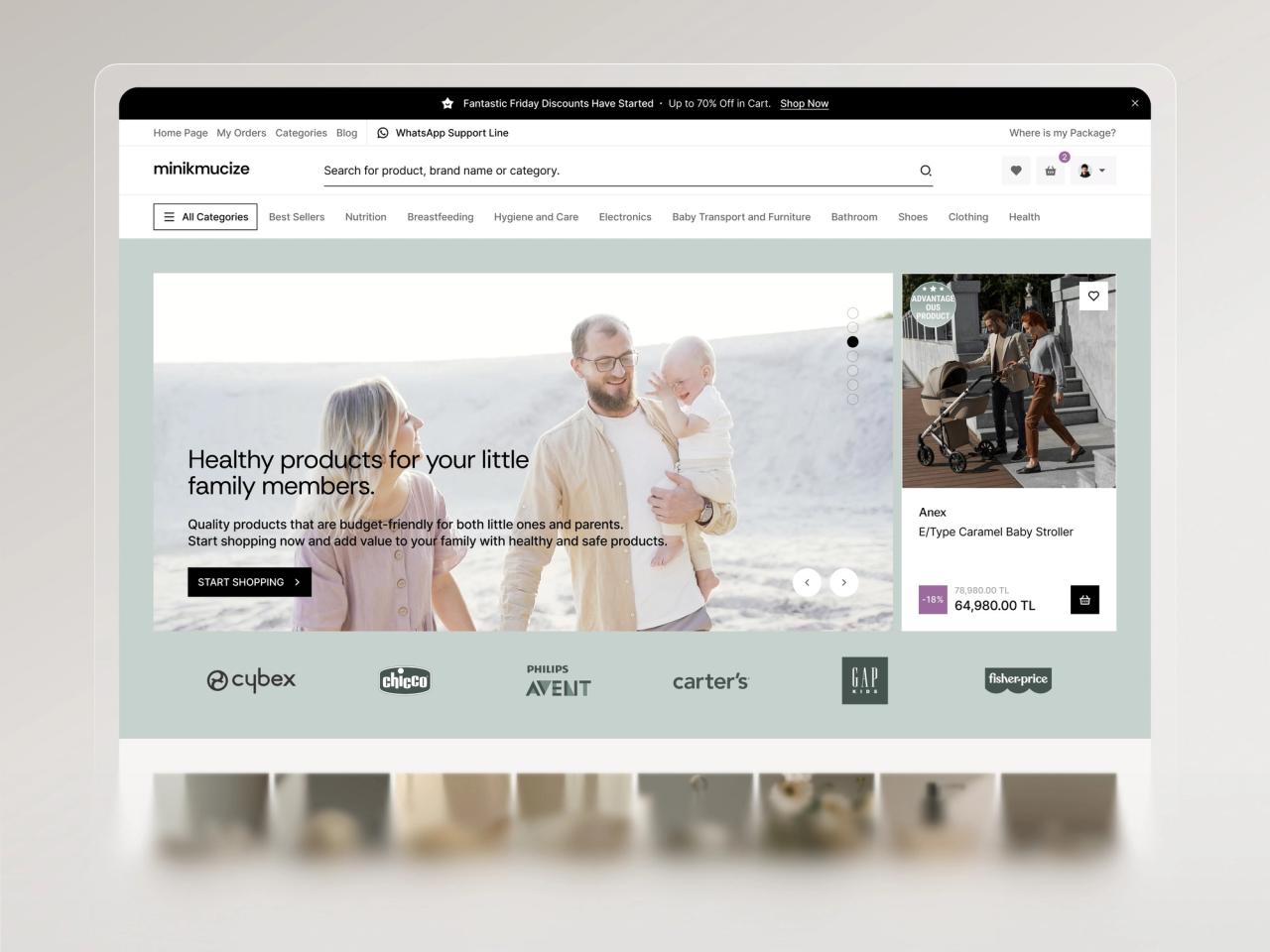
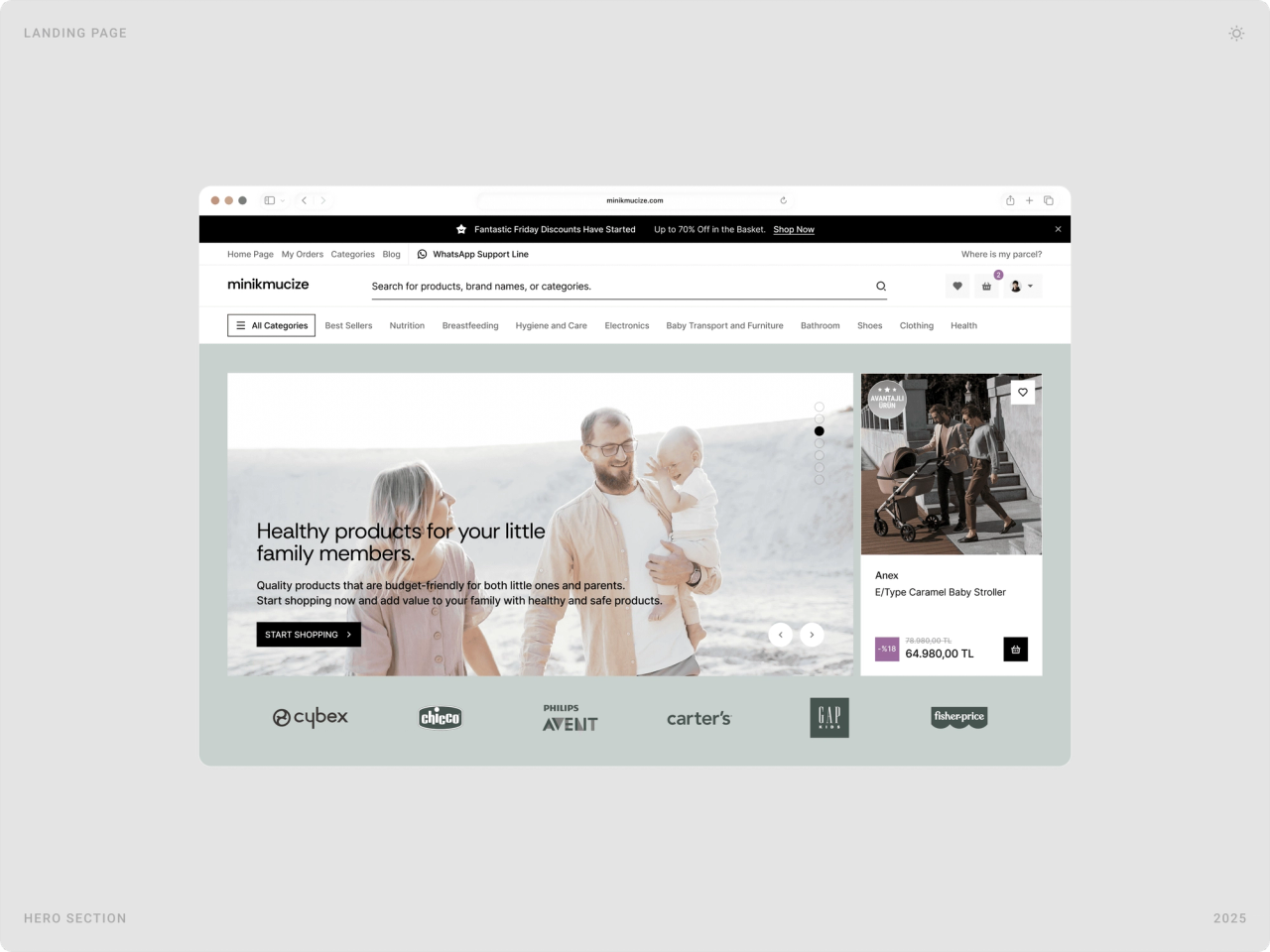
Instead of loud banners, the store relies on warm family photography, generous white space and a soft palette of sage and deep plum. The colour is reserved for actions, prices, add to cart, pay, so the eye always lands on the next step.
2. Fewer steps to the basket
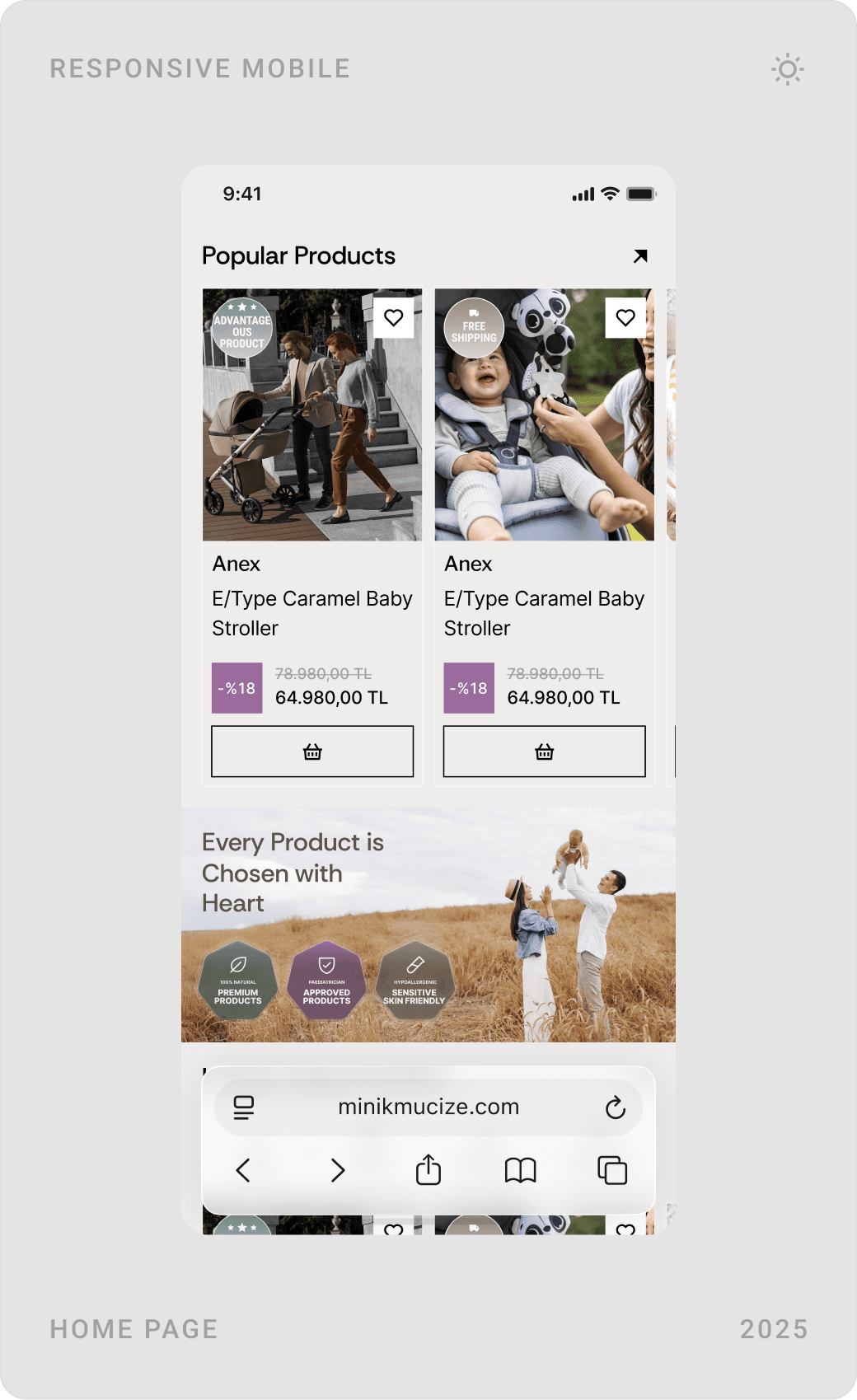
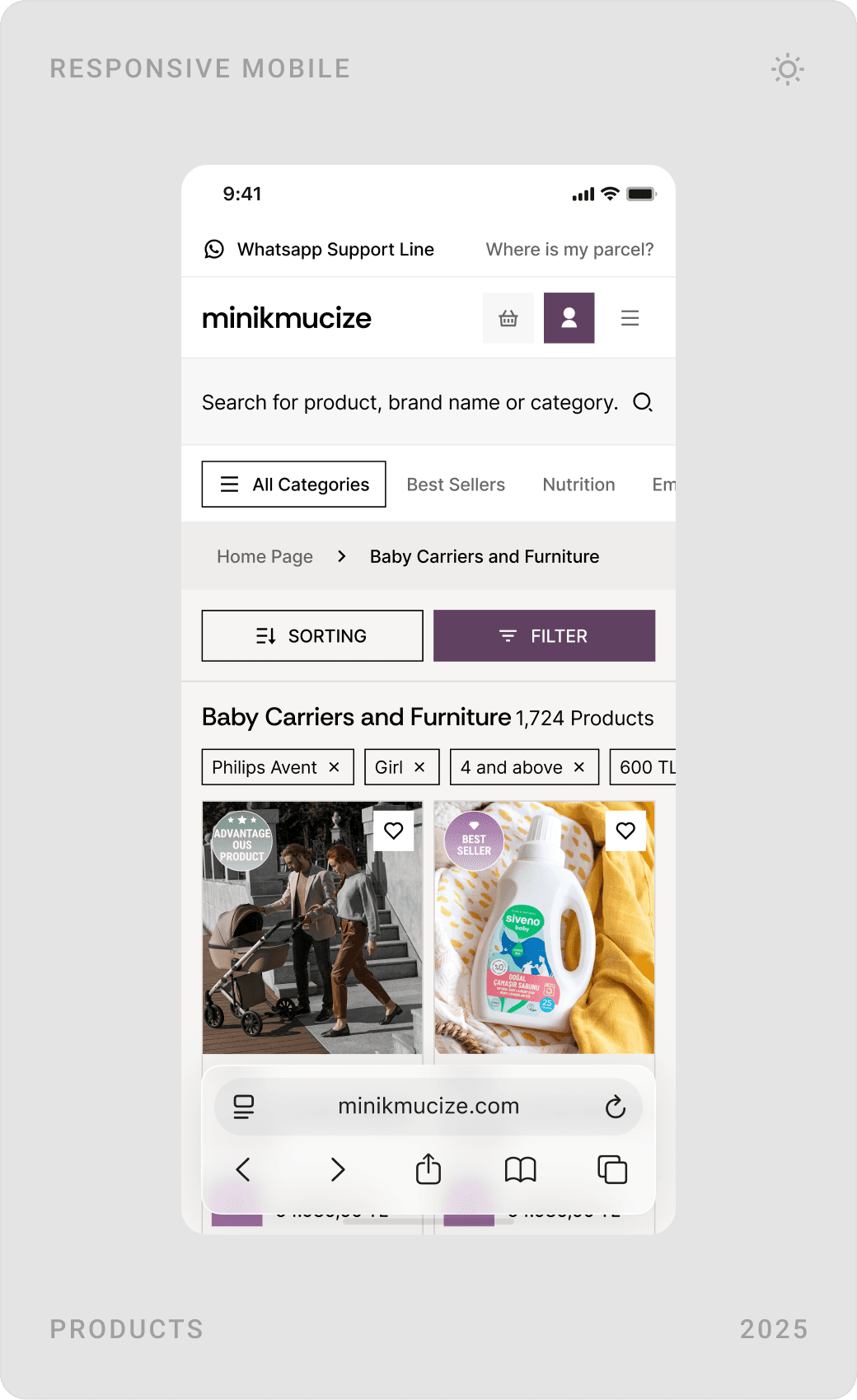
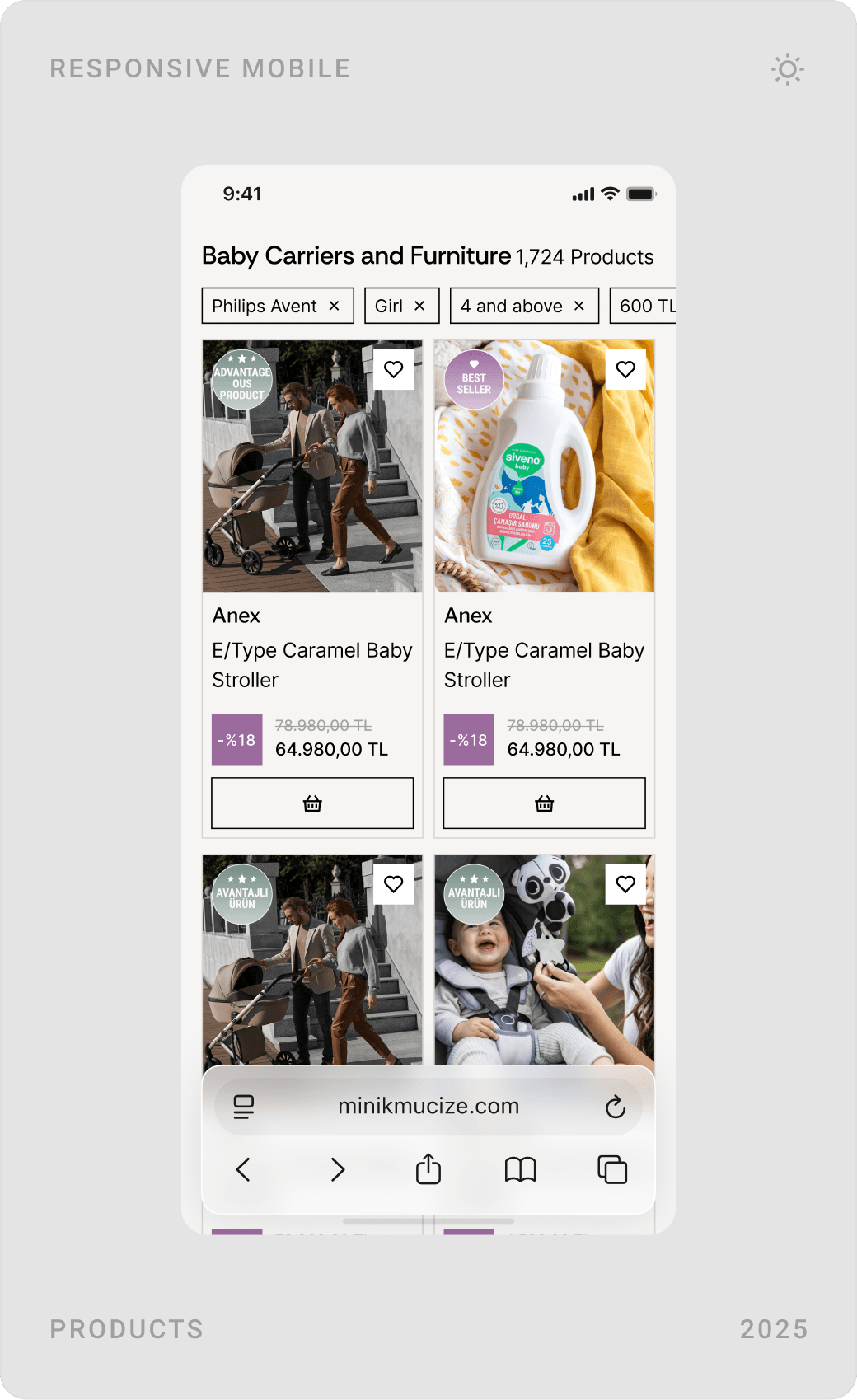
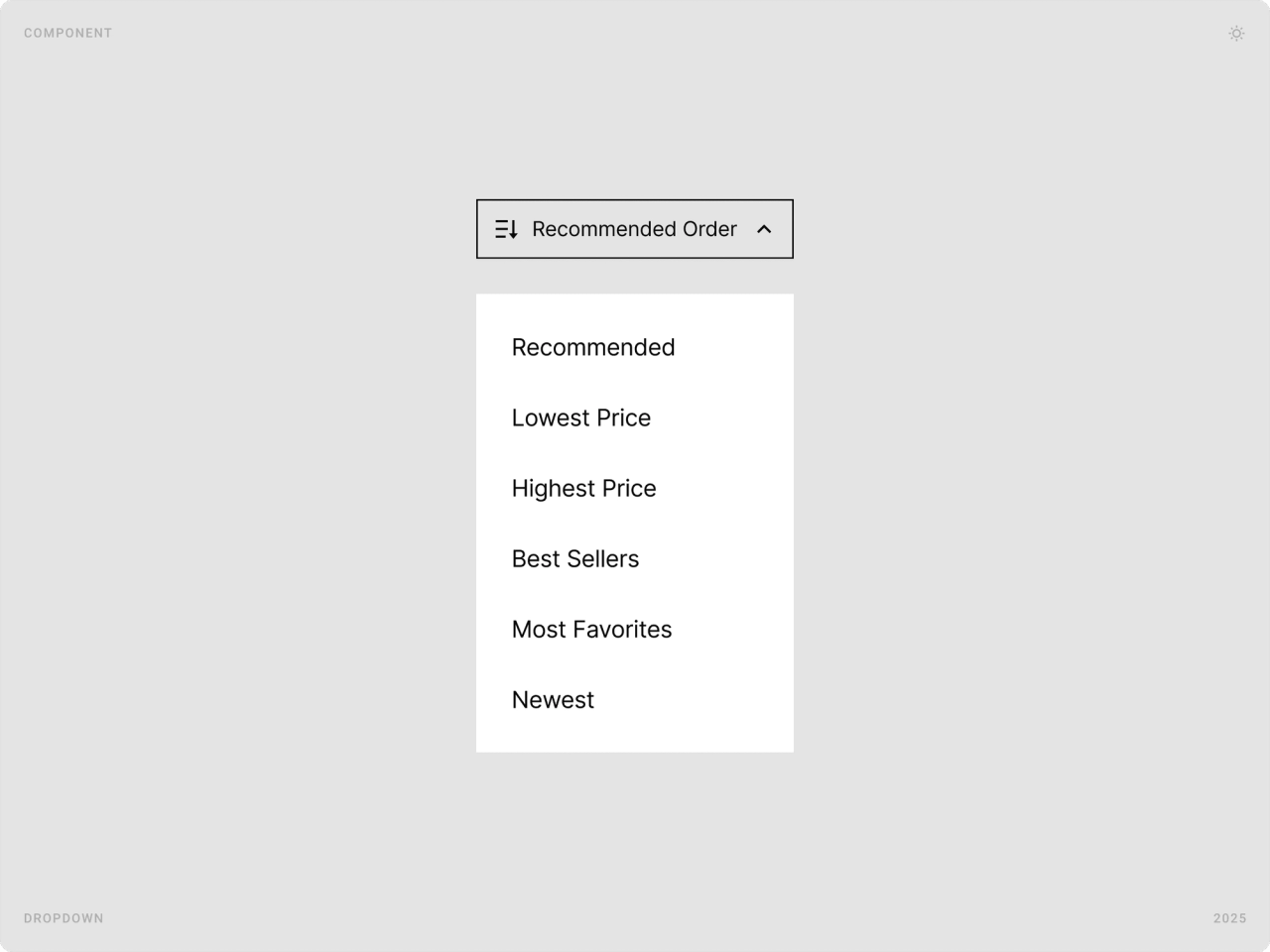
Product cards carry a basket button, filters and sorting sit right above the grid, and on the product page colour, age range, quantity and “Add to cart” fit on one screen. Shoppers can act wherever they are instead of drilling down page by page.
3. Put reassurance where decisions happen
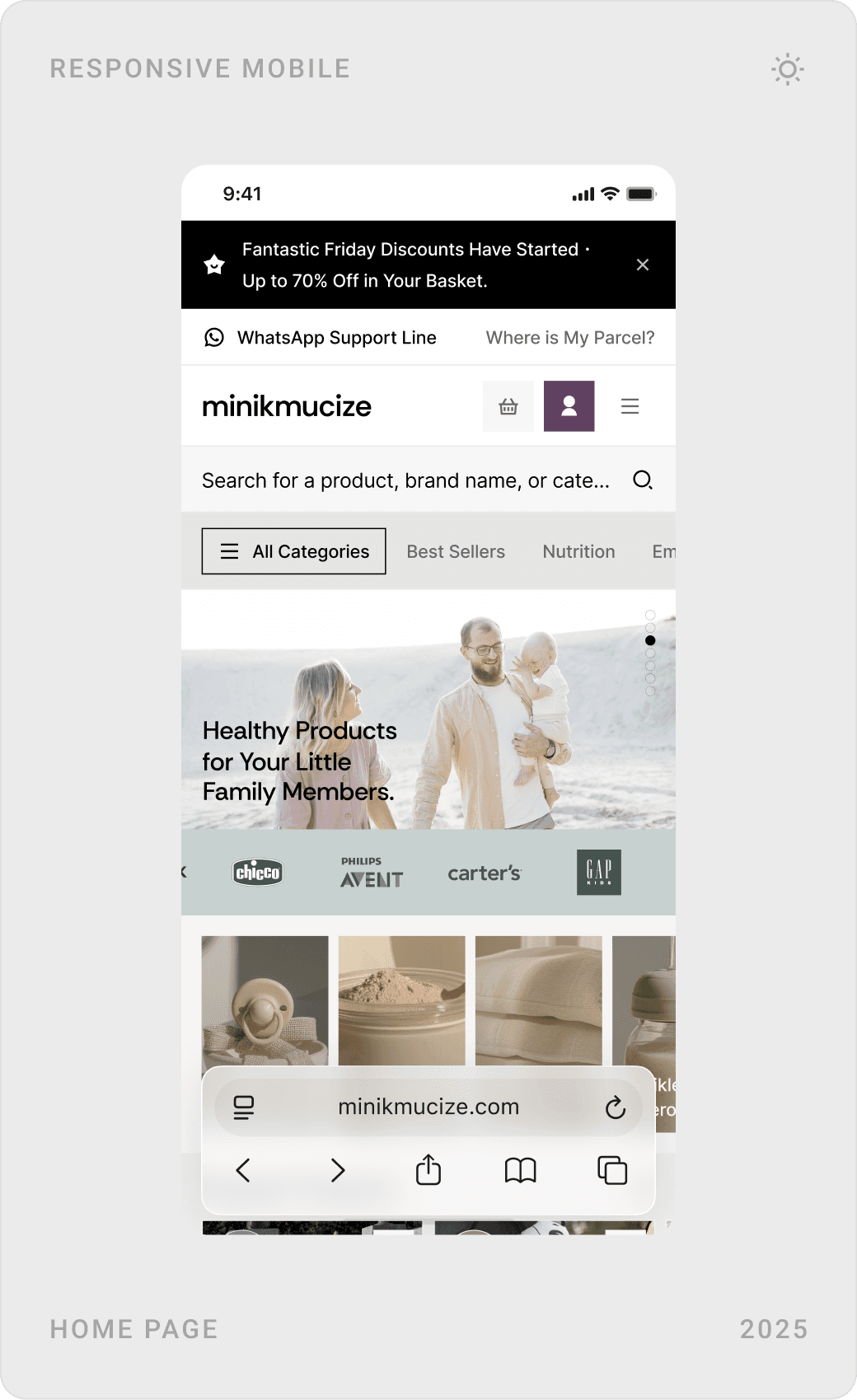
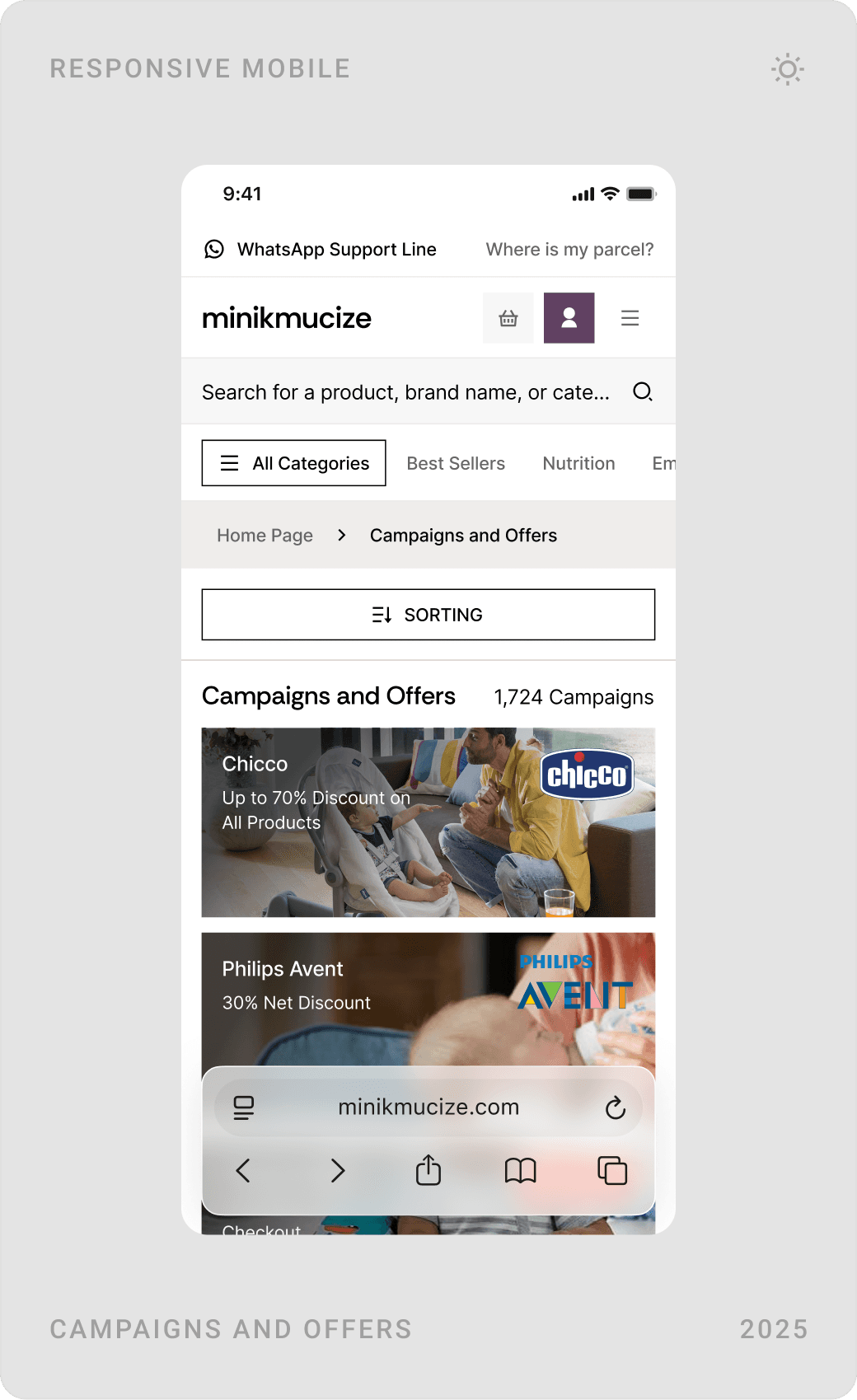
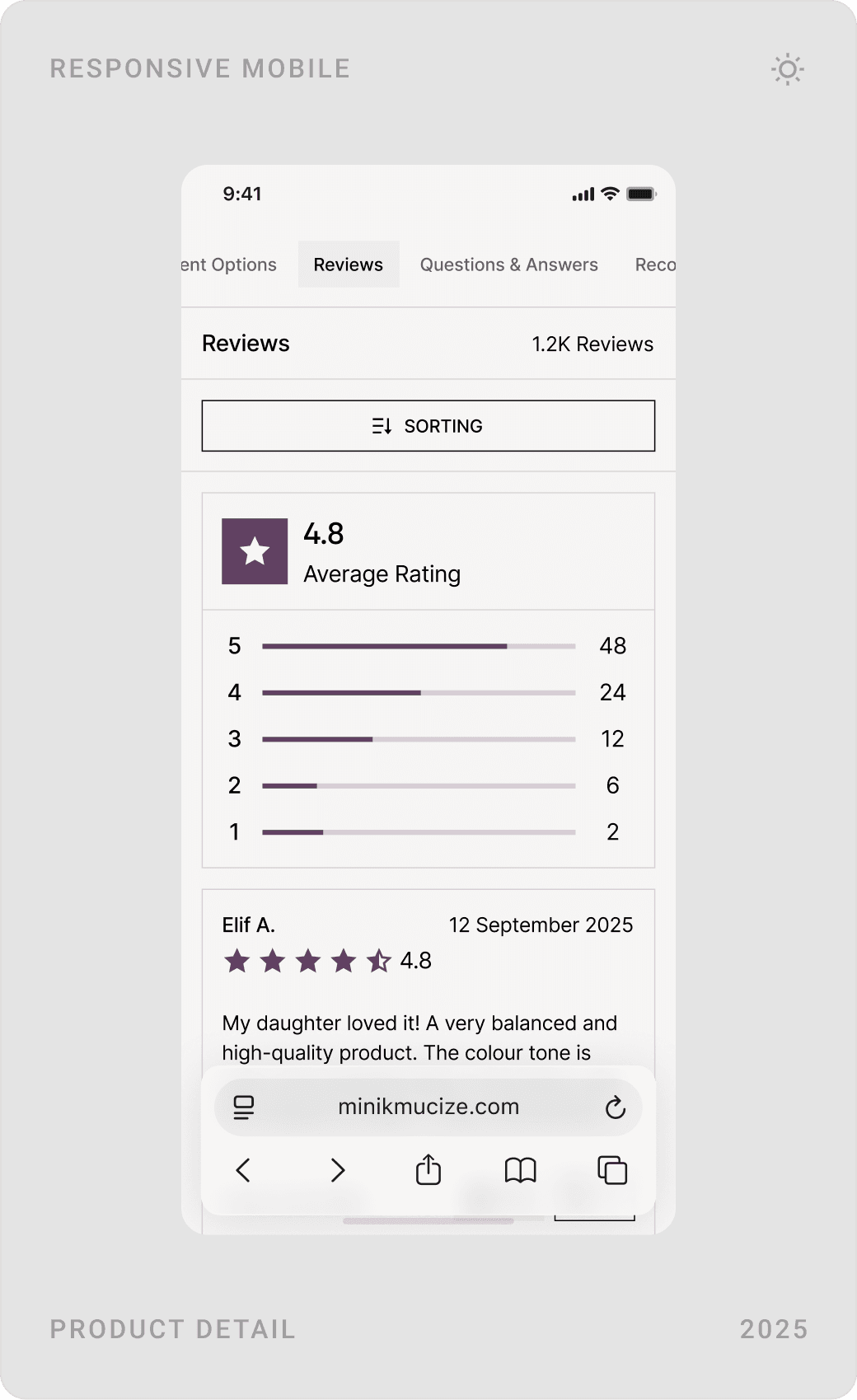
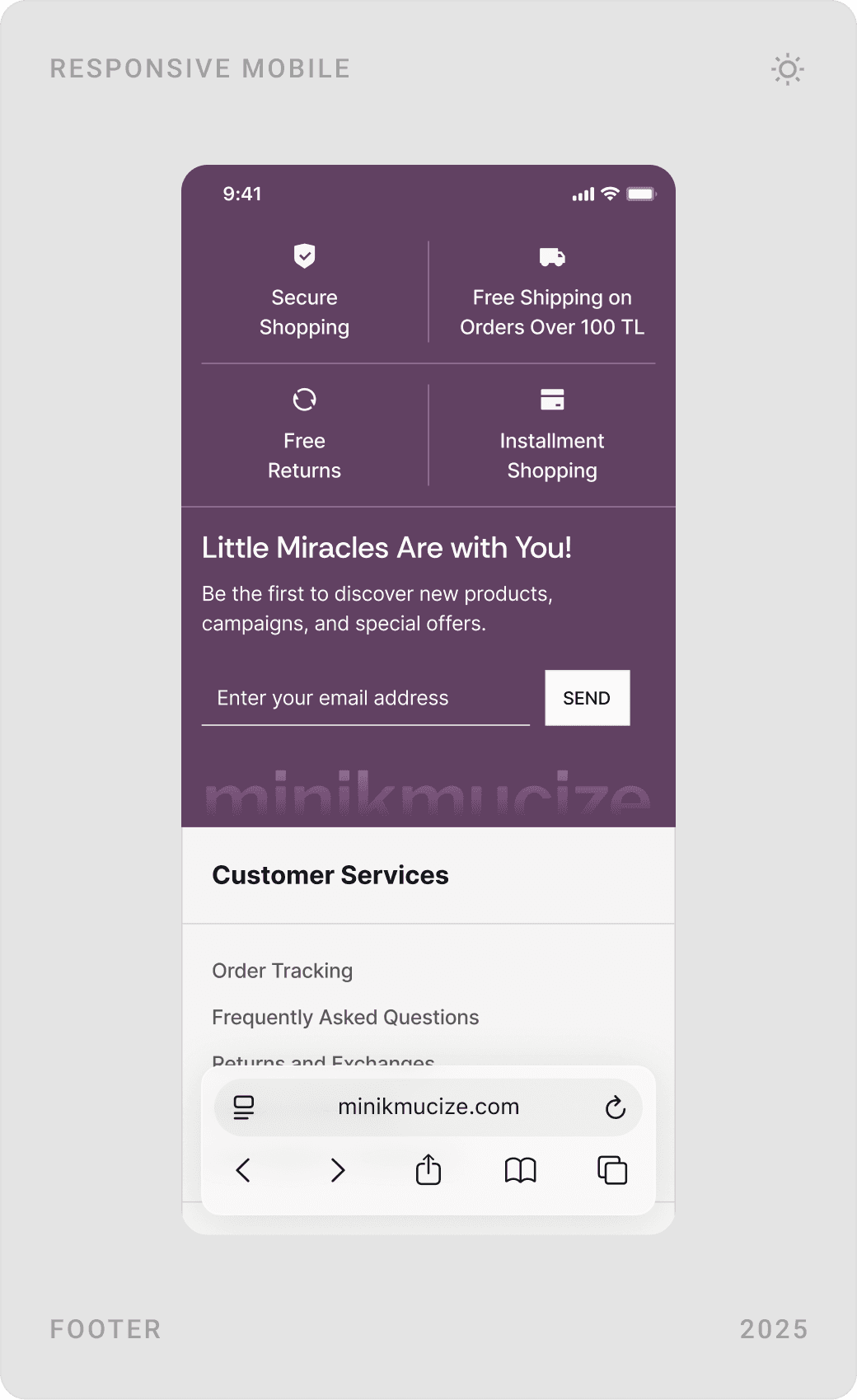
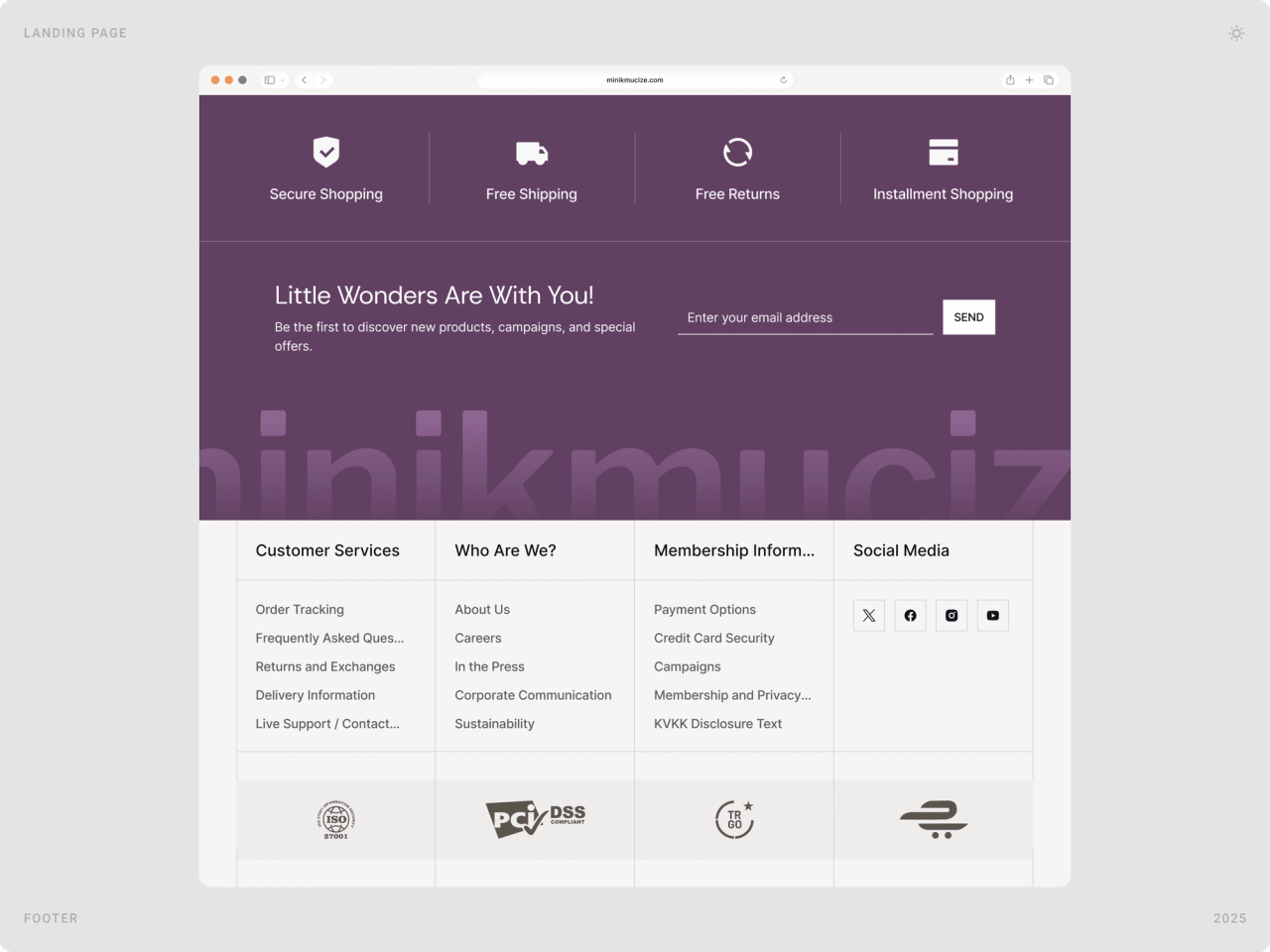
Ratings, reviews and customer questions sit on the product page; delivery estimates appear before the basket; secure shopping, free returns and instalment options are repeated in the footer; a WhatsApp support line stays in the header. Parents don’t have to go looking for reasons to trust the store.
4. One system for 60 pages
With this many pages, consistency had to come from components, not from memory. Product cards, filters, modals, menus and form fields were designed once for desktop and mobile and reused everywhere, so every new page feels like the same store.
The solution
Homepage: a warm first impression
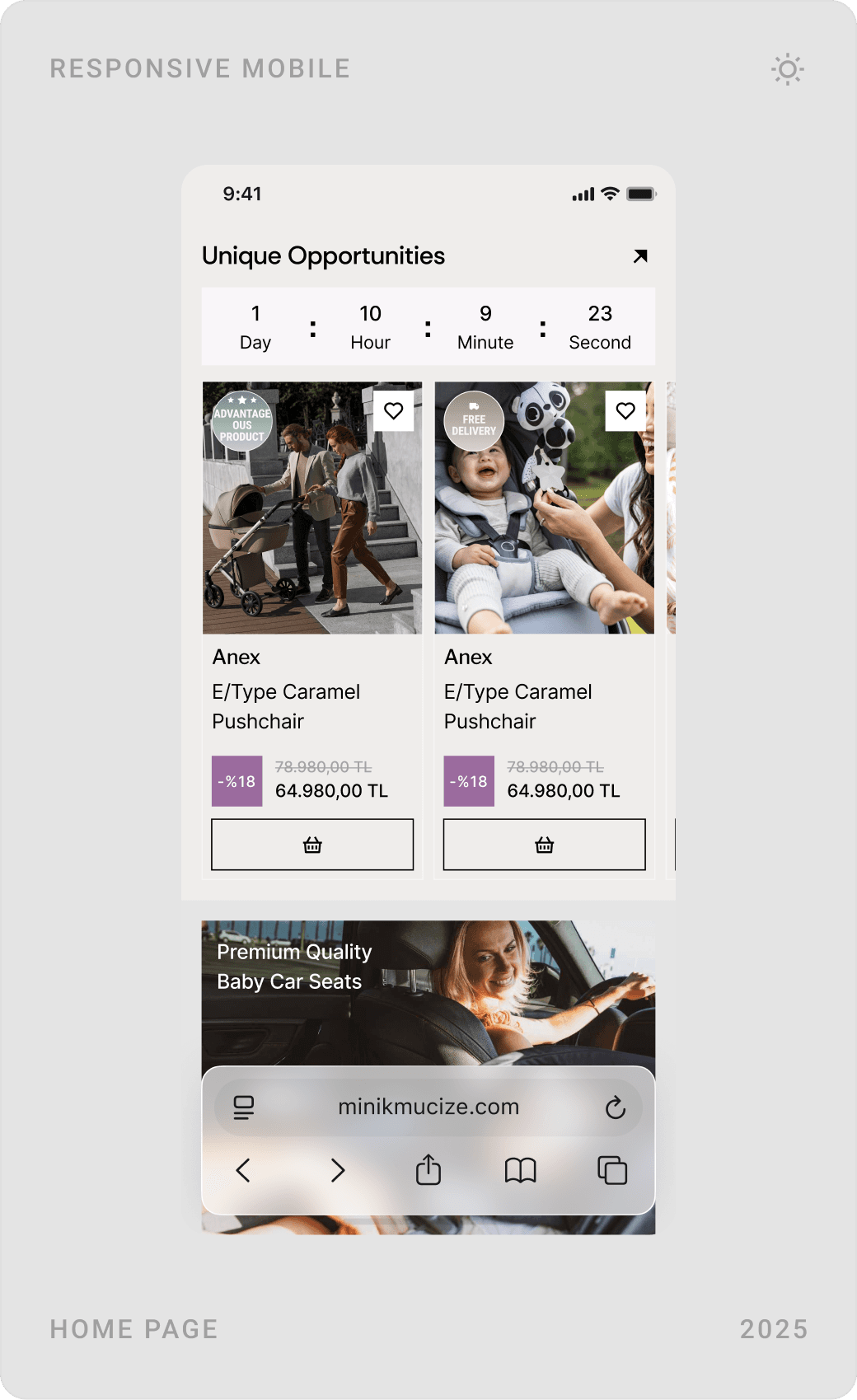
The hero pairs a family photo with one clear promise and a featured product, followed by the brands parents already know. Below, visual category tiles and a “Unique Offers” section with a live countdown give returning visitors a reason to scroll.

Categories, filters and comparison
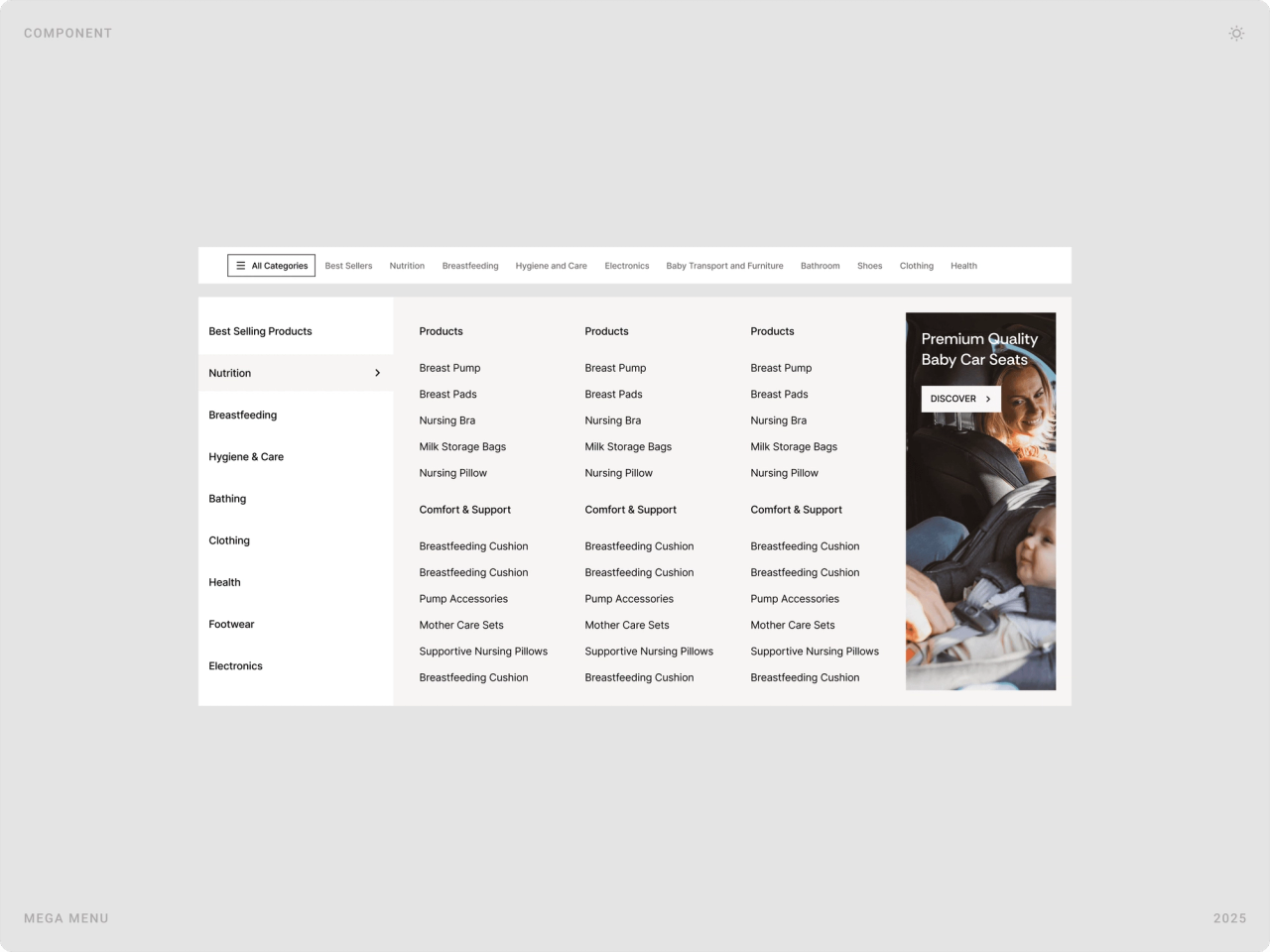
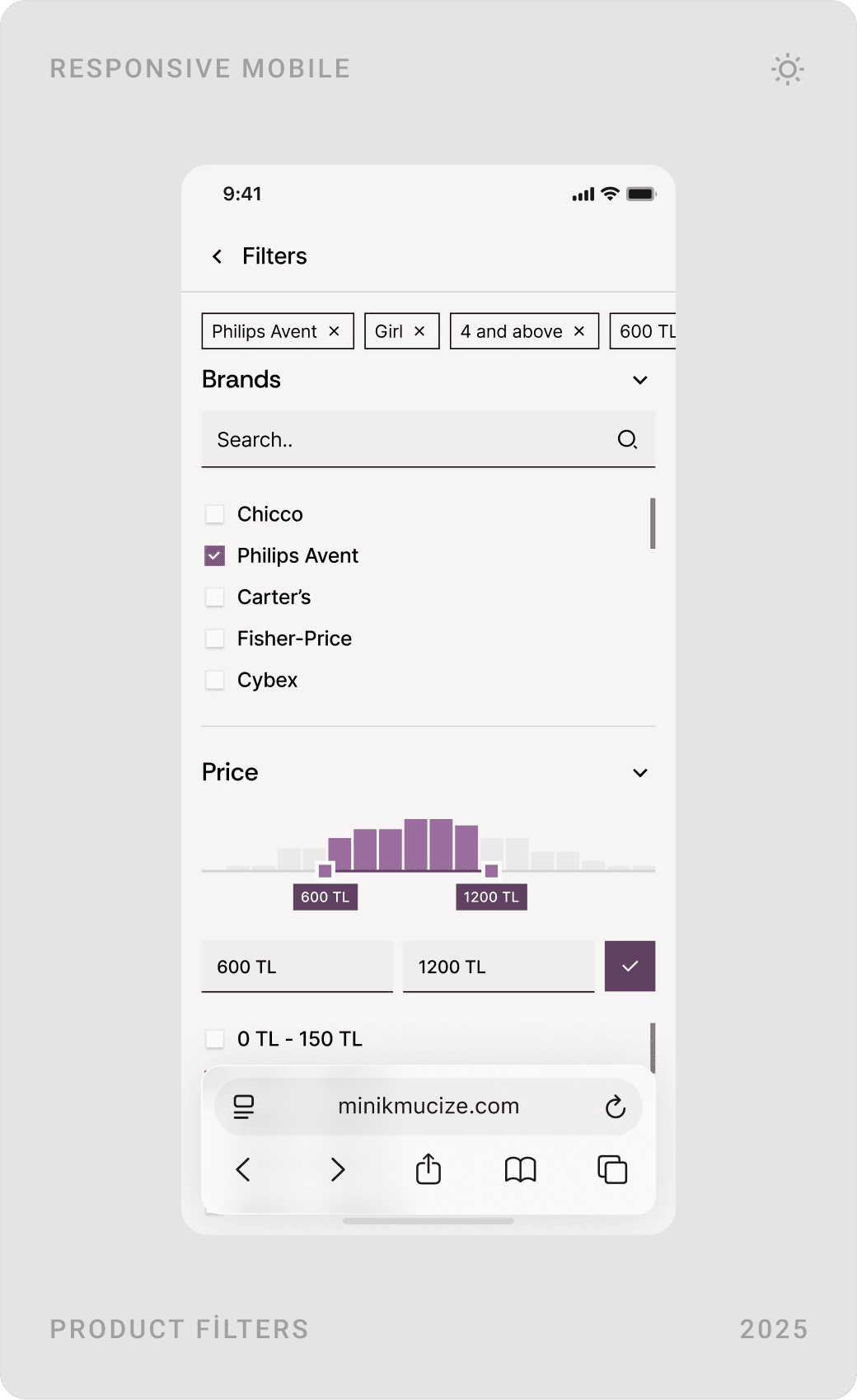
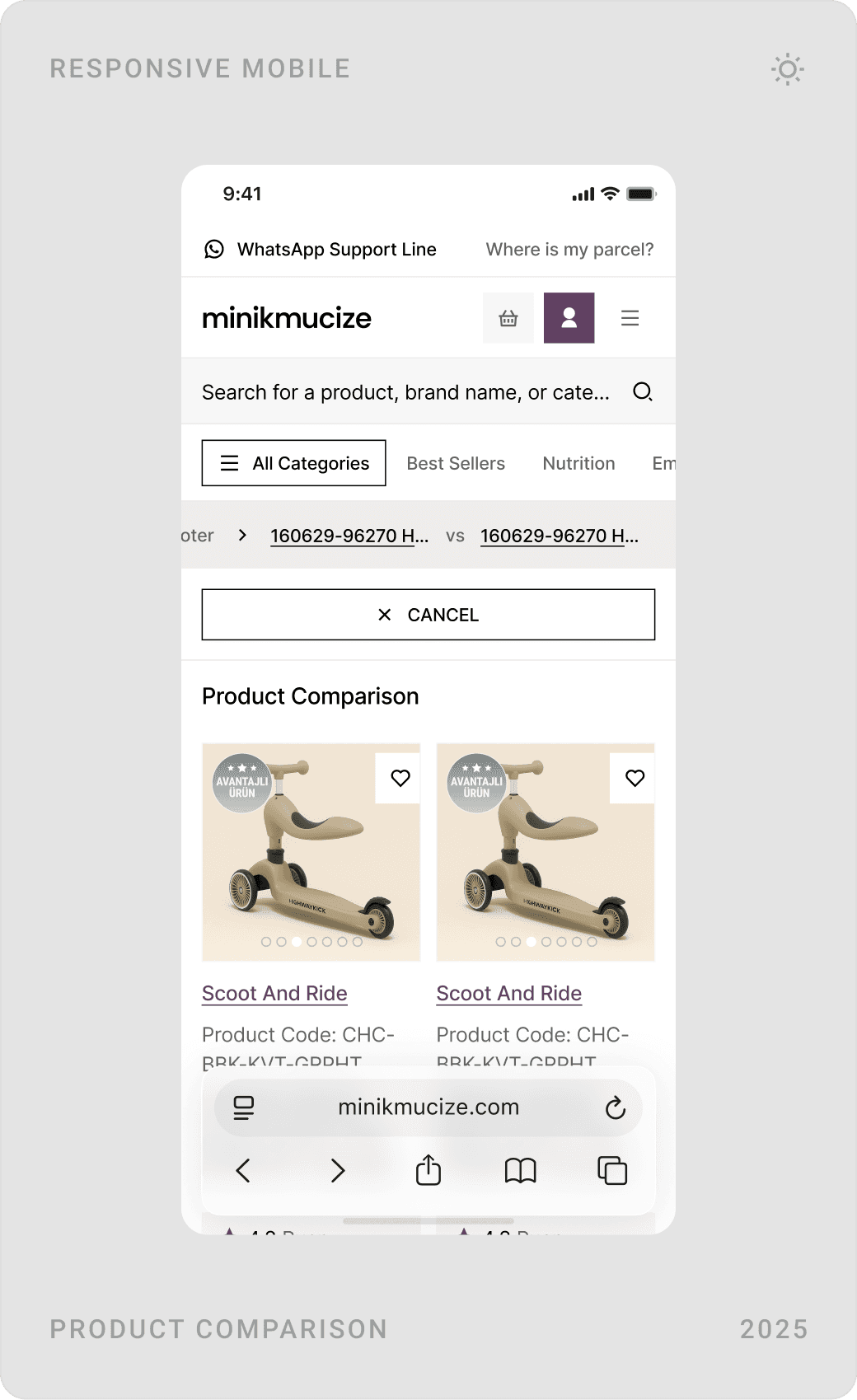
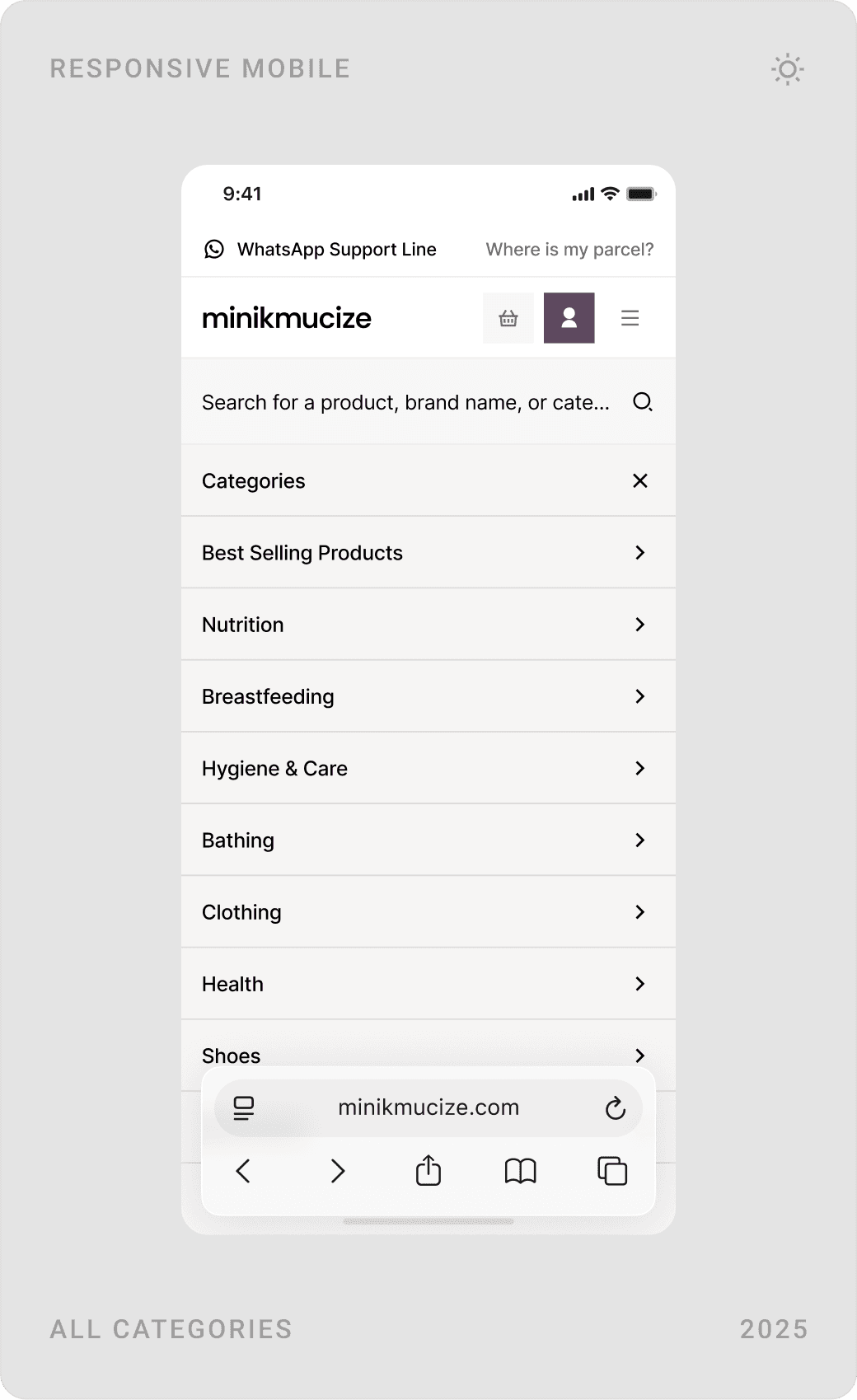
With a large catalogue, discovery has to be fast. A mega menu shows a whole category tree at once, listing pages put sorting and filters (brand, price range with a histogram) right above the grid, and shoppers can compare products side by side.
Product page: everything needed to decide
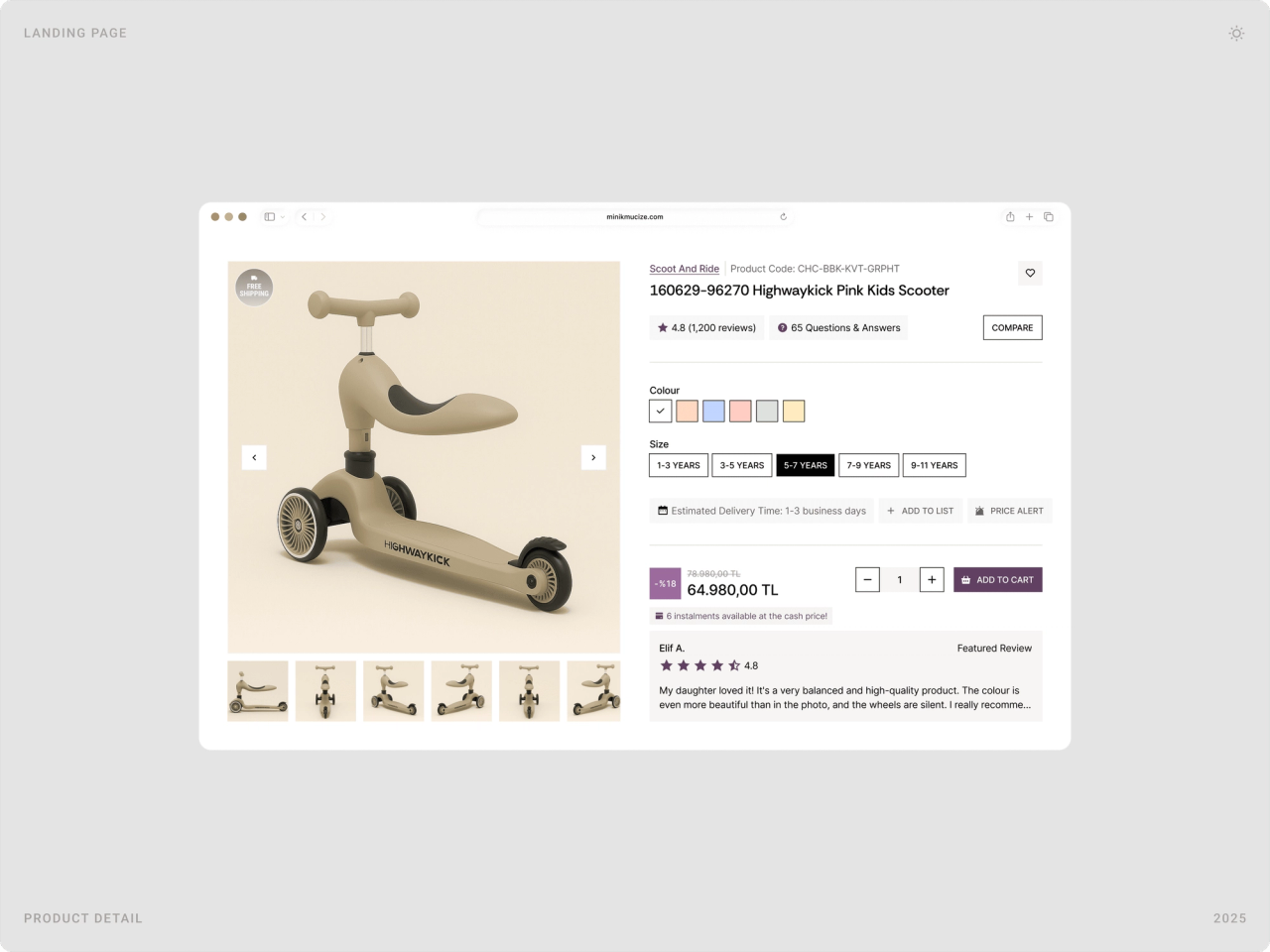
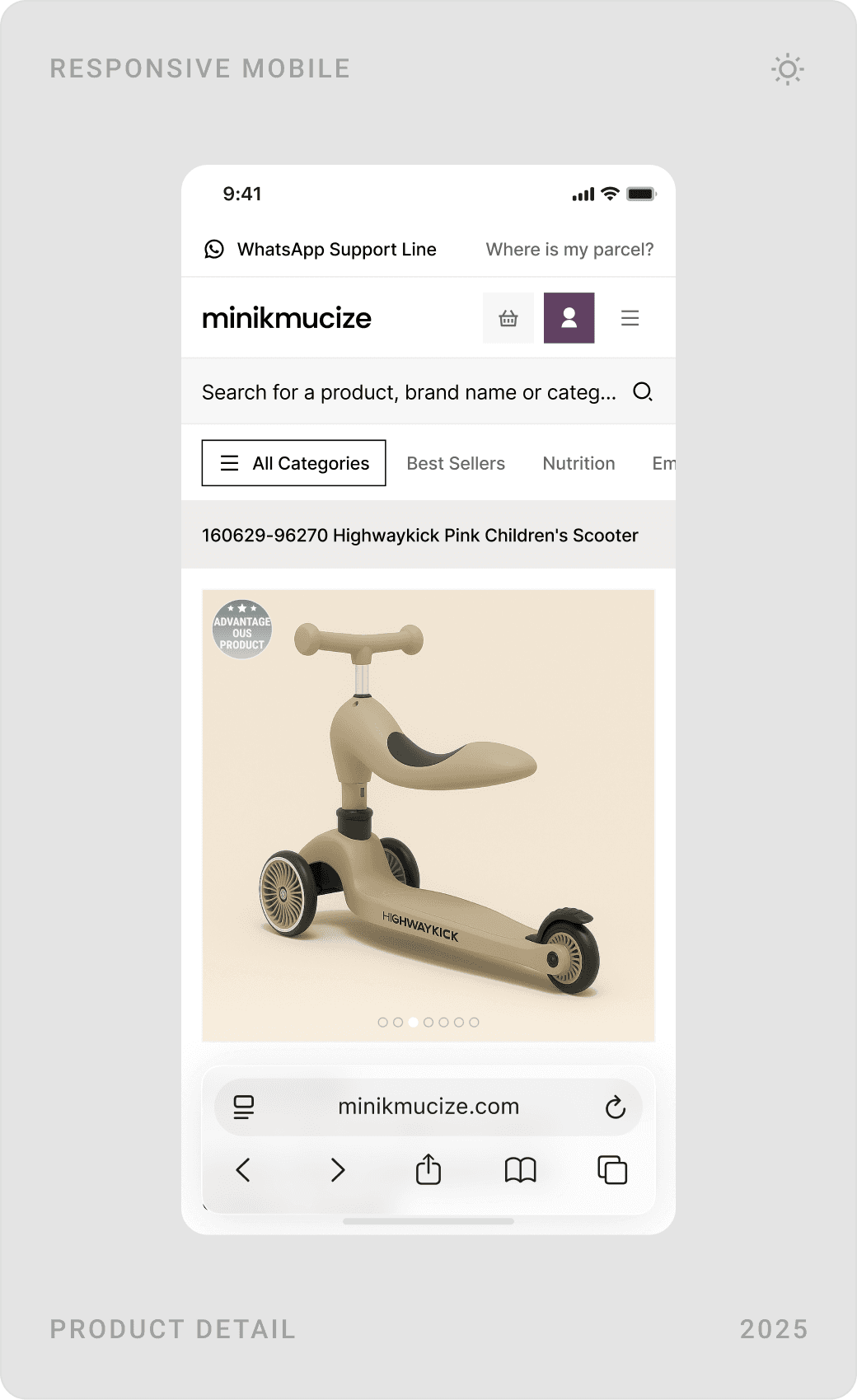
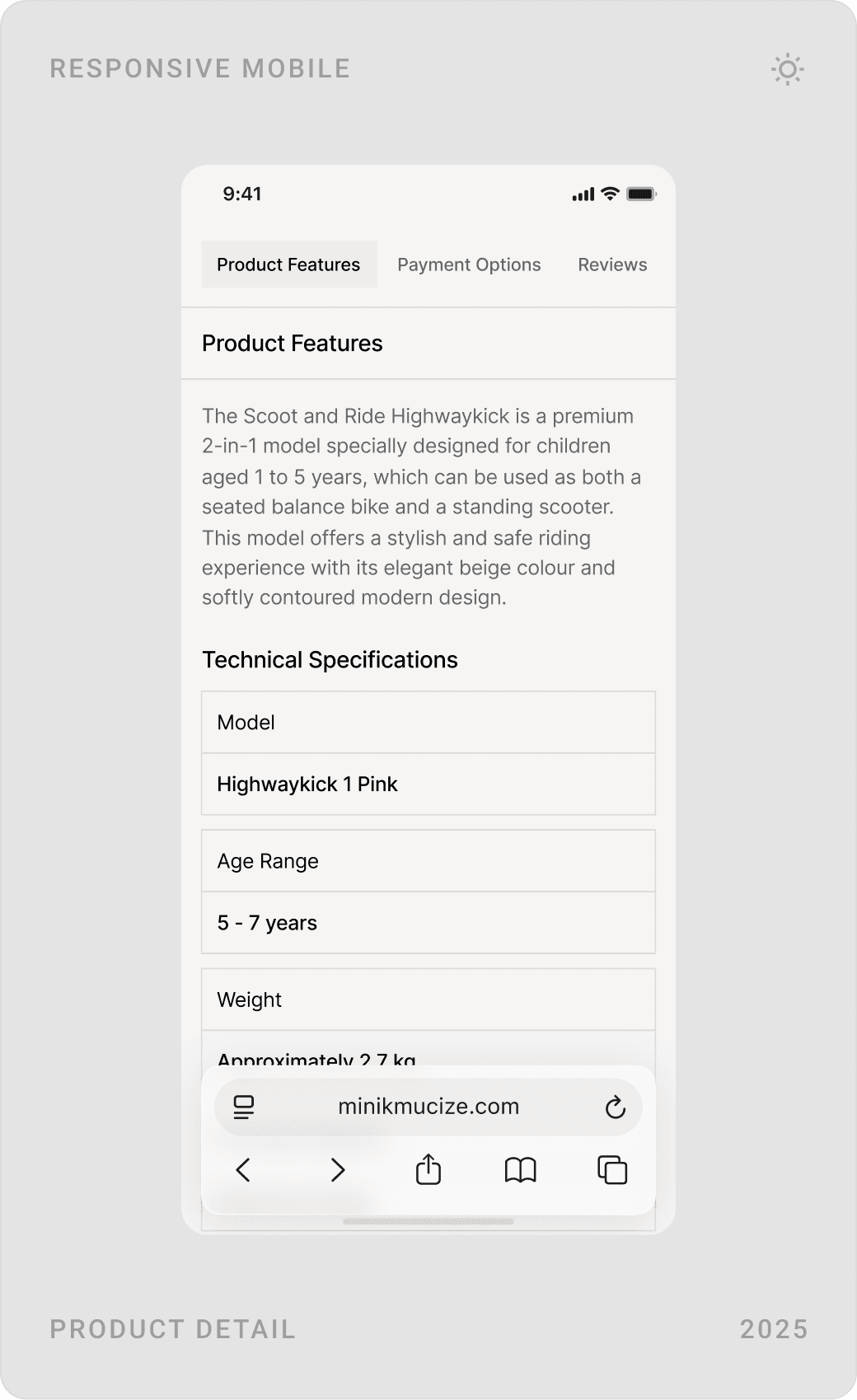
The product page keeps the gallery on the left and the decision on the right: rating, colour, age range, estimated delivery, price and “Add to cart”, with a featured review underneath. Features, technical specifications, questions and answers and a review breakdown follow for parents who want the detail.


Basket, payment and order tracking
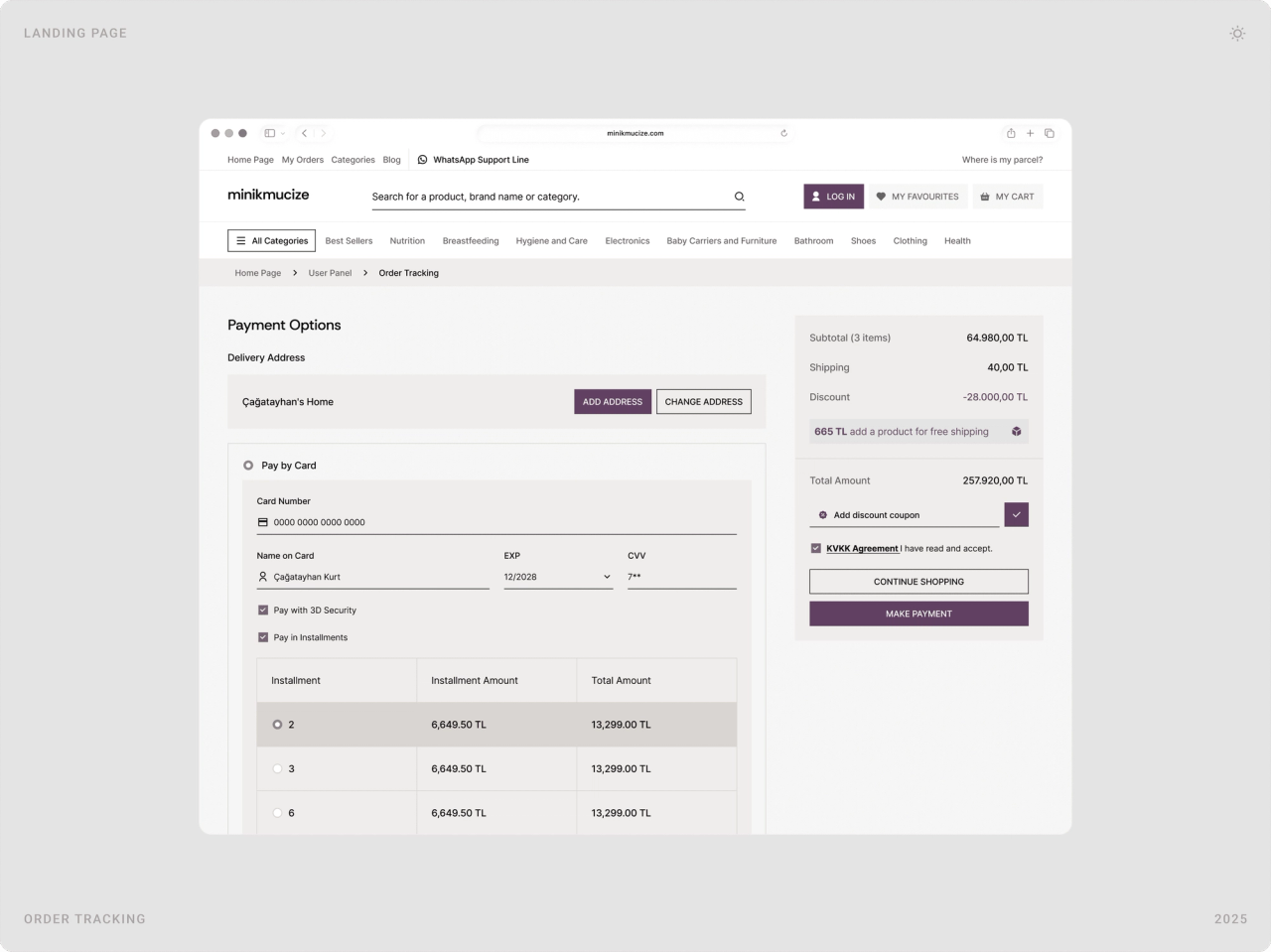
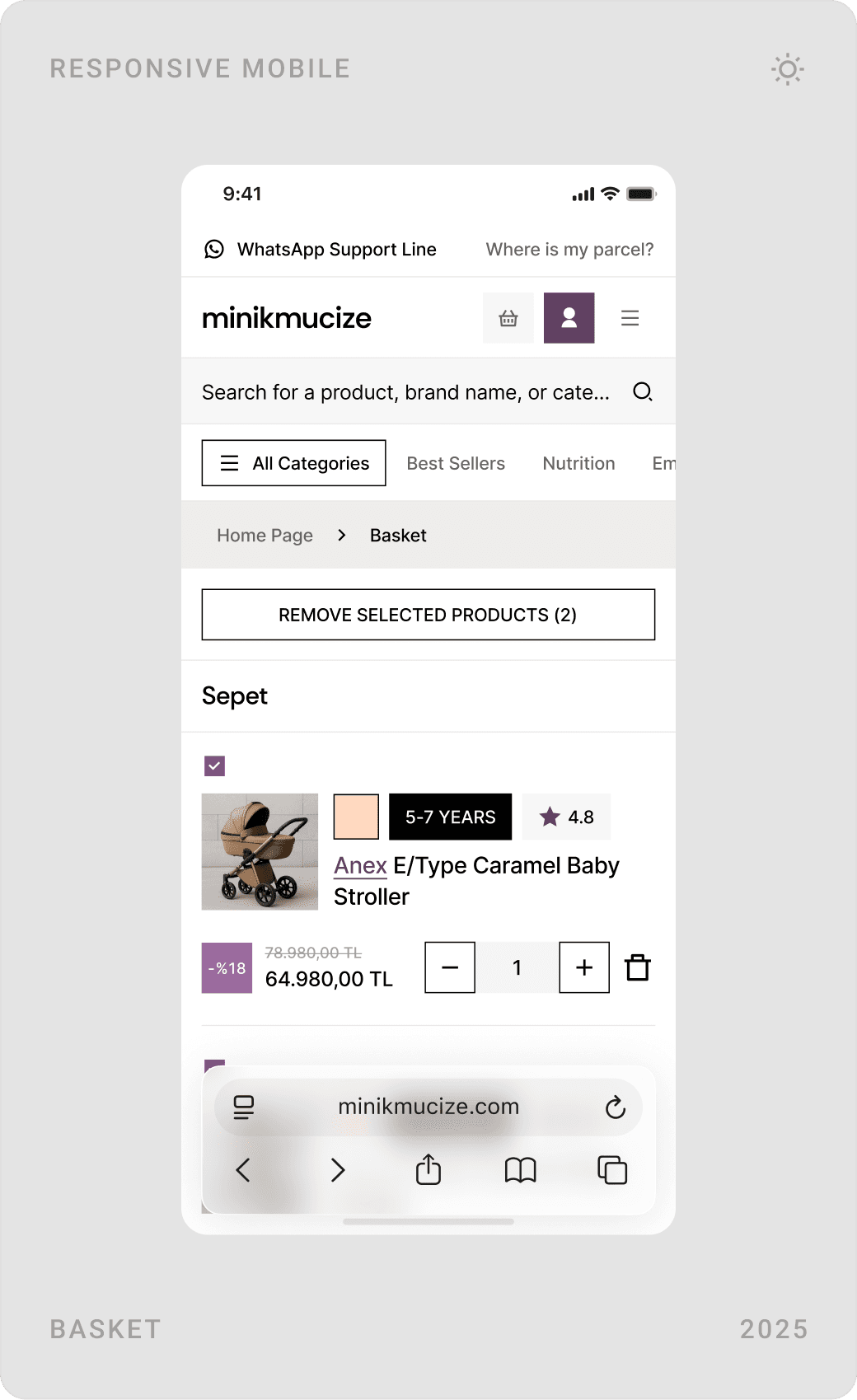
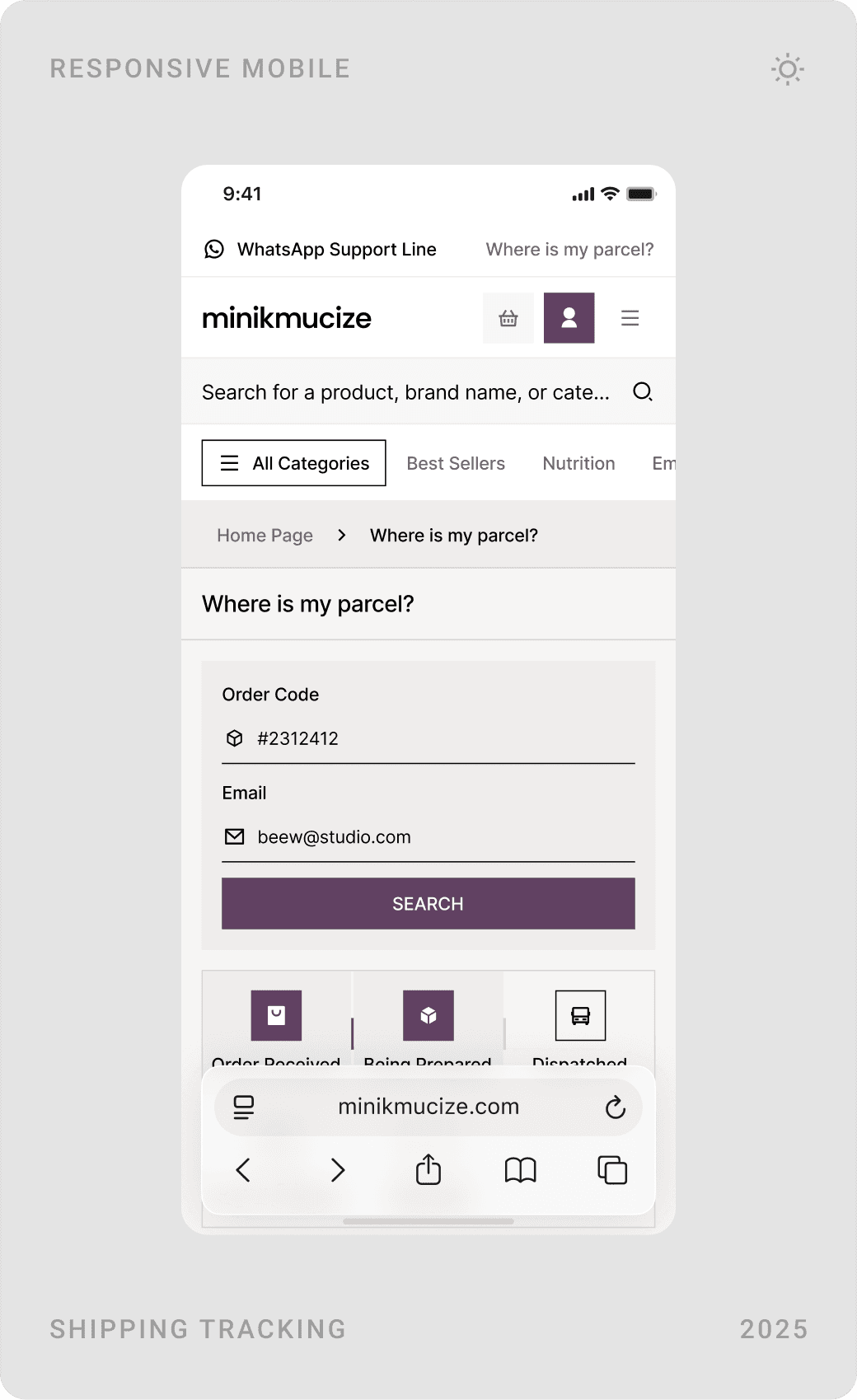
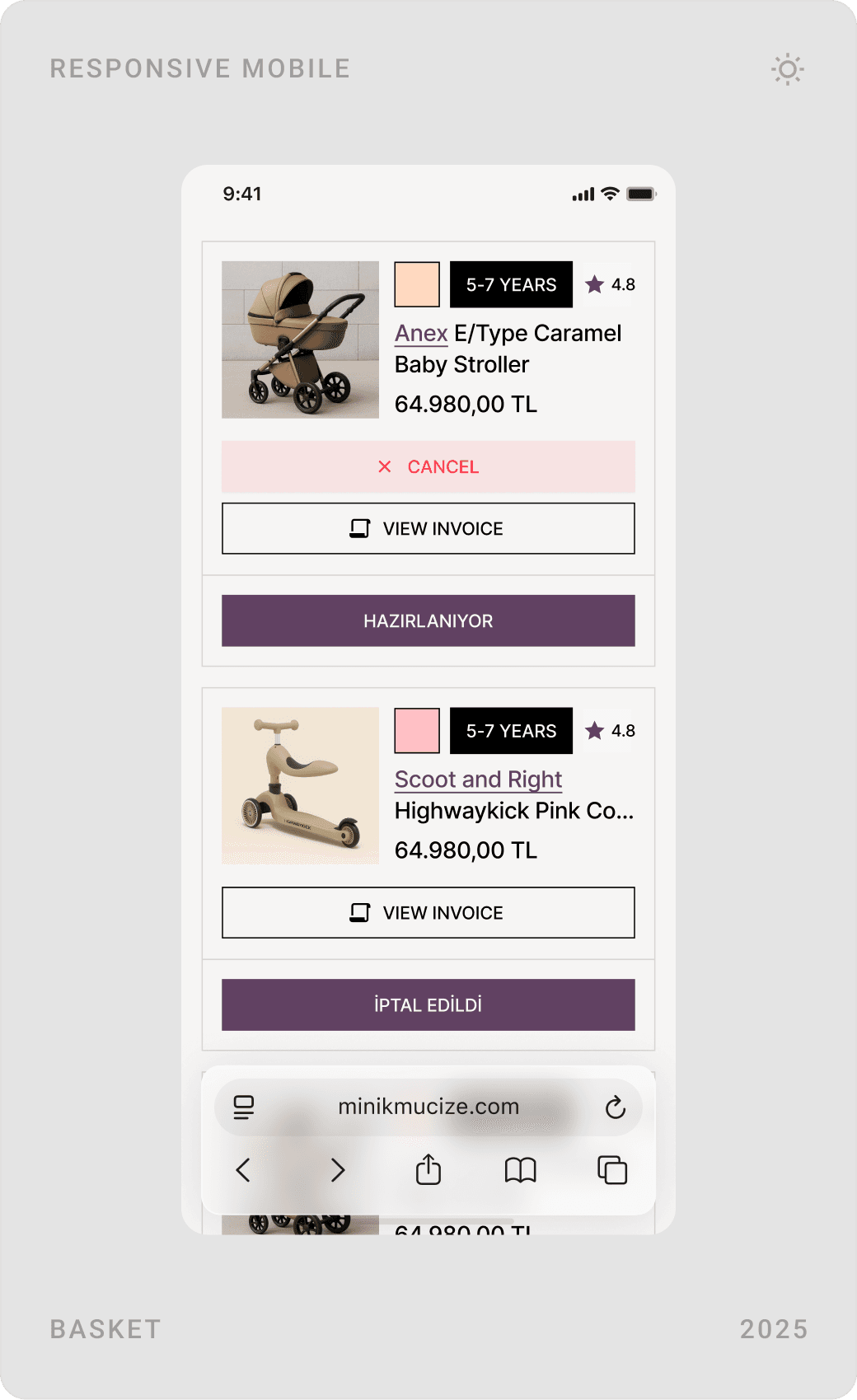
The basket shows each item with its options and a clear summary of shipping, discounts and coupons beside it. Payment keeps address, card details and instalment choices on one page, and orders can be tracked with just an order code and email.

User account
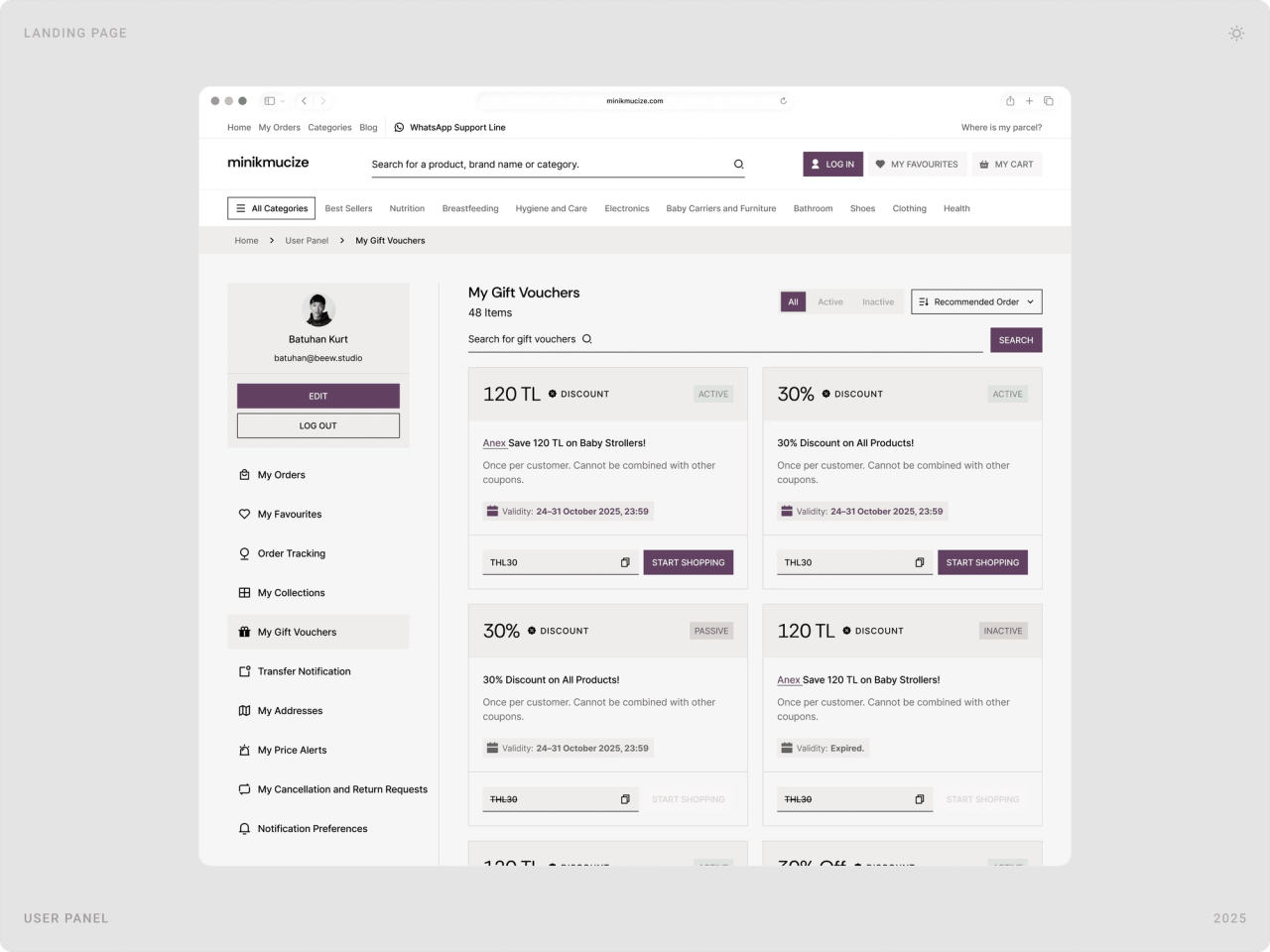
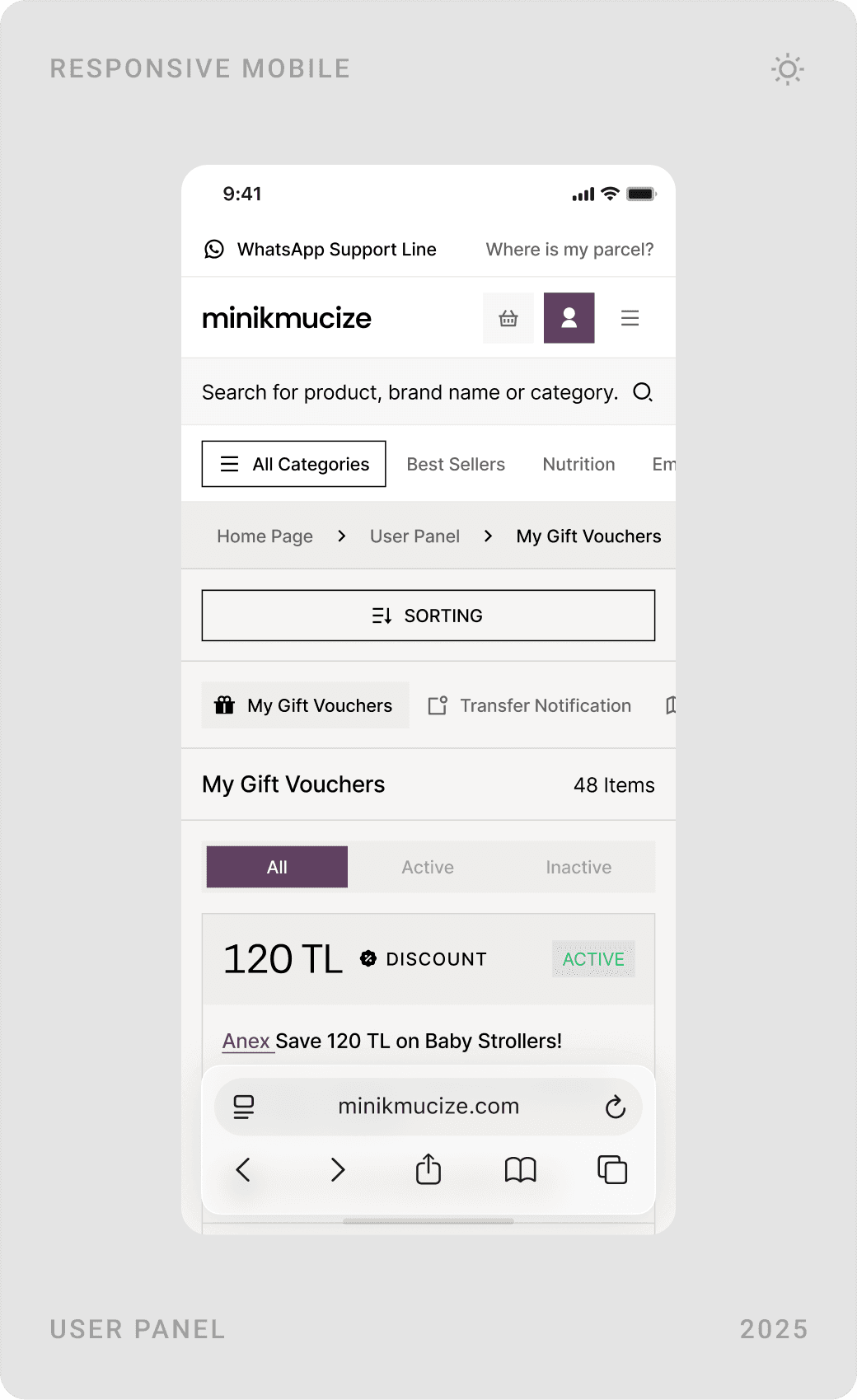
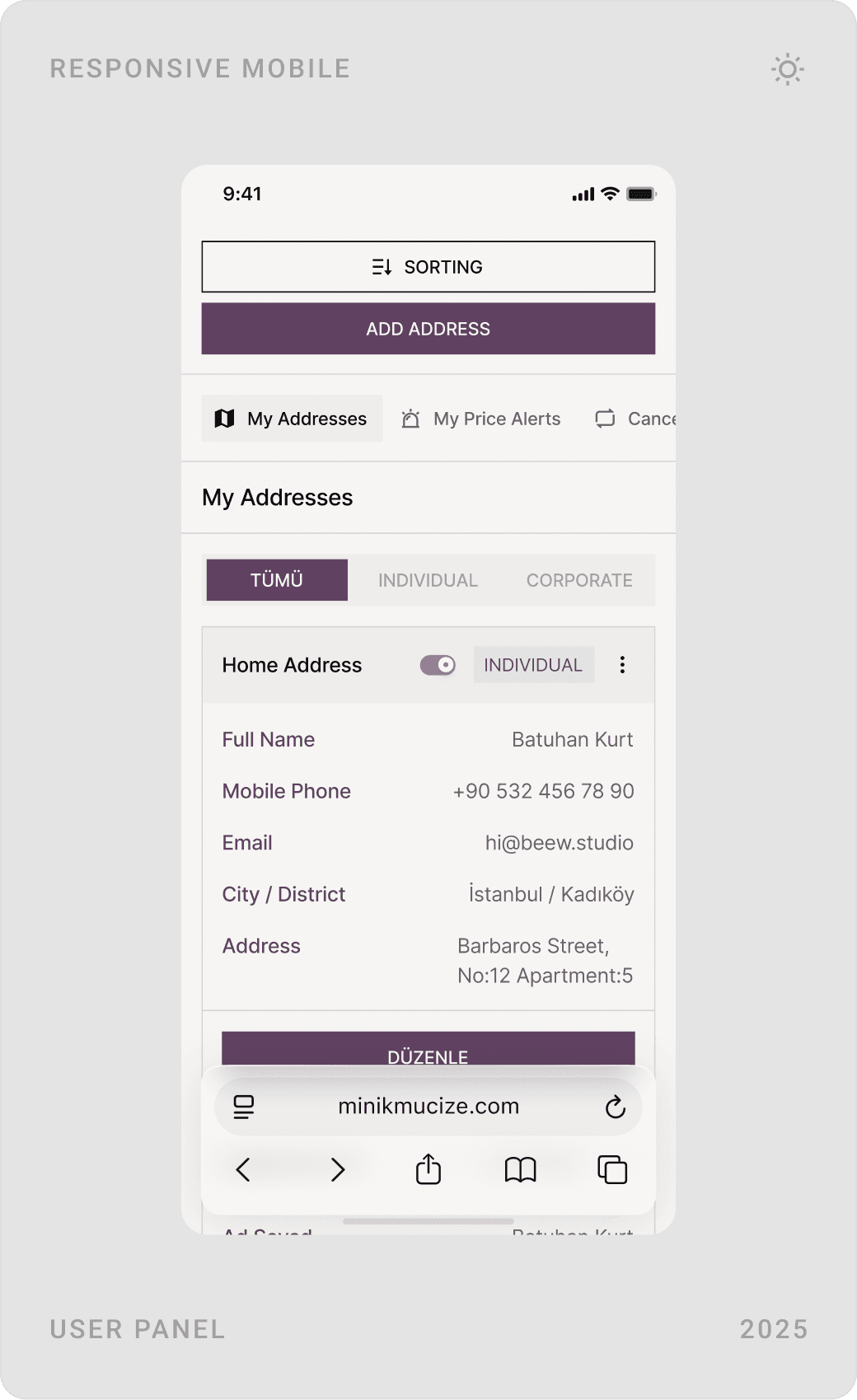
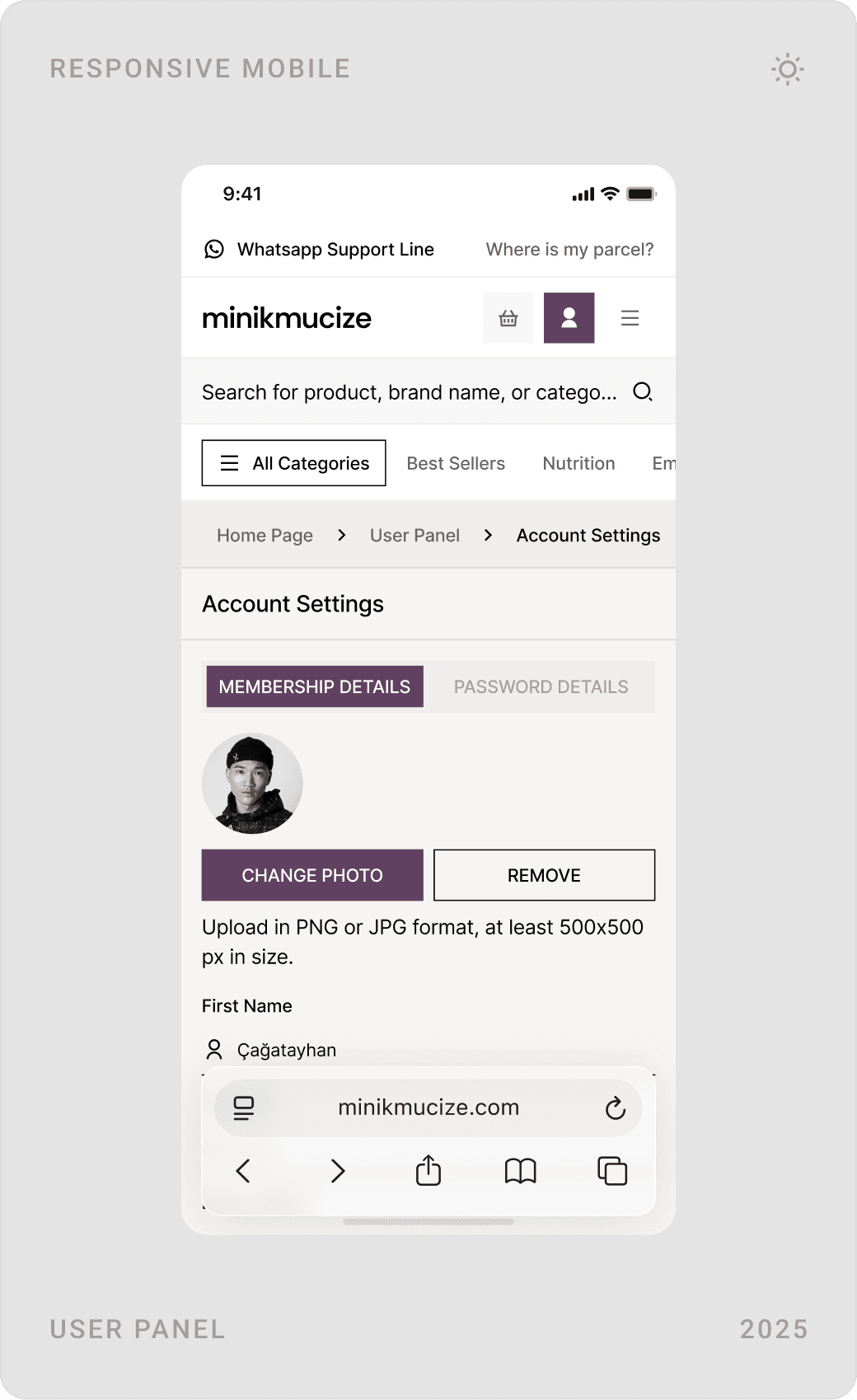
The account area brings orders, favourites, tracking, gift vouchers, transfer notifications, addresses, price alerts and returns under one sidebar. Vouchers are cards with their value, rules and expiry date, so customers know what they can use at a glance.


Blog, FAQ and brand pages
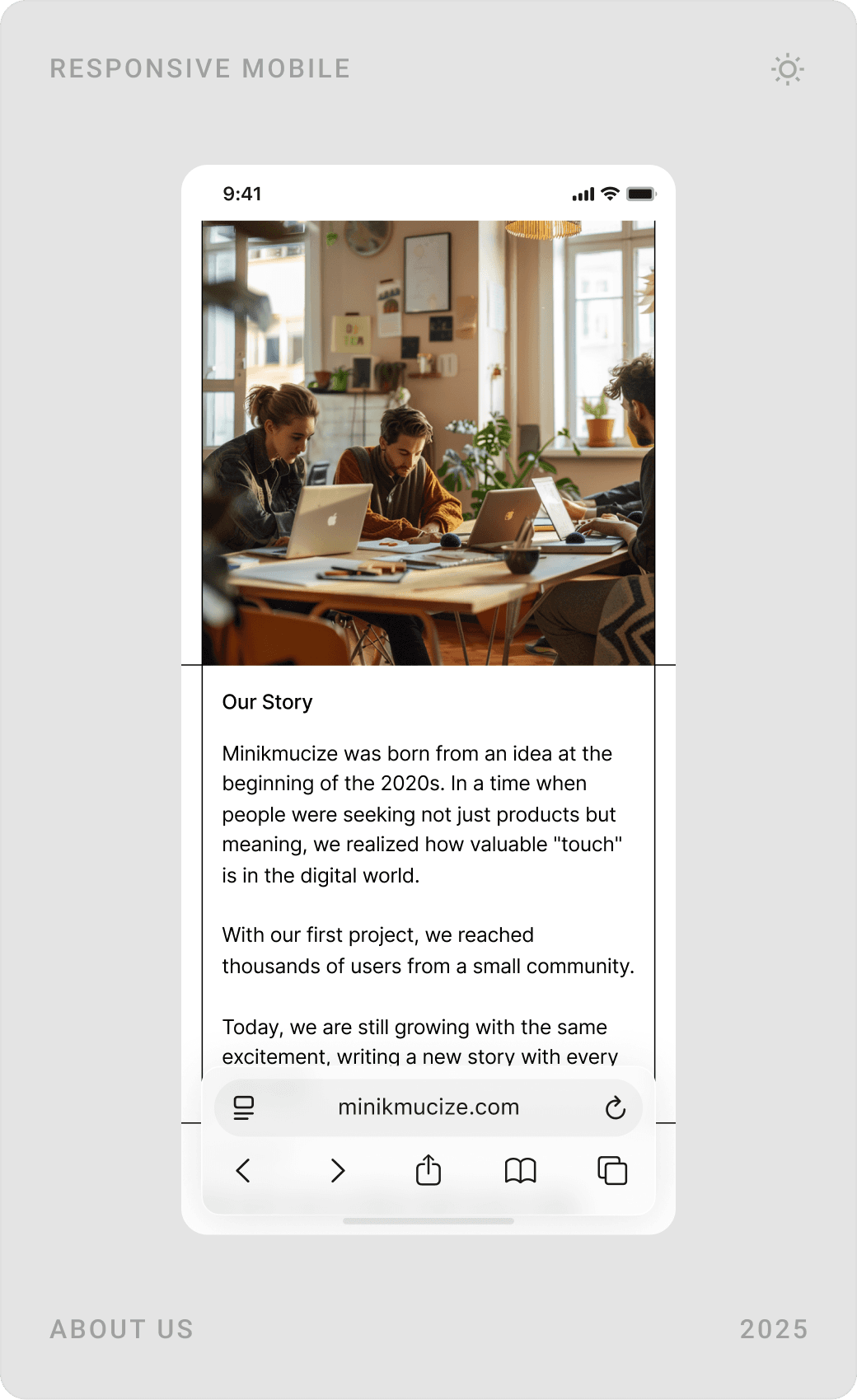
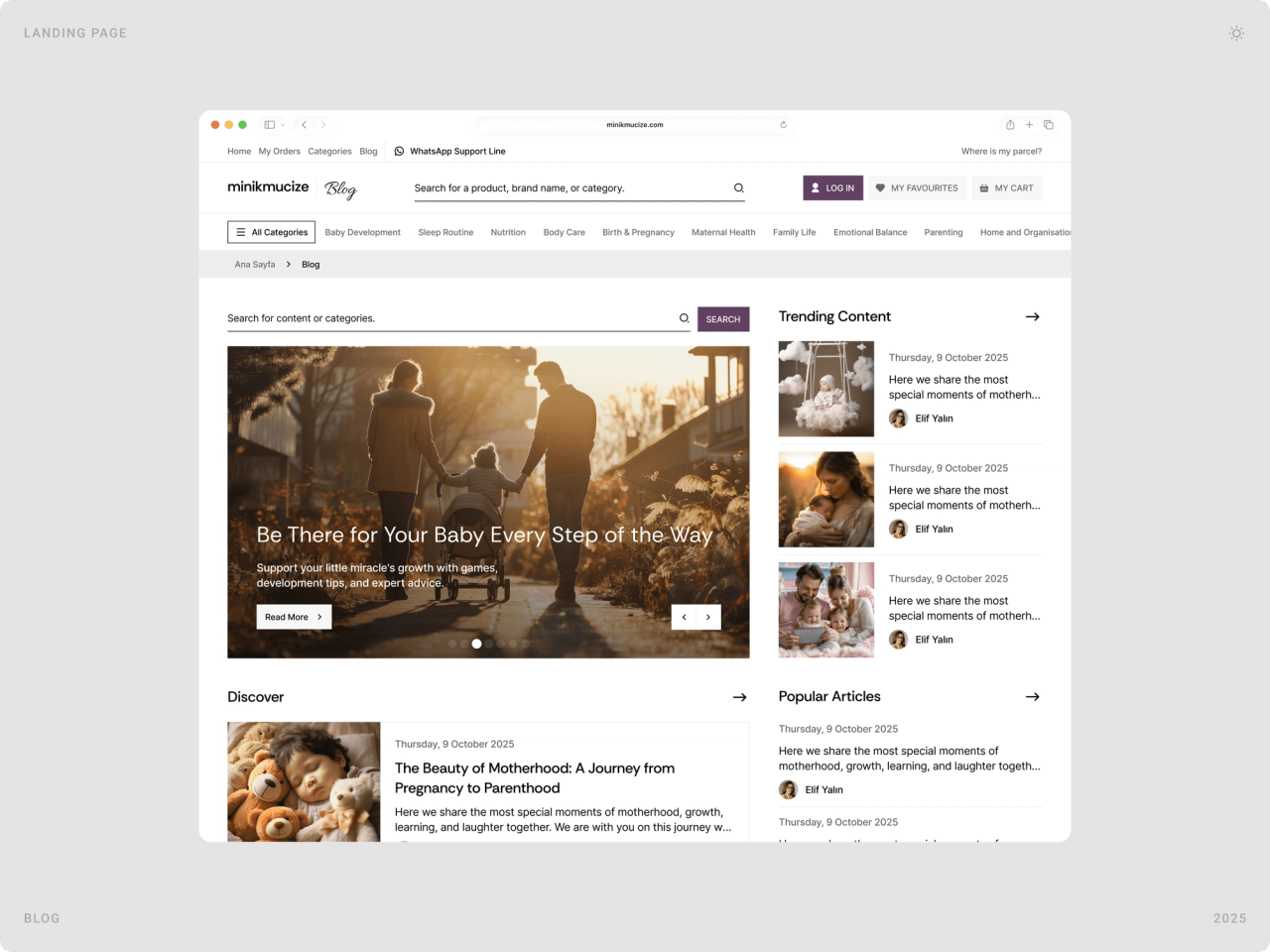
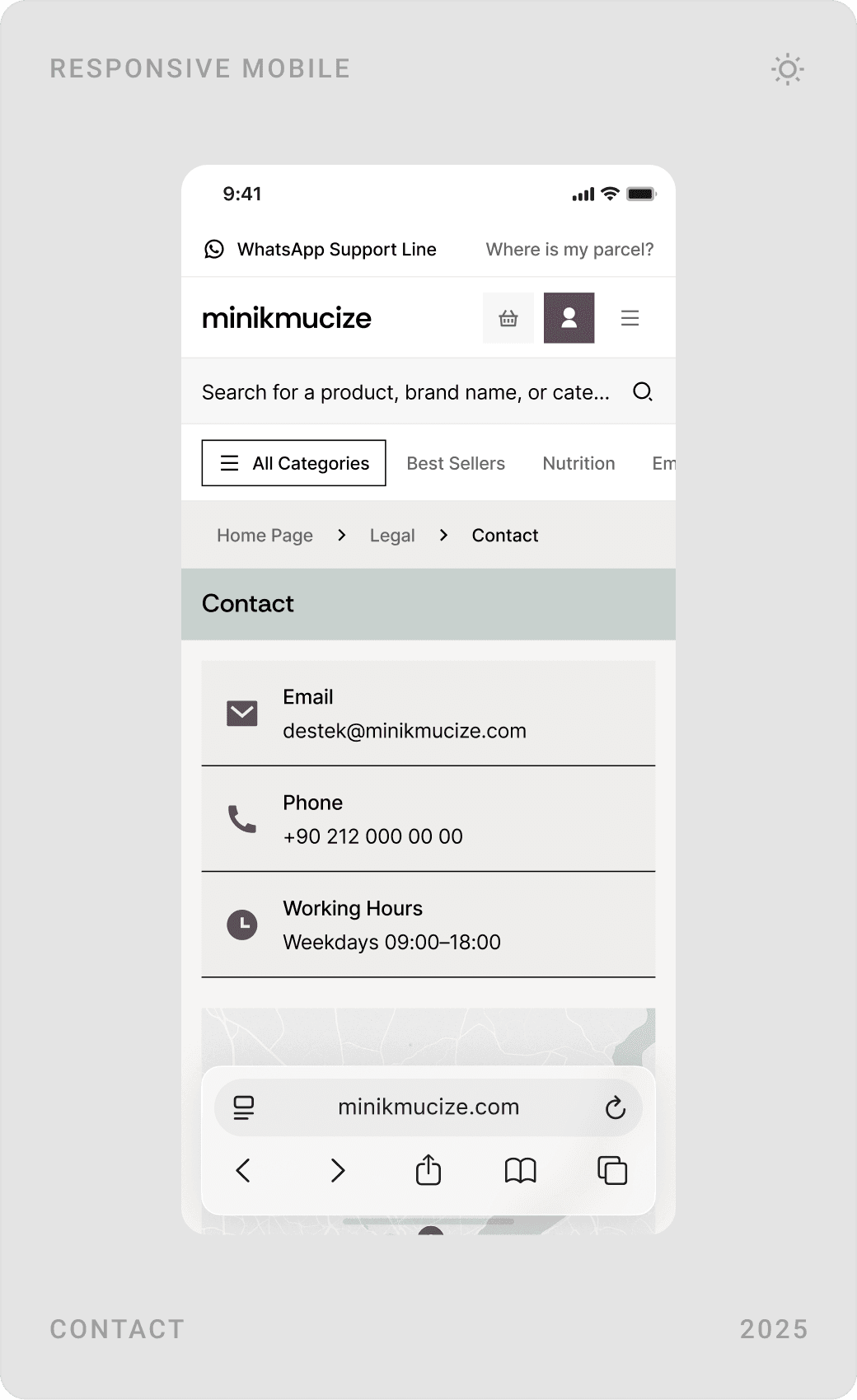
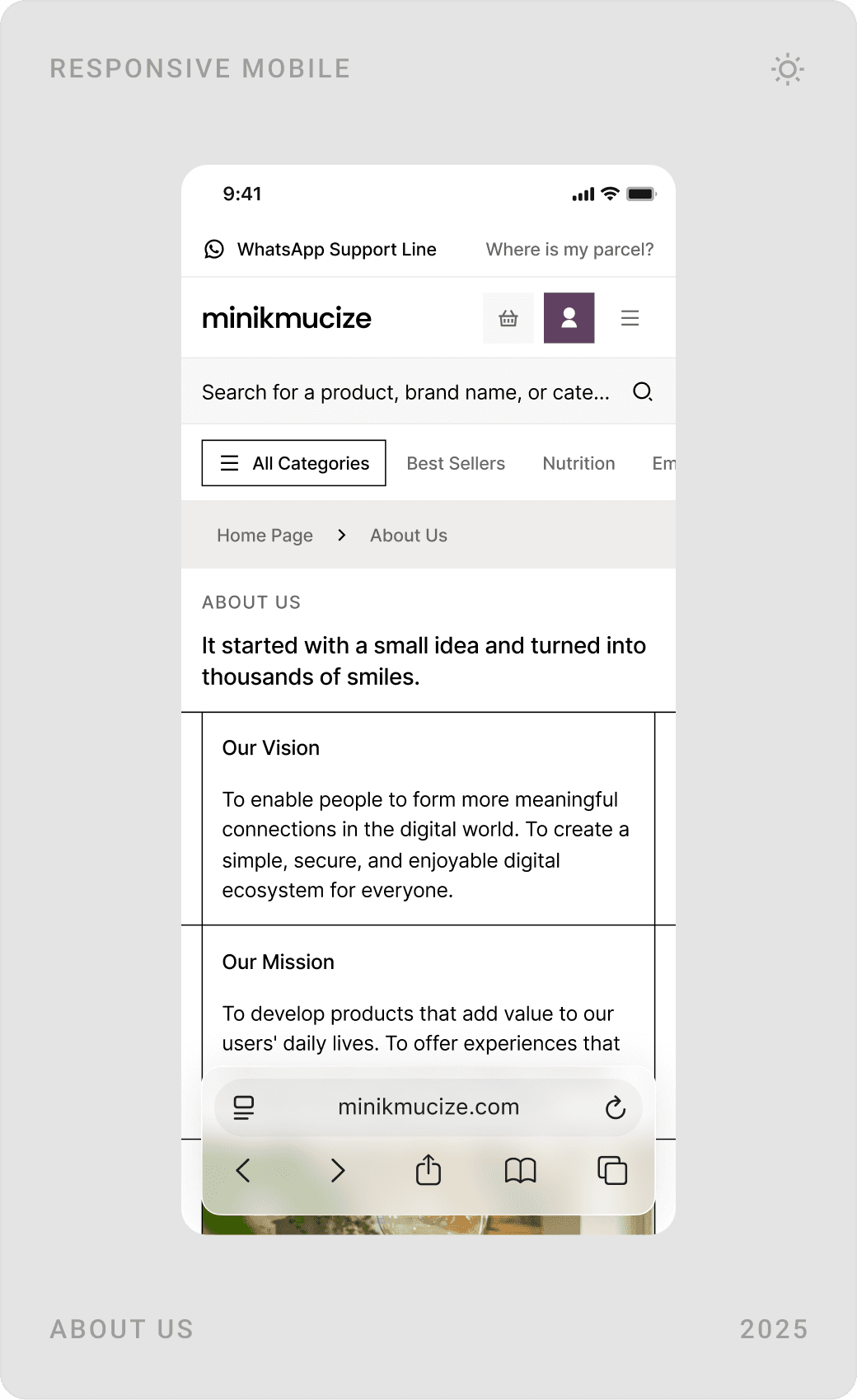
A parenting blog gives the store content between purchases, from pregnancy to the first years. A searchable FAQ grouped by topic answers questions about safety, orders and returns, and the contact, about and footer areas repeat the store’s promises: secure shopping, free shipping, free returns and instalments.
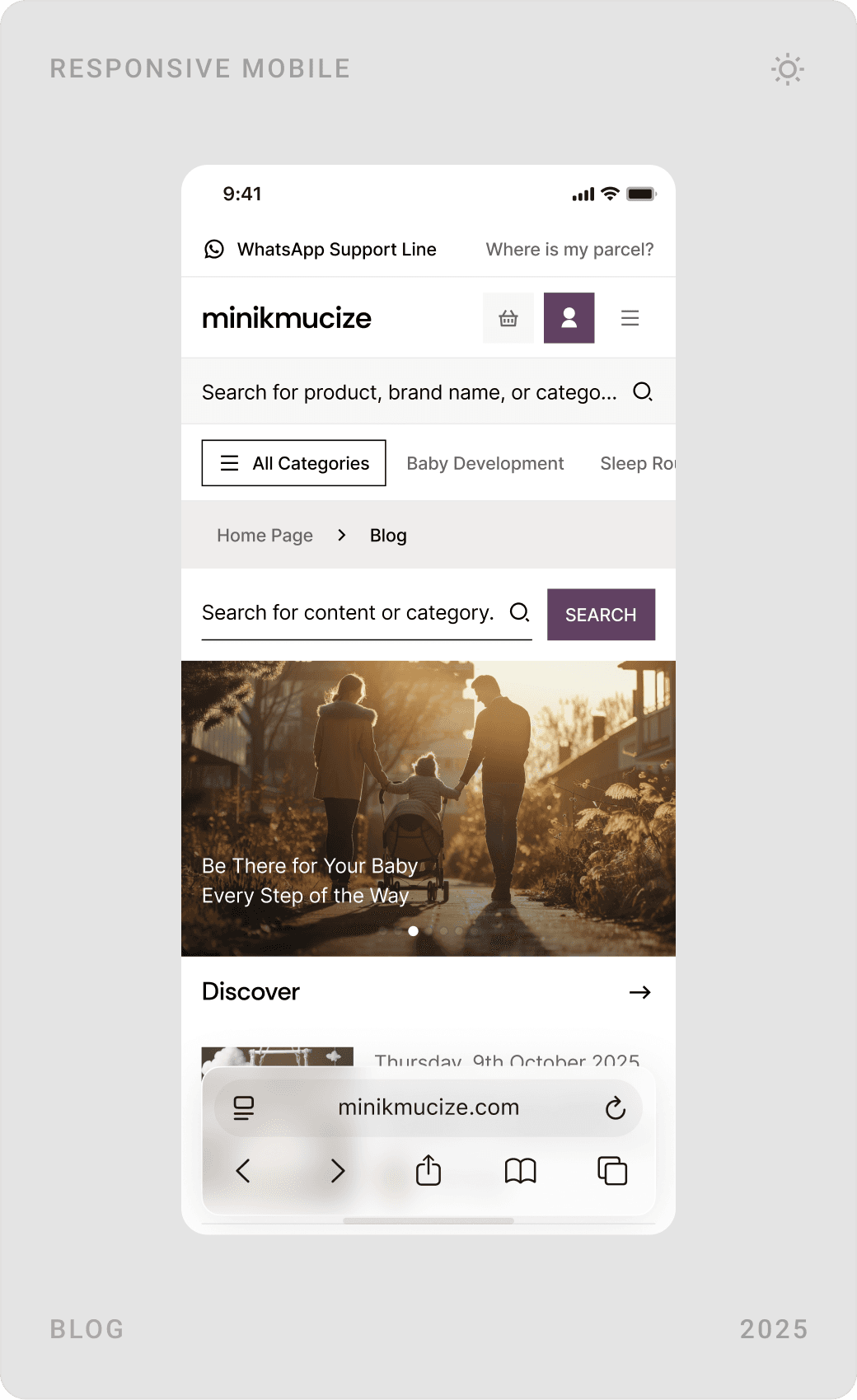
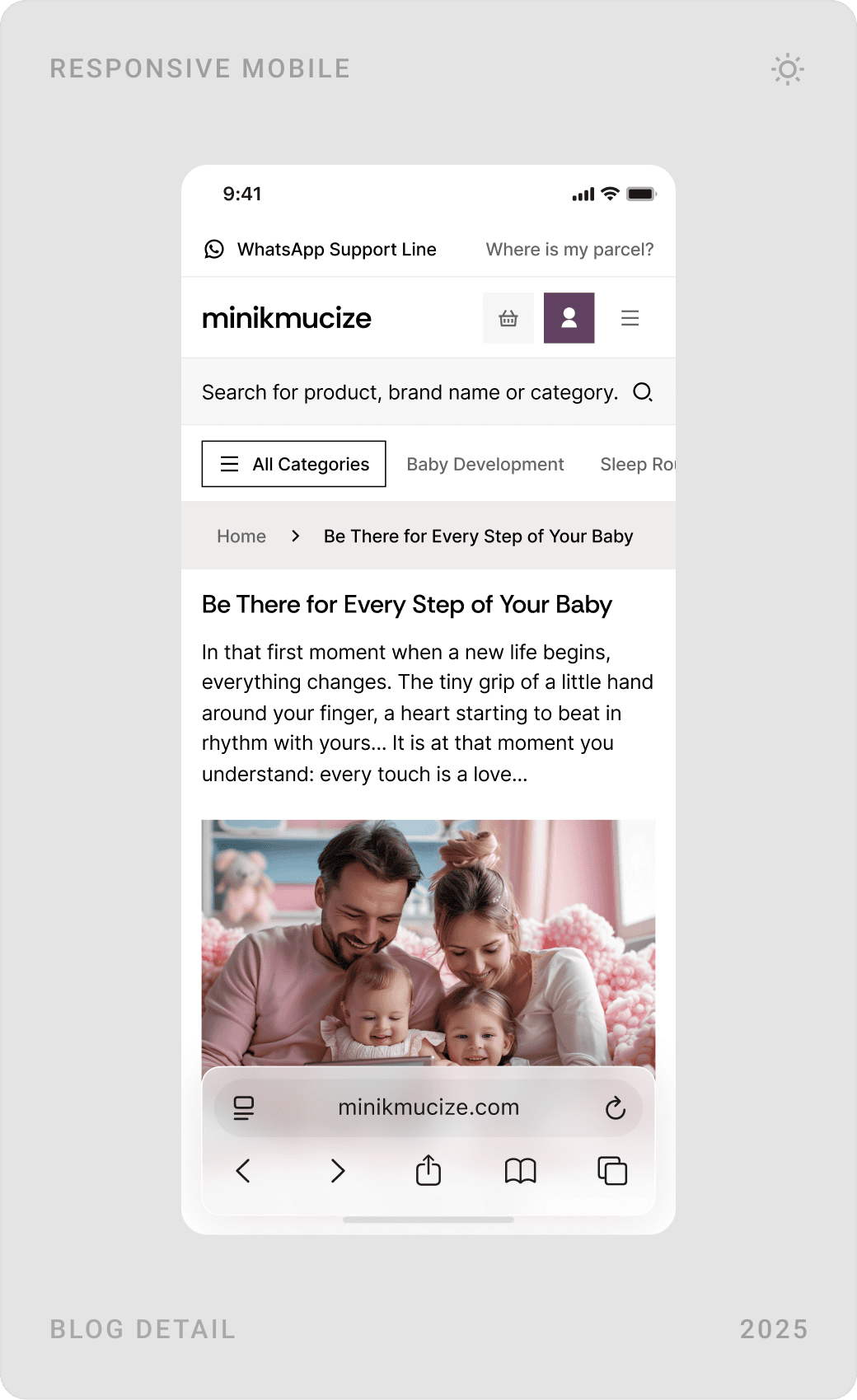
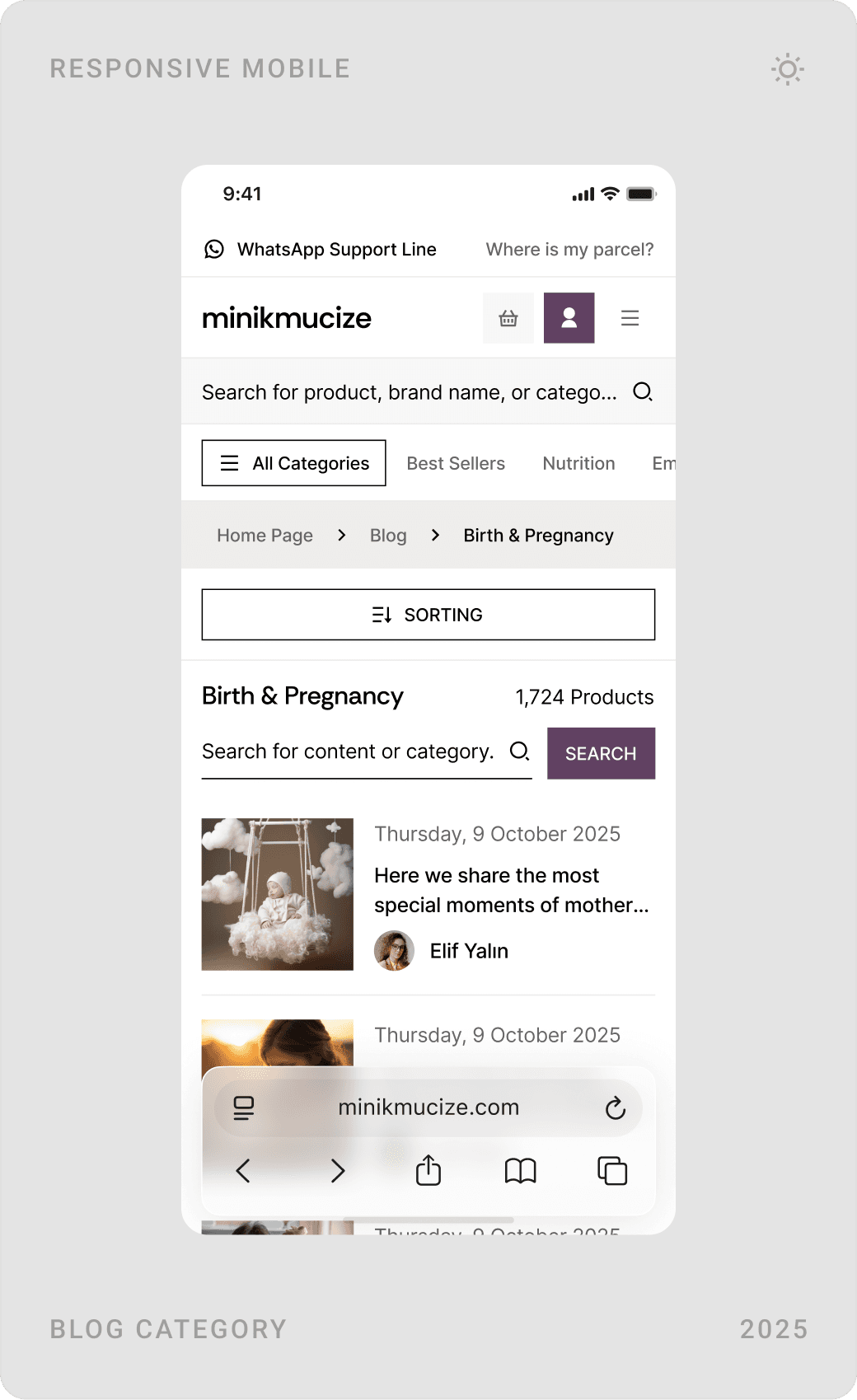
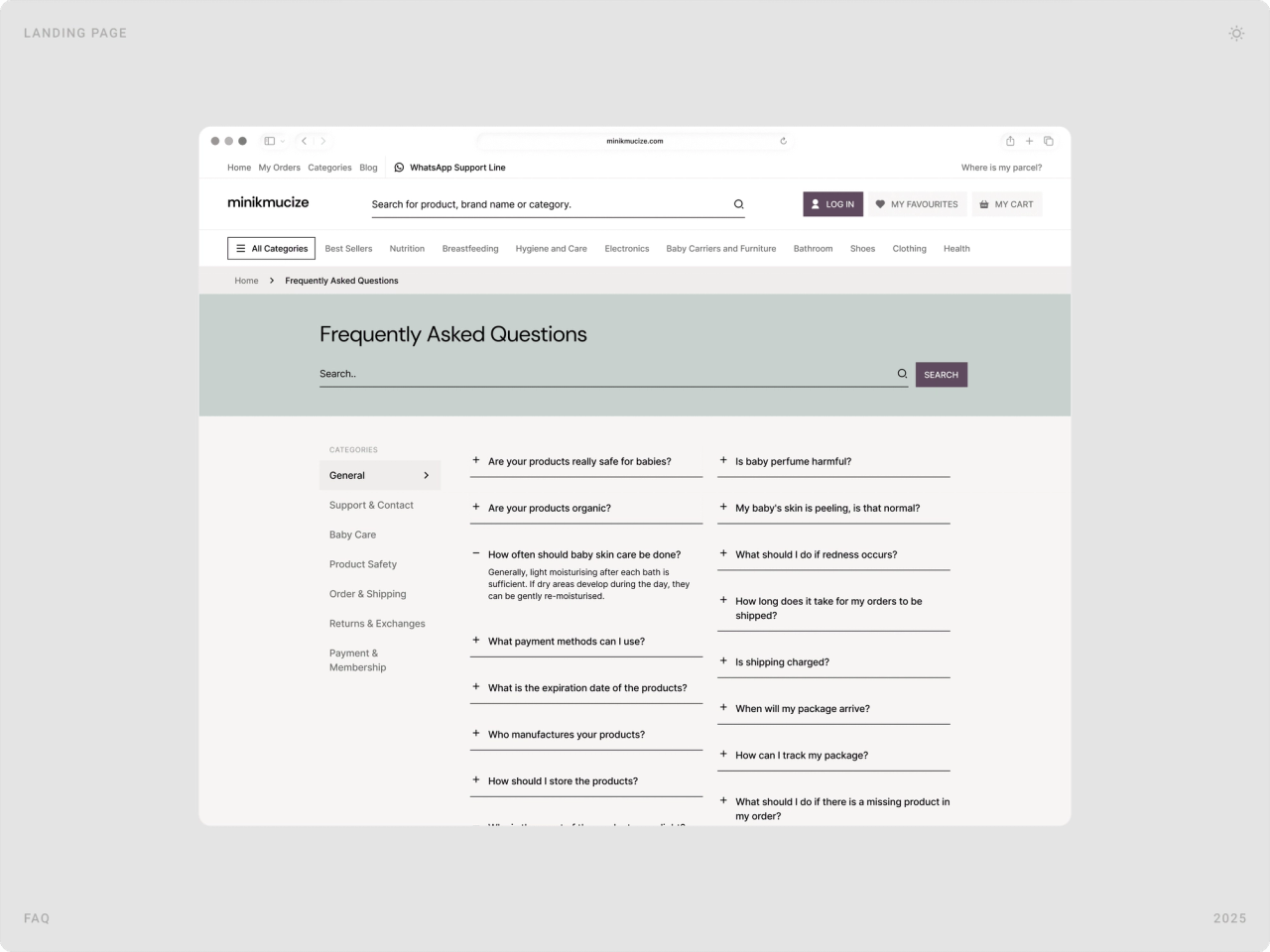

Design system
Behind the pages sits a component library: buttons, inputs, cards, menus and status modals for information, success and errors, all in the same palette and spacing. It keeps 60 pages consistent and makes new pages quicker to build.

Results
- About 60 responsive page designs on a cohesive, scalable UI system.
- A more premium brand feel, luxurious and feminine, applied across every touchpoint.
- Streamlined shopping flows designed for faster decisions and fewer steps.
- Stronger trust through a cleaner structure and consistent UI patterns.
- A conversion-focused e-commerce experience aligned with the company’s growth goals.
Key takeaways
- Premium comes from restraint: fewer colours, more space, better photos.
- In baby products, trust is part of the product page, not an extra.
- Every removed click between product and payment counts.
- At 60 pages, a design system is the only way to stay consistent.
FAQ
What is Minikmucize?
Minikmucize (Minik Mucize, “little miracle”) is an online store for mothers and babies, run from Muratpaşa, Antalya. It builds on its own production experience in baby textiles for 0–24 months and puts its in-house brand, Mimu Baby, at the centre of its range.
What did you design for Minikmucize?
The full e-commerce experience: about 60 responsive pages covering the homepage, mega menu, category and filter pages, product detail, comparison, basket, payment, order tracking, the user account, blog, FAQ, contact and about pages, all built on one design system.
How long did the project take?
About three months in 2025, from UX research and structure to the final desktop and mobile designs and the design system.
How do you design a baby products online store that parents trust?
Keep the layout calm and the hierarchy clear, and put reassurance where decisions happen: reviews and questions on the product page, delivery estimates before the basket, secure payment, free returns and support channels in plain sight. Then cut every step between finding a product and paying for it.
Can you design an e-commerce site or product for my company?
Yes. I work with e-commerce brands as well as AI, SaaS, fintech and Web3 teams on websites, product UI and design systems. Book a call or send a message from the contact page.
Sources
Have a product to design?
I help teams turn complex products into websites and interfaces people understand in seconds. Tell me about yours.