All work

Siteliyo · Case study · 4 min read

Siteliyo: designing a no-code website builder that lets startups launch in a few clicks

Siteliyo is a Turkish no-code website builder: pick a theme, customise it with drag and drop and publish it on your own domain. I designed the whole product, marketing site, sign-up, dashboard, editor, domains and payments, in light and dark mode, so that people without any technical background can launch a professional site on their own.

Siteliyo was a client project. The product is no longer live.

Client
Siteliyo
Year
2024
Role
Lead designer (UX/UI)
Duration
4 Months
Industry
SaaS, No-code, Website builder
Tools
Figma, Miro, Creative Cloud, Loom
  • User Experience Research
  • User Interface Design
  • Design System

At a glance

Challenge

Make building a website feel easy for people of every technical level, without limiting what they can create.

Solution

A complete builder: theme library, drag-and-drop editor, workspaces, domains and plans, on one design system in light and dark mode.

Outcome

A cohesive, responsive product and component library that keeps customisation simple and the experience consistent, designed in four months.

Deliverables

  • UX flows & wireframes
  • Drag-and-drop editor UI
  • Dashboard & workspaces
  • Marketing site & pricing
  • Design system, light & dark
  • Responsive mobile screens
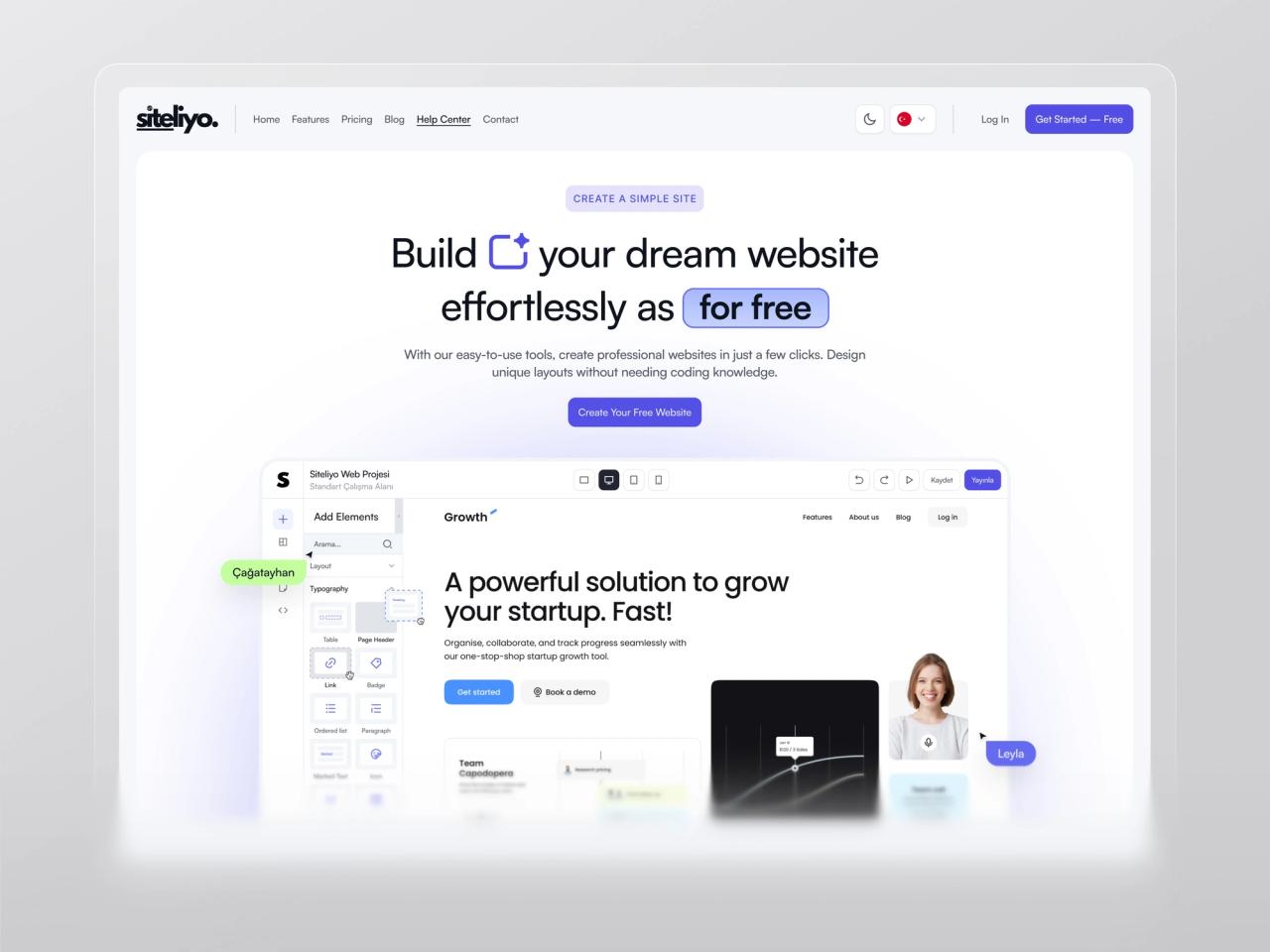
Siteliyo homepage: “Build your dream website effortlessly for free” above a preview of the drag-and-drop editor
Siteliyo’s promise in one line, with the editor itself as the hero image.

Overview

Siteliyo is a no-code website builder for the Turkish market. People choose from a library of ready-made themes, customise them with drag and drop, work together in shared workspaces and publish on their own domain, on plans that run from a free trial to a corporate tier.

Through my studio, Beew, I designed the full product in four months in 2024: user flows and wireframes, the marketing site, authentication, dashboard, editor, domains and payments, and the design system behind them, in light and dark mode. Alongside the product, I advised on branding and visual identity so the whole experience felt like one brand.

The challenge

A website builder has two audiences in one person: someone who wants a beautiful site, and someone who doesn’t want to learn how websites work. The product had to give creative freedom without ever feeling technical.

  • Balance creativity with usability: designs had to be visually striking and still intuitive.
  • Make website customisation simple and seamless for users of every technical background.
  • Offer flexible templates that adapt to many industries while keeping one consistent experience.
  • Keep every screen fully responsive and engaging across devices.
  • Iterate quickly on feedback, which sometimes meant redesigning key components to improve the flow.

Goals

  • Interfaces that are beautiful and easy to navigate for users of all technical backgrounds.
  • A cohesive experience that fits each customer’s own brand identity.
  • Adaptable design solutions that can be customised without breaking the user experience.
  • A drag-and-drop interface and a library of customisable templates and components.

Approach

1. Start from a finished site, not a blank page

The journey begins in the theme library: users browse complete themes by category, preview them live and only then open the editor. Editing a site that already looks good is far less intimidating than building one from scratch.

2. Hide the technical parts behind plain language

Domains, DNS, publishing, form delivery and FTP export are real tasks for a website owner. Each one became a short dialog with a single purpose and errors that explain what went wrong and what to do next.

3. Design for the right device

The marketing site, sign-up, blog and help center are fully responsive. The editor and dashboard are desktop tools, so on a phone the product says so clearly and sends people back to the homepage instead of offering a cramped editor.

4. One system, two themes

Every screen is built from the same components, cards, modals, alerts, dropdowns, form fields, designed in both light and dark mode. That made fast iteration possible: when feedback changed a component, the change carried through the whole product.

The solution

Landing page and pricing

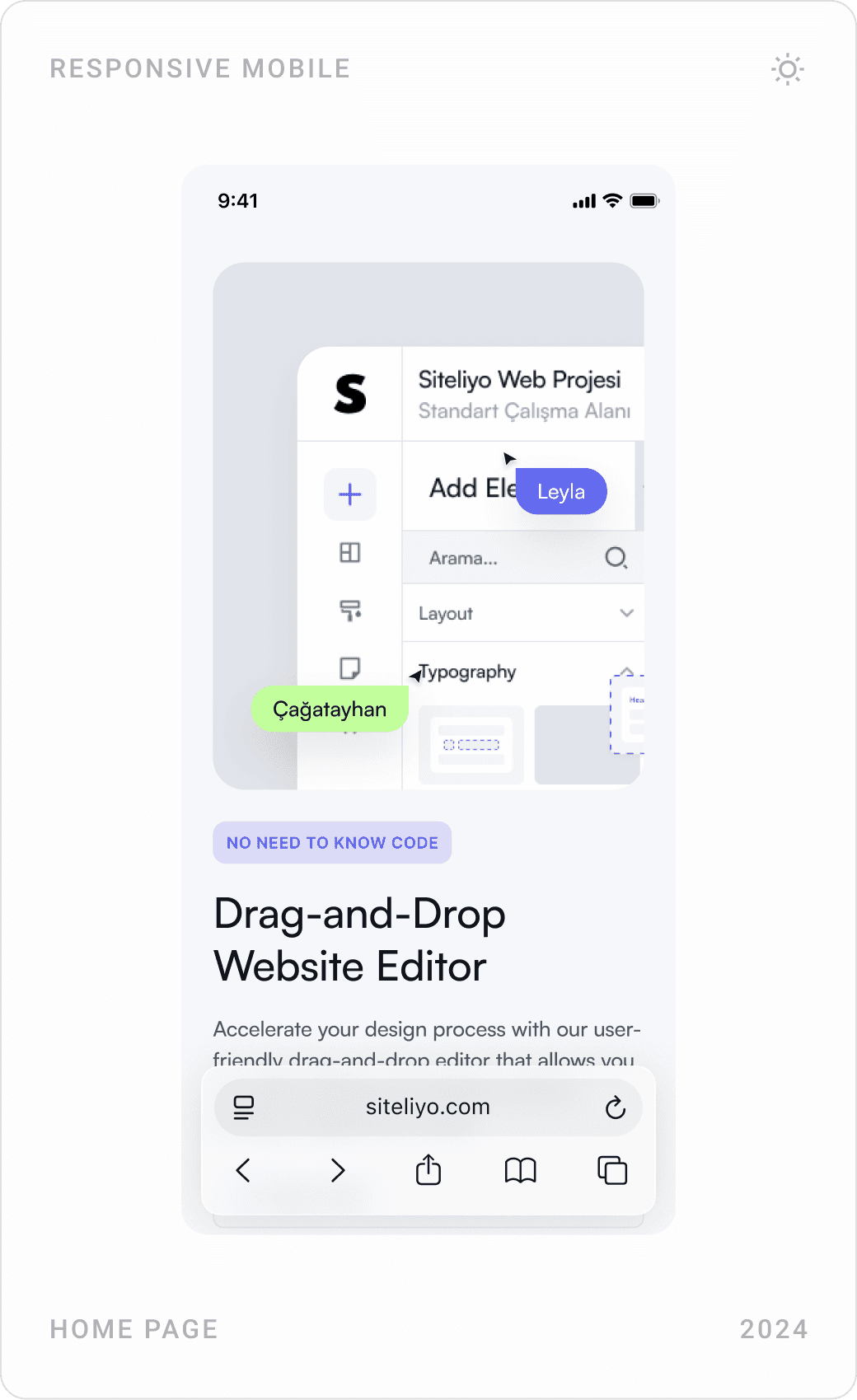
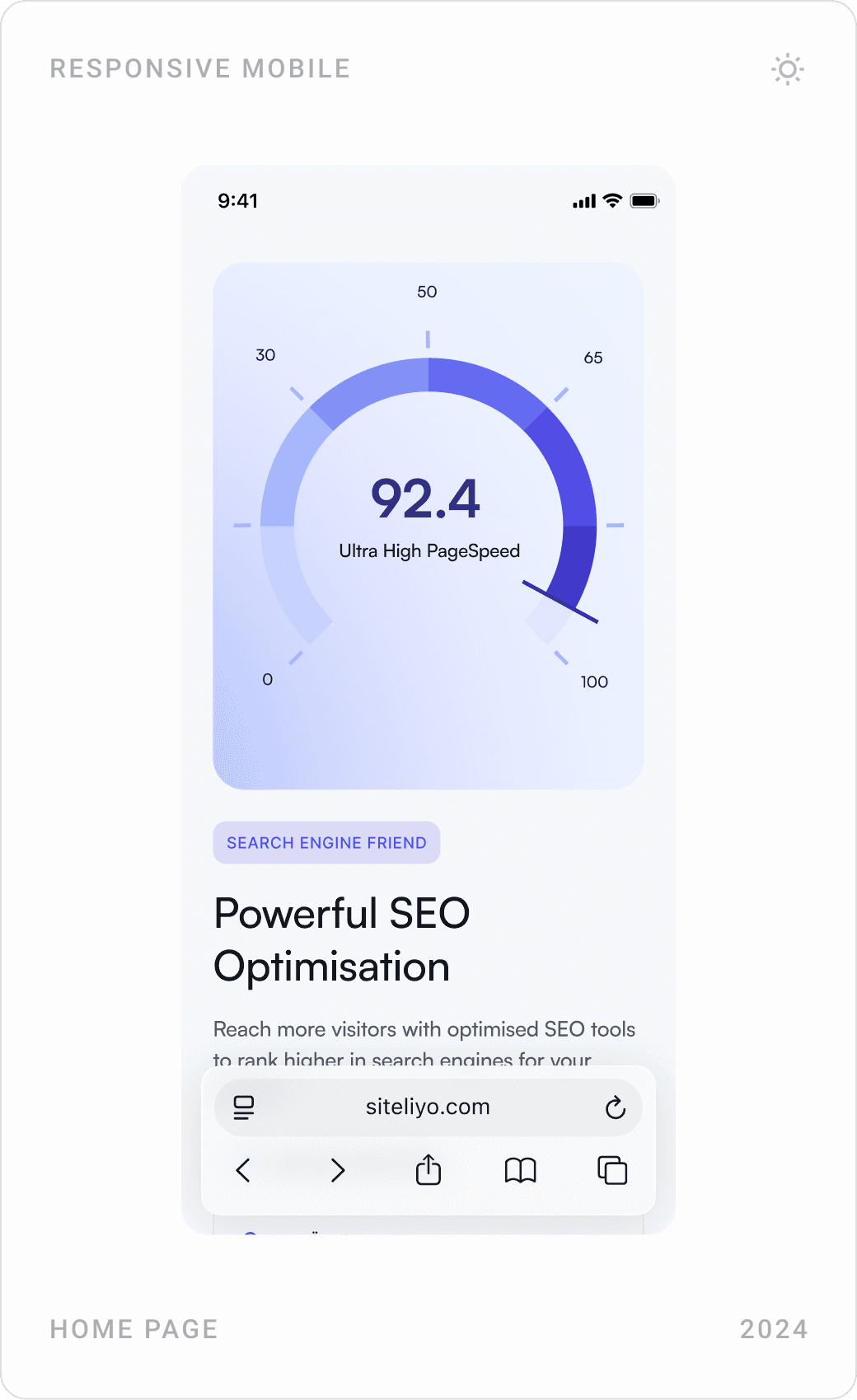
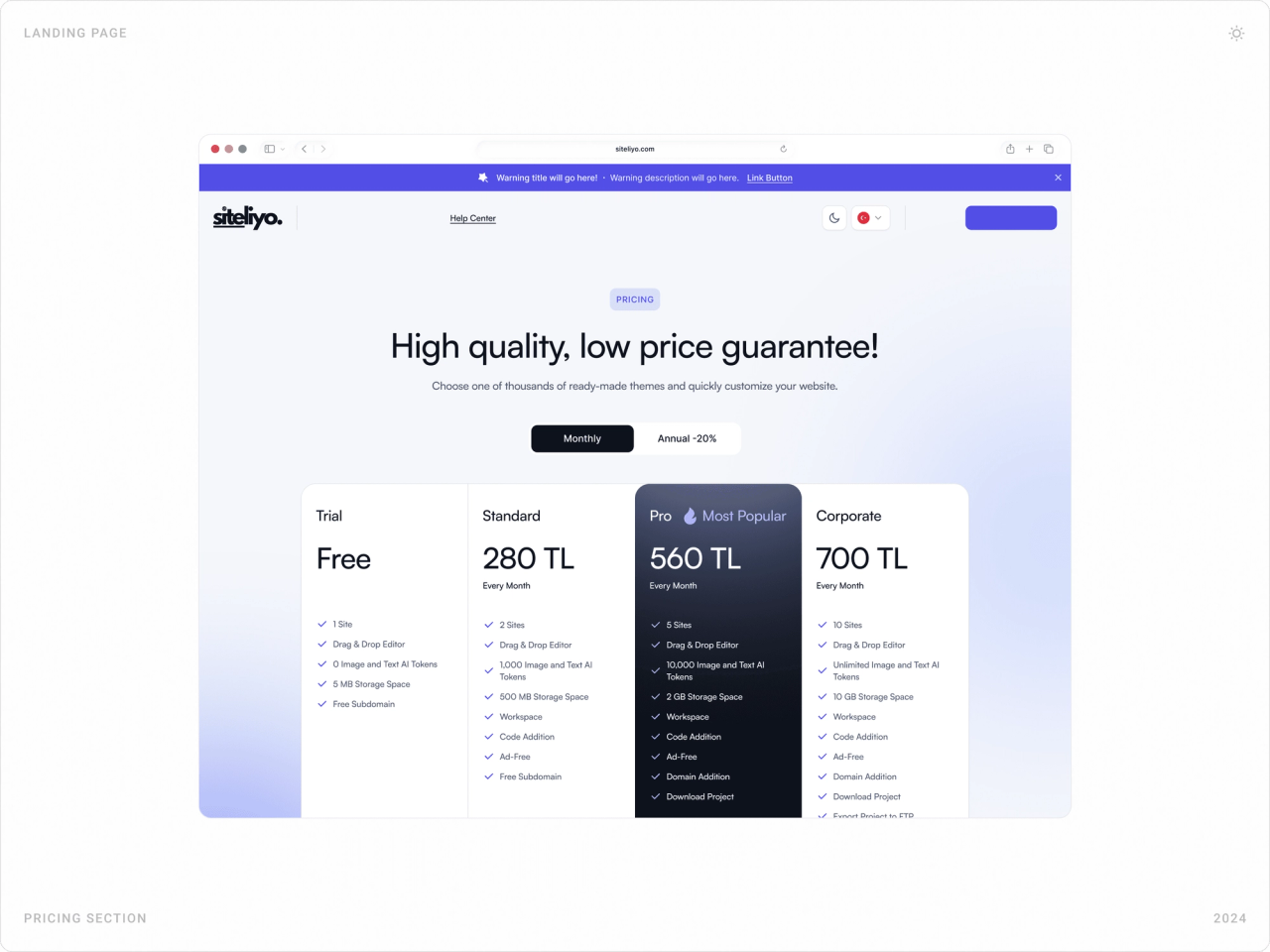
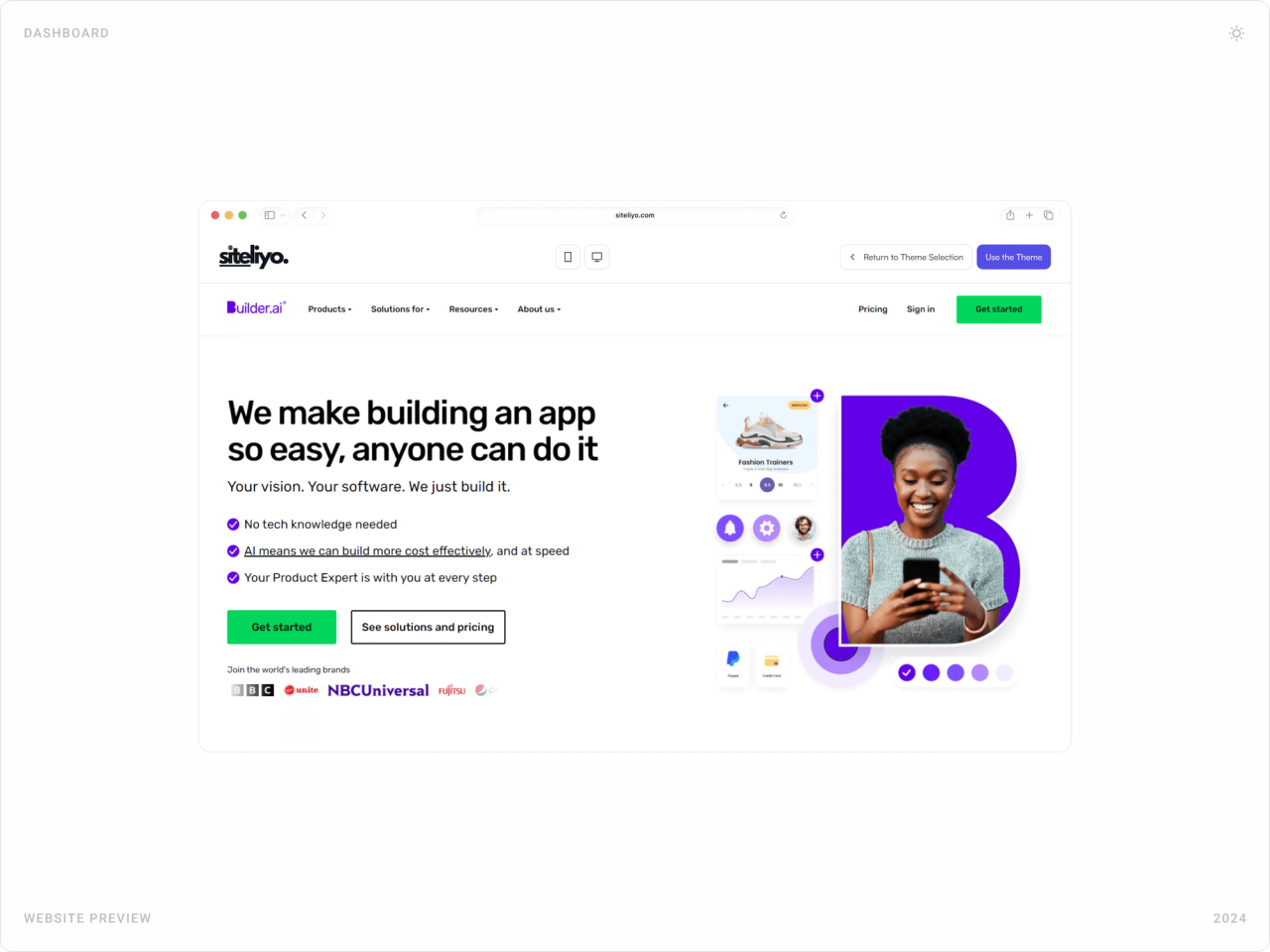
The homepage shows the editor right under the headline, with collaborator cursors moving over a sample site, then walks through the key features: drag-and-drop editing, SEO and mobile-ready themes. Pricing compares four plans side by side with a monthly/annual switch and a full feature table.
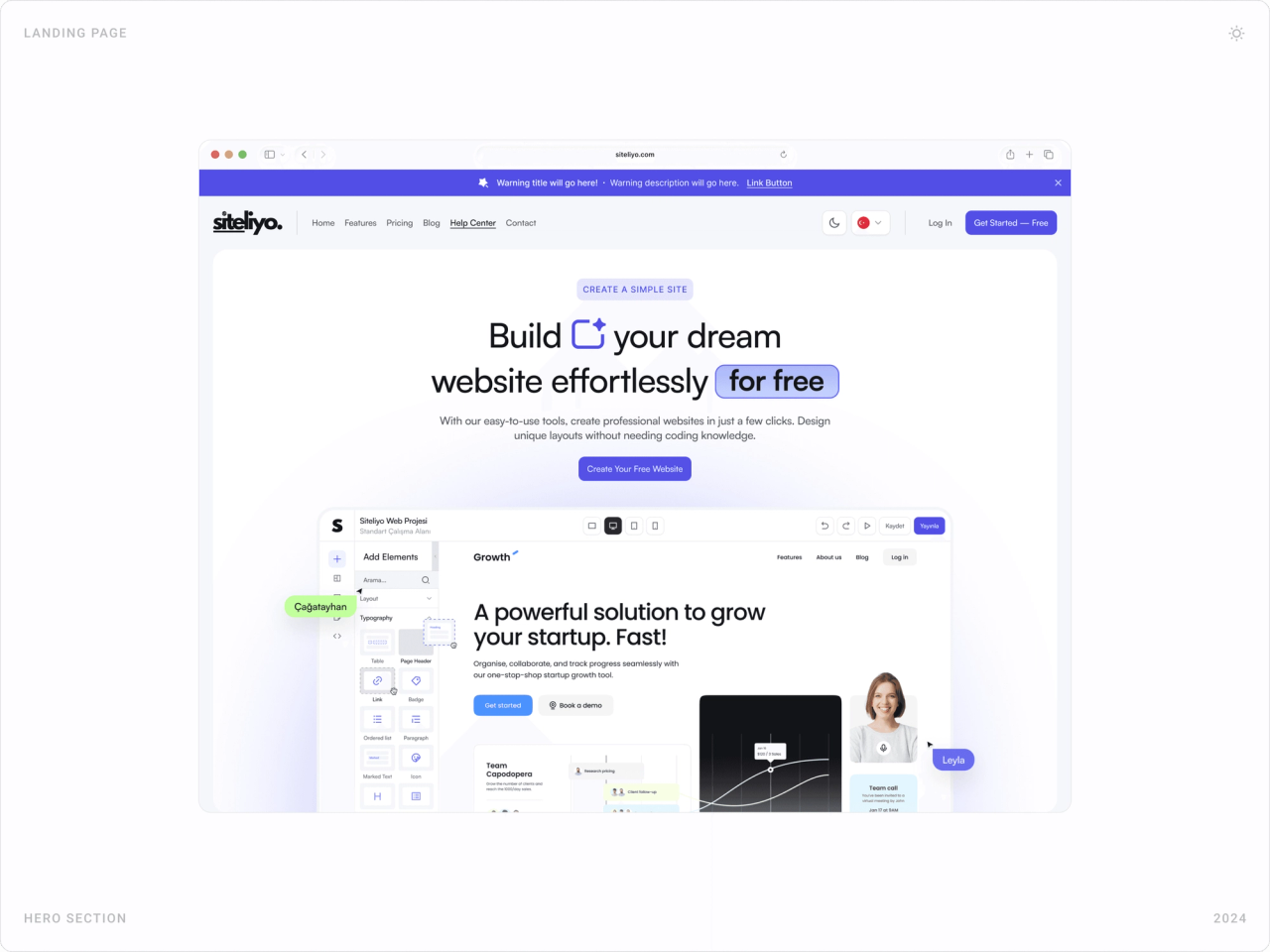
Desktop hero of the Siteliyo website with headline, “Create Your Free Website” button and an editor preview with collaborator cursors
The hero shows the product instead of describing it.
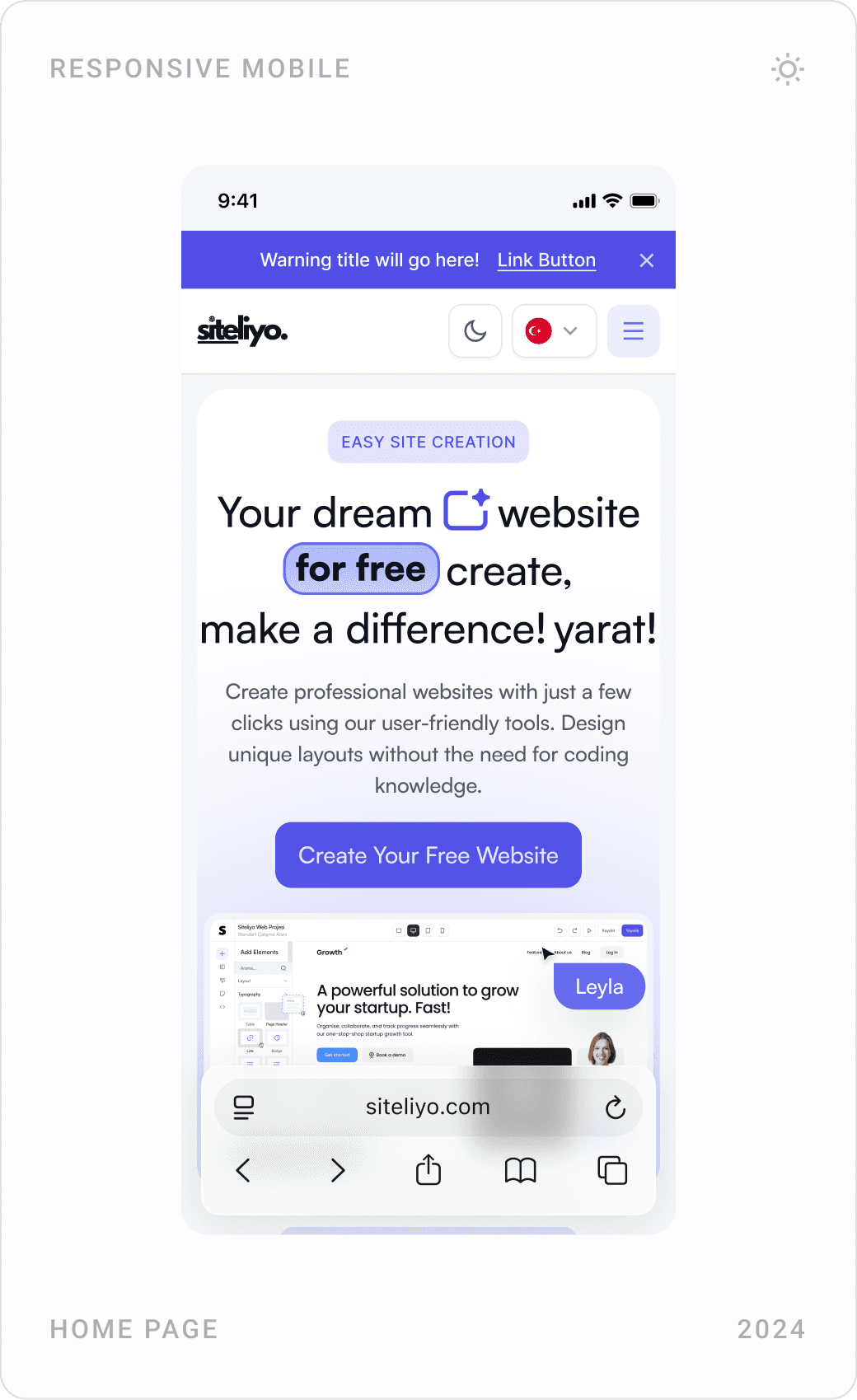
Mobile homepage screens: hero, the drag-and-drop website editor feature and an SEO optimisation score gauge
On mobile, each feature gets its own screen and one visual.
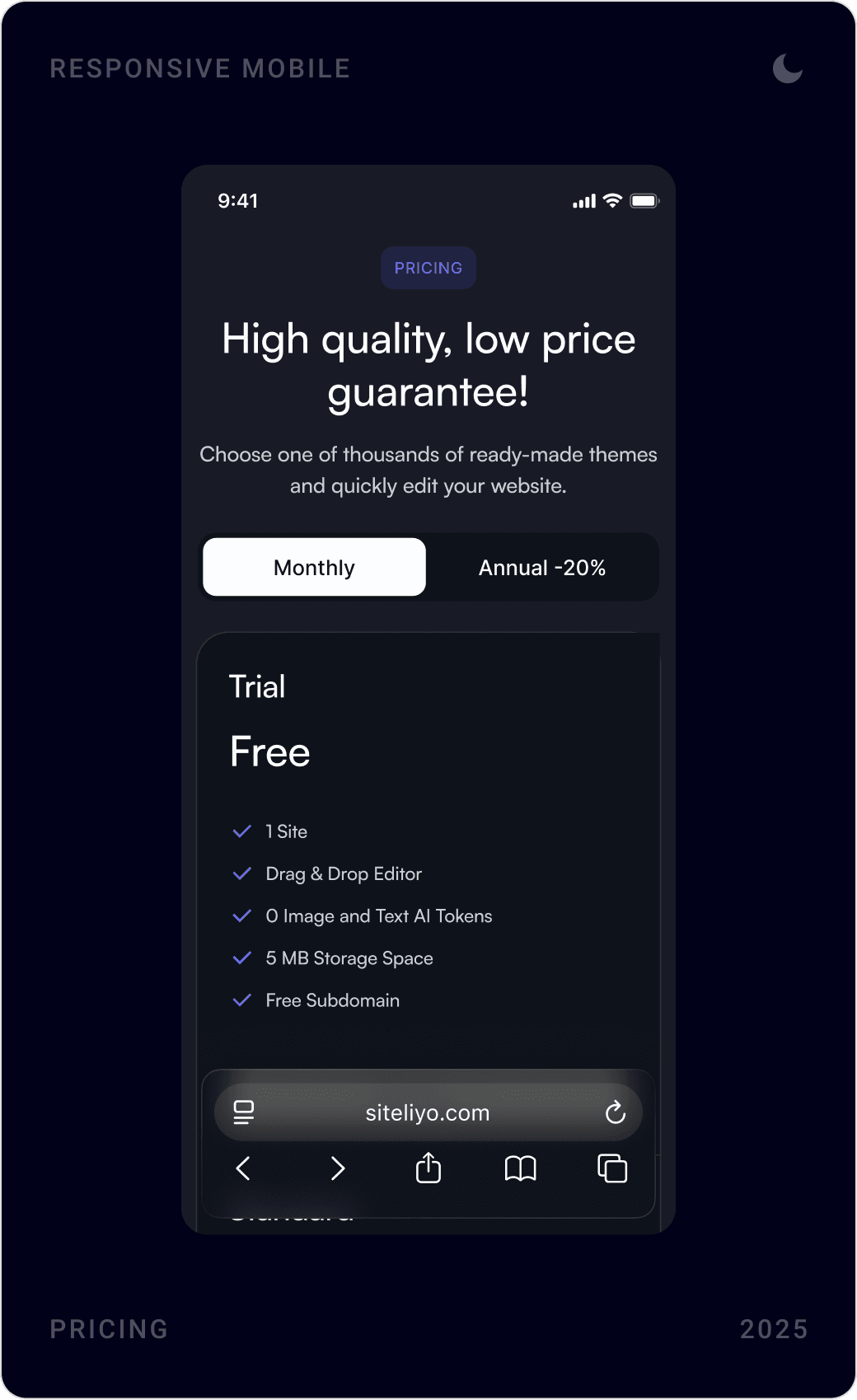
Pricing section with Trial, Standard, Pro and Corporate plans in Turkish lira and a monthly/annual toggle
Four plans, one highlighted, with features listed in the same order for easy comparison.
Mobile pricing: trial plan card, the most popular Pro plan card and a package feature comparison table
Mobile pricing: swipe through plans, then compare features in one table.

Theme library, light and dark

Themes are grouped by category, corporate, portfolio, online store, landing page, product, and each can be previewed as a live site before it is chosen. The whole marketing site also comes in a dark theme, switchable from the header next to the language selector.

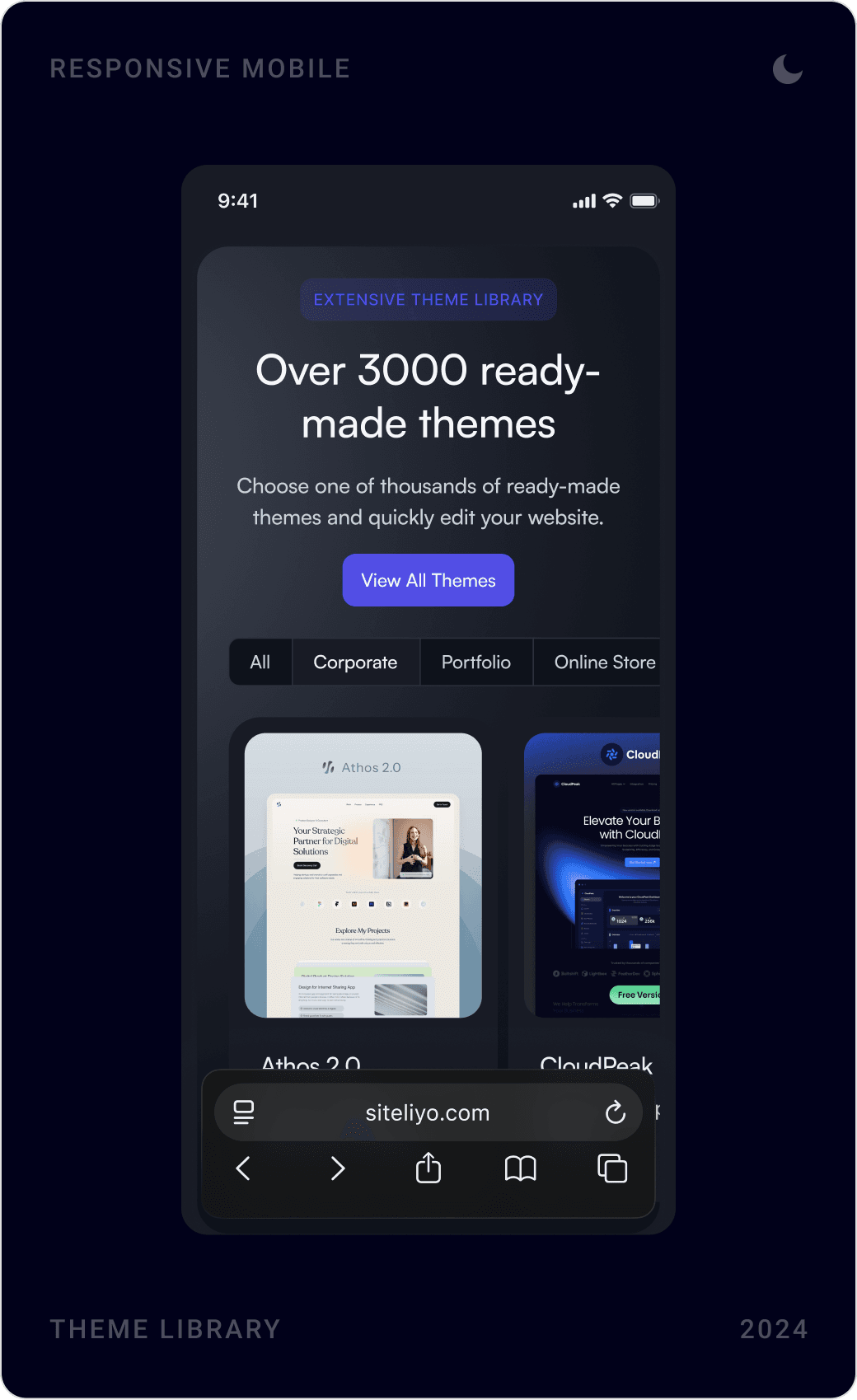
Dark theme library section with category tabs and a carousel of portfolio, app and corporate website themes
The theme library, where every project starts.
Mobile dark mode screens: theme library, fully mobile-compatible designs feature and the pricing section
Dark mode carries through every marketing page on mobile.
Live theme preview of an app-builder website, with “Return to Theme Selection” and “Use this theme” buttons on top
Preview a theme as a real site, then use it with one click.
Siteliyo blog “Articles and News” in dark mode, with a featured article and newsletter sign-up
The same dark theme on content pages like the blog.

Sign-up and verification

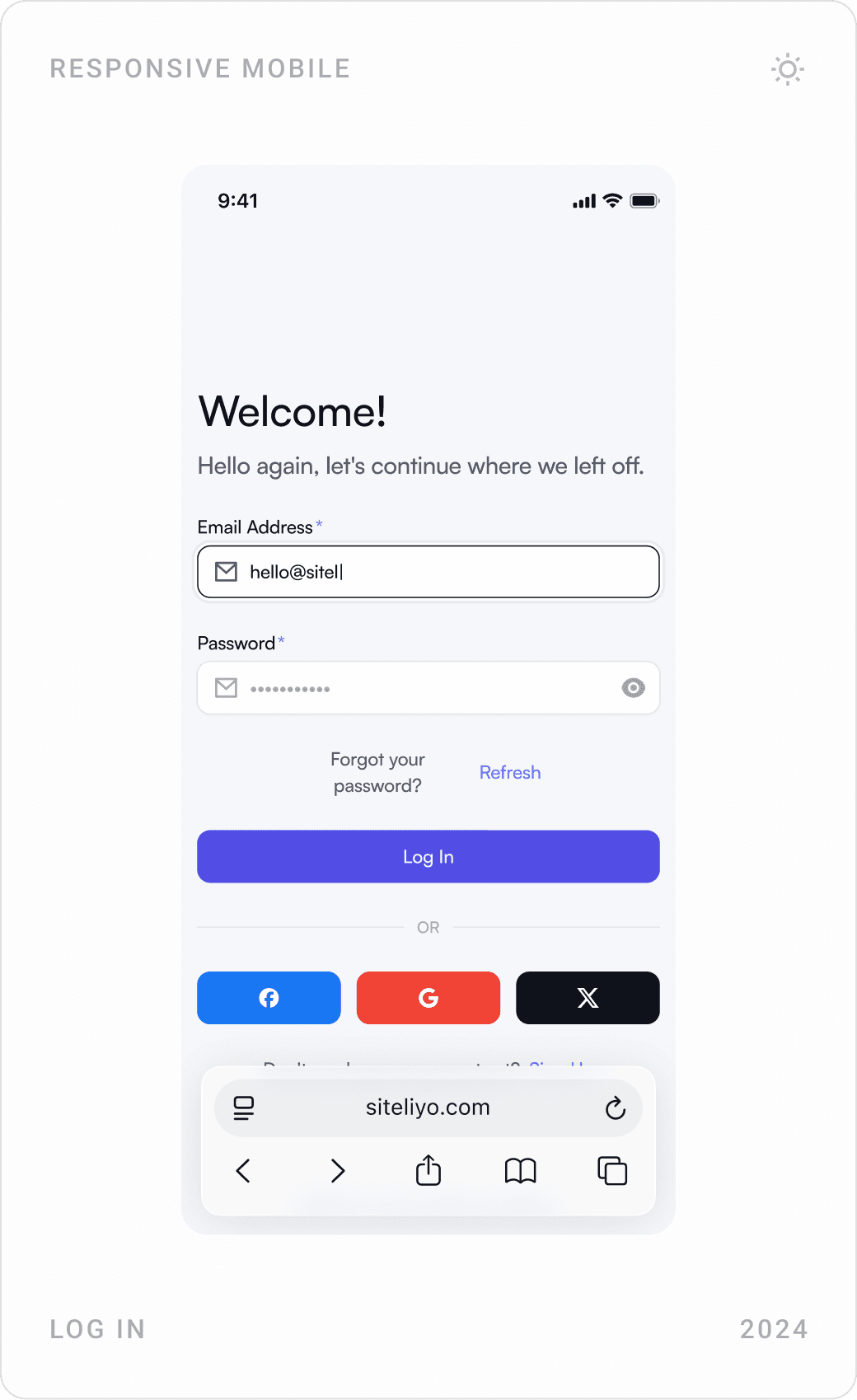
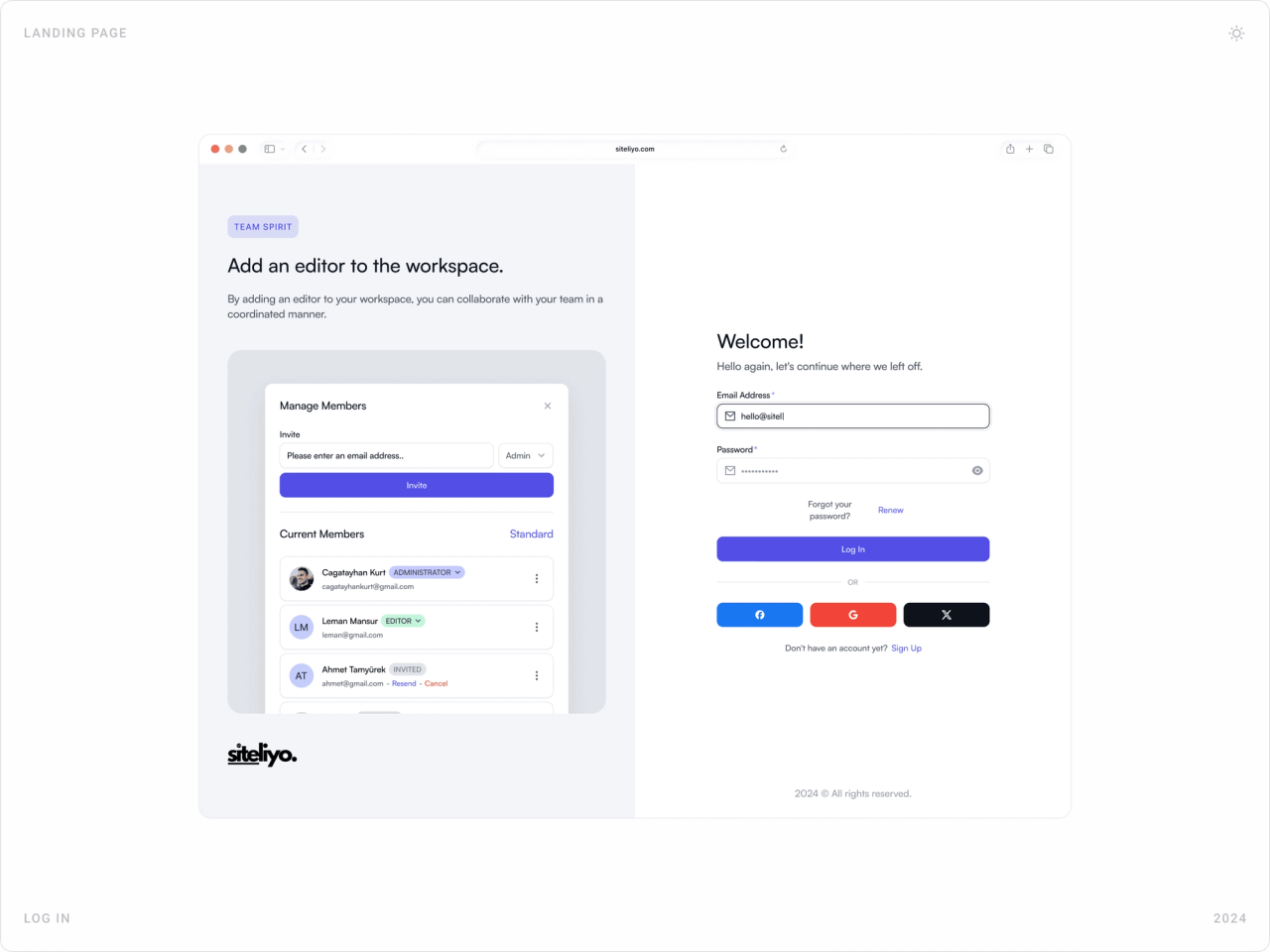
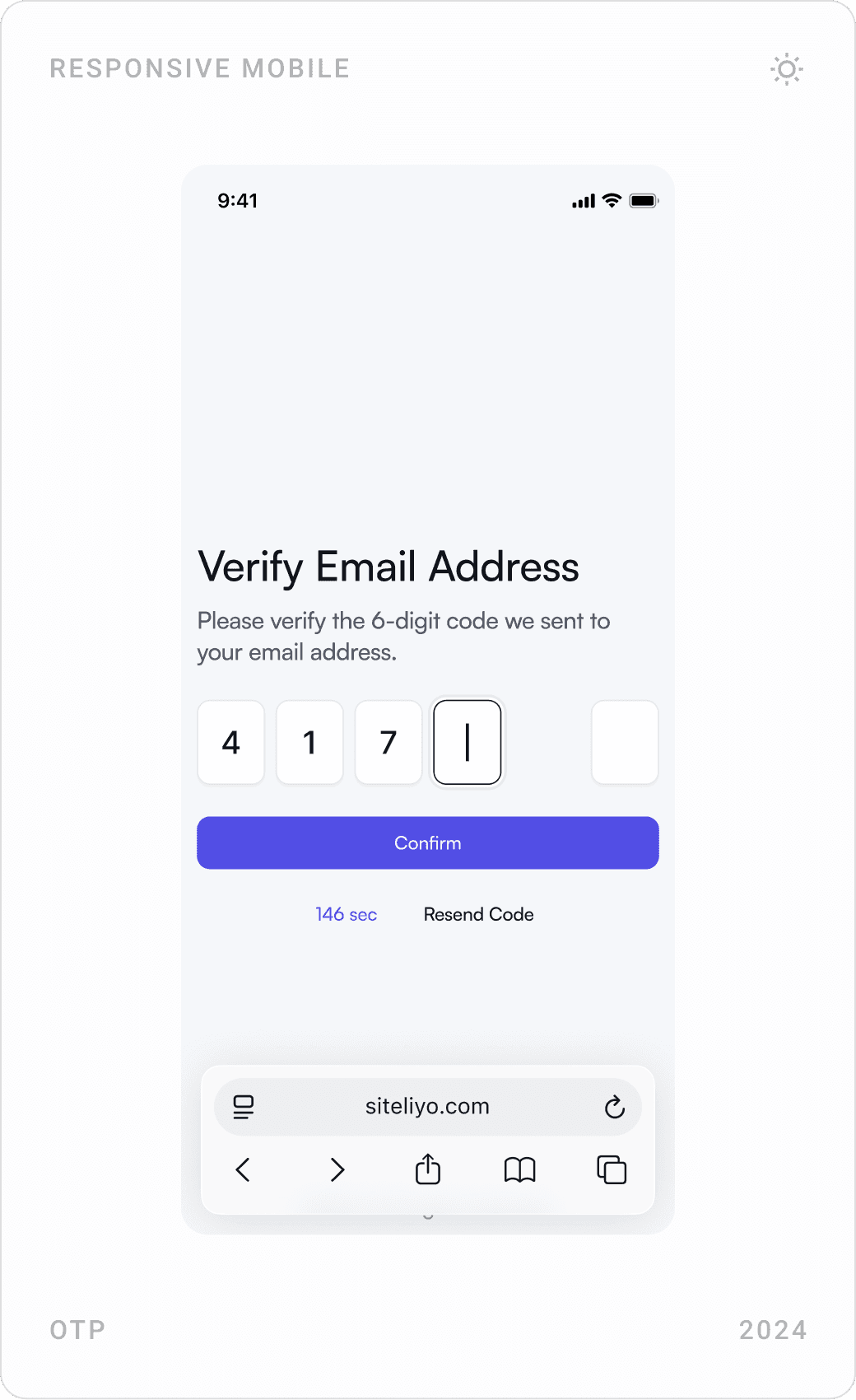
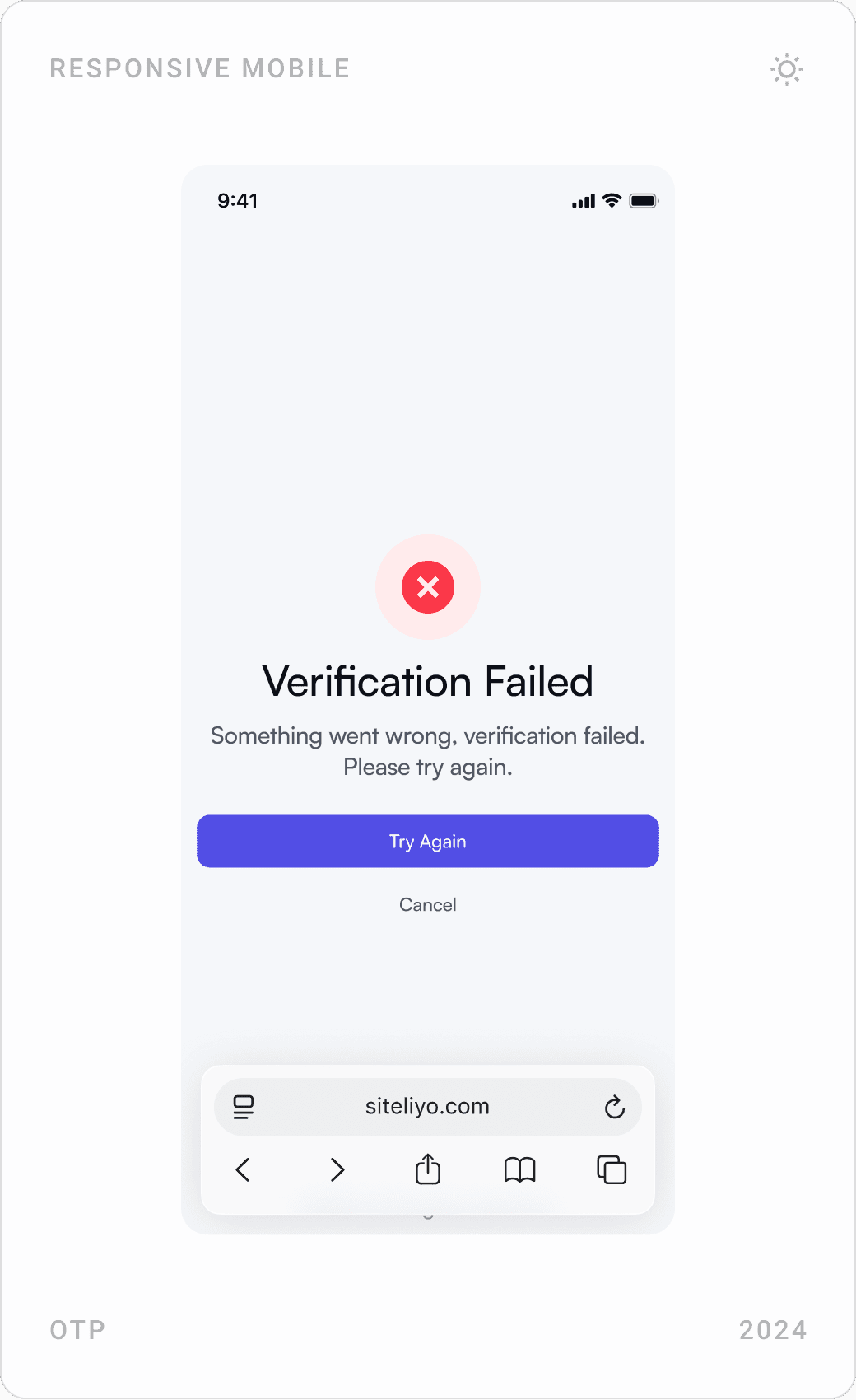
Sign-up and login screens pair a short form, with live password rules and social login, with a panel that explains a product feature, so the wait is never empty. Email verification uses a code screen with clear success and failure states.
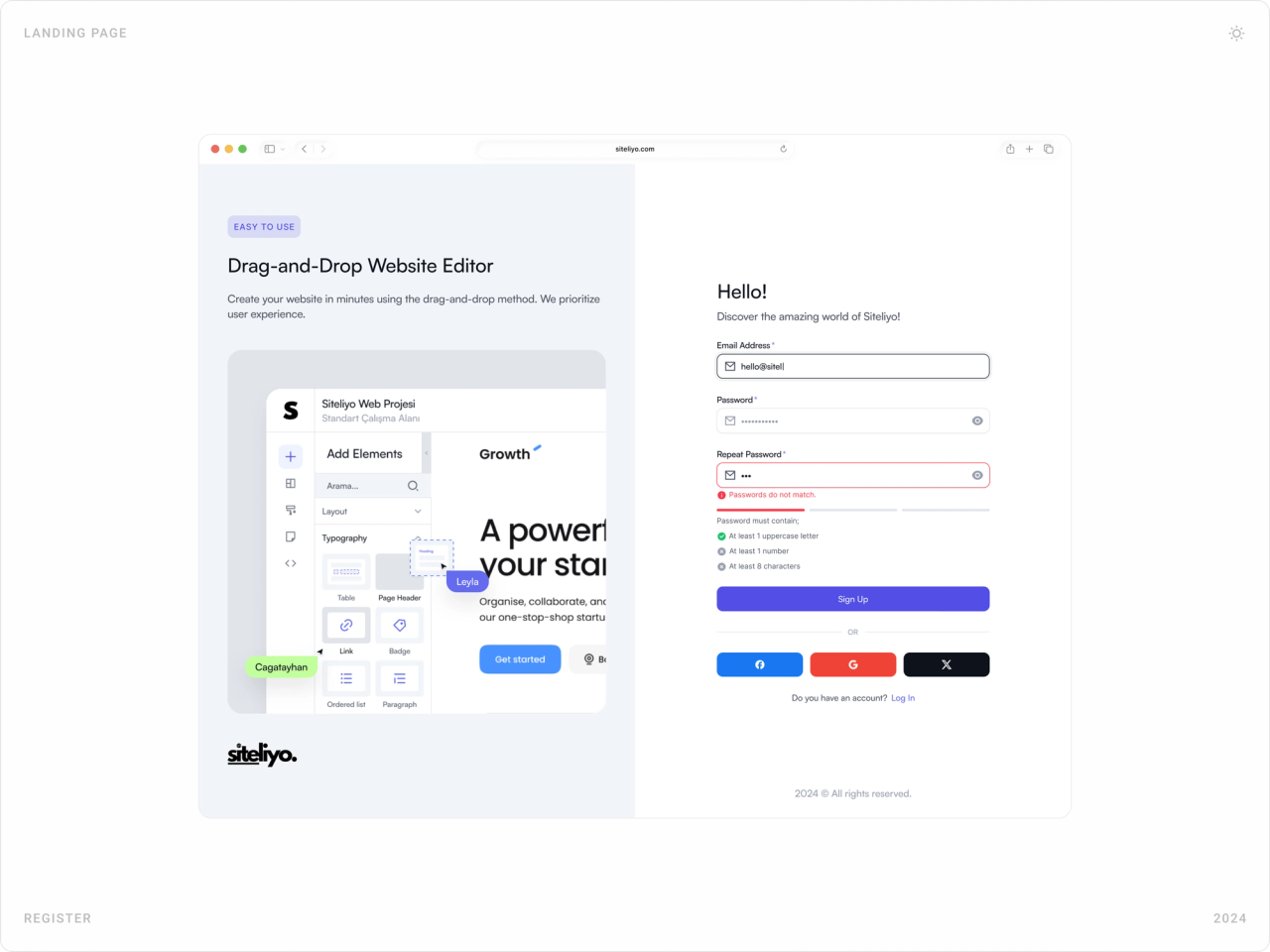
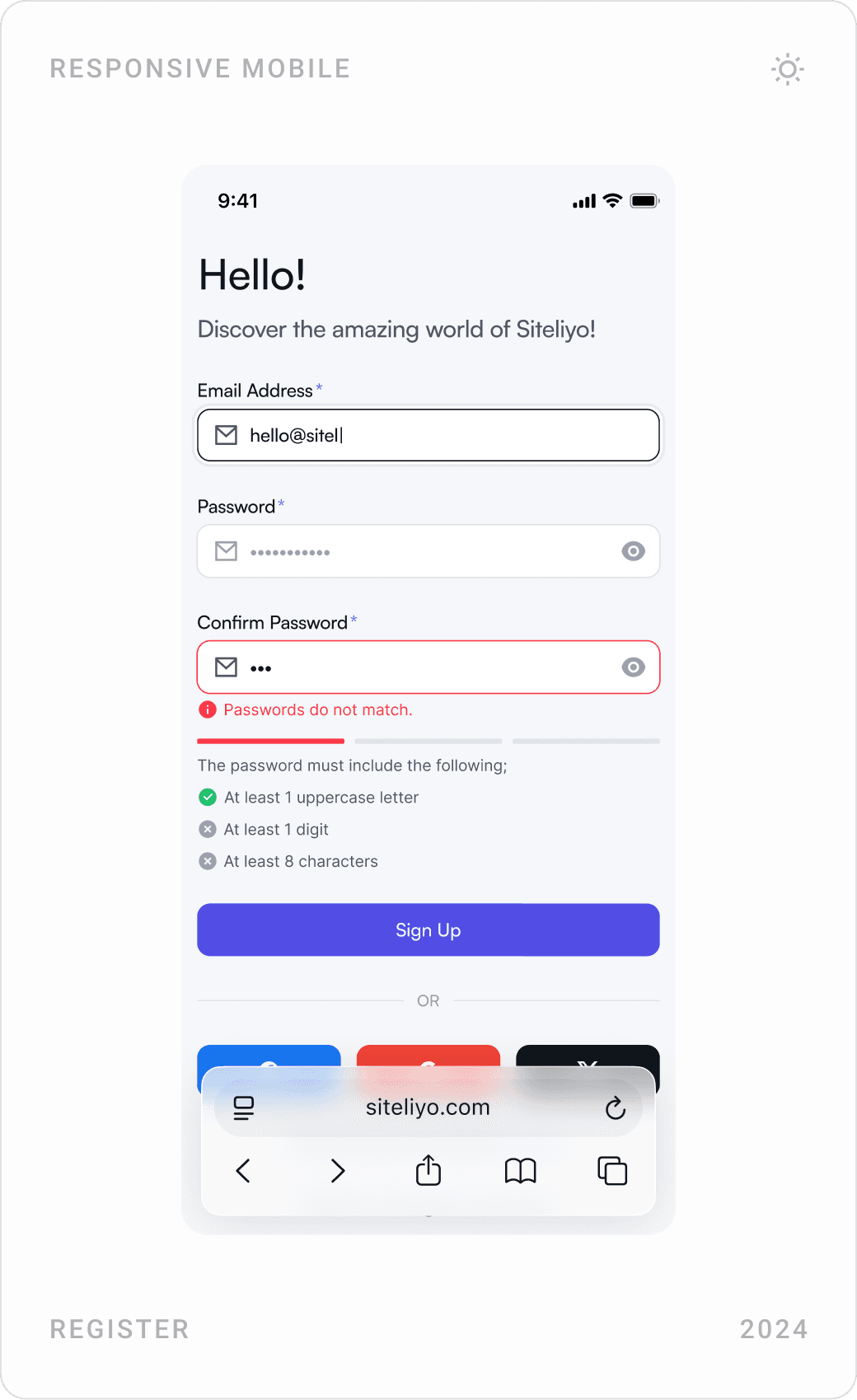
Register page with a drag-and-drop editor explainer on the left and a sign-up form with password checks and social login on the right
Sign-up: password rules are checked as you type.
Mobile register, log in and “Don’t worry!” forgot password screens
Register, log in and password reset on mobile.
Log in page with a “Add an editor to the workspace” explainer showing team member management
Login: the side panel introduces team workspaces.
Mobile email verification code entry, “Verification Failed” screen and “Please log in using a desktop browser” notice
Verification states, and an honest message: the editor is a desktop tool.

Drag-and-drop editor

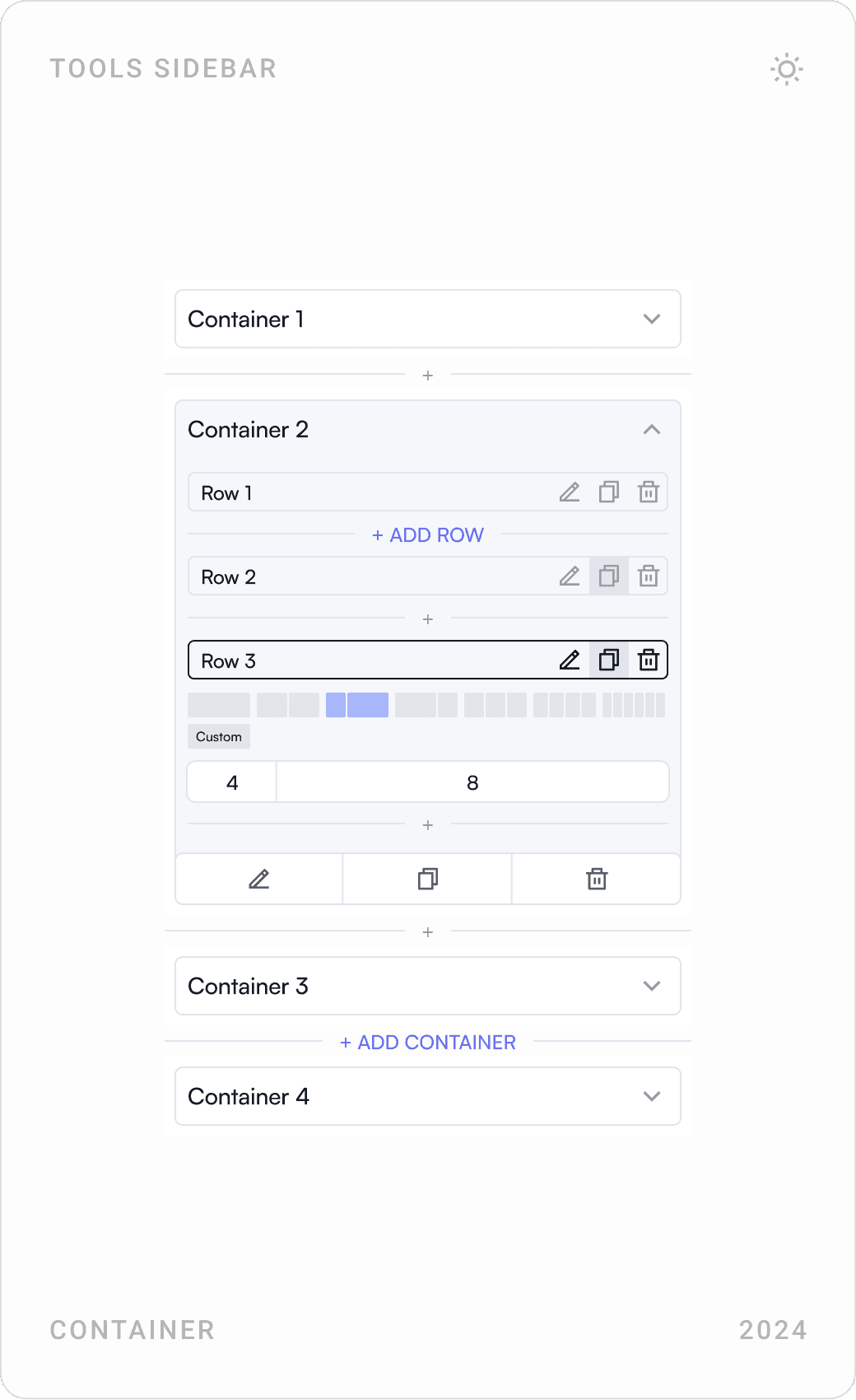
The editor keeps the site in the centre and the tools on the left: an “Add Elements” panel with typography and layout blocks, a container panel where rows can be split on a column grid, and style panels such as shadow. Device switching, undo, preview and publish sit in the top bar.
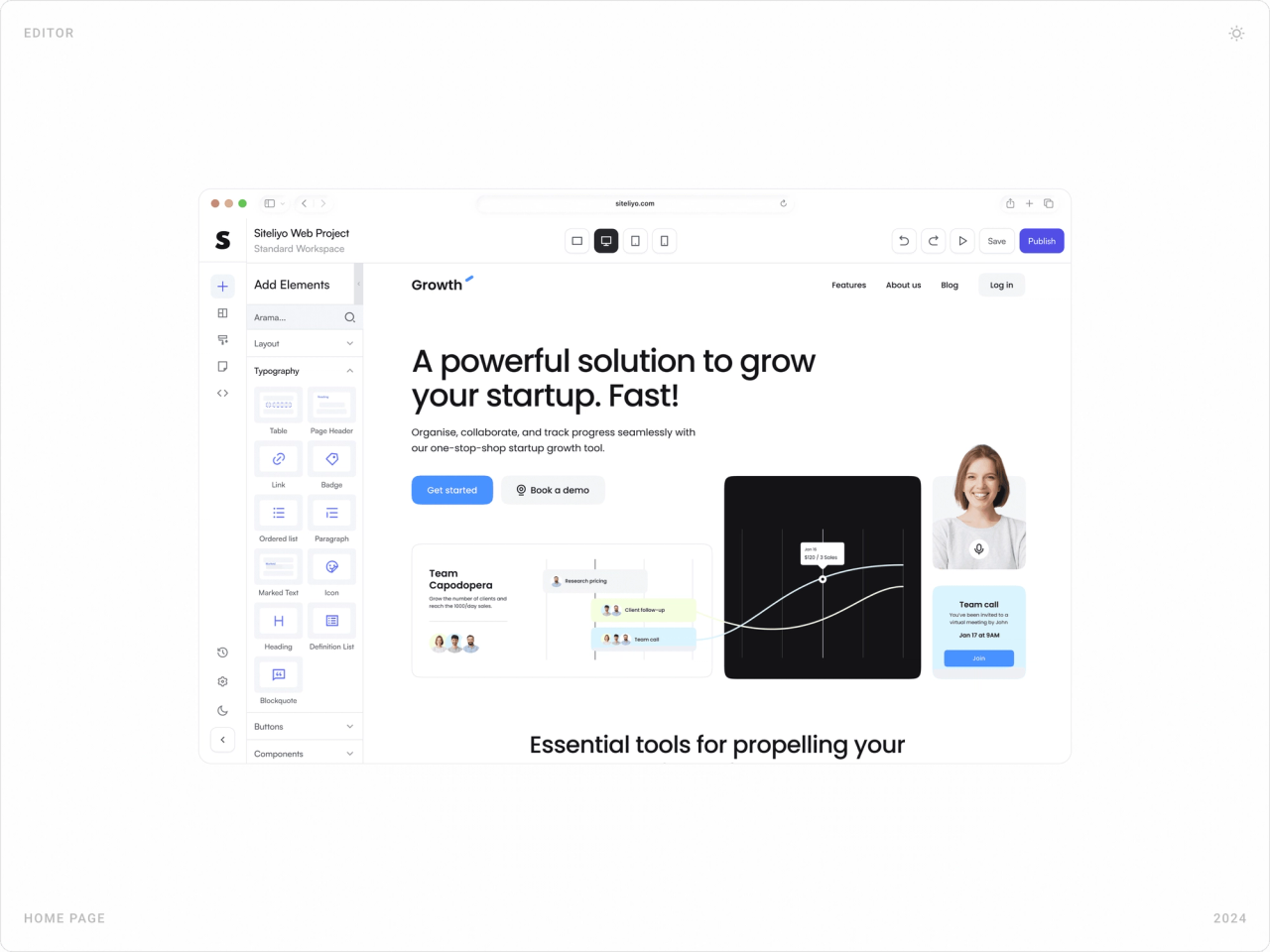
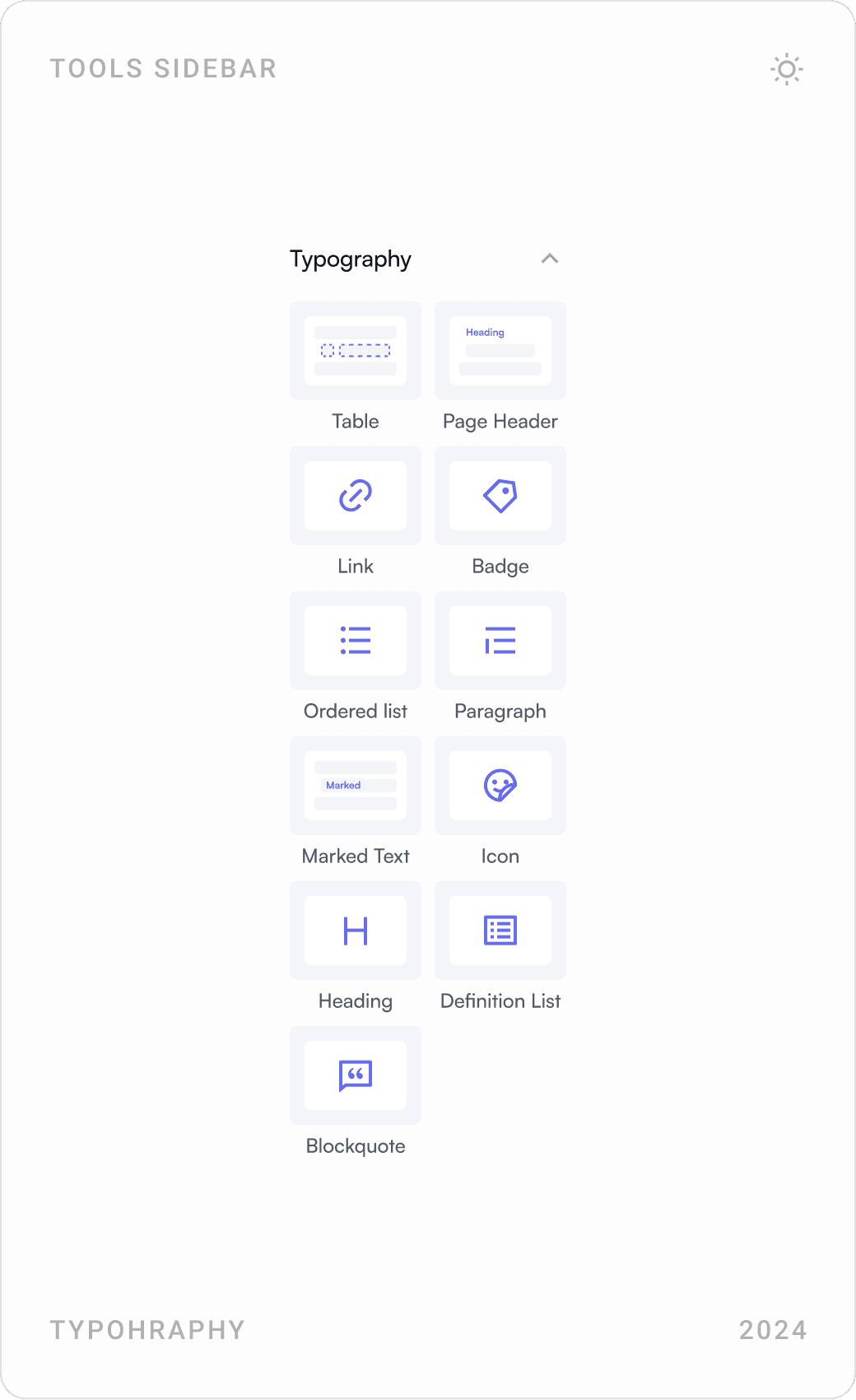
Siteliyo editor with the Add Elements panel on the left and a startup homepage being edited in the canvas
The editor: the site in the centre, every tool one click away.
Editor tool panels: typography elements, box and text shadow settings, and containers with rows on a column grid
Tool panels turn layout and styling into simple, visual controls.

Dashboard, workspaces and domains

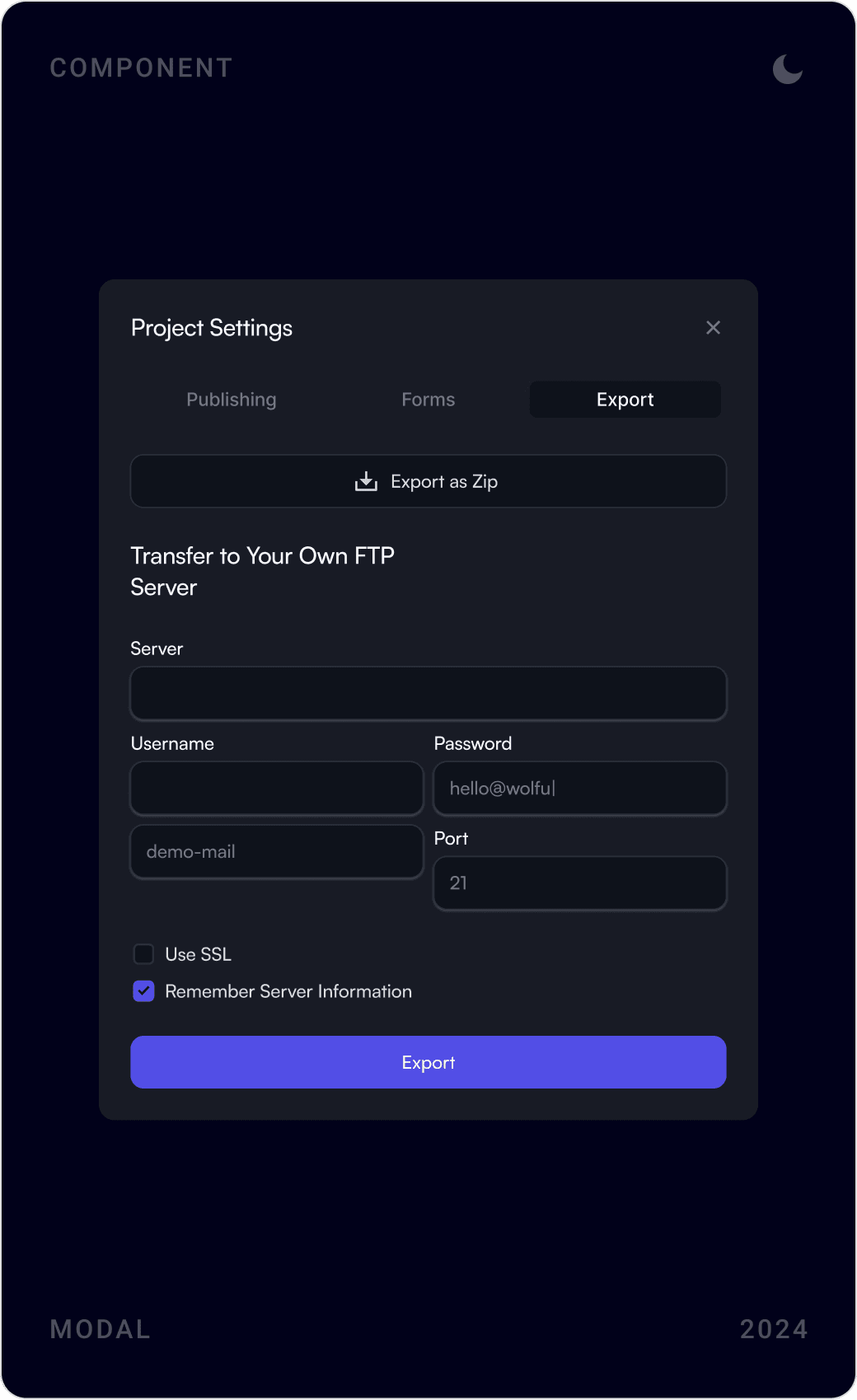
The dashboard shows every project as a visual card, with sorting, workspaces and notifications in reach. Project settings cover publishing, form delivery and export to your own FTP server, and adding a domain is a guided dialog that explains DNS problems in plain words.

Projects dashboard with a sidebar, workspace switcher, search and a grid of website project cards
Projects as visual cards: recognise a site at a glance.
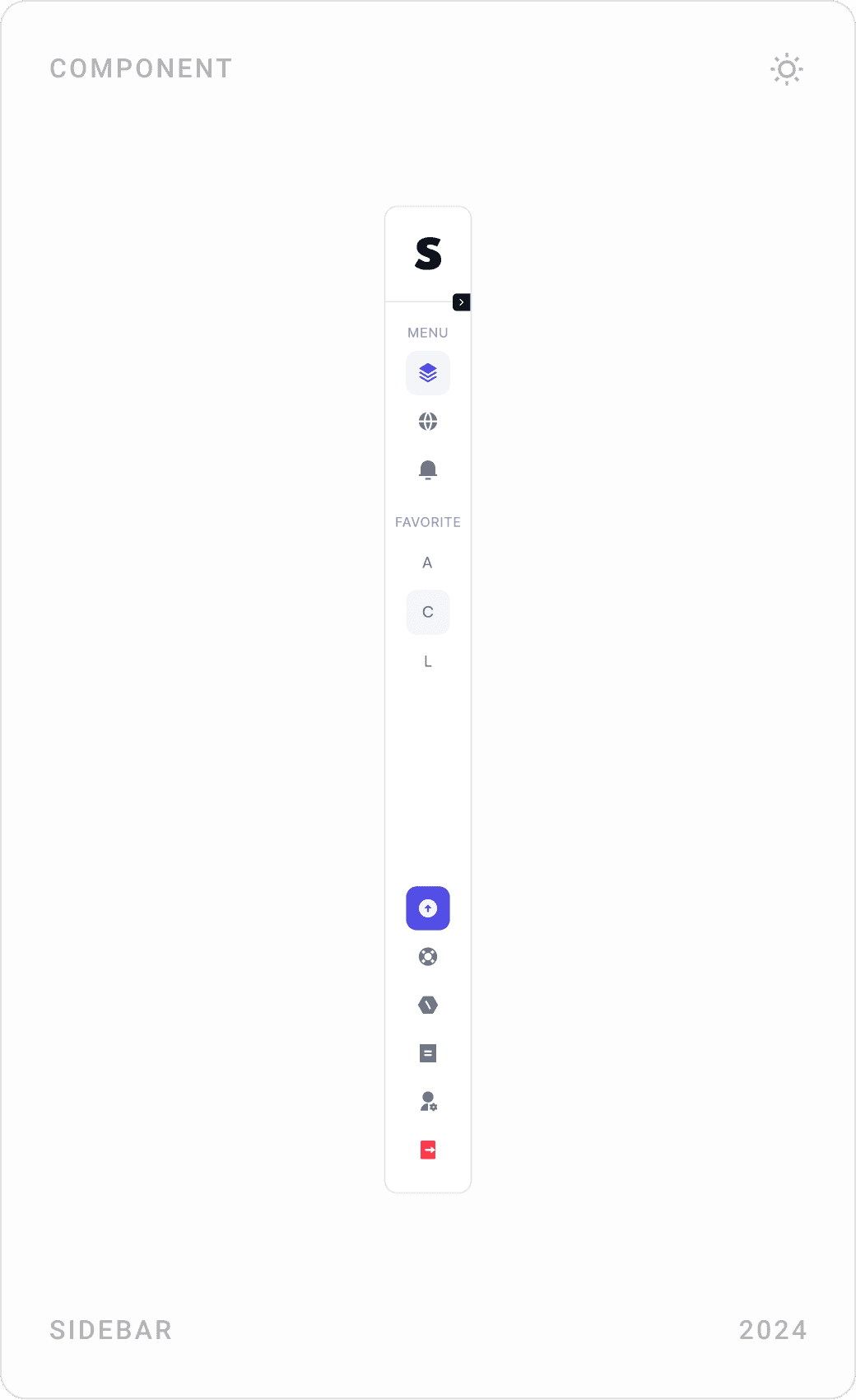
Dashboard components: sort dropdown, collapsed icon sidebar and workspace switcher with a “New Workspace” button
Small components that keep a growing list of projects manageable.
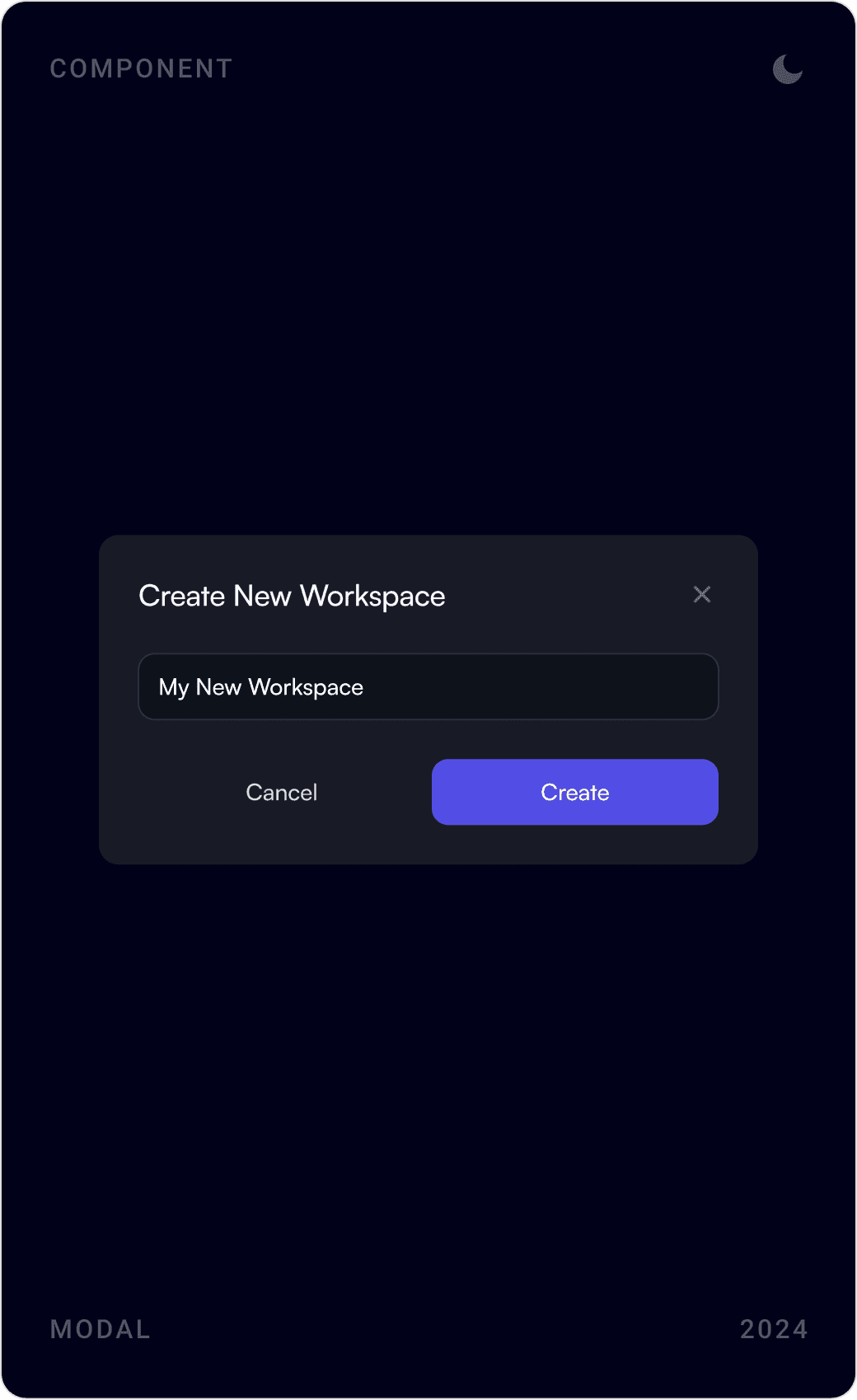
Dark mode modals: create new workspace, project export to zip or FTP server, and delete workspace confirmation
Workspaces and export, with destructive actions clearly marked.
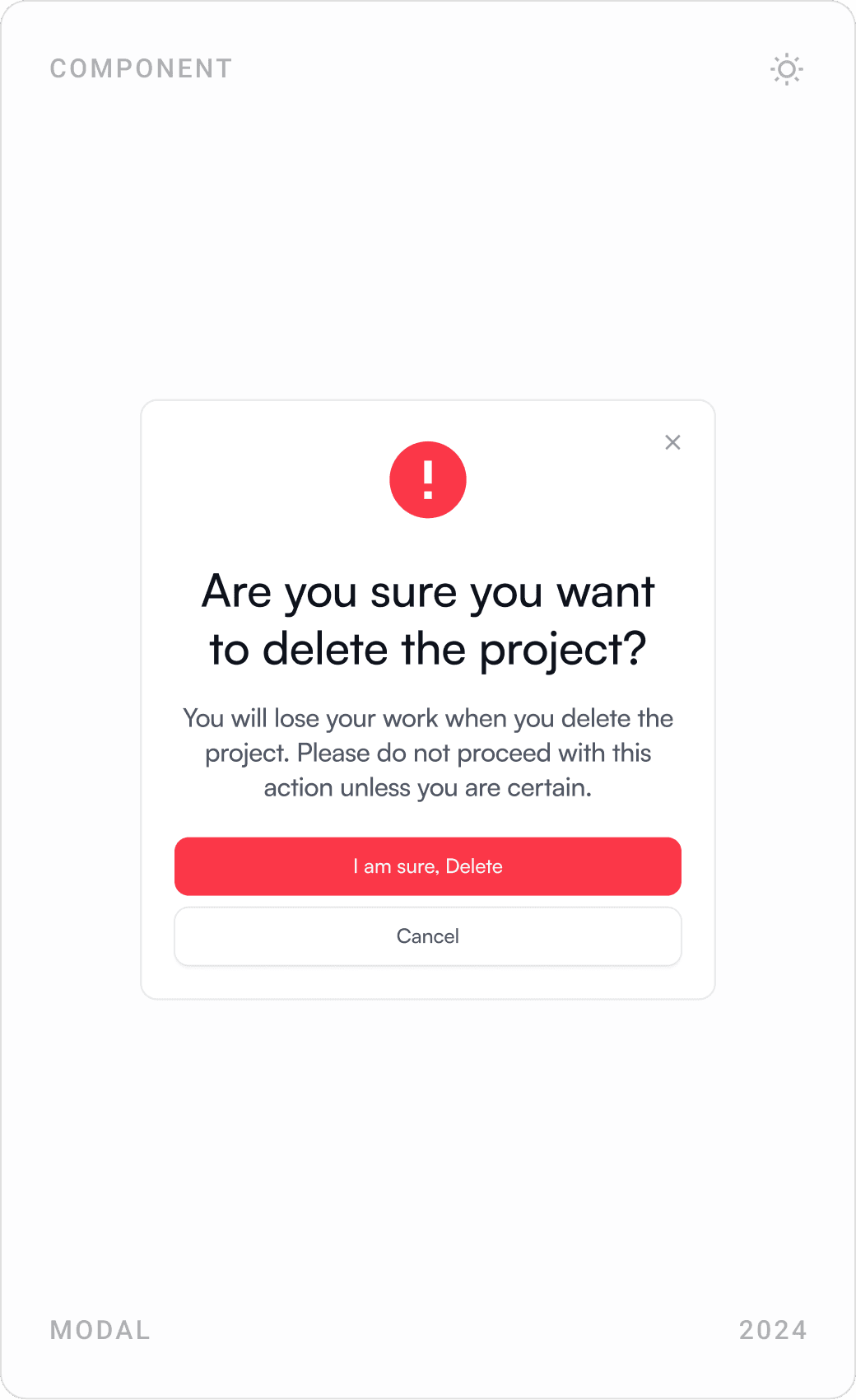
Project settings for form delivery email and publishing status, and a “delete the project?” confirmation modal
Publishing, forms and deletion, each in one focused dialog.
Domain Names page listing connected domains with green, yellow and red status indicators
Domain status at a glance: connected, pending or failing.
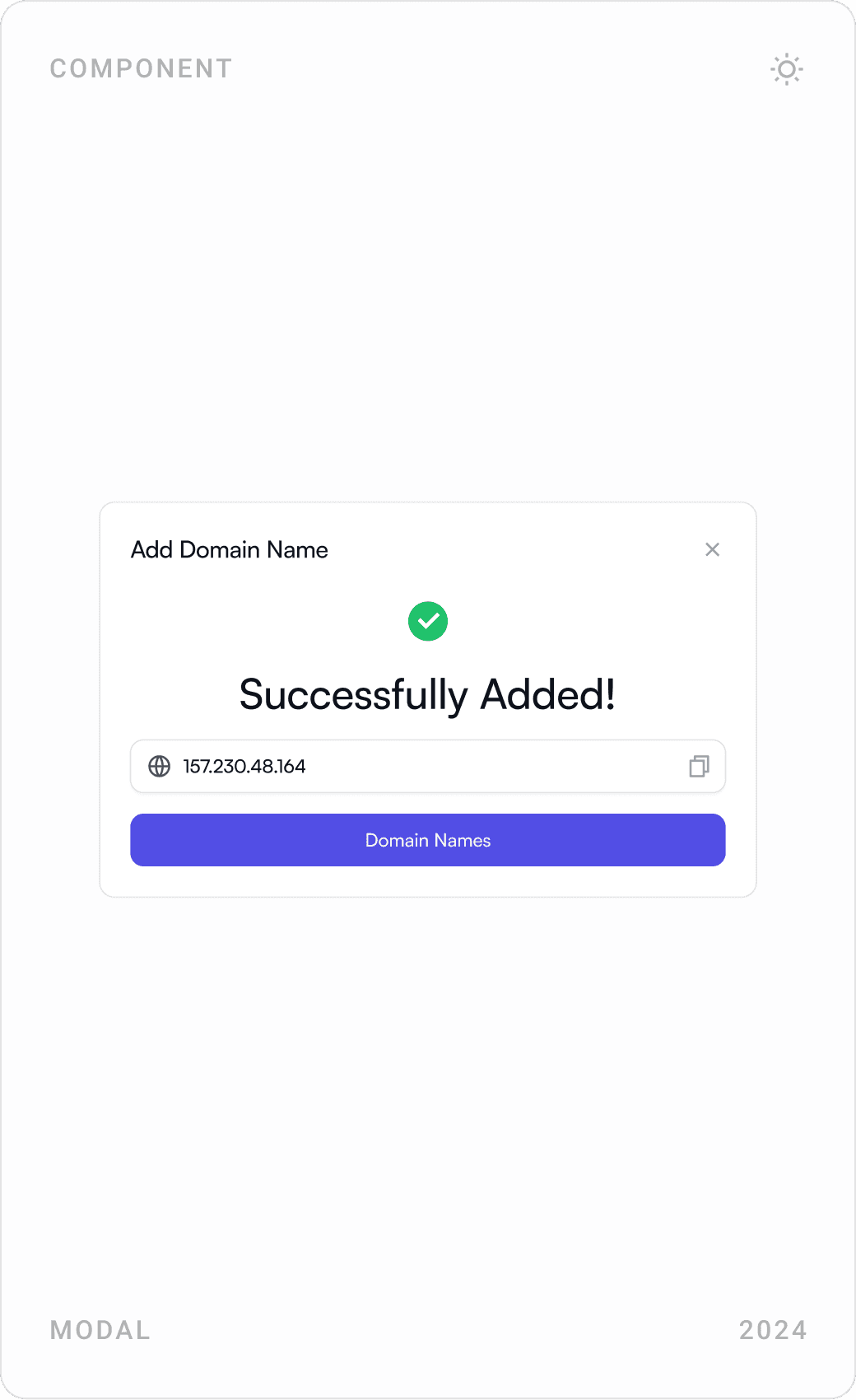
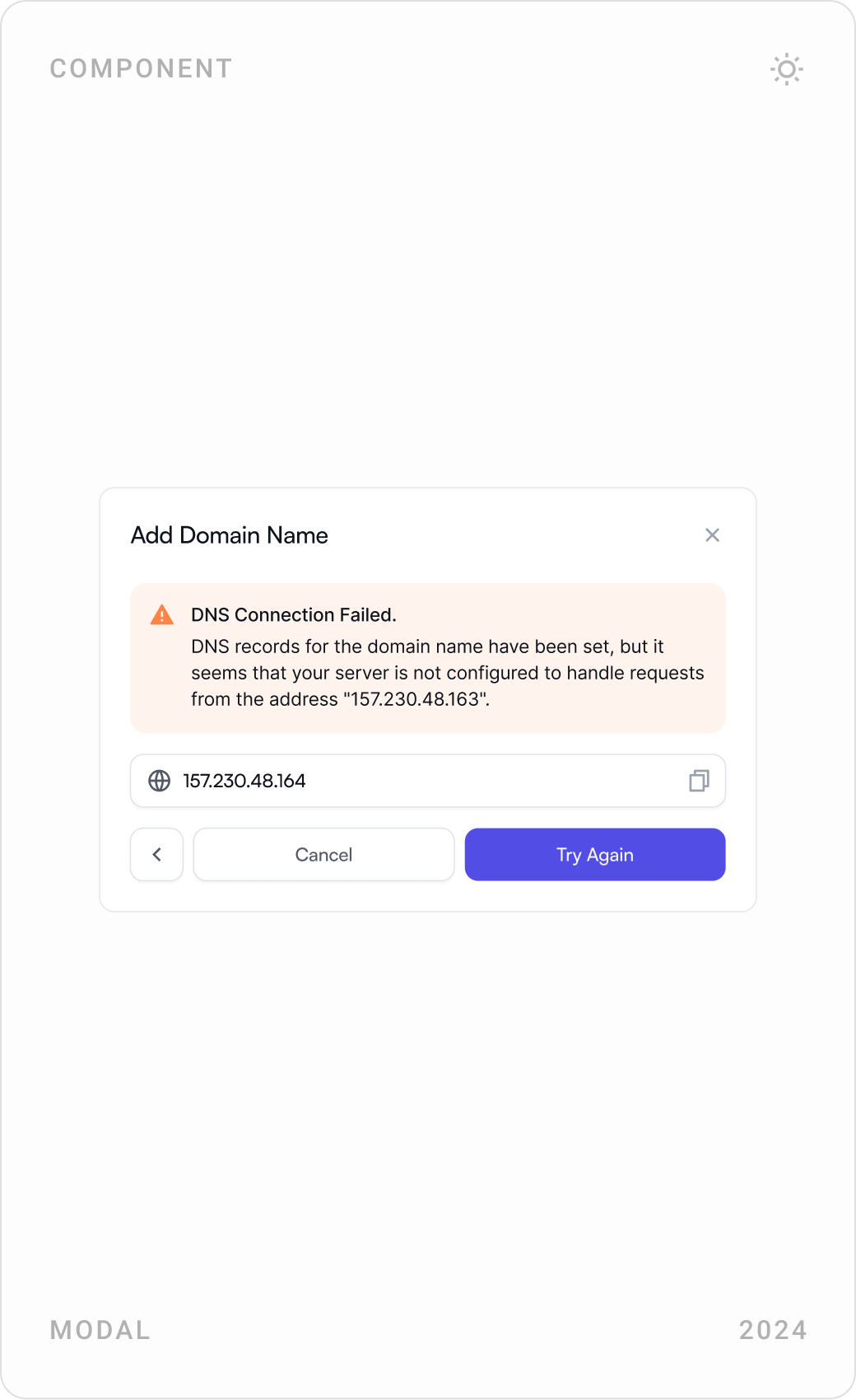
Add Domain Name modal in three states: success, DNS connection failed with the server address, and domain entry
Adding a domain: DNS errors explained in plain language, with a retry.
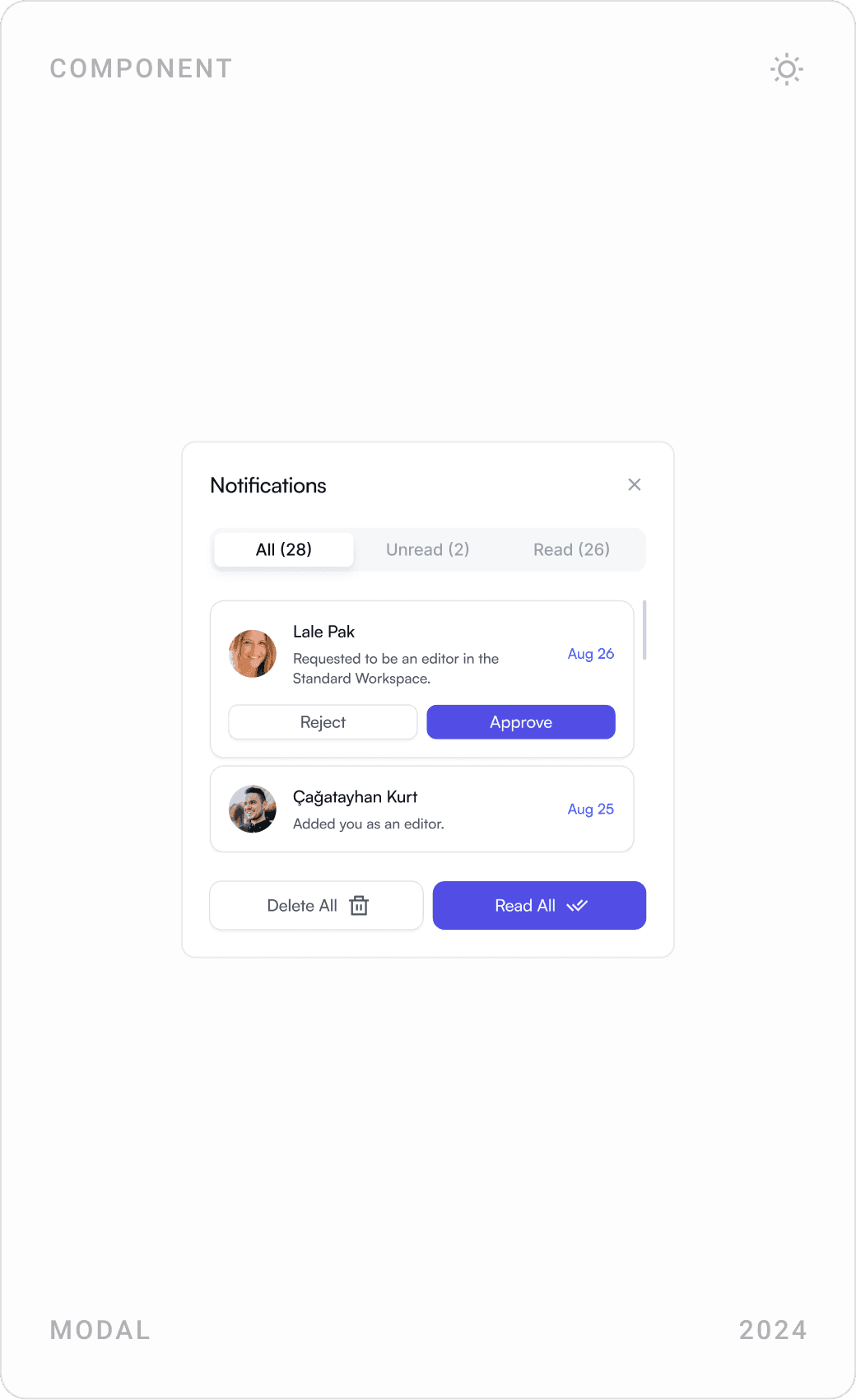
Notifications page with team invitations, billing reminders and system messages, plus search and filters
Notifications let teammates accept invites and act on billing in place.
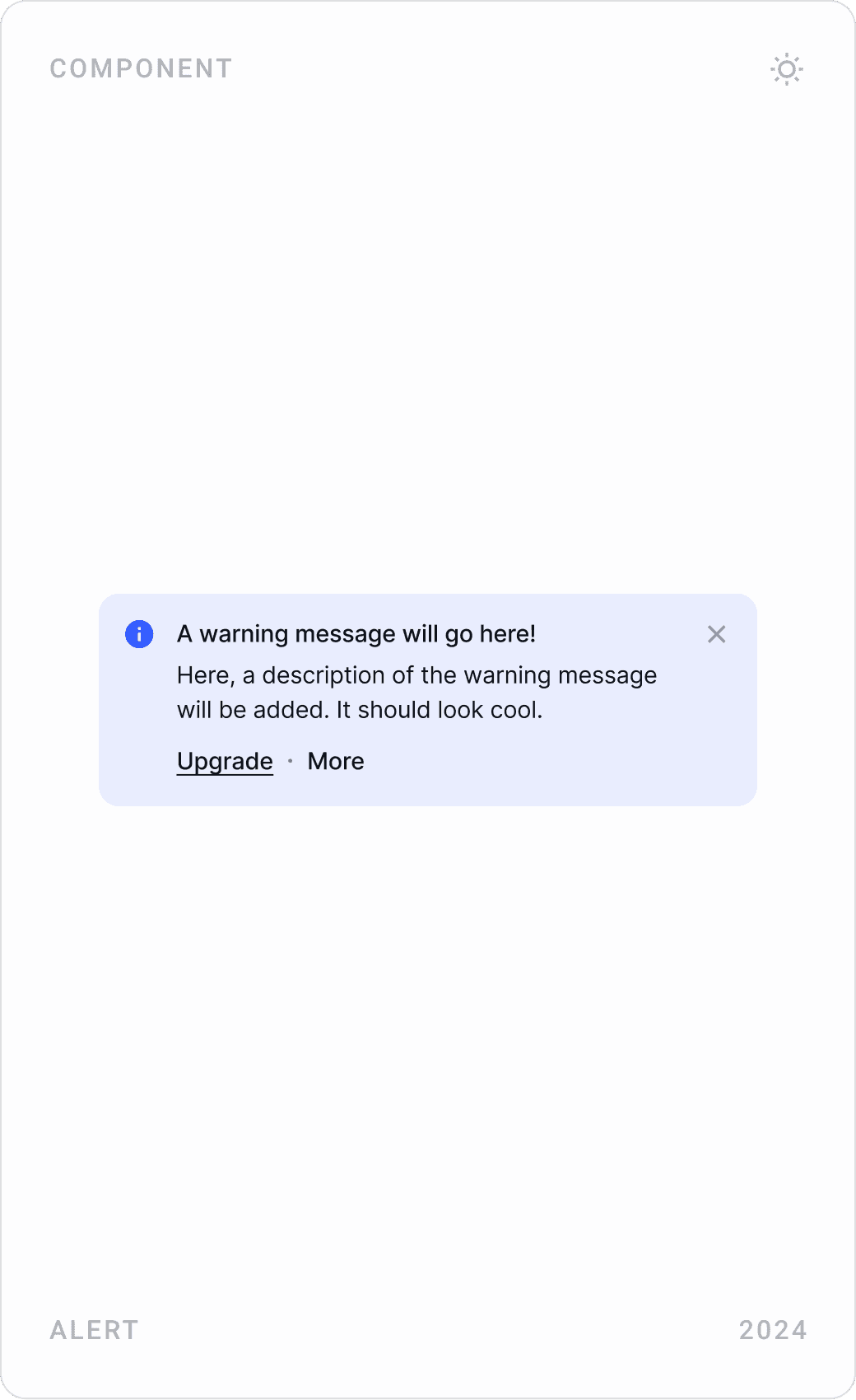
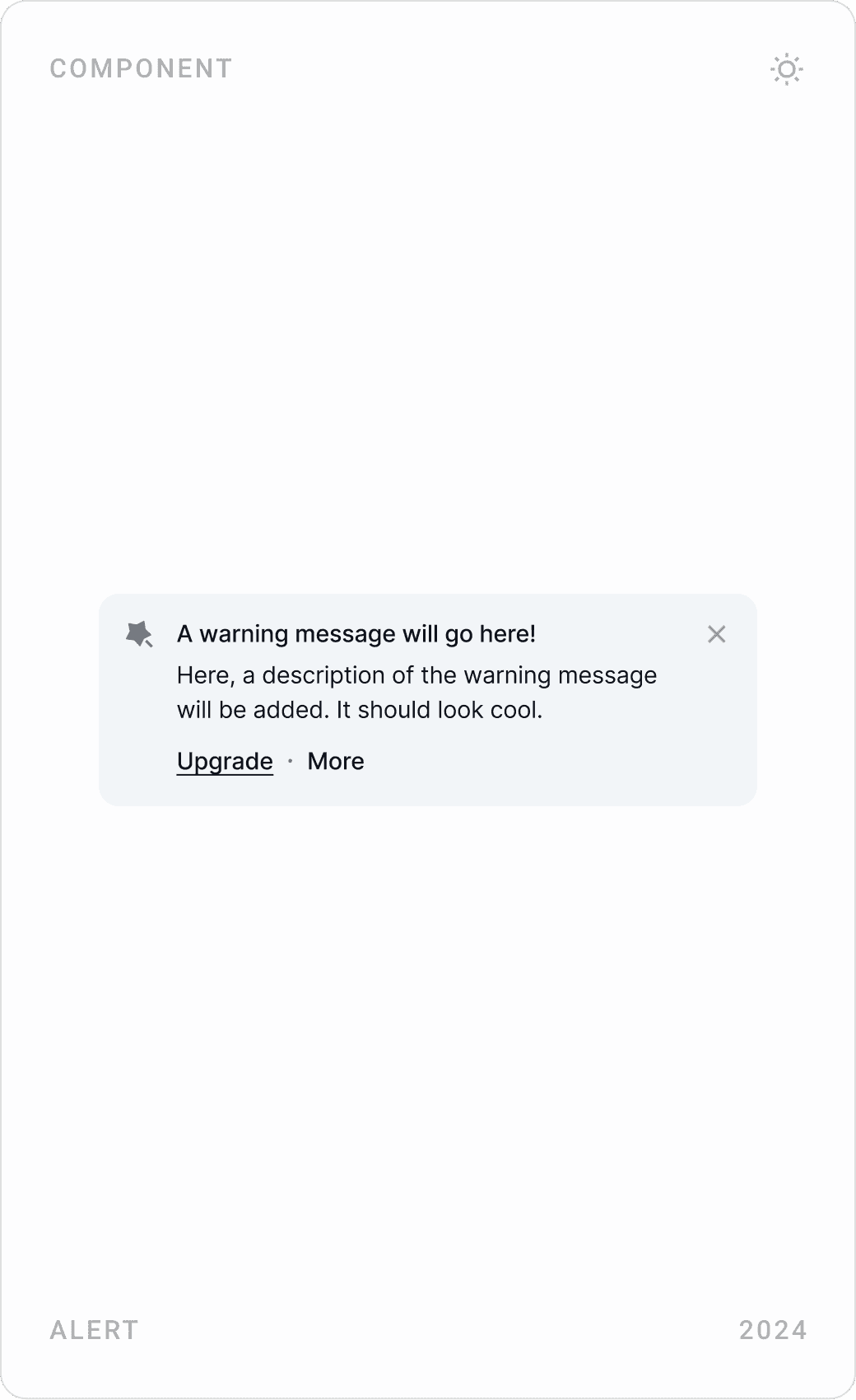
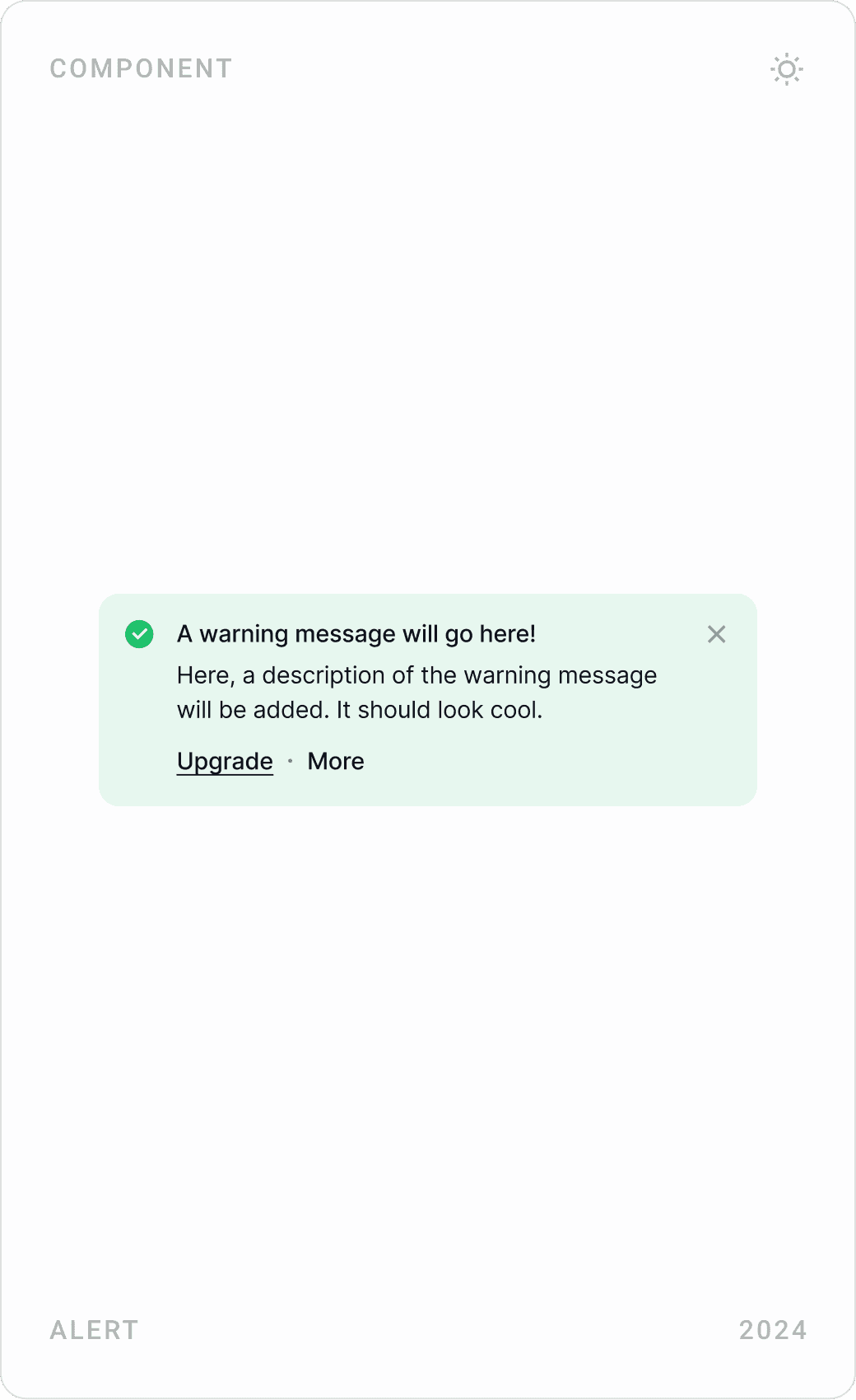
Alert components in info, neutral and success styles, each with a message and upgrade link
Alerts share one structure across every state.

Plans and payments

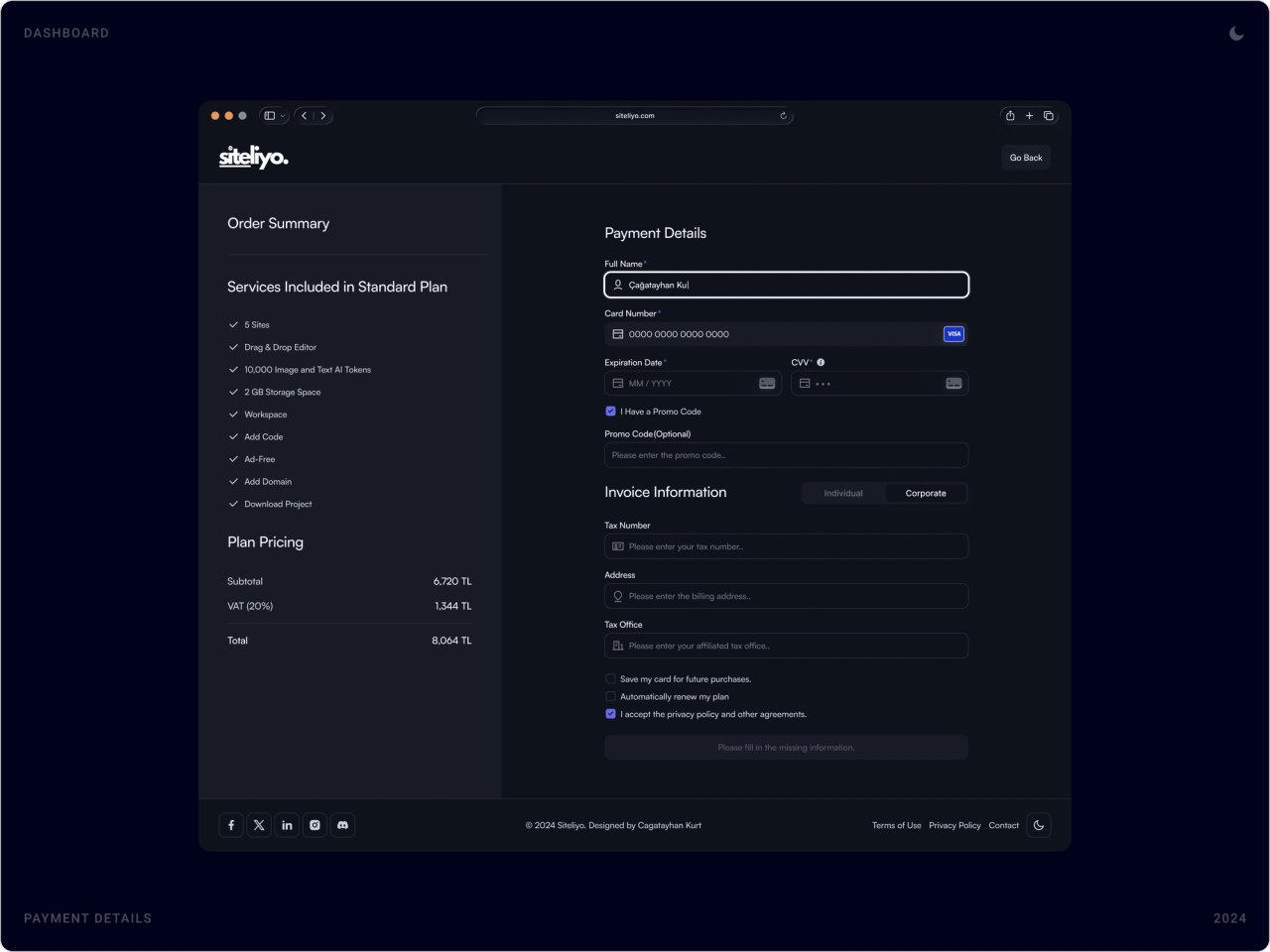
The billing page shows the current plan beside the others, saved cards and a payment history with statuses. Checkout pairs an order summary with card and invoice details, and every step ends with a clear confirmation.

Payment and plan page with four plan cards, saved payment methods and a payment history table
Plan, cards and history on one page.
Dark checkout with an order summary of the Standard plan beside card details and invoice information
Checkout: what you get on the left, how you pay on the right.
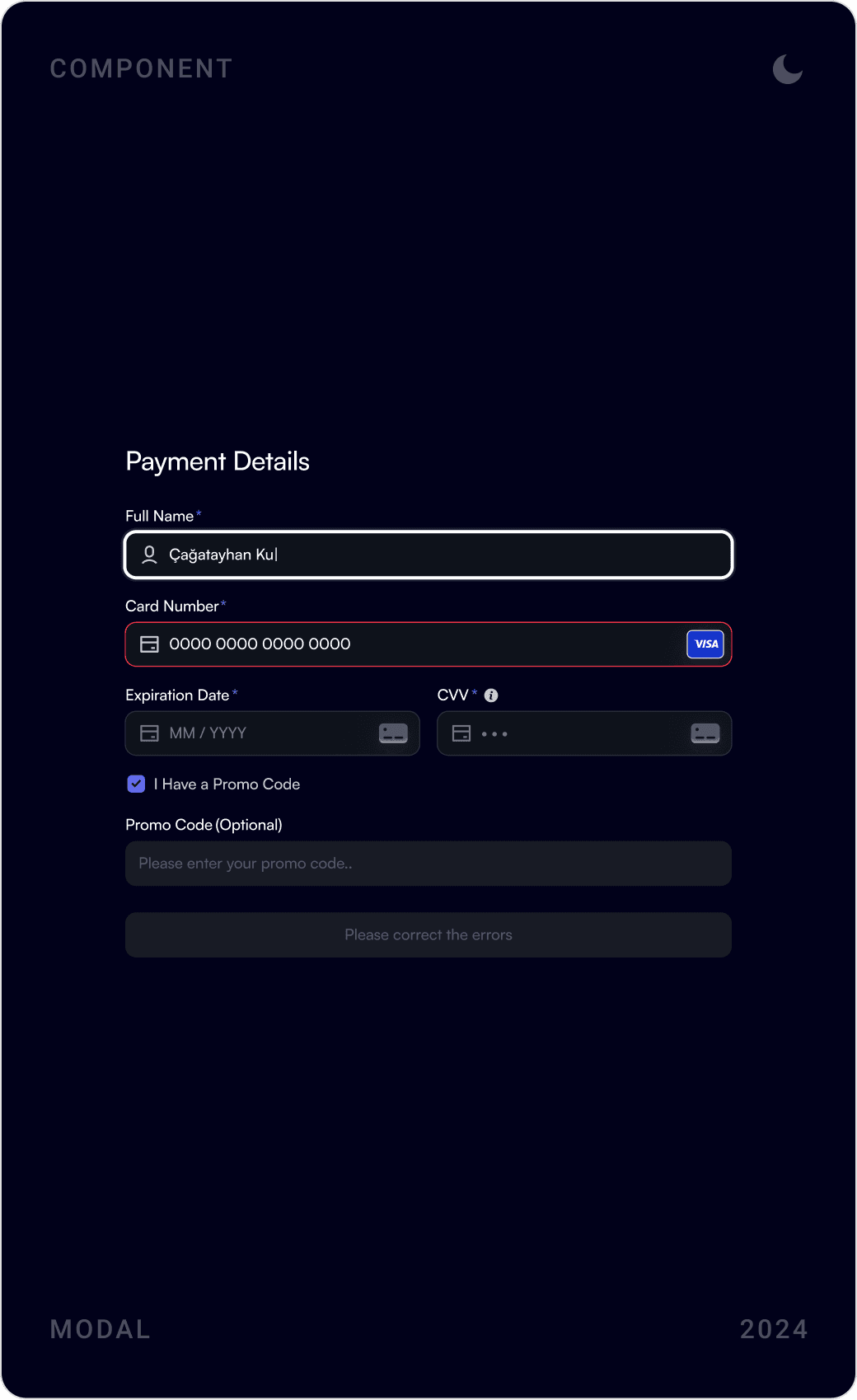
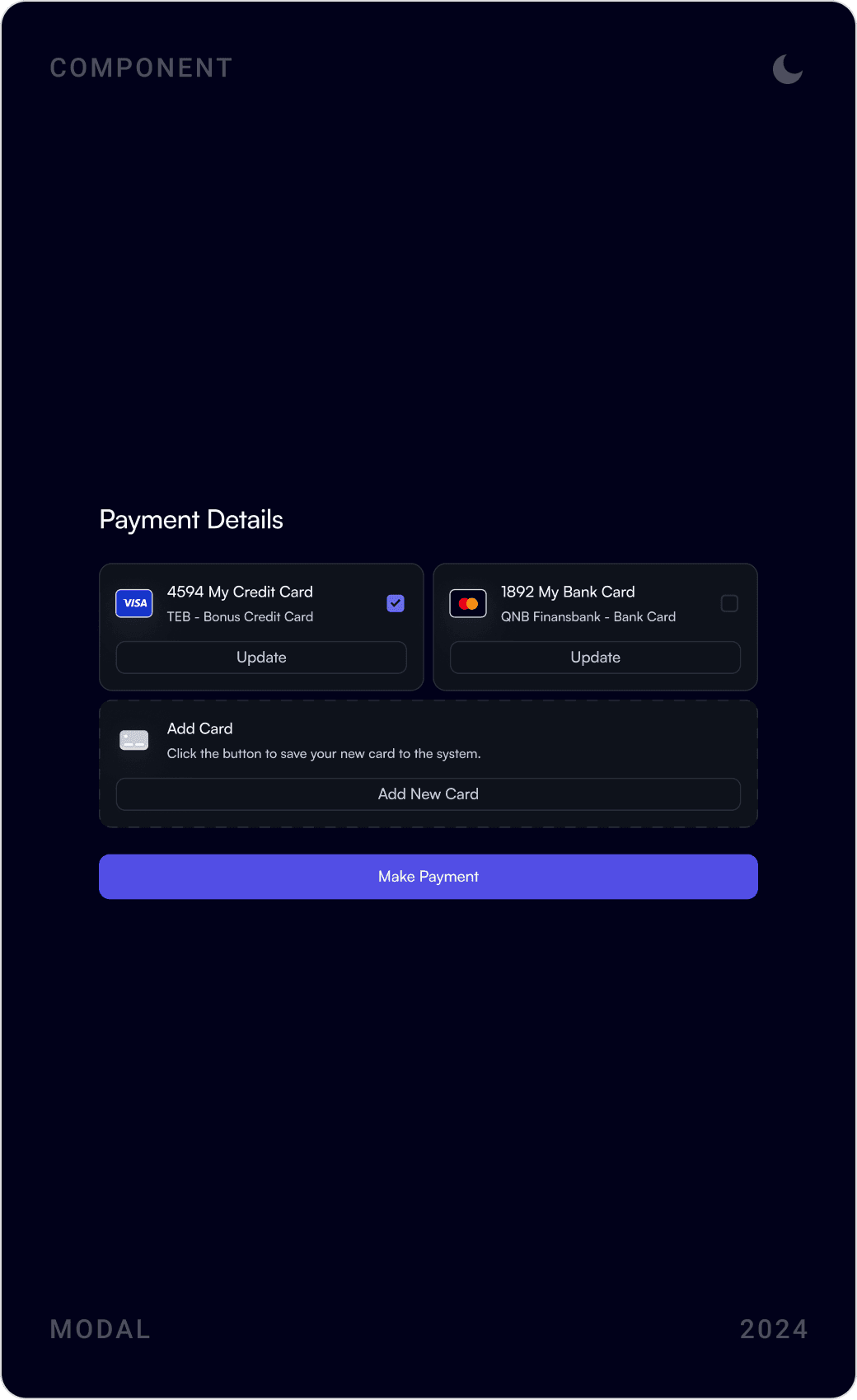
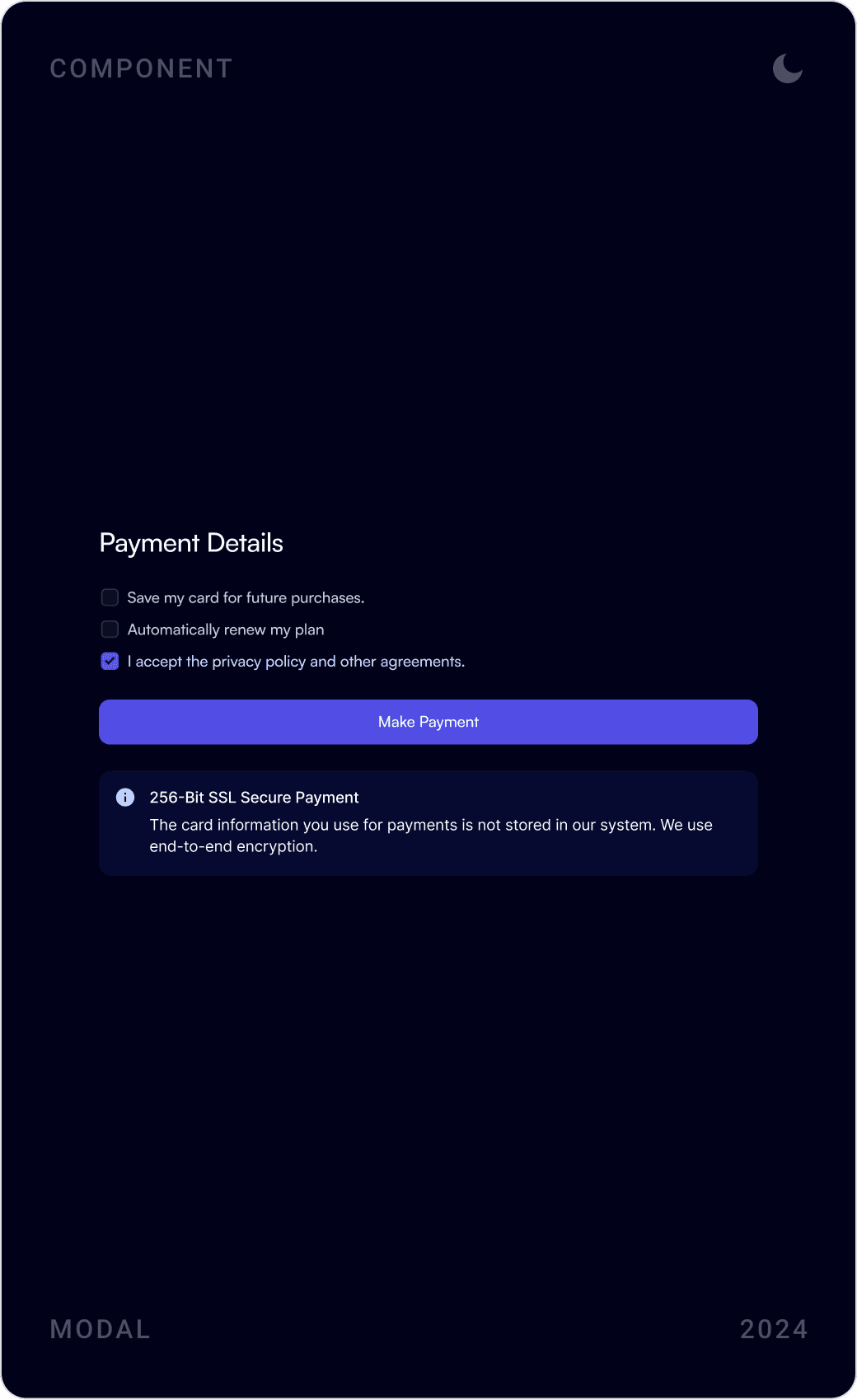
Dark payment modals: new card details, choosing between saved cards, and 3D Secure payment confirmation
Payment modals for new and saved cards.
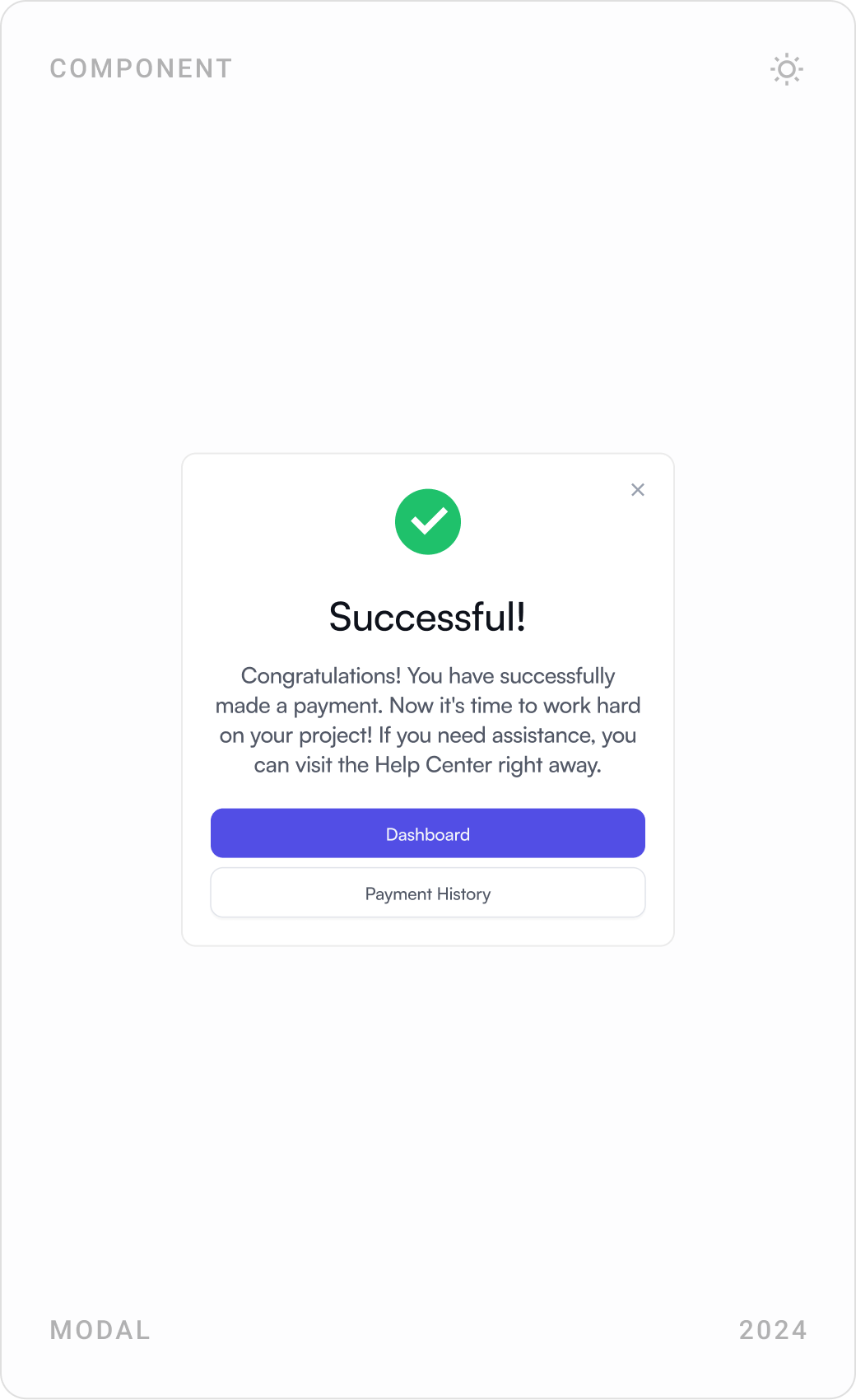
Notifications modal, “Successful!” payment confirmation with dashboard and payment history buttons, and add new card form
Every payment ends with a clear next step.

Blog and help center

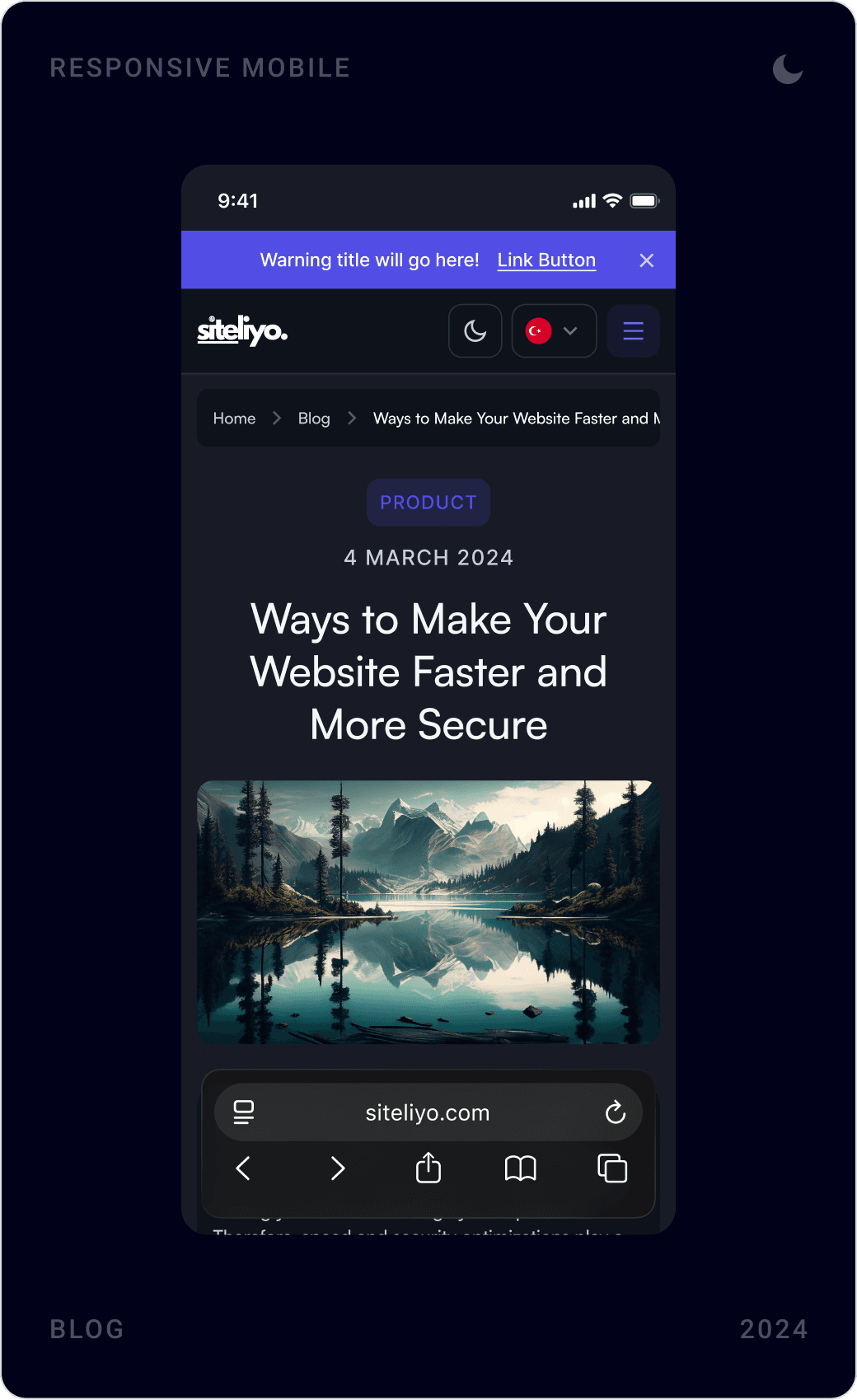
The blog shares tips on speed, SEO and design and invites readers to subscribe. The help center groups answers by topic, web editor, membership and login, payments and subscriptions, so users can solve problems on their own.

Blog index “Articles and News” with a featured article, newsletter sign-up, category filters and search
The blog: a featured story next to a newsletter sign-up.
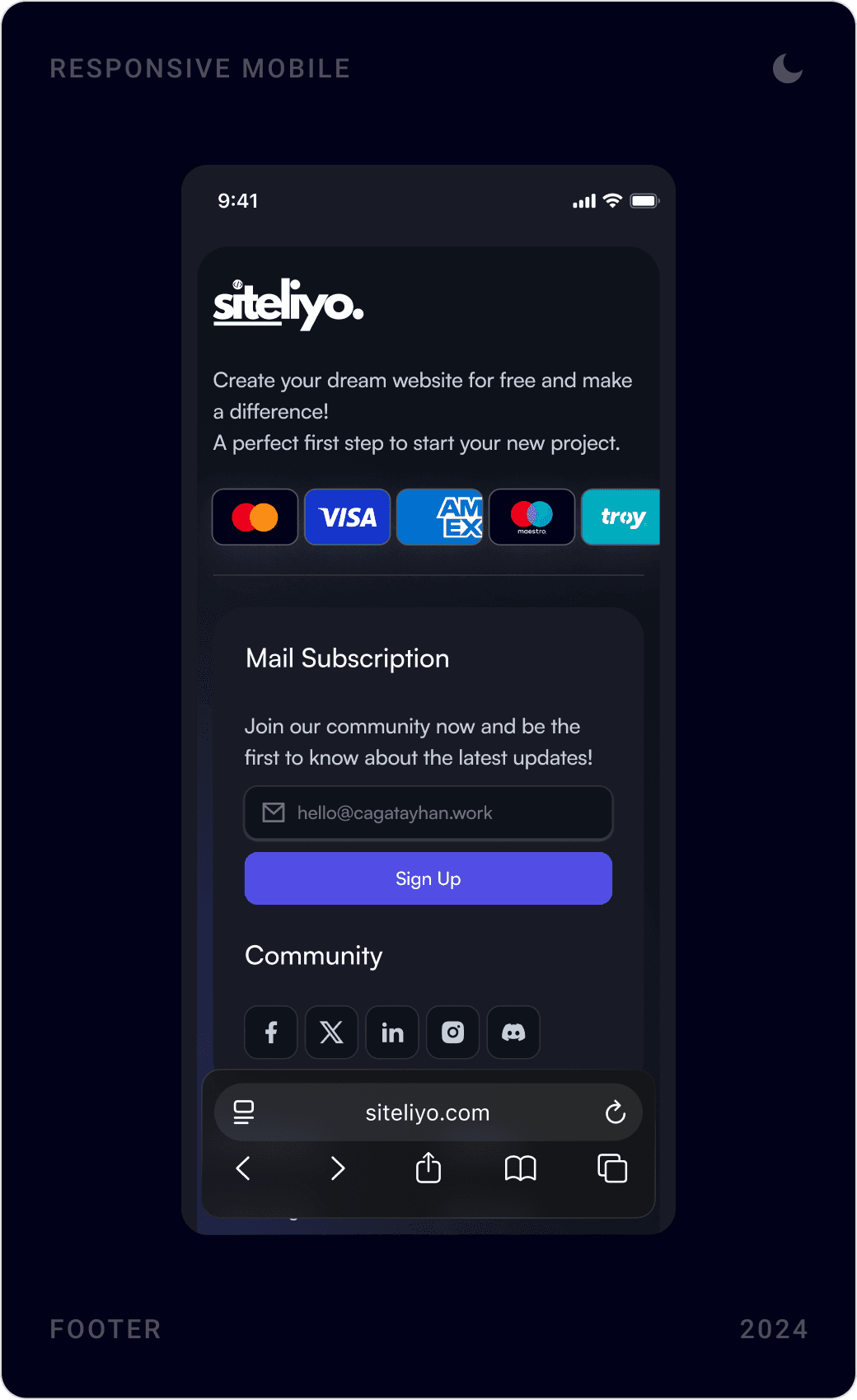
Mobile dark blog index, an article titled “Ways to Make Your Website Faster and More Secure” and the footer
Blog, article and footer on mobile.
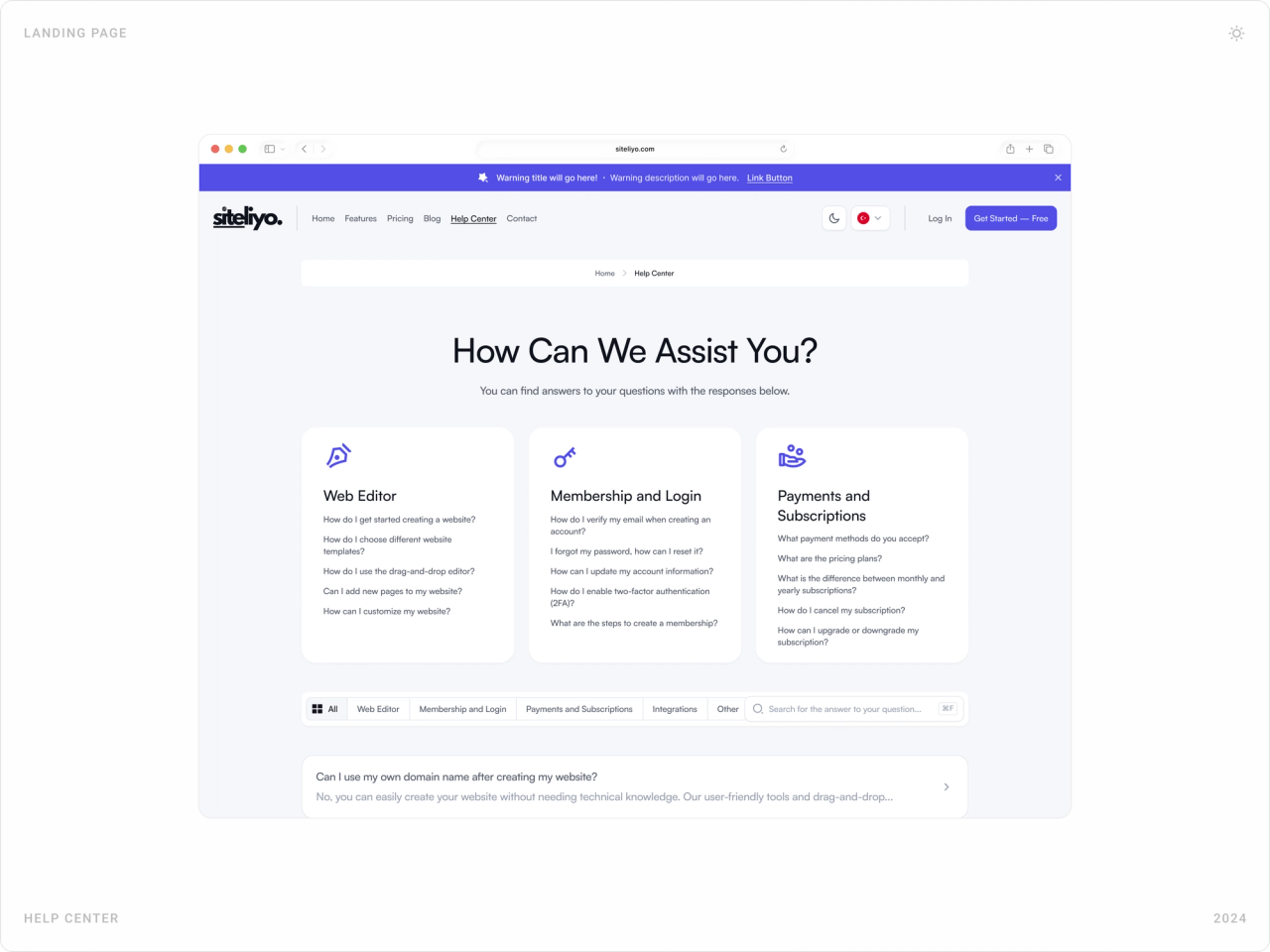
Help center “How Can We Assist You?” with topic cards for web editor, membership and payments, and a searchable FAQ
The help center answers questions before they become support tickets.
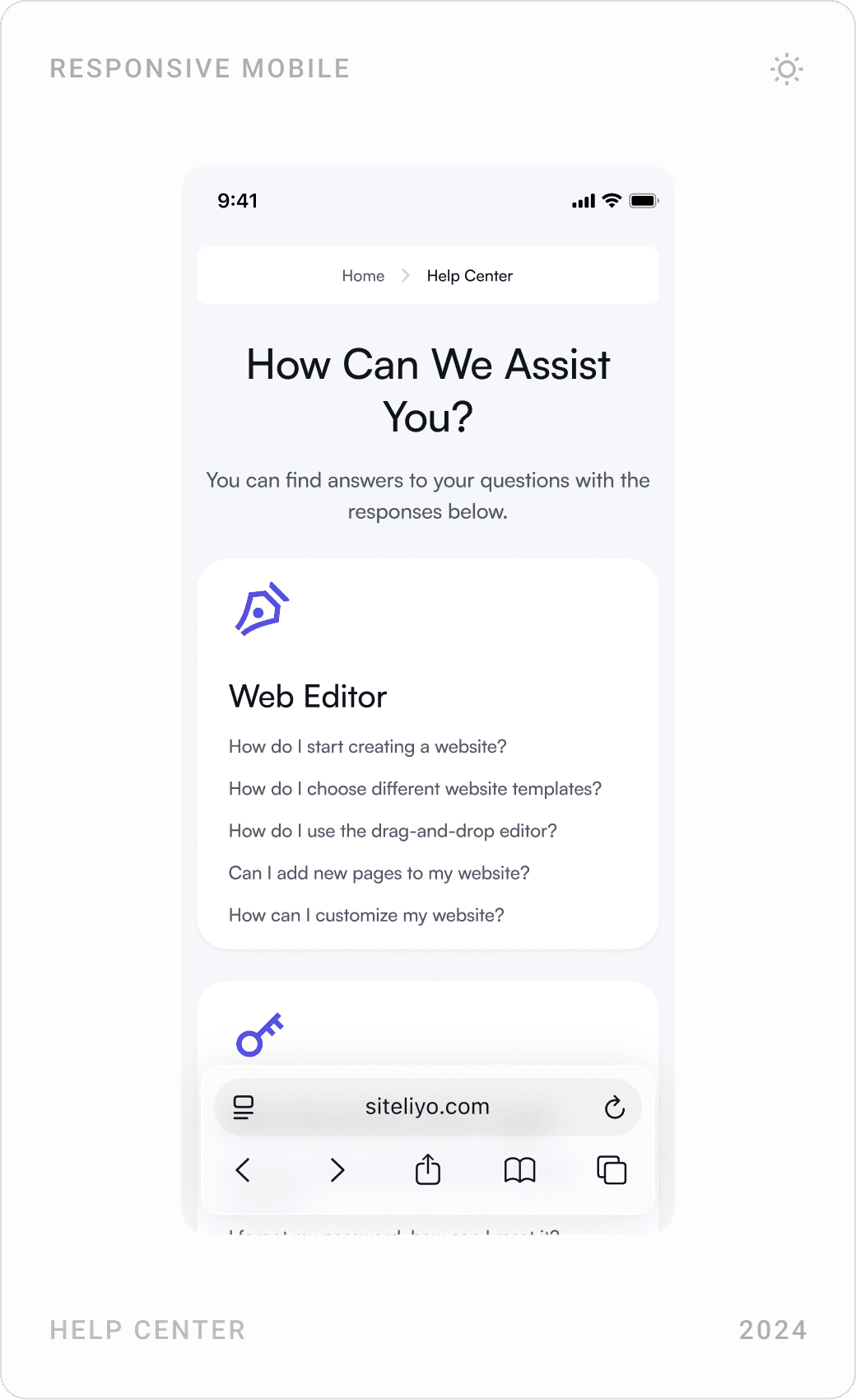
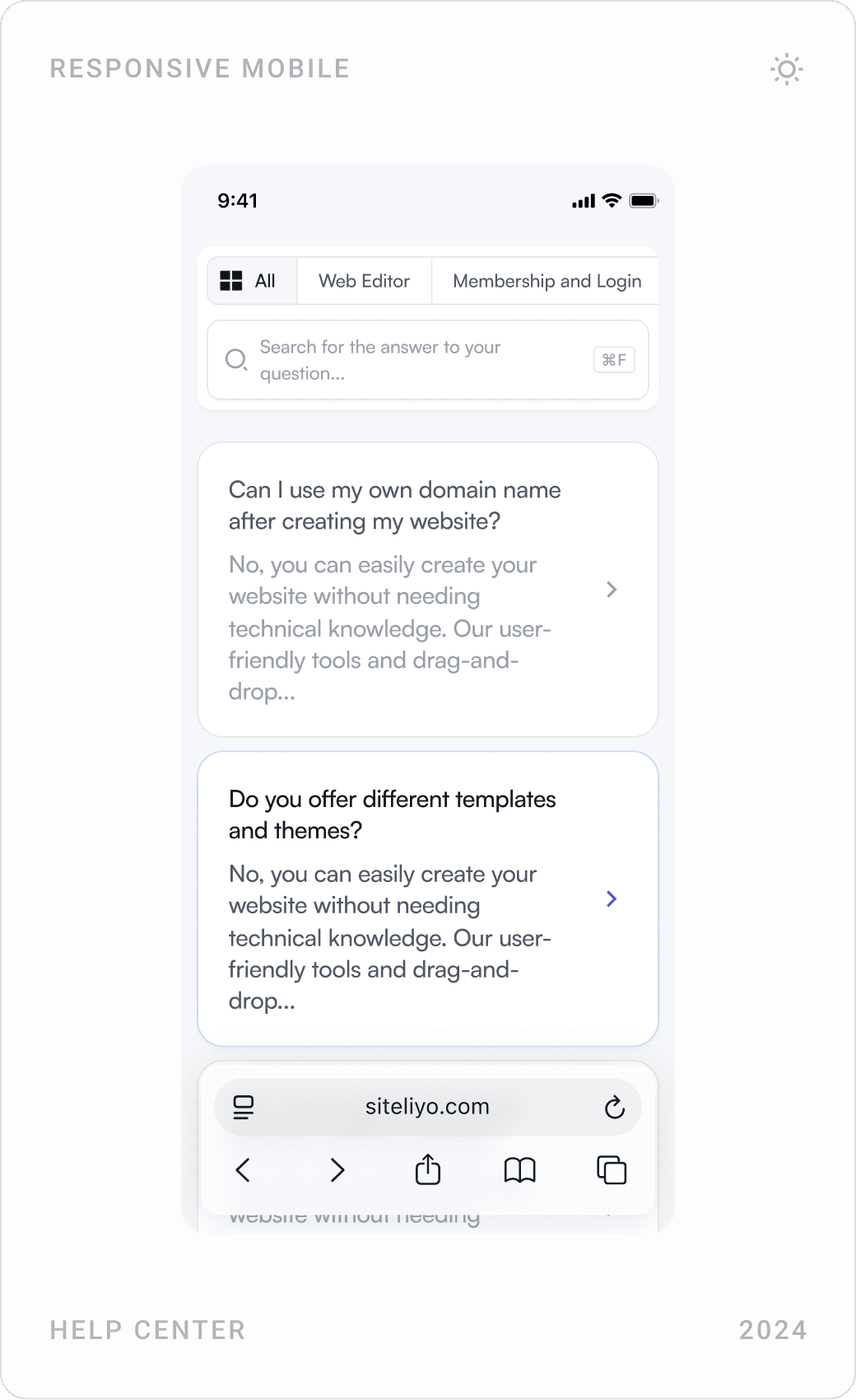
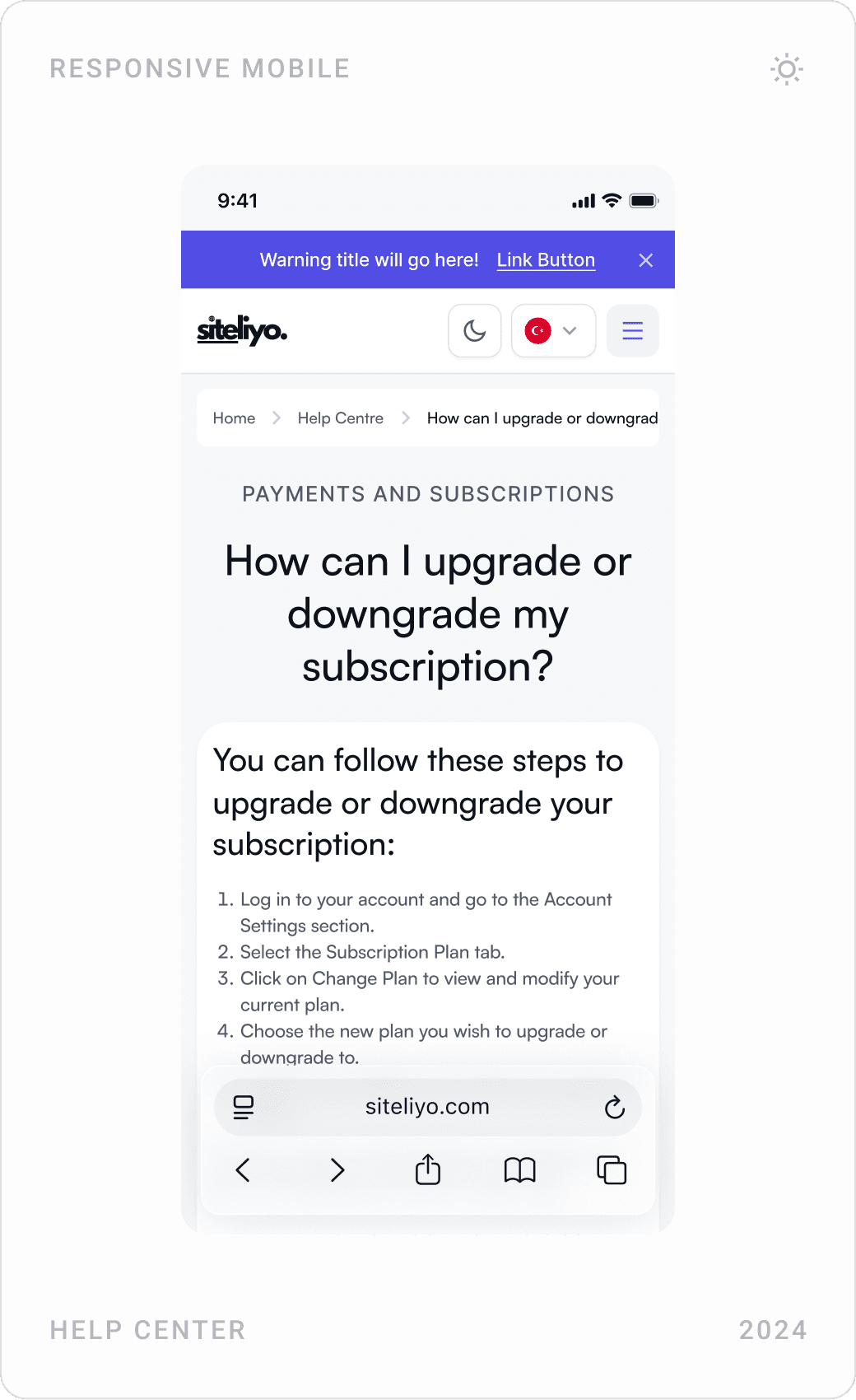
Mobile help center: topic list, expandable questions and an article on upgrading or downgrading a subscription
Help center on mobile, from topic to step-by-step answer.

Results

  • A complete no-code product, from the marketing site and sign-up to the editor, domains and payments.
  • A drag-and-drop editor and a library of customisable themes and components that make customisation simple.
  • User flows that prioritise ease of navigation for people of every technical level.
  • One consistent design system in light and dark mode, responsive across devices.
  • A cohesive brand and visual identity across the product and its marketing site.

Key takeaways

  • Nobody likes a blank page: start users from a finished theme.
  • Technical steps are fine if the language isn’t technical.
  • Be honest about devices: a desktop tool shouldn’t pretend on mobile.
  • A shared component system is what makes fast iteration safe.

FAQ

What is Siteliyo?

Siteliyo is a no-code website builder designed for the Turkish market. Users choose a ready-made theme, customise it in a drag-and-drop editor, invite teammates to a workspace and publish on their own domain, on plans from a free trial to a corporate tier.

What did you design for Siteliyo?

The whole product: the marketing site with pricing, theme library, blog and help center; sign-up, login and email verification; the projects dashboard and workspaces; the drag-and-drop editor and its tool panels; domains, publishing and export; plans and payments, plus the component library behind them, in light and dark mode.

How long did the project take?

About four months in 2024, from UX research, user flows and wireframes to the final UI and design system.

How do you design a website builder that non-technical users can use?

Let people start from a finished theme instead of a blank page, keep the editor to a small set of clearly named elements and panels, and turn technical steps, domains, DNS, publishing, export, into short guided dialogs with plain-language errors. Then keep every screen on one component system so nothing has to be learned twice.

Can you design a SaaS product or website for my company?

Yes. I work with early-stage AI, SaaS, fintech and Web3 teams on websites, product UI and design systems. Book a call or send a message from the contact page.

Have a product to design?

I help teams turn complex products into websites and interfaces people understand in seconds. Tell me about yours.


Next case study

İlanla

Explore case study
İlanla

Toolkit

Connect


© 2026 | Made with curiosity & caffeine.

EN